












PERFORMANCE SUITE
Meetings that turn performance context into action.
Bring goals, feedback, and prior discussions into 1:1s and team meetings, so managers and employees can align on priorities and follow through on commitments.
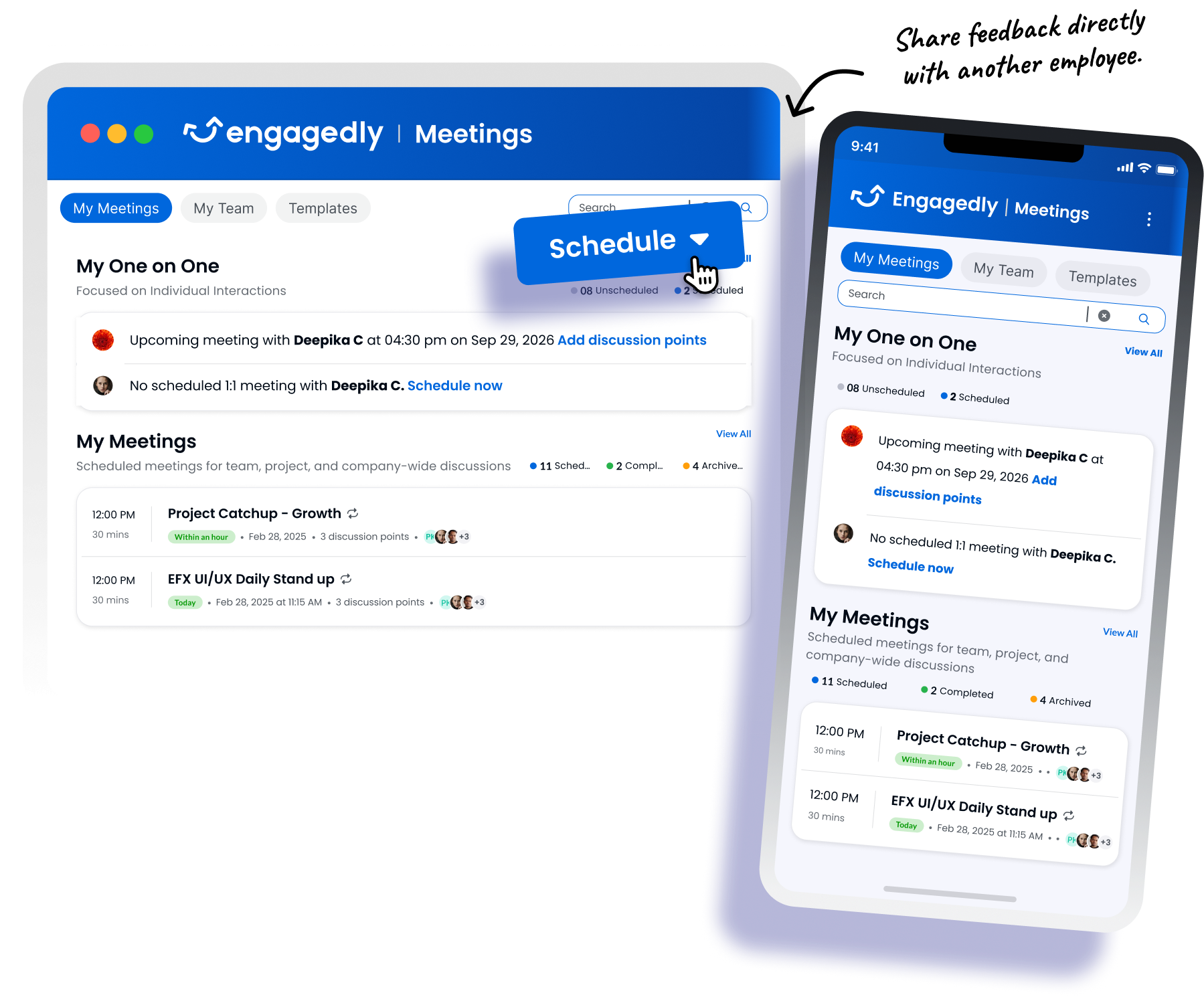
Bring the right context into every conversation.
Give managers and employees a shared starting point for discussing progress, addressing challenges, and identifying where support is needed.
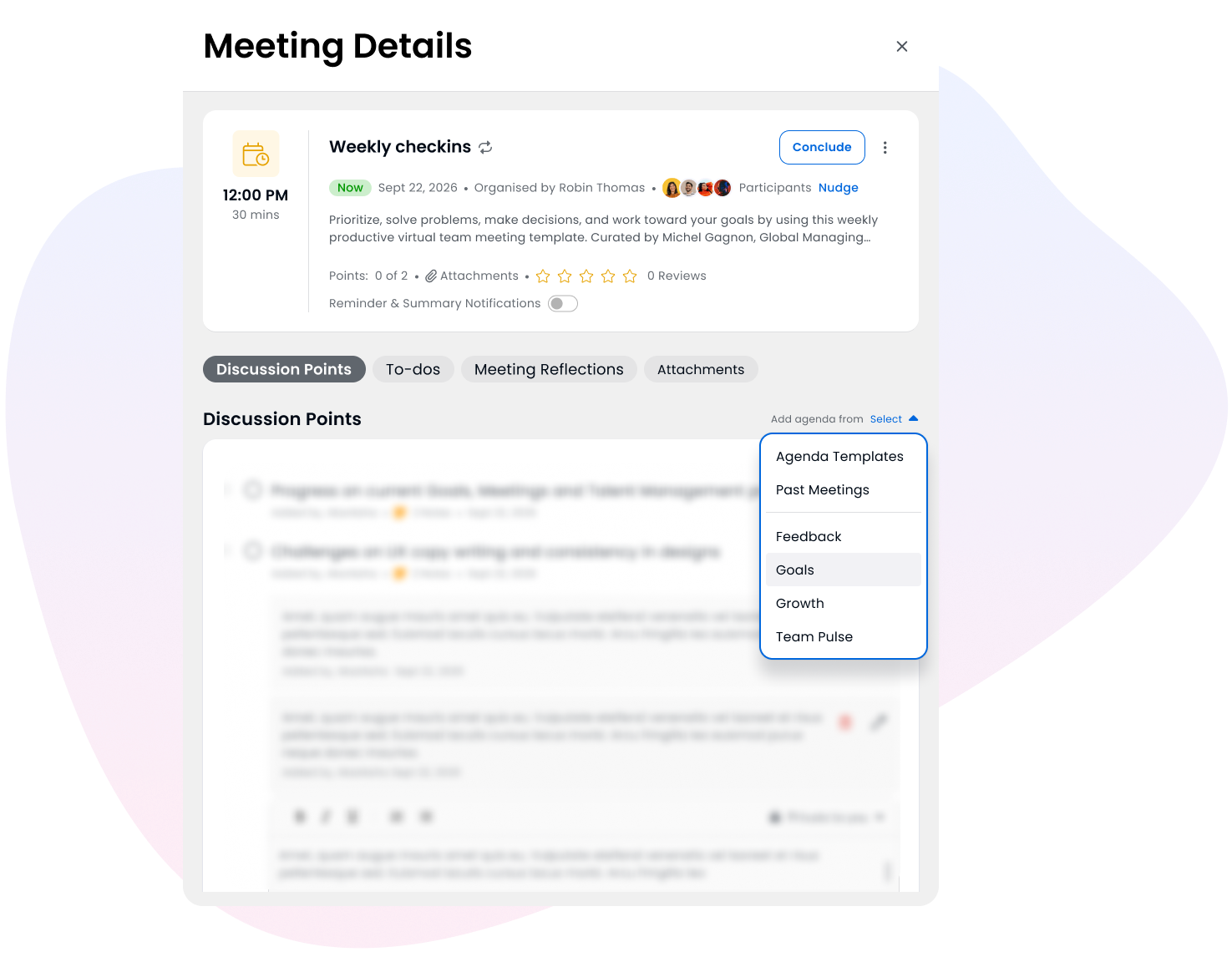
- Bring goals from Goals & OKRs into meetings to discuss progress and priorities.
- Add Real-Time Feedback as discussion topics to guide coaching and recognize contributions.
- Start with customizable agenda templates and add relevant discussion points and attachments.
Pick up where the last conversation left off.
Keep important topics and previous discussion context available so recurring meetings build on progress rather than revisit the same ground.
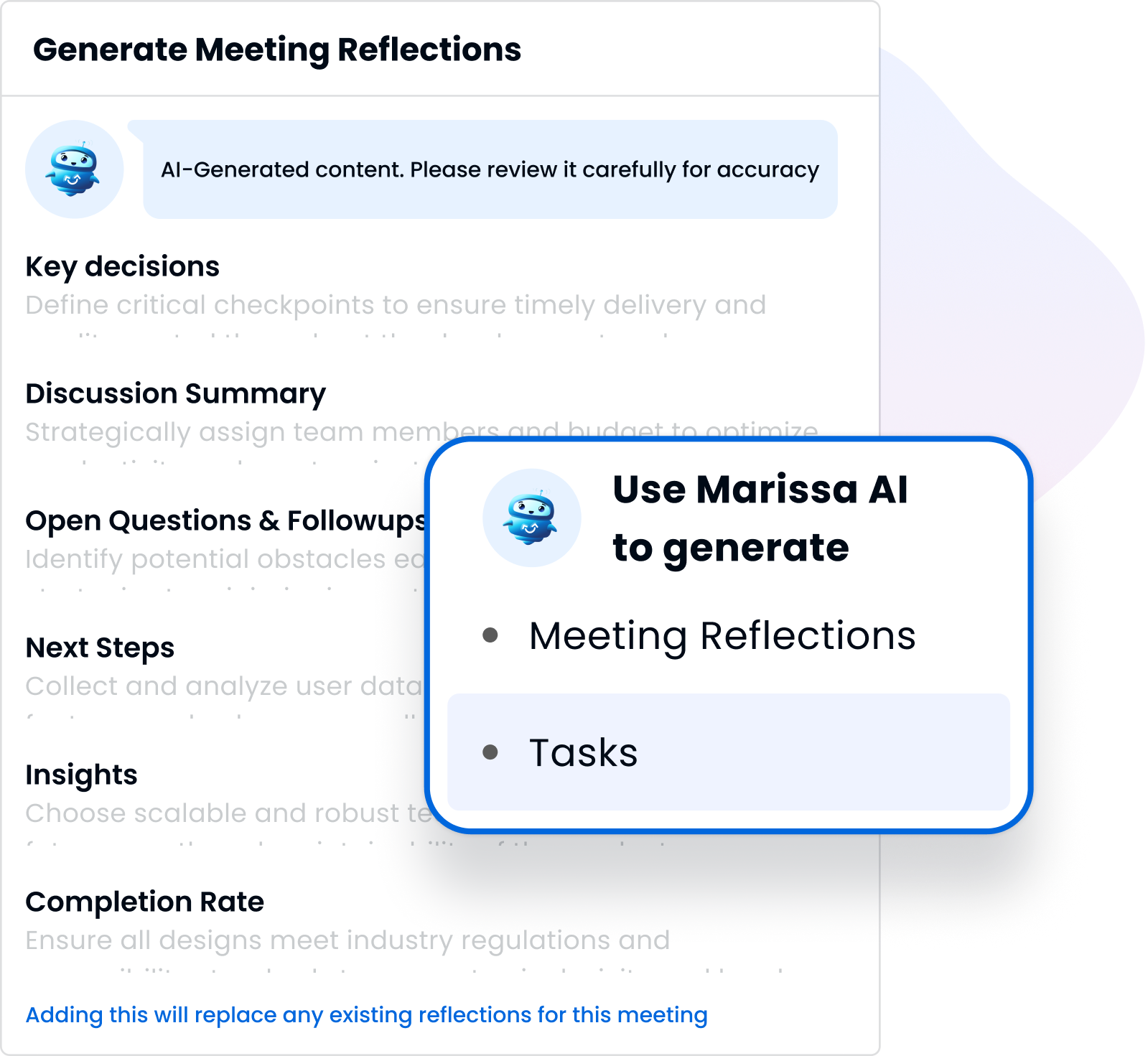
- Use Marissa AI Notetaker to capture meeting notes and summaries.
- Add your own notes, kept private or shared with meeting participants.
- Pin recurring topics and carry unfinished discussions into future meetings.
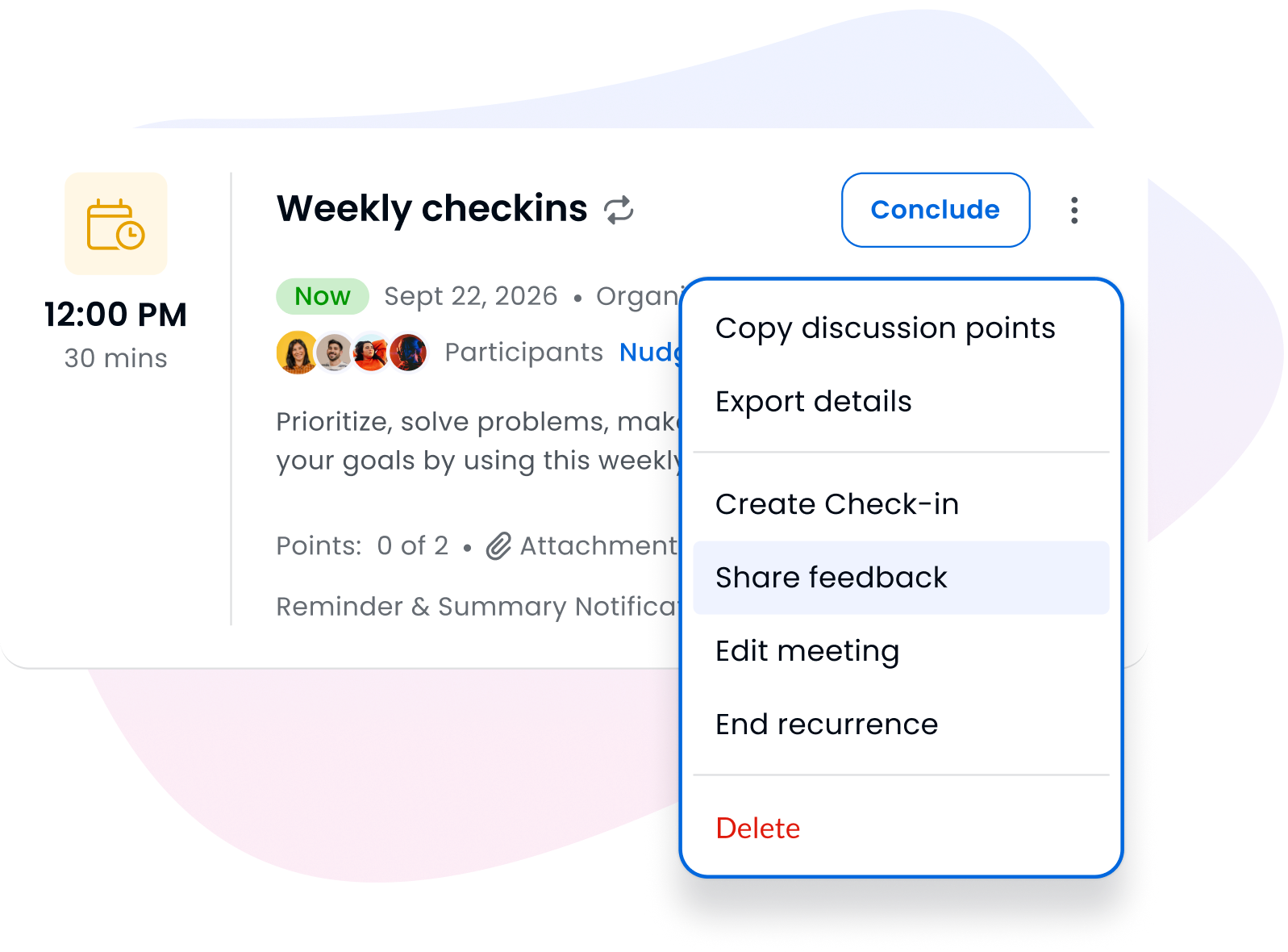
- Exchange feedback during or after the meeting.
Turn discussions into assigned, trackable actions.
Make responsibilities, deadlines, and outstanding commitments clear between check-ins.
- Review and add manual or AI-suggested tasks based on meeting discussions.
- Assign tasks to participants and set due dates.
- Organize follow-up with checklists and track pending or completed tasks.
- Review meeting activity and outcomes, including discussion-point completion, employees without 1:1s, and meetings without agendas.
24%
greater maturity in structured career conversations between employees and managers at Top Workplaces.
Compared to aspiring workplaces, according to 2025 Top Workplaces Institute research.
MEETING SCENARIOS
Support the conversations that keep work moving.
Manager–employee 1:1s
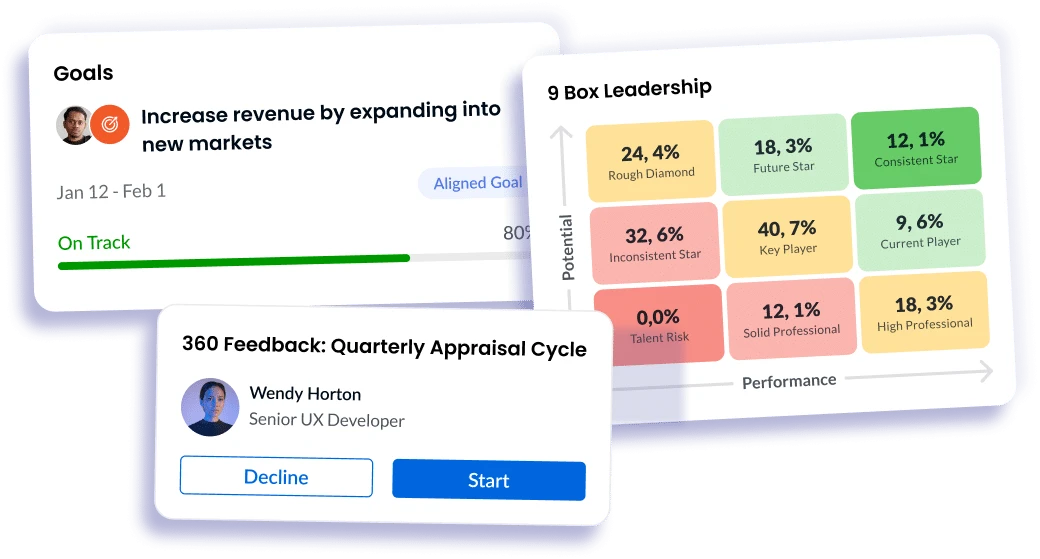
Discuss individual progress, challenges, and development priorities, and agree on practical next steps.
Team meetings and check-ins
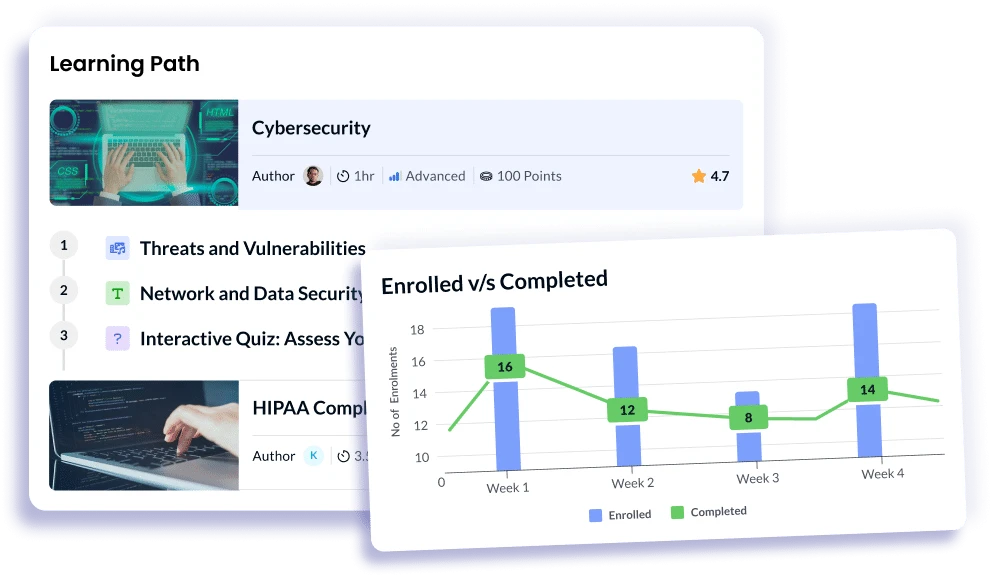
Align team priorities, review progress, and address challenges through regular group discussions.
Project and cross-functional updates
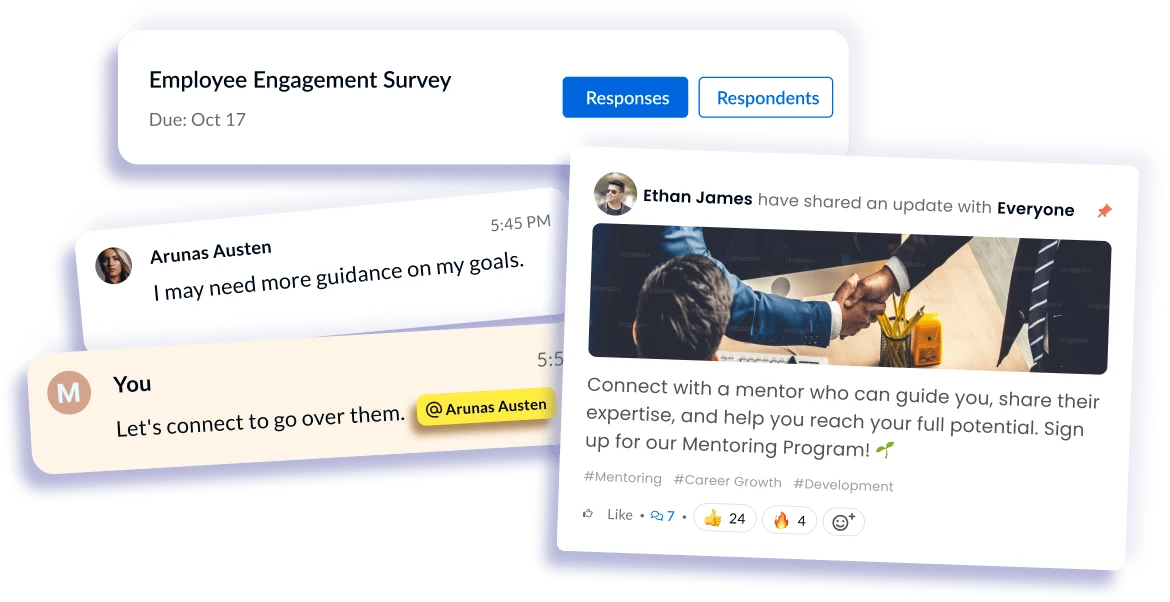
Review project goals, discuss dependencies, and coordinate next steps across teams.
Strategy reviews
Revisit strategic goals and priorities through recurring discussions that build on previous updates.
SEE MEETINGS IN ACTION
Keep priorities aligned
and commitments on track.
Give managers and employees clear responsibilities and a shared way to track agreed actions through completion.
FREQUENTLY ASKED QUESTIONS
Your questions, answered
A few things to know as you explore Engagedly’s Meetings.
Are Meetings part of the Performance Suite?
Yes. Meetings connect performance context with ongoing conversations and follow-through within Engagedly’s Performance Suite. Goals and feedback can become discussion topics, helping managers and employees use that context in their regular check-ins.
Can Meetings connect with development and employee listening?
Yes. When the relevant additional Engagedly modules are in use, Meetings can bring discussion points from Growth and Team Pulse into conversations. This helps managers discuss development-related topics and employee listening feedback alongside performance priorities.
These connections are available when your organization also uses those modules; Development Plans are available through Growth rather than included in the Performance Suite.
Do Meetings integrate with our existing calendars?
Meetings integrate with Google and Microsoft calendars, helping you coordinate conversations alongside your existing schedule.
Can we carry unfinished topics into future meetings?
Yes. You can pin recurring topics and carry unfinished discussion points into subsequent meetings, so ongoing conversations retain the context of what still needs attention.
Can meeting notes be private?
Yes. Notes can be kept private or made visible to meeting participants, allowing you to distinguish personal observations from shared discussion notes.
Can we control when the AI notetaker is used?
Admins control whether the notetaker is available to the organization. Meeting organizers can enable or disable it for upcoming meetings and decide whether to admit it when it joins.