The best small business tools in 2026 are the ones that fix your biggest bottleneck, connect to the rest of your stack, and stay affordable as you add people. For most US small businesses, that means a core set covering payroll, accounting, a CRM, team communication, and project management, plus automation to tie them together. This guide covers 25 options by category with 2026 list pricing. No single tool fits every business, so use the “best for” notes to match each one to your situation.
Not every tool built for “small businesses” actually fits how small businesses work. A lot of them are enterprise platforms with a stripped-down free tier. The real features are locked behind plans that cost more per month than most SMBs spend on rent.
Before committing to anything, a good small business tool should clear a few basic bars.
Must-Have Characteristics
A tool worth your money and time should offer:
Transparent, scalable pricing: No surprise costs when your team grows from 5 to 15 people
Fast onboarding: If setup takes more than a day, most small teams won’t stick with it
Integration-friendly design: It should connect easily with the other tools already in your stack
Mobile access: Your team isn’t always at a desk, and neither are you
Useful free tier or trial: Enough to test whether it actually solves your problem before you pay
Reliable support: Because when something breaks, you can’t wait three business days for a response
Low learning curve: Small businesses rarely have dedicated admins or implementation teams.
Connected tools matter because customers expect you to know their history when they reach out. If your CRM, inbox, and support tool don’t share data, your team ends up asking people to repeat themselves.
25 Essential Small Business Tools by Category
HR & People Management
Your team is the engine. These tools help you hire, manage performance, track time, and handle payroll without drowning in spreadsheets.
1. Engagedly – Best for Performance & Talent Management
Engagedly is a cloud-based platform built around employee engagement, performance development, and internal communication. It’s particularly useful for small businesses that want to move beyond annual reviews and build a genuine feedback culture. Engagedly has also evolved toward Agentic AI with Marissa, its intelligent AI SuperAgent built to drive action, which goes beyond assisting users with isolated tasks. It actively analyzes workforce signals across performance, engagement, learning, and growth to recommend meaningful next steps in real time.
The platform brings together OKR tracking, 360-degree feedback, real-time check-ins, performance appraisals, and a built-in learning experience platform (LXP). It also has gamification and social collaboration tools. Those features feel unusual in a performance product but actually help with adoption.
Pricing: Modular pricing based on selected features and team size. Plans typically range from $2 to $8 per user per month, with custom enterprise options available.
Best for: Small businesses that want a structured, scalable approach to performance management without the complexity of enterprise HR platforms
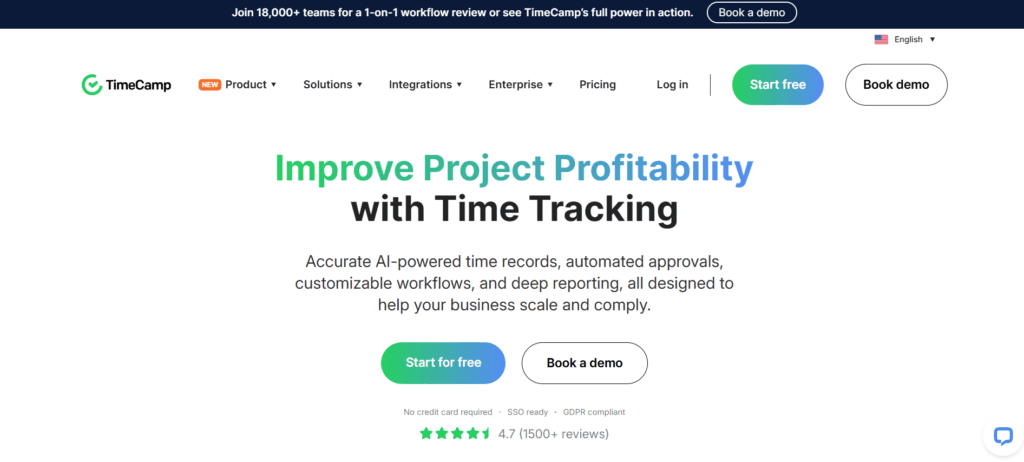
2. TimeCamp – Best for Time Tracking & Project Profitability
TimeCamp is a time tracking tool that goes beyond just logging hours. It connects time data to project profitability, so you can see exactly which clients and projects are actually worth your team’s time.
It integrates with 30+ apps including Asana, ClickUp, Google Calendar, GitLab, and Airtable, which makes it easy to drop into an existing workflow without disrupting anything.
Top features:
Automatic and manual time tracking
Billable and non-billable hour recording
Payroll management
Customizable invoicing
Expense tracking
Tax calculation
Centralized dashboard for remote, in-house, and freelance teams
Pricing:
Free forever (basic features)
Basic: $6.30/user/month
Pro: $9/user/month
Enterprise: Custom pricing
Best for: Freelancers, agencies, and small teams that bill by the hour or need to track project costs against budgets
3. Gusto – Best for Payroll & HR Compliance
Gusto is one of the most popular payroll platforms for small businesses, and for good reason. It automates federal, state, and local payroll taxes, files your year-end forms, and handles benefits administration, through a single streamlined system.
Gusto also expanded its HR features to include hiring tools, onboarding checklists, and employee self-service. If you’re bringing on your first few employees and want to get payroll right without hiring an accountant full-time, Gusto is the cleanest path.
Top features:
Automated payroll with tax filings
Benefits administration (health, dental, 401k)
New hire onboarding
Time-off tracking
Compliance alerts
Employee self-service portal
Direct deposit and contractor payments
Pricing:
Simple: $40/month + $6/person/month
Plus: $80/month + $12/person/month
Premium: Custom pricing
Best for: Small businesses with W-2 employees who want payroll, benefits, and basic HR in one tool
Accounting & Finance
These tools handle the money side so you’re never caught off guard by cash flow surprises or tax season.
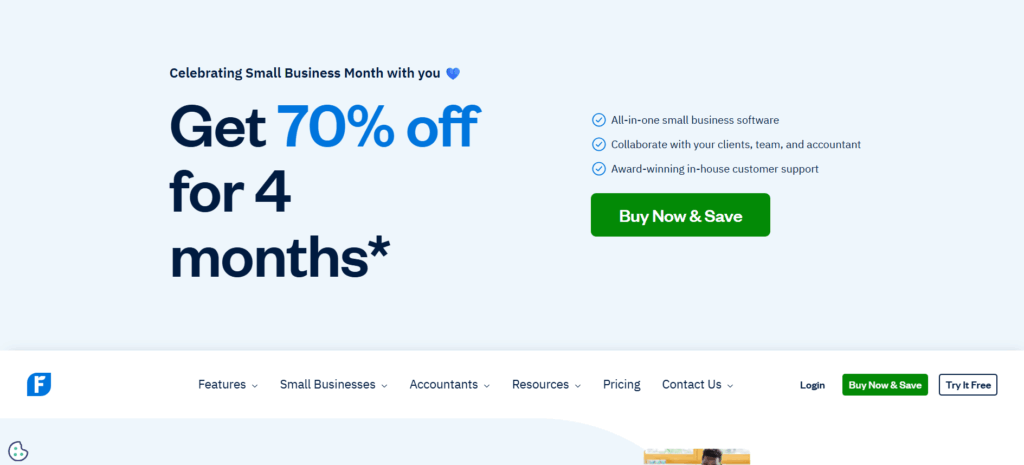
4. FreshBooks – Best for Managing Financial Records
FreshBooks is accounting software designed for small business owners who are not accountants. The interface is clean, the workflows are streamlined, and the reporting is clear enough that you don’t need a finance background to understand what’s happening with your money.
It handles automated invoicing, expense tracking, time tracking (basic), and client billing, with solid reporting tools to give you a real-time picture of your finances.
Top features:
Automated invoicing and payment reminders
Expense tracking with receipt capture
Time tracking integrated with billing
Financial reporting (P&L, balance sheets)
Tax-ready reports
Multi-currency support
Client portal for invoice viewing and payments
Pricing:
Free trial available
Lite: $19/month (up to 5 clients)
Plus: $33/month (up to 50 clients)
Premium: $60/month (unlimited clients)
Select: Custom pricing
Best for: Freelancers, consultants, and service-based small businesses that invoice regularly
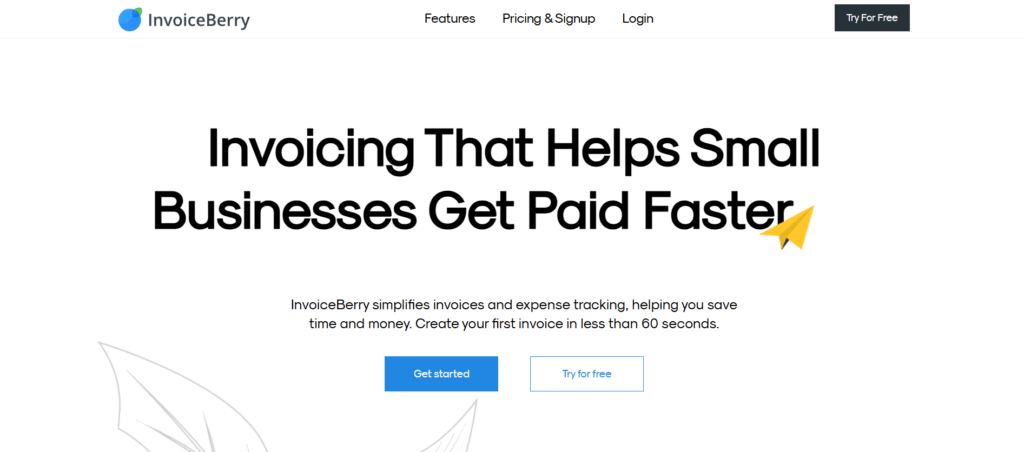
5. InvoiceBerry – Best for Online Invoicing
InvoiceBerry is a focused, no-fuss invoicing tool for small businesses and freelancers. It’s not a full accounting platform. It’s specifically built to make creating, sending, and tracking invoices quick and professional.
You can customize invoice templates with your logo, set up recurring billing, and send invoices in PDF format by email directly from the platform. If invoicing is your primary financial pain point, InvoiceBerry handles it cleanly without charging for features you don’t need.
Top features:
Professional invoice templates
Custom logo and branding
Recurring billing
Expense tracking
Multiple currency support
Contact database
Easy PDF export and email delivery
Pricing:
14-day free trial
Solo: $15/month
Pro: $30/month
Best for: Solo operators and small teams that just need reliable, professional invoicing
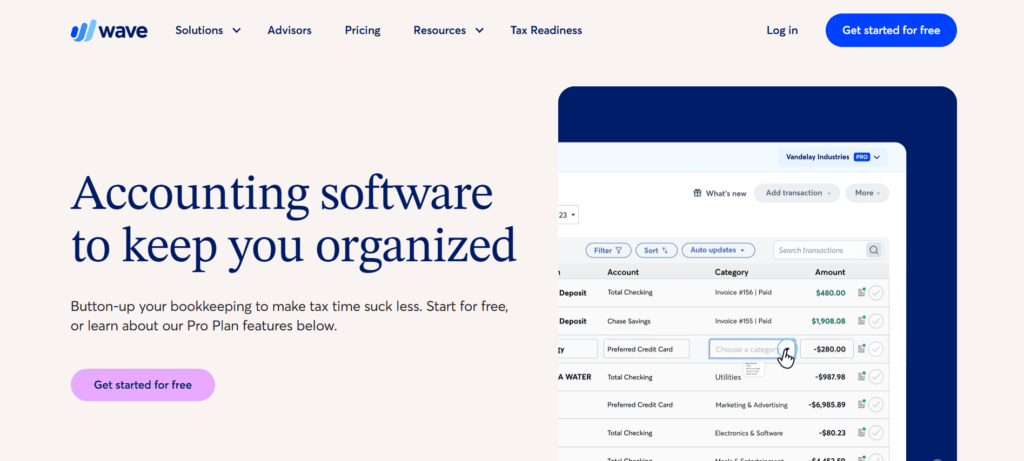
6. Wave – Best Free Accounting Software
Wave is genuinely free for core accounting, not a watered-down trial, but a real, functional platform that covers invoicing, expense tracking, and financial reporting at no cost. It makes money through optional paid services like payroll and payment processing.
For early-stage small businesses watching every dollar, Wave offers a surprisingly capable accounting foundation before you’re ready to invest in something like FreshBooks or QuickBooks.
Top features:
Free invoicing and accounting
Income and expense tracking
Receipt scanning
Bank and credit card connections
Financial reporting
Optional payroll add-on
Optional payment processing
Pricing:
Accounting and invoicing: Free forever
Payroll: $20 to $35/month base + $6/employee
Payments: 2.9% + 30¢ per transaction (credit cards)
Best for: Startups, solopreneurs, and early-stage small businesses that need accounting basics without a monthly fee
Communication & Collaboration
These tools keep your team aligned whether they’re in the same office, across time zones, or somewhere in between.
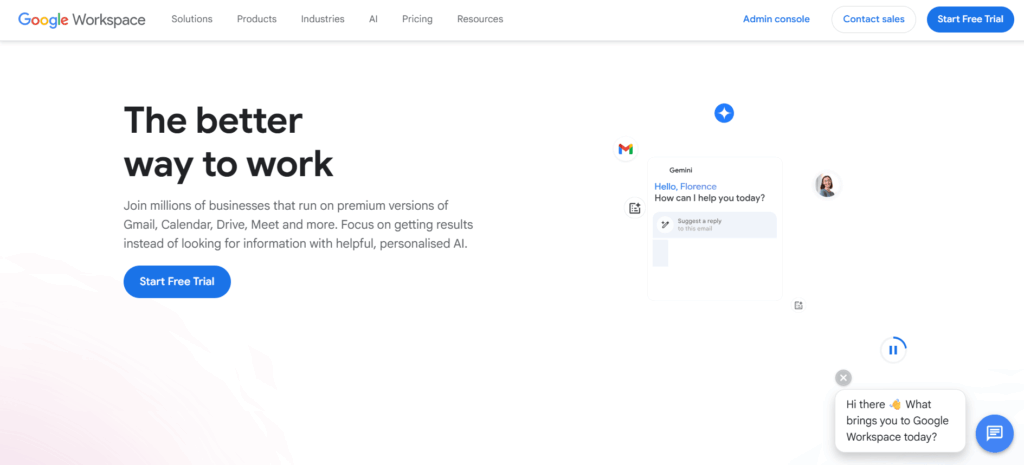
7. Google Workspace – Best All-in-One Collaboration Suite
Google Workspace gives small businesses access to Gmail, Google Meet, Google Drive, Docs, Sheets, Slides, Calendar, and more, all connected under one subscription. It’s one of the most practical all-in-one collaboration platforms available, especially for teams that are remote or hybrid.
The noise cancellation in Google Meet is genuinely useful for customer-facing teams. Shared Drives, real-time document editing, and calendar management cover most day-to-day collaboration needs without requiring multiple separate tools.
Top features:
Business email with custom domain
Google Meet video conferencing with noise cancellation
Shared drives and real-time document collaboration
Calendar management and room booking
Team messaging (Google Chat)
Compliance and data management tools
Attendance tracking
Pricing:
Business Starter: $6/user/month
Business Standard: $12/user/month
Business Plus: $18/user/month
Enterprise: Custom pricing
Best for: Small businesses that want email, video, storage, and document collaborationwithin a connected ecosystem.
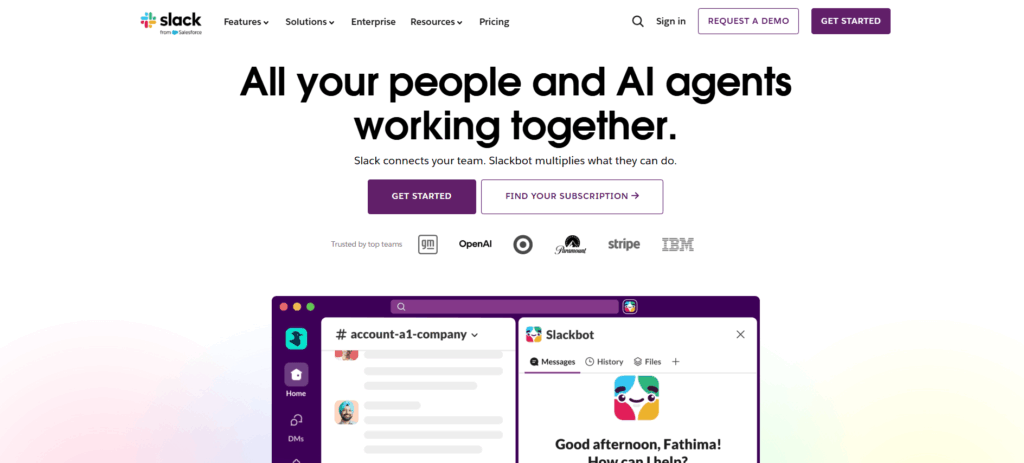
8. Slack – Best for Team Messaging
Slack remains the standard for internal team communication, and it’s more capable than ever with its AI-powered features for summarizing threads and catching up on missed messages. Channels keep conversations organized by project, client, or topic, which is a lot cleaner than long email chains or WhatsApp group chats.
It integrates with almost everything on this list, including ClickUp, HubSpot, Google Workspace, and Zapier, which makes it a natural center of a small business’s tech stack.
Top features:
Organized channels and direct messaging
Audio and video huddles
File sharing and search
2,000+ app integrations
AI-powered message summaries (Pro and above)
Workflow automation builder
Guest access for clients or contractors
Pricing:
Free (limited message history)
Pro: $7.25/user/month
Business+: $12.50/user/month
Enterprise Grid: Custom pricing
Best for: Any small business that wants to replace scattered email threads with organized, searchable team communication
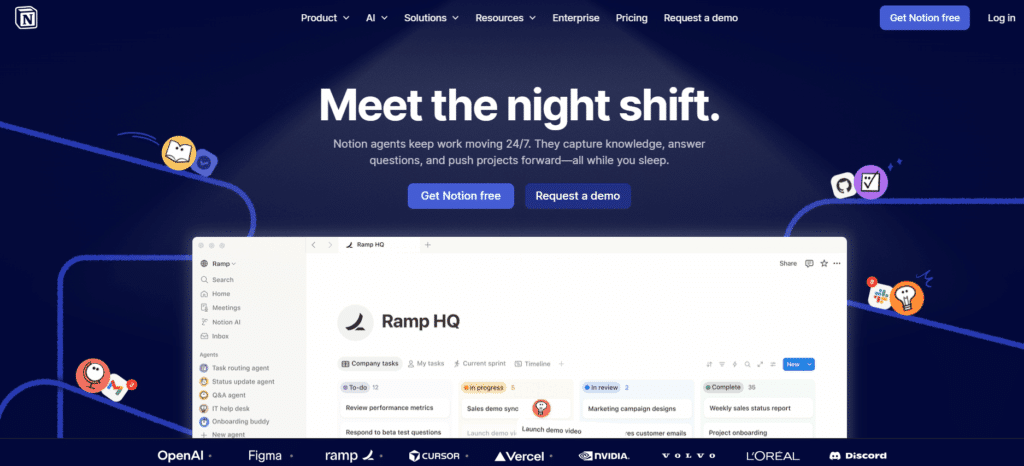
9. Notion – Best for Shared Knowledge & Documentation
Notion is a flexible workspace that combines notes, wikis, databases, and project tracking in one place. For small businesses, it works particularly well as a central knowledge base, a place where your team documents processes, stores important information, and onboards new hires.
Its AI features (Notion AI) help with writing, summarizing content, and answering questions from within your workspace, which saves meaningful time on internal documentation.
Top features:
Flexible pages, databases, and wikis
Team knowledge base and SOPs
Project and task tracking
AI writing and summarization assistant
Templates for nearly every use case
Real-time collaboration
Integrations with Slack, Google Drive, and more
Pricing:
Free (for personal use)
Plus: $10/user/month
Business: $15/user/month
Enterprise: Custom pricing
Best for: Small teams that want a single, organized space for documentation, processes, and internal knowledge
Marketing & Sales
Getting customers costs money. These tools help you get more of them and keep them without blowing your budget.
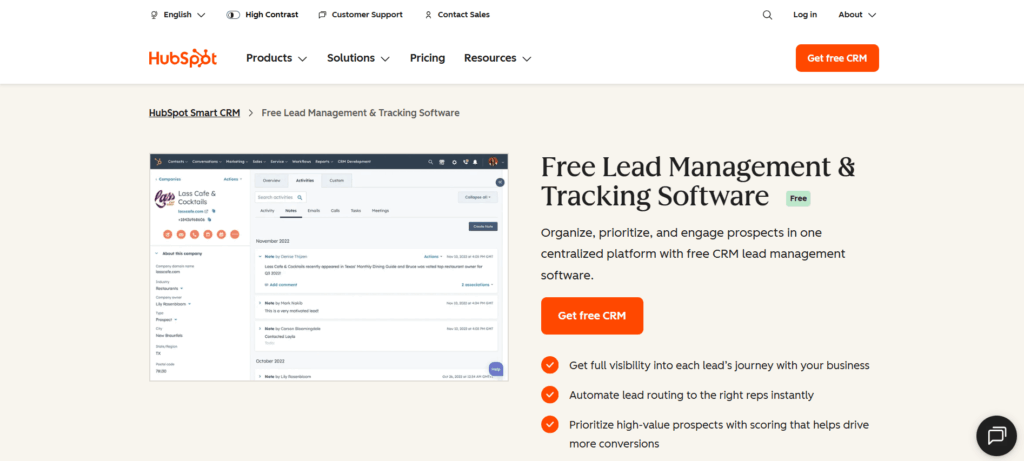
10. HubSpot CRM – Best for Lead Management
HubSpot CRM is one of the most capable free CRMs available. It centralizes contacts, deals, and communication history in one place so your team always knows where a lead stands and what’s been said.
It’s cloud-based, which means it works just as well for remote and hybrid teams as it does for in-office ones. As your business grows, HubSpot scales with it. Paid tiers add marketing automation, sales sequences, reporting dashboards, and more.
Top features:
Contact and deal management
Email templates and tracking
Sales pipeline visualization
Meeting scheduling
Lead qualification and distribution
Campaign management
Marketing email and automation (paid)
Reporting dashboards
Pricing:
Free (core CRM features)
Starter: $45/month
Professional: $1,600/month
Enterprise: $5,000/month
Best for: Small businesses that want a serious CRM without paying upfront and the option to grow into a full marketing platform later
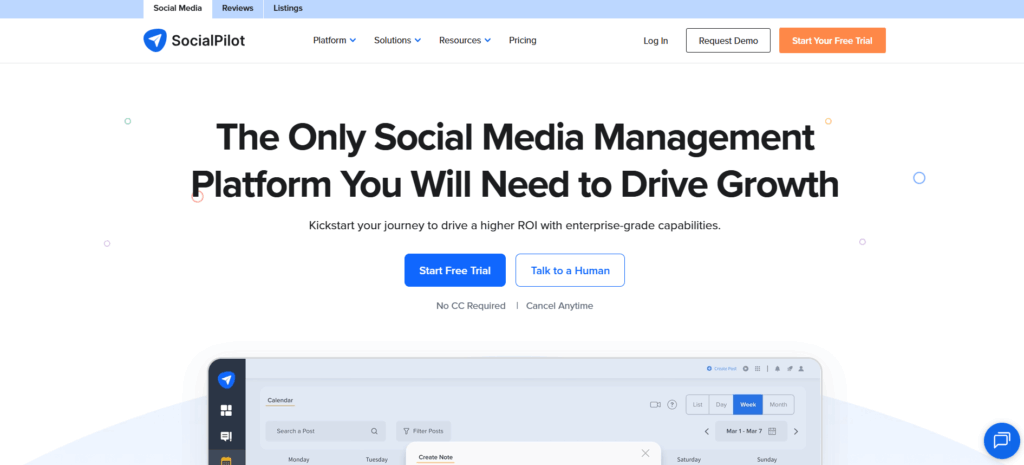
11. SocialPilot – Best for Social Media Marketing
SocialPilot brings your social media management into one dashboard. You can schedule posts, respond to comments and messages, monitor performance, and generate reports across Facebook, Instagram, LinkedIn, TikTok, Pinterest, and more.
For small teams managing multiple brand accounts, the white-label reporting and client collaboration features are particularly valuable. It’s also one of the more affordable options in this category.
Top features:
Bulk post scheduling
Multi-account management
Social inbox for engagement
Analytics and branded reports
Team collaboration and approval workflows
Content calendar view
Influencer tracking
Pricing:
Small Team: $42.50/month
Studio: $85/month
Agency: $127.50/month
Enterprise: Custom pricing
Best for: Small marketing teams and agencies managing multiple social accounts on a budget
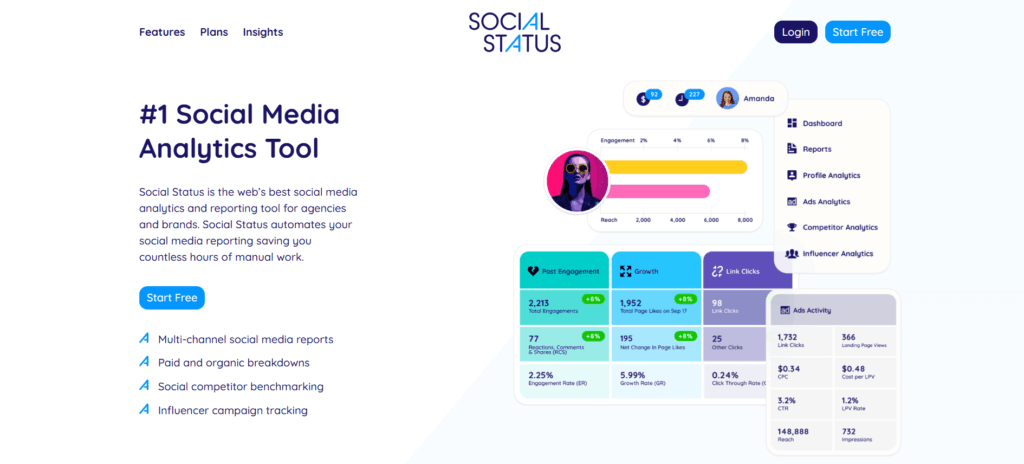
12. Social Status – Best for Social Media Analytics
Social Status is a dedicated analytics and reporting tool for social media. Unlike all-in-one management tools, it goes deep on data, covering Facebook, Instagram, YouTube, TikTok, LinkedIn, and Twitter/X with detailed performance breakdowns.
Agencies managing multiple clients benefit most here. Reports can be white-labeled and exported to PDF, PowerPoint, CSV, or Google Slides, making client reporting considerably less painful.
Top features:
Facebook and Instagram analytics (including Stories)
YouTube, TikTok, LinkedIn, and Twitter analytics
Paid ads analytics
Competitor analysis
Influencer tracking
White-label reports
CSV, PDF, PowerPoint, and Google Slides export
Pricing:
Free forever
Starter: $29/month
Pro: $199/month
Business: $399/month
Corporate: $599/month
Enterprise: $1,499/month
Best for: Marketing agencies and in-house teams that need deep social analytics and clean client-ready reports
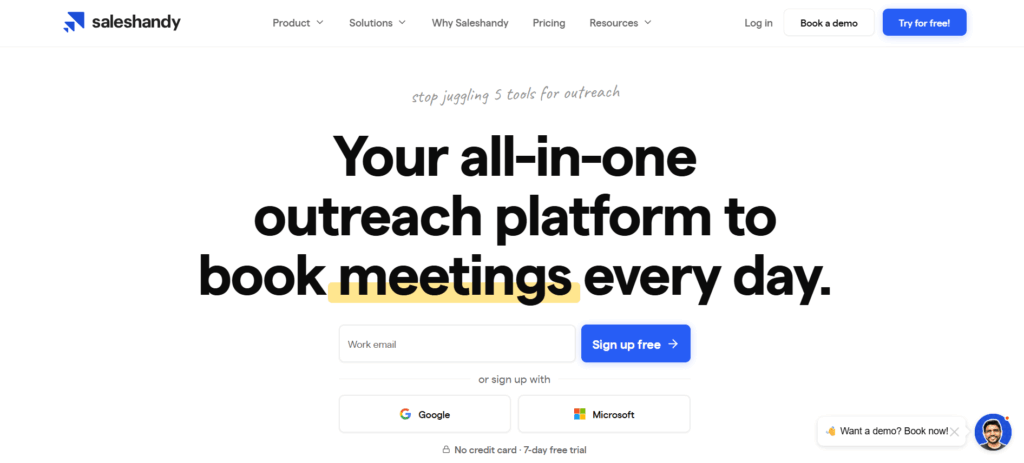
13. Saleshandy – Best for Cold Email Outreach
Saleshandy is a cold email platform that lets you build multi-stage automated sequences with personalized follow-ups at scale without making your emails look automated. You can trigger follow-ups based on recipient behavior (opens, clicks), and merge tags let you personalize each email meaningfully.
It’s particularly well suited for B2B businesses doing outbound sales.
Top features:
Multi-stage automated email sequences
Merge tags for personalization
Behavior-triggered follow-ups
Email campaign analytics
Drip campaigns
Lead capturing and nurturing
Deliverability tools (warmup, spam testing)
Pricing:
14-day free trial
Cold email plans: $25 to $60/user/month
Email tracking: Free forever; paid plans from $9/user/month
Best for: B2B sales teams and founders doing outbound email prospecting
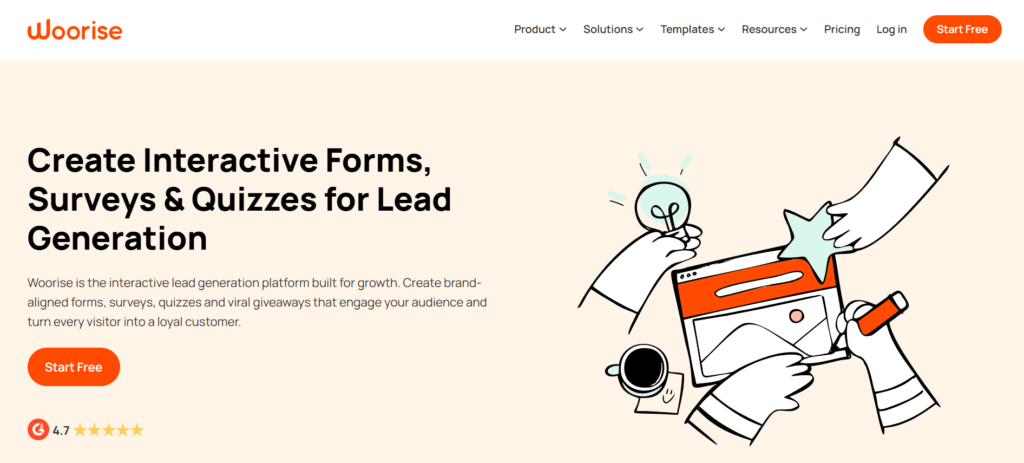
14. Woorise – Best for Landing Pages, Contests & Lead Capture
Woorise is a lead generation platform that lets you build landing pages, quizzes, giveaways, sweepstakes, and referral contests without needing a developer. It integrates directly with HubSpot, AWeber, Zapier, Google Analytics, PayPal, Stripe, and others.
It’s especially useful for e-commerce brands and digital businesses that want to grow their email lists or run promotional campaigns.
Top features:
Landing page and quiz builder
Giveaways, sweepstakes, and skill contests
Fraud detection
Multiple language support
Form and entry management
Judging management for contests
Integrations with major marketing platforms
Pricing:
Free (up to 500 entries)
Basic: $23/user/month (up to 2,000 entries)
Grow: $39/user/month (up to 5,000 entries)
Pro: $79/user/month (up to 20,000 entries)
Best for: E-commerce brands and digital businesses running lead generation campaigns or promotional contests
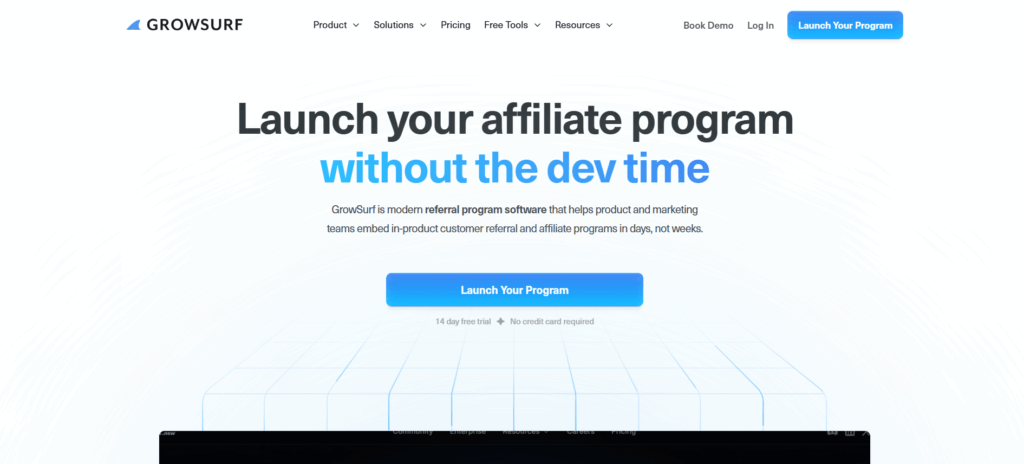
15. GrowSurf – Best for Referral Programs
GrowSurf automates referral programs for B2B and B2C tech companies. It generates unique referral links automatically for each user with no sign-up required on the referrer’s end and tracks new customers, rewards, and ROI all in one dashboard.
Best for: SaaS companies and tech-focused small businesses looking to build a scalable word-of-mouth acquisition channel
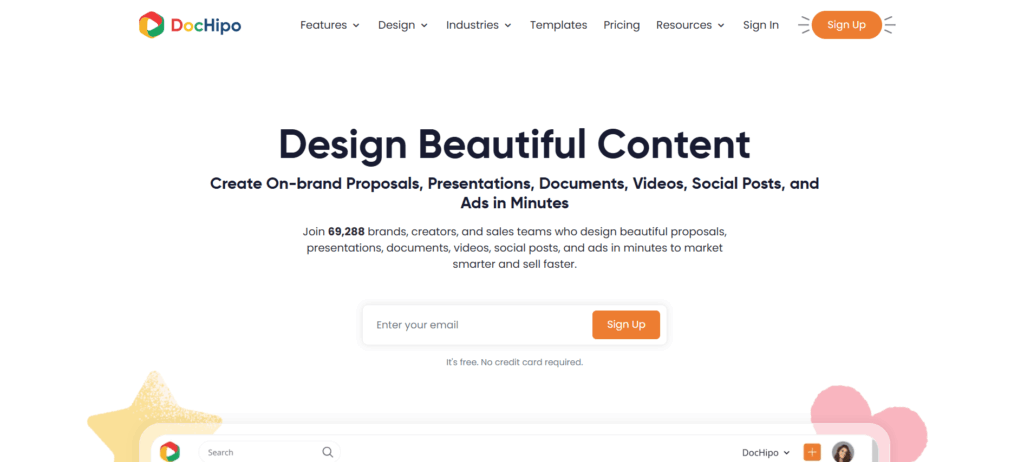
16. DocHipo – Best for On-Brand Design
DocHipo is a document design tool that lets non-designers create professional-looking visual assets. You can build business cards, posters, brochures, social media graphics, web banners, and digital ads using customizable templates organized by industry.
The Brand Kit feature is especially useful for small businesses. It stores your brand colors, fonts, and logos so everything you create stays consistent.
Top features:
Professionally designed templates (wide industry coverage)
Drag-and-drop editor
Brand Kit for visual consistency
AI writer and AI image generator
Exclusive vector design assets and illustrations
Real-time team collaboration
Custom fonts, color themes, and animations
Pricing:
Free forever
Pro: $7.50/user/month
Pro Unlimited: $225/month (unlimited users)
Best for: Small business owners and marketers who need good-looking branded content without a design team
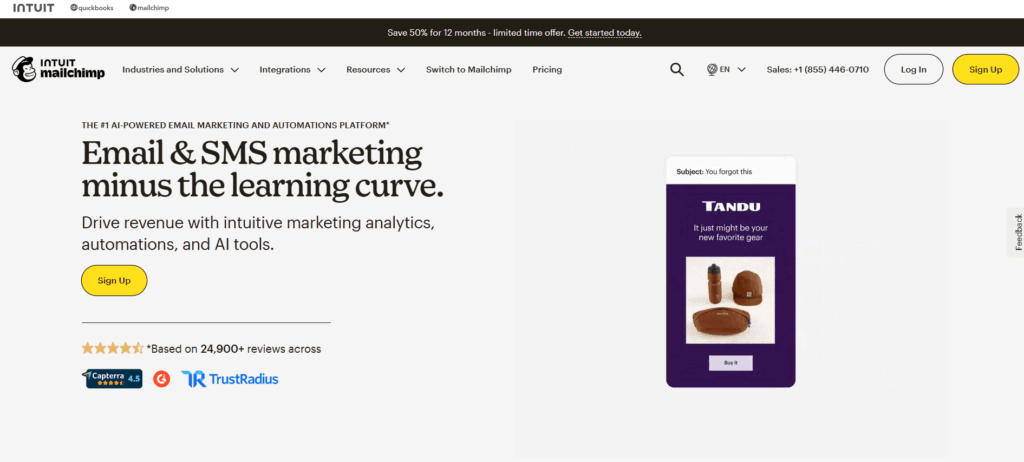
17. Mailchimp – Best for Email Marketing Campaigns
Mailchimp is one of the most widely used email marketing platforms in the world, and for small businesses, the free tier covers a lot of ground. You can build and segment your list, create automated welcome sequences, and track campaign performance without paying anything until you hit a meaningful scale.
Mailchimp’s AI tools for subject line generation and audience segmentation have improved considerably. Those features are useful for small teams that don’t have a dedicated email marketer.
Top features:
Email campaign builder with templates
Audience segmentation and tagging
Marketing automation sequences
A/B testing
Campaign performance analytics
Landing page and sign-up form builder
AI-powered recommendations and content tools
Pricing:
Free (up to 500 contacts, 1,000 emails/month)
Essentials: $13/month
Standard: $20/month
Premium: $350/month
Best for: Small businesses building and nurturing an email list, especially those just getting started with email marketing
Project Management
Without a clear system to track who’s doing what, work falls through the cracks. These tools fix that.
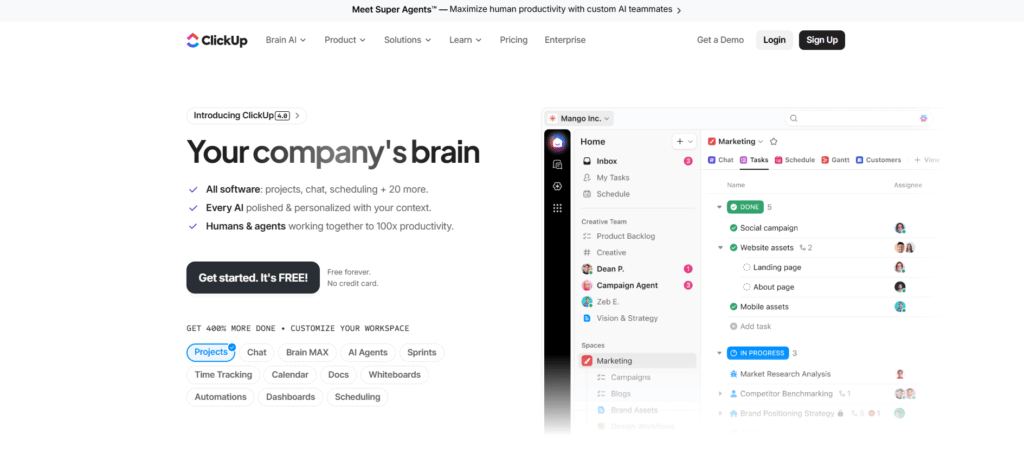
18. ClickUp – Best All-in-One Project Hub
ClickUp markets itself as the app that replaces all other apps and while that’s an overstatement, it is genuinely one of the most feature-rich project management tools available. Task management, time tracking, docs, chat, goals, dashboards, and whiteboards all work together within a unified workspace.
Major organizations including Google, Airbnb, and Uber use it, but the pricing model makes it equally accessible for small teams.
Top features:
Tasks, subtasks, and custom workflows
Multiple views (list, board, calendar, Gantt, timeline)
Document collaboration
Real-time chat
Whiteboard brainstorming
Resource management
Agile reporting
Two-factor authentication
Pricing:
Free (up to 100MB storage)
Unlimited: $7/user/month
Business: $12/user/month
Enterprise: Custom pricing
Best for: Small businesses that want a single platform to replace separate tools for task management, docs, and communication
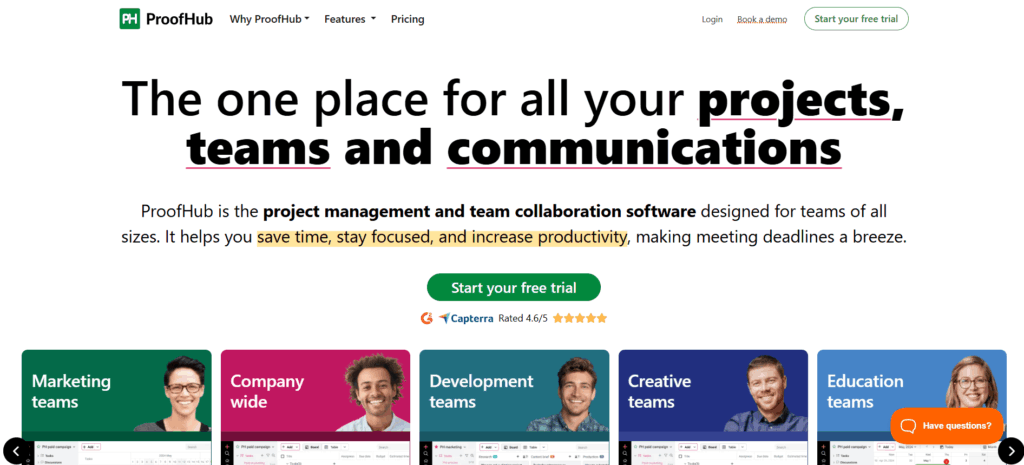
19. ProofHub – Best for Flat-Rate Team Management
ProofHub is an all-in-one project management and team collaboration platform that stands out for one specific reason: flat-rate pricing. No per-user fees. You pay a fixed monthly rate and add as many team members as you want, which makes it dramatically more affordable as your team grows.
It covers project planning, task delegation, progress tracking, real-time chat, file storage, and time tracking in one place.
Top features:
Task management with dependencies
Multiple project views (board, table, Gantt)
Real-time team chat
File and document storage
Time tracking
Notes and discussion threads
Reports and productivity monitoring
Pricing:
Essential: $45/month flat (no per-user fee)
Ultimate Control: $89/month flat
Best for: Growing small businesses that want full project management features without costs scaling with every new hire
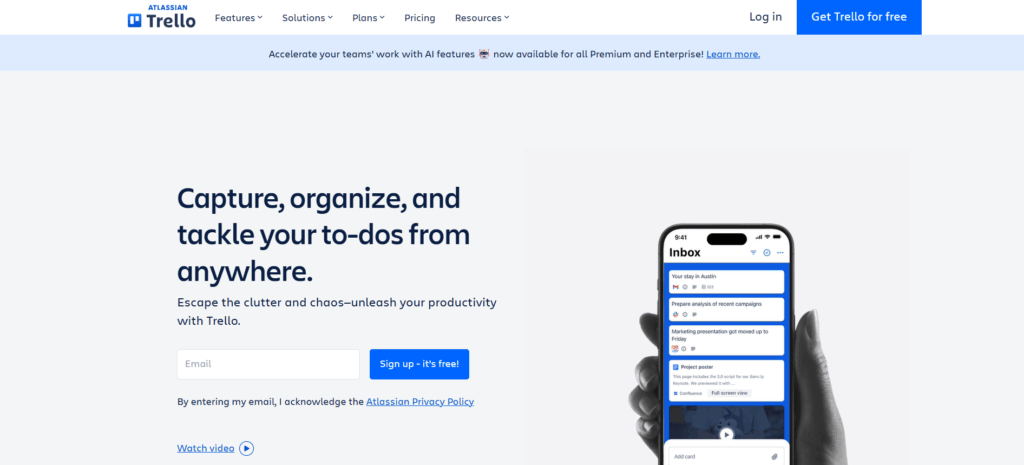
20. Trello – Best for Visual Task Boards
Trello uses a board-and-card system that makes it one of the easiest project management tools to pick up. If your team is new to project management software, Trello’s visual layout is a low-friction starting point that doesn’t require any training to understand.
It’s best for simpler workflows. If you need Gantt charts, advanced reporting, or multi-project views, ClickUp or ProofHub will serve you better.
Top features:
Drag-and-drop Kanban boards
Cards with checklists, due dates, attachments, and comments
Automation (Butler)
200+ integrations (Power-Ups)
Multiple workspace views (list, calendar, timeline on paid plans)
Mobile app
Pricing:
Free (up to 10 boards per workspace)
Standard: $5/user/month
Premium: $10/user/month
Enterprise: Custom pricing
Best for: Small teams that want a simple, visual way to track tasks and projects without a steep learning curve
Customer Support
How you handle customer issues is often what keeps them or loses them. These tools help your team respond faster and smarter.
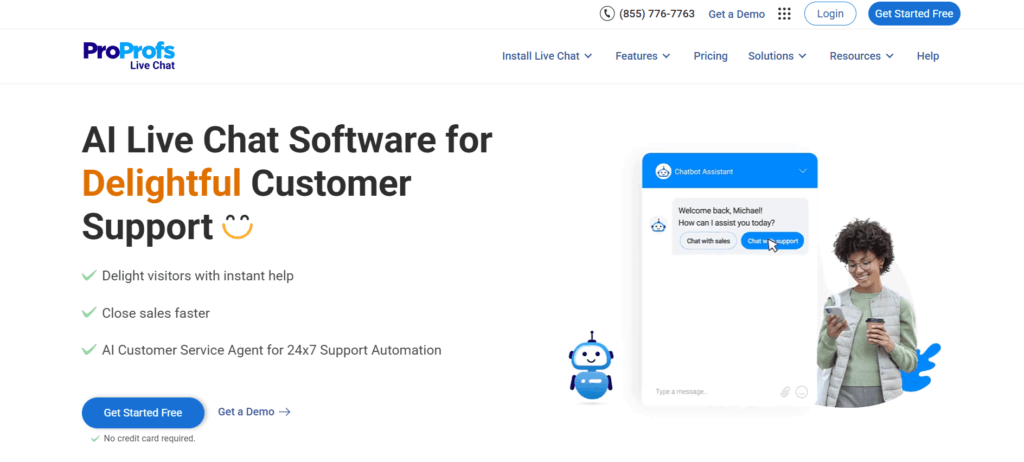
21. ProProfs Chat – Best for Live Chat
ProProfs Chat is a straightforward live chat tool that lets you talk to website visitors in real time. It reduces support tickets, shortens response times, and gives you tools to proactively engage visitors before they leave.
You can create customized greetings, set up proactive chat pop-ups based on visitor behavior, and add in-app announcements for product updates or promotions.
Top features:
Proactive chat and customizable greetings
Canned responses for fast replies
Lead capture forms
Chat transcripts
Screen sharing
50+ integrations
Routing and operator management
Announcement banners
Pricing:
Free (basic features)
Essential: $15/user/month
Premium: $25/user/month
Best for: Small businesses that want to engage and convert website visitors with real-time support
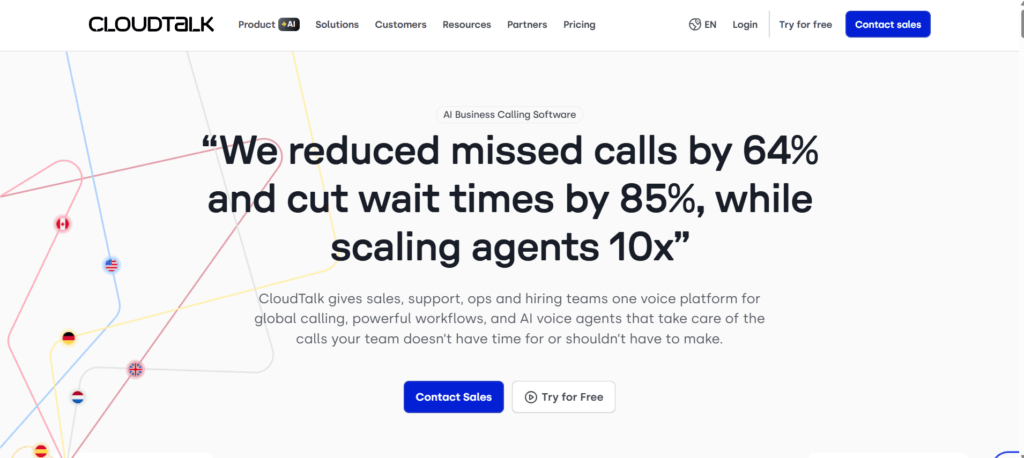
22. CloudTalk – Best for VoIP Customer Support
CloudTalk is a cloud-based phone system designed for customer support and sales teams. It gives your agents the ability to work from anywhere. All they need is a microphone and an internet connection. That flexibility makes it significantly more practical than a traditional phone setup.
It includes over 70 features and integrates with most popular CRMs, including HubSpot and Salesforce.
Top features:
Click-to-call
Call recording and monitoring
Call queueing
Skill-based routing
Automatic Call Distribution (ACD)
CRM integrations
International and toll-free numbers
Analytics and performance reporting
Pricing:
14-day free trial
Starter: $25/user/month
Essential: $30/user/month
Pro: $50/user/month
Custom enterprise plans available
Best for: Small businesses with customer support or inside sales teams that need a professional phone system without physical hardware
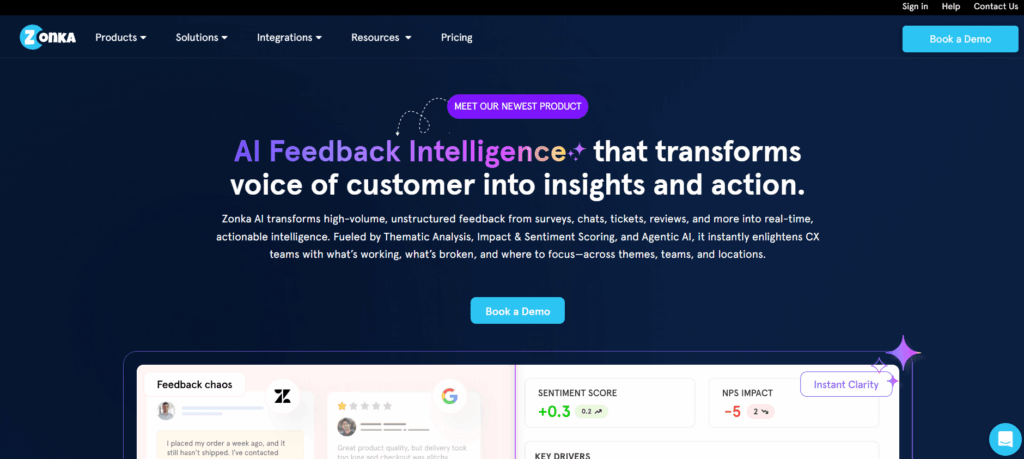
23. Zonka Feedback – Best for Customer Feedback Surveys
Zonka Feedback is a multi-channel feedback platform that makes it easy to collect, analyze, and act on customer feedback. You can deploy surveys via email, SMS, web, in-app, or on physical kiosks, all from one platform.
Real-time alerts notify your team when a low satisfaction score comes in so you can follow up before a frustrated customer becomes a lost one.
Real-time feedback alerts and custom notifications
Skip logic, hide logic, and survey redirection
Advanced analytics dashboard
Close-the-loop feedback management
Pricing:
15-day free trial
Starter: $29/month
Professional: $79/month
Growth: $169/month
Enterprise: $429/month
Best for: Customer-focused small businesses that want structured, actionable feedback across multiple touchpoints
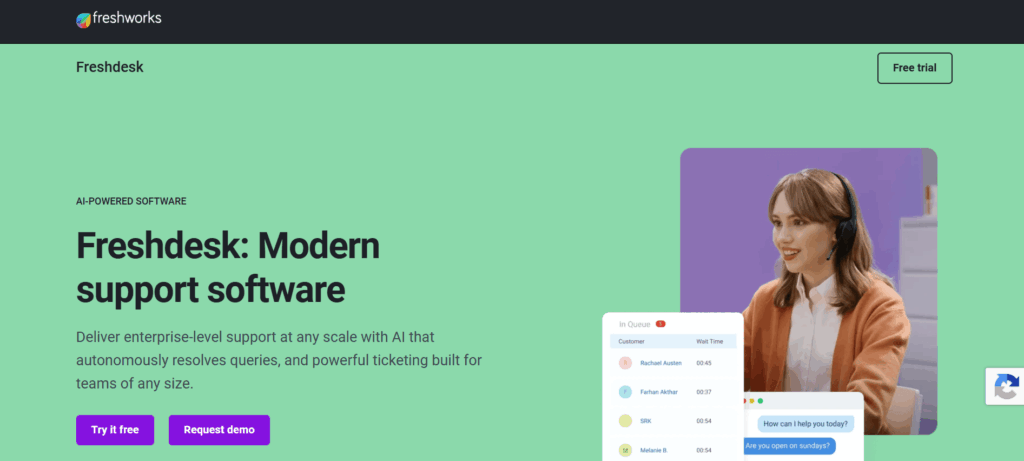
24. Freshdesk – Best for Helpdesk Ticketing
Freshdesk is a helpdesk and customer support platform that organizes incoming customer requests from email, chat, phone, social media, and web forms into a unified ticket queue. It’s one of the most popular support tools for small and growing businesses, partly because its free tier is genuinely usable.
Automation rules, canned responses, and AI-powered ticket categorization (on paid tiers) help small teams handle support volume without needing a large headcount.
Best for: Small businesses receiving support requests from multiple channels who want a single organized queue and ticketing system
AI Tools Worth Adding to a Small Business Stack in 2026
Many tools on this list already include AI features, so check what’s built in before paying for a separate subscription. If you want a standalone assistant, a general-purpose option like ChatGPT, Claude, or Gemini can draft emails, summarize documents, and answer questions about your own files. A meeting-notes tool like Otter or Fireflies can record and summarize calls so nothing slips through. Treat AI output as a first draft, and keep a person reviewing anything customer-facing or financial.
Automation
25. Zapier – Best for Connecting Your Entire Tech Stack
Zapier is the glue between your tools. It lets you build automated workflows (“Zaps”) that connect apps and trigger actions based on events without writing a single line of code. For example: when a new lead fills out a Woorise form, automatically create a HubSpot contact, send a Slack notification to your sales team, and add a row to a Google Sheet.
Zapier’s AI features allow you to describe a workflow in plain language and have it built automatically, a useful time-saver for non-technical small business owners.
Top features:
6,000+ app integrations
Multi-step Zaps with conditional logic
Filters and formatters
AI-powered workflow builder
Scheduled and triggered automation
Error monitoring and logs
Tables and Interfaces (light internal tools)
Pricing:
Free (100 tasks/month)
Starter: $19.99/month
Professional: $49/month
Team: $69/month
Company: $103/month
Best for: Any small business running more than 3 to 4 tools. Zapier eliminates the manual data entry that happens in the gaps between them
Free vs. Paid Small Business Tools
The free vs. paid question isn’t just about budget. It’s about fit.
When Free Tools Are Enough
Free plans tend to work well when:
You’re in the first 6 to 12 months of business and still validating your model
Your team is small (2 to 5 people) and your workflows are straightforward
You’re using the tool for one specific, contained function
You don’t yet need integrations, advanced reporting, or automation
Tools like HubSpot CRM (free tier), Wave, Trello, Freshdesk, and Mailchimp offer genuinely functional free plans that can carry a small business through early stages without compromise.
When to Upgrade to a Paid Plan
The time to upgrade is usually when:
Free plan limits are slowing you down (storage, users, records, sends per month)
You need automation to reduce manual work across your team
Reporting and analytics become important for business decisions
You’re managing clients who expect polished, branded deliverables
Security, compliance, or admin controls become a priority
One pattern to watch: many free tools charge per user on paid tiers. As your team grows from 5 to 15 people, a $10/user/month tool becomes $1,800/year. ProofHub’s flat-rate model is worth considering specifically because it eliminates that compounding cost.
How to Choose the Right Stack for Your Business
Most small businesses don’t fail because they picked the wrong tool. They fail because they picked too many tools and used none of them properly.
Here’s a practical approach to building a stack that actually sticks.
Step 1 – Map Your Bottlenecks First
Before looking at any software, write down the three tasks that waste the most time in your business right now. Is it chasing invoice payments? Manually scheduling social media posts? Trying to track down which stage a lead is in?
Start with software that solves your biggest problem. Everything else can wait.
Step 2 – Prioritize Integration Over Features
A tool with 100 features that doesn’t talk to anything else in your stack creates data silos. A simpler tool with 20 features and deep integrations with the rest of your workflow is almost always more valuable.
Look for tools that connect to Zapier and whatever CRM or communication platform you’re already using.
Step 3 – Start Small and Layer In
The ideal first stack for most small businesses includes:
One CRM (HubSpot free is a solid starting point)
One project management tool (ClickUp or Trello depending on complexity)
One accounting/invoicing tool (Wave if budget is tight, FreshBooks if you need more)
One communication platform (Google Workspace or Slack)
Add marketing, analytics, and automation tools once those foundations are working. Building a 15-tool stack on day one is a reliable way to overwhelm your team and end up using none of them well
Building a Small Business Stack That Actually Scales
The best small business tools are not necessarily the ones with the most features. They’re the ones your team consistently uses, integrates easily into daily workflows, and can grow alongside your business without creating unnecessary complexity.
Start with the systems that solve your biggest operational bottlenecks first. Then gradually build a connected stack around communication, project management, finance, customer support, and employee performance. The goal is not to collect software. The goal is to create a smoother, more efficient business operation.
As your team grows, areas like employee engagement, feedback, learning, and performance development become harder to manage manually. Platforms like Engagedly help small businesses create structure around goals, feedback, growth, and performance without adding enterprise-level complexity.
If you’re evaluating ways to modernize performance management and employee development, you can request a demo to explore how Engagedly fits into your broader business software stack.
FAQs
What are small business tools?
Small business tools are software applications that help companies manage daily operations more efficiently. They can support areas such as project management, accounting, payroll, customer relationship management (CRM), marketing, employee performance, communication, and customer support.
What software does a small business need most?
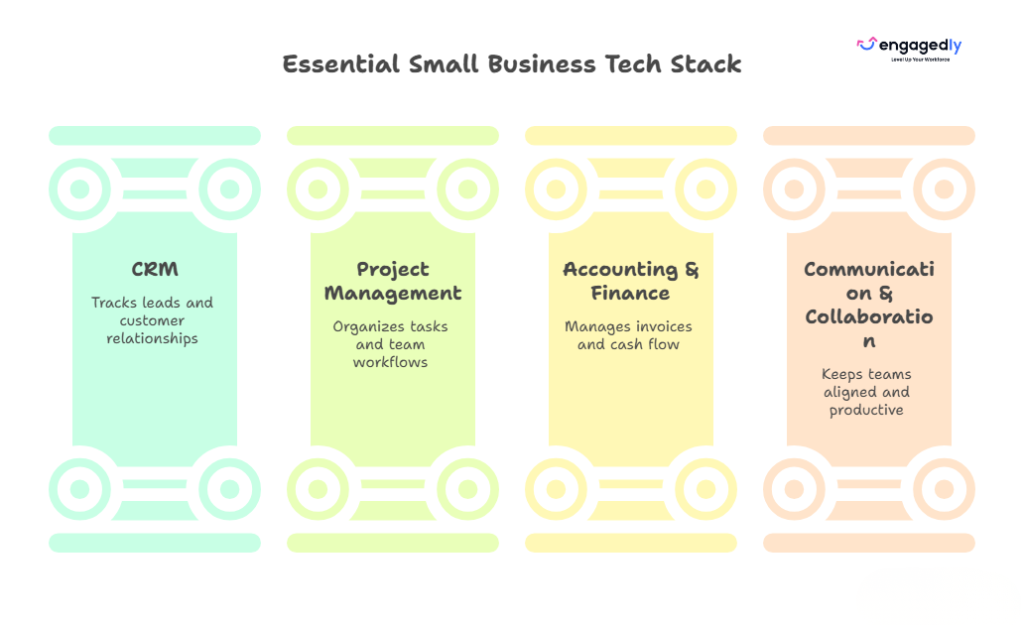
Most small businesses benefit from four core software categories:
CRM software to manage leads and customers Accounting software to track finances and invoicing Project management software to organize work Communication and collaboration tools to keep teams aligned Additional tools can be added as the business grows and operational needs become more complex.
Are free small business tools good enough?
Yes, many free tools are powerful enough for startups and early-stage businesses. Platforms like HubSpot CRM, Wave, Trello, and Mailchimp offer free plans that support essential business operations. However, growing companies often upgrade to paid plans when they need more users, automation, reporting, integrations, or advanced security features.
How many software tools should a small business use?
Most small businesses operate effectively with between five and eight core tools. The goal is not to use as many tools as possible but to create a connected software stack that solves business problems without creating unnecessary complexity.
What is the best project management software for small businesses?
The best project management software depends on team needs. Trello works well for simple task tracking, ClickUp offers advanced project management and collaboration features, and ProofHub is a strong option for teams looking for flat-rate pricing without per-user costs.
Gabby Davis is the Lead Trainer for the US Division of the Customer Experience Team. She develops and implements processes and collaterals related to the client onboarding experience and guides clients across all tiers through the initial implementation of Engagedly as well as Mentoring Complete. She is passionate about delivering stellar client experiences and ensuring high adoption rates of the Engagedly product through engaging and impactful training and onboarding.


















 Innovative