In manufacturing, a training gap can stop work. A forklift operator whose certification has expired may be unable to use the equipment. A new machine or production process can mean retraining an entire shift before it starts. When an auditor asks for proof of training, HR and safety teams need records they can find and trust.
A standard corporate learning platform may struggle with those demands. The right learning management system for manufacturing should make training accessible to frontline employees, assign courses by role, track certifications and renewal dates, and keep records organized across plants and shifts.
It also needs to work for both the production worker completing training on a shared tablet and the HR team checking compliance across thousands of employees.
In this guide, we compare 12 learning management systems for manufacturing employee and compliance training, looking at frontline access, course assignments, certification tracking, reporting, integrations, and pricing
Best Manufacturing LMS Platforms at a Glance
LMS
Best for
Mobile/offline learning
Certification & compliance
Pricing
Engagedly
Connecting learning with skills and performance
Mobile-first
Strong
Custom
Cornerstone Learning
Enterprise compliance training
Offline mobile
Very strong
Custom
Docebo
Employees, contractors, and partner training
Offline mobile
Strong
Custom
Absorb LMS
Mid-size and enterprise manufacturers
Offline mobile
Strong
Custom
Litmos
Fast compliance training rollout
Mobile
Strong
Custom
SAP SuccessFactors Learning
Manufacturers already using SAP
Mobile support
Very strong
Custom
TalentLMS
Small and mid-size manufacturers
Mobile
Moderate
From $119/month
iSpring LMS
Creating plant-specific training internally
Offline mobile
Strong
From about $6.91/user/month at 100 users
360Learning
Collaborative knowledge sharing
Mobile
Moderate
From $8/user/month
Intertek Alchemy
Food, beverage, and CPG manufacturing
Frontline-focused
Very strong
Custom
Vector Solutions
EHS and safety training
Mobile
Strong
Custom
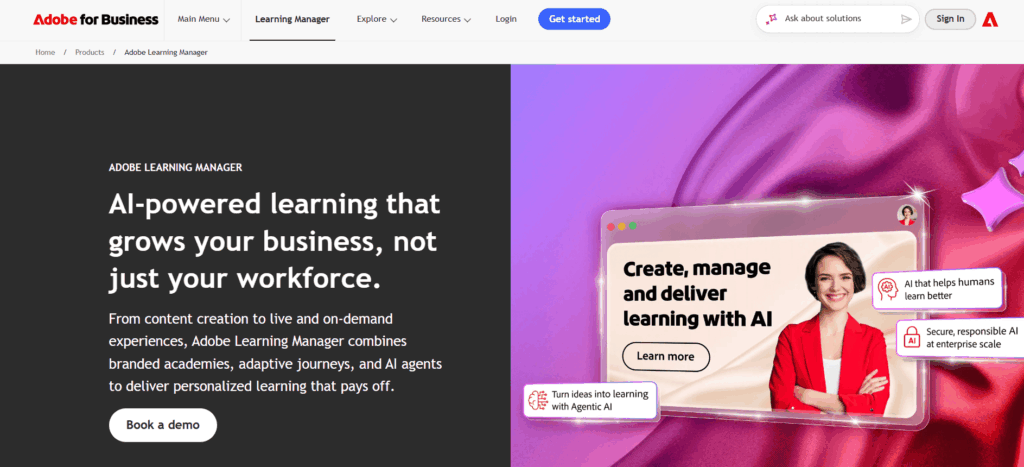
Adobe Learning Manager
Dealer, partner, and customer training
Offline mobile
Strong
Custom
What Is a Manufacturing LMS?
A manufacturing learning management system (LMS) is software used to deliver, track, and document employee training across plants, production facilities, warehouses, and corporate teams.
Unlike a general-purpose LMS, manufacturing LMS software often needs to support:
Frontline and deskless workers
Mobile or shared-device learning
Offline training in low-connectivity areas
Safety and compliance training
Certification and license tracking
Automatic retraining and renewal reminders
Skills and competency management
Multilingual learning
SOP and equipment training
Audit-ready training records
Multiple plants, shifts, and locations
The right platform should make it easier to answer a simple but critical question:
Is every employee on this shift properly trained and qualified to do their job?
How We Evaluated Manufacturing LMS Platforms
Manufacturers should evaluate learning systems differently from companies with primarily desk-based employees.
For this list, the most important capabilities include:
1. Frontline accessibility
Workers should be able to access training from smartphones, tablets, kiosks, or shared devices without needing to sit at a computer.
2. Compliance management
The LMS should track required courses, completions, certification dates, renewals, and overdue training.
3. Offline learning
Factories, warehouses, and remote sites do not always have reliable connectivity. Offline course access can therefore be important.
4. Skills management
Training becomes more valuable when manufacturers can connect courses with employee skills, competency gaps, job requirements, and career development.
5. Audit-ready reporting
Manufacturers should be able to quickly retrieve an employee’s training history, certification status, and course completion records.
6. Multilingual support
Manufacturing workforces are often multilingual, making translated learning content and accessible delivery important.
7. Multi-site scalability
The LMS should support different locations, departments, roles, shifts, and training requirements without creating excessive administrative work.
Best Learning Management Systems for Manufacturing
1. Engagedly
Best for: Manufacturers that want learning connected with skills, performance, goals, and employee development
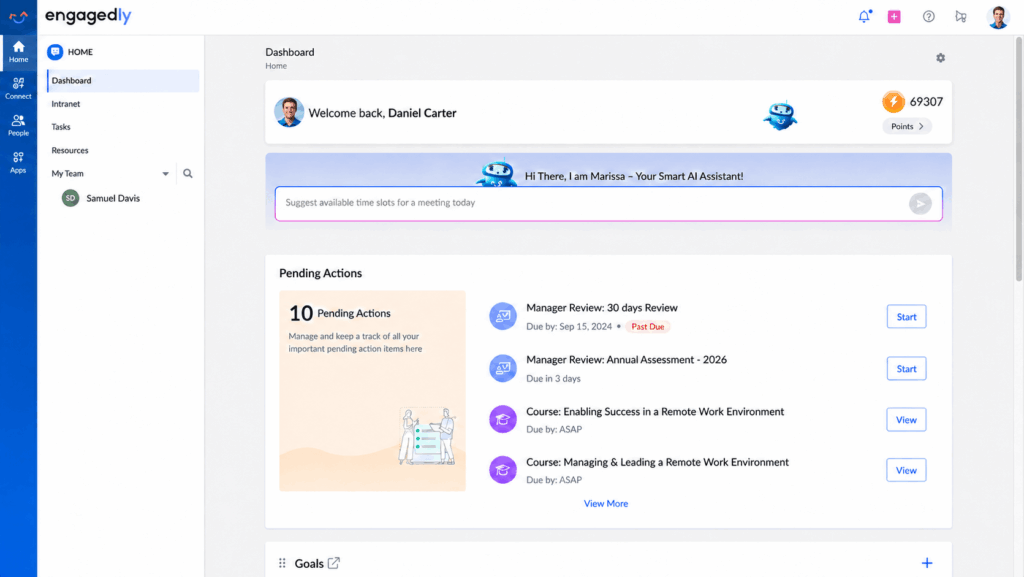
Engagedly, an Energage company, is an AI talent management platform powered by insights from the Top Workplaces Institute. It connects performance, engagement, learning, growth, recognition, goals, skills, mentoring, and internal mobility in one unified experience.
That is particularly useful in manufacturing because training rarely exists in isolation.
For example, a quality issue may reveal a skill gap. A performance review may identify development needs. An operator preparing for a supervisory position may need to complete a specific learning path.
Instead of managing these activities across separate systems, Engagedly helps organizations connect learning with employee development and performance. Powered by Marissa, its AI SuperAgent, Engagedly helps leaders turn people strategy into intelligent actions, reduce talent silos, and drive measurable business outcomes.
The biggest advantage is the connection between learning, skills, and performance.
Instead of measuring only whether somebody completed a course, manufacturers can use learning as part of a larger employee development process.
For example:
Skill gap identified → training assigned → course completed → skill profile updated → development progress reviewed
This can be especially valuable for manufacturers dealing with skills shortages, frontline development, supervisor pipelines, and succession planning.
Potential limitations
Organizations looking only for a simple standalone LMS may not need the broader talent platform.
Specialized compliance content libraries may not be as extensive as dedicated safety-training providers.
Pricing is customized rather than publicly listed.
Pricing
Engagedly uses quote-based pricing depending on employee count and selected modules.
Best fit: Mid-size and enterprise manufacturers that want to connect training with performance, skills, engagement, and career development.
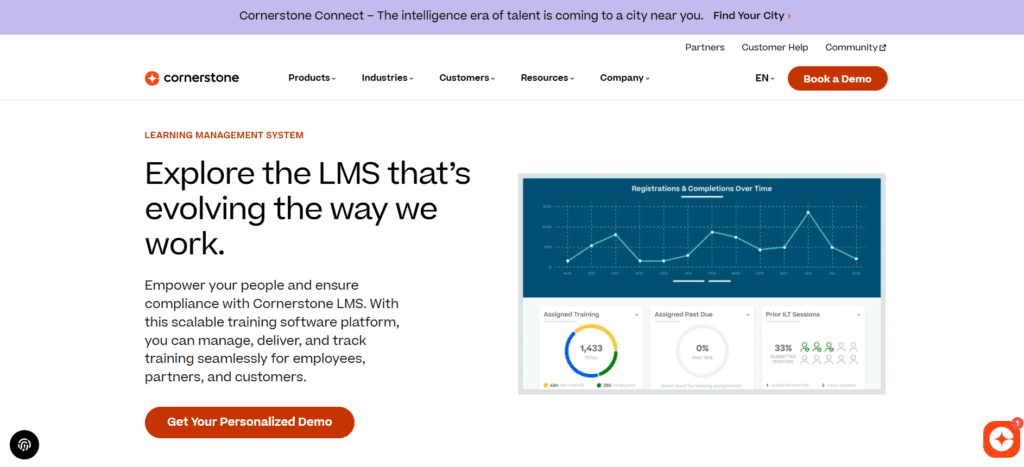
2. Cornerstone Learning
Best for: Large manufacturers with complex compliance requirements
Cornerstone Learning is an enterprise learning platform suited to organizations managing large workforces, multiple locations, certifications, regulatory training, and extensive learning catalogs.
Its strength for manufacturers is the depth of its learning administration and compliance capabilities.
Key features
Certification and renewal management
Compliance training
Automated learning assignments
Mobile learning
Offline learning capabilities
Instructor-led training management
Skills management
Learning recommendations
Multilingual learning
Detailed reporting
Enterprise integrations
Why manufacturers may consider it
Cornerstone is particularly relevant when training requirements vary by job role, location, certification, or regulatory requirement.
Administrators can create structured learning assignments and track completion across large employee populations.
Potential limitations
Implementation can be more complex than smaller LMS platforms.
Enterprise functionality can require more administrative resources.
Pricing is not publicly available.
Best fit: Large and highly regulated manufacturers with significant compliance and certification requirements.
3. Docebo
Best for: Manufacturers training employees, contractors, dealers, and distributors
Manufacturing training often extends beyond direct employees.
Contractors may require safety training before entering a facility. Dealers may need product education. Distributors and service partners may require technical certification.
Docebo is particularly strong when manufacturers need to manage several learner audiences through one platform.
Key features
Employee and extended-enterprise learning
Separate learning experiences for different audiences
AI-powered learning recommendations
Learning paths
Automated enrollment
Mobile learning
Offline content
Certificates
Social learning
Reporting and dashboards
API and integrations
Docebo’s mobile application supports downloading certain courses and training materials for offline use and synchronizing activity when connectivity returns.
Why manufacturers may consider it
Its extended-enterprise capabilities make it useful for organizations that need to train people both inside and outside the company.
Potential limitations
May be more platform than a smaller manufacturer requires.
Advanced configuration can increase implementation complexity.
Pricing is quote-based.
Best fit: Manufacturers with significant contractor, distributor, dealer, or partner training requirements.
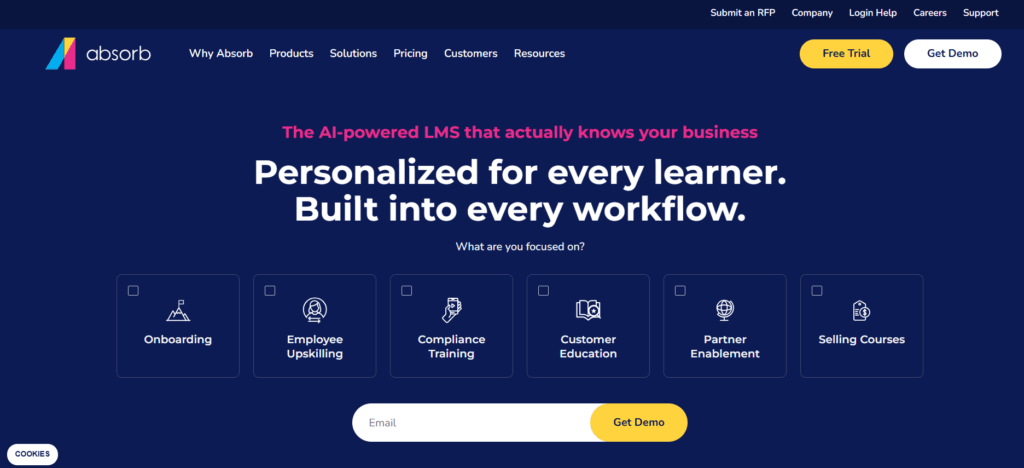
4. Absorb LMS
Best for: Manufacturers looking for strong LMS functionality with relatively simple administration
Absorb LMS is an enterprise learning management platform focused on making course administration, automation, and reporting manageable for L&D teams.
That can be useful for manufacturers where a small training team supports employees across several facilities.
Key features
Automated enrollment
Certification management
Mobile learning
Offline mobile capabilities
Course authoring
Learning paths
Observation checklists
Multi-audience portals
Scheduled reporting
Integrations
Manufacturing use case
A manufacturer can automatically assign different learning programs based on factors such as:
Job role
Department
Plant
Location
Employee status
This reduces the need for HR or L&D teams to manually enroll workers every time training requirements change.
Potential limitations
Pricing is not publicly listed.
Some additional content and capabilities may require separate packages.
Very complex regulatory environments may require more specialized solutions.
Best fit: Mid-size and enterprise manufacturers that want capable learning automation without excessive administration.
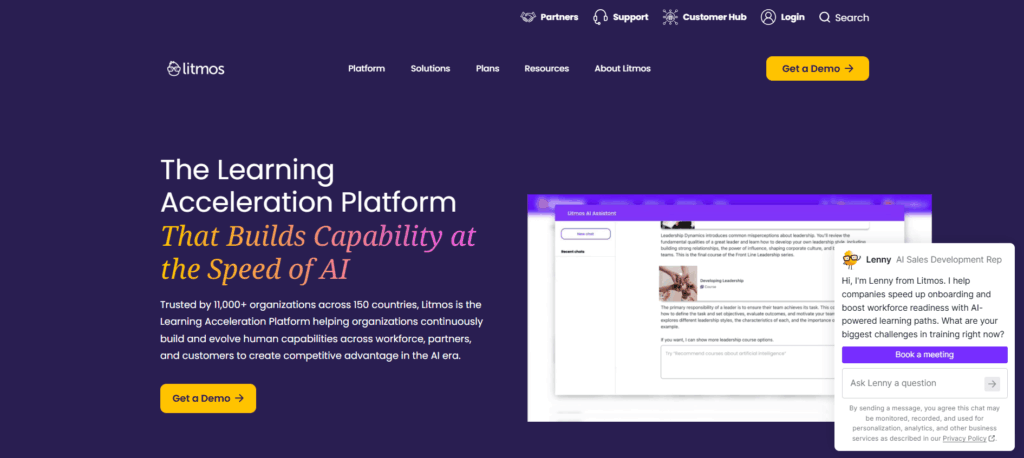
5. Litmos
Best for: Manufacturers that want to launch compliance training quickly
Litmos combines an LMS with optional ready-made training content, making it attractive to companies that do not want to build every course internally.
Manufacturers can use the platform for employee onboarding, compliance training, safety education, skills development, and partner training.
Key features
Course management
Built-in course authoring
Automated learning assignments
Certification management
Mobile learning
Compliance capabilities
AI-assisted functionality on higher plans
Reporting
Optional learning content
Why manufacturers may consider it
Organizations with an immediate training requirement can use existing content for common subjects while developing plant-specific training separately.
Potential limitations
Generic compliance courses still need to be supplemented with plant-specific procedures and hazards.
Pricing is available only by request.
Manufacturers requiring highly specialized qualification management may need a more specialized platform.
Pricing
Litmos currently offers Foundation, Platinum, and Platinum AI plans, with pricing available by request.
Best fit: Manufacturers that need to deploy structured employee or compliance training relatively quickly.
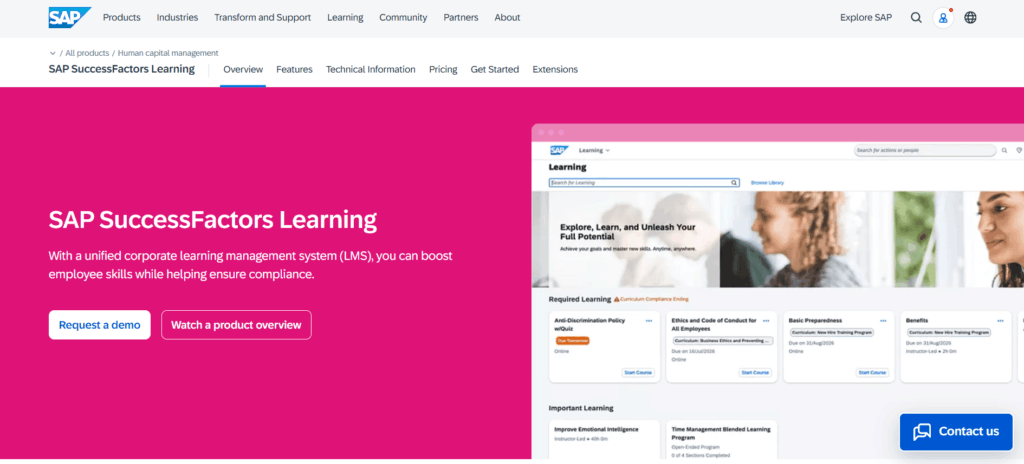
6. SAP SuccessFactors Learning
Best for: Large manufacturers already using SAP
For manufacturers already operating SAP across HR or enterprise systems, SAP SuccessFactors Learning can offer a natural extension of the existing technology environment.
The platform supports structured enterprise learning, qualification management, assignments, instructor-led training, and compliance documentation.
Key features
Learning and curriculum management
Qualification tracking
Recurring training
Instructor-led learning
Learning assignments
Compliance reporting
Localization
Integration with SAP’s wider HR ecosystem
Competency-based learning
Why manufacturers may consider it
The strongest reason is ecosystem integration.
Employee records, roles, organizational structures, and learning requirements can operate within the broader SAP environment instead of being synchronized with an entirely separate LMS.
Potential limitations
Implementation can be complex.
It may require implementation or consulting support.
Smaller manufacturers may find the platform unnecessarily extensive.
Best fit: Large manufacturers already standardized on SAP infrastructure.
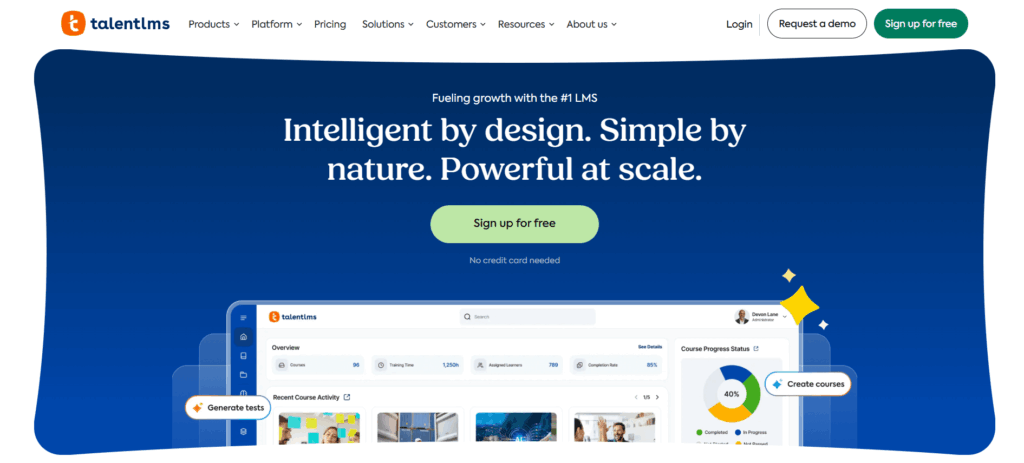
7. TalentLMS
Best for: Small and mid-size manufacturers wanting a straightforward LMS
TalentLMS offers a simpler entry point than many enterprise learning systems.
Manufacturers can create courses, divide learners into branches, automate assignments, issue certifications, and track basic training activity without deploying a complex enterprise platform.
Key features
Course creation
Training automation
Branches for plants or departments
Certifications
Mobile learning
Gamification
AI-assisted content tools
Skills functionality
Optional course library
Integrations
Pricing
Current published pricing includes:
Core: from $119/month for up to 40 users
Pro: from $449/month for up to 100 users
Enterprise: custom pricing
Free: up to 5 users
Annual plans receive a discount compared with monthly billing.
Potential limitations
Reporting may be less sophisticated than enterprise compliance platforms.
It may not suit manufacturers with highly complex qualification requirements.
Larger multi-site deployments may need higher-tier plans.
Best fit: Small factories and mid-size manufacturers that want to get digital training running without a lengthy implementation.
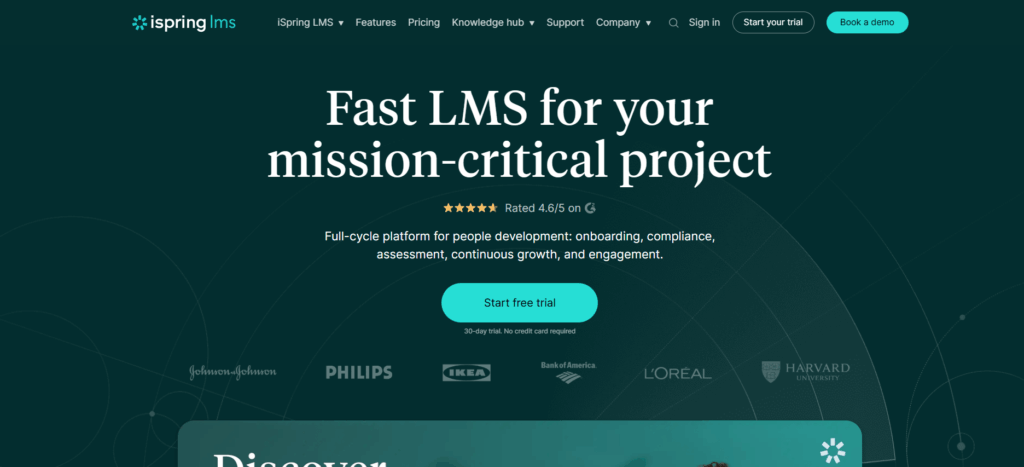
8. iSpring LMS
Best for: Manufacturers creating their own SOP, equipment, and process training
Formerly known as iSpring Learn, iSpring LMS is especially useful for organizations that already create training material in PowerPoint.
Its authoring environment can help safety managers, trainers, engineers, and subject-matter experts turn existing presentations into interactive online courses.
Key features
LMS and training management
PowerPoint-based iSpring Suite authoring
Mobile apps
Offline learning
Automated training assignments
Certifications
On-the-job training
Role-play simulations
360-degree feedback
Reporting and analytics
API integrations
Why manufacturers may consider it
Manufacturers often already have valuable training material scattered across:
PowerPoint presentations
SOP documents
Equipment instructions
Safety presentations
Process diagrams
Videos
iSpring can make it easier to turn those materials into trackable training.
Pricing
Published US pricing currently starts around:
100 users: $6.91 per user/month
300 users: $4.46 per user/month
500 users: $3.97 per user/month
Pricing is billed annually, with enterprise options available.
Potential limitations
Complex enterprise compliance requirements may require deeper specialist functionality.
Its biggest advantage is training creation and delivery rather than full talent management.
Best fit: Manufacturers that need to build a large amount of plant-specific digital training internally.
9. 360Learning
Best for: Capturing knowledge from experienced employees
One of manufacturing’s biggest workforce challenges is knowledge loss.
Experienced technicians, engineers, supervisors, and operators may have years of practical knowledge that was never formally documented.
360Learning’s collaborative learning model is designed to let internal subject-matter experts help create training content.
Key features
Collaborative course authoring
AI-assisted authoring
Expert-generated training
Review and approval workflows
Learning paths
Skills-based learning
Mobile access
Learner feedback
Analytics
Enterprise integrations
Why manufacturers may consider it
Instead of relying entirely on L&D teams to produce courses, subject-matter experts can contribute directly.
That can help manufacturers document:
Machine operation knowledge
Troubleshooting techniques
Maintenance procedures
Quality practices
Production workflows
Supervisor knowledge
before experienced employees retire or move roles.
Pricing
360Learning’s Team plan is currently listed at $8 per user per month for up to 100 users.
Business and Enterprise pricing is customized.
Potential limitations
Collaborative learning requires active participation from internal experts.
Manufacturers primarily concerned with regulatory compliance may prefer a more compliance-focused platform.
Offline capabilities should be evaluated against specific plant requirements.
Best fit: Manufacturers focused on knowledge transfer, upskilling, and employee-generated learning.
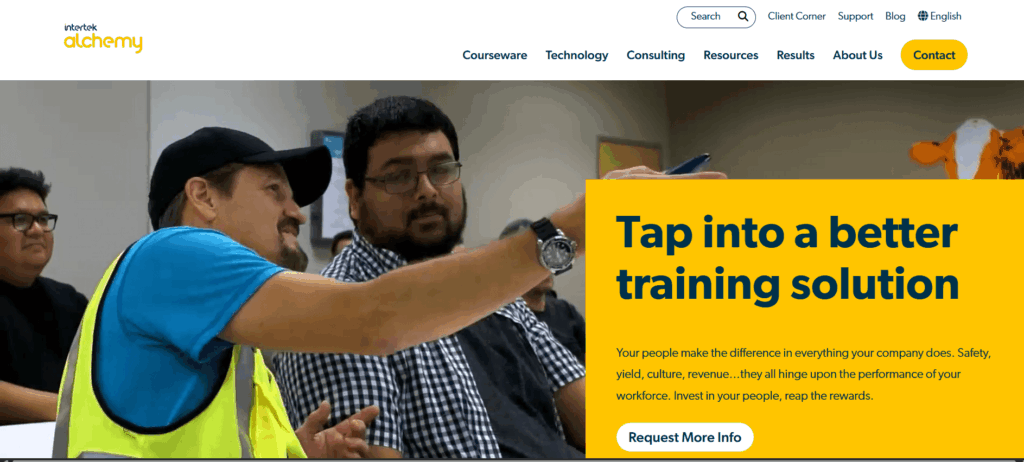
10. Intertek Alchemy
Best for: Food, beverage, and consumer packaged goods manufacturing
Intertek Alchemy differs from many general corporate LMS platforms because it is designed heavily around frontline industrial training.
Its approach is particularly relevant to food manufacturing environments where training often happens in groups, during shifts, and directly on the production floor.
Key features
Frontline training
Group training
Food safety education
GMP training
HACCP-related training
Workplace safety content
Multilingual learning
Employee training records
Coaching
On-the-job verification
Audit-focused reporting
Why manufacturers may consider it
The system is built around environments where employees may not spend their workday using computers.
Its training delivery model can therefore fit naturally into plant-floor operations.
Potential limitations
The platform is more specialized than a general talent or learning suite.
Its content focus is particularly strong in food and CPG.
Companies may still require a separate system for broader employee development.
Best fit: Food, beverage, and CPG manufacturers with significant frontline compliance requirements.
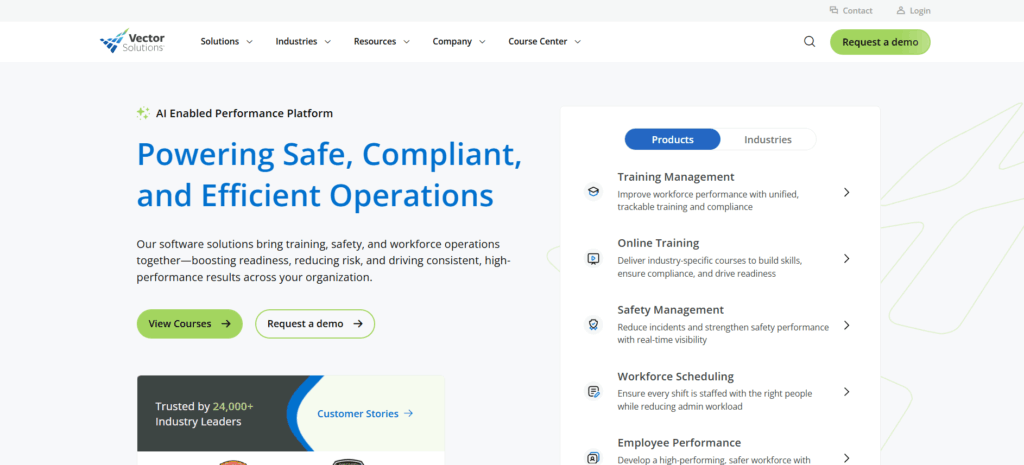
11. Vector Solutions
Best for: Manufacturers where EHS and safety training are the primary requirements
Vector Solutions approaches workforce learning largely from a safety and compliance perspective.
Manufacturers can use it for industrial safety training, environmental health and safety education, qualification management, and employee compliance programs.
Key features
Industrial safety courses
EHS training
OSHA-related training content
Qualification and certification tracking
Mobile learning
Course authoring
Compliance dashboards
Reporting
EHS integrations
Why manufacturers may consider it
For organizations where the LMS purchase is primarily driven by safety requirements rather than broader employee development, a specialized EHS-oriented platform can be more appropriate than a general LMS.
Potential limitations
Broader leadership and career development capabilities may be less extensive.
It may need to operate alongside other HR or talent systems.
Pricing is not publicly available.
Best fit: Manufacturers whose training programs are primarily driven by safety, EHS, and regulatory requirements.
12. Adobe Learning Manager
Best for: Manufacturers training dealers, service partners, and customers
Adobe Learning Manager is an enterprise LMS suited to both employee learning and external training programs.
For manufacturers, it can be particularly useful when product or technical training needs to extend to dealer networks, service partners, distributors, or customers.
Key features
Employee and external learning
Branded learning experiences
Mobile applications
Offline course access
Learning programs
Certifications
Gamification
Social learning
AI-powered recommendations
Adobe ecosystem integrations
Adobe’s current documentation confirms that learners can download courses in its mobile application, complete them offline, and synchronize activity once connectivity returns.
Why manufacturers may consider it
Manufacturers can create separate learning experiences for different audiences while maintaining a centralized learning infrastructure.
Potential limitations
May be excessive for organizations training only internal employees.
Administration can require more setup than smaller LMS platforms.
Pricing is quote-based.
Best fit: Manufacturers with significant dealer, service partner, distributor, or customer certification programs.
Which Manufacturing LMS Is Right for Your Organization?
There is no single LMS that fits every manufacturing company.
The right choice depends on what problem you are trying to solve.
Your priority
Platforms to consider
Connect training with performance and skills
Engagedly
Complex enterprise compliance
Cornerstone, SAP SuccessFactors
Frontline food manufacturing training
Intertek Alchemy
Safety and EHS training
Vector Solutions
Contractors, distributors, and partners
Docebo
Easy administration
Absorb LMS
Quick compliance rollout
Litmos
Small or mid-size manufacturing
TalentLMS
Create plant-specific courses internally
iSpring LMS
Capture experienced-worker knowledge
360Learning
Dealer and customer training
Adobe Learning Manager
What Features Should a Manufacturing LMS Have?
Before selecting manufacturing training software, look for these capabilities.
Mobile learning for frontline workers
Employees should be able to complete training from phones, tablets, kiosks, or other accessible devices.
Offline learning
For low-connectivity areas, workers should be able to download eligible content and synchronize training records later.
Certification tracking
The LMS should record certification dates, expirations, renewals, and required retraining.
Automated compliance training
Courses should be automatically assigned based on role, department, location, or certification status wherever possible.
Skills and competency management
Manufacturers should be able to identify workforce skill gaps and connect them with relevant learning programs.
Multilingual learning
Training should be accessible in languages employees can comfortably understand.
Audit-ready reporting
Administrators should be able to retrieve accurate completion and training history quickly.
SOP and process training
The LMS should make it easy to distribute updated process documentation and verify that affected employees complete the required learning.
On-the-job learning
Manufacturing skills often need to be demonstrated, not simply learned through online courses. Look for checklists, observations, assessments, or supervisor verification where necessary.
Multi-site management
Manufacturers with multiple plants should be able to assign different training requirements by location while maintaining centralized reporting.
Questions to Ask During a Manufacturing LMS Demo
Don’t evaluate a manufacturing LMS based only on the vendor’s feature presentation.
Ask them to demonstrate your actual frontline workflow.
Can employees without company email addresses access training?
Can employees complete courses on shared tablets or kiosks?
What happens when a plant has limited or no internet connectivity?
Can certifications automatically expire and trigger retraining?
Can different plants have different learning requirements?
Can training be automatically assigned based on job role?
How does the system handle multilingual employees?
Can supervisors see compliance status for their teams?
Can we retrieve one employee’s complete training history quickly?
Can managers verify hands-on competency or practical training?
Can we upload our own SOPs, videos, and equipment training?
Can training requirements connect with employee skills and development plans?
A useful test is to ask the vendor to demonstrate your hardest frontline training scenario rather than its easiest course.
For example:
“Show us how a night-shift maintenance employee with limited connectivity would complete mandatory training, have the completion recorded, and automatically receive retraining when the certification expires.”
That reveals much more than a standard product demo.
Manufacturing LMS FAQs
What is the best LMS for manufacturing?
The best manufacturing LMS depends on the organization’s requirements. Engagedly is suited to manufacturers that want to connect learning with skills, performance, and employee development. Cornerstone and SAP SuccessFactors are better suited to complex enterprise compliance environments, while TalentLMS and iSpring LMS offer simpler options for small and mid-size organizations.
What makes an LMS suitable for manufacturing?
A manufacturing LMS should support frontline workers, mobile learning, compliance training, certification tracking, skills management, audit-ready reporting, multilingual learning, and multi-site administration. Offline access can also be important for facilities with unreliable connectivity.
Can an LMS help with manufacturing compliance training?
Yes. An LMS can assign required training, record completion dates, track certifications, automate reminders, and maintain employee training histories. These capabilities make compliance administration and audit preparation easier. However, an LMS does not replace the need for training content and procedures that meet the applicable regulatory and workplace requirements.
Can manufacturing employees use an LMS without a company computer?
Yes. Many modern learning systems support smartphones, tablets, shared devices, or kiosks. Manufacturers should confirm authentication requirements because some platforms may still expect individual email addresses or user accounts.
Can workers complete LMS training offline?
Some LMS platforms allow workers to download supported training content to a mobile application, complete it offline, and synchronize progress when internet connectivity returns. Offline functionality varies significantly by vendor and content type, so it should be tested before purchasing.
Can an LMS track employee certifications?
Yes. Many manufacturing LMS platforms can record certification completion dates and expiration dates and automatically notify employees or administrators when renewal training is required.
How does an LMS help with manufacturing skills gaps?
An LMS can connect required skills with courses, learning paths, assessments, and development programs. More advanced talent platforms can also connect employee skills with performance reviews, career paths, succession planning, and internal mobility.
What is the difference between an LMS and manufacturing training software?
An LMS manages the delivery, administration, and tracking of training. Manufacturing training software may be more specialized and include capabilities such as EHS content, skills verification, equipment qualification, SOP management, or plant-floor training.
Some platforms combine both approaches.
Should manufacturers buy training content or create their own?
Most manufacturers need both. Standard topics such as general workplace safety or compliance may be purchased from established content providers. Plant-specific training should usually be created internally because it depends on your: Equipment Processes SOPs Products Quality standards Facility layout Safety procedures
How much does a manufacturing LMS cost?
Pricing varies substantially. Entry-level platforms may cost a few hundred dollars per month, while many mid-market and enterprise vendors use customized per-user or per-employee pricing. Additional costs may include: Implementation Training content libraries Course authoring tools Integrations Premium support Data migration Customization Manufacturers should compare total implementation and operating cost, not only the advertised LMS subscription price.
How long does it take to implement a manufacturing LMS?
A relatively simple LMS implementation may take a few weeks, while complex enterprise deployments across multiple plants, languages, integrations, and employee groups can take several months. The timeline depends more on organizational complexity than on the LMS alone.
Gabby Davis is the Lead Trainer for the US Division of the Customer Experience Team. She develops and implements processes and collaterals related to the client onboarding experience and guides clients across all tiers through the initial implementation of Engagedly as well as Mentoring Complete. She is passionate about delivering stellar client experiences and ensuring high adoption rates of the Engagedly product through engaging and impactful training and onboarding.



















 Performance