HR is no longer just a support function, it’s now a strategic force driving business success. As workplaces grow more complex, digital, and distributed, traditional HR tools are struggling to keep up. That’s where AI-powered HR software is stepping in to transform how organizations hire, develop, and retain talent.
With 76% of HR professionals warning that companies risk falling behind if they don’t adopt AI, it’s clear this is more than a trend—it’s a business imperative. AI is doing far more than automating admin tasks. It’s helping teams anticipate attrition, personalize employee experiences at scale, and make smarter, faster people decisions.
In this article, we explore 7 leading HR platforms powered by AI that are reshaping the future of workforce management. From hiring and onboarding to performance, learning, and retention—these tools are built to align people strategies with business goals.
Why Must Businesses Invest in Top HR Software Using AI
Today’s workforce is more diverse, digital, and dynamic than ever before. This is why HR leaders require more than manual processes and gut feeling; they need AI-driven agility.
Engagedly brings performance management, employee engagement, and talent development into one AI-powered platform. But no single tool fits every organization. The right choice depends on workforce structure, business priorities, and regional requirements, and platforms differ widely in talent management, integrations, analytics, and scalability.
For a broader comparison, hr.software pairs AI with expert insight and structured buying research to shortlist platforms by company size, location, and use case. Before you compare vendors though, it’s worth understanding why AI has become non-negotiable in HR.
Key benefits of investing in top HR software using AI:
Minimizing Bias in Hiring: AI tools offer skills-based shortlisting, which helps avoid unconscious bias and promotes fairer hiring decisions.
Forecasting Attrition: Predictive analytics for employees at risk of leaving their organizations enables early intervention by HR before valuable talent is lost.
Personalizing Employee Experience at Scale: Onboarding, learning, and engagement journeys are facilitated with AI HR assistants, utilizing customized approaches for each employee, automatically and at scale.
Automating Feedback Loops: AI-powered surveys assess employee input instantly and function in real time, enabling prompt action.
Improving Workforce Planning: AI-based tools help managers and HR leaders to assess future hiring and upskilling needs, internal workforce planning, unbiased work allocation, and productivity enhancement criteria.
Analyzing Employee Sentiments: The modern AI-based feedback and survey systems help leaders assess the pain points of employees and encourage them to take action before the occurrence of disenagement or high attrition.
Enhancing Compliance: Organizations need to stay compliant with certain internal and external policies and regulations. AI-based software helps them abide by such laws, improve audit quality, and prevent penalties or fines.
Planning Career Goals: HR platforms help leaders and employees assess their individual career goals and form learning paths. Such measures fill skill gaps, empower employees, enhance productivity, and boost retention.
7 Top HR Software using AI for Better People-Oriented Strategies
Below is a closer look at the 7 Top HR Software using AI in 2025:
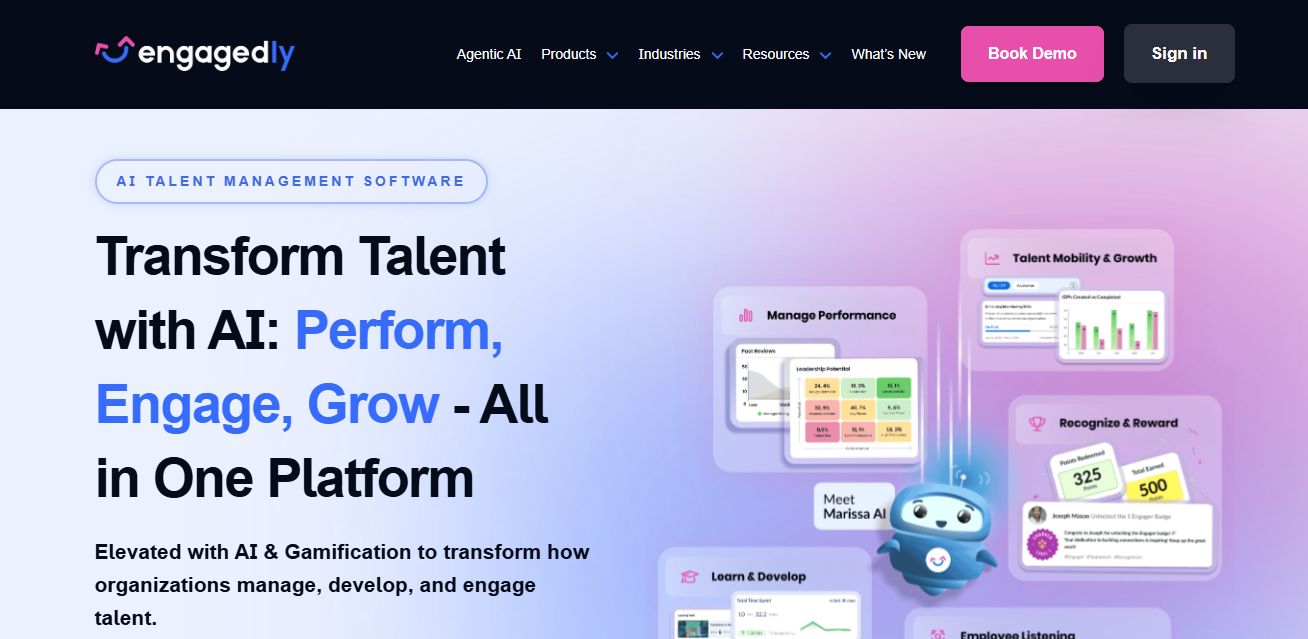
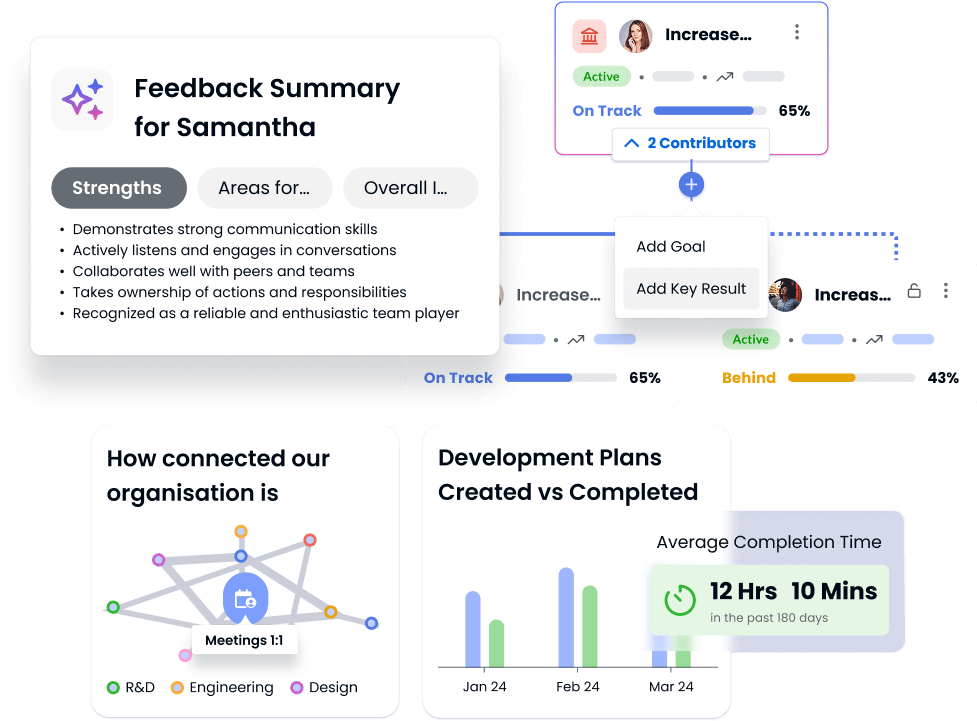
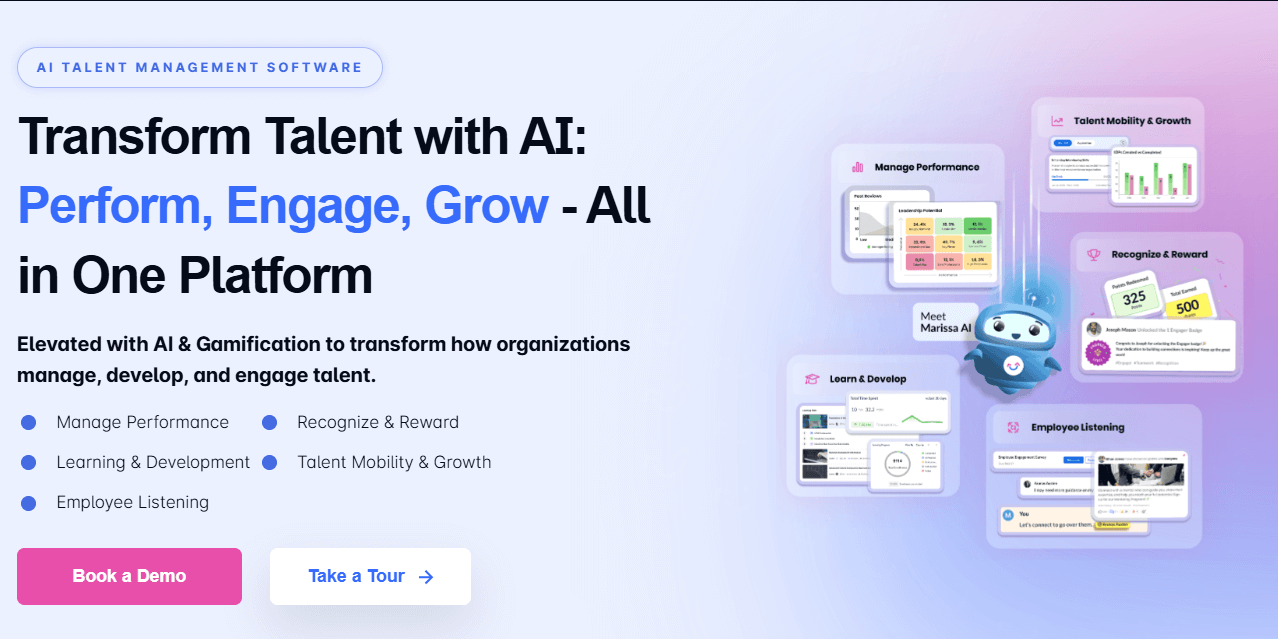
Engagedly is an AI talent enablement platform that brings performance management, OKRs, 360 feedback, engagement, learning, and internal mobility into one system. Following its merger with Energage, it also connects employee listening and workplace culture recognition data to performance outcomes. Its frontline product, EngagedlyFX, extends the same stack to deskless and shift-based teams.
Differentiators: The platform is organized into five AI Talent Suites (Performance, Learning Experience, Recognize & Reward, Engage & Listen, and Talent Mobility) rather than sold as disconnected modules. All of it runs on Marissa™ AI, an agentic AI SuperAgent with API-first access, so HR teams can pull insights into their own systems instead of being locked into one dashboard.
AI Features: Marissa AI writes and refines review content, surfaces performance signals in real time, and flags where managers should step in. Agentic AI handles career pathing and internal mobility, mapping employee skills to open roles, projects, and development paths using live data rather than annual snapshots.
Pros:
Modular enough for fast-growing companies that want to start with one suite and expand
Connects performance, learning, and engagement data instead of treating them separately
Strong fit for HR teams that want proactive intervention signals, not just reporting
Covers both corporate and frontline workforces through EngagedlyFX
Cons:
The breadth can be more than very small teams need
Getting full value takes hands-on onboarding and manager training
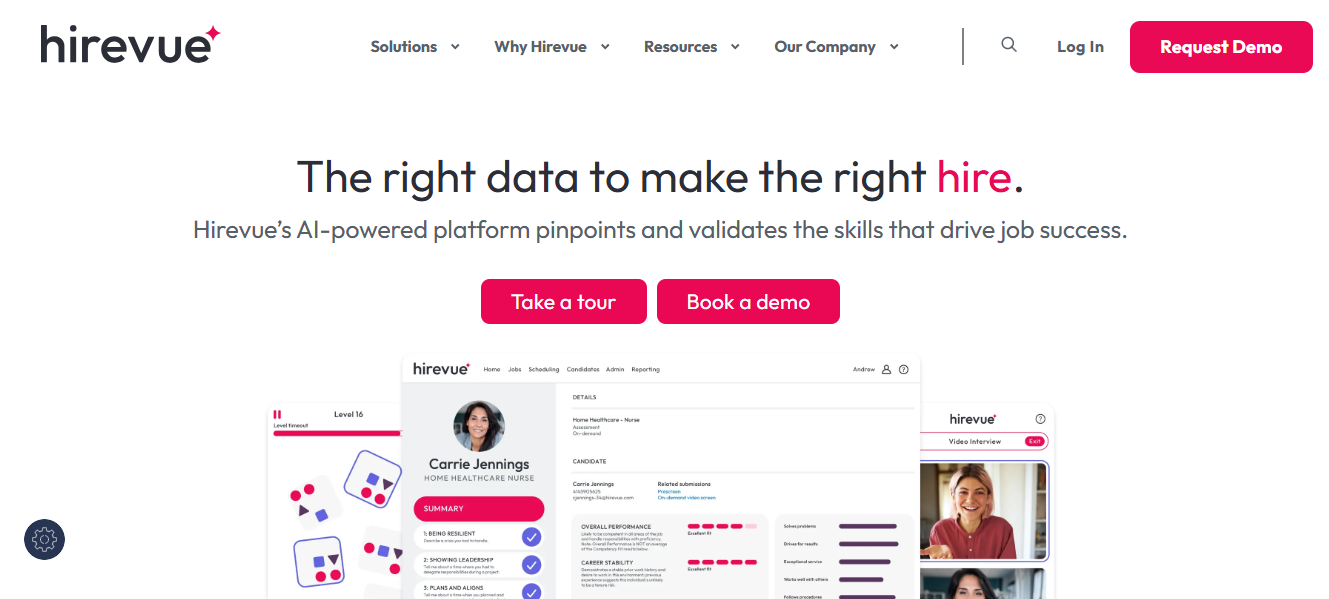
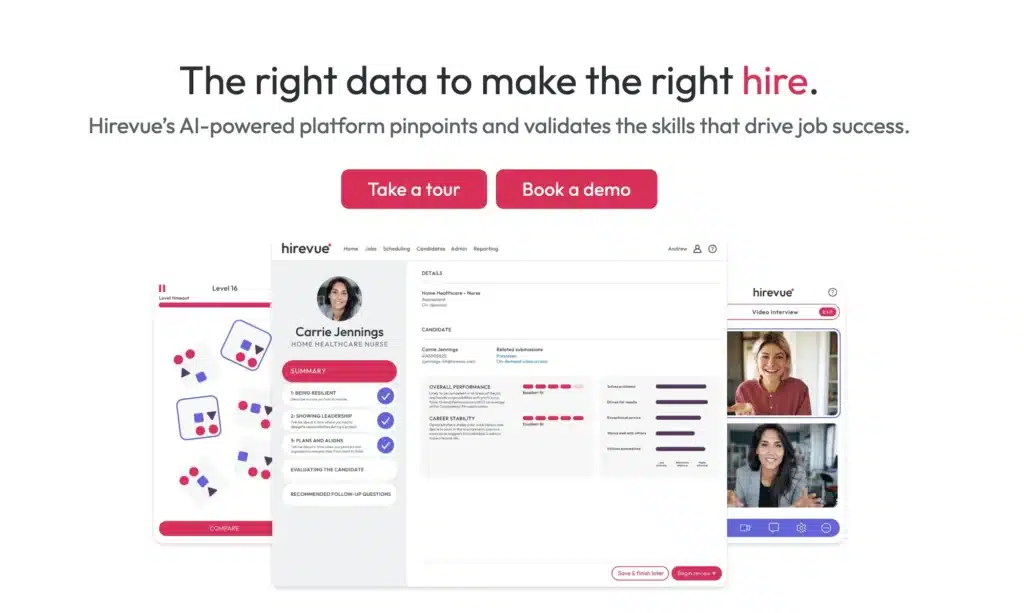
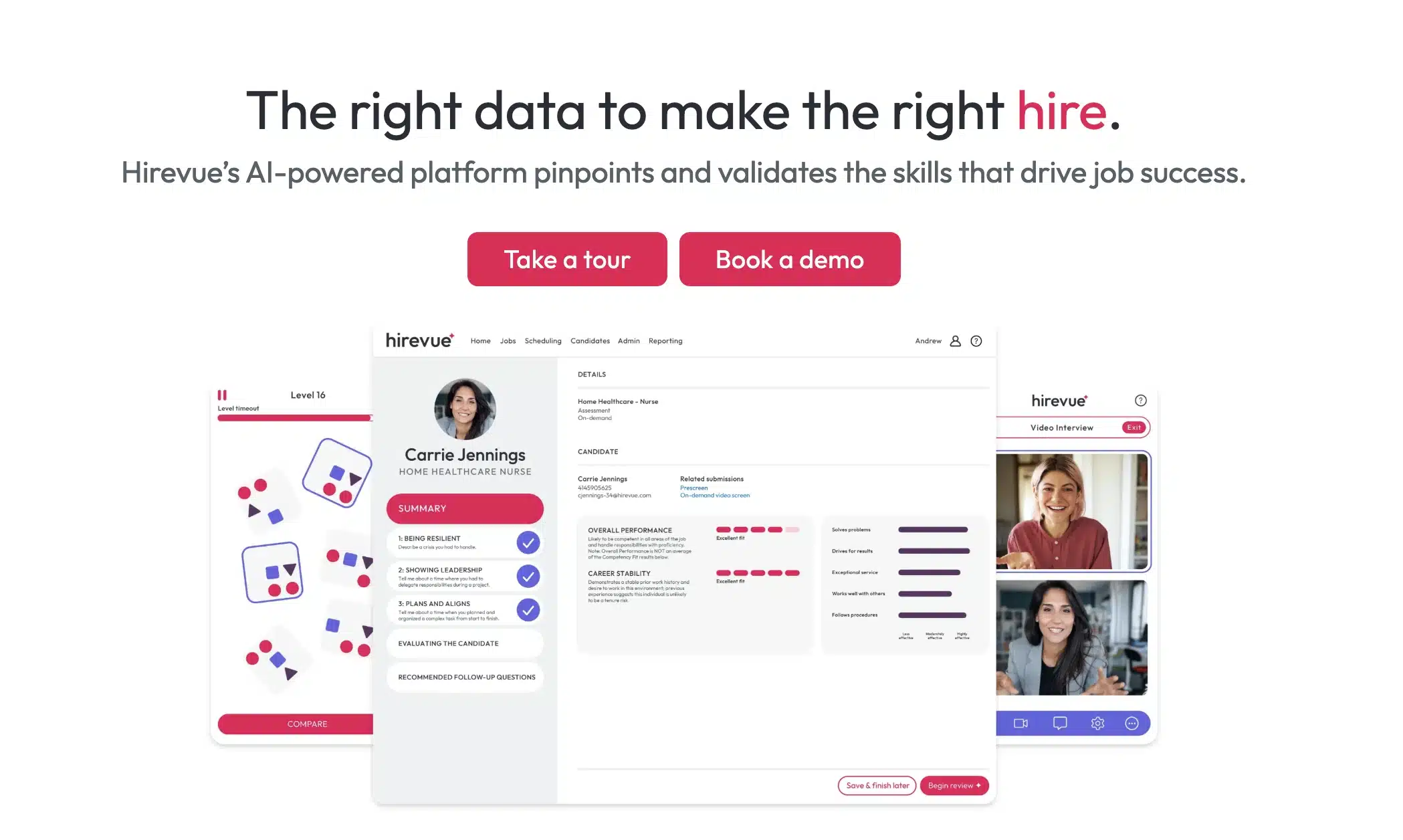
Overview: HireVue is an AI-driven hiring platform that improves candidate evaluation in video-based interviews with data analysis, predictive analytics, and assessment tools.
Differentiators: It leverages AI to analyze video interviews, evaluating verbal, facial, and linguistic cues to determine job performance and cultural fit.
AI Features: It is a recruitment platform that analyses the tone, vocabulary, and expression in recorded interviews, combined with a list of structured questions. It helps make high-volume hiring more consistent.
Pros: Ideal for organizations that hire extensively and conduct thousands of interviews. Slashes through recruiter complexities and makes the hiring process faster and more objective.
Cons: Facial and tonal analysis based on AI can raise ethical concerns when transparency and auditability are lacking. There may be restrictions on customization without enterprise support.
Pricing: Starts around $35 per recruiter per month; custom packages for larger teams.
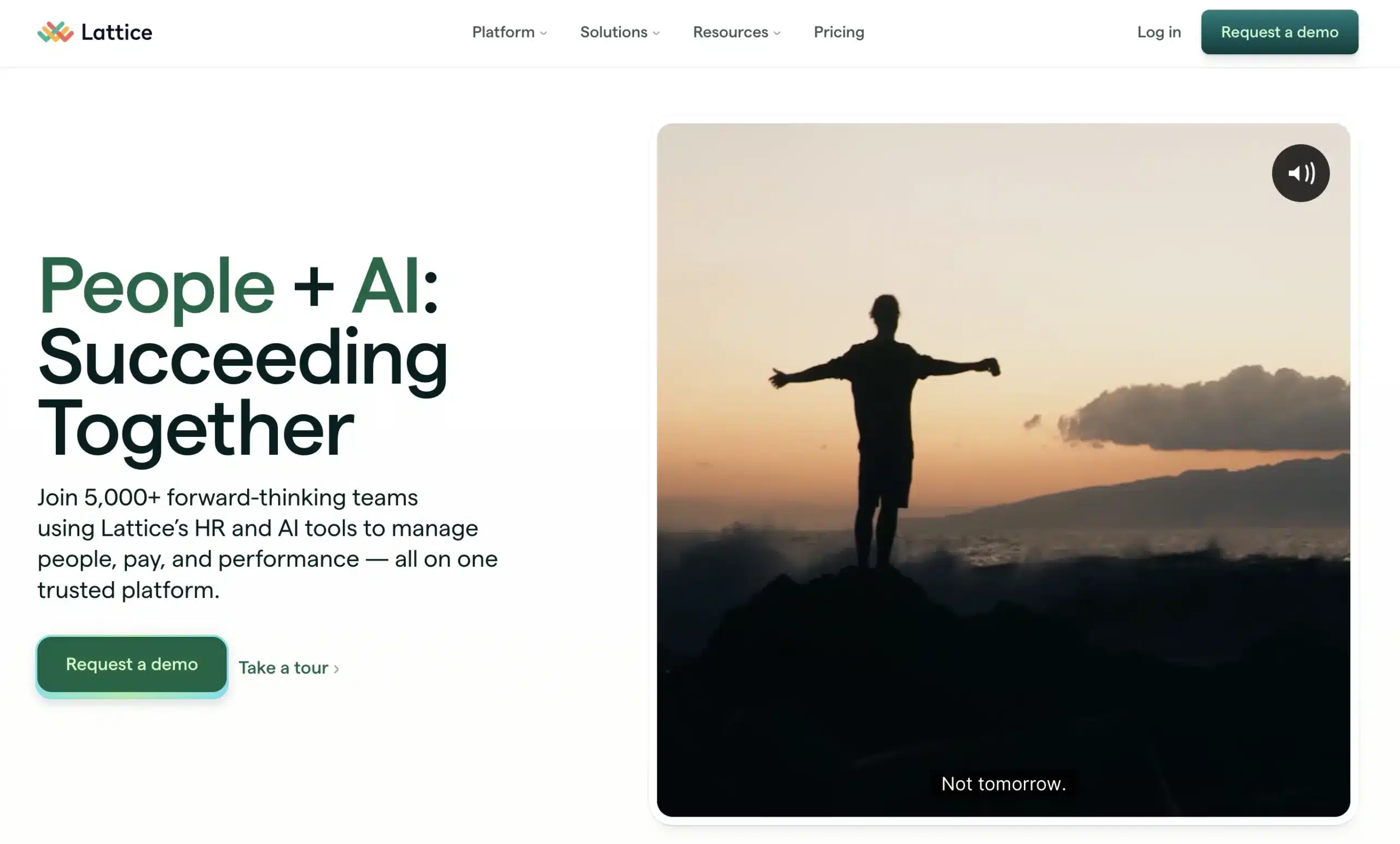
3. Lattice (AI-Powered Performance and Engagement)
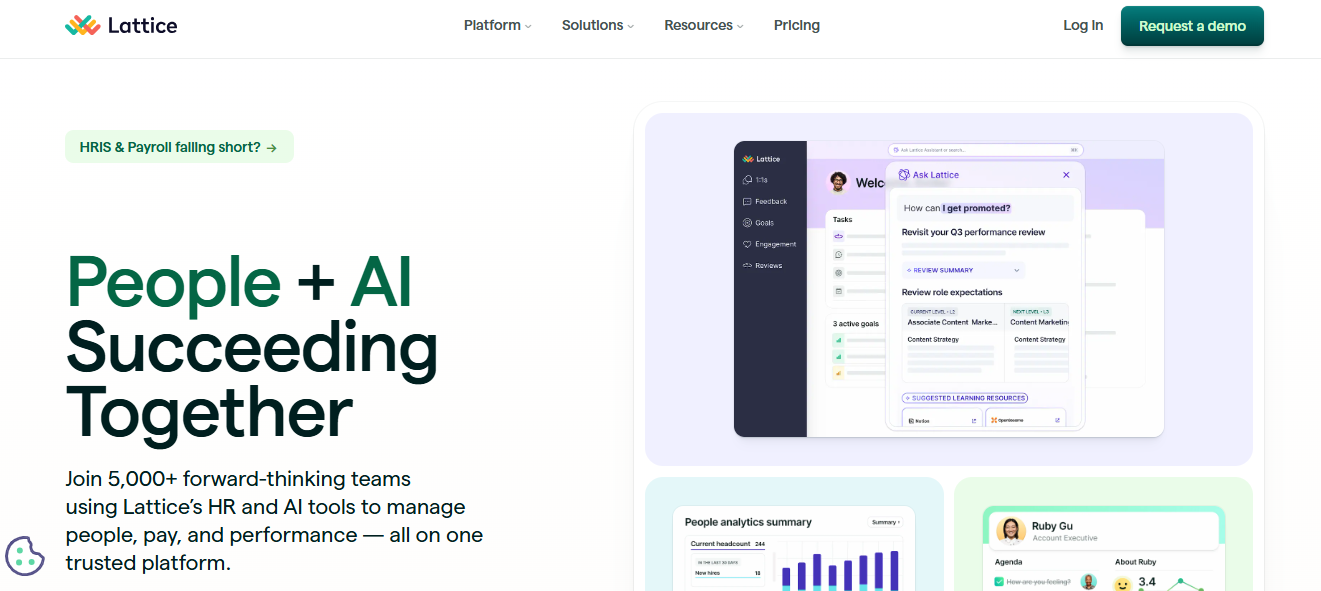
Overview: Lattice is an easy-to-use, performance-first software that allows HR to manage employee development, growth, and engagement feedback.
Differentiators: It incorporates artificial intelligence (AI) into its feedback and pulse survey systems to predict disengagement trends and burnout signs, allowing executives to take appropriate action in advance.
AI Features: Lattice’s analytics derive information from peer feedback and manager reviews. HR departments can detect fluctuations in sentiment and drops in engagement.
Pros: It’s extremely simple to use and loved by all. It’s modularly priced and best for a scaling team. Provides excellent engagement and goal-tracking tools.
Cons: It doesn’t cover hiring or onboarding, so it wouldn’t work well on its own for small HR teams.
Pricing: Begins at $11 per user/month after add-ons.
4. Effy AI (Easy Performance Reviews powered by AI)
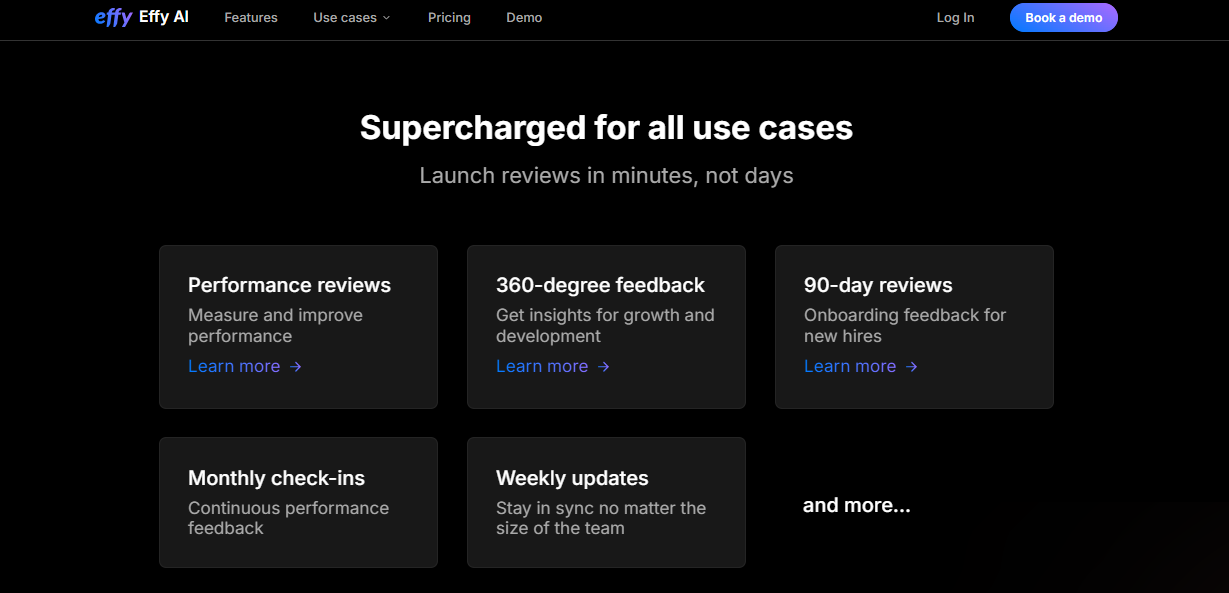
Overview: Effy AI is purpose-built to simplify 360-degree performance and development feedback. It is well-equipped with AI-generated summaries, feedback prompts, and customized report templates.
Differentiators: Its GPT-inspired prompts make it easy for users to create constructive, unbiased feedback, saving them up to 60% of the time they would otherwise waste on reviews.
AI Features: It utilizes AI to sift through written feedback, suggest wording for responses, and compile summarized reviews for each employee to ensure quality and consistency.
Pros: Quick installation and easy to learn. Solid initialization for startups and mid-sized teams in need of thorough reviews without the burden of full HR systems.
Cons: No modules for onboarding, analytics, or L&D; limited in scale and scope; and its integrations are not flexible with other systems.
Pricing: Basic plan is free; paid options start at $4 per user per month.
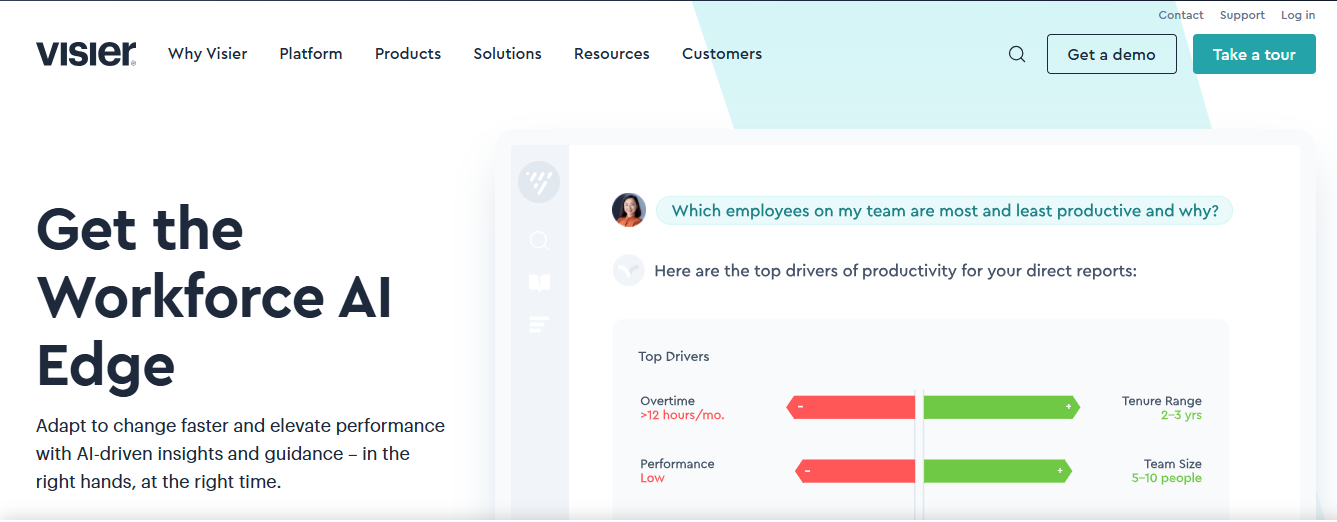
Overview: Visier is a data analytics software that believes that data should be structured, well-understood, and become the focus of everything HR teams do.
Differentiators: It pulls data from multiple sources within HR tech stacks, including ATS, payroll, and LMS. This empowers leaders to build a unified, decision-ready analytics ecosystem.
AI Features: By using predictive modeling and dashboard alerts, its AI identifies workforce trends such as flight risk, pay inequity, and hiring pipeline bottlenecks.
Pros: Ideal for large businesses with sophisticated reporting requirements. Very informative and helps plan for HR’s future.
Cons: A steep learning curve, especially for teams that lack data expertise. Its implementation may need analysts or consultants.
Pricing: Enterprise pricing; contact us for more details and a customized proposal.
6. Eightfold AI (The Talent Intelligence Platform)
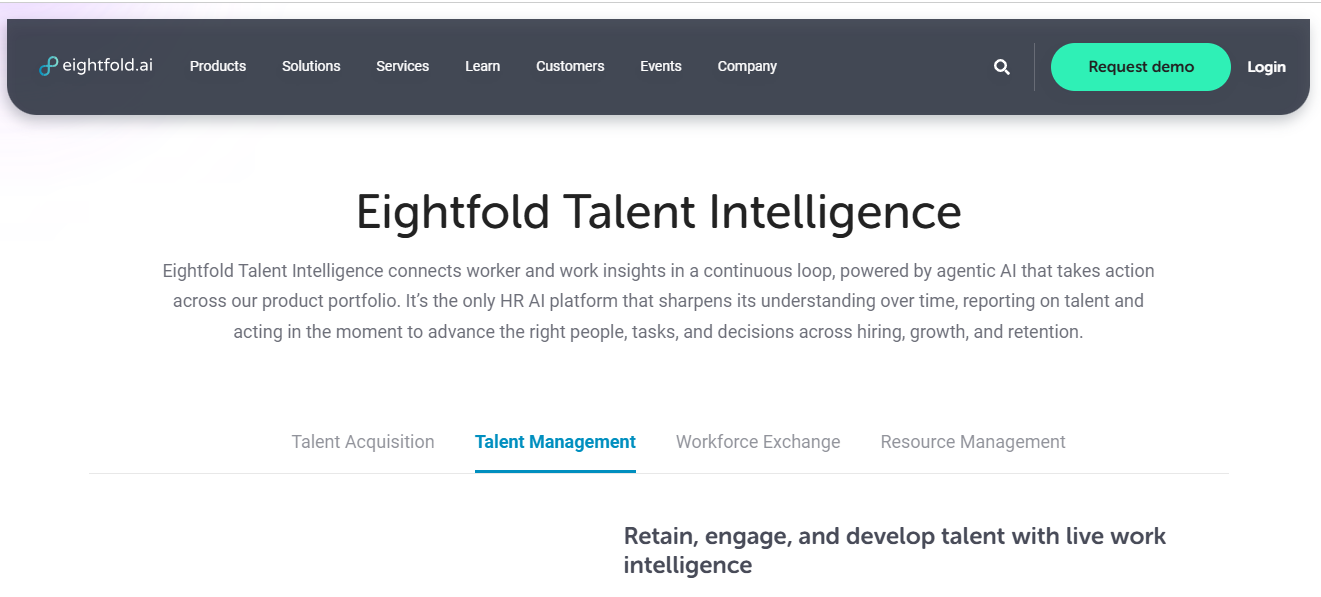
Overview: Eightfold AI is a next-generation talent intelligence platform that leverages deep learning to match talent with opportunities like external hiring and internal mobility processes.
Differentiators: It provides a skills-first approach that uses AI to pair candidates with roles they may not have applied for, driving diversity and performance.
AI Features: From reading resumes and connecting future-fit roles to reskilling opportunities, its AI manages job matching, succession planning, and DEI mapping.
Pros: Ideal for multinational companies aiming for agility, upskilling, and future-proofing their workforce. Nothing beats diversity and defense in depth.
Cons: Pricing and complexity make it unrealistic for startups or lean HR teams to consider it. Organizations need stringent collaboration between IT and HR before implementing it.
Pricing: Pricing is customized and conducted through consultation and a demo of the product.
7. Workhuman (AI and Employee Rewarding and Retention)
Overview: Workhuman combines AI with employee experience strategy, recognition, culture analytics, and emotional intelligence to help drive retention.
Differentiators: It transforms recognition data, who is being appreciated, by whom, and how often. This means predictive insights about engagement and flight risk.
AI Features: AI-based tools facilitate peer recognition, DEIB participation, and reward data analysis at scale, driving company culture and reducing attrition.
Pros: Great for organizations that emphasize corporate culture and diversity helping them build a strong culture.
Cons: It is not a full-suite HR tool. It works best when integrated with existing HRIS or performance systems.
Pricing: Customized according to the organization’s size and deployment requirements.
12 Features to Search for in Top HR Software using AI
Here are 12 key features that top companies prioritize when selecting the best AI-powered HR software in 2026:
1. AI-Powered Recruitment
Search for advanced tools that use AI to scan resumes, compare candidate skills to the requirements of a role, and set up interviews automatically. Tools like HireVue and Manatal shorten the hiring process and enhance the match between a candidate and a job.
2. Sentiment Analysis
Artificial intelligence classifies the emotional tones present in the various types of text and speech feedback input provided by employees in surveys, chats, or even internal forums. This alerts HR concerning any negativity that, if left unattended, may spiral into disengagement or overt dissatisfaction.
3. Talent Risk Identification
Advanced analytics will enable HR leadership to identify any signals that a particular employee may be experiencing burnout or declining performance. This kind of visibility allows proactive HR intervention to take place before a problem arises.
4. Smart Onboarding
AI adapts onboarding steps based on employee role, department, and even learning preference through AI HR assistants. Tools like BambooHR help in a more engaging and personalized start.
5. Customized Learning & Development
Instead of generic learning tracks, AI looks into contextual data, like performance gaps, role changes, and team goals, to recommend the most appropriate training content. Agentic AI for Talent Management by Engagedly recommends skill improvements and contributions to projects. Discover how Engagedly’s AI powered platform streamlines HR processes, elevates performance outcomes, and enhances every stage of the employee lifecycle.
6. Virtual HR Assistants
AI chatbots answer any HR-related queries today. Spoke-type tools allow employees to log service tickets and route inquiries in real time.
7. DEIB Analytics
AI-enabled dashboards assess Diversity, Equity, Inclusion, and Belonging. Tools like Lattice don’t just analyze demographics but also which possibilities and recognition are distributed equitably.
8. Automation
Seek platforms that enable employees to handle their HR-related tasks independently. Engagedly’s Marissa AI, their lead AI assistant, offers predictive performance insights, policy access, and leave management, along with document automation. See how Engagedly brings AI into core people operations to simplify workflows, support data informed decisions, and optimize talent management.
9. Predictive People Analytics
Such tools predict important workforce trends. For example, Visier calculates attrition, absenteeism, and internal mobility rates, so management can react faster.
10. OKRs and Performance Intelligence
The AI monitors the progress about objectives, signaling context whenever HR targets lag or exceed expectations.
11. Nudges and Pulse Insights on Engagement
Select AI algorithms, such as Engagedly, that send personalized nudges to enhance survey response rates, the quality of feedback, and team morale based on behavioral data.
12. Retention Forecasting & Career Planner
More advanced models, such asAgentic AI, examine role fit, career trajectory, and job satisfaction and identify which top performers are at risk and where development can be targeted.
Wrapping Up
Manual HR management has evolved into an AI-informed talent strategy, reflecting how companies engage with their employees. These digital improvements enable HR leaders to evolve their roles from being reactive responders to predictive mentors.
What is so compelling about the top HR software using AI reviewed is not just that they are automation-enabled but also how they have been designed in a smart way to interconnect data points across the employee lifecycle.
Among the top tools, Engagedly supports businesses with integrated solutions for performance, development, and engagement.
However, the right platform for your organization ultimately depends on addressing its specific challenges and goals.
How does HR software facilitate employee engagement?
Top HR Software using AI boosts engagement by constantly tracking employee sentiment, collecting feedback in real time, and prompting proactive nudges. With learning paths, recognition, and burnout detection, these platforms can also make employees feel heard, recognized, and supported.
What should you look for in the best AI-based HR software?
Seek a platform that includes predictive people analytics, AI-driven performance management, personalized L&D recommendations, automated recognition flows, and agentic intelligence capable of encouraging proactive action.
What is the best HR software for small-budget companies?
Effy is ideal for quick, easy reviews without overwhelming complexity, while Lattice offers excellent engagement tracking and performance insights at a low entry price.
Most HR teams are already using AI in some form. The question has shifted from “should we adopt AI?” to “which kind of AI actually solves the problem we’re looking at?”
That’s where the distinction between generative AI and agentic AI starts to matter. Generative AI is the one most people have already used. You give it a prompt, it gives you a draft. Job descriptions, policy summaries, interview questions. It’s fast, it’s useful, and it’s reactive. It does nothing until you ask.
Agentic AI works differently. It watches what’s happening across your HR systems, spots patterns you might miss, and surfaces recommendations before you have to go looking. A manager doesn’t need to run a report to find out engagement is dropping in their team. The system flags it and suggests a next step.
The adoption data reflects how fast this shift is moving. McKinsey’s 2025 State of AI survey found that 88% of organizations are now using AI in at least one business function. Within HR specifically, Gartner reports that AI adoption climbed from 19% in 2023 to 61% by 2025.
And looking ahead, Gartner projects that 40% of enterprise applications will include task-specific AI agents by the end of 2026, up from under 5% just two years earlier.
This article walks through where each type of AI fits in HR, how they differ in practice, and how Engagedly has built both into a single platform through Marissa AI and its multi-agent Agentic Framework.
What Is Generative AI in HR?
Generative AI refers to software that produces content by recognizing patterns in training data. In HR, it works like a writing assistant. You give it a prompt, it gives you a draft. Think job descriptions, interview questions, policy summaries, or onboarding checklists.
Think of It As: A Prompt-Driven Assistant
It doesn’t take initiative. It waits for you to lead. Tools like ChatGPT are effective at understanding prompts and returning structured, readable content, but they stop there. They won’t flag a problem you didn’t ask about.
The real value shows up when you’re buried in repetitive work. Writing the same types of documents, summarizing long texts, generating FAQ answers for new hires. Bain & Company found that some HR teams have reduced their admin workload by 15 to 20% using these tools.
Where It Actually Helps
Drafting job descriptions, internal memos, or policy documents so you’re not starting from scratch
Generating rough review templates based on a role’s responsibilities
Suggesting interview questions once you share the role and skill requirements
Condensing long reports or policy documents into shorter summaries
Putting together basic training outlines without hours of manual effort
Where It Falls Short
Generative AI doesn’t understand your company culture. It can’t adapt to how your team communicates, and it doesn’t know whether the feedback style at your organization is direct or diplomatic.
It depends entirely on what you tell it. Vague prompts produce vague output. And anything it generates still needs a human to review it, adjust the tone, check for accuracy, and make sure it fits the context.
For example, during onboarding, a generative AI tool might produce a checklist or draft a welcome message. But it won’t match the way your team actually talks. You’ll still need to rewrite it.
How Engagedly Uses Generative AI
Engagedly’s Marissa AI handles several generative AI tasks natively inside the platform. Instead of switching to an external tool, HR teams can:
Generate job descriptions with role-specific requirements and responsibilities, all within the Engagedly interface
Draft feedback using the SBI framework (Situation, Behavior, Impact), so managers don’t have to structure their feedback from scratch
Create personalized praise and recognition messages by telling Marissa why an employee deserves recognition, and she generates the message in seconds
Auto-generate OKRs and goals aligned with company priorities, just by entering a prompt
Build Individual Development Plans (IDPs) with milestones, using persuasive and actionable language
Summarize survey and Team Pulse responses, including open-ended answers, into concise insights
Generate course descriptions, learning module summaries, and onboarding content without leaving the platform
The difference between using Marissa for this versus a standalone tool like ChatGPT is context. Marissa is trained on Engagedly’s own modules and HR best practices, so the output is already aligned to how the platform works. There’s no copy-pasting between tools.
Understanding Agentic AI in HR
Agentic AI goes beyond reacting to prompts. It’s designed to understand your goals, take independent action, and learn from its own results. In HR, that means moving from basic automation to systems that adjust based on what’s actually happening across your workforce.
Think of It As: A Decision-Support Partner That Adapts Over Time
Agentic AI doesn’t sit idle. It actively scans data from multiple systems, things like performance review scores, engagement survey trends, learning completion rates, and goal progress, and calls out what matters before you have to go looking for it.
The adoption numbers reflect where this is heading. CHROs project a 327% growth in agent adoption by 2027, according to Salesforce. Currently, over 45% of global leaders are already using AI agents for HR functions, with another 39% planning to adopt them soon. And Deloitte predicts that by 2027, half of the companies using generative AI will have launched agentic AI applications that can perform complex work with limited oversight.
What Sets It Apart
There are a few things that separate agentic AI from generative AI in practice:
It works toward business objectives without needing specific prompts for every action
It spots patterns and anomalies across your HR data and takes initiative, flagging risks or recommending actions
It pulls context from multiple systems, including performance tools, L&D platforms, engagement dashboards, and payroll data, to build a complete picture before recommending a next step
How Agentic AI Shows Up in Real Workflows
The value of agentic AI is most visible in everyday HR routines. If engagement scores drop for a particular team, an agentic system can flag it and recommend that the manager schedule a check-in, without anyone filing a ticket or running a report.
It can also support development planning by pulling together someone’s past performance, current goals, and skill gaps to suggest a learning path that actually makes sense for that person, not just a generic recommendation.
How Engagedly’s Agentic AI Works
Engagedly launched its Agentic AI framework in March 2025, with Marissa AI serving as the coordinating “Super Agent” at the center. This wasn’t a bolt-on feature. The framework uses a multi-agent architecture where specialized AI agents handle different HR functions, and Marissa orchestrates the entire system.
Here’s how it actually works:
The Super Agent (Marissa AI) is the single point of contact. Whether you’re asking through a chat window or voice interface, Marissa receives your query in natural language, figures out which specialized agent should handle it, and routes the request behind the scenes. She stays with the conversation, asks follow-up questions if something is unclear, and delivers the response.
Specialized Agents operate underneath Marissa, each focused on a specific area:
Goals Agent: Helps employees write better goals by learning from what has worked well in the organization previously. It suggests targets that are realistic but challenging, aligned with company objectives, and tracks progress in real time.
Learning Agent: Recommends personalized learning paths based on an employee’s role, performance gaps, and career aspirations. When someone sets a development goal, the agent suggests relevant courses and connects them with mentors who already have strength in those areas.
Talent Review Agent: Provides HR with data-driven insights for workforce planning, including identifying skill gaps and high-potential employees. It assesses the talent pool and suggests development paths based on actual performance data, not just manager nominations.
Career Planning Agent: Helps employees identify growth opportunities and plan career moves based on their skills, interests, and what the organization needs.
HR Helpdesk Agent: Answers employee queries by pulling from the company’s HR knowledge base. You can train Marissa with your own HR policies and documents, so it gives answers specific to your organization rather than generic responses.
What makes this agentic (not just generative): The system doesn’t wait for someone to ask. It monitors engagement trends, performance data, goal progress, and feedback patterns across the platform. When it identifies something that needs attention, say a pattern of declining participation in a department or a high-potential employee whose growth has stalled, it surfaces it proactively with a recommended action.
Engagedly also acquired HiringTool.co in May 2025, a GenAI-driven applicant tracking system, and integrated it into this framework. That means the agentic system now covers the full talent lifecycle, from hiring and onboarding through performance, learning, engagement, and retention, all under one roof.
Then in September 2025, Engagedly acquired Butterfly.ai, a frontline engagement analytics platform, and integrated with Deel for global payroll and HR data sync. These additions give Marissa’s agents even more data to work with, creating a more complete view of the workforce.
The result: a platform where AI doesn’t just respond to what you type. It watches what’s happening across your workforce, connects the dots, and tells you what needs your attention before it becomes a problem.
Agentic AI vs Generative AI in HR: A Side-by-Side Comparison
Feature
Generative AI
Agentic AI
Input Dependency
Works only when given specific prompts
Understands goals and works toward them without detailed instructions
Initiative
Waits for input and responds
Recognizes issues and acts on them proactively
Learning
Built from training data; doesn’t update after deployment
Learns continuously by reviewing results and adjusting actions
Drives decisions by connecting insights across systems and recommending next steps
Data Scope
Works with whatever you paste into the prompt
Pulls context from performance reviews, engagement surveys, L&D, goals, and payroll data simultaneously
Example
Writes a draft performance review when asked
Spots a pattern of declining engagement and suggests coaching or a development plan before the problem escalates
Engagedly Example
Marissa generates SBI-based feedback, OKRs, job descriptions, and IDP milestones
Marissa’s specialized agents monitor workforce signals, flag risks, and recommend interventions across the full talent lifecycle
Real-World Use Cases Across the HR Lifecycle
Generative AI in HR
1. Engagedly’s Marissa AI for Content Generation
Inside Engagedly, Marissa handles the content generation layer directly. HR teams use it to draft 360-degree feedback summaries, generate course descriptions for the LXP, write onboarding materials, and create survey questions. The advantage over a standalone tool is that Marissa is already connected to the platform’s data, so the output fits the context without manual adjustment.
2. ADP’s AI Digital Assistant
ADP built a virtual HR assistant to field everyday employee questions about time-off policies, benefit details, and payroll basics. It reduces the volume of repetitive queries hitting the HR team, freeing them up for work that requires judgment.
3. UBS’s Analyst Avatars
UBS introduced AI avatars that replicate how their analysts communicate. These tools break down dense training material into shorter, more practical points. It’s not a replacement for in-depth learning, but it makes the initial intake of information less overwhelming.
Agentic AI in HR
1. Engagedly’s Multi-Agent Framework in Action
Engagedly’s agentic system does more than any single use case. Here’s how it plays out across the HR lifecycle:
Performance management: The Goals Agent monitors goal progress across the organization and flags when teams are falling behind or when individual targets need adjustment. Marissa suggests interventions based on patterns, not just deadlines.
Engagement: The platform’s sentiment analysis runs continuously, identifying departments or teams where engagement is trending downward. Instead of waiting for the next quarterly survey, it alerts managers with specific recommendations.
Learning and development: When an employee sets a development goal, the Learning Agent doesn’t just assign a generic course. It recommends specific learning paths, connects them with mentors who have strength in those areas, and tracks whether the learning is actually translating into performance improvement.
Talent reviews and succession: The Talent Review Agent surfaces insights about skill gaps and high-potential employees, pulling from performance data, feedback history, and goal achievement. HR leaders get a clearer picture of their talent pipeline without running separate reports.
Hiring: With the HiringTool.co acquisition now integrated, the agentic system extends into recruitment, using semantic matching and candidate analysis to surface the best fits, not just keyword matches.
Frontline engagement: Through the Butterfly.ai acquisition and the EngagedlyFX (frontline.engagedly.com) platform, the agentic capabilities extend to deskless and frontline workers, a segment that traditional HR tech often misses.
2. Moderna’s Cross-Functional AI Use
Moderna combined its HR and IT departments to create a unified data approach. By linking these systems, HR can view feedback, performance, and engagement data in one place. This integration lets them spot what’s working or where someone needs support, so they can step in sooner.
3. Decidr and CareerOne in Recruitment
Decidr’s collaboration with CareerOne introduced agentic AI to job matching. By analyzing user profiles, preferences, and behaviors, the system provides more accurate job recommendations. The approach improved placement accuracy, especially during the initial stages of hiring.
When to Use Generative AI vs. Agentic AI
The choice depends on the problem you’re solving.
Use generative AI when:
You need to draft something standard: a policy, a job listing, a feedback template
You want to send communications at scale, like internal updates or onboarding emails, without customizing every message by hand
You’re building training materials or course descriptions and need a solid starting point
Use agentic AI when:
You want to spot a drop in engagement before it leads to turnover
You need development plans that reflect actual performance data and career trajectories, not just generic templates
You’re running talent reviews and need insights pulled from multiple data sources automatically
You want continuous monitoring of workforce health, not just point-in-time snapshots
The strongest approach, and what Engagedly has built toward, uses both together. Marissa AI handles the generative layer (content creation, drafting, summarization) while the underlying agentic framework (specialized agents for goals, learning, performance, talent review, and hiring) handles the strategic, data-driven layer.
Looking at the Numbers: Why This Matters in 2026
The shift from generative to agentic AI isn’t theoretical anymore. Here’s where things stand:
45% of global leaders are already using AI agents for HR functions, with another 39% planning to adopt soon
327% growth in agent adoption is projected by 2027 by CHROs surveyed by Salesforce
Deloitte predicts that by 2027, half of companies using generative AI will have launched agentic AI applications that handle complex work with limited oversight
Only 11% of enterprises currently run AI agents in production despite 79% having adopted them in some form (Deloitte), meaning the gap between experimentation and deployment is where the real competitive advantage sits right now
For HR teams, the takeaway is clear: generative AI has already proven its value for content and admin tasks. Agentic AI is where the next wave of impact comes from, and it’s moving from pilot programs to production deployments rapidly.
Wrapping Up
AI has already reduced a lot of the pressure on HR teams. Writing gets done faster. Processes feel lighter. Repetitive communication can be handled with fewer bottlenecks. That’s largely the generative AI layer doing its job.
But the real shift happens when AI moves from creating content on demand to actively monitoring your workforce and recommending actions before problems compound. That’s what agentic AI adds.
Engagedly has built both into a single platform. Marissa AI handles generative tasks like feedback drafting, OKR generation, and survey summarization. The Agentic Framework underneath, with its specialized agents for goals, learning, talent review, career planning, and hiring, does the heavier strategic work: pulling together context from across the platform, identifying patterns, and surfacing the actions that matter most.
The result is an HR platform that doesn’t just wait for you to ask the right question. It tells you what you should be paying attention to.
FAQs
1. What’s the practical difference between generative AI and agentic AI in HR?
Generative AI works off prompts. You ask it to write a job description or summarize a report, and it produces the content. Agentic AI operates continuously in the background. It monitors data from engagement surveys, performance reviews, goal tracking, and other systems, then surfaces patterns and recommends actions without being asked.
2. Can both types of AI work together in one platform?
Yes. Engagedly’s Marissa AI is a good example of this. The generative layer handles content creation, like drafting feedback using the SBI framework, generating goals, and summarizing 360-degree reviews. The agentic layer, built on a multi-agent framework, handles strategic monitoring and decision support across performance, learning, engagement, talent review, and hiring.
3. What does Engagedly’s Agentic AI Framework actually include?
The framework uses a Super Agent (Marissa AI) that coordinates multiple specialized agents. These include agents for goals, learning, talent review, career planning, and an HR helpdesk. Each agent is an expert in its domain and handles queries or tasks autonomously within that area, while Marissa manages the overall conversation and routes requests to the right specialist.
4. How is Engagedly’s approach different from using a standalone AI tool like ChatGPT for HR?
ChatGPT and similar tools require you to provide all context manually through prompts, and they have no connection to your HR data. Marissa AI is embedded directly in Engagedly’s platform, pulling from performance reviews, engagement surveys, goal data, learning records, and more. That means it can provide context-aware recommendations and generate content that’s already aligned to your organizational data, without copy-pasting information between tools.
5. What recent developments have expanded Engagedly’s AI capabilities?
HR sits in an awkward spot right now. You’re expected to think strategically, build culture, and improve the employee experience, all while handling the operational grind that never goes away. The job keeps getting bigger, but the hours in a day haven’t changed.
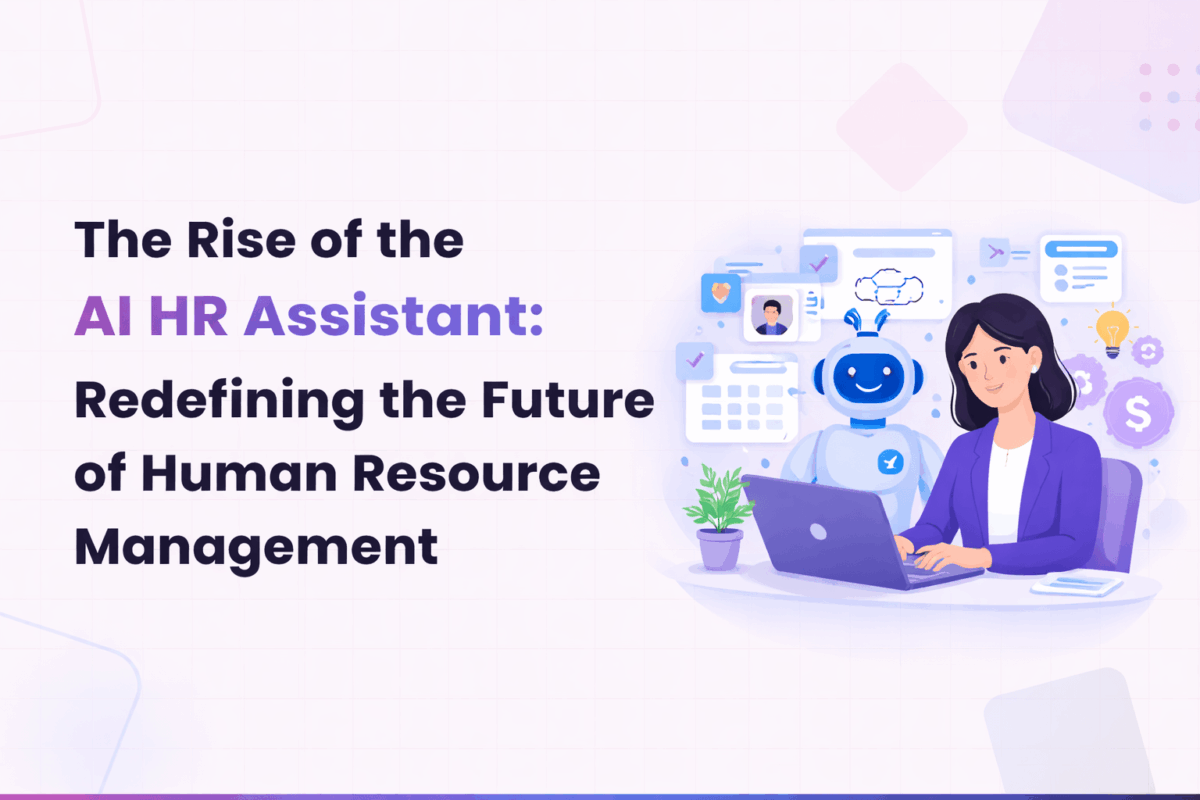
What has changed is the tooling. AI HR assistants (or more accurately in 2026, AI HR agents) have moved well past the experimental stage. They’re not just answering FAQ chatbot questions anymore. The better ones are writing performance review summaries, flagging disengagement before it turns into attrition, and helping employees map out career paths without waiting three weeks for an HR meeting.
This article covers what these tools actually do in practice, which ones are worth paying attention to, where the risks are, and what the shift means for how HR teams operate going forward.
What is an AI HR agent?
An AI HR agent is software that handles repetitive, data-heavy HR work so you don’t have to. That includes things like compiling review feedback, drafting job descriptions, tracking goal progress, and answering common employee questions about benefits or policies.
The newer generation goes further. Instead of just responding to inputs, agentic AI systems can take initiative. They notice patterns in engagement data, nudge managers when reviews are overdue, suggest development opportunities based on an employee’s actual work history, and coordinate across systems without someone manually stitching workflows together.
Here’s a practical breakdown of what they handle:
Performance reviews: AI can pull manager notes, peer feedback, and self-assessments into a single summary. It picks up on recurring themes, both strengths and flagged concerns, and helps teams close review cycles without losing context.
Job descriptions: You enter the role, required skills, and the tone you’re going for. The AI drafts a description that stays consistent with your employer brand across departments, instead of every hiring manager writing something from scratch.
Engagement monitoring: By analyzing survey results, internal comments, and usage patterns across workplace tools, AI spots shifts in morale or communication breakdowns early. Not perfectly, but earlier than most manual approaches.
Workforce analytics: These tools connect to project management systems, calendars, and time-tracking to show where teams are overloaded, delivery is slipping, or capacity is underused.
Onboarding: AI walks new hires through basic processes, answers common first-week questions, and routes them to the right resources. It’s not a replacement for human connection on day one, but it keeps things from falling through the cracks when HR is stretched thin.
Learning recommendations: Based on role, past performance, and stated growth goals, the system suggests courses, internal projects, or mentoring opportunities personalized for each person.
These are in active use at companies right now. According to Fortune Business Insights, the HR tech market is projected to grow from $47.32 billion in 2026 to $95.95 billion by 2034, at a CAGR of 9.2%. And according to SHRM’s 2025 Talent Trends report, AI adoption in HR tasks climbed to 43% in 2025, up from just 26% in 2024. That’s a big jump for one year.
Why AI assistants are gaining ground in HR
The adoption numbers aren’t surprising if you look at what these tools actually solve:
Administrative load
AI assistants take over tasks like interview scheduling, employee surveys, onboarding paperwork, and routine approvals. That frees up time for the work that requires human judgment, like workforce planning, compensation strategy, or handling a sensitive employee situation. Deloitte’s 2026 Global Human Capital Trends report, which surveyed over 9,000 leaders across 89 countries, found that 85% of leaders say it’s critical to build their workforce’s ability to adapt quickly, but only 7% say they’re actually leading in that area. AI is one way to close that gap operationally.
Better decision-making
With real-time data on satisfaction, engagement scores, and potential attrition risk, you can step in before problems escalate. SHRM’s research shows that organizations using AI for L&D report it has made their programs more effective (41%), reduced costs (39%), and increased employee engagement in those activities (38%). The same principle applies across other HR functions.
More consistent processes
AI tools can apply the same evaluation frameworks across candidates and performance reviews, reducing the variation that comes from individual bias. Anonymizing applicant data and using standardized criteria across reviews gives everyone a more level playing field. A Gartner survey from July 2025 found that 65% of employees are actually excited to use AI at work, which suggests the appetite is there if the implementation is done well.
Improved day-to-day experience
When employees can get quick answers to policy questions, receive timely feedback nudges, and access personalized learning recommendations without filing a ticket and waiting, the experience improves. It’s not glamorous, but removing friction from everyday interactions compounds over time.
AI HR agents worth knowing about in 2026
Several platforms have moved beyond the prototype stage and are producing measurable results. Here are three that stand out for different reasons.
1. Marissa AI by Engagedly
Marissa AI is Engagedly’s AI SuperAgent, and it goes beyond a simple chatbot. Engagedly announced its agentic AI framework in March 2025, building on Marissa’s original launch as an HR helpdesk agent. The full suite of agentic capabilities rolled out starting Q2 2025, covering goal setting, learning, talent reviews, workforce planning, and HR helpdesk functions.
What makes Marissa different from a standard assistant is that it adapts to context and intent, not just commands. It generates goal descriptions aligned with company strategy, summarizes 360-degree feedback reports, crafts personalized IDP (Individual Development Plan) milestones, and suggests development opportunities based on an employee’s actual role and trajectory. It uses the SBI (Situation, Behavior, Impact) framework to help employees write better feedback, and it can generate personalized praise and recognition in seconds.
For HR leaders, Marissa provides predictive workforce insights through natural-language conversations. It flags engagement risks through smart sentiment analysis and offers clear actions to address them. For employees, it’s a conversational interface where they can ask questions, set goals, or get career planning guidance without digging through complex menus.
If you want a single platform that connects performance management, engagement, OKRs, learning, and recognition with AI running through all of it, Marissa AI is built specifically for that.
2. LinkedIn Hiring Assistant
LinkedIn launched its AI-powered Hiring Assistant globally in 2025, and by early 2026 it was being used across thousands of organizations. Built on LinkedIn’s proprietary language model and its Economic Graph (a constantly updated map of the global labor market), the tool handles candidate sourcing, screening, and outreach.
The results so far are concrete. According to HRD Asia’s coverage, AI-Assisted Messages see a 44% higher acceptance rate compared to manually written outreach, with responses coming in 11% faster. AI-Assisted Search delivers an 18% lift in InMail acceptance rates compared to manual search. Recruiters using the tool report saving over four hours per role and reviewing 62% fewer profiles before building their shortlist.
LinkedIn’s own data shows that 93% of recruiters plan to increase AI use in 2026. Companies like Certis have reported that combining Hiring Assistant with LinkedIn Talent Insights boosted recruiter productivity by 60-70%.
3. Eightfold AI Talent Intelligence Platform
Where LinkedIn focuses on recruitment, Eightfold AI covers the full talent lifecycle: hiring, development, retention, and workforce planning. Its deep-learning engine analyzes over 1.6 billion career profiles and 1.6 million skills to match candidates to roles based on inferred potential, not just keyword matches on a resume.
In 2025-2026, Eightfold introduced its agentic AI capabilities and AI Interviewer, which can screen candidates around the clock, conduct preliminary interviews, and dynamically refine job matches. Their Digital Twin feature creates a personalized AI model for each employee that captures institutional knowledge from emails, Slack, CRMs, and project tools. Clients include a third of Fortune 500 companies, and the platform is FedRAMP Moderate authorized for government use. S&P Global announced a strategic partnership with Eightfold in October 2025 to enable skills-based career mobility across the company.
For enterprise organizations looking at skills-based workforce transformation, Eightfold is probably the most comprehensive option available.
What HR leaders should watch out for
More AI adoption doesn’t automatically mean better outcomes. There are real risks, and the ones that trip up most organizations aren’t technical.
Bias doesn’t disappear just because you added AI
AI models train on historical data, and if that data reflects biased hiring or promotion patterns, the AI will repeat them. This isn’t a theoretical concern. The EU AI Act now classifies hiring AI as high-risk, NYC requires bias audits for automated employment tools, and Illinois and Maryland have consent laws for video and facial recognition in hiring. Grace periods for compliance run out in 2026-2027. You need regular audits and clear governance, not just a vendor’s assurance that their model is “fair.”
Transparency matters more than you think
Deloitte’s 2026 report found that 60% of executives use AI in decision-making, but only 5% say they manage it well. When employees don’t know how AI factors into decisions about their job, promotions, or performance rating, trust erodes. You need clear communication about where AI is being used and what role human judgment still plays.
Over-reliance is a real problem
AI can speed things up, no question. But if it handles everything, important nuance gets lost. There are conversations, especially difficult ones about performance, conflict, or career direction, where a person needs to be in the room making the call. Only 7% of organizations provide guidelines on how employees should use time freed up by AI, according to Gartner’s July 2025 survey. That’s a governance gap, and it creates confusion about what AI is supposed to handle and what it isn’t.
Data governance can’t be an afterthought
These systems handle sensitive information: feedback, personal records, compensation data, and internal communications. SHRM’s analysis found that more than half of HR professionals view a failure in AI implementation as posing a moderate to severe risk to their organization. Start from caution, not convenience, especially when it comes to data access and retention policies.
The hybrid future: AI + human judgment
The organizations getting the most out of AI HR tools in 2026 aren’t the ones automating everything. They’re the ones that are thoughtful about where AI adds value and where it doesn’t.
HR needs new skills
If you’re in HR in 2026, you’re expected to be comfortable with data, understand how AI models work at a basic level, and manage digital systems responsibly. SHRM’s Adoption to Empowerment report found that only 1 in 4 HR professionals played a leading role in AI implementation, yet two-thirds believe HR should lead on change management and AI training. That gap needs to close.
Cross-functional work is unavoidable
AI in HR touches IT (system integration), legal (compliance with new AI regulations), data teams (model governance), and leadership (workforce strategy). Deloitte’s 2026 report explicitly calls out that 65% of organizations believe their culture needs to change significantly because of AI. That kind of cultural shift doesn’t happen inside one department.
AI works best as a co-pilot
The strongest use case for AI in HR isn’t autonomous decision-making. It’s giving people better information when they need it. A manager who sees an engagement risk flagged before someone hands in their notice. An employee who gets a learning recommendation that matches where they actually want to go, not a generic catalog. A review summary that’s ready before the meeting, so the conversation can focus on what matters.
That’s the model Marissa AI by Engagedly follows: it doesn’t replace the HR professional or the manager. It handles the operational overhead so they can focus on the parts of the job that require empathy, judgment, and relationships.
Most HR teams will be using some form of AI within the next year or two. The real differentiator is how well you implement it, both for your team and for the people they support.
Tools like Marissa AI by Engagedly show what’s possible when AI is built into the full talent management lifecycle, not bolted on as an afterthought. From performance reviews and goal setting to sentiment analysis and career planning, Marissa handles the operational load while keeping HR professionals in the driver’s seat.
Book a demo to see how Marissa AI can help your team spend less time on process and more time on people.
FAQs
What is an AI HR agent, and how does it differ from a chatbot?
An AI HR agent goes beyond answering questions. While a chatbot responds to specific inputs, an agent can take initiative: summarizing feedback reports, flagging engagement risks, suggesting career paths, and coordinating tasks across systems. Marissa AI by Engagedly is an example of this agentic approach, where the AI actively assists with goals, reviews, and learning recommendations.
Which industries see the most benefit from AI in HR?
Technology, healthcare, finance, and retail tend to adopt fastest because they deal with large, distributed workforces and high hiring volumes. But mid-market companies across industries are increasingly using AI for recruitment, onboarding, and engagement. The cost of these tools has dropped enough that company size is less of a barrier than it used to be.
Can AI HR agents fully automate hiring and performance reviews?
Not really. They’re good at the early-stage work: filtering applications, drafting summaries, scheduling. But hiring decisions, difficult feedback conversations, and performance evaluations require the kind of contextual judgment that AI still can’t do reliably.
How do I make sure AI in HR doesn’t introduce bias?
Audit regularly. Use standardized evaluation criteria and anonymize candidate data where you can. And pay attention to the regulatory timeline: compliance requirements for AI bias auditing are tightening across multiple jurisdictions, with key deadlines hitting in 2026-2027.
Is AI in HR affordable for growing companies?
Yes. Most platforms now offer modular, subscription-based pricing. Engagedly, for example, is designed specifically for mid-market organizations, making AI-powered talent management accessible without enterprise-level budgets. The ROI typically shows up through faster hiring, reduced administrative time, and better retention outcomes.
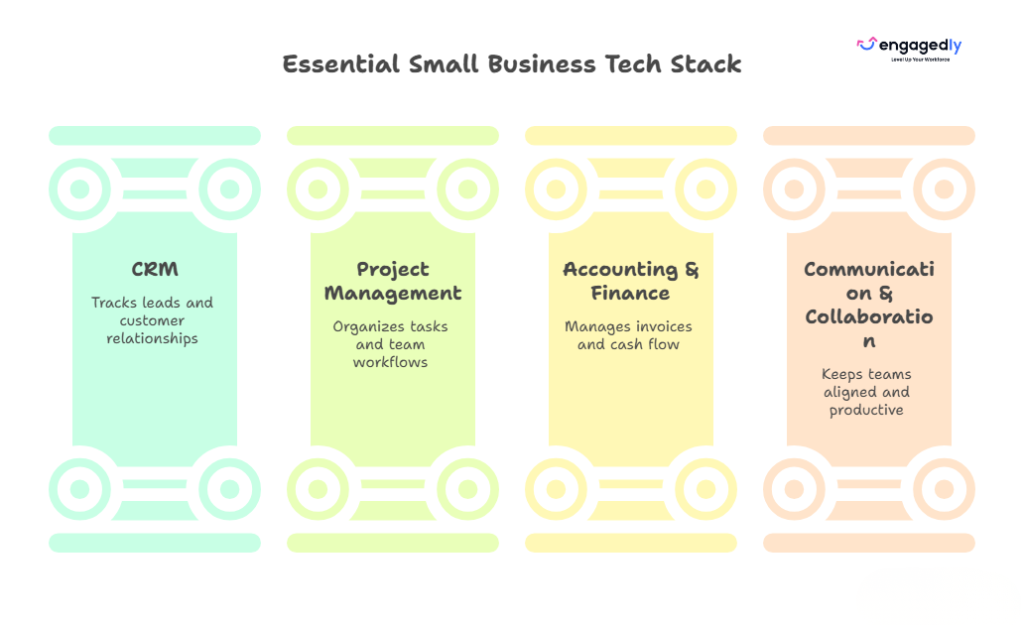
The best small business tools in 2026 are the ones that fix your biggest bottleneck, connect to the rest of your stack, and stay affordable as you add people. For most US small businesses, that means a core set covering payroll, accounting, a CRM, team communication, and project management, plus automation to tie them together. This guide covers 25 options by category with 2026 list pricing. No single tool fits every business, so use the “best for” notes to match each one to your situation.
Not every tool built for “small businesses” actually fits how small businesses work. A lot of them are enterprise platforms with a stripped-down free tier. The real features are locked behind plans that cost more per month than most SMBs spend on rent.
Before committing to anything, a good small business tool should clear a few basic bars.
Must-Have Characteristics
A tool worth your money and time should offer:
Transparent, scalable pricing: No surprise costs when your team grows from 5 to 15 people
Fast onboarding: If setup takes more than a day, most small teams won’t stick with it
Integration-friendly design: It should connect easily with the other tools already in your stack
Mobile access: Your team isn’t always at a desk, and neither are you
Useful free tier or trial: Enough to test whether it actually solves your problem before you pay
Reliable support: Because when something breaks, you can’t wait three business days for a response
Low learning curve: Small businesses rarely have dedicated admins or implementation teams.
Connected tools matter because customers expect you to know their history when they reach out. If your CRM, inbox, and support tool don’t share data, your team ends up asking people to repeat themselves.
25 Essential Small Business Tools by Category
HR & People Management
Your team is the engine. These tools help you hire, manage performance, track time, and handle payroll without drowning in spreadsheets.
1. Engagedly – Best for Performance & Talent Management
Engagedly is a cloud-based platform built around employee engagement, performance development, and internal communication. It’s particularly useful for small businesses that want to move beyond annual reviews and build a genuine feedback culture. Engagedly has also evolved toward Agentic AI with Marissa, its intelligent AI SuperAgent built to drive action, which goes beyond assisting users with isolated tasks. It actively analyzes workforce signals across performance, engagement, learning, and growth to recommend meaningful next steps in real time.
The platform brings together OKR tracking, 360-degree feedback, real-time check-ins, performance appraisals, and a built-in learning experience platform (LXP). It also has gamification and social collaboration tools. Those features feel unusual in a performance product but actually help with adoption.
Pricing: Modular pricing based on selected features and team size. Plans typically range from $2 to $8 per user per month, with custom enterprise options available.
Best for: Small businesses that want a structured, scalable approach to performance management without the complexity of enterprise HR platforms
2. TimeCamp – Best for Time Tracking & Project Profitability
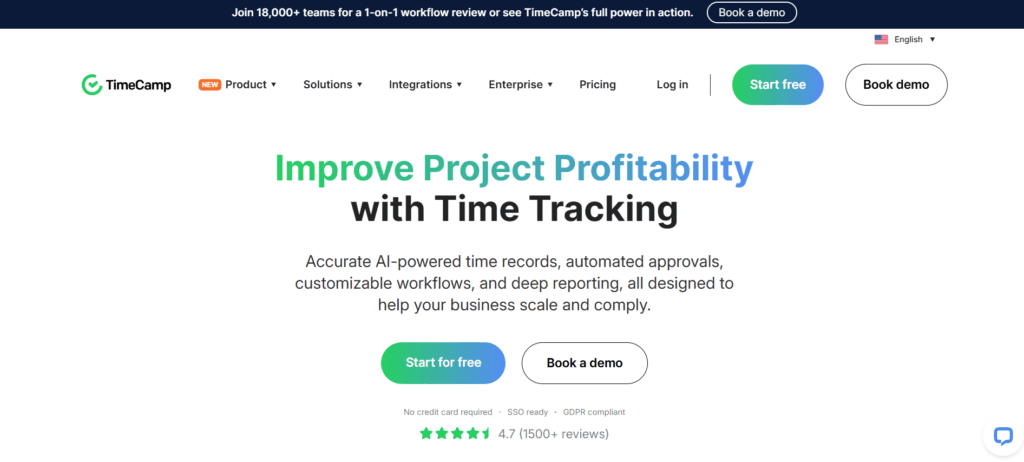
TimeCamp is a time tracking tool that goes beyond just logging hours. It connects time data to project profitability, so you can see exactly which clients and projects are actually worth your team’s time.
It integrates with 30+ apps including Asana, ClickUp, Google Calendar, GitLab, and Airtable, which makes it easy to drop into an existing workflow without disrupting anything.
Top features:
Automatic and manual time tracking
Billable and non-billable hour recording
Payroll management
Customizable invoicing
Expense tracking
Tax calculation
Centralized dashboard for remote, in-house, and freelance teams
Pricing:
Free forever (basic features)
Basic: $6.30/user/month
Pro: $9/user/month
Enterprise: Custom pricing
Best for: Freelancers, agencies, and small teams that bill by the hour or need to track project costs against budgets
3. Gusto – Best for Payroll & HR Compliance
Gusto is one of the most popular payroll platforms for small businesses, and for good reason. It automates federal, state, and local payroll taxes, files your year-end forms, and handles benefits administration, through a single streamlined system.
Gusto also expanded its HR features to include hiring tools, onboarding checklists, and employee self-service. If you’re bringing on your first few employees and want to get payroll right without hiring an accountant full-time, Gusto is the cleanest path.
Top features:
Automated payroll with tax filings
Benefits administration (health, dental, 401k)
New hire onboarding
Time-off tracking
Compliance alerts
Employee self-service portal
Direct deposit and contractor payments
Pricing:
Simple: $40/month + $6/person/month
Plus: $80/month + $12/person/month
Premium: Custom pricing
Best for: Small businesses with W-2 employees who want payroll, benefits, and basic HR in one tool
Accounting & Finance
These tools handle the money side so you’re never caught off guard by cash flow surprises or tax season.
4. FreshBooks – Best for Managing Financial Records
FreshBooks is accounting software designed for small business owners who are not accountants. The interface is clean, the workflows are streamlined, and the reporting is clear enough that you don’t need a finance background to understand what’s happening with your money.
It handles automated invoicing, expense tracking, time tracking (basic), and client billing, with solid reporting tools to give you a real-time picture of your finances.
Top features:
Automated invoicing and payment reminders
Expense tracking with receipt capture
Time tracking integrated with billing
Financial reporting (P&L, balance sheets)
Tax-ready reports
Multi-currency support
Client portal for invoice viewing and payments
Pricing:
Free trial available
Lite: $19/month (up to 5 clients)
Plus: $33/month (up to 50 clients)
Premium: $60/month (unlimited clients)
Select: Custom pricing
Best for: Freelancers, consultants, and service-based small businesses that invoice regularly
5. InvoiceBerry – Best for Online Invoicing
InvoiceBerry is a focused, no-fuss invoicing tool for small businesses and freelancers. It’s not a full accounting platform. It’s specifically built to make creating, sending, and tracking invoices quick and professional.
You can customize invoice templates with your logo, set up recurring billing, and send invoices in PDF format by email directly from the platform. If invoicing is your primary financial pain point, InvoiceBerry handles it cleanly without charging for features you don’t need.
Top features:
Professional invoice templates
Custom logo and branding
Recurring billing
Expense tracking
Multiple currency support
Contact database
Easy PDF export and email delivery
Pricing:
14-day free trial
Solo: $15/month
Pro: $30/month
Best for: Solo operators and small teams that just need reliable, professional invoicing
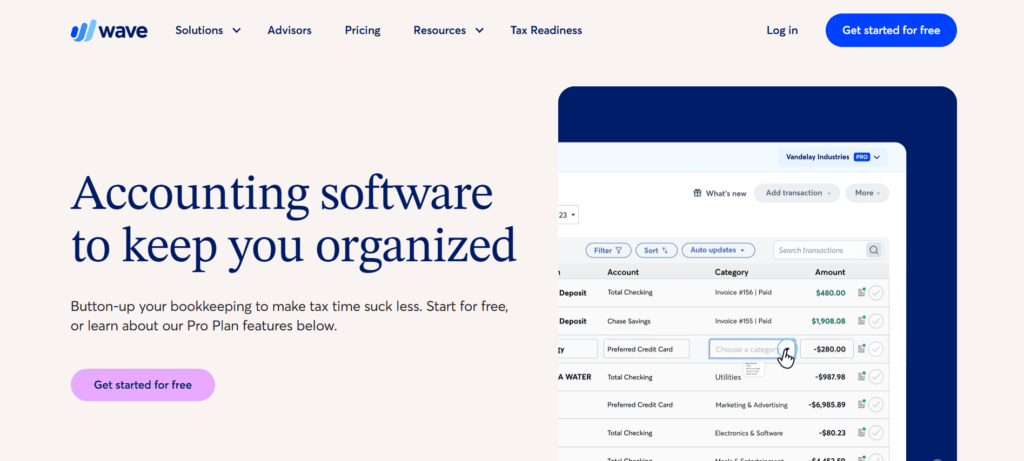
6. Wave – Best Free Accounting Software
Wave is genuinely free for core accounting, not a watered-down trial, but a real, functional platform that covers invoicing, expense tracking, and financial reporting at no cost. It makes money through optional paid services like payroll and payment processing.
For early-stage small businesses watching every dollar, Wave offers a surprisingly capable accounting foundation before you’re ready to invest in something like FreshBooks or QuickBooks.
Top features:
Free invoicing and accounting
Income and expense tracking
Receipt scanning
Bank and credit card connections
Financial reporting
Optional payroll add-on
Optional payment processing
Pricing:
Accounting and invoicing: Free forever
Payroll: $20 to $35/month base + $6/employee
Payments: 2.9% + 30¢ per transaction (credit cards)
Best for: Startups, solopreneurs, and early-stage small businesses that need accounting basics without a monthly fee
Communication & Collaboration
These tools keep your team aligned whether they’re in the same office, across time zones, or somewhere in between.
7. Google Workspace – Best All-in-One Collaboration Suite
Google Workspace gives small businesses access to Gmail, Google Meet, Google Drive, Docs, Sheets, Slides, Calendar, and more, all connected under one subscription. It’s one of the most practical all-in-one collaboration platforms available, especially for teams that are remote or hybrid.
The noise cancellation in Google Meet is genuinely useful for customer-facing teams. Shared Drives, real-time document editing, and calendar management cover most day-to-day collaboration needs without requiring multiple separate tools.
Top features:
Business email with custom domain
Google Meet video conferencing with noise cancellation
Shared drives and real-time document collaboration
Calendar management and room booking
Team messaging (Google Chat)
Compliance and data management tools
Attendance tracking
Pricing:
Business Starter: $6/user/month
Business Standard: $12/user/month
Business Plus: $18/user/month
Enterprise: Custom pricing
Best for: Small businesses that want email, video, storage, and document collaborationwithin a connected ecosystem.
8. Slack – Best for Team Messaging
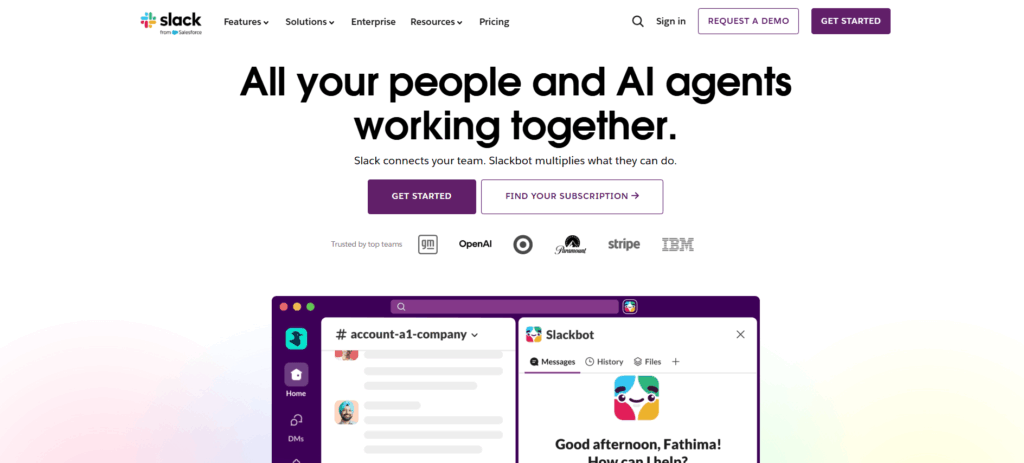
Slack remains the standard for internal team communication, and it’s more capable than ever with its AI-powered features for summarizing threads and catching up on missed messages. Channels keep conversations organized by project, client, or topic, which is a lot cleaner than long email chains or WhatsApp group chats.
It integrates with almost everything on this list, including ClickUp, HubSpot, Google Workspace, and Zapier, which makes it a natural center of a small business’s tech stack.
Top features:
Organized channels and direct messaging
Audio and video huddles
File sharing and search
2,000+ app integrations
AI-powered message summaries (Pro and above)
Workflow automation builder
Guest access for clients or contractors
Pricing:
Free (limited message history)
Pro: $7.25/user/month
Business+: $12.50/user/month
Enterprise Grid: Custom pricing
Best for: Any small business that wants to replace scattered email threads with organized, searchable team communication
9. Notion – Best for Shared Knowledge & Documentation
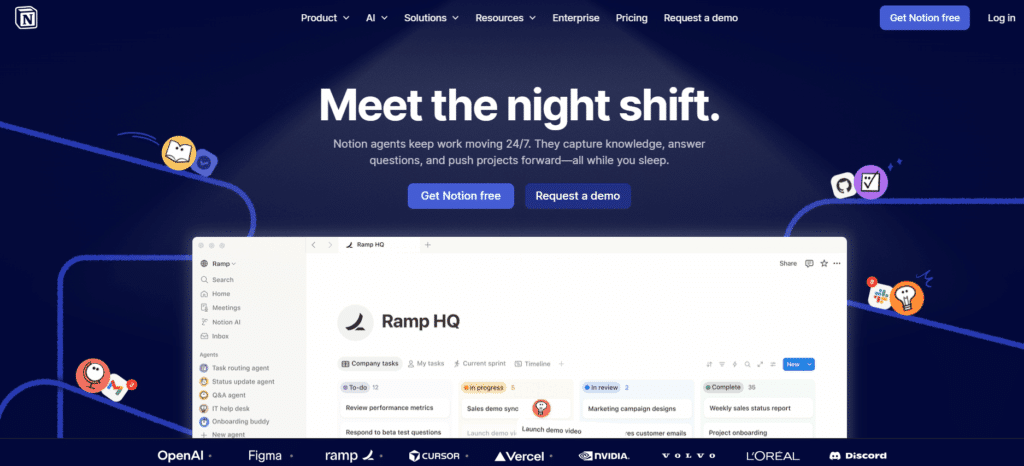
Notion is a flexible workspace that combines notes, wikis, databases, and project tracking in one place. For small businesses, it works particularly well as a central knowledge base, a place where your team documents processes, stores important information, and onboards new hires.
Its AI features (Notion AI) help with writing, summarizing content, and answering questions from within your workspace, which saves meaningful time on internal documentation.
Top features:
Flexible pages, databases, and wikis
Team knowledge base and SOPs
Project and task tracking
AI writing and summarization assistant
Templates for nearly every use case
Real-time collaboration
Integrations with Slack, Google Drive, and more
Pricing:
Free (for personal use)
Plus: $10/user/month
Business: $15/user/month
Enterprise: Custom pricing
Best for: Small teams that want a single, organized space for documentation, processes, and internal knowledge
Marketing & Sales
Getting customers costs money. These tools help you get more of them and keep them without blowing your budget.
10. HubSpot CRM – Best for Lead Management
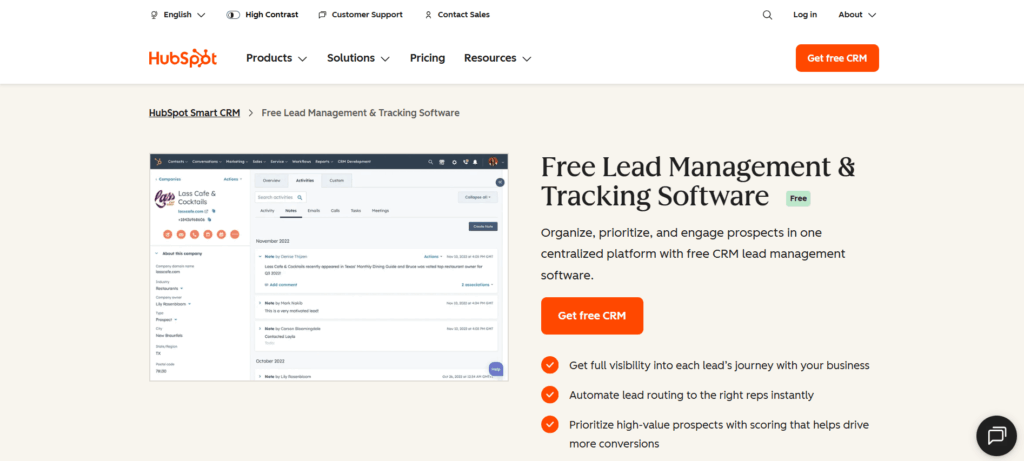
HubSpot CRM is one of the most capable free CRMs available. It centralizes contacts, deals, and communication history in one place so your team always knows where a lead stands and what’s been said.
It’s cloud-based, which means it works just as well for remote and hybrid teams as it does for in-office ones. As your business grows, HubSpot scales with it. Paid tiers add marketing automation, sales sequences, reporting dashboards, and more.
Top features:
Contact and deal management
Email templates and tracking
Sales pipeline visualization
Meeting scheduling
Lead qualification and distribution
Campaign management
Marketing email and automation (paid)
Reporting dashboards
Pricing:
Free (core CRM features)
Starter: $45/month
Professional: $1,600/month
Enterprise: $5,000/month
Best for: Small businesses that want a serious CRM without paying upfront and the option to grow into a full marketing platform later
11. SocialPilot – Best for Social Media Marketing
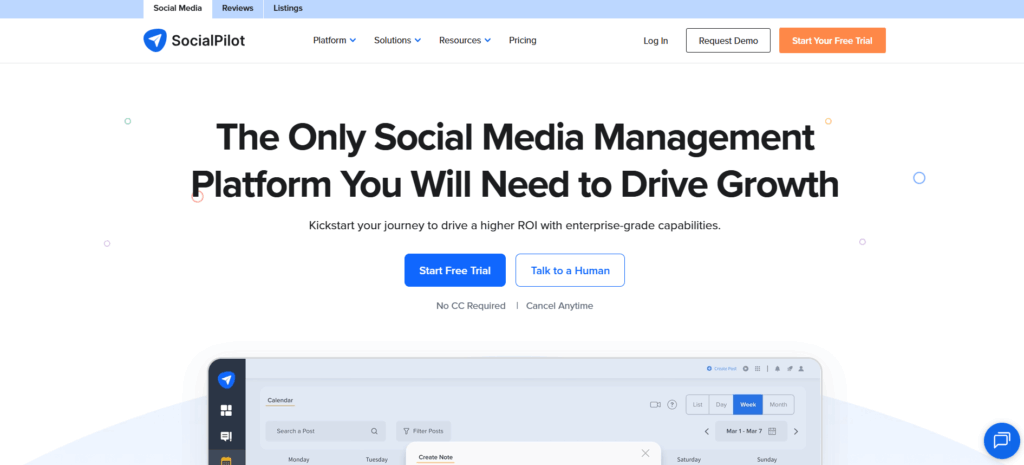
SocialPilot brings your social media management into one dashboard. You can schedule posts, respond to comments and messages, monitor performance, and generate reports across Facebook, Instagram, LinkedIn, TikTok, Pinterest, and more.
For small teams managing multiple brand accounts, the white-label reporting and client collaboration features are particularly valuable. It’s also one of the more affordable options in this category.
Top features:
Bulk post scheduling
Multi-account management
Social inbox for engagement
Analytics and branded reports
Team collaboration and approval workflows
Content calendar view
Influencer tracking
Pricing:
Small Team: $42.50/month
Studio: $85/month
Agency: $127.50/month
Enterprise: Custom pricing
Best for: Small marketing teams and agencies managing multiple social accounts on a budget
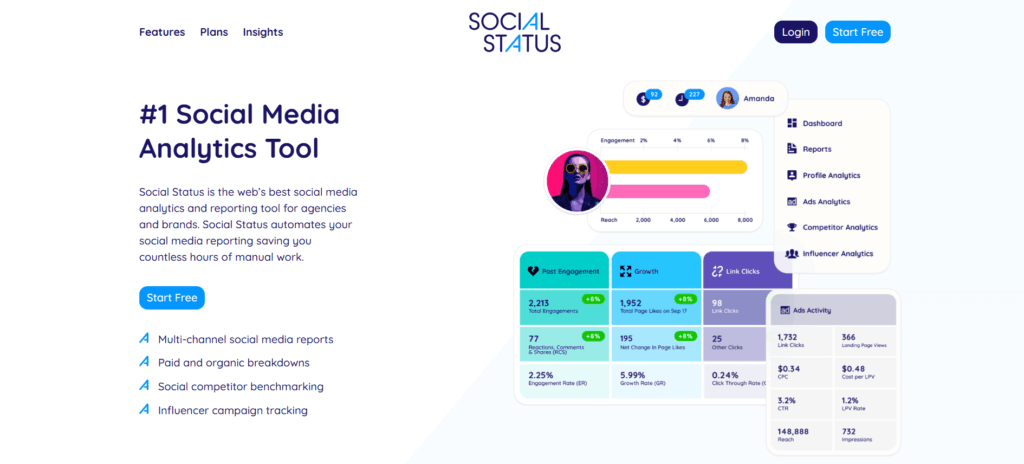
12. Social Status – Best for Social Media Analytics
Social Status is a dedicated analytics and reporting tool for social media. Unlike all-in-one management tools, it goes deep on data, covering Facebook, Instagram, YouTube, TikTok, LinkedIn, and Twitter/X with detailed performance breakdowns.
Agencies managing multiple clients benefit most here. Reports can be white-labeled and exported to PDF, PowerPoint, CSV, or Google Slides, making client reporting considerably less painful.
Top features:
Facebook and Instagram analytics (including Stories)
YouTube, TikTok, LinkedIn, and Twitter analytics
Paid ads analytics
Competitor analysis
Influencer tracking
White-label reports
CSV, PDF, PowerPoint, and Google Slides export
Pricing:
Free forever
Starter: $29/month
Pro: $199/month
Business: $399/month
Corporate: $599/month
Enterprise: $1,499/month
Best for: Marketing agencies and in-house teams that need deep social analytics and clean client-ready reports
13. Saleshandy – Best for Cold Email Outreach
Saleshandy is a cold email platform that lets you build multi-stage automated sequences with personalized follow-ups at scale without making your emails look automated. You can trigger follow-ups based on recipient behavior (opens, clicks), and merge tags let you personalize each email meaningfully.
It’s particularly well suited for B2B businesses doing outbound sales.
Top features:
Multi-stage automated email sequences
Merge tags for personalization
Behavior-triggered follow-ups
Email campaign analytics
Drip campaigns
Lead capturing and nurturing
Deliverability tools (warmup, spam testing)
Pricing:
14-day free trial
Cold email plans: $25 to $60/user/month
Email tracking: Free forever; paid plans from $9/user/month
Best for: B2B sales teams and founders doing outbound email prospecting
14. Woorise – Best for Landing Pages, Contests & Lead Capture
Woorise is a lead generation platform that lets you build landing pages, quizzes, giveaways, sweepstakes, and referral contests without needing a developer. It integrates directly with HubSpot, AWeber, Zapier, Google Analytics, PayPal, Stripe, and others.
It’s especially useful for e-commerce brands and digital businesses that want to grow their email lists or run promotional campaigns.
Top features:
Landing page and quiz builder
Giveaways, sweepstakes, and skill contests
Fraud detection
Multiple language support
Form and entry management
Judging management for contests
Integrations with major marketing platforms
Pricing:
Free (up to 500 entries)
Basic: $23/user/month (up to 2,000 entries)
Grow: $39/user/month (up to 5,000 entries)
Pro: $79/user/month (up to 20,000 entries)
Best for: E-commerce brands and digital businesses running lead generation campaigns or promotional contests
15. GrowSurf – Best for Referral Programs
GrowSurf automates referral programs for B2B and B2C tech companies. It generates unique referral links automatically for each user with no sign-up required on the referrer’s end and tracks new customers, rewards, and ROI all in one dashboard.
Best for: SaaS companies and tech-focused small businesses looking to build a scalable word-of-mouth acquisition channel
16. DocHipo – Best for On-Brand Design
DocHipo is a document design tool that lets non-designers create professional-looking visual assets. You can build business cards, posters, brochures, social media graphics, web banners, and digital ads using customizable templates organized by industry.
The Brand Kit feature is especially useful for small businesses. It stores your brand colors, fonts, and logos so everything you create stays consistent.
Top features:
Professionally designed templates (wide industry coverage)
Drag-and-drop editor
Brand Kit for visual consistency
AI writer and AI image generator
Exclusive vector design assets and illustrations
Real-time team collaboration
Custom fonts, color themes, and animations
Pricing:
Free forever
Pro: $7.50/user/month
Pro Unlimited: $225/month (unlimited users)
Best for: Small business owners and marketers who need good-looking branded content without a design team
17. Mailchimp – Best for Email Marketing Campaigns
Mailchimp is one of the most widely used email marketing platforms in the world, and for small businesses, the free tier covers a lot of ground. You can build and segment your list, create automated welcome sequences, and track campaign performance without paying anything until you hit a meaningful scale.
Mailchimp’s AI tools for subject line generation and audience segmentation have improved considerably. Those features are useful for small teams that don’t have a dedicated email marketer.
Top features:
Email campaign builder with templates
Audience segmentation and tagging
Marketing automation sequences
A/B testing
Campaign performance analytics
Landing page and sign-up form builder
AI-powered recommendations and content tools
Pricing:
Free (up to 500 contacts, 1,000 emails/month)
Essentials: $13/month
Standard: $20/month
Premium: $350/month
Best for: Small businesses building and nurturing an email list, especially those just getting started with email marketing
Project Management
Without a clear system to track who’s doing what, work falls through the cracks. These tools fix that.
18. ClickUp – Best All-in-One Project Hub
ClickUp markets itself as the app that replaces all other apps and while that’s an overstatement, it is genuinely one of the most feature-rich project management tools available. Task management, time tracking, docs, chat, goals, dashboards, and whiteboards all work together within a unified workspace.
Major organizations including Google, Airbnb, and Uber use it, but the pricing model makes it equally accessible for small teams.
Top features:
Tasks, subtasks, and custom workflows
Multiple views (list, board, calendar, Gantt, timeline)
Document collaboration
Real-time chat
Whiteboard brainstorming
Resource management
Agile reporting
Two-factor authentication
Pricing:
Free (up to 100MB storage)
Unlimited: $7/user/month
Business: $12/user/month
Enterprise: Custom pricing
Best for: Small businesses that want a single platform to replace separate tools for task management, docs, and communication
19. ProofHub – Best for Flat-Rate Team Management
ProofHub is an all-in-one project management and team collaboration platform that stands out for one specific reason: flat-rate pricing. No per-user fees. You pay a fixed monthly rate and add as many team members as you want, which makes it dramatically more affordable as your team grows.
It covers project planning, task delegation, progress tracking, real-time chat, file storage, and time tracking in one place.
Top features:
Task management with dependencies
Multiple project views (board, table, Gantt)
Real-time team chat
File and document storage
Time tracking
Notes and discussion threads
Reports and productivity monitoring
Pricing:
Essential: $45/month flat (no per-user fee)
Ultimate Control: $89/month flat
Best for: Growing small businesses that want full project management features without costs scaling with every new hire
20. Trello – Best for Visual Task Boards
Trello uses a board-and-card system that makes it one of the easiest project management tools to pick up. If your team is new to project management software, Trello’s visual layout is a low-friction starting point that doesn’t require any training to understand.
It’s best for simpler workflows. If you need Gantt charts, advanced reporting, or multi-project views, ClickUp or ProofHub will serve you better.
Top features:
Drag-and-drop Kanban boards
Cards with checklists, due dates, attachments, and comments
Automation (Butler)
200+ integrations (Power-Ups)
Multiple workspace views (list, calendar, timeline on paid plans)
Mobile app
Pricing:
Free (up to 10 boards per workspace)
Standard: $5/user/month
Premium: $10/user/month
Enterprise: Custom pricing
Best for: Small teams that want a simple, visual way to track tasks and projects without a steep learning curve
Customer Support
How you handle customer issues is often what keeps them or loses them. These tools help your team respond faster and smarter.
21. ProProfs Chat – Best for Live Chat
ProProfs Chat is a straightforward live chat tool that lets you talk to website visitors in real time. It reduces support tickets, shortens response times, and gives you tools to proactively engage visitors before they leave.
You can create customized greetings, set up proactive chat pop-ups based on visitor behavior, and add in-app announcements for product updates or promotions.
Top features:
Proactive chat and customizable greetings
Canned responses for fast replies
Lead capture forms
Chat transcripts
Screen sharing
50+ integrations
Routing and operator management
Announcement banners
Pricing:
Free (basic features)
Essential: $15/user/month
Premium: $25/user/month
Best for: Small businesses that want to engage and convert website visitors with real-time support
22. CloudTalk – Best for VoIP Customer Support
CloudTalk is a cloud-based phone system designed for customer support and sales teams. It gives your agents the ability to work from anywhere. All they need is a microphone and an internet connection. That flexibility makes it significantly more practical than a traditional phone setup.
It includes over 70 features and integrates with most popular CRMs, including HubSpot and Salesforce.
Top features:
Click-to-call
Call recording and monitoring
Call queueing
Skill-based routing
Automatic Call Distribution (ACD)
CRM integrations
International and toll-free numbers
Analytics and performance reporting
Pricing:
14-day free trial
Starter: $25/user/month
Essential: $30/user/month
Pro: $50/user/month
Custom enterprise plans available
Best for: Small businesses with customer support or inside sales teams that need a professional phone system without physical hardware
23. Zonka Feedback – Best for Customer Feedback Surveys
Zonka Feedback is a multi-channel feedback platform that makes it easy to collect, analyze, and act on customer feedback. You can deploy surveys via email, SMS, web, in-app, or on physical kiosks, all from one platform.
Real-time alerts notify your team when a low satisfaction score comes in so you can follow up before a frustrated customer becomes a lost one.
Real-time feedback alerts and custom notifications
Skip logic, hide logic, and survey redirection
Advanced analytics dashboard
Close-the-loop feedback management
Pricing:
15-day free trial
Starter: $29/month
Professional: $79/month
Growth: $169/month
Enterprise: $429/month
Best for: Customer-focused small businesses that want structured, actionable feedback across multiple touchpoints
24. Freshdesk – Best for Helpdesk Ticketing
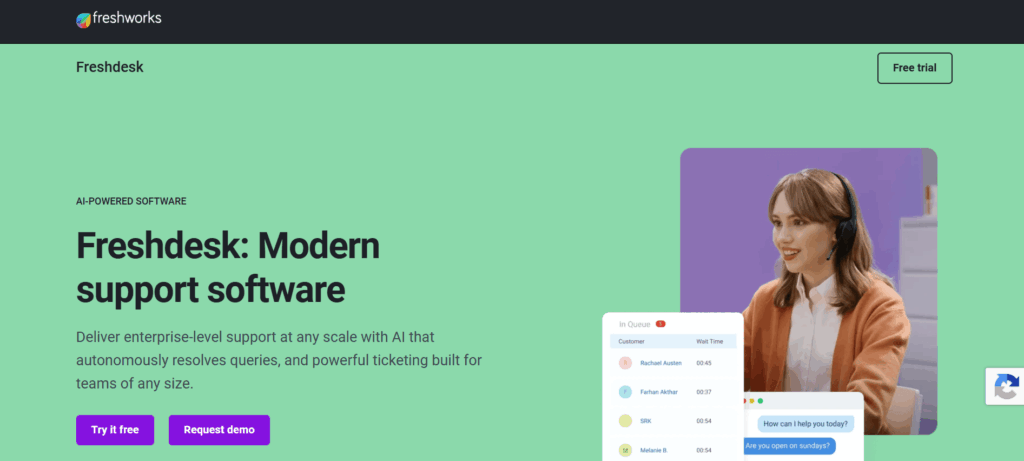
Freshdesk is a helpdesk and customer support platform that organizes incoming customer requests from email, chat, phone, social media, and web forms into a unified ticket queue. It’s one of the most popular support tools for small and growing businesses, partly because its free tier is genuinely usable.
Automation rules, canned responses, and AI-powered ticket categorization (on paid tiers) help small teams handle support volume without needing a large headcount.
Best for: Small businesses receiving support requests from multiple channels who want a single organized queue and ticketing system
AI Tools Worth Adding to a Small Business Stack in 2026
Many tools on this list already include AI features, so check what’s built in before paying for a separate subscription. If you want a standalone assistant, a general-purpose option like ChatGPT, Claude, or Gemini can draft emails, summarize documents, and answer questions about your own files. A meeting-notes tool like Otter or Fireflies can record and summarize calls so nothing slips through. Treat AI output as a first draft, and keep a person reviewing anything customer-facing or financial.
Automation
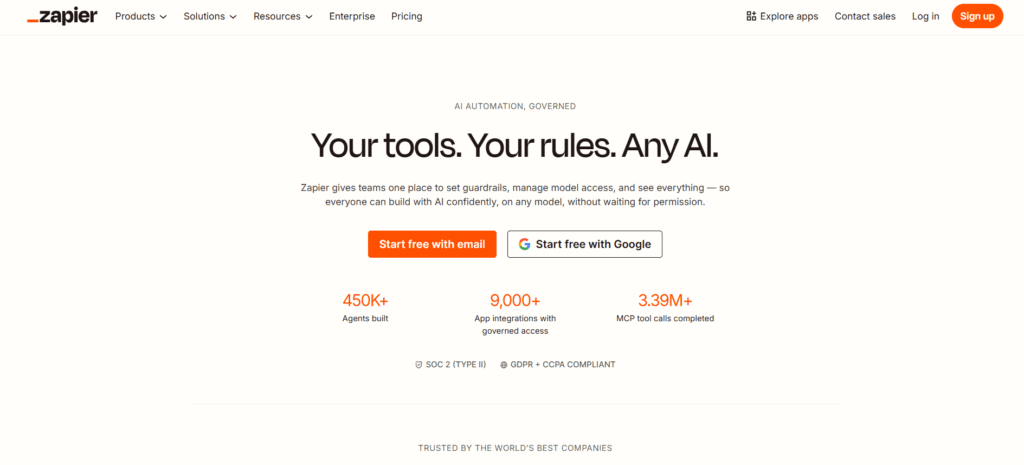
25. Zapier – Best for Connecting Your Entire Tech Stack
Zapier is the glue between your tools. It lets you build automated workflows (“Zaps”) that connect apps and trigger actions based on events without writing a single line of code. For example: when a new lead fills out a Woorise form, automatically create a HubSpot contact, send a Slack notification to your sales team, and add a row to a Google Sheet.
Zapier’s AI features allow you to describe a workflow in plain language and have it built automatically, a useful time-saver for non-technical small business owners.
Top features:
6,000+ app integrations
Multi-step Zaps with conditional logic
Filters and formatters
AI-powered workflow builder
Scheduled and triggered automation
Error monitoring and logs
Tables and Interfaces (light internal tools)
Pricing:
Free (100 tasks/month)
Starter: $19.99/month
Professional: $49/month
Team: $69/month
Company: $103/month
Best for: Any small business running more than 3 to 4 tools. Zapier eliminates the manual data entry that happens in the gaps between them
Free vs. Paid Small Business Tools
The free vs. paid question isn’t just about budget. It’s about fit.
When Free Tools Are Enough
Free plans tend to work well when:
You’re in the first 6 to 12 months of business and still validating your model
Your team is small (2 to 5 people) and your workflows are straightforward
You’re using the tool for one specific, contained function
You don’t yet need integrations, advanced reporting, or automation
Tools like HubSpot CRM (free tier), Wave, Trello, Freshdesk, and Mailchimp offer genuinely functional free plans that can carry a small business through early stages without compromise.
When to Upgrade to a Paid Plan
The time to upgrade is usually when:
Free plan limits are slowing you down (storage, users, records, sends per month)
You need automation to reduce manual work across your team
Reporting and analytics become important for business decisions
You’re managing clients who expect polished, branded deliverables
Security, compliance, or admin controls become a priority
One pattern to watch: many free tools charge per user on paid tiers. As your team grows from 5 to 15 people, a $10/user/month tool becomes $1,800/year. ProofHub’s flat-rate model is worth considering specifically because it eliminates that compounding cost.
How to Choose the Right Stack for Your Business
Most small businesses don’t fail because they picked the wrong tool. They fail because they picked too many tools and used none of them properly.
Here’s a practical approach to building a stack that actually sticks.
Step 1 – Map Your Bottlenecks First
Before looking at any software, write down the three tasks that waste the most time in your business right now. Is it chasing invoice payments? Manually scheduling social media posts? Trying to track down which stage a lead is in?
Start with software that solves your biggest problem. Everything else can wait.
Step 2 – Prioritize Integration Over Features
A tool with 100 features that doesn’t talk to anything else in your stack creates data silos. A simpler tool with 20 features and deep integrations with the rest of your workflow is almost always more valuable.
Look for tools that connect to Zapier and whatever CRM or communication platform you’re already using.
Step 3 – Start Small and Layer In
The ideal first stack for most small businesses includes:
One CRM (HubSpot free is a solid starting point)
One project management tool (ClickUp or Trello depending on complexity)
One accounting/invoicing tool (Wave if budget is tight, FreshBooks if you need more)
One communication platform (Google Workspace or Slack)
Add marketing, analytics, and automation tools once those foundations are working. Building a 15-tool stack on day one is a reliable way to overwhelm your team and end up using none of them well
Building a Small Business Stack That Actually Scales
The best small business tools are not necessarily the ones with the most features. They’re the ones your team consistently uses, integrates easily into daily workflows, and can grow alongside your business without creating unnecessary complexity.
Start with the systems that solve your biggest operational bottlenecks first. Then gradually build a connected stack around communication, project management, finance, customer support, and employee performance. The goal is not to collect software. The goal is to create a smoother, more efficient business operation.
As your team grows, areas like employee engagement, feedback, learning, and performance development become harder to manage manually. Platforms like Engagedly help small businesses create structure around goals, feedback, growth, and performance without adding enterprise-level complexity.
If you’re evaluating ways to modernize performance management and employee development, you can request a demo to explore how Engagedly fits into your broader business software stack.
FAQs
What are small business tools?
Small business tools are software applications that help companies manage daily operations more efficiently. They can support areas such as project management, accounting, payroll, customer relationship management (CRM), marketing, employee performance, communication, and customer support.
What software does a small business need most?
Most small businesses benefit from four core software categories:
CRM software to manage leads and customers Accounting software to track finances and invoicing Project management software to organize work Communication and collaboration tools to keep teams aligned Additional tools can be added as the business grows and operational needs become more complex.
Are free small business tools good enough?
Yes, many free tools are powerful enough for startups and early-stage businesses. Platforms like HubSpot CRM, Wave, Trello, and Mailchimp offer free plans that support essential business operations. However, growing companies often upgrade to paid plans when they need more users, automation, reporting, integrations, or advanced security features.
How many software tools should a small business use?
Most small businesses operate effectively with between five and eight core tools. The goal is not to use as many tools as possible but to create a connected software stack that solves business problems without creating unnecessary complexity.
What is the best project management software for small businesses?
The best project management software depends on team needs. Trello works well for simple task tracking, ClickUp offers advanced project management and collaboration features, and ProofHub is a strong option for teams looking for flat-rate pricing without per-user costs.
The use of artificial intelligence in HR is no longer a futuristic concept—it’s a fast-growing reality. Valued at USD 3.25 billion in 2023, the global AI in HR market is projected to grow at a staggering 24.8% CAGR between 2024 and 2030. This explosive growth reflects how rapidly organizations are turning to AI to transform their HR operations.
But what exactly are AI agents in HR? Think of them as intelligent digital coworkers—smart, goal-oriented assistants that handle everything from onboarding and performance management to employee engagement and compliance. These tools don’t just automate tasks—they elevate the HR function with speed, consistency, and precision.
So, how are AI agents really making an impact in the workplace? In this blog, we’ll explore real-world tools and use cases that show how AI is actively enhancing efficiency, improving the employee experience, and supporting strategic HR decision-making.
What Are AI Agents in HR?
AI agents in HR are intelligent digital tools powered by artificial intelligence, designed to streamline, automate, and optimize a wide range of everyday HR functions. Think of them as virtual HR team members that work around the clock to enhance both efficiency and employee experience.
Unlike traditional HR tools, AI agents use natural language processing (NLP) and machine learning (ML) to understand user inputs, draw insights from large datasets, and perform tasks with minimal human intervention.
Take Marissa AI by Engagedly, for example. It analyzes real-time data from 360-degree feedback surveys to deliver personalized insights and development nudges to both employees and HR teams—helping them make smarter, data-driven decisions quickly.
In essence, AI agents don’t just support HR—they elevate it by combining speed, personalization, and intelligence. Discover how Engagedly’s AI powered platform streamlines HR processes, elevates performance outcomes, and enhances every stage of the employee lifecycle.
Benefits of Employing AI Agents in HR
Employees using traditional self-service technologies have to go through preset menus or FAQs because they only provide static responses. AI agents are transforming the way HR teams operate by introducing an agile, goal-oriented strategy, going beyond what generative AI can typically handle.
Here, we have listed some of the top real-life benefits of AI agents in HR.
1. Enhanced Talent Acquisition
From reviewing resumes to drafting offer packages, AI agents can expedite nearly every step of the talent acquisition process. AI agents can help with candidate evaluation, set up interviews, sift through enormous application pools, and interact with prospects.
Paradox’s conversational AI “Olivia” interacts with candidates, responds to their inquiries, and pre-screens resumes in real-time, relieving recruiters of the task of manually going through dozens of applications.
It has reduced time-to-hire by 75% at Uniliver. Thereby, boosting efficiency and saving time.
2. Personalized Employee Experience
According to a KPMG poll, 85% of participants said that the organization’s most essential HR skill is employee experience and engagement.
AI agents can personalize employee engagement and development initiatives. For instance, Marissa AI can provide customized nudges, like recommending training courses, chances for professional advancement, or health advice, that speak to each employee’s particular requirements.
Similarly, Walmart employs AI to help staff members select the best healthcare providers for their needs.
3. Data-Driven Decision Making
As per a Deloitte poll, 70% of businesses said they used data analytics to help with HR decision-making.
AI’s capacity to reveal predictive insights gives HR directors the ability to take proactive, calculated actions. AI agents can examine past data to find trends that can point to attrition concerns or talent shortages in teams.
By identifying these early indicators, HR can reduce the expensive effects of turnover by putting in place focused retention plans or upskilling initiatives.
Additionally, AI agents can help with workforce planning by evaluating future talent requirements based on corporate growth projections.
4. Better Compliance & Bias Reduction
AI reduces unconscious biases in hiring by using structured data to improve fairness and compliance.
For instance, HireVue promotes diversity and inclusion by using structured interview algorithms that concentrate on candidate skills rather than personal opinions. It also results in a 50% decrease in cost per interview.
Johnson & Johnson used Textio, an AI-powered writing tool, to find unintentional bias in their job postings. When they noticed that many of their job posts had a masculine slant, they made some AI-driven changes that resulted in a 9% increase in the number of female candidates.
Additionally, AI-generated decision pathways produce visible audit trails, ensuring that HR procedures comply with legal requirements such as GDPR and EEOC. In addition to lowering legal concerns, this transparency increases employee and candidate trust.
AI HR assistants like Talla automate common questions about policies and system access to streamline the recruitment experience.
These chatbots lessen reliance on HR staff and speed up the onboarding procedure by offering 24/7, instant responses.
6. Improved Employee Retention
According to a Gallup poll, 85% of workers are not engaged at work. Given that 63% of employees would think about quitting their jobs within two years if they weren’t succeeding professionally.
Glint’s AI pulse surveys and other AI technologies track employee engagement levels in real time. AI detects early indicators of disengagement in teams by examining behavioral data and survey responses.
HR and managers can then take targeted actions to address issues proactively, including:
Recognition programs
Workload diversification
Career conversations
5 Real-World AI Agent Examples in HR
While there are numerous justifications for utilizing HR AI technologies, the most effective ones simplify hiring managers’ and HR assistants’ departmental procedures.
Let’s look at some of the real-world AI agent examples transforming the HR domain!
1. Engagedly’s Marissa™ AI – The Ultimate HR Super-Agent
Marissa™ AI is a smart, AI-powered HR assistant that automates routine tasks and addresses key HR challenges across:
Employee engagement – gathering and summarizing pulse surveys, sentiment, and feedback
Personalized Feedback (SBI-ready) Marissa crafts objective, balanced feedback using the Situation‑Behavior‑Impact model—ensuring clarity and fairness.
Instant Recognition Templates Input a few details and get personalized praise instantly to lift team morale.
Automated 360° Summaries & Nudges Marissa consolidates 360-degree feedback into actionable summaries and reminds managers proactively.
Smart Development Plans (IDPs + Milestones) Generate customized Individual Development Plans with clear milestones; paired with learning recs to match career aspirations.
Compelling Course & Job Descriptions Produce engaging summaries for training, surveys, jobs, and IDPs in seconds to streamline rollout and boost adoption.
Unified AI-Powered Agentic Framework Since March 11, 2025, Marissa acts as a “Super Agent” within Engagedly’s Agentic AI framework—delegating requests (e.g., career advice, goal-setting, talent analytics) to specialist AI agents behind the scenes
2. IBM Watson in HR
IBM incorporates AI into its HR operations to give its employees better competence. For example, Watson, an AI virtual assistant, provides individualized responses and speeds up response times to IBM employees’ inquiries regarding everything from technical support to business policy.
Use Cases
Talent Acquisition: IBM Watsonx HR agents can draft offer bundles, find the best candidates, set up interviews, and issue job requisitions. Talent acquisition teams can make better hiring decisions when they have access to AI.
Employee Onboarding: Watsonx HR Agents can increase employee engagement. In addition to offering personalized advice, including pre-employment screenings, learning recommendations, onboarding profile creation, and IT request generation, these agents respond in real time to FAQs by employees.
Employee Satisfaction: Automate HR processes and streamline information availability. Watsonx HR Agents with generative AI can manage payroll, time off, in addition to administering benefits, including healthcare, retirement plans, and possibilities for professional advancement.
3. Talla AI Chatbot
Talla AI-powered chatbot uses machine learning to specialize in HR knowledge management. The platform is very flexible to current processes due to its smooth integration with Confluence, Slack, Microsoft Teams, and SharePoint.
Use Cases
HR Helpdesk Automation: Talla AI Chatbot streamlines HR support by addressing employee questions about leave policies or payroll issues.
Benefits Queries: Talla provides accurate, up-to-date information on health insurance, retirement plans, or other benefits
Onboarding Assistance: Talla guides new hires through onboarding processes. It answers common questions about company policies and training schedules.
Compliance Information: The chatbot delivers essential compliance updates and guidelines to help employees adhere to company and regulatory standards.
4. HireVue AI Interviews
With HireVue AI interviews, candidates record video answers to pre-formulated questions. AI then evaluates the candidates’ skills and attributes. To provide a score and offer feedback, the AI analyzes both spoken and nonspoken indicators, such as
Body language
Facial expressions
Speech patterns
Investment banks like J.P. Morgan, Goldman Sachs, and multinational companies like Unilever, Vodafone, and Delta Air Lines have used HireVue in their recruitment processes.
Video Interviewing: Makes it possible for HR teams to perform live and on-demand video interviews. This increases the flexibility and accessibility of the hiring process.
AI-Driven Evaluations: Make use of sophisticated algorithms to gauge applicants’ talents and capabilities beyond their resumes.
Integration Competencies: Streamlines hiring procedures by integrating easily with Applicant Tracking Systems (ATS) and other HR technologies.
5. Glint’s AI-Powered Surveys
Microsoft Viva Glint, formerly known as Glint’s AI-powered surveys, is a tool for measuring workplace culture and engagement.
It uses artificial intelligence (AI) to evaluate survey data and give businesses useful information about employee satisfaction and performance patterns.
Teams Integration: Improve notifications and nudge capabilities by facilitating simple communications in the day-to-day flow of work
360 Feedback: Provide employees with a more thorough understanding of their talents and areas for improvement from a variety of perspectives, resulting in improvements to both personal and business performance.
Survey Tool: Businesses can utilize Viva Glint’s customisable questionnaires to get detailed input on diversity and inclusion, staff involvement, onboarding, and exit procedures.
Transformative Power of AI Agents in HR
Answering FAQs by employees, including “How do I check my PTO balance?” “What is the procedure for leave approval?” or “What wellness plans are offered to employees?” is an instance where HR teams invest a significant amount of effort.
AI agents can swiftly address these queries and contribute to effective workplace communication. May it be strategic decision-making or enhancing employee experience, AI agents are culminating in a smart, data-centric approach in HR.
Learn how companies can take control of their employee management journeys using Engagedly’s agentic approach. The intelligent elements of Engagedly, such as the MarissaTM AI assistant, are powered by this architecture. It makes HR operations faster, smarter, and accurate! See how Engagedly brings AI into core people operations to simplify workflows, support data-informed decisions, and optimize talent management.
Don’t just take our word for it—explore the full suite of Engagedly’s talent management products!
FAQs
How are AI agents used in the recruitment process?
AI agents expedite the hiring process by automating resume screening, candidate outreach, and interview scheduling. Additionally, they use data analysis to find the top talent more quickly.
Can AI agents help with employee onboarding?
Yes, AI agents like Talla automate onboarding, answer FAQs, and deliver policy documents, creating a smooth and consistent new hire experience.
What are some real-world companies using AI in HR?
Firms like Walmart, IBM, Unilever, and LinkedIn use AI in various HR operations.
What benefits do AI agents bring to HR teams?
AI agents offer several key benefits:
Reduced time-to-hire
Personalized employee development
Real-time engagement monitoring
Bias-free hiring decisions
Streamlined onboarding
Improved compliance and audit readiness
Enhanced productivity by reducing manual HR tasks
What’s the future of AI in HR?
The AI in HR market is growing rapidly (projected 24.8% CAGR from 2024 to 2030). As AI agents become more sophisticated, they’ll increasingly shape HR into a data-driven, employee-first function—enhancing everything from recruitment to retention.
How do AI agents differ from traditional HR chatbots?
AI agents use advanced machine learning and natural language understanding to respond dynamically, whereas traditional chatbots often rely on static rules and scripted responses.
Do AI agents need training before deployment?
Yes, AI agents typically need to be trained on company-specific data, HR policies, and workflows to ensure relevance and accuracy.
Can AI agents be integrated with existing HR tools like SAP or Workday?
Many AI HR solutions offer APIs or pre-built integrations for popular HRIS, ATS, and LMS platforms, allowing for seamless workflows.
If you thought that HR is just about people management, think again!
Modern HR is also about predicting, personalizing, and performing. Employee engagement is imperative to beat global competition, especially considering the complexities associated with hiring hybrid or remote-only candidates. This is where HR AI tools have their significance.
38% of HR manager use AI in their practices and workflows. 67% of HR leaders use AI for employee engagement. Businesses using people data analytics have reported a 32% enhancement in talent retention. Conventional methods just can’t keep pace.
AI is changing the future of HR, from reducing hiring time to identifying which candidates suit the next role. It’s not just about replacing human judgment, but also about combining it with intelligent support systems.
This blog breaks down the top 6 AI-powered HR tools to help you hire better, retain longer, and lead smarter in 2025.
The Challenge: Sorting through piles of resumes and cover letters is tedious, time-consuming, and often riddled with bias. Traditional methods can miss top talent or fail to assess true potential.
How AI Steps In:
Smart Candidate Evaluation: AI HR assistants leverage neuroscience-based algorithms and cognitive modeling to assess candidates’ emotional intelligence and problem-solving skills, looking beyond resumes to uncover true fit.
Lightning-Fast Resume Screening: AI scans CVs in minutes, pinpointing top talent with precision and slashing the time spent on manual reviews.
Video Interview Insights: Advanced platforms analyze tone, facial expressions, and speech patterns in video interviews, spotlighting high-potential candidates who might otherwise be overlooked.
Bias Reduction: By relying on data-driven insights, AI minimizes human biases, fostering a fairer, more inclusive hiring process.
Real-World Impact: AI makes hiring faster, smarter, and fairer. It uncovers hidden gems, reduces errors, and ensures the right people are matched to the right roles, setting the stage for a stronger workforce.
2. AI in Performance Management
The Challenge: Annual performance reviews are becoming obsolete. They’re error-prone, demotivating, and often fail to provide timely, actionable feedback.
How AI Steps In:
Real-Time Feedback: Platforms like Engagedly’s Marissa AI deliver instant, ongoing feedback, replacing rigid annual reviews with dynamic, meaningful conversations, moving beyond traditional generative AI systems.
Personalized Goal Tracking: AI tailors performance goals to each employee, aligning individual efforts with company objectives while keeping motivation high.
Predictive Analytics: AI spots underperformance trends early, alerting managers to intervene before small issues snowball, enabling proactive support.
Continuous Coaching: Acting like a virtual coach, AI sends nudges to keep employees accountable and engaged in their personal growth.
Real-World Impact: Performance management evolves into a continuous, supportive process. Employees feel valued, managers stay ahead of challenges, and companies build a culture of growth over judgment. Discover how Engagedly’s AI powered platform streamlines HR processes, elevates performance outcomes, and enhances every stage of the employee lifecycle.
3. AI in Employee Engagement
The Challenge: Disengaged employees drain productivity and morale, costing the global economy an estimated $8.8 trillion annually, according to Gallup. Keeping people connected and motivated is a constant struggle.
How AI Steps In:
Sentiment Analysis: Tools like Lattice and Workday’s Peakon analyze emails, surveys, and casual interactions to gauge employee morale and detect disengagement in real time.
Actionable Insights: AI translates emotional data into clear, practical recommendations, empowering HR to address concerns and boost workplace satisfaction.
Fostering Connection: By creating a continuous feedback loop, AI strengthens employee-manager relationships, building trust and collaboration.
Retention Boost: AI-driven insights identify what drives employees, helping reduce turnover by fostering a supportive, connected workplace culture.
Real-World Impact: AI acts like an emotional pulse-check, helping HR teams understand what employees need to thrive. The result is a workplace where people feel heard, valued, and inspired to stay.
The Big Picture
AI isn’t here to replace the human in human resources—it’s here to amplify it. By automating repetitive tasks, uncovering deep insights, and fostering real-time connection, AI frees HR professionals to focus on what truly matters: building a workplace where people can thrive. See how Engagedly brings AI into core people operations to simplify workflows, support data informed decisions, and optimize talent management.
Why Forward-Thinking Companies Are Investing in HR AI Tools in 2025
As the workplace evolves, HR departments are expected to do more with less—faster hiring, higher engagement, and better talent decisions. In 2025, AI tools are not just a competitive advantage; they’re a necessity. Here’s why:
1. Streamlined Operations and Cost Efficiency
AI can automate up to 40% of repetitive HR tasks, such as resume screening, scheduling interviews, answering FAQs, and onboarding support. This drives significant time and cost savings.
Companies using AI-powered hiring tools report up to $2,400 saved per hire
81% of HR leaders say AI has reduced their time-to-hire by automating initial screening and candidate matching
The result? Faster processes, reduced overhead, and more time for strategic HR initiatives.
2. Enhanced Employee Experience
AI enables a more personalized and responsive employee journey—from onboarding to performance feedback. Platforms like Engagedly offer intelligent, end-to-end lifecycle management that fosters continuous engagement and growth.
This leads to stronger employee satisfaction, better retention, and a more connected workplace culture.
3. Built-In Scalability for Growing Teams
AI HR platforms are designed to scale effortlessly as your workforce grows. Whether expanding across departments, regions, or business units, tools like Zoho People and Engagedly adapt to new complexities without disrupting operations.
Scalable infrastructure ensures consistency, compliance, and continuity at every stage of growth.
4. Data-Driven, Predictive Decision Making
Tools like Visier empower HR leaders with predictive analytics that anticipate:
Here are the 6 best AI tools for HR that are at the forefront of making hiring smarter, performance management more proactive, and employee engagement more personalized:
1. Engagedly
Engagedly is an AI-powered, cloud-based talent management platform for HR teams, managers, and executives. It drives performance, engagement, and development by aligning goals across individuals, teams, and the organization.
Key Features:
All-in-One HR Suite: Performance reviews, 360° feedback, OKRs, L&D, engagement surveys, succession planning, and compensation—all in one interface.
Marissa™ AI: Offers feedback prompts, summarizes surveys, and generates OKRs, IDPs, and job descriptions using best practices.
Agentic AI: A modular AI system with agents for goals, learning, talent reviews, planning, and HR helpdesk—automating strategic HR tasks.
AI-Powered LXP: Delivers personalized learning paths, gamification, compliance tracking, and analytics for scalable upskilling.
Workflow Integrations: Seamless connections with MS Teams, Slack, Outlook, ADP, BambooHR, and more.
2. Eightfold AI
Eightfold AI is a deep-learning-powered talent intelligence platform built for enterprise HR teams to optimize hiring, retention, internal mobility, and workforce planning. It enables data-driven decisions by analyzing skills, potential, and career pathways at scale.
Key Features:
Talent Matching Engine: Uses contextual AI to match candidates and employees to roles based on skills, experience, and potential—reducing bias and improving quality of hire.
Career Path Prediction: Identifies future career trajectories and recommends upskilling opportunities to support internal mobility and employee growth.
Skills Gap Analysis: Maps workforce skills against future business needs to inform hiring and learning strategies.
Internal Mobility Tools: Recommends roles, projects, and learning paths to existing employees—boosting retention and engagement.
DEI Optimization: Offers bias-reducing screening tools and inclusive matching algorithms to support diversity hiring initiatives.
Talent Market Insights: Provides real-time analytics on skill availability, talent trends, and competitive benchmarks.
3. Lattice AI
Lattice is a people success platform that uses AI to enhance performance, engagement, and career development. Designed for modern HR teams, it connects goals, feedback, and development into one unified experience that supports employee growth and organizational alignment.
Key Features:
Performance Management: Streamlines reviews, 1:1s, and feedback cycles with AI-generated summaries, suggested talking points, and sentiment analysis.
AI-Powered Goal Tracking: Helps set and track OKRs with smart recommendations, alignment insights, and real-time progress monitoring.
Engagement Analytics: Uses AI to analyze survey responses, detect trends, and surface actionable insights to improve employee morale and retention.
Career Growth Tools: Supports individual development plans, career pathing, and skill-building, with AI suggesting learning resources and opportunities.
Seamless Integrations: Connects with tools like Slack, Teams, Workday, and Google Workspace to keep workflows efficient and collaborative.
4. Workday AI
Workday is a leading enterprise HR and finance platform that now integrates AI and machine learning across its suite to automate processes, enhance decision-making, and improve workforce planning. Built for large organizations, Workday AI delivers actionable insights at scale.
Key Features:
AI-Enhanced Talent Management: Automates candidate matching, succession planning, and internal mobility using skill and role predictions.
Skills Cloud: Uses machine learning to identify, infer, and organize employee skills, enabling smarter upskilling and workforce development.
AI in Recruiting: Streamlines sourcing, shortlisting, and scheduling with intelligent candidate recommendations and recruiter productivity tools.
Predictive Analytics: Forecasts attrition risks, headcount needs, and workforce trends to support proactive HR strategy.
Conversational Interface: Empowers employees and managers to complete HR tasks and get insights through natural language interactions.
Enterprise Integrations: Seamlessly connects across Workday HCM, Finance, and external systems—providing a unified AI-powered HR ecosystem.
5. HireVue
HireVue is an AI-powered hiring platform that streamlines recruitment through on-demand video interviews, assessments, and conversational AI. Built for enterprise hiring teams, it helps reduce time-to-hire while improving candidate experience and quality.
Key Features:
AI Video Interviews: Offers structured, on-demand interviews analyzed by AI to assess communication, competencies, and job fit—enabling faster screening.
Game-Based Assessments: Uses neuroscience-backed games to evaluate cognitive ability, emotional intelligence, and work style.
Conversational AI: Automates candidate engagement, screening, and scheduling through chatbots—active 24/7 across channels.
Bias Reduction Tools: Provides structured evaluation frameworks and real-time coaching to reduce bias in hiring decisions.
Analytics & Insights: Delivers hiring metrics, diversity tracking, and predictive insights to support smarter talent acquisition strategies.
ATS & Workflow Integrations: Works with platforms like Workday, SAP SuccessFactors, Greenhouse, and iCIMS for seamless recruiting operations.
6. Zoho People AI
Zoho People is an AI-enhanced HRMS ideal for small to mid-sized businesses. It streamlines HR tasks, improves workforce planning, and boosts employee experience through smart automation and analytics.
Key Features:
Zia AI Assistant:
Supports leave requests, check‑ins, timesheets, and HR queries via chat—completing tasks like leave applications and pull-up of pending tasks automatically.
Serves as a 24/7 conversational helper within the app and web interface .
Smart Shift & Attendance:
Auto-generates and manages shift schedules, breaks, and allowances. Sends real-time notifications for changes .
Uses geo‑tracking and facial‑recognition check‑in/out to ensure attendance accuracy.
Burnout & Sentiment Analytics:
Uses ML to predict burnout by analyzing sentiment, attendance trends, and scheduling load .
Compliance & Time-Tracking:
Monitors labor laws and suggests potential compliance issues, maintaining accurate attendance records.
Supports mobile check-ins, geo-tagging, and detailed time tracking.
Workflow Integrations:
Seamlessly connects with Slack, Teams, Zoho Recruit, Zoho Payroll, Google Workspace, and more .
Other Noteworthy AI Tools to Watch in HR
The following emerging tools bring niche capabilities for specific HR needs, from compliance to mental well-being:
Tool
Overview
Key Features
Best For
KovaionAI
Comprehensive AI-powered HR platform for mid to large enterprises using ML and NLP.
– AI-driven talent acquisition – Predictive analytics for turnover and succession planning – Customizable workflows – Automated performance reviews
Enterprises needing an all-in-one AI solution for complex HR operations.
Peoplebox.ai
Versatile AI tool for hiring and performance management, integrates with ATS.
– Resume screening and candidate enrichment – Performance tracking and goal alignment – Talent retention analytics
SMBs and scaling startups needing intuitive HR automation.
High-volume recruiting teams needing to automate repetitive tasks.
Albus
AI-powered knowledge management platform for HR data organization.
– NLP-driven knowledge base – Employee self-service options – Data organization
Organizations streamlining HR knowledge management and self-service.
6 Must-Have Features in AI Tools for Smarter HR
1. Transparent Pricing
Avoid tools that lock you into long-term contracts with vague pricing structures. Instead, look for platforms with clear, scalable pricing models based on features and user count—ensuring you only pay for what you need.
2. Scalability for Every Business Size
Your HR software should grow with your company. Look for modular solutions like Engagedly and BreezyHR, which are built to scale and adapt as your business evolves.
3. Trial Access & Onboarding Support
Vendors should offer guided product trials, structured onboarding, and assistance with data migration. Smooth implementation is essential for driving adoption and maximizing your return on investment.
4. Quality of Service & Training
Strong customer support is a must. For instance, Engagedly provides access to success managers, live chat, and training sessions, along with dedicated implementation assistance.
5. Compliance & Data Security
Ensure the software complies with major security standards such as GDPR and ISO 27001. Given the sensitivity of HR data, robust data protection and regulatory compliance are non-negotiable.
6. User-Friendly Design & Innovation
Top HR AI tools invest in ongoing R&D to deliver meaningful updates. Look for seamless integrations with platforms like Slack, Microsoft Teams, and ATS systems, along with automation features like AI-driven payroll—designed to improve workflows, not disrupt them.
Conclusion
Investing early in the right AI HR tools helps you lead, not lag.
Today, AI in HR fuels forward-thinking. Predictive HR AI tools are redefining operations and driving organizational growth. This list of the 6 best AI tools for HR is unique in its own way.
AI is no longer an option. HR AI tools are critical for streamlining recruitment, enhancing employee engagement, empowering HR leaders, and helping them make more inclusive HR decisions.
Start with Engagedly, an HR ecosystem built to drive growth. With Marissa AI and Agentic AI, the HR tool has reimagined the routines of smart hires for modern-day enterprises.
FAQs
How do AI tools improve HR processes?
The best AI tools for HR automate repetitive tasks such as resume screening, interview scheduling, onboarding, performance tracking, and employee support. They also provide predictive analytics, personalized learning recommendations, and real-time workforce insights, allowing HR teams to focus on strategic initiatives and employee development.
Which AI tool is best for HR recruitment?
For recruitment, leading AI tools include HireVue, Eightfold AI, and Workday AI. These platforms use artificial intelligence to screen resumes, match candidates to job requirements, automate interview scheduling, reduce hiring bias, and improve the overall candidate experience while shortening time-to-hire.
What features should the best AI tools for HR include?
When evaluating the best AI tools for HR, look for features such as:
AI-powered recruitment Performance management Employee engagement surveys Predictive workforce analytics Learning and development Goal and OKR management HR chatbot or virtual assistant Workflow automation HRMS integrations Compliance and data security
These features help organizations streamline HR operations and improve employee experiences.
Are AI tools suitable for small and medium-sized businesses?
Yes. Many of the best AI tools for HR are designed for businesses of all sizes. Solutions like Zoho People AI and Engagedly offer scalable features, flexible pricing, automation, and cloud-based deployment, making AI-powered HR accessible to startups, small businesses, and growing organizations.
How do AI tools improve employee engagement?
AI tools improve employee engagement by analyzing employee feedback, measuring sentiment, delivering personalized learning recommendations, automating recognition, and providing managers with actionable insights. Continuous feedback and predictive analytics help HR teams address workplace issues early and improve employee satisfaction and retention.
Can AI replace HR professionals?
No. The best AI tools for HR are designed to support HR professionals, not replace them. AI automates repetitive administrative tasks, provides data-driven insights, and improves decision-making, allowing HR teams to spend more time on leadership, employee development, coaching, culture, and strategic workforce planning.
What are the benefits of using AI tools in HR?
The primary benefits of the best AI tools for HR include:
These benefits help organizations build more efficient and future-ready HR functions.
How do you choose the best AI tools for HR?
Choose the best AI tools for HR by evaluating your business size, HR priorities, budget, ease of implementation, AI capabilities, scalability, integration options, security standards, customer support, and reporting features. Requesting product demos and free trials can help determine which solution best fits your organization’s needs.
What if you could predict which employees are about to leave—before they even say a word?
This isn’t a futuristic fantasy. It’s the new reality of human resources, powered by artificial intelligence.
AI is no longer a tool to simply enhance HR—it’s transforming it from a reactive function into a proactive, strategic force. As remote work becomes the norm, skills become more fluid, and the war for talent intensifies, HR leaders are turning to AI not just to keep up—but to stay ahead.
And they’re moving fast:
92% of organizations plan to increase AI investments within the next three years.
Nearly 70% already use AI to guide key HR decisions.
65% of employees are open to AI-powered coworkers.
Why? Because the return on investment is undeniable. AI helps companies:
In this article, we’ll explore how AI is revolutionizing nine essential HR functions and share 15 real-world use cases that show what the future of HR looks like in 2025 and beyond.
Market Insights on the Increasing Impact of AI on HR Functions
Gartner reports that 76% of HR professionals believe that failing to use AI solutions within the next one to two years will make their organizations less successful.
HR leaders are implementing AI solutions to streamline their HR processes and to keep their people operations competitive.
Almost 70% of companies are already utilizing AI to inform their HR decisions, according to the Harvard Business Review. Here are some reasons:
AI-based HR analytics predict workforce trends with 90% accuracy, and predictive AI can forecast staff turnover with 87% accuracy.
44% of businesses utilize AI to optimize recruitment and talent acquisition. It has been observed that AI hiring tools can also cut recruitment costs by 30%.
80% of enterprises utilize AI in human resource management to support workforce planning, while 70% of employees have access to AI to personalize learning opportunities within their organizations.
The returns on investment are evident; AI in HR accelerates hiring, provides deeper insights and enhanced engagement with candidates, and reduces operational costs. These insights are some reasons why AI in HR has become a strategic imperative. Discover how Engagedly’s AI powered platform streamlines HR processes, elevates performance outcomes, and enhances every stage of the employee lifecycle.
9 HR Functions that Have Transformed Using AI And Machine Learning
Below are the real use cases of AI in HR that demonstrate what HR teams will look like in 2025 and beyond:
1. People Analytics: Forecast attrition and enhance engagement
People analytics powered by artificial intelligence is changing the way HR professionals predict staff behavior. While measuring attendance, performance data, and survey feedback, AI can accurately predict attrition rates and engagement.
HR teams leverage these insights to be proactive, whether it’s retaining top performers or placating department-specific morale issues.
2. Talent Acquisition and Quality: Smarter Sourcing
Artificial intelligence in hiring automates the process of reviewing resumes, matching candidates’ profiles to job descriptions, and even predicting cultural fit based on previous hires.
Despite being focused on performance and engagement, Engagedly also includes applicant tracking (ATS) capabilities and role-based hiring analytics. These realizations enable hiring managers to predict who will be a better fit and create a strategy for sourcing those candidates faster and more effectively.
AI HR assistants automate onboarding documents, workflows, schedules, and specific tasks, and customize learning plans for new hires.
Software and tools enable HR managers to assign custom onboarding tasks, track progress, and deliver AI-curated microlearning recommendations by role and department through its onboarding modules.
4. Learning & Development: Skills Gap Analysis
AI customizes training modules to address employees’ specific skill gaps, job roles, and learning preferences, continually evolving as employees develop and learn.
AI in HR facilitates effective learning and upskilling. For instance, the learning and up-skilling solution from Engagedly integrates an AI-driven recommendation engine and employee performance data to bring personalized learning paths. It automatically recommends courses to fill skill gaps (especially for internal transfers and grooming leaders).
5. Performance Management: Feedback in Real Time & SMART Goals
Yearly appraisal and performance management sessions have been replaced by real-time progress tracking. Thanks to AI, continuous feedback, red flags for underperformance, and goal tracking are now delivered on a personalized level.
Here is where tools like Engagedly come into play. Marissa AI, their lead AI assistant, provides predictive performance insights, offers timely feedback, and intelligently automates the creation of SMART goals. Managers can eliminate the guesswork and make more informed evaluations based on data. See how Engagedly brings AI into core people operations to simplify workflows, support data informed decisions, and optimize talent management.
6. Talent Management: Career Mapping and Leadership Identification
By assessing employee skills, trends, and aspirations, AI suggests potential career routes and leadership opportunities that are aligned with individual talents and goals. This not only encourages succession planning, but also keeps employees motivated.
Engagedly’s Agentic AI for Talent Management detects emerging engineers by monitoring the development of skills and project contributions. It augments HR roles with defined leadership readiness scores and recommendations on either mentorship or lateral movement.
7. Employee Relations: Chats and Email Sentiment Analysis
AI in HR makes sentiment analysis easier, allowing management to monitor workplace communication (with privacy controls) and detect indicators of unhappiness, stress, or disengagement. It allows HR to respond before there is a problem.
By analyzing tone and emotion in internal messages and survey comments, HR can gain insights into how their employees feel, particularly in hybrid work environments. This increases employee retention and well-being efforts.
8. Data-Driven Decision-Making
AI in Human Resource Management enables decisions based on patterns rather than guesswork. Whether that’s making a call on how to adjust compensation or running a well-being initiative, AI works on facts and delivers realistic and applicable solutions.
All the data can be converted into the right kind of information and action with tools like analytics dashboards. HR teams are no longer dependent on the monthly reports as they can now react to live trends.
9. Diversity, Equity & Inclusion (DEI): Bias-Free Hiring and Promoting
AI can eliminate bias from hiring and performance evaluations, looking purely at competency-based data. It maintains fairness in processes like recruiting, skill development, and succession planning.
While algorithms are properly audited, AI-powered DEI tools are helping brands toward inclusive cultures. Employee performance systems help avoid subjective feedback and drive metric-based recommendations for all employees.
15 Ways in Which AI is Shaping the Future of HR in 2025
Machine learning in AI mines past patterns to predict future employee behaviors (including resignations).
HR pros use these models to spot risks early on and analyze performance dips, tenure length, feedback sentiment, and absenteeism.
Utilizing retention models drives timely managerial intervention. For instance, Accenture reduced attrition by 20% by implementing personalized career pathways and offering mentorship and upskilling opportunities.
2. AI-Powered Resume Screening
Resume screening is set up with algorithms that classify and rank keywords, phrases, and patterns in resumes based on thousands of hiring decisions.
Recruiters can save time by allowing AI to shortlist the most relevant candidates by context, and not just by keywords.
Some tools have helped companies reduce 30% cost-per-hire and 81% time-to-hire through AI recruitment augmentation.
3. NLP Solutions: Interview and Surveys
NLP processes help identify insights and sentiments and understand intent. AI can decrypt open-ended responses in employee surveys or video interviews, showcasing hidden problems or strengths.
Several organizations use NLP to evaluate candidates’ qualitative answers, which in turn assist hiring managers in determining a better cultural fit.
4. Behavioral Data from IoT Devices
HR can leverage massive amounts of real-time behavioral data to:
Implement safer office policies and practices (or remote work guidelines).
Enhance employee experience and comfort
Monitor workforce movement and collaboration patterns
Leaders can plan for future skill gaps, promotions, and hiring needs years in advance. Multinationals utilize predictive workforce planning to forecast leadership succession and optimize training investments.
6. AI in HR for Learning Material and Feedback Generation
Generative AI helps in scripting personalized content like training modules, quizzes, or developmental feedback for employee training and development.
HR’s L&D can customize learning programs in real-time for specific roles or to address performance gaps.
Internal tools can develop training data, which cuts development cycles in half.
7. Compliance Monitoring Tools
AI in human resource management helps in tracking compliance by scanning legal documents and internal records to find non-compliant behaviors.
It can flag early signs of harassment, labor law violations, or data misuse. Big businesses rely on these compliance bots to ensure GDPR, WCAG, and OSHA compliance while reducing the need for manual audits.
8. AI for Auditing and Risk Monitoring
AI in HR systems helps detect and remove anomalies that may indicate fraud or policy violations.
HR departments gain real-time audit trails and early fraud alerts by detecting:
Payroll and benefits-related risks.
Unauthorized access to employee data
Missing documentation
Policy violations
Suspicious benefit claims
9. Augmented & Virtual Reality
AR/VR tech offers immersive onboarding and training simulations. HR leaders can walk remote workers through office spaces and engage them in role-play-based training.
Businesses use VR onboarding to shorten ramp-up time and boost employee satisfaction.
10. Real-Time Performance Review with AI Dashboards
For instance, Engagedly’s Marissa AI reduces review bias and increases feedback frequency.
11. Sentiment Analysis of Employee Feedback
AI reads emotional tones from survey results, chats, and intranet posts. It detects disengagement or tension before problems escalate.
Tools enable quicker problem-solving and instant feedback by analyzing:
Tone, voice, and word choices
Sentiment polarity
Emotional intensity
Trends across departments
12. AI-Driven SMART Goal-Setting Tools
AI creates and tracks SMART goals (specific, measurable, achievable, relevant, time-bound), which become more responsive and adaptive, thus boosting ownership. For instance, performance systems alert employees regarding their missed targets and offer automated next steps.
13. HR Chatbots and Voice Assistants
AI bots can now instantly answer HR-related queries (benefits, leave, policy) in real time.
Such measures free HR leaders from repetitive queries and further enhance response time. Moreover, their 24/7 availability, quick responses, information on leave policies, benefits eligibility, pay slip downloads, company holidays, and FAQs improve performance and resolve queries instantly.
14. Personalized Employee Journeys
AI in HR designs custom career paths, learning tracks, and team placements.
This strategy aligns personal employee goals with business needs. For instance, Engagedly’s Agentic AI for Talent Management recommends mentors, promotions, or role changes based on live employee data.
15. Automation of Administrative HR Tasks
AI automates routine tasks like leave approvals, payroll, and offboarding. This reduces manual bottlenecks and error rates. For instance, AI in HR helps with payroll integration and exit task automation, which can save companies thousands of hours in HR every year.
Final Words
AI in HR has liberated HR teams. HR leaders are now strategic enablers. The future HR function is data-led, people-focused, and insight-powered.
Automated tools like Marissa AI and Agentic AI minimize low-complexity tasks while enabling intelligent, contextual decisions. These tools assist human intelligence rather than replacing it.
Explore Engagedly’s AI-driven HR software suite and drive HR operations in a more interconnected, intelligent, and continuous way. We not only help you streamline HR processes; we empower your teams to make faster, fairer, and more impactful people decisions at scale.
FAQs
1. What are the top AI in HR trends that are revolutionizing operations in 2025?
Key AI trends in HR include hyper-personalization, the use of ethical AI in hiring, and the implementation of explainable AI for increased transparency. Responsible AI governance is also essential.
2. Will AI replace HR professionals?
No. AI is designed to augment, not replace, human roles. It automates repetitive tasks, delivers data-driven insights, and enhances decision-making—but human judgment, empathy, and relationship-building remain irreplaceable in HR.
3. Is AI in HR only for large enterprises?
Not at all. Small and mid-sized businesses are adopting AI tools too—especially in recruitment, onboarding, and performance management—because many modern HR platforms offer scalable, affordable AI-powered solutions.
4. How can AI help reduce hiring bias?
AI can anonymize resumes, focus on skills over background, and ensure consistent evaluation across candidates. However, ethical AI requires regular auditing to avoid amplifying existing biases in the data it’s trained on.
5. What HR tasks can be automated with AI?
Common tasks include:
Resume screening
Interview scheduling
Leave approvals
Payroll processing
Onboarding workflows
Employee surveys
Generating SMART goals
Performance tracking
6. How does AI improve employee engagement?
AI tools monitor sentiment in chats, emails, and surveys to detect early signs of disengagement. They also personalize learning, career development, and goal-setting, helping employees feel more supported and valued.
7. What are the risks of using AI in HR?
Risks include:
Bias in algorithms if not carefully managed
Data privacy concerns
Over-reliance on automation without human oversight
Employee mistrust if AI use is not transparent
Mitigation starts with responsible AI governance and transparent communication.
8. How does AI personalize learning and development?
AI analyzes an employee’s performance, role, goals, and skill gaps to recommend customized learning paths. It adapts over time, delivering content that grows with the employee’s career trajectory.