Spending on engagement is the easy part. The hard part arrives a year later, when the wellness stipend has been spent, the pulse survey has run twice, and the employee engagement score has still dropped.
That number is more than a line on a dashboard: it separates a team that brings its full effort from one that has quietly stopped, and it takes retention and customer loyalty with it when it goes.
The reflex, when the score falls, is to add something people will enjoy and schedule another survey. Yet engagement rarely drops because people woke up caring less.
Engagement is an output, and a falling score is an operating-system problem: the everyday management practices that produce it have stopped running.
In a large company they rarely fail all at once. They decay in predictable places as the organization scales, and no perk reaches the level where they broke.
W. Edwards Deming, the pioneer of modern quality management, said it in ten words: “a bad system will beat a good person every time.” Engagement is what that system produces when it runs well, and what it loses when it does not.
Here is the number that explains why. Gallup has found that managers account for 70% of the variance in team engagement. Not pay or perks. The manager, more than everything else combined. And manager engagement has itself fallen to 31%, its own decade low.
When the single biggest lever on engagement is stuck, nothing downstream moves.
The rest of the picture follows from there. US engagement has slid to 31%, a 10-year low, down from 36% in 2020, which works out to roughly 8 million fewer engaged workers.
The habits that produce engagement are fading fastest of all: only 46% of employees now strongly agree they know what is expected of them at work, down from 56% before the pandemic.
You cannot perk your way past that. You cannot survey your way past it either.
The most admired companies worked this out years ago. Deloitte counted almost 2 million hours a year disappearing into performance reviews and tore the annual ritual down. The turnarounds studied ever since, at Adobe, Microsoft, Google, and Campbell’s, came from changing how the everyday system runs, not from a better perk.
Below, we look at the four parts of the engagement operating system that break most often, with a fix for each, and not one of them is a new budget line.
So what actually goes wrong? Ask the people who have run this inside a company and the same answers come back:
Expectations stop being clear
The weekly conversation disappears
Development quietly stalls
Recognition runs on the wrong clock
Start by working out which ones you have.
Which part is actually broken?
The table below turns that into a two-minute check. The left column is what you feel; the right is the part of the operating system that failed.
What you are seeing
What it usually means
Which part broke
Survey score falls despite new perks
You are treating engagement as a mood, not an output
If more than two of those rows sound like your organization, this is an operating-system problem, not an engagement-campaign one, and the four parts below are where it usually breaks.
These failures are systematic, not personal.
In a company of thirty, engagement runs on proximity: the founder knows everyone, priorities are obvious, and good work is seen the day it happens. Scale that to thousands of people across layers and locations, and every one of those informal mechanisms needs a deliberate replacement.
The first two barriers below are about whether the work is still legible to the person doing it. The last two are about whether that person has any reason to stay once it is.
The strategy dilutes on the way down
The single sharpest drop Gallup recorded is also the most basic. Only 46% of employees strongly agree they know what is expected of them at work, down from 56% in early 2020. Half the workforce is not sure what a good week looks like.
In a large organization this is structural, not lazy. Strategy is set at the top and cascades down through five or six layers, losing a little precision at each handoff, until the version that reaches the front line barely resembles the one the executives approved.
Then a reorg lands, priorities shift, and the goals set in January are never re-synced. Multiply that across thousands of employees and most of the workforce is quietly working toward targets that no longer match what the company is chasing.
The discipline that fixes this is not new. Andy Grove built Objectives and Key Results at Intel in the 1970s, John Doerr carried them to a young Google in 1999, and Google still runs on them a quarter-century later.
Doerr’s mantra from Measure What Matters is five words: “Ideas are easy. Execution is everything.” A goal nobody revisits is an idea nobody executes.
This is the first thing engagement software is built to fix. Goal and OKR software does what a spreadsheet cannot:
Cascades objectives from the top of the company down to each individual.
Keeps every goal visible, so a manager cannot quietly forget to re-sync one.
Updates targets in real time when priorities move.
Alignment ends up enforced by the system instead of by memory. The software cannot make a leadership team agree on priorities in the first place, but once they do, it is what keeps ten thousand goals pointed the same way.
Not sure whether your teams can name their top three priorities? Before you invest in anything, see how other companies rebuilt clarity: browse thecustomer case studies.
The one-to-one falls off the calendar
Two more of Gallup’s steepest declines are about the human relationship at work. The share of employees who strongly agree that someone at work cares about them as a person fell to 39%, from 47% in 2020.
The relationship that carries engagement is the one between a person and their manager, and it has thinned out.
There is a reason this matters more than any survey line item. That 70% figure from the top lives in exactly this bond. Let it fray, and the single biggest driver of engagement frays with it.
Google went looking for the opposite conclusion. Its people-analytics team launched Project Oxygen half-expecting to prove that managers barely mattered in a company full of brilliant engineers.
The data said the reverse: manager quality was one of the strongest predictors of how a team performed and whether its people stayed. Even at Google, the manager was the lever.
That relationship lives or dies on a single recurring habit: the check-in.
In a big company the problem is rarely that managers do not know this. Spans of control keep widening, a squeezed middle manager now runs a team of a dozen or more, and the one-to-one is the first thing to fall off the calendar when the quarter gets loud.
Across thousands of managers, quality swings wildly, and no training memo closes that gap. What does is giving every manager the same rails, which is what check-in software provides:
Schedules the one-to-one so it does not get quietly dropped.
Carries the agenda and open items from one meeting to the next.
Prompts the questions a good manager would ask.
The conversation then happens on a cadence, no matter who is running it.
Feedback is the other half, and at scale it has the same shape. Waiting until year-end invites recency bias and erodes trust, and in a distributed workforce most good work happens where no reviewer can see it.
The most famous version of this fix is Adobe. In 2012 it scrapped annual reviews and stack rankings for lightweight, regular check-ins between managers and their people, and reported that voluntary attrition fell by roughly 30 percent.
Smaller companies see the same effect. Emids, a healthcare IT firm, replaced twice-a-year reviews with continuous feedback and tracking through Engagedly and saw engagement rise 16%, with 89% of employees saying it became easier to communicate and share feedback.
The software did not create the conversations. It just made them hard to skip.
Want a low-effort way to restart the weekly conversation? Grab a check-in structure your managers can use on Monday: see theweekly check-in playbook.
Your best people leave to grow
The third of Gallup’s big declines is about the future. Only 30% of employees strongly agree that someone at work encourages their development, down from 36% in 2020. Fewer than one in three people feel anyone is invested in where they go next.
This is the part perks cannot touch, and in a large company it is also the most centralized. Development gets folded into an annual talent review and a compliance-driven course catalog, which turns growth into a once-a-year calibration exercise run far from the employee.
Internal moves are opaque, so the strongest performers conclude the only way up is out, and they leave companies that pay them well.
Microsoft is the cautionary tale that became a comeback. For years its stack-ranking system forced managers to grade people on a curve, which quietly taught the best engineers not to work near each other.
When Satya Nadella became CEO in 2014 he scrapped it and rebuilt the culture around growth, in his words moving the company “from a know-it-all to a learn-it-all.” Development stopped being an annual rating and became the point of the job, and Microsoft went on to become one of the most valuable companies in the world.
Engagement software attacks this by making development continuous and visible:
Skills and career-path tools surface internal moves people cannot otherwise see.
None of that removes the hardest part, a manager willing to give up a strong performer’s time so they can grow, but it does turn development from a form nobody reopens into something the organization can track and act on.
Good work goes unseen until bonus season
The last part is the cheapest to run and the most often broken.
In a large company recognition gets bolted to the compensation cycle: it arrives once a year with the review, the raise, or an award nobody remembers by February. In a distributed, hybrid org, the effort that happens in between is invisible to anyone more than one desk away.
Over the next decade he wrote roughly 30,000 handwritten thank-you notes to employees, each naming a specific contribution, and the turnaround that followed carried Campbell past the S&P 500.
The notes cost nothing. Their power was that they were specific and they were frequent.
Recognition works when it is close to the behavior it rewards, which is exactly where recognition and rewards software earns its place. Built into the flow of work, it lets peers and managers recognize specific behavior the day it happens, tied to the company’s values and goals rather than left to a manager’s memory, and it scales that habit across every team and location at once.
HIMSS built recognition into daily workflows through Engagedly and lifted employee participation by 35% in the first year, with 91% of employees earning recognition tied to company values. The frequency is the point, and software is what makes it frequent without making it somebody’s full-time job.
Where this already worked
None of this is theory. The best-known fixes of the last decade came from changing the operating system rather than the perks, and the pattern repeats across very different companies.
Company
What they changed
What happened
Adobe
Dropped annual reviews and stack rankings for regular check-ins (2012)
Voluntary attrition fell by roughly 30%
Google
Ran Project Oxygen to test whether managers matter
Manager quality proved one of the top drivers of performance and retention
Microsoft
Ended stack ranking, rebuilt around a growth mindset
Development became central to the job; the company became one of the world’s most valuable
Deloitte
Counted nearly 2 million hours a year on reviews, then scrapped the annual ritual
Moved to frequent, lightweight performance conversations
Campbell Soup
CEO sent about 30,000 specific handwritten thank-you notes
Worst-in-Fortune-500 engagement became an S&P-beating turnaround
Built recognition and goals into daily workflows (Engagedly)
Employee participation up 35% in year one
The names differ. The move is the same: make the everyday system run, then let software keep it running at scale.
How to improve employee engagement in 90 days
Software runs this operating system, but the parts still come online in sequence, not all at once.
The failure mode of engagement work is trying to fix everything in a quarter and finishing none of it, so keep the first ninety days small and let the platform carry each piece as you switch it on.
Window
Focus
What to actually do
Days 1 to 30
Clarity
Cut each team to three to five goals, make them visible, and put one review date on the calendar
Days 31 to 60
Conversation
Reinstate a biweekly one-to-one for every manager, with one standing question about blockers
Days 61 to 90
Reinforcement
Turn on lightweight recognition tied to those goals, and name one development step per person
Notice what is not on the list. There is no new survey until the system has run long enough to measure, because measuring a broken engine more often does not fix it. Which engagement metrics to watch, and how the full performance management system fits together, both come after the basics are back.
Turn the system back on
If engagement keeps falling, the answer is a working system underneath the work, not a bigger perks budget.
That is what companies running Engagedly are rebuilding. Emids raised engagement 16% by making feedback continuous. HIMSS lifted participation 35% by tying recognition to the goals people were actually chasing.
Ready to see what running the full system looks like? Book a demo.
Frequently asked questions
Why does employee engagement keep declining even when we invest in it?
Because most investment targets the symptom, not the cause. Perks and events treat engagement as a mood to lift, but the sharpest declines are in role clarity, the manager relationship, development, and recognition, all of which come from everyday management. US engagement fell to 31% in 2024 despite heavy spending on workplace experience, which says the spending is aimed at the wrong layer.
Are managers really the main driver of engagement?
Yes, by a wide margin. Gallup finds managers account for at least 70% of the variance in team engagement. That is also why the current decline is so stubborn: manager engagement has fallen to 31% itself, so the people expected to lift their teams are struggling first. Fixing engagement starts with equipping and re-engaging managers.
What is an employee engagement system?
It is the set of recurring management practices that produce engagement as an output: setting a few clear goals, running regular check-ins, giving continuous feedback, supporting development, and recognizing good work close to when it happens. Engagement is the result of that system running well, not a separate program you bolt on beside it.
How often should performance check-ins happen?
For most teams, every one to two weeks. The point is frequency over formality: a short, consistent one-to-one that surfaces blockers beats a long quarterly meeting. When Emids moved from twice-yearly reviews to continuous check-ins and feedback, engagement rose 16% and 89% of employees said communication got easier.
Do we need software to improve employee engagement?
For a team of a dozen, you can run the habits by hand. Past that, software is how the cadence survives scale: engagement platforms keep goals aligned, prompt the check-ins, log feedback in the flow of work, and make recognition continuous across thousands of managers who would otherwise each do it differently. The practices come first, but at enterprise size the platform is what keeps them running.
How long before engagement scores actually move?
Plan for one to two quarters before a survey reflects real change, because you are rebuilding a cadence, not flipping a switch. Companies that stick with it see real movement: HIMSS lifted participation 35% within the first year of running recognition, feedback, and goal-setting together.
Many companies keep asking the wrong question. The obsession is always “why did this person leave?” when the more honest question is “what did we miss, and how long ago did we miss it?”
In most cases, the signal was there. Someone flagged something in a survey six months ago or brought it up in a one-on-one, which their manager noted and forgot. The leaving part is rarely a surprise. What is surprising is how often the warning signs were already documented somewhere, sitting in a spreadsheet, buried in a dashboard, or filed under “things to revisit.”
This blog walks through the employee feedback methods, listening channels, and strategic steps that can help you build real trust and reduce employee turnover before it becomes a pattern.
What Is Employee Listening (And What It Isn’t)?
Employee listening includes surveys, but that’s not the only thing. It is the whole system: the formal check-ins, the informal conversations, the anonymous channels people use when they do not feel safe putting their name on something, and yes, the behavioral signals too.
The way someone’s email response time changes. Whether they are showing up to optional meetings anymore. These are all part of what a real employee listening practice is designed to catch.
A real employee listening practice involves:
Feedback flowing from multiple directions and channels
Someone whose job is to notice when sentiment shifts
Managers having conversations that go beyond “how’s the project going?”
The willingness to act on what comes up, even when it is inconvenient
Do you want to understand the full spectrum of employee feedback methods your organization should be using? Explore how employee feedback works at scale.
Why Employee Listening Is the Foundation of Workplace Trust
The Trust Deficit
There is a specific kind of organizational self-deception that happens around listening. Leaders genuinely believe the culture is open. They have an open-door policy. They run the all-hands. They sent a survey. And employees, privately, feel completely unheard. Both things can be true at the same time, and that is what makes workplace trust-building so difficult to get right.
Trust does not collapse all at once. It erodes over time. The gap between “we have listening channels” and “people actually feel heard” is where most employee engagement strategies fall apart. Weak workplace trust-building costs organizations far more than the price of a disengaged employee. It costs them the ones who are still showing up but have already mentally checked out.
Listening Builds Psychological Safety
Psychological safety is not a workshop you run. It’s not a value on a slide. It’s the thing that happens, or doesn’t happen, in the small moments after someone says something honest. Does the manager get defensive? Does the feedback go somewhere? Does anything change?
When people see that speaking up leads somewhere real, they do it more. When they see that it doesn’t, they stop. It’s that simple.
Research shows that teams with high psychological safety feel more supported at work. In fact, they are 27% more likely to report higher performance. This improvement does not come from more cultural programs. It comes from managers who respond consistently to honest feedback. When honesty is handled well, employees feel encouraged to speak up again.
The Trust Loop: Listen, Act, Communicate
Most companies do step one: gather the input, run a survey, and collect the responses. Step two, actually changing something, is harder because it requires someone to make a call and own it. Step three, going back to employees and telling them what happened as a result, rarely happens.
That is the step that makes everything else stick. People do not need every piece of feedback to result in action. They need to know it was heard, considered, and either acted on or honestly explained away. That is the whole loop, and it is the foundation of genuine workplace trust building across every organization.
The Direct Link Between Employee Listening and Turnover Reduction
When trust is built through consistent listening, the outcome shows up directly in who stays and who leaves.
What the Data Shows
Organizations with structured employee listening programs consistently see lower attrition, stronger engagement scores, and better manager relationships. The more important finding, though, is the timing.
Employees who eventually leave usually show signs of disengagement weeks or months before they exit. The frustration shows up in survey data and in how they talk about their manager. It is there if someone is looking for it. Most of the time, nobody is.
Pairing employee survey tools with a reliable workforce tracking tool matters for precisely this reason. When you bring behavioural signals and survey data together in one place, patterns become easier to spot. You no longer rely on guesswork to understand what is happening. Instead, you start to see early signs that point to possible turnover.
As a result, you can act before employees decide to leave. You understand voluntary attrition behaviours while there is still time to respond. This is what separates proactive retention from reactive recruiting.
Why Employees Actually Leave
Lifecycle surveys provide insights into the key stages of an employee journey. However, exit interview responses are often sanitized. Phrases like “pursuing a new opportunity” or “seeking growth” reveal little.
The real reasons are usually more specific and often fixable if identified earlier through the right employee feedback methods. This is why understanding employee turnover rate becomes essential for HR leaders aiming to build a retention-first culture.
Replacing someone is expensive in ways that are easy to undercount. Recruiting fees are visible. Three months of reduced productivity while someone new gets up to speed is less visible but just as real.
People notice when colleagues leave. They notice whether leadership seems bothered by it or just moves straight to posting the job listing. That observation shapes how safe they feel bringing up their own concerns. Efforts to reduce employee turnover go well beyond HR metrics because they shape how the entire culture functions day to day.
6 Employee Listening Channels That Build Trust
To choose the right employee engagement strategies, you should match the channel to the concern.
Channel
Strength
Limitation
Best Use Case
Pulse Surveys
Trend tracking
Surface-level insights
Ongoing sentiment
Manager 1:1s
Deep context
Depends on a manager’s skill
Relationship building
Stay Interviews
Retention insights
Time-intensive
High-value employees
Anonymous Feedback
Honest input
Hard to follow up
Sensitive issues
Lifecycle Surveys
Journey insights
Periodic only
Experience mapping
AI Sentiment Analysis
Scalable insights
Needs quality data
Large organizations
1. Pulse Surveys
These surveys are useful for catching drift, but not useful for understanding why the drift happens. The number tells you something has changed. The conversation afterward tells you what. You would need to learn how pulse surveys track sentiment over time to get the most out of this channel.
2. Manager 1:1s
It is the most impactful employee listening channel, and the most variable in quality. A manager who uses one-on-ones well catches problems early, builds genuine trust, and typically leads a team with lower turnover. A manager who treats them as status updates is operating blind and does not know it. This is where employee feedback methods matter most.
Asking people why they are still here, rather than waiting to ask why they left, is a fundamentally different posture. It is one of the most underused employee engagement strategies available to HR leaders. For actionable ways to conduct stay interviews that yield honest answers, structure matters more than frequency. It is also worth reviewing the challenges that come with stay interview programs before rolling them out.
4. Anonymous Feedback
Anonymous feedback is valuable because it captures what people will not say with their name attached. But it is only effective when it’s apparent that you are also closing a loop, not simply collecting some suggestions. If nothing changes as a result, people stop using the channel, and you lose your most candid source of information.
5. Lifecycle Surveys
As already stated, lifecycle surveys offer valuable insights into the critical stages of the employee journey. Onboarding surveys highlight early gaps, while exit surveys reveal honest reflections. Many organisations collect this data but fail to act on it effectively.
6. AI Sentiment Analysis
AI sentiment analysis is especially useful at scale for large organisations. It identifies patterns in workforce sentiment much faster than manual analysis. However, it should support managerial judgment and not replace it.
How to Build a Listening Strategy That Reduces Turnover
Step 1: Define Goals
Your employee listening tools are only as effective as the goal behind them. Have a specific and clear goal first. “Improve engagement” is vague and tough to quantify. Instead, aim for something like reducing voluntary attrition in a team by 15%. That degree of specificity will enable you to measure progress and hold yourself accountable.
Step 2: Choose the Right Channels
Concentrate on a few channels and use them well. When you use too many, employees can feel overwhelmed and refuse to take any action. Such low participation leads to misleading insights that are worse than no data at all. You can conduct pulse surveys to identify trends, targeted questions to understand retention, and anonymous feedback for sensitive issues.
Step 3: Analyze Themes
A single complaint is merely a data point. But when the same issue emerges across teams, it’s a sign of something deeper. This is when you dig into trends rather than specific comments.
Pay attention to signals that repeat over time, such as:
Concerns that keep returning even after action
Gaps between manager and employee sentiment
Drops in participation after key decisions or events
Designing a framework for retention means embedding this pattern analysis into your existing review cycles.
Step 4: Close the Loop
Always get back to employees with what you learned. Tell them what you heard and how you will respond. Be honest about what you can’t control and why. This fosters trust and demonstrates that feedback is valued. Even a brief update can carry significant weight. This single habit does more for workplace trust building than any survey or dashboard ever will.
Step 5: Measure and Iterate
If your goal was to reduce employee turnover, are the numbers moving? If not, the strategy needs rethinking. Keep tracking your results and adjust when needed. If participation drops, your approach needs fixing. If attrition stays the same, your insights are not driving action. So, review both regularly and make changes whenever required.
Step
Example
Define Goals
An HR team realizes employees do not feel their feedback leads to any real change. So, it sets a specific goal to make the listening process visibly meaningful, not just routine.
Choose the Right Channels
They replace the generic annual survey with focused quarterly pulse surveys and voluntary stay conversations, so every interaction has a clear purpose that employees can see.
Analyze Themes
Responses reveal that employees value growth and recognition far more than perks, a pattern that shifts how HR prioritizes its next three initiatives.
Close the Loop
HR publishes a one-page summary after each cycle showing what was heard, what changed as a result, and what is still being worked on, making the feedback loop visible to everyone.
Measure and Iterate
They track not just participation rates but whether employees believe their input actually matters. This adjusts the process whenever that belief starts to slip.
Common Mistakes to Avoid
Collecting feedback and doing nothing with it is the worst thing you can do. It signals to employees that speaking up is a waste of time, and that lesson outlasts a survey.
Other patterns that undermine even the best employee listening tools are:
Treating individual comments as systemic patterns. One frustrated comment becomes a false crisis
Leaving managers unsupported and then wondering why the listening culture is not taking hold
Skipping the loop-close by gathering input without communicating outcomes. It destroys credibility faster than not asking at all
Each of these mistakes directly erodes the workplace trust building you are working toward. Once that trust is gone, it takes far longer to rebuild than it ever took to lose.
The Role of Technology in Scaling Employee Listening
AI-powered employee listening tools now make it possible to run effective employee listening programs at a scale that would have required a full analyst team a decade ago.
But the technology reflects whatever culture it sits inside. A company that does not act on feedback will just get faster at not acting on it. Employee listening tools work when an organization is already committed to the follow-through.
When organizations commit to the right tools and follow through consistently, the results show up in ways that are hard to ignore.
For example, Experian was spending four months on performance review cycles and making employees wait too long for meaningful feedback. But after implementing Engagedly, that cycle dropped to four weeks and employee engagement rose by 10%. It is proof that the right listening infrastructure changes not just process speed, but how valued employees actually feel.
Listening Drives Everything
The companies where people stay are not always the highest paying or the most prestigious. They are often the ones where employees feel heard.
Building a real employee listening culture is not complicated. It just needs to be consistent. Use the right employee feedback methods across multiple channels, follow through when it is inconvenient, and treat every response like it came from someone whose opinion matters. Because it did.
The connection between structured listening and the ability to reduce employee turnover shows up in retention numbers, engagement scores, and conversations people have, or do not have, with their managers.
If you are ready to build a listening culture that drives real retention outcomes, Engagedly’s continuous feedback and real-time engagement tools can help you. They give people leaders the infrastructure to do it consistently across teams, managers, and time zones.
FAQs
Q1. What is the difference between employee listening and employee engagement? Employee engagement measures how connected and motivated employees feel. In contrast, employee listening is the process of collecting and acting on feedback.
Q2. How often should you run employee listening programs? It depends on the channel you use. Pulse surveys work well monthly or quarterly. Manager 1:1s should happen regularly. Stay interviews are best once or twice a year for key employees.
Q3. What makes employee listening tools effective at scale? Effective tools combine multiple feedback channels in one place. They also help you spot sentiment trends quickly. In addition, they make it easier to act on feedback.
Author’s Bio: Charu is an outreach specialist with over 4 years of experience in digital marketing. Her expertise lies in developing and executing outreach campaigns that drive engagement and build brand awareness. When she’s not brainstorming outreach ideas, you can find Charu exploring the outdoors or practicing yoga.
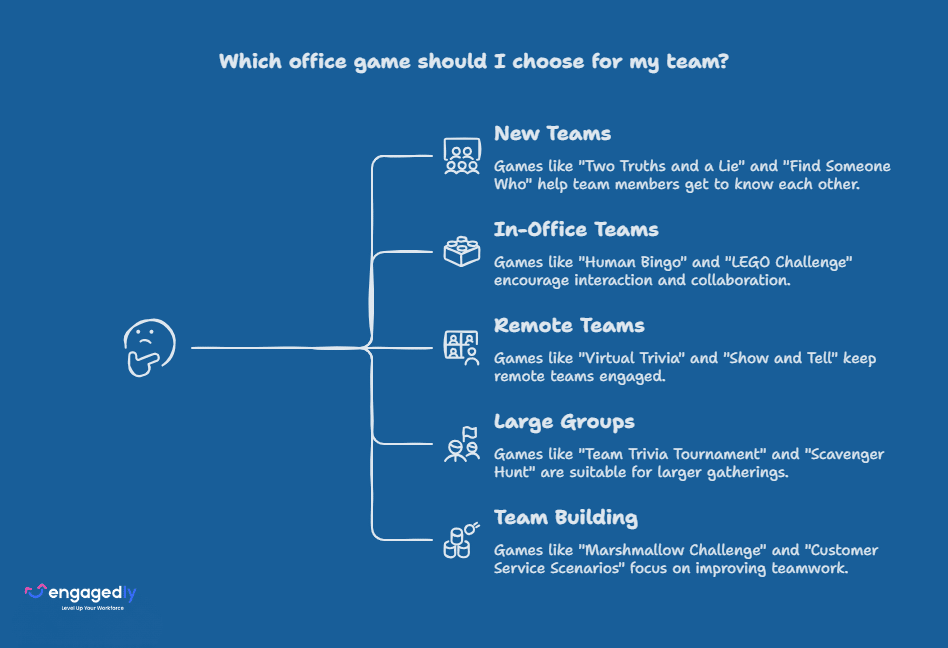
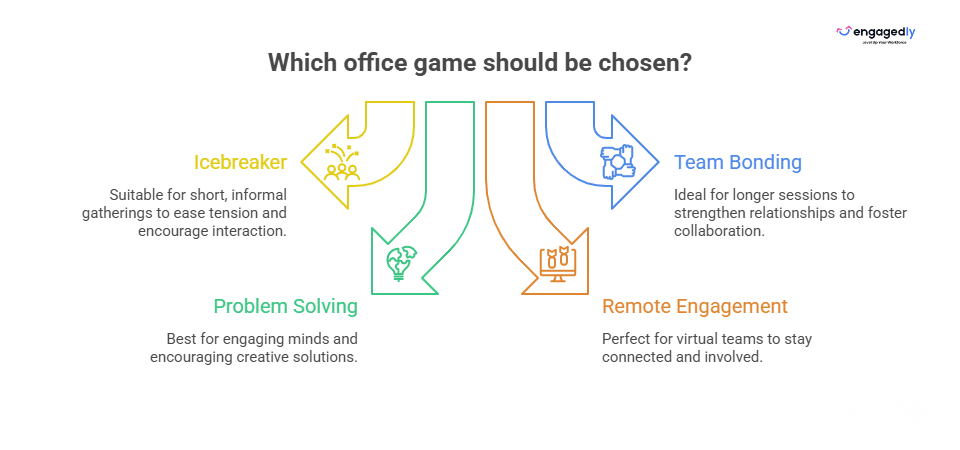
Office games can serve different purposes. Some are quick icebreakers, some work better for in-office teams, some are built for remote employees, and others are ideal for large groups or team-building sessions.
Creative office games are short, structured activities that ask employees to invent, imagine, or improvise something, rather than just recall facts or compete on speed. They typically run 5 to 45 minutes, need little to no equipment, and work for teams as small as three or as large as an entire company. What separates a creative office game from a standard icebreaker is that it produces something new each time it is played, a story, a pitch, a drawing, a structure, which is why teams keep asking to play them again instead of getting bored after round one.
To make things easier, we have grouped these 25 office games by use case, time commitment, and team format so you can quickly find the right fit for your team.
hat Makes an Office Game Actually Creative?
A creative office game is one that requires people to generate something original on the spot, a story, a pitch, a drawing, or a solution, instead of simply answering a question or racing a clock. That distinction matters because it changes who gets to shine. Trivia rewards whoever already knows the answer. A creative game rewards whoever comes up with the most interesting one.
Three things separate a genuinely creative office game from a standard team activity.
It has no single correct answer, so introverted or less competitive employees can contribute just as much as the most talkative person in the room.
It asks people to build or invent something, even something small, rather than only recall or react.
It exercises a skill that transfers back into real work, like reframing a problem, pitching an idea fast, or improvising under a constraint.
Games like Mystery Box Pitch, the Marshmallow Challenge, the LEGO Challenge, and Desert Island fit this definition well. Straight trivia, bingo, and quiz formats are still valuable for connection and energy, but they lean on recall rather than invention, so they sit in a different bucket.
What Quick Office Games Can You Play in Under 15 Minutes?
Short on time? These quick office games work well before meetings, during team huddles, or as a light reset between long work sessions.
Two Truths and a Lie
Best for: Icebreakers, onboarding, small teams Time: 10 to 15 minutes Players: 3 or more Tools: None
How to play: Each person shares three statements about themselves. Two are true and one is false. The rest of the group guesses which one is the lie.
Why it works: It helps employees learn small, memorable things about each other without making the activity feel too formal.
Find Someone Who
Best for: New teams, mixed departments, large meetings Time: 10 to 15 minutes Players: 6 or more Tools: Printed or digital prompt sheet
How to play: Create a list of prompts such as “has worked here for more than five years,” “speaks more than one language,” or “has a pet.” Employees move around the room and find coworkers who match each prompt.
Why it works: It gets people talking quickly and helps employees interact beyond their usual circles.
One-Word Check-In
Best for: Team meetings, remote calls, weekly standups Time: 5 minutes Players: Any number Tools: None
How to play: Ask every employee to describe how they are feeling in one word. You can keep it work-related or open-ended.
Why it works: It gives managers a quick read on team mood and helps employees feel heard without turning the meeting into a long discussion.
Office Trivia
Best for: Team bonding, company culture, recurring meetings Time: 10 to 15 minutes Players: Any number Tools: Prepared questions
How to play: Prepare quick questions about your company, industry, team members, or fun general knowledge. Divide employees into teams and keep score.
Why it works: Trivia is easy to run, low-pressure, and works for both small and large teams.
Charades
Best for: Energy, creativity, team laughter Time: 10 to 15 minutes Players: 4 or more Tools: Prompt cards
How to play: Players act out a word, phrase, movie, workplace scenario, or company-related term without speaking. Their team guesses the answer.
Why it works: It brings energy into the room and helps people loosen up without needing complex setup.
Why Are Office Games Important for Employees?
Office games are not just fillers for team events. When done well, they create small moments of connection that help employees communicate better, trust each other more, and feel more comfortable contributing. Done well, they can contribute to the same workplace behaviors that shape the broader impact of employee engagement on productivity.
Gallup’s State of the Global Workplace 2026 report found that global employee engagement fell to just 20 percent in 2025, the lowest level since 2020, and estimates that low engagement is now costing the world economy roughly 10 trillion dollars a year in lost productivity. The same report found that manager engagement dropped from 31 percent in 2022 to 22 percent in 2025, which matters here because managers are usually the ones deciding whether a team ever plays a game at all. A few well-run creative office games will not fix a disengagement problem on their own, but they are one of the lowest cost, lowest risk ways a manager can start rebuilding the small daily moments of connection that Gallup ties to stronger engagement.
Why Does All Work and No Play Make Employees Less Productive?
Play is not just a break from work, it appears to change how the brain approaches problems. The National Institute for Play points to SHRM’s 2024 research showing 44 percent of employees feel burned out and notes that tired, unmotivated employees are measurably less likely to think creatively. The same source highlights a 2023 study of more than 500 full time employees that found a direct link between workplace fun, creative behavior, and manager support for fun, meaning play at work is not a nice to have on top of performance, it is one of the inputs to it. Dr. Stuart Brown, founder of the National Institute for Play, puts it simply.
“Nothing lights up the brain like play.”
Playing at work is not about playfulness; it is an investment in the well-being of the employees and, in general, company success. Playful activities include team-building games, impromptu dance, or time spent playing creative hobbies during breaks.
Company results suggest that whenever play is encouraged in the workplace, companies are likely to unleash hidden talent and morale and cultivate innovation and resilience.
Remember, a happy and engaged workforce is a productive workforce. Let’s break down the walls between work and play and reap the rewards of a more humanized and fulfilling work experience.
What Are the Best Classic In-Office Games?
These office games work best when employees are in the same physical space. Use them for team-building days, onboarding sessions, company events, or short breaks during long meetings.
Human Bingo
Best for: Icebreakers and relationship-building Time: 20 to 30 minutes Players: 8 or more Tools: Bingo cards and pens
How to play: Create bingo cards with prompts such as “has traveled to more than three countries,” “plays a musical instrument,” or “has a dog.” Employees walk around and find coworkers who match each statement. The first person to complete a row wins.
Why it works: Human Bingo helps employees discover shared interests and start conversations naturally.
Desert Island
Best for: Problem-solving and team discussion Time: 15 to 20 minutes Players: 4 or more Tools: Whiteboard or paper
How to play: Ask the team to imagine they are stranded on a desert island. Each person chooses three items they would bring. Then the group discusses which items matter most for survival and why.
Why it works: It reveals how people prioritize, communicate, and make decisions as a group.
The Human Knot
Best for: Teamwork and communication Time: 10 to 15 minutes Players: 6 or more Tools: None
How to play: Employees stand in a circle. Each person grabs hands with two different people who are not directly beside them. The group must untangle itself without letting go.
Why it works: It forces teams to communicate, listen, and solve a physical problem together.
LEGO Challenge
Best for: Creativity and collaboration Time: 20 to 30 minutes Players: 2 to 4 per team Tools: LEGO bricks
How to play: Give each team the same set of LEGO bricks and a challenge, such as building the tallest tower, a bridge, or a product prototype.
Why it works: It encourages creative thinking, quick planning, and hands-on collaboration.
The Marshmallow Challenge
Best for: Innovation and fast prototyping Time: 18 minutes Players: 3 to 4 per team Tools: Spaghetti, tape, string, and one marshmallow
How to play: Give each team 20 sticks of spaghetti, one yard of tape, one yard of string, and one marshmallow. Teams must build the tallest freestanding structure with the marshmallow on top.
Why it works: It teaches teams to test ideas quickly instead of overplanning.
Office Olympics
Best for: Energy and friendly competition Time: 30 to 45 minutes Players: 8 or more Tools: Depends on chosen mini-games
How to play: Create a set of short workplace-themed challenges such as paper airplane throws, desk chair relays, typing contests, or cup stacking.
Why it works: It brings movement and humor into the workplace while encouraging teamwork.
Scavenger Hunt
Best for: Large offices and cross-team bonding Time: 30 to 60 minutes Players: 2 to 5 per team Tools: Clue list, camera, or phone
How to play: Create a list of items, clues, or locations employees need to find. Teams compete to complete the list first.
Why it works: It gets employees moving, talking, and solving clues together.
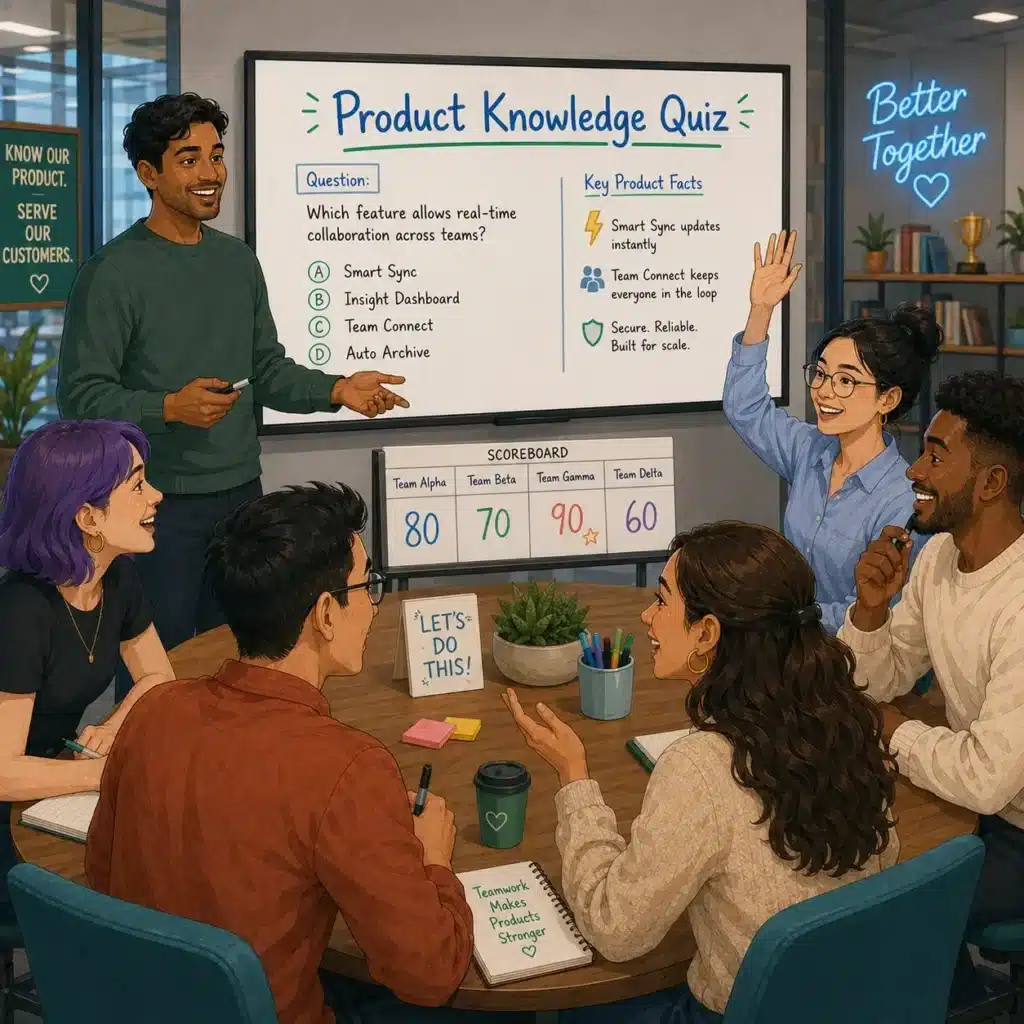
Product Knowledge Quiz
Best for: Sales, customer success, and product teams Time: 15 to 20 minutes Players: Any number Tools: Quiz questions
How to play: Create questions around product features, customer use cases, common objections, or company services.
Why it works: It turns learning into a game and helps teams strengthen product knowledge.
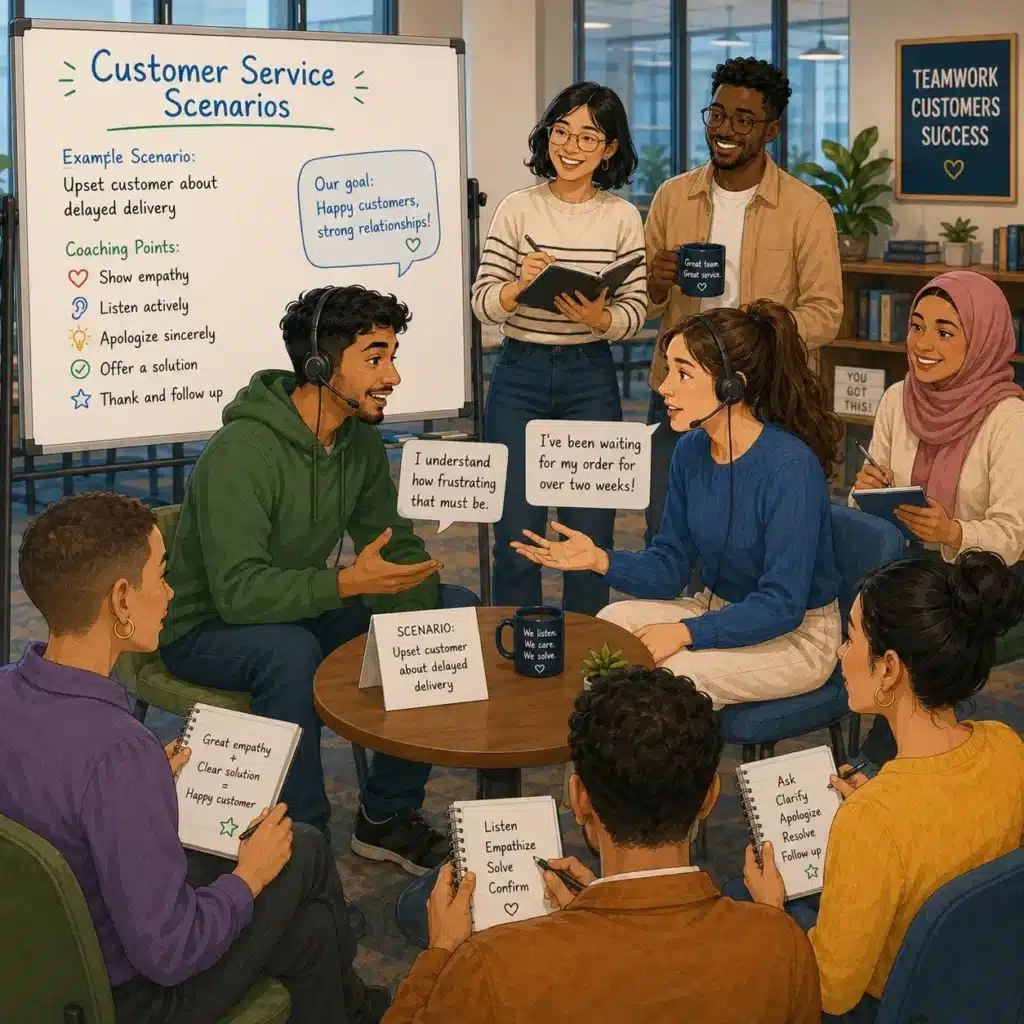
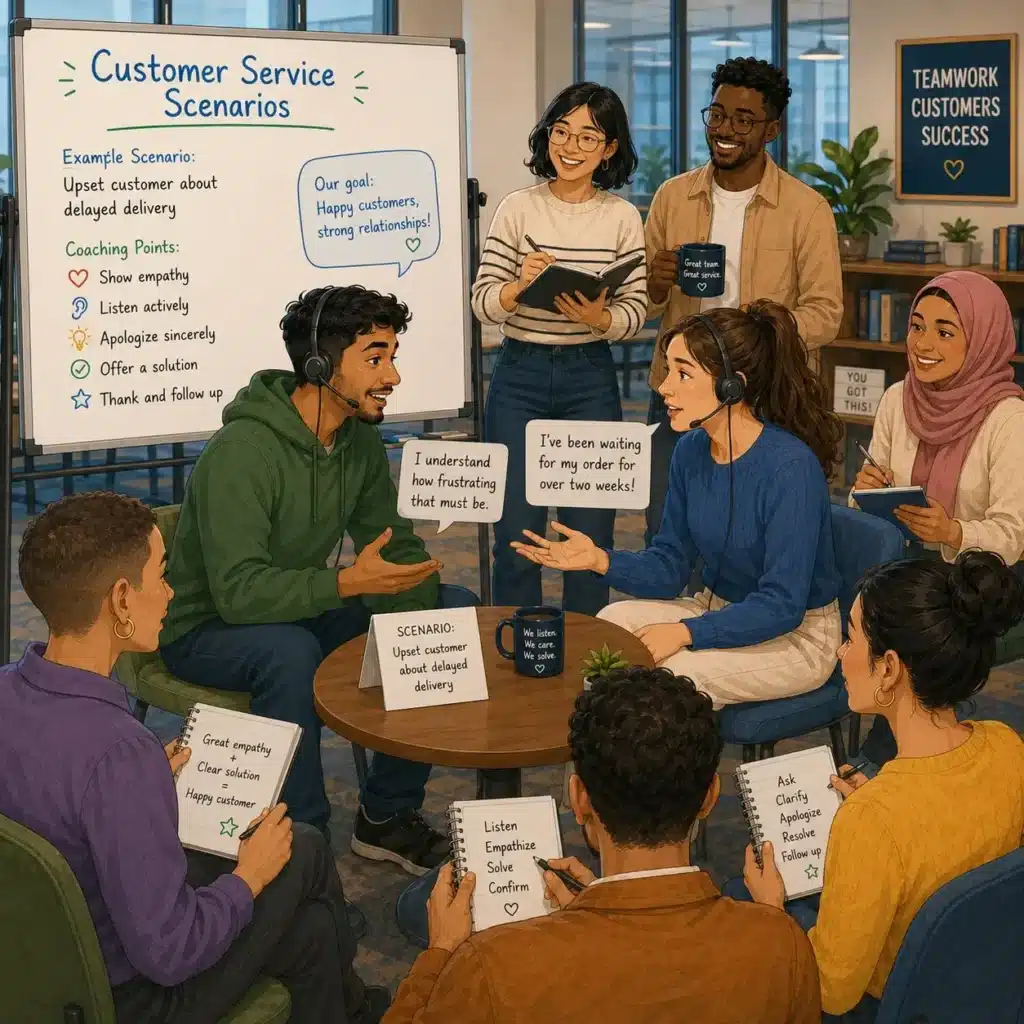
Customer Service Scenarios
Best for: Customer-facing teams Time: 15 to 20 minutes per round Players: 2 to 4 per team Tools: Scenario cards
How to play: Give teams realistic customer situations and ask them to role-play the best response.
Why it works: It improves communication, problem-solving, and confidence in real customer situations.
Guess the Logo
Best for: Light team fun and brand awareness Time: 10 to 15 minutes Players: Any number Tools: Logo images
How to play: Show logos from well-known brands, competitors, customers, or internal tools. Teams guess the logo.
Why it works: It is simple, fast, and easy to adapt for different teams.
What Are the Best Office Games for Remote Teams?
Remote teams need games that are easy to join, simple to explain, and comfortable on video calls. The best remote office games help employees feel present without creating meeting fatigue.
Microsoft’s Work Trend Index has repeatedly highlighted the importance of connection, trust, and communication in hybrid and remote work. Remote games can support those moments when used thoughtfully.
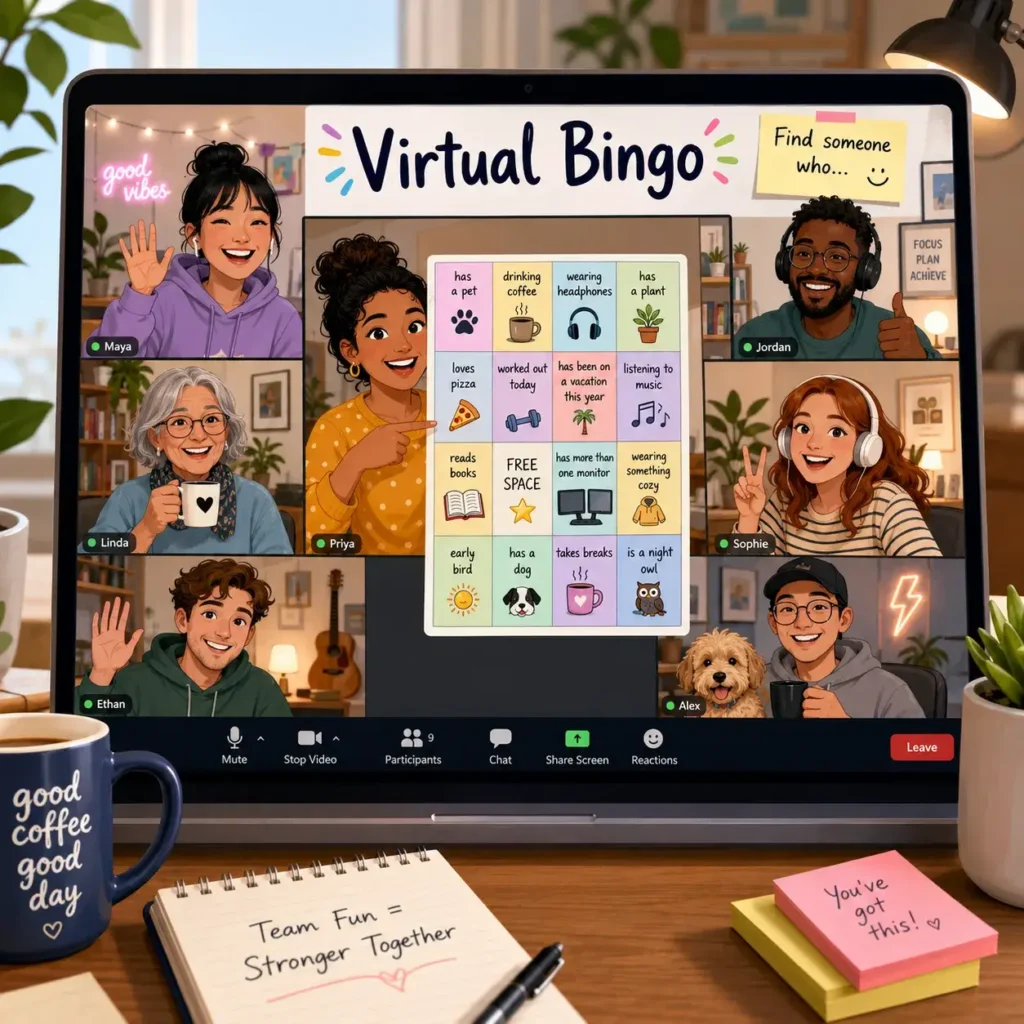
Virtual Bingo
Best for: Remote icebreakers Time: 15 to 20 minutes Players: 5 or more Tools: Digital bingo cards
How to play: Create bingo cards with prompts like “has a standing desk,” “has a pet nearby,” or “joined from a different city.” Employees mark boxes as they find teammates who match each prompt.
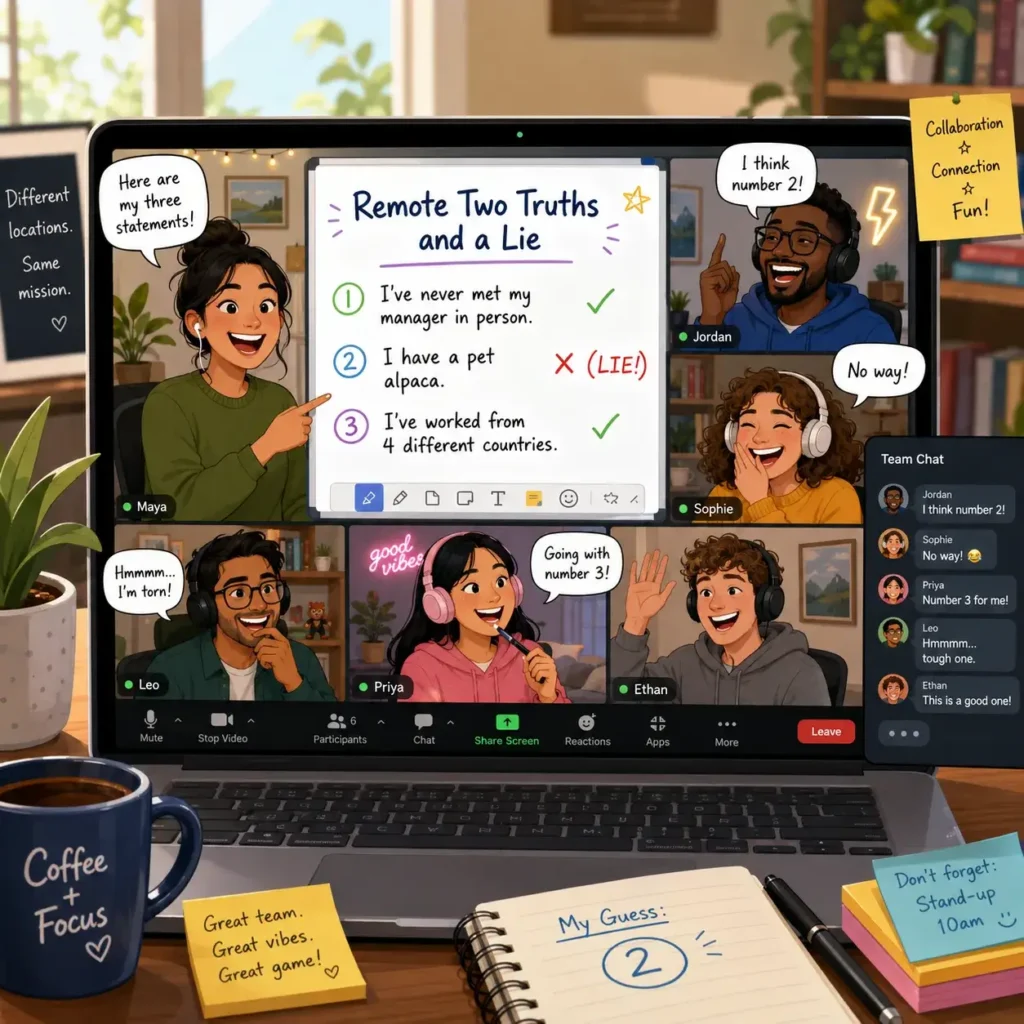
Remote Two Truths and a Lie
Best for: New remote teams Time: 10 to 15 minutes Players: 3 or more Tools: Video call
How to play: Each person shares two true facts and one false fact. The team guesses the lie using chat or verbal responses.
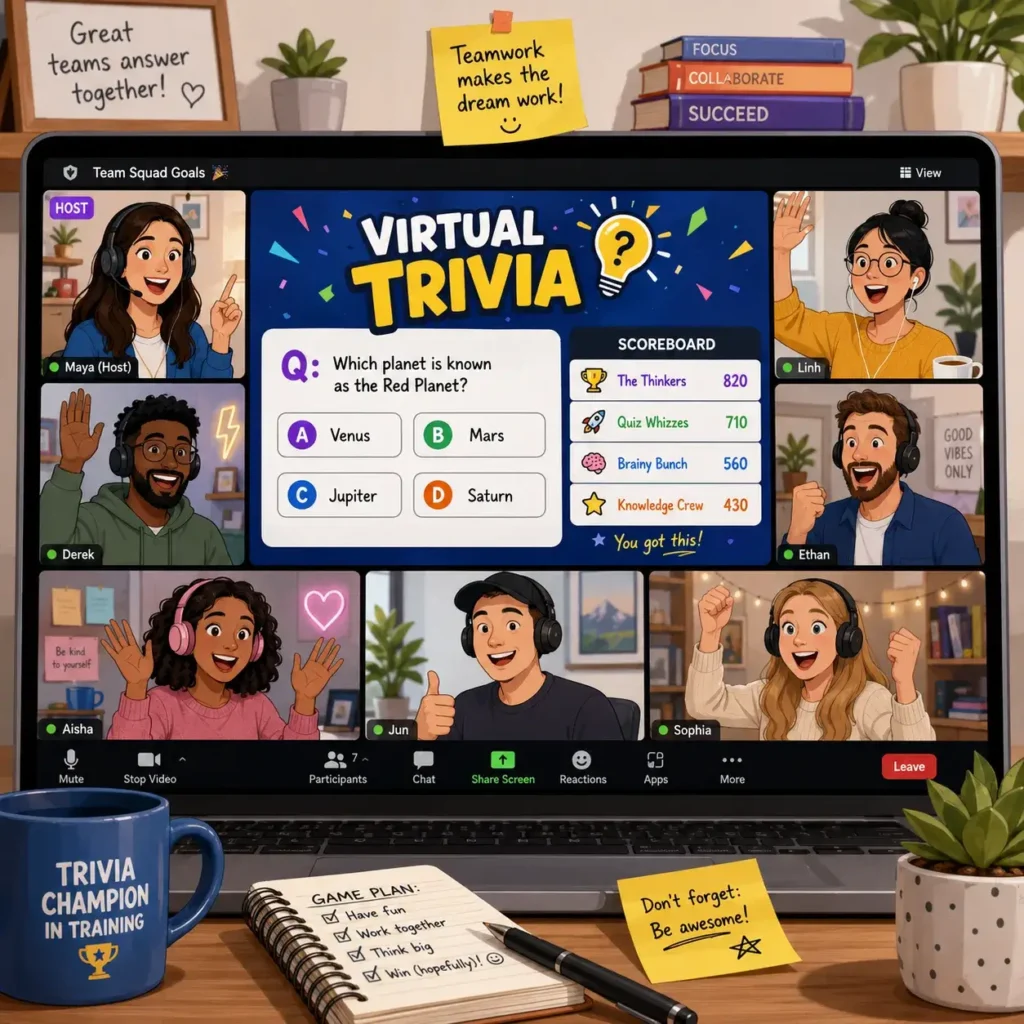
Virtual Trivia
Best for: Team socials and Friday meetings Time: 15 to 30 minutes Players: Any number Tools: Quiz platform or slides
How to play: Run trivia around general knowledge, company facts, pop culture, or industry topics.
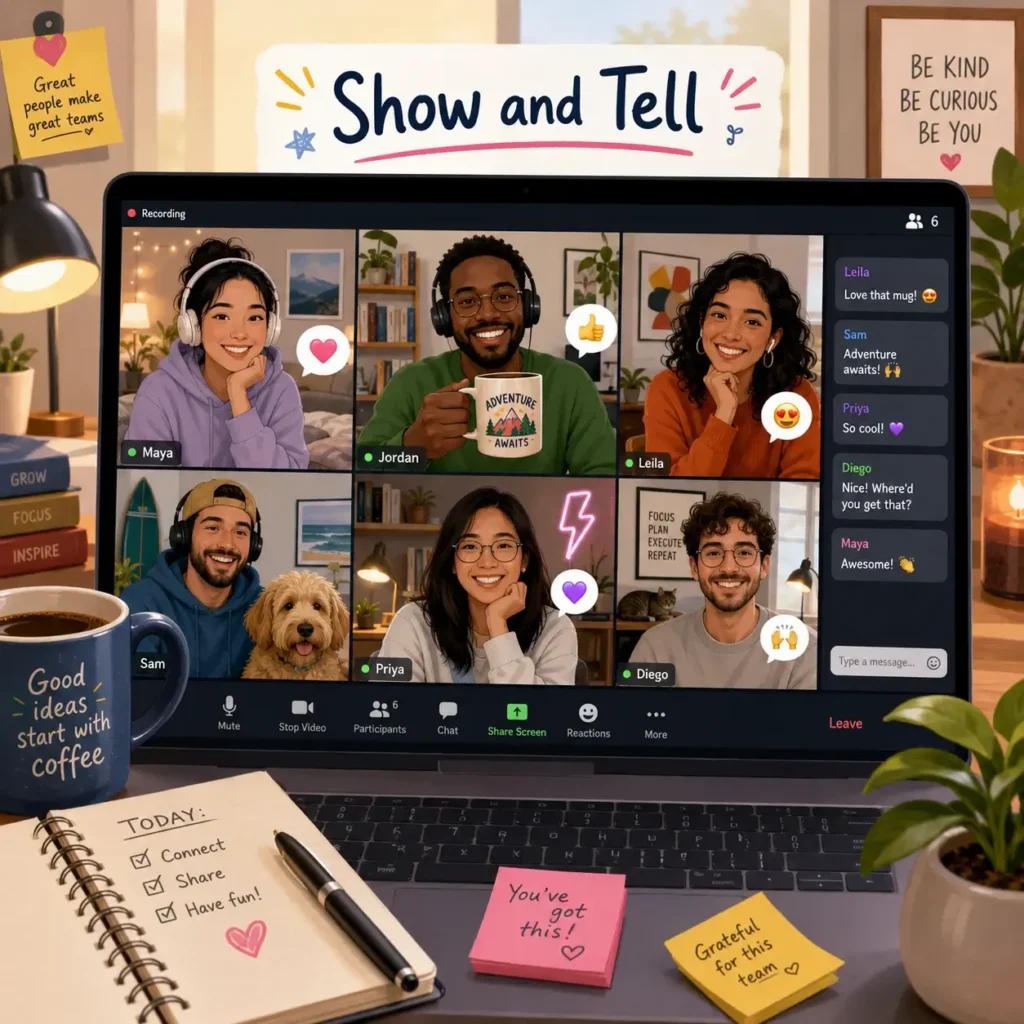
Show and Tell
Best for: Building personal connection Time: 10 to 20 minutes Players: 3 or more Tools: Video call
How to play: Ask each person to show one object from their workspace and explain why it matters to them.
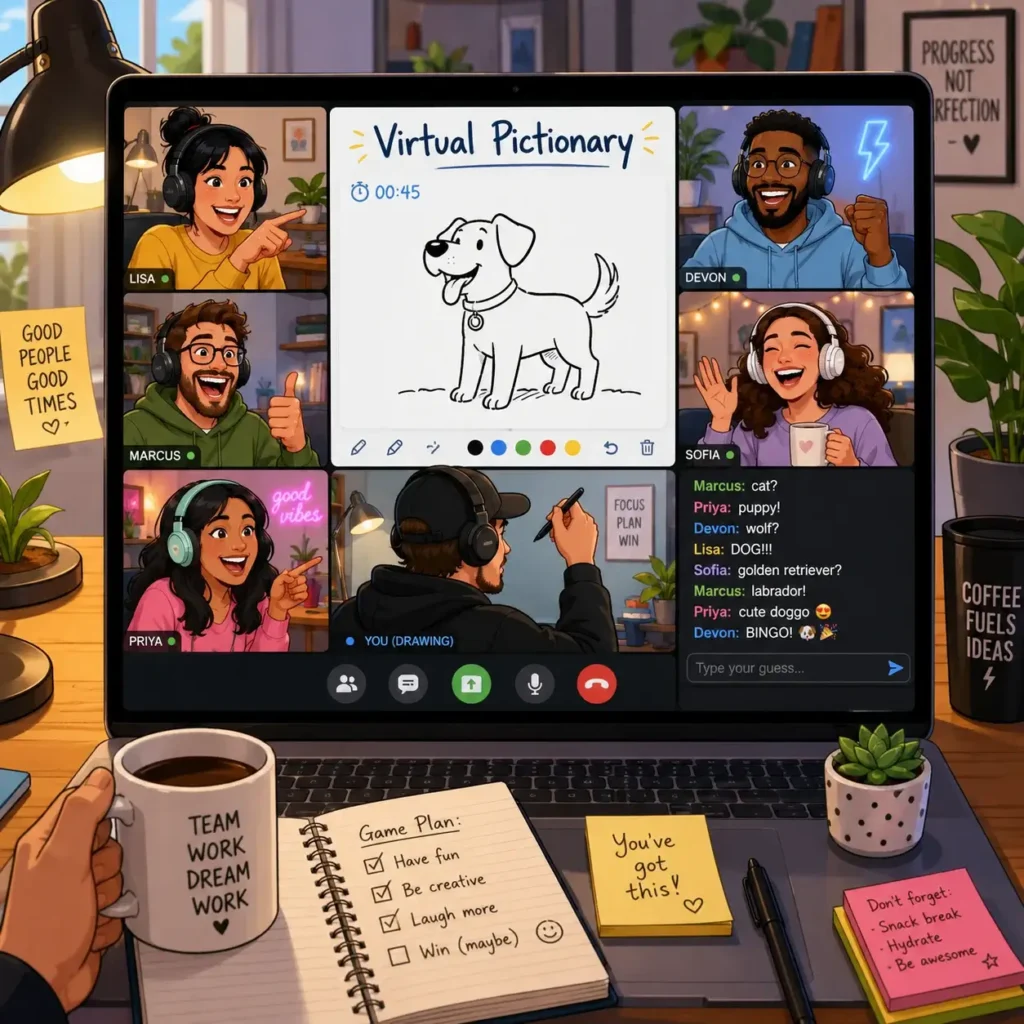
Virtual Pictionary
Best for: Creativity and laughter Time: 15 to 25 minutes Players: 4 or more Tools: Digital whiteboard
How to play: One player draws a prompt while the rest of the team guesses.
Guess the Workspace
Best for: Remote team bonding Time: 10 to 15 minutes Players: 5 or more Tools: Photos submitted in advance
How to play: Ask employees to submit a photo of a small part of their workspace. Show each photo and let the team guess whose workspace it is.
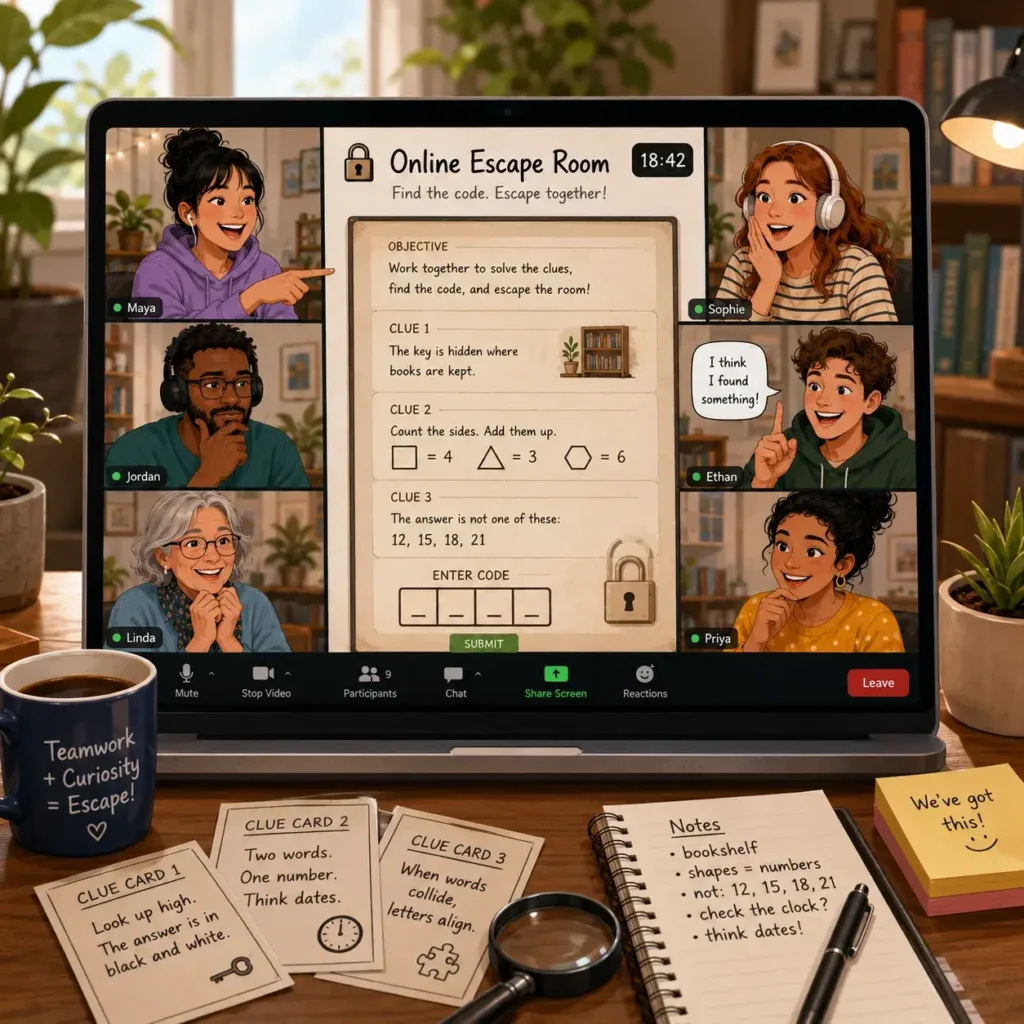
Online Escape Room
Best for: Problem-solving and collaboration Time: 30 to 60 minutes Players: 4 or more Tools: Online escape room platform
How to play: Teams solve puzzles and clues together within a set time.
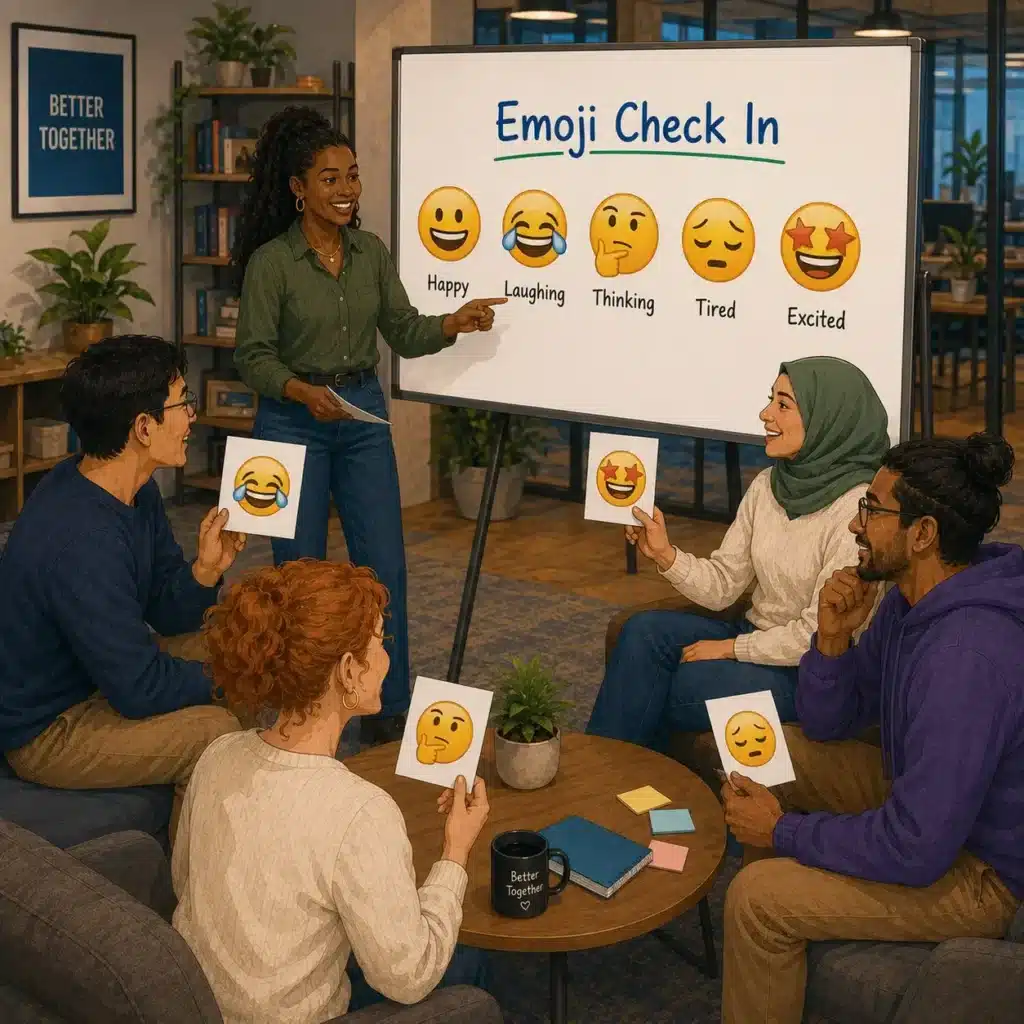
Emoji Check-In
Best for: Quick team mood check Time: 5 minutes Players: Any number Tools: Chat or reactions
How to play: Ask everyone to drop one emoji that describes their current mood. Invite a few people to explain their choice if they want to.
What Are the Best Office Games for Large Groups?
Large-group office games should be easy to explain, scalable, and inclusive. Avoid activities where only a few people participate while everyone else watches. Choose games that allow teams to compete, collaborate, or move around together.
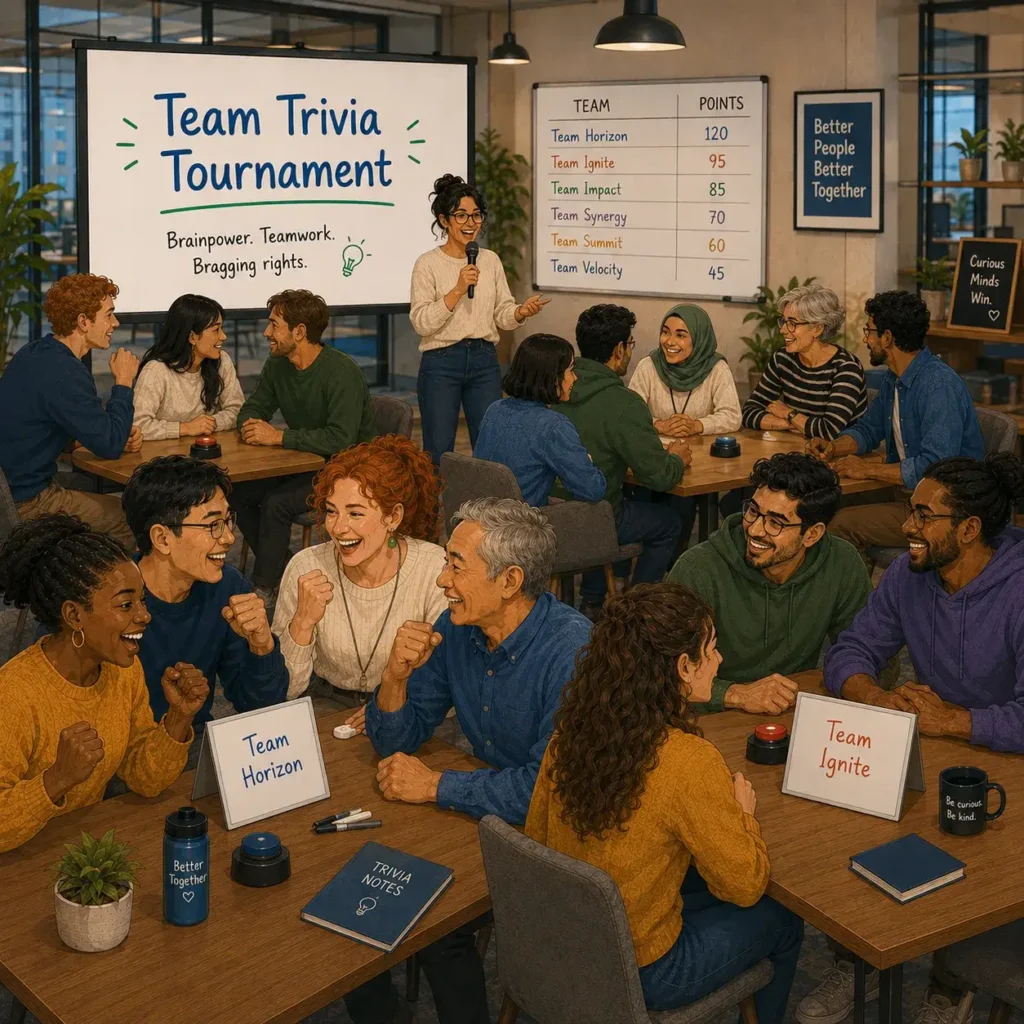
Team Trivia Tournament
Best for: All-hands meetings and company events Time: 20 to 30 minutes Players: 20 or more Tools: Questions, scoreboard, buzzer or form
Divide employees into teams and run multiple trivia rounds. Use categories like company history, industry knowledge, pop culture, and fun facts about employees.
Office Scavenger Hunt
Best for: Large offices and company retreats Time: 30 to 60 minutes Players: 20 or more Tools: Clue sheets and phones
Split employees into small groups and give them a list of clues, photos, or objects to find. Award points for speed, creativity, and teamwork.
Human Bingo
Best for: Networking and cross-team interaction Time: 20 to 30 minutes Players: 20 or more Tools: Bingo cards
Human Bingo works especially well in large groups because it pushes employees to speak with people they do not normally work with.
Office Jeopardy
Best for: Company knowledge and light competition Time: 30 to 45 minutes Players: 20 or more Tools: Jeopardy board or slides
Create categories around company values, customers, products, industry facts, and team trivia.
Build the Tallest Tower
Best for: Collaboration and fast thinking Time: 20 minutes Players: 20 or more Tools: Paper, tape, straws, spaghetti, or LEGO bricks
Divide employees into teams and challenge them to build the tallest freestanding structure.
What Are the Best Office Games for Team Building?
If your goal is stronger teamwork, choose games that require communication, shared decision-making, and problem-solving. These five are the strongest picks from the full list.
1. The Marshmallow Challenge
Best for creative problem-solving, prototyping, and team collaboration.
2. Human Bingo
Best for breaking silos and helping employees connect across departments.
3. Scavenger Hunt
Best for energy, teamwork, and large-group participation.
4. Customer Service Scenarios
Best for practical role-play, communication, and real workplace learning.
5. LEGO Challenge
Best for creativity, design thinking, and hands-on collaboration.
How Do You Choose the Right Office Game for Your Team?
The best office game depends on your team’s size, comfort level, available time, and purpose. A game that works well for a small creative team may not work for a large operations team or a quiet remote group.
Use this simple framework before choosing a game.
Start With the Goal
Ask what you want the game to achieve. If the goal is onboarding, choose icebreakers like Two Truths and a Lie or Human Bingo. If the goal is problem-solving, try the Marshmallow Challenge or LEGO Challenge. If the goal is energy, try Office Olympics or a scavenger hunt.
Match the Game to Team Size
For small teams, discussion-based games work well. For large groups, choose games that split people into smaller teams. For remote teams, pick games that work smoothly over video and chat.
Respect Different Comfort Levels
Not everyone enjoys physical games, improv, or activities that put them in the spotlight. Keep participation friendly and avoid games that could embarrass employees.
Keep It Short
Most office games work best when they are short and focused. A 10-minute game before a meeting often feels better than a long activity that interrupts the workday.
Ask for Feedback
After a few games, ask employees what they enjoyed. This helps managers avoid forced fun and choose activities that people actually want to join.
Conclusion
Office games work best when they feel simple, inclusive, and connected to the team’s real needs. They do not need to be elaborate or expensive. A 10-minute icebreaker, a quick trivia round, or a small team challenge can help employees relax, interact, and build stronger relationships.
The key is to choose games with purpose. Use quick games to energize meetings, remote games to improve connection, large-group games to bring departments together, and team-building games to strengthen collaboration.
When office games are done thoughtfully, they become more than a break from work. They become small moments that help people work better together.
Creating an engaging workplace goes beyond occasional team activities. Request a demo to discover how Engagedly helps organizations improve engagement, feedback, learning, and performance throughout the employee experience.
Frequently Asked Questions
What are office games for employees?
Creative office games are fun workplace activities designed to improve team bonding, communication, morale, and employee engagement.
Creative office games are structured activities that bring employees together through play, collaboration, and light competition. They typically help teams: build stronger relationships improve communication reduce workplace stress boost engagement and morale These games can include icebreakers, trivia, problem-solving challenges, and movement-based activities. For example, Two Truths and a Lie works well for introductions, while a scavenger hunt encourages teamwork and energy. The best office games are easy to run, inclusive, and tied to a clear purpose such as onboarding, team bonding, or improving collaboration. When used well, they support a more connected and enjoyable workplace culture.
Why do office games help employee engagement?
Office games improve employee engagement by reducing stress, building trust, and making collaboration feel more natural and enjoyable.
Office games help employee engagement because they create moments of connection that many teams do not get through work tasks alone.
Key benefits include:
lower stress and mental fatigue stronger team relationships better communication across roles improved morale and participation Playful activities can also support creativity and problem-solving. For example, trivia games encourage knowledge sharing, while team challenges like the Marshmallow Challenge improve collaboration under pressure. Research on workplace play has linked these activities with better performance and lower stress. When employees feel relaxed, included, and connected to their coworkers, they are more likely to stay engaged and contribute more effectively.
How do I pick a team game for work?
Choose workplace games based on team size, time available, energy level, and whether your goal is bonding, learning, or creativity.
The right workplace game should fit your team’s goals and your work environment. Before choosing a game, consider:
team size and whether the activity works in small or large groups time available, such as 10 minutes or a full hour purpose, like icebreaking, problem-solving, or stress relief comfort level of participants, especially for physical or improv games tools needed, such as cards, whiteboards, or apps
For example, Human Bingo works well for new teams, while Office Trivia suits mixed groups and recurring meetings. If your goal is innovation, try a LEGO challenge or product design sprint. Matching the game to the team improves participation and outcomes.
How can managers make office games effective without feeling forced?
Managers can make office games effective by keeping them optional, inclusive, short, and clearly connected to team experience.
Office games work best when they feel natural, not mandatory or overly scripted. To make them more effective: keep activities short and easy to join choose inclusive games that do not embarrass people explain the purpose, such as team bonding or stress relief rotate formats so the same activity does not become repetitive gather feedback to learn what employees actually enjoy For example, a 15-minute trivia round may work better than a high-energy physical challenge for a quieter team. Managers should treat games as a culture-building tool, not a forced exercise. When activities respect different personalities and time pressures, participation and value both improve.
Employee attrition rarely surprises anyone paying attention. The warning signs accumulate quietly: skipped 1:1s, flat engagement scores, goals that stopped moving months ago, a manager who stopped checking in. By the time someone submits their resignation, the decision has been made weeks earlier.
The problem most organizations face is not a lack of data. It is a lack of timely response. Dashboards fill with yellow and red indicators while nothing changes for the employee watching them.
This list covers the 20 employee retention software platforms that move past reporting into actual intervention, helping managers and HR teams act before people disengage for good.
Why Retention Software Matters More in 2026
The cost of losing an employee has climbed steadily. Gallup’s research puts replacement costs at one-half to two times an employee’s annual salary, once recruiting, onboarding, ramp time, and lost institutional knowledge are factored in. For a $60,000 employee, that range runs $30,000 to $120,000 per exit.
What makes 2026 different from five years ago: the conditions that lead to turnover have compounded. Remote work expanded the talent market globally. AI tools lowered the friction of job searching. And following rounds of layoffs at major employers, workforce trust in company loyalty has dropped. Employees are more willing to leave for marginal improvements in pay, growth, or culture than they were even two years ago.
LinkedIn’s 2024 Workplace Learning Report found that 94% of employees said they would stay longer at a company that invests in their career development. That is not a soft finding. It is a direct signal about what retention software should support.
What Separates Effective Retention Platforms from Expensive Dashboards
A few traits separate tools that reduce attrition from tools that just measure it. These are the defining characteristics of the best employee retention softwares in the market today.
They connect data from multiple sources. Engagement scores divorced from performance trends, goal activity, recognition frequency, and 1:1 cadence tell an incomplete story. Platforms that surface these signals together give HR and managers enough context to understand what is actually driving risk.
They push managers to act, not just observe.Gallup research shows that managers account for 70% of the variance in team engagement. A platform that surfaces a disengagement signal without helping the manager respond is not solving the problem. The best tools prompt specific next steps: schedule this 1:1, recognize this achievement, address this concern.
They surface risk early. Retention is not a last-minute problem. By the time someone’s productivity visibly drops or they stop participating in meetings, they have often already made the decision to leave. Platforms built on predictive signals, declining goal activity, reduced feedback participation, sentiment shifts, can flag risk weeks or months before that point.
They work inside existing workflows. Stand-alone retention tools get ignored. The platforms that actually change manager behavior are the ones embedded in performance reviews, check-ins, OKR tracking, and learning systems that teams already use daily.
The Top 20 Employee Retention Software Platforms in 2026
1. Engagedly
Engagedly approaches retention differently from most platforms on this list. Rather than treating it as a separate module or an engagement survey problem, it connects performance, OKRs, 360 feedback, recognition, learning, and career development into a single continuous system. Retention signals surface inside the same workflows managers and HR already use, rather than requiring a separate login to a separate dashboard.
Marissa AI, Engagedly’s agentic AI layer, continuously analyzes goal progress, feedback patterns, learning activity, and engagement data to surface early risk signals. Managers get specific prompts rather than generic alerts, which matters because a generic “check in on this employee” alert produces very different behavior than “this employee’s goal progress has stalled for six weeks and they have not submitted feedback in two review cycles.”
HR leaders can view retention trends by department, manager, tenure, or role without needing a data analyst. Managers get the same picture scoped to their own team.
Pros:
Full employee lifecycle coverage in one platform: performance, OKRs, engagement, recognition, learning, and internal mobility
Marissa AI flags disengagement early with specific recommended actions, not just risk scores
Role-based dashboards mean HR and managers see what is relevant to them without configuration
Covers every major retention driver, so organizations are not patching together three or four tools
Breadth means implementation takes time; organizations expecting to be live in a week will need to plan more carefully
Some users find the feature set deeper than they initially need, requiring phased rollout
Pricing minimum commitment may be a consideration for smaller organizations
Best for: Organizations that want a unified platform where performance, engagement, and growth data work together rather than sitting in separate systems.
Pricing: Modular pricing starting at $2 to $8 per user per month (billed annually), with a minimum annual commitment of $7,500. Add-on suites are available.
2. Culture Amp
Culture Amp bundles listening, performance, and development in one platform. Its core strength is translating survey data into manager action plans rather than leaving HR to interpret results on their own. The platform analyzes engagement data by demographics and departments, then suggests specific interventions at the team level.
Pros:
Action planning is built in rather than left to HR to design manually
Performance and engagement data connect, so managers can see how review cycles affect sentiment
Interface is accessible for managers who are not comfortable with analytics tools
Strong benchmarking data lets you compare your engagement scores against industry peers
Higher-tier plans can be expensive for growing mid-market companies
Some users report that customizing survey templates requires more effort than expected
Best for: Organizations wanting strong engagement-to-action workflows alongside performance management.
Pricing: Custom bundled pricing across Engage, Perform, and Develop modules. No public per-seat rate; pricing scales by organization size.
3. Workday Peakon Employee Voice
Peakon (now integrated with Workday) runs on a continuous listening model. Short, frequent pulse surveys replace the annual engagement cycle, and AI-powered text analysis surfaces themes from open-ended responses, workload concerns, manager relationship issues, career stagnation, without HR reading every comment manually.
Pros:
Continuous listening model catches sentiment shifts faster than quarterly or annual surveys
AI text analytics handle high comment volumes and surface themes automatically
Benchmarking shows how scores compare to similar organizations
Manager action planning is built into the workflow, not left to interpretation
Cons:
Most valuable when embedded in the broader Workday HCM ecosystem; standalone value is lower
Implementation complexity is high, particularly for organizations not already on Workday
Customization options for survey design are limited compared to enterprise survey platforms
Best for: Organizations already running Workday HCM that want continuous listening built into their existing stack.
4. Qualtrics XM for Employee Experience
Qualtrics handles complex, multi-channel feedback collection at scale. You can track passive behavioral signals (intranet activity, badge data, application usage) alongside traditional survey data. The analytics depth is considerable, covering employee segments, tenure bands, and custom attributes.
Pros:
Enterprise-grade survey design with multi-channel feedback collection
Passive signal tracking adds behavioral data beyond what employees self-report
Deep analytics for segmenting retention risk by any employee attribute
Strong integration ecosystem across HR tech
Cons:
Significant learning curve; teams without analytics experience often underutilize the platform
Implementation and configuration typically require professional services investment
Less built-in manager enablement compared to platforms like Engagedly or 15Five
Expensive relative to mid-market alternatives
Best for: Enterprise HR teams with dedicated analytics resources that want maximum flexibility in survey design and data segmentation.
5. Microsoft Viva Glint
Viva Glint fits naturally into organizations already running Microsoft 365. Surveys go out through familiar Microsoft interfaces, AI analysis surfaces engagement trends, and recommendations reach managers through Teams and Viva Insights rather than a separate application.
Pros:
Minimal friction for employees and managers already in Microsoft 365 daily
AI analysis surfaces trends and suggests manager actions without additional training
Good survey response rates because the experience is embedded rather than requiring a separate login
Integrates with Teams, Outlook, and Viva Insights
Cons:
Depth of engagement analytics is below what dedicated platforms like Qualtrics or Peakon offer
Limited standalone value if your organization is not on Microsoft 365
Less flexibility for complex custom survey design
Career development and learning features are thin compared to full-suite platforms
Best for: Microsoft 365-first organizations wanting engagement listening without adding another application to the stack.
6. Lattice
Lattice builds a direct connection between performance management and engagement. Managers see goal progress, 1:1 cadence, and performance review history alongside engagement scores, so they can spot when a high performer starts disengaging before it turns into a resignation. The workflows feel natural rather than HR-mandated, which helps with adoption.
1:1 workflow templates help managers build consistent check-in habits
Widely praised for ease of adoption across manager populations
Compensation benchmarking available as an add-on
Strong reporting for HR on manager effectiveness patterns
Cons:
Learning and development features are lighter than platforms like Engagedly
Engagement module is sold separately from performance, which adds cost
AI capabilities are less developed than some competitors
Can feel limited for organizations that need deep career pathing or skills infrastructure
Best for: Organizations where manager effectiveness and structured performance conversations are the primary retention levers.
Pricing: Modular per-seat pricing starting at $11 per user per month, with add-ons for engagement, growth, and compensation.
7. 15Five
15Five centers its entire platform on manager effectiveness. Weekly check-ins, pulse surveys, performance conversations, and coaching workflows help managers build stronger team relationships consistently rather than during annual review season. The platform’s coaching orientation is distinctive.
Pros:
Weekly check-in cadence builds consistent manager-employee communication habits
Coaching tools help managers improve, not just report on engagement
High Five recognition feature keeps appreciation visible between review cycles
Performance and engagement workflows connect naturally
Strong customer support and onboarding resources
Cons:
Lighter on advanced analytics and predictive retention modeling
Career development and internal mobility features are limited
Recognition is functional but not as sophisticated as dedicated platforms like Achievers or Workhuman
Can feel under-powered for large enterprise organizations with complex org structures
Best for: Organizations investing seriously in manager development as their primary retention strategy.
Pricing: Per-user pricing from $4 to $16 per user per month (billed annually), with coaching, AI, and compensation add-ons.
8. Leapsome
Leapsome packages performance, engagement, and learning together in what they describe as a people enablement platform. It is popular in European mid-market organizations, in part because the integrated approach aligns with how HR teams there tend to structure the employee lifecycle.
Competency frameworks and skills tracking built in
Intuitive interface with relatively short implementation timelines
Strong fit for EU-based organizations navigating local HR practices
Cons:
Customer support response times have drawn mixed reviews at scale
Analytics depth is below enterprise-grade platforms
Recognition features are basic compared to dedicated recognition tools
Less established in North American markets, which affects peer community and local support resources
Best for: European mid-market organizations wanting performance, engagement, and learning in one system.
9. WorkTango
WorkTango combines survey and insights, recognition and rewards, and manager enablement in one platform. Because recognition data, engagement signals, and manager activity all sit in the same system, the platform can surface patterns that separate tools would miss: for example, whether teams with lower recognition frequency show higher attrition risk.
Pros:
Recognition and engagement data connect, revealing patterns that siloed tools miss
Strong satisfaction scores on major software review platforms
Manager enablement tools included alongside listening and recognition
Employee net promoter score tracking built in
Cons:
Less depth on performance management than platforms like Engagedly or Lattice
Smaller customer base than some competitors, which affects integration ecosystem
Reporting customization can require support assistance
Best for: Organizations wanting a unified employee experience platform where surveys, recognition, and manager tools inform each other.
Pricing: Custom, quote-based pricing by organization size and modules selected.
10. Perceptyx
Perceptyx specializes in enterprise listening with a specific focus on closing the loop between survey data and manager action. AI-powered insights identify predictive attrition signals, and action planning agents guide managers through specific interventions based on their team’s data rather than presenting raw scores.
Pros:
Strong at connecting listening data to specific manager actions rather than leaving interpretation open
AI identifies predictive attrition signals before disengagement becomes visible
Built for enterprise scale with sophisticated benchmarking
Action planning workflow is a core product feature, not an afterthought
Cons:
Implementation is complex and typically requires professional services
Pricing and contract structures are built for large enterprise buyers
Less suitable for mid-market organizations without dedicated HR analytics resources
Less recognized outside large enterprise HR buyer circles
Best for: Large enterprise organizations that want AI-driven attrition prediction paired with structured manager action planning.
Pricing: Custom based on organization size, survey complexity, and feature requirements.
11. Medallia Employee Experience
Medallia captures employee signals across multiple channels: surveys, open-text feedback, HR system integrations, and sentiment analysis from internal communications. The analytics layer is focused on identifying which specific factors drive turnover risk rather than just measuring overall engagement.
Pros:
Multi-channel signal collection goes beyond traditional survey data
Retention-focused analytics identify which factors correlate with actual turnover
Scales well for large, distributed workforces
Strong integration capabilities with HRIS platforms
Cons:
Experience Data Record pricing model can be difficult to forecast for HR budget planning
Interface requires training; not intuitive for frontline managers
Primarily a listening and analytics tool; manager action enablement is lighter
Best for: Large organizations that want to combine multiple feedback channels and correlate signals to actual retention outcomes.
Pricing: Enterprise pricing based on Experience Data Records (EDR) rather than per-user or per-survey fees.
12. Quantum Workplace
Quantum Workplace focuses on what happens after the survey closes. Their engagement data comes paired with action planning frameworks that help managers and HR teams turn scores into specific initiatives rather than quarterly presentations that nothing comes from.
Pros:
Action planning is core to the product rather than a report-only tool
Goal and performance features complement engagement data
Accessible for mid-market HR teams without large analytics staff
Recognition features included in the platform
Cons:
Predictive analytics and AI capabilities lag behind enterprise-tier competitors
Less known outside North American mid-market, limiting peer benchmarking data for international organizations
Career development features are limited
Best for: Mid-market HR teams that want to move from engagement measurement to structured action without heavy analytics overhead.
Pricing: Custom employee-based pricing; engagement, performance, and development modules available individually or bundled.
13. Betterworks
Betterworks treats OKR alignment and continuous performance conversations as the primary retention drivers. The premise is that when employees understand how their work connects to company goals and receive consistent coaching, they are less likely to disengage. Transparent progress tracking makes that connection visible.
Pros:
Strong OKR framework keeps employee work connected to company direction
Good analytics for tracking adoption of performance conversations
Cons:
Engagement listening features are lighter than dedicated survey platforms
Recognition and rewards are limited compared to full-suite competitors
Learning and career development features are basic
Less suited for organizations whose retention problems stem from engagement or culture rather than goal clarity
Best for: Organizations where goal misalignment and lack of performance coaching are the primary turnover drivers.
Pricing: Custom employee-based pricing.
14. Workleap Officevibe
Workleap Officevibe makes the basics fast to deploy: pulse surveys, anonymous feedback loops, lightweight recognition, and structured 1:1 templates. Teams that have struggled to get managers to use more complex platforms often find Officevibe easier to adopt because the weekly workflow is short and simple.
Pros:
Fastest time to value on this list; most teams are live within days
Anonymous feedback helps surface concerns employees would not raise directly
Good Vibes recognition is simple but keeps morale visible between formal reviews
Affordable entry-level pricing for smaller organizations
Cons:
Depth is limited; not suitable for organizations that need advanced analytics or predictive retention modeling
Performance management features are basic compared to Lattice or Engagedly
Integration ecosystem is smaller than enterprise competitors
Career development features are minimal
Best for: Organizations that want fast deployment of pulse surveys and manager 1:1 habits without a long implementation timeline.
Pricing: Per-user pricing starting at $5 per user per month.
15. HiBob (Bob)
HiBob runs HRIS functionality alongside an engagement layer in the same platform. Because HR lifecycle data (tenure, department, manager history, compensation, promotion dates) lives in the same system as engagement workflows, retention reporting can be segmented by almost any attribute without a data export or a BI tool.
Pros:
HRIS and engagement data in one platform means segmentation by tenure, department, or manager is straightforward
Useful for identifying which specific employee groups face the highest attrition risk
Clean interface with strong adoption among HR teams
Culture and onboarding features complement retention workflows
Cons:
Engagement analytics depth is below dedicated listening platforms like Peakon or Qualtrics
Performance management features are lighter than Lattice or Engagedly
Best suited for companies in a specific size range (roughly 50 to 1,000 employees)
Predictive analytics are limited
Best for: Growing organizations that want HRIS and engagement in one system and need to slice retention data by segment without manual exports.
Pricing: Custom pricing tailored to organization size.
16. Visier People Analytics
Visier is primarily an analytics platform. It does not run surveys or manage performance workflows. What it does is model attrition risk and identify which factors drive turnover in your specific organization: compensation lag, manager tenure, internal mobility gaps, workload signals, or something else.
Pros:
AI-driven attrition prediction models built specifically for retention analysis
Identifies the specific factors driving turnover in your organization, not just averages
Works with data from your existing HRIS, ATS, and engagement tools
Strong for organizations that have data but lack the analytical capability to use it
Cons:
Not a standalone retention tool; requires other systems to collect the underlying data
Mobile experience has drawn mixed reviews
Pricing and implementation complexity are built for large enterprise buyers
Value is lower for organizations without meaningful historical HR data
Best for: Enterprise organizations with existing data from multiple HR systems that want to model and predict attrition rather than just measure engagement.
Pricing: Modular subscription-based pricing, typically customized to organization size and data volume.
17. Achievers
Achievers runs recognition programs at enterprise scale. Frequent, specific recognition is a documented retention driver, and Achievers makes it practical across large, distributed workforces where informal recognition disappears. Analytics track recognition patterns and correlate them with engagement and retention trends.
Pros:
Scales recognition across large, distributed teams in a way that informal appreciation cannot
Configurable rewards catalog with both monetary and non-monetary options
Analytics connect recognition frequency to engagement trends
Strong administrator controls for managing programs at enterprise scale
Cons:
Primarily a recognition and rewards platform; does not cover performance, feedback, or growth
Requires integration with other platforms to create a full retention picture
ROI case for recognition spend requires benchmarking against your own historical data
Less suited for organizations where recognition is not a primary turnover driver
Best for: Large organizations where recognition frequency and quality are identified gaps in the employee experience.
Pricing: Custom enterprise pricing based on workforce size.
18. Workhuman
Workhuman ties social recognition to cultural belonging. Appreciation on the platform is visible across teams and peer groups, not just within a direct reporting structure. Reviews consistently credit Workhuman with producing measurable shifts in how frequently employees recognize each other.
Pros:
Social recognition creates visible appreciation culture rather than private manager-to-employee acknowledgment
Strong evidence of morale impact in user reviews across software directories
Milestone recognition automates tenure and life event acknowledgment at scale
Skills-based recognition features connect appreciation to competency development
Cons:
Like Achievers, this is primarily a recognition platform and needs to be paired with performance and engagement tools
Premium pricing relative to basic recognition alternatives
Social features may not fit all organizational cultures, particularly more formal or hierarchical environments
Best for: Organizations that want to shift culture toward consistent, visible peer-to-peer recognition as a retention driver.
Pricing: Custom quotes based on organization size and feature selection.
19. Reward Gateway
Reward Gateway combines recognition, rewards, employee discounts, and a benefits hub in one platform. Employees can recognize peers, access perks and discounts, and understand their full compensation picture (base, benefits, and non-cash rewards) without switching between systems.
Pros:
Total rewards visibility helps employees understand the value of staying, beyond base salary
Employee discount program is a practical, tangible benefit that drives daily engagement with the platform
Recognition and rewards in the same interface creates natural usage habits
Works well for organizations with frontline or hourly workforces where traditional software tools have low adoption
Cons:
Engagement analytics and predictive retention features are thin
Performance management is absent; requires integration with other tools
Some users note that the recognition features are less sophisticated than dedicated recognition platforms
Best for: Organizations that want to boost retention through total rewards visibility and employee discounts alongside peer recognition.
Pricing: Monthly or discounted annual subscriptions that scale with workforce size.
20. Awardco
Awardco focuses on rewards and recognition with particularly strong ratings on G2 and Capterra. The platform integrates with Amazon Business, giving employees a broad reward selection rather than a constrained catalog of branded items. Analytics track recognition frequency and its correlation with engagement trends.
Pros:
Amazon Business integration provides a large, familiar reward catalog
Strong ratings across major software review platforms from verified users
Peer, manager, and milestone recognition all supported
Analytics show which teams and roles are under-recognized
Cons:
Primarily a recognition and rewards tool; no performance, engagement survey, or career development features
Requires integration with a broader HR platform to create a complete retention picture
Some users report that customizing award programs at scale requires support involvement
Best for: Organizations that want a recognized, well-reviewed rewards platform with a wide rewards catalog and solid analytics.
Pricing: Flexible, custom pricing based on the number of program types and organizational needs.
How to Choose the Right Employee Retention Software
Start with your actual turnover data before evaluating vendors.
If managers are the common factor in high-attrition departments, tools built around 1:1s, continuous feedback, and coaching (Lattice, 15Five, Engagedly) will address the root cause more directly than a recognition platform will.
If the data shows employees leaving for growth opportunities, a platform that connects learning, career pathing, skills tracking, and internal mobility to everyday performance workflows is the right starting point. Engagedly and Leapsome both approach this, though Engagedly’s coverage is deeper.
If frontline workers or distributed teams are driving the numbers, recognition and total rewards platforms like Reward Gateway, Achievers, or Awardco are often more effective than platforms designed for knowledge workers with regular computer access.
If you want the full picture connected, a platform like Engagedly that covers performance management, OKRs, engagement, recognition, and learning in one system prevents the data silos that force HR teams into manual reporting just to understand why a department is losing people.
Common Mistakes During Implementation
Treating survey scores as the outcome rather than the input. Scores matter only if someone acts on them. If managers do not receive specific guidance after engagement survey results, employees stop trusting that the survey changes anything, and response rates drop in subsequent cycles.
Buying software without addressing manager behavior.Gallup research shows managers drive 70% of the variance in team engagement. A retention platform helps a good manager be more systematic. It cannot turn a disengaged manager into an engaged one.
Waiting for problems to become obvious. Attrition that happens during the year shows up in exit interviews that HR reads after the fact. Retention software is most valuable when it surfaces signals three to six months before a resignation, while there is still time to act.
Measuring adoption of the tool rather than the behavior it is meant to produce. “Our managers logged into the platform” is not a retention outcome. “Our managers completed 1:1s with every direct report this quarter” is closer to one.
Final Thought
No retention platform fixes a job that has outgrown its pay, a manager who should not be managing, or a culture built on expectations that most people cannot sustain. The platforms on this list work best when the fundamentals are reasonably sound and the gap is execution: managers who need structure, HR teams who need earlier signals, leadership that needs to see where systemic problems concentrate.
Start with your own turnover data. Find where attrition actually concentrates, by department, manager, tenure band, or role. Then choose a platform that addresses that specific gap rather than the broadest possible feature set.
The goal is not to deploy a retention dashboard. It is to build enough visibility and enough manager habit that fewer people reach the point where leaving feels like the only option.
Looking to dig deeper? Explore Engagedly’s resources on employee engagement, performance management, and manager effectiveness to understand how a unified approach to retention works in practice.
Employee engagement in the U.S. has fallen to its lowest point in over a decade. According to Gallup’s 2025 State of the Global Workplace report, only 21% of employees are actively engaged at work, down from 23% the prior year.[1] That’s roughly 4.8 million fewer engaged workers in about 12 months.
The numbers aren’t surprising to most HR leaders. Collecting feedback has never been easier. Acting on it in any meaningful way is still the hard part.
Most survey platforms are built for data collection. They generate reports, produce dashboards, and send automated reminders. What they don’t do particularly well is help managers take a survey result and translate it into an actual conversation, a changed routine, or a development plan. That gap is where engagement dies.
This list evaluates 20 employee engagement survey platforms across actionability, analytics depth, integration capabilities, and real-world usability. The rankings reflect how well each platform helps organizations move from “we asked” to “we improved,” not just how many features they can list in a demo.
What Employee Engagement Survey Software Actually Does in 2026
The baseline expectation has shifted considerably. Pulse surveys, eNPS tracking, lifecycle surveys across onboarding and exit, driver analysis, text analytics, and manager-level dashboards used to be premium features. They’re now standard. Any platform worth considering has all of these. The effectiveness still depends heavily on the quality of your employee engagement survey questions.
Where platforms actually differ is in execution infrastructure. Can survey insights flow into performance reviews without manual data transfers? Do managers get recommendations they can act on, or raw numbers they have to interpret on their own? Does the platform connect to your existing HR stack? Can you benchmark results against peer companies?
Josh Bersin, founder of the Josh Bersin Company, has made the point that traditional annual surveys are being disrupted by continuous listening tools and AI-powered signals. The platforms winning in 2026 are the ones combining robust analytics with practical action workflows, meeting rising privacy standards, and working inside tools employees already use daily.
For a broader look at how performance and engagement intersect, see Engagedly’s guide on performance management systems and how they’ve evolved.
Why This Matters Right Now
Disengaged employees cost money in ways that are measurable. According to Gallup, low engagement costs the global economy approximately $8.9 trillion annually, roughly 9% of global GDP.[1]
Burnout is making it worse. The People Element 2025 Engagement Report found that 52% of workers say burnout is dragging down their engagement, up from 34% in 2024.[2] That same report identified feeling valued as the top driver of engagement, yet only 32% of employees say they trust senior leadership, and just 37% believe leadership’s actions genuinely show appreciation.
That gap between what leaders intend and what employees experience is where most engagement programs fail. Managers account for 70% of the variance in team engagement scores, according to Gallup.[3] But when managers don’t receive the training or tools to act on feedback, survey data just sits in a dashboard.
Frontline and distributed teams, comms-first approach
Social engagement layer, pulse surveys, strong participation
InMoment XI
Enterprises extending CX platforms to employee feedback
Experience analytics, AI insights, multi-channel feedback
1. Engagedly
Best for: Mid-market teams that want surveys directly connected to performance and engagement workflows
Most survey platforms stop at reporting. Engagedly builds the next step into the product itself. When a survey closes, managers don’t just get a dashboard. They get action planning workflows that tie directly to goal alignment, development conversations, and recognition inside the same system where performance reviews happen.
The engagement index structure is designed around driver questions rather than generic satisfaction scores, which makes it easier to identify what’s actually influencing engagement in a given team or department. The heatmap view is genuinely useful for HR teams that need to spot problem areas quickly without digging through pivot tables.
For organizations tired of survey insights sitting in PowerPoint decks, the integration with core performance management workflows is the main reason to pay attention to Engagedly. It doesn’t solve the execution problem for you, but it removes the most common excuse for inaction, which is that insights live in a separate tool from where work happens.
Key strengths:
Engagement index with driver questions to surface root causes
Heatmaps and favorability distribution for visual trend analysis
Built-in action planning with ownership tracking
Post-survey alignment tied directly to performance goals
Integration with broader talent development and recognition workflows
Pros
Surveys connect directly to performance management without platform switching
Action planning is operational, not an afterthought
Heatmaps make engagement gaps visible at a glance
Engagement index identifies root causes, not just scores
Marissa AI adds intelligence to insight delivery for managers
Cons
Best value when using the full platform; survey module alone is less compelling
Smaller market presence than Culture Amp or Qualtrics, so fewer third-party reviews
Reporting customization can require a learning curve for new admins
Pricing: Starts at $2 per user/month (billed annually) for the Engage and Listen module, which covers engagement surveys, team pulse, employee surveys, social, and intranet features. Pricing scales by employee count with add-ons and enterprise options available.
2. Culture Amp
Best for: Enterprise and upper mid-market organizations that need deep benchmarking and research-backed frameworks
Culture Amp has a strong reputation in HR communities, and it’s earned. The platform’s benchmarking database is among the most comprehensive available, and the comment analytics make it practical to process qualitative feedback at scale. If your HR team cares about comparing scores against industry peers and wants to ground decisions in actual employee experience research, this is where Culture Amp earns its place.
The AI Coach feature helps managers make sense of engagement data without needing HR to interpret results for them, which matters a lot in organizations where managers receive data but don’t know what to do with it. The survey templates are customizable without requiring a specialist to configure them.
Key strengths:
Industry-leading benchmarking and longitudinal tracking
AI-powered comment analysis that surfaces themes across open-ended responses
Deep segmentation for understanding diverse employee groups
Pros
Benchmarking database is one of the largest in the market
Strong adoption in People Analytics and HR communities
AI Coach genuinely helps managers act on data independently
Comment analysis handles large volumes of open text well
Lifecycle survey templates are polished and ready to use
Cons
Pricing reflects its enterprise positioning and may be high for smaller teams
Some users report the action planning tools are less robust than the analytics side
Not tightly integrated with performance management the way Engagedly is
Pricing: Quote-based and modular. Scales by company size with enterprise-grade analytics, AI insights, and guided support included. No public pricing tiers.
3. Workday Peakon Employee Voice
Best for: Continuous listening with strong manager workflows, particularly for Workday HCM customers
Peakon’s core differentiation is cadence and automation. The platform distributes surveys intelligently, adapts timing based on organizational rhythms, and routes insights directly to managers without requiring HR to manually share results. For Workday customers, the native HCM integration means employee data stays in sync without any export-import cycle.
The manager workflow tooling is genuinely good. Automated follow-up actions based on team feedback make it easier for managers to respond quickly, which is where most survey programs stall. The continuous listening model catches issues that quarterly surveys miss entirely.
Pros
Continuous listening catches issues between formal review cycles
Automated manager actions reduce the gap between insight and response
Native Workday HCM integration is genuinely seamless for existing customers
Intelligent survey timing reduces fatigue
Cons
Much of the value depends on being in the Workday ecosystem; standalone it’s less compelling
No public pricing, which makes budgeting difficult
Some non-Workday users report integration complexity with other HRIS platforms
Pricing: Custom. No publicly listed pricing.
4. Qualtrics Employee Experience
Best for: Large enterprises that need advanced survey design, complex analytics, and broad ecosystem integration
Qualtrics brings serious power to employee listening. The survey logic capabilities, customizable dashboards, and XM Directory for managing employee populations are built for organizations running complex, multi-program listening strategies. If you need sophisticated branching logic, AI-powered sentiment analysis, and the ability to connect employee experience data to business outcomes, Qualtrics delivers that.
The tradeoff is complexity. Implementation takes time, configuration requires expertise, and the platform can feel overwhelming for teams that just want to run a clean pulse survey. But for large enterprises where engagement is a strategic program rather than an HR task, the flexibility is worth it.
Most flexible survey design in the market, handles any complexity
AI-powered text and sentiment analysis is best-in-class
XM ecosystem connects employee, customer, and patient experience data
Journey mapping connects EX data to business outcomes
Cons
Complex to implement and configure without specialist support
Can feel like significant overkill for mid-market or simpler programs
Custom usage-based pricing makes cost difficult to predict
Manager experience is less intuitive than lighter-weight competitors
Pricing: Custom, usage-based pricing tied to planned interactions and program scale.
5. Microsoft Viva Glint
Best for: Organizations that run on Microsoft 365 and want employee listening without adding another tool
The biggest practical advantage Viva Glint has is distribution. When survey notifications arrive in Teams, action plans surface in the tools managers already use every day, and results are accessible within the Microsoft ecosystem, participation tends to go up and follow-through tends to improve. Friction is the enemy of survey programs, and Glint minimizes it for Microsoft shops.
The ACE framework (Action, Conversation, Engagement) gives managers a structured approach to responding to results, which helps organizations where managers know they should do something but aren’t sure what. The pulse survey structure is clean and the reporting is easy to read without training.
Pros
Native Teams and M365 integration genuinely reduces friction
ACE framework gives managers a structured response process
Clean UX with minimal learning curve
Strong participation rates in Microsoft-heavy environments
Cons
Significantly less valuable outside the Microsoft ecosystem
Benchmarking depth doesn’t match Culture Amp or Qualtrics
Analytics customization is more limited than enterprise-grade alternatives
Relatively new platform; some features are still maturing
Pricing: Starts at $2 per user/month (billed annually) for core engagement survey capability. Higher-tier Viva plans add manager analytics and advanced feedback tools.
6. Perceptyx
Best for: Enterprises focused on behavior change, not just data collection
Perceptyx is unusual in that it combines survey infrastructure with behavioral science. The nudges it delivers in the flow of work aren’t just reminders to check a dashboard. They’re designed around what the research says about how managers actually change behavior, which is through repeated, contextual prompts rather than periodic reports.
The consulting support for program design is a meaningful differentiator for organizations that don’t have a large people analytics team. For culture transformation initiatives where surveys are one input rather than the entire strategy, Perceptyx has more to offer than most platforms on this list.
Pros
Behavioral nudges in the flow of work go beyond dashboard reporting
Consulting support helps organizations build effective programs
Strong manager activation tooling
Cons
Enterprise pricing with no public rates; harder to evaluate for smaller budgets
The behavioral change approach requires organizational commitment to work
Implementation can be time-intensive
Pricing: Custom. No publicly listed pricing.
7. Quantum Workplace
Best for: Organizations where action planning accountability is the primary gap
Quantum Workplace’s story is straightforward: they built the platform around the assumption that survey data is only useful if it gets acted on, and they added tracking, ownership assignment, and progress visibility to enforce that. The benchmarking framework is solid. The 360-degree feedback integration alongside engagement measurement creates useful connections between how teams feel and how they’re developing.
For organizations that have run surveys before and watched action plans die in spreadsheets, the accountability features address that problem directly. Recognition programs tied to survey insights are a nice touch, connecting feedback themes to appreciation workflows.
Action planning workflows have ownership and progress tracking built in
Strong benchmarking against peer groups
360-degree feedback integrated with engagement data
Recognition tied to survey insights
Cons
Less name recognition than Culture Amp or Qualtrics in buying conversations
Custom pricing with no public tiers
UX is functional but not as polished as some newer platforms
Pricing: Custom-priced based on employee count. Includes unlimited pulse and lifecycle surveys, benchmarks, and AI-powered analytics.
8. Lattice
Best for: Mid-market teams wanting survey data connected to performance conversations and continuous feedback
Lattice puts engagement surveys inside a people platform that already includes performance management, goal-setting, and continuous feedback. The practical benefit is that when someone rates growth opportunities poorly in a survey, that signal can surface in their next 1-on-1 or development conversation without anyone manually transferring data. The AI-powered driver analysis at survey close helps managers understand results quickly without needing HR to walk them through the numbers.
The eNPS trend tracking and lifecycle survey coverage for onboarding and exit are solid. The conversation guides for managers are genuinely useful for teams where manager capability is variable.
Engagement surveys inside a broader people platform, not a standalone tool
AI driver analysis at survey close is immediately useful
Manager conversation guides reduce the gap between data and action
Lifecycle surveys for onboarding and exit included
Cons
Engagement module is an add-on, not bundled into base plans
Best value when using the full Lattice suite; partial adoption limits the integration benefits
Some users report slower customer support response times
Pricing: Engagement add-on starts at $4 per seat/month. Includes pulse surveys, eNPS, onboarding/exit surveys, and AI insights.
9. 15Five
Best for: Manager-focused organizations that want weekly check-ins combined with periodic engagement surveys
The premise behind 15Five is that annual surveys are too infrequent to catch problems while they’re still manageable. Weekly check-ins create a continuous signal layer, with formal engagement surveys providing broader benchmarking at regular intervals. The combination gives both breadth (survey data across the org) and depth (ongoing manager-employee dialogue).
Adoption tends to be strong because the weekly check-in format is lightweight. Managers get conversation frameworks rather than raw data to interpret. The manager effectiveness tracking over time is an underrated feature for organizations trying to systematically improve team leadership.
Pros
Weekly check-ins catch issues before they show up in surveys
Strong adoption driven by simple, consistent weekly workflows
Manager effectiveness tracking over time
1-on-1 structure and agenda tools reduce meeting prep burden
Cons
Weekly check-ins require genuine manager buy-in or they become noise
Survey analytics aren’t as deep as specialist platforms like Qualtrics or Culture Amp
Benchmarking capabilities are more limited than enterprise alternatives
Pricing: Engagement plan starts at $4 per user/month (billed annually). Includes engagement surveys, assessments, benchmarking, and action planning. Higher tiers bundle performance management tools.
10. Leapsome
Best for: Mid-market and global teams that want a modern UX with integrated performance and feedback cycles
Leapsome’s main advantage is that employees actually use it. The UX is consumer-grade in a way that most HR platforms aren’t, which matters when you’re asking people to fill out surveys alongside their regular workload. Distributed and global teams benefit from the multi-language support and flexible cadence options.
The integration between goal-setting, performance reviews, and engagement measurement creates natural connections that reduce the manual work HR teams typically do to connect these workflows.
Pros
UX is genuinely user-friendly, which drives adoption
Comprehensive people suite reduces tool sprawl
Multi-language support for global teams
Goal and performance linkage to engagement metrics is built in
Cons
Custom pricing with no public rates makes initial evaluation difficult
Less well-known in North America than European markets
Some users note that advanced analytics require configuration effort
Pricing: Modular, quote-based pricing. Includes analytics, AI-powered insights, integrations, and enterprise security with discounts for multi-module adoption.
11. Workleap (Officevibe)
Best for: SMB and mid-market teams that want lightweight pulse surveys with minimal setup
If your primary problem is that you’re not listening to employees at all, Workleap solves that without a six-month implementation. The pulse survey cadence is easy to configure, the manager insights are readable without training, and the anonymity controls encourage the kind of honest feedback that more formal surveys often suppress.
The AI-powered highlights explaining what results actually mean is useful for managers who aren’t data-savvy. It’s not a replacement for deep analytics, but it dramatically reduces the gap between “survey closed” and “manager knows what to do.”
Pros
Minimal setup time; teams can launch in days
AI highlights explain results without requiring analytics expertise
Strong anonymity controls drive honest responses
Good Vibes recognition integrated with feedback
Cons
Not built for enterprise complexity or large-scale programs
Benchmarking capabilities are limited compared to Culture Amp or Quantum
Customization options are narrower than full-service platforms
Pricing: Starts at $5 per user/month (billed annually, 10-user minimum). Includes pulse and lifecycle surveys, eNPS, anonymous feedback, AI insights, and Slack/Teams/Google integrations.
12. Energage
Best for: Organizations that want engagement measurement plus external employer brand validation
Energage is unusual on this list because it serves two audiences simultaneously: HR teams who want internal engagement data, and comms/recruitment teams who want external Top Workplaces recognition. The survey setup is smooth, the support is well-reviewed, and the benchmarking database is built for regional and industry comparisons. The leadership presentation outputs mean survey data can go directly into executive communications without someone reformatting it first.
Pros
Top Workplaces certification adds external employer branding value
Strong benchmarking across industries and regions
Packaged leadership comms outputs reduce post-survey prep work
Consistently well-reviewed for ease of setup and support
Cons
Platform depth is less sophisticated than Culture Amp or Qualtrics for analytics
Action planning tools are less developed
No public pricing makes comparison shopping difficult
Pricing: Custom. No publicly listed pricing.
13. SurveyMonkey Engage (Momentive)
Best for: Teams that want to get a survey program running quickly without enterprise overhead
The case for SurveyMonkey Engage is simple: most teams already know how to use SurveyMonkey. The learning curve is effectively zero, the templates are decent, and you can go from signup to launched survey in a few hours. For organizations that have been putting off employee listening because the alternatives seem complex, this removes that excuse.
The analytics are functional rather than deep. You’ll get participation data, trend tracking, and basic sentiment breakdowns. You won’t get driver analysis or sophisticated benchmarking, but that may not be what a 50-person company needs.
Pros
Familiar interface requires almost no training
Fast time to value; surveys can launch same day
Pre-built engagement analytics dashboards included
Flexible question types and good template library
Cons
Analytics depth doesn’t match purpose-built engagement platforms
No driver analysis, behavioral nudges, or deep benchmarking
Not a strong fit for complex enterprise programs
Higher-tier plans are relatively expensive for what’s offered
Pricing: Team plans start at approximately $19/user/month (billed annually, 3-user minimum). Enterprise plans are quote-based.
14. Medallia Employee Experience
Best for: Enterprises already on Medallia that want employee listening connected to broader experience programs
For organizations using Medallia across customer or patient experience, extending the platform to employee listening creates a unified experience management infrastructure. The analytics capabilities inherited from the CX platform are genuinely powerful. The confidentiality controls are strong, which matters for topics like safety reporting or management feedback in regulated industries.
If you’re not already a Medallia customer, this is a harder sell. The pricing model is complex, implementation is involved, and there are more cost-effective ways to run employee surveys.
Pros
Advanced analytics inherited from best-in-class CX platform
Unified experience management across employee and customer signals
Strong confidentiality and anonymity controls
Multi-channel listening across surveys, text, and social
Cons
Complex EDR pricing model is difficult to estimate without a sales conversation
High implementation overhead; not suitable for teams wanting quick deployment
Significant overkill for organizations not already in the Medallia ecosystem
Pricing: Custom EDR (Experience Data Record) model, not per-user. Includes unlimited users, analytics, workflows, and AI insights at scale.
15. Achievers (Voice of Employee)
Best for: Organizations that want surveys directly integrated with recognition and rewards
Achievers’ differentiation is the connection between listening and appreciating. Survey insights inform what gets recognized, and recognition data provides additional signal about engagement. The lifecycle coverage from hire to exit is solid, and the support ratings in user reviews are consistently above average. For organizations where recognition is a core part of the engagement strategy, this integration removes the manual work of connecting those two workflows.
Recognition and survey data in the same platform creates closed-loop engagement
Full lifecycle coverage from onboarding to exit
Consistently strong support ratings in user reviews
Forms and polls for quick feedback alongside formal surveys
Cons
Survey analytics aren’t as deep as specialist platforms
Primary value depends on using the recognition module; survey-only use is limited
Custom pricing with no published rates
Pricing: Custom pricing tailored to organization size and goals.
16. QuestionPro Workforce
Best for: Budget-conscious teams that need solid survey creation and real-time reporting
QuestionPro Workforce covers the basics well at a price point that makes it accessible. The question type library is broad, the real-time reporting is responsive, and the workforce-specific analytics packaging means you’re not adapting a generic survey tool for HR use cases. For smaller organizations or teams with limited survey budgets, this delivers solid functionality without premium pricing.
Pros
Accessible pricing including a free tier for small teams
Broad question type library with workforce-specific templates
Real-time reporting with export capabilities
Mobile-optimized surveys work well for frontline teams
Cons
Lacks the analytics depth or benchmarking of enterprise platforms
Driver analysis and behavioral change tools aren’t available
Less active development than well-funded competitors
Pricing: Free tier with limited responses. Business plans start at $99/user/month (billed annually).
17. Empuls (Xoxoday)
Best for: SMB and mid-market teams wanting surveys, recognition, and rewards in one platform
Empuls is worth considering for smaller organizations that don’t want to manage separate tools for surveys, recognition, and rewards. The eNPS tracking with favorability breakdowns is clean, the guided action recommendations are practical, and the recognition-rewards integration creates natural connections between feedback and appreciation. The value signals in user reviews are consistently positive relative to price.
Pros
Surveys, recognition, and rewards bundled reduces tool complexity
Guided action recommendations help managers respond to feedback
Strong value relative to price point
eNPS favorability breakdowns are clear and actionable
Cons
Not built for enterprise-scale programs or complex analytics requirements
Benchmarking capability is limited
Less mature platform with a smaller customer base than top-tier alternatives
Pricing: Quote-based. Combines pulse, lifecycle, and eNPS surveys with analytics and action planning. Scales with engagement, recognition, and reporting needs.
18. Reward Gateway Employee Experience Platform
Best for: Organizations consolidating engagement, benefits, recognition, and surveys into a single hub
Reward Gateway’s pitch is consolidation. For organizations managing separate tools for recognition, benefits, internal communications, and surveys, the hub model reduces vendor overhead and creates a single employee destination. The configurability is strong, and the customer success guidance during implementation is frequently highlighted in reviews. Surveys sit inside the broader engagement ecosystem rather than as the central offering.
Pros
Consolidates multiple engagement touchpoints in one platform
Strong customer success support during implementation
Highly configurable to organizational needs
Benefits integration alongside recognition and surveys
Cons
Survey capability is not the platform’s primary strength
Analytics depth is less than specialist survey platforms
Pricing can be high for organizations that only need survey functionality
Pricing: Per-employee pricing. Monthly plans around £8/employee or discounted annual subscriptions. Surveys included within broader rewards and wellbeing platform.
19. Workvivo
Best for: Frontline and distributed teams where connection precedes measurement
Workvivo leads with internal communications and social engagement, then adds pulse surveys as part of the experience. For dispersed workforces, especially frontline workers who don’t sit at desks, the social-style engagement layer drives daily usage that other platforms struggle to achieve. When employees are already on the platform, survey participation rates tend to follow.
The communications analytics alongside survey data create a richer picture of engagement than surveys alone, which matters for organizations managing large frontline populations.
Pros
Social engagement layer drives daily platform use, improving survey participation
Strong fit for frontline and distributed workforces
Internal comms and recognition integrated with survey capability
Communications analytics provide additional engagement signals
Cons
Survey analytics and benchmarking are not the platform’s strength
Action planning tools are limited compared to engagement-first platforms
Custom pricing for 250+ employees; less transparent for smaller teams
Pricing: Custom, quote-based for 250+ employees. Business and Enterprise plans include surveys, polls, and engagement analytics.
20. InMoment XI Platform
Best for: Enterprises with existing InMoment CX programs wanting to extend to employee feedback
InMoment positions employee feedback as one component of a broader experience improvement strategy. For organizations already using InMoment for customer or patient experience, extending the same platform to employee listening creates consistent analytical frameworks across stakeholder groups. The AI-powered experience analytics are strong, and the case management capabilities mean feedback can route to specific owners for follow-up.
Pros
Unified experience analytics across employee, customer, and patient feedback
AI-powered insights with case management for follow-up
Multi-channel feedback programs
Strong for regulated industries with complex data requirements
Cons
Complex and expensive; not suitable outside enterprise contexts
Custom pricing with no published rates
The full value requires being in the InMoment ecosystem already
Limited standalone reviews specifically for the employee experience module
Pricing: Custom, quote-based. Scales with usage, services, and the broader CX platform selected.
Which Platform Should You Choose?
The honest answer is that the software matters less than whether your organization has the time, manager capability, and process structure to act on what surveys reveal. Still, reviewing the best employee engagement survey softwares can help you identify the right fit for your needs. A $2/user platform with genuine follow-through will outperform a $50/user enterprise system that generates reports nobody reads.
That said, platform choice does affect how easy it is to create that follow-through. Here’s a practical breakdown:
Choose performance-integrated platforms (Engagedly, Lattice, 15Five, Leapsome) when survey insights need to flow into development conversations, goal-setting, and performance reviews. These platforms reduce the manual work of connecting feedback to action and are worth the investment if your performance management process is active rather than ceremonial.
Choose enterprise platforms (Culture Amp, Qualtrics, Workday Peakon, Medallia) when you need sophisticated benchmarking, complex survey logic, or integration with broader experience programs. These platforms handle scale, compliance, and analytical depth.
Choose Microsoft-native solutions (Viva Glint) when participation friction is your biggest problem and your organization already lives in Teams and M365. Reducing the number of places employees have to go is underrated.
Choose action-focused platforms (Quantum Workplace, Perceptyx) when your specific gap is manager accountability and behavior change, not data collection.
Choose integrated recognition platforms (Achievers, Empuls, Reward Gateway) when you want surveys and recognition to share data without manual transfers.
Choose accessible platforms (QuestionPro, SurveyMonkey, Workleap) when budget, simplicity, or speed to launch are the primary constraints.
The real question to ask before buying anything: what happens after the survey closes? How do managers see their results? What tools help them build action plans? How do you track whether those plans get executed? If you don’t have a clear answer to those questions, the platform choice is secondary to building the process first.
What to Look For in an Employee Engagement Survey Platform
The feature set required in 2026 is more demanding than it was even two years ago. Here’s what separates platforms worth buying from those worth skipping:
Pulse surveys and continuous listening.
Annual surveys miss too much. Any platform worth using should support regular pulse surveys with automated distribution and real-time participation tracking. See Engagedly’s breakdown of effective pulse survey questions for context on what good cadence looks like.
eNPS measurement.
Employee Net Promoter Score is an imperfect metric, but it’s useful for trend tracking. The best platforms measure it consistently, track changes over time, and segment by team and manager.
Lifecycle surveys.
Engagement varies dramatically across the employee journey. Onboarding surveys, exit interviews, and milestone check-ins catch moments that pulse surveys skip entirely.
Driver analysis.
Raw scores don’t tell you why engagement is low. Driver analysis identifies which factors, whether leadership, growth, recognition, or workload, have the most leverage in your specific organization.
Text and sentiment analytics.
Open-ended comments contain the richest data. Without AI analysis, most organizations read a sample and call it done. Platforms with strong text analytics change what’s actually possible at scale.
Manager-level insights with anonymity protection.
Company-wide dashboards are interesting. Team-level insights are actionable. But they only work if employees trust that responses are protected. The minimum threshold requirements before showing results are important.
Manual roster management kills programs. Clean integration with Workday, BambooHR, ADP, or your HRIS is a basic requirement.
Communication tool integration.
Surveys delivered through Slack or Teams consistently outperform email distribution in participation rates. Meet employees where they already are.
Benchmarking.
Internal trends are useful. External context is better. Understanding whether your scores reflect your organization or your industry requires data the best platforms provide.
Privacy and anonymity controls.
GDPR compliance, response threshold minimums before displaying data, and clear anonymity guarantees are baseline requirements. Without them, you’ll get the feedback employees are comfortable sharing, not what they actually think.
Final Thoughts
Survey programs don’t fail because of bad questions. They fail because organizations collect feedback without the systems, manager capability, or organizational commitment to act on it. Every HR leader has seen it: the survey closes, the report gets shared, and three months later, nothing has changed except that employees are slightly more cynical about the next survey.
The software market has matured enough that most platforms can run a survey competently. The differentiation is in what happens after. Can insights flow into performance conversations? Do managers get recommendations they can act on the same day, or a dashboard they have to schedule time to interpret? Does the platform reduce the administrative work or create more of it?
For mid-market teams that want surveys to drive measurable change through integrated performance workflows, Engagedly’s approach of connecting listening to action inside the same system addresses the execution gap that most platforms leave open.
But the honest advice is this: before selecting any platform, map out your post-survey process. How will results get to managers? Who owns action planning? How will you track follow-through? A clear process with a modest platform will outperform a sophisticated platform with no process every time.
Worker disengagement is expensive. The right survey platform, used well, is not. The wrong one is just another tool generating reports that don’t change anything.
If you’ve sent out an annual engagement survey and received results three months later that nobody acted on, you already know what the wrong feedback tool looks like. The right one gets you usable information fast enough to do something with it.
This list covers 20 tools that HR and people teams are actually using in 2026.
Employee feedback software is not a single category. It covers a range of tools built for different collection methods, feedback cadences, and organizational goals. Before you pick a platform, it helps to know which type you actually need, because buying a sophisticated 360-degree system when you just need weekly pulse check-ins is a common and expensive mismatch.
Here are the four main types, what they do, and where each one fits.
Real-Time Feedback Software
Real-time feedback software is a platform that allows managers and employees to give and receive feedback outside of scheduled review cycles, at any point during the workday or workweek.
The defining characteristic here is immediacy. Rather than waiting for a quarterly review or an annual survey, employees can flag a concern, recognize a colleague, or request input the same day something happens. Platforms like Engagedly have built real-time feedback modules specifically so feedback does not get queued behind a review cycle.
This type works best for:
Teams where work moves fast and monthly or quarterly reviews feel too delayed to be useful
Organizations trying to build continuous feedback cultures rather than event-based ones
Managers who want a documented record of feedback conversations between formal review windows
The limitation is that real-time tools require cultural buy-in. If managers do not log in regularly or employees are not comfortable giving in-the-moment feedback, the tool becomes shelf furniture. Implementation is about 20% technology and 80% habit.
Survey-Based Feedback Software
Survey-based feedback software is a tool designed to collect structured employee input through designed questionnaires sent at scheduled or triggered intervals, covering topics like engagement, satisfaction, manager effectiveness, or onboarding experience.
This is the most traditional form of employee feedback collection, and it has gotten significantly smarter. Modern survey tools do not just send a list of questions and tally results. Platforms like Qualtrics XM and Culture Amp layer in statistical benchmarking, question logic, and AI-driven action suggestions so that survey data actually drives decisions.
Survey-based tools are split into a few sub-types:
Annual engagement surveys, which give a broad snapshot of workforce sentiment once a year
Lifecycle surveys, which are triggered at specific moments like onboarding, a 90-day check-in, or an exit interview
Ad-hoc surveys, which are deployed when something specific happens, like an organizational change or a policy update
If you want methodology rigor and the ability to benchmark against industry peers, this is the category to focus on. If you need speed and simplicity, you may be looking at pulse tools instead.
360-Degree Feedback Software
360-degree feedback software is a platform that collects structured performance input from multiple rater groups, typically including the employee themselves, their direct manager, their peers, and their direct reports, to give a complete, multi-perspective view of someone’s performance and behavior.
The key difference from other feedback types is the multi-rater structure. A manager’s view of an employee is one data point. A 360 review captures how that employee shows up across the whole team. For leadership development programs and senior roles, this depth of input is often essential.
Strong 360 platforms like Engagedly connect feedback results directly to development plans, so the data does not just sit in a report. Employees can build learning paths from their 360 insights, and managers get coaching conversation guides based on what the data surfaces.
What makes a 360 tool worth using:
Custom competency frameworks that align with your organizational values and role expectations
Configurable anonymity thresholds so raters feel safe giving honest input
Visual reports that break down feedback by competency, rater group, and behavioral indicators
Integration with development planning so feedback translates into action
One thing to watch: 360 feedback requires more participant time than a pulse survey. If completion rates are low, the data is skewed. Good platforms include automated reminders and keep survey length reasonable.
Pulse Feedback Software
Pulse feedback software is a tool that sends short, frequent surveys – typically 2 to 10 questions – on a recurring cadence, weekly, biweekly, or monthly, to give HR teams and managers a continuous read on employee sentiment without the overhead of a full engagement survey.
The word “pulse” is accurate. These tools are built to take a reading of the organizational heartbeat on an ongoing basis rather than once a year. The result is that HR teams can catch disengagement signals, burnout trends, or team-level issues weeks before they show up in resignation letters.
Platforms like 15Five built their core product around the weekly check-in format. Officevibe runs short anonymous pulse surveys that managers can act on in near real time. The frequency is what makes these tools valuable.
Pulse tools work well when:
You want continuous data rather than periodic snapshots
You need managers to have a simple, low-effort way to understand team sentiment
Your organization cannot afford the time investment of quarterly full-length surveys
The trade-off is depth. A pulse survey will not tell you everything a full engagement survey can. Most mature people teams use pulse tools for ongoing monitoring and pair them with deeper annual or semi-annual surveys for strategic planning.
1. Engagedly
Engagedly is built around one premise: feedback, performance, and development should live in the same platform. The feedback side includes 360-degree reviews, continuous check-ins, pulse surveys, and real-time recognition. Marissa AI surfaces patterns across feedback data so managers aren’t doing manual analysis after every review cycle.
It’s designed for mid-size to enterprise companies that want more than a standalone survey tool. HR teams use it to connect feedback directly to development plans and performance workflows, whether that’s a development plan, a goal update, or a coaching conversation. The real-time feedback module makes it possible to give and receive feedback outside of formal review windows, which changes how teams actually use the tool day to day.
Pros:
360 feedback, pulse surveys, OKR tracking, and LMS are all in one platform
Marissa AI flags patterns and potential issues without requiring managers to dig through data manually
Review cycles are configurable for both structured annual reviews and ongoing check-ins
Integrates with Workday, BambooHR, ADP, and most major HRIS tools — see the full integrations list
Works on mobile, which matters for frontline and deskless workforces
Cons:
Implementation takes real time, especially for companies setting up custom workflows from scratch
The range of features can feel like too much if you only need one piece of it
Pricing is custom, so you have to go through a sales conversation before knowing costs
Culture Amp has benchmarking data that most newer tools simply don’t have. It covers engagement surveys, DEI measurement, onboarding and exit surveys, and manager effectiveness reviews. The analytics are detailed, and the platform surfaces suggested actions after surveys close rather than leaving HR teams to figure out next steps on their own.
It’s heavily used in tech and professional services companies with 200 to 5,000 employees. If you’re evaluating both, it’s worth reading a direct Engagedly vs Culture Amp comparison to understand where each platform draws its boundaries.
Pros:
Science-backed survey design with a large benchmark dataset for industry comparison
DEI measurement tools built into the core product, not an add-on
Manager reports are readable without HR translating the results
Integrates with Slack, Workday, BambooHR, and others
Cons:
Performance management and feedback don’t live in the same place
The action-planning tools are lighter than the survey side
Pricing is higher than comparable tools for smaller teams
3. Lattice
Lattice started as a performance management tool and layered engagement features on afterward. That origin shows. The performance side is strong: goal tracking, structured reviews, manager one-on-ones. The engagement side covers pulse surveys and some analytics, but it’s not as deep as tools built specifically for employee listening programs.
If your priority is keeping performance and engagement in a single platform and you can accept some trade-offs on the listening side, Lattice is a reasonable call. If you’re running a side-by-side evaluation, there’s a detailed Engagedly vs Lattice breakdown that covers the key differences.
Pros:
Clean interface with solid adoption rates among employees and managers
Strong OKR and goal-setting features
AI-assisted review summaries reduce the time managers spend writing
Good integration with Slack and Microsoft Teams
Cons:
Engagement and survey features lag behind dedicated tools
Costs climb when you add multiple modules
Analytics customization is more limited than some customers expect
4. 15Five
15Five is built around the weekly check-in: a short form employees fill out covering what they’re working on, how they’re doing, and what’s blocking them. Done well, this creates a continuous signal without the overhead of running formal surveys. It also includes OKRs, performance reviews, and manager coaching tools.
Companies that put manager effectiveness at the center of their people strategy tend to get the most out of it. A head-to-head Engagedly vs 15Five comparison is worth reviewing if you’re deciding between them.
Pros:
Weekly check-in format is low effort for employees but produces consistent data over time
Manager coaching tools include conversation guides and 1-on-1 frameworks
HR Outcomes Dashboard connects engagement data to metrics like retention and performance
Good customer support and onboarding
Cons:
The weekly check-in model doesn’t fit every company culture
360 feedback features are less configurable than enterprise-focused platforms
The interface has dated in some areas compared to newer tools
5. Leapsome
Leapsome ties engagement surveys, performance reviews, learning, and compensation together in one platform. The feedback tools are solid on their own, but what distinguishes Leapsome is the connection between feedback and development. An employee gets feedback, that feedback informs a development goal, and that goal links to a learning module. It’s a tighter loop than most platforms offer.
Feedback and development are genuinely integrated, not just displayed on the same dashboard
AI analysis of open-ended responses saves time during review cycles
Interface adoption is high, which matters more than most buyers account for
Strong GDPR compliance features for European organizations
Cons:
Implementation requires more investment upfront than lighter tools
Rolling out features incrementally is harder because of how tightly the modules connect
Pricing is custom and skews toward the enterprise end
6. Qualtrics XM
Qualtrics is the tool for companies that want survey methodology rigor at scale. It’s used more often for formal employee experience research than for continuous listening programs. The analytics are powerful, but the platform is built for people who know what they’re doing. HR teams without a dedicated analyst on staff often find it more complex than they need.
It’s a fit for large enterprises running structured EX research programs alongside other engagement tools. If you’re considering it, it’s worth looking at a breakdown of Qualtrics competitors before committing to a demo process that can take months.
Pros:
Sophisticated survey methodology and statistical analysis that few tools can match
Highly flexible for custom research programs and complex study designs
Scales to very large employee populations
Strong text analytics for open-ended responses
Cons:
Steep learning curve for teams without research or analytics experience
Expensive, with pricing that reflects its enterprise positioning
Setup often requires professional services support
7. Microsoft Viva Glint
Glint was acquired by LinkedIn and later folded into Microsoft’s Viva suite. For companies already on Microsoft 365, Glint is now embedded in that stack. It handles pulse surveys, engagement programs, and team-level reporting through the Teams interface.
The integration benefit is real. Outside the Microsoft ecosystem, the case for Glint gets harder to make. Companies evaluating this tool should also understand what continuous feedback actually looks like in practice before deciding whether a Teams-embedded survey tool covers what they need.
Pros:
Deep integration with Microsoft Teams and the rest of the M365 environment
Solid engagement survey templates and benchmarking data
Familiar interface for employees already spending their day in Microsoft tools
Included in some Microsoft 365 enterprise licensing
Cons:
Much less useful for organizations not running on M365
360 feedback and performance management features are thin compared to dedicated platforms
Some features from the original Glint product have been slow to reach the Viva version
8. Workday Peakon Employee Voice
Peakon was acquired by Workday and now sits inside the Workday HCM suite. The product specializes in continuous listening: short automated surveys running on a rolling schedule rather than big annual campaigns. The real-time benchmarking data is one of its more useful features.
For companies already on Workday, adding Peakon is straightforward. For everyone else, the value proposition is harder to justify. Understanding how to interpret employee engagement survey results is something any team running continuous listening programs will need to sort out, regardless of which tool they pick.
Pros:
Real-time benchmark comparisons against industry and company-size peers
Automated survey cadence reduces the administrative work of running ongoing programs
Predictive analytics for identifying employees at higher risk of leaving
Tight integration with Workday HCM
Cons:
Pricing and implementation complexity are sized for large enterprises
Customization is more limited than standalone engagement platforms
Less useful as a standalone tool outside the Workday stack
9. Officevibe
Officevibe, now part of the Workleap suite, has had some rebranding over the past few years, but the core product remains the same: short weekly pulse surveys, anonymous feedback channels, and manager-facing reports. It’s one of the easier tools to get running, which is why it shows up in a lot of growing companies that want results without a long setup process.
Running effective employee surveys comes down to more than just tool selection. Survey design and cadence matter as much as the platform.
Pros:
Can be live within days, not months
Anonymous feedback tends to produce more honest responses than identified surveys
Manager reports are readable without HR having to translate the numbers
Good integration with Slack and Teams
Cons:
Survey customization is more limited than enterprise platforms
Analytics don’t go as deep for organizations with complex reporting needs
Not the right tool for companies that also want performance management features
10. CultureMonkey
CultureMonkey tracks engagement across the full employee lifecycle. It covers onboarding surveys, mid-tenure pulse checks, and exit interviews in a single workflow. The AI sentiment analysis is useful for companies that collect a lot of open-ended responses and don’t have the bandwidth to read every comment individually.
If you’re building out a lifecycle listening program, it’s worth understanding employee sentiment analysis as a discipline, not just a feature toggle.
Pros:
Lifecycle coverage from day one through exit in one platform
AI sentiment tagging makes open-ended responses more manageable at scale
Multi-language support for globally distributed teams
Anonymity controls are configurable to fit different cultural contexts
Cons:
Performance management features are limited compared to platforms like Engagedly or Lattice
Less brand recognition in the US market, which can complicate internal procurement conversations
The reporting interface has a learning curve for new users
11. Achievers
Achievers combines employee recognition with a listening module called Voice of Employee. The connection between recognition activity and engagement data is useful in practice. When you can see that teams with higher recognition rates also show stronger survey results, it gives HR a concrete way to demonstrate the return on recognition programs.
Recognition and survey data in the same platform enables cross-analysis that separate tools don’t support
Over 100 customizable survey templates
Real-time dashboards with filtering by team, location, and tenure
Integrates with Slack, Teams, Workday, and others
Cons:
Primarily a recognition tool, so the feedback side has more limited features
Not a substitute for a full performance management platform
Enterprise-level customization is limited compared to dedicated engagement tools
12. ThriveSparrow
ThriveSparrow is a newer platform that’s moved quickly to cover 360 feedback, pulse surveys, engagement tools, and OKR tracking. The interface is cleaner than many tools in this category, and the action plan suggestions generated after surveys are genuinely useful rather than generic. For the price, it covers substantial ground.
Pros:
Affordable compared to enterprise alternatives, often significantly so
360 feedback, pulse surveys, and OKRs in a single platform
Fast to set up with a smooth onboarding process
AI-generated action plan suggestions tied to survey results
Cons:
Smaller company with less proven scale at large enterprise deployments
Integration library is not as deep as established competitors
Some features are still being developed
13. Quantum Workplace
Quantum Workplace has been running engagement surveys for over 15 years, which means its benchmarking data has depth that newer tools can’t replicate quickly. It covers engagement surveys, pulse checks, recognition, and performance reviews.
Extensive benchmark database built over years of survey data across thousands of companies
Covers engagement, recognition, and performance reviews in one product
Clear action-planning workflow after surveys close
Manager coaching tools included
Cons:
The interface looks older compared to more modern competitors
Pricing is mid to high, harder to justify for smaller teams
Implementation can take longer than buyers expect upfront
14. Eletive
Eletive is a Scandinavian platform that makes an interesting bet: feedback tools should give individual employees visibility into their own engagement data, not just give HR and leadership a dashboard to review. The pulse surveys, analytics, and benchmarking are all present, but the employee-facing design is what makes it distinct.
If your goal is building a genuine employee engagement framework rather than a reporting layer for HR, Eletive’s approach is worth understanding.
Pros:
Employees can see their own engagement data, which changes how they interact with the product
High survey completion rates reported by customers
Industry and role-level benchmarking
Anonymity and psychological safety features are well-designed
Cons:
Performance management features are limited
Less established in the US market than European competitors
Integration options are narrower than what larger platforms offer
15. TINYpulse
TINYpulse has been around since 2012 and was one of the original pulse survey tools. The format is simple: one question per week, anonymous responses, manager visibility into trends over time. It’s not the most sophisticated product on this list. That’s also the point. Companies that have tried and abandoned more complex platforms sometimes come back to something this lightweight because the simpler tool actually gets used.
Simple enough that employees complete it and managers actually read the results
Anonymous format drives more honest responses than identified surveys
Quick to roll out with minimal training requirements
Affordable for small and mid-sized teams
Cons:
Analytics are shallow compared to modern engagement platforms
No built-in 360 feedback or performance management capabilities
AI feature development has been slower than competitors
16. Motivosity
Motivosity organizes its product into four modules: Connect, Recognize, Lead, and Listen. The Listen module covers eNPS, pulse surveys, and 360 feedback. The recognition side is arguably where Motivosity is stronger, but having recognition and engagement data in the same analytics view has real value for understanding what’s actually driving employee sentiment.
Recognition and engagement data in the same analytics view
eNPS tracking is easy to run and straightforward to report on
Affordable for small to mid-sized teams
Manager effectiveness scores built into the reporting
Cons:
Feedback and survey features are less mature than dedicated engagement tools
Not well-suited for complex 360 feedback programs or enterprise performance cycles
UI can feel cluttered when running multiple modules at the same time
17. PerformYard
PerformYard focuses on structured performance reviews rather than continuous listening. HR teams use it to configure and run review cycles, collect multi-rater feedback, and maintain documented performance records. It’s an operational tool. Companies that need clean performance documentation and a configurable review process without a lot of extra features tend to find it a good fit.
Highly configurable review cycles and rating formats
Straightforward interface that’s easy for employees to navigate
Strong track record and ratings among small and mid-sized businesses
Dedicated customer support
Cons:
Pulse survey capabilities are limited compared to tools built for ongoing engagement
No AI-powered analysis
Less useful for companies that want feedback and development to connect between formal review cycles
18. Zonka Feedback
Zonka Feedback comes from the survey market rather than HR tech. It’s good at employee satisfaction surveys, eNPS tracking, and structured feedback at specific moments in the employee journey. The setup is fast and doesn’t require HR tech expertise to get running.
It works better as a supplemental tool than a primary engagement platform. If you’re running job satisfaction surveys alongside a broader engagement program, Zonka can handle that layer without requiring you to migrate your entire feedback stack.
Pros:
Fast setup without requiring technical HR knowledge
Strong eNPS tracking with trend visualization over time
Multi-channel distribution including email, SMS, and kiosk formats
Good value for the price
Cons:
Not designed to replace a full performance or engagement platform
HRIS integration options are more limited than dedicated HR tools
Analytics don’t scale well for organizations with complex segmentation needs
19. SurveySparrow
SurveySparrow uses a conversational survey format that works more like a chat interface than a traditional form. It covers employee surveys, 360 feedback, and engagement programs, and it also handles customer feedback, which is useful if a single tool needs to serve multiple teams in the organization.
Conversational format produces higher completion rates for most survey types
Handles both employee and customer feedback in one platform
Solid 360 feedback module
Automated workflows for follow-up actions after surveys close
Cons:
The dual positioning as HR and CX tool means it’s not a specialist in either area
Advanced analytics require higher pricing tiers
Not suited for companies that need performance management alongside surveys
20. Sogolytics
Sogolytics is an enterprise survey platform with a strong analytics layer. It handles engagement surveys, pulse checks, and eNPS, with reporting that segments data by department, location, tenure, and other variables. The platform is more technical than most on this list, which is a plus for companies with dedicated HR analytics resources.
Strong segmentation and cross-tab reporting that goes deeper than many competitors
Automated pulse survey cadence with customizable frequency settings
Good anonymity controls and data security certifications
Competitive pricing for the analytics depth available
Cons:
Interface is less polished than newer competitors
Setup and configuration require more technical effort than lighter tools
Customer support quality has been inconsistent based on user reviews
Key Features to Look For in an Employee Feedback Platform
The platform you pick will shape whether your feedback program actually drives decisions or just produces dashboards nobody opens. The feature set matters, but how these features work together matters more. Here is what to evaluate before you commit.
AI-Powered Analytics and Sentiment Analysis
AI is becoming a baseline expectation in this space, though not all tools implement it at the same depth or maturity level. The question is not whether a platform uses AI, but how well it surfaces insights that a human analyst would take hours to find.
The best implementations do things like:
Automatically tag themes from open-ended survey responses so HR does not read every comment manually
Flag teams or individuals showing early signals of burnout or disengagement
Generate action plan suggestions that are specific to what the survey data shows rather than generic recommendations
Surface patterns across feedback data, like a department where recognition rates are low and engagement scores have been declining for three months
Engagedly’s Marissa AI and Culture Amp’s analytics engine are examples of tools that have moved past the “generate a word cloud” stage of AI and into something closer to an embedded analyst.
Anonymous Feedback Channels
People say different things when they know their name is attached. This is not cynical – it is just human nature, and the research backs it up. Platforms that offer anonymity controls consistently report higher survey completion rates and more candid responses, particularly on sensitive topics like manager relationships and workload.
Look for:
Survey-level anonymity settings so employees know their responses cannot be traced back to them
Configurable thresholds that prevent identifying individuals in small teams (often set to a minimum of 5 respondents before results display)
Separate anonymous comment channels for ongoing feedback outside of surveys
Integration With Your Existing HR Stack
A feedback platform that does not talk to your HRIS means double data entry, sync issues, and a harder time segmenting feedback by department, tenure, or location. Before you sign anything, check whether the tool integrates natively with the systems you already run.
The most common integration requirements people teams run into:
HRIS platforms like Workday, BambooHR, or ADP for employee data sync
Communication tools like Slack and Microsoft Teams for survey delivery and nudges
Performance management or LMS platforms if you want feedback to connect to development plans
Payroll and compensation tools if you are tying performance data to merit decisions
Action Planning and Follow-Through Tools
Collecting feedback is the easy part. Acting on it is where most platforms fall short. A good feedback tool should include built-in mechanisms for turning survey results into accountable action plans with owners, deadlines, and progress tracking.
Features that matter here:
Manager dashboards that surface prioritized action items rather than raw data
Goal or task creation directly from survey results
Progress tracking on actions taken after each survey cycle
Manager coaching prompts that give guidance on how to address specific issues surfaced in feedback
Culture Amp’s “suggested actions” after survey close and Engagedly’s connection between feedback and development plans are the kind of follow-through infrastructure that separates useful platforms from expensive survey tools.
Mobile Accessibility
If your workforce includes frontline employees, deskless workers, or people who do most of their work outside of a laptop, mobile matters more than any other UX consideration. A feedback platform that only works well in a browser on a desktop will see low completion rates from anyone not sitting at a computer.
Check for:
A native mobile app, not just a mobile-responsive browser version
Push notification support so employees get survey reminders without needing to check email
Fast loading on lower-bandwidth connections for geographically distributed teams
Customizable Survey Templates
You should not be starting from scratch every time you run a survey cycle. Good platforms come with a library of validated templates for common use cases – engagement, onboarding, exit, eNPS, manager effectiveness, DEI – that you can use as-is or customize to fit your organization’s language and priorities.
What to look for:
Pre-built templates developed or validated by organizational psychologists
The ability to add, remove, or reorder questions without needing engineering support
Branching logic so employees only see questions relevant to their role, location, or tenure
Multi-language support if you have employees across different countries
Employee Feedback Software vs Employee Engagement Software
These two categories get used interchangeably in vendor marketing, and that creates real confusion when HR teams are trying to scope what they actually need. They are related but not the same thing.
Employee feedback software is a tool for collecting structured input from employees through surveys, check-ins, 360 reviews, and other mechanisms. The core job is data collection and analysis.
Employee engagement software is a broader platform designed to measure, understand, and actively improve employee engagement across the organization. It typically includes feedback collection as one component, but it also covers recognition, goal tracking, development, communication, and action planning.
Put simply: all engagement platforms include feedback features, but not all feedback platforms are engagement platforms.
Where they Overlap
The line between the two has blurred significantly as platforms have added features. Most tools you will evaluate in 2026 do both to some degree. Here is where they share ground:
Pulse surveys are a feature of both categories
eNPS tracking appears in dedicated feedback tools and engagement platforms alike
Analytics dashboards that show sentiment trends over time are common in both
Anonymous feedback channels are present across both categories
If you are evaluating Officevibe, Lattice, or Engagedly, you are looking at platforms that span both categories. Officevibe started as a pulse survey tool and layered in broader engagement features. Lattice started as a performance management tool and added engagement surveys. Engagedly built both into its core from the beginning.
When You Need Both
The honest answer for most mid-size and enterprise organizations is that you need a platform that does both well, because the feedback loop only works if it connects to action. Collecting data through a feedback tool and then managing follow-through in a separate engagement or performance platform creates gaps.
Feedback software alone makes sense when:
You already have a strong engagement and performance platform and just need a better listening layer
You want a lightweight, low-cost tool to add a specific feedback capability like 360 reviews or pulse surveys
You are piloting a feedback program before committing to a full platform
A combined feedback and engagement platform makes sense when:
You want feedback to connect directly to goal setting, recognition, and development plans
You are consolidating tools and want fewer vendor relationships and data integrations
Your managers need to see feedback and engagement data in the same place to act on it efficiently
The workflow matters more than the category label. Run a pilot with real managers and real employees before committing. The tool that produces usable insight in the hands of a busy team manager on a Tuesday is the right one, regardless of how it is marketed.
How to pick the right tool
The worst outcome is buying software your managers ignore. Before finalizing anything, run a pilot with 20 to 30 employees and see whether people complete the surveys and whether managers actually read the results.
If you want performance management, learning, and feedback in one place, Engagedly, Lattice, and Leapsome are the strongest options. If your priority is engagement survey depth and analytics, Culture Amp and Qualtrics go further there. If budget is the binding constraint and you need something running quickly, ThriveSparrow, Officevibe, and Motivosity are worth a closer look.
Most tools in this list offer a free trial or demo. Use it. The platform that looks best in a slideshow isn’t always the one people will log into on a Tuesday.
Employee feedback software is a platform that allows organizations to collect, analyze, and act on structured input from employees through mechanisms like surveys, check-ins, 360-degree reviews, pulse polls, and anonymous feedback channels. The goal is to give HR teams and managers a continuous, data-backed view of how employees are experiencing their work, so that issues can be addressed before they affect retention or performance.
How is employee feedback software different from performance management software?
Performance management software is focused on evaluating and improving individual employee performance through structured reviews, goal tracking, and development planning. Employee feedback software is focused on collecting and analyzing employee sentiment and input, often at the team or organizational level.
Many platforms now combine both, but the primary use case differs: Feedback software asks: “How are employees feeling and what are they experiencing?” Performance management software asks: “How is this employee performing against expectations?”
What types of employee feedback does feedback software support?
Most modern platforms support several distinct feedback types: Pulse surveys for quick, recurring sentiment checks
Annual or semi-annual engagement surveys for deeper workforce-wide insights 360-degree reviews that collect multi-rater input from peers, managers, and direct reports Real-time or continuous feedback between managers and employees outside of review cycles Lifecycle surveys triggered at moments like onboarding, mid-tenure, or exit eNPS (Employee Net Promoter Score) for a single, benchmarkable engagement metric
How often should companies collect employee feedback?
There is no universal answer, but the trend is moving clearly toward higher frequency and lower volume per touchpoint. Annual surveys are still used for comprehensive workforce insights, but most organizations run pulse surveys monthly or biweekly in between.
The risk with high frequency is survey fatigue, which drops completion rates. The risk with low frequency is that you are always reacting to problems that are weeks or months old. A practical starting point: run a short pulse check every 2 to 4 weeks and a deeper engagement survey once or twice per year.
What should I look for when choosing an employee feedback platform?
Start with your actual use case before evaluating features. Then look for:
A feedback type that matches your cadence and collection goals (pulse, 360, survey, or real-time) Integration with your existing HRIS and communication tools AI-powered analytics that surface insights without requiring a dedicated analyst Anonymous feedback options with configurable thresholds for small teams Action planning tools that move data from dashboard to decision Mobile accessibility if your workforce is not primarily desk-based A realistic implementation timeline based on your HR team’s capacity
Can small businesses use employee feedback software?
Yes, and many of the tools available are built with smaller teams in mind. Platforms like ThriveSparrow, Officevibe, and Motivosity are frequently used by organizations with under 200 employees and are priced accordingly. Some tools, like TINYpulse, have been popular with smaller teams specifically because of their simplicity. The main consideration for small businesses is avoiding platforms sized for enterprise deployments, where implementation complexity and pricing will not match your team’s actual needs.
How does AI improve employee feedback software?
AI in feedback platforms has moved well past basic automation. The most meaningful AI capabilities include:
Sentiment analysis on open-ended responses that tags themes and emotional tone without manual reading Predictive analytics that flag employees or teams at higher risk of disengagement or turnover before it shows in headline scores Automated action plan generation that ties specific recommendations to specific survey findings Pattern detection across multiple feedback cycles that surfaces trends a one-time analysis would miss AI coaching prompts for managers that give practical guidance based on their team’s data The value is not the AI itself. It is the reduction in the time between data collection and decision, and the surfacing of signals that would otherwise be buried in spreadsheets.
Employee engagement software is no longer a “nice to have.” With only about 32% of employees feeling truly engaged at work, and disengagement linked to higher turnover and lower productivity, organizations are investing in tools that help cultivate connection, feedback, recognition, and performance alignment.
The global employee engagement software market is rapidly growing, projected to reach tens of billions by 2030, driven by AI-powered analytics, mobile-first solutions, sentiment insights, and real-time feedback capabilities.
In this blog, we’ll break down the best employee engagement software, provide detailed comparisons, and explain how to choose the right solution for your organization.
Why Investing in Employee Engagement Software Matters
Before we dive into platforms, let’s briefly cover why employee engagement matters now more than ever.
Employee engagement isn’t just surveys and dashboards. It’s about creating meaningful experiences that keep people motivated, connected, and invested in their work. Companies that excel in engagement see improved productivity, higher retention, and stronger business outcomes.
Some key market trends shaping engagement software are: • The rise of AI-driven sentiment analysis and predictive engagement engines. • Increased focus on continuous feedback, recognition, and leadership enablement. • Growth of mobile and remote-first engagement capabilities. • Expanded analytics that connect engagement to business results.
Yet many platforms in the market fragment these capabilities, forcing HR teams to juggle multiple tools. This is where a holistic platform like Engagedly shines.
What to Look for in the Best Employee Engagement Software
Surveys and Pulse Checks
Look for platforms that support more than just annual engagement surveys. The best employee engagement software should offer pulse surveys, lifecycle surveys, eNPS, onboarding feedback, exit surveys, and anonymous feedback options. These tools help HR teams capture employee sentiment continuously and spot issues before they become larger retention or culture problems.
Recognition and Rewards
Recognition is one of the strongest drivers of employee engagement, morale, and retention. Look for software that supports peer recognition, manager shoutouts, milestone celebrations, value-based rewards, and public appreciation. The best tools make recognition easy, visible, and tied to company culture rather than treating it as a one-time program.
Performance Integration
Engagement should not live in a silo. Strong platforms connect engagement with performance reviews, goal tracking, 1:1s, continuous feedback, manager coaching, and development planning. This helps organizations turn employee sentiment into meaningful action and ensures engagement contributes to long-term performance and growth.
Analytics and Reporting
The best employee engagement software should do more than collect responses. It should help leaders identify trends, benchmark engagement, uncover turnover risks, and understand what actions improve outcomes. Look for dashboards that connect engagement insights with performance, retention, and productivity metrics.
Ease of Use and Adoption
Even the most feature-rich platform will fail if employees and managers do not use it consistently. Look for intuitive interfaces, mobile accessibility, simple workflows, and tools that fit naturally into how employees already work. High adoption is what turns software into actual business impact.
Integration Capabilities
Employee engagement tools should work well with your existing HR tech stack. Prioritize platforms that integrate with HRIS systems, communication tools like Slack and Microsoft Teams, and performance management systems. Strong integrations reduce manual work and create a more connected employee experience.
Scalability and Flexibility
The right platform should grow with your organization. Whether you are scaling from 200 employees to 2,000 or managing a global workforce, your software should support segmentation, localization, advanced permissions, and flexible workflows without requiring a complete system change later.
Top 21 Employee Engagement Software Platforms
Here are the leading platforms HR leaders should consider:
Engagedly
Lattice
Leapsome
CultureMonkey
Betterworks
Culture Amp
15Five
Reflektive
Trakstar
Zoho People
BambooHR
Workvivo
Microsoft Viva Glint
Workday Peakon Employee Voice
Qualtrics EmployeeXM
Perceptyx
Quantum Workplace
Officevibe by Workleap
Achievers
Bonusly
Reward Gateway
We’ve evaluated these platforms based on engagement features, performance integration, analytics, ease of use, scalability, recognition capabilities, and overall value for different company sizes.
1. Engagedly
Engagedly is an AI-powered talent management platform built to support every stage of workforce development. It helps organizations tackle common challenges with intelligent precision, using Marissa, its AI SuperAgent.
With Engagedly, mid-market organizations can address issues such as inconsistent performance evaluations, goal misalignment, low engagement, and scattered learning programs, turning them into opportunities for meaningful growth.
AI-Driven Capabilities
Engagedly brings performance management, employee engagement, and learning management together in one unified platform. With guidance from Marissa, organizations receive actionable insights and proactive recommendations that strengthen performance and nurture a culture of constant improvement.
Key Features with Marissa AI
Performance Reviews: AI-supported evaluations create consistency and transparency, improving fairness, satisfaction, and employee retention.
Goal Setting and Alignment: Marissa suggests relevant goals, connects them to organizational priorities, and tracks progress in real time.
Employee Engagement: AI-based sentiment analysis and recommendations help leaders understand morale and take steps to reduce turnover.
Continuous Feedback: Smart nudges encourage ongoing communication between managers and employees, supporting real development.
Learning Management: AI-personalized learning paths make upskilling efficient and engaging without the need for separate tools.
360 Degree Feedback: AI-enhanced analytics provide a deeper, more balanced view of employee performance.
OKRs (Objectives and Key Results): Automated tracking and predictive insights help teams stay aligned and achieve their goals.
Employee Recognition: AI identifies high performers and prompts timely recognition, creating a culture of motivation and appreciation.
User Experience:
Engagedly offers a smooth and intuitive experience across both web and mobile. Marissa’s conversational interface lets users interact naturally, making it easy for leaders and employees to accomplish tasks through simple, strategic dialogue.
Automate routine tasks so leaders can spend more time on strategy.
Access predictive insights that highlight workforce challenges before they escalate.
Build a culture centered on engagement, growth, and high performance.
For organizations seeking scalable and intelligent talent transformation, Engagedly with Marissa is not just a solution. It is a competitive advantage.
Engagement Surveys: Tools to measure sentiment and identify culture improvement areas. Performance Reviews: Structured review cycles for consistent evaluations. Goals and OKRs: Frameworks for alignment and progress tracking. Feedback: Continuous feedback tools to encourage meaningful conversations.
User Experience: Lattice is known for its simple, elegant UI and strong analytics capabilities. Users appreciate its ease of adoption and smooth experience across core engagement and performance functions.
USP: Lattice stands out for its powerful people analytics, helping organizations connect engagement data with performance and productivity trends.
3. Leapsome
Leapsome is a people enablement platform that blends performance management, learning, and employee engagement tools. It enables organizations to run surveys, gather feedback, align goals, and support employee development through structured workflows.
Key Features:
Engagement Surveys: Customizable surveys and analytics for measuring engagement and collecting insights. Performance Reviews: Comprehensive performance evaluation and development tools. OKRs and Goals: Tools to set, track, and align objectives across teams. Learning and Development: Personalized learning paths and skill development modules.
User Experience: Leapsome offers a modern interface that is easy to use and accessible for teams of all sizes. Its intuitive design helps employees participate consistently in feedback, reviews, and learning cycles.
USP: Leapsome stands out for combining engagement, learning, and performance management in one platform, making it a strong choice for organizations focused on holistic people development.
4. CultureMonkey
CultureMonkey is an employee engagement platform built for global and distributed teams that need multilingual surveys, anonymous feedback, eNPS tracking, heatmaps, and manager-level insights.
Key Features:
AskCooper AI Action Planning: Turn survey insights into AI-powered action plans, manager-level focus areas, and structured follow-up actions.
100+ Multilingual Surveys: Run engagement, pulse, lifecycle, and eNPS surveys across regions, 100+ languages, and employee groups.
Omni-Channel Surveys: Reach employees through mobile, QR codes, email, Slack, Microsoft Teams, WhatsApp, text messages, and other employee-friendly channels to improve survey participation.
Heatmaps and Segmentation: Analyze engagement trends by department, location, role, manager, and other workforce segments.
User Experience:
CultureMonkey offers an intuitive survey experience across mobile, QR codes, and employee-friendly channels. HR teams can easily launch surveys, review heatmaps, and understand engagement trends without complex reporting workflows.
USP:
CultureMonkey stands out for helping global, deskless, and distributed teams reach employees beyond email while converting 100+ language feedback into clear heatmaps, manager dashboards, and AskCooper AI-powered action plans that help HR teams move from listening to measurable action.
Goal Setting and Tracking: Tools to set, monitor, and achieve individual and organizational goals. Performance Reviews: Comprehensive performance evaluation tools. Feedback: Continuous feedback mechanisms to support employee development. Continuous Performance Management: Tools to ensure ongoing performance tracking and improvement.
User Experience: Betterworks features a clean and user-friendly interface that integrates seamlessly with other tools. Its design focuses on ease of use, ensuring a smooth user experience.
USP: Betterworks stands out for its emphasis on goal alignment and achievement, helping organizations ensure that their employees’ goals are aligned with overall business objectives.
6. Culture Amp
Culture Amp is an employee engagement and culture analytics platform built to help organizations measure engagement and develop action plans to improve the employee experience.
Key Features:
Engagement Surveys: Research-backed surveys with advanced analytics. Performance Reviews: Tools for structured performance evaluations. Action Planning: Guided tools to implement and measure improvement initiatives. Feedback: Continuous feedback options to strengthen development.
User Experience: Culture Amp offers a data-rich but easy-to-navigate interface designed for HR teams and leaders. Its dashboards simplify complex engagement data into actionable insights.
USP: Culture Amp is especially strong in culture analytics and benchmarking, making it a top choice for organizations focused on deep engagement insights and DEI initiatives.
7. 15Five
15Five is a performance and engagement platform that focuses on continuous conversations, employee well-being, and development. It supports regular check-ins, surveys, and performance tracking.
Key Features:
Engagement Surveys: Tools to measure sentiment and identify improvement opportunities. Performance Reviews: Structured reviews with development-focused workflows. OKRs:Goal setting and alignment tools. Check-Ins:Weekly check-ins for ongoing engagement and feedback.
User Experience: 15Five is known for its friendly, lightweight interface that encourages consistent employee participation. Its focus on simplicity helps drive adoption across teams.
USP: 15Five stands out for its Best-Self Review approach and well-being focus, helping organizations build healthier, high-performing cultures.
8. Reflektive
Reflektive is a performance and feedback platform designed to support real-time communication, recognition, and continuous performance improvement.
Key Features:
Feedback: Real-time feedback to encourage ongoing development. Performance Reviews: Structured review workflows. Goal Management: Tools to set, align, and track goals. Check-Ins: Regular check-in tools to support managers and teams.
User Experience: Reflektive offers a streamlined, modern interface that integrates well with workplace tools. Its real-time feedback design makes it easy for employees to stay engaged.
USP: Reflektive stands out with its strong focus on real-time feedback, making it ideal for teams that prioritize continuous communication over traditional review cycles.
Performance Reviews: Tools for consistent, structured evaluations. Goal Setting: Features for aligning individual and organizational goals. Feedback: Continuous feedback options for development. Engagement Tracking: Surveys and analytics to monitor engagement levels.
User Experience: Trakstar provides an easy-to-navigate interface and clear reporting dashboards. Its simplicity makes it a strong choice for teams that want a straightforward platform.
USP: Trakstar’s advanced reporting and analytics help organizations gain deep insights into performance and engagement trends.
10. Zoho People
Zoho People is an all-in-one HR management platform that includes performance and engagement tools alongside core HR functions.
Key Features:
Performance Reviews: Structured tools for evaluating employee performance. Goal Tracking: Tools for setting and tracking organizational and individual goals. Feedback: Continuous feedback mechanisms. HR Management: Leave tracking, attendance, employee database and more.
User Experience: Zoho People offers a simple, efficient interface, especially beneficial for companies already using the Zoho ecosystem. It ensures easy navigation and smooth workflows.
USP: Zoho People stands out for its versatility as a full HR suite with built-in engagement and performance capabilities.
11. BambooHR
BambooHR is an HR platform built for small and mid-sized businesses, offering HR management along with engagement and performance features.
Key Features:
Performance Reviews: Tools for conducting structured evaluations. Feedback: Tools for continuous feedback and insights. Goals: Features for creating and tracking goals. Employee Data Management: Tools for managing employee records and HR processes.
User Experience: BambooHR is known for its clean, intuitive, and approachable interface. Its user-friendly design makes it easy for teams to adopt and navigate.
USP: BambooHR’s strength lies in its all-in-one HR management approach, making it ideal for SMBs wanting a single platform for HR and engagement needs.
12. Workvivo
Workvivo takes a social intranet approach to employee engagement, combining internal communications with culture-building tools. The platform feels less like traditional HR software and more like a familiar social feed, making it easy for distributed teams to stay connected.
Key Features:
Social Employee Experience: News feeds, employee stories, and social interactions that build community across locations.
Internal Communications: Company updates, leadership messages, and team announcements in one central hub.
Recognition: Peer recognition and celebrations visible across the organization.
Pulse Surveys: Quick engagement checks and sentiment tracking.
User Experience:
Workvivo’s strength is its consumer-grade design. Employees scroll through updates the same way they would on social media, which drives higher participation than traditional engagement tools. The mobile experience is particularly strong, making it accessible for frontline and remote workers.
USP:
Workvivo excels at creating connection in distributed workforces. If your challenge is building culture across offices, time zones, or remote teams, the social feed approach helps employees feel part of something bigger than their immediate team.
13. Microsoft Viva Glint
Microsoft Viva Glint provides enterprise survey program management with built-in analytics, designed for organizations already invested in the Microsoft 365 ecosystem. The platform handles organization-wide engagement measurement with AI-powered insights and manager action plans.
Key Features:
Enterprise Surveys: Annual, pulse, lifecycle, and custom survey programs with research-backed templates.
AI-Powered Analytics: Automated insights that surface trends, risk areas, and opportunities.
Manager Dashboards: Team-level insights with recommended actions tailored to each manager’s results.
Action Planning: Guided tools to help leaders translate survey data into specific initiatives.
User Experience:
Viva Glint integrates directly into Microsoft Teams, Outlook, and other 365 tools employees already use. This reduces friction and improves response rates. The survey experience itself is clean and mobile-friendly, though the analytics interface has more depth than some other platforms.
USP:
For organizations running on Microsoft 365, Viva Glint offers the smoothest integration path. Survey invitations arrive in Teams, results sync with manager workflows, and the platform benefits from Microsoft’s ongoing AI investments. According to Forrester research, integrated engagement tools see 23% higher adoption than standalone platforms.
14. Workday Peakon Employee Voice
Workday Peakon Employee Voice specializes in continuous listening rather than annual surveys. The platform sends frequent, short pulses to capture real-time sentiment and uses AI to analyze open-text responses for themes and trends.
Key Features:
Continuous Listening: Regular pulse surveys that track engagement trends over time instead of point-in-time snapshots.
Text Analytics: AI scans open-ended comments to identify patterns like manager quality, workload concerns, or growth opportunities.
Benchmarking: Compare your engagement scores against similar organizations and industries.
Manager Actions: Specific recommendations for managers based on their team’s feedback patterns.
User Experience:
Peakon keeps surveys short (usually under two minutes), which drives response rates above 80% in many organizations. The manager experience focuses on making insights accessible to leaders who aren’t data analysts, with clear visualizations and suggested next steps.
USP:
Peakon’s always-on listening model catches engagement dips as they happen, not months later. A sales team struggling with quota changes shows up in weekly sentiment data, giving leadership time to address concerns before they escalate into turnover.
15. Qualtrics EmployeeXM
Qualtrics EmployeeXM brings enterprise-grade experience analytics to employee engagement. The platform handles complex survey design, multi-channel feedback collection, and deep statistical analysis across employee segments.
Key Features:
Advanced Survey Design: Sophisticated survey logic, branching, and question libraries built on research.
Experience Analytics: Connect engagement data with HRIS, performance, and business metrics for holistic analysis.
Journey Mapping: Track employee experience across onboarding, development, promotion cycles, and exit.
Predictive Insights: Statistical models that identify which factors drive engagement in your specific organization.
User Experience:
Qualtrics offers powerful capabilities but comes with a learning curve. The platform suits organizations with dedicated analytics teams or HR professionals comfortable with data. Mobile surveys work well, though building complex programs takes expertise.
USP:
Qualtrics excels at sophisticated employee experience programs. If you need to understand how engagement varies across 15 office locations, 10 business units, and 5 tenure bands, then model which factors matter most, Qualtrics has the analytical depth. Organizations using Qualtrics report 31% improvement in identifying engagement drivers compared to simpler survey tools, according to their customer research.
16. Perceptyx
Perceptyx positions itself as an enterprise listening platform that turns feedback into action. Beyond survey tools, the platform includes AI-powered insights, action planning agents, and manager guidance to close the loop between listening and doing.
AI Insights: Automated analysis that identifies engagement risks and opportunities without manual data crunching.
Action Planning Agents: Guided workflows that help managers and HR teams respond to specific feedback themes.
Retention Analytics: Connect engagement data to turnover patterns and predict attrition risk.
User Experience:
Perceptyx builds its interface around action rather than just reporting. Managers see clear priorities based on their team’s feedback, with specific suggestions on what to do next. The mobile experience works well for survey participation.
USP:
Perceptyx focuses on closing the survey-action gap. Many engagement platforms tell you scores dropped or identify problems. Perceptyx goes further by guiding managers through responses: schedule 1:1s with these team members, address this specific concern in your next team meeting, recognize progress on this initiative.
17. Quantum Workplace
Quantum Workplace combines engagement surveys with action planning and retention analytics in a comprehensive suite. The platform emphasizes doing something with engagement data, not just collecting it.
Key Features:
Engagement Surveys: Annual, pulse, and lifecycle surveys with benchmarking data.
Action Planning: Structured frameworks to translate survey results into team and organizational initiatives.
Performance Tools: Goal setting, 1:1s, and feedback workflows that connect to engagement data.
Retention Analytics: Track engagement’s connection to turnover and identify flight risk indicators.
User Experience:
Quantum Workplace aims for practical usability rather than flashy features. HR teams and managers find the interface straightforward, with clear paths from survey results to action plans. The mobile app handles surveys and recognition smoothly.
USP:
Quantum Workplace works well for mid-market organizations that want engagement capabilities without enterprise complexity. The platform gives you enough analytical depth to understand trends while keeping the manager experience simple. Companies using Quantum Workplace report 18% higher manager participation in action planning compared to survey-only tools.
18. Officevibe (Workleap)
Officevibe from Workleap focuses on pulse surveys, manager 1:1 habits, and lightweight recognition. The platform helps managers build consistent engagement rhythms without overwhelming them with features.
Key Features:
Pulse Surveys: Quick weekly or biweekly pulses that track team sentiment over time.
Anonymous Feedback: Safe channels for employees to surface concerns without attribution.
Good Vibes: Simple peer-to-peer recognition that keeps appreciation visible.
1:1 Templates: Structured agendas and talking points to improve manager check-ins.
User Experience:
Officevibe keeps things deliberately simple. Managers get a weekly summary of their team’s pulse results and can respond through structured 1:1 tools. The interface avoids overwhelming users with data, focusing on a few key metrics and clear next steps.
USP:
Officevibe shines for teams that want to start building engagement habits quickly. You can roll it out in days rather than months, and managers who’ve never run pulse surveys before find it approachable. The platform works especially well for smaller teams or companies new to structured engagement programs.
19. Achievers
Achievers runs recognition and rewards programs at enterprise scale. The platform treats recognition as the primary engagement lever, making appreciation frequent, visible, and tied to company values.
Key Features:
Recognition Programs: Peer-to-peer and manager recognition tied to core values and behaviors.
Rewards Marketplace: Points-based system with thousands of reward options including gift cards, merchandise, and experiences.
Engagement Surveys: Pulse surveys and feedback tools to measure recognition’s impact.
Analytics: Track recognition frequency, value alignment, and correlation with engagement scores.
User Experience:
Achievers makes recognition easy and visible. Employees can recognize peers in seconds, and recognition shows up in company feeds where others can see and celebrate. The rewards catalog offers enough variety that most employees find something meaningful. Users consistently describe the interface as intuitive.
USP:
Research from SHRM shows that organizations with strong recognition programs see 31% lower voluntary turnover. Achievers builds recognition into daily workflows rather than treating it as an annual bonus event. If lack of appreciation drives disengagement in your organization, Achievers addresses that specific gap.
20. Bonusly
Bonusly specializes in fast, social peer-to-peer recognition with small rewards. The platform integrates deeply with Slack and Microsoft Teams, making recognition part of where teams already work.
Key Features:
Peer Recognition: Give recognition and small point bonuses directly in Slack or Teams channels.
Social Feed: Public recognition visible to the whole organization, building culture through appreciation.
Rewards Catalog: Cash out points for gift cards, donations, or custom company rewards.
Analytics: Track recognition patterns, participation rates, and connection to engagement.
User Experience:
Bonusly feels native to Slack and Teams rather than a separate tool to remember. You can recognize a colleague without leaving your conversation thread, which drives frequent use. The mobile app works well for teams not on desktop all day.
USP:
Bonusly reduces friction in recognition to nearly zero. Instead of logging into an HR platform, employees type a quick slash command in Slack. This ease drives 2-3x more recognition frequency compared to traditional programs, according to Bonusly’s internal data. For teams that live in Slack or Teams, it’s the most natural recognition experience available.
21. Reward Gateway
Reward Gateway takes an all-in-one approach, combining recognition, rewards, communications, and surveys in a single employee hub. The platform includes discount programs and benefits access alongside engagement tools.
Key Features:
Recognition and Rewards: Social recognition tied to points and reward redemption.
Employee Discounts: Access to thousands of retail, travel, and service discounts as part of total rewards.
Communications Hub: Company news, updates, and announcements in one central location.
Engagement Surveys: Pulse and annual surveys to measure sentiment alongside recognition data.
User Experience:
Reward Gateway aims to be the one place employees go for everything engagement-related. The interface balances multiple functions without feeling cluttered. Mobile access is strong, particularly for the discounts feature which employees use regularly.
USP:
Reward Gateway combines transactional benefits (discounts, perks) with emotional engagement (recognition, communication). This dual approach gives employees reasons to visit the platform frequently, which increases engagement tool adoption. Reviews consistently mention ease of use and the breadth of discount offerings.
How to Choose the Right Engagement Software for Your Organization
Choosing the best platform isn’t just about features. Here’s a practical decision framework:
1. Define your priority outcomes
Are you focused on recognition, culture measurement, performance alignment, or well-being? Different tools excel in different areas.
2. Evaluate ease of adoption
A complex tool with rich features may fail if employees don’t use it. Look for intuitive design and mobile access.
3. Look for data-driven insights
Platforms with strong analytics and predictive capabilities future-proof your HR practice.
4. Check integration needs
Ensure the tool integrates with your HRIS, collaboration tools, and performance systems.
5. Budget wisely
Feature sets and pricing scale vary widely — pick one that aligns with both needs and ROI potential.
How to Choose the Right Software for Your Team Size
Small Businesses
Small teams should prioritize ease of use, affordability, and fast rollout. Tools like Officevibe, Bonusly, and BambooHR work well for smaller organizations that need lightweight engagement without enterprise complexity.
Mid-Market Teams
Mid-sized companies usually need stronger reporting, manager workflows, and better integrations. Platforms like Engagedly, Lattice, 15Five, and Leapsome are often the best fit here.
Enterprise Organizations
Enterprise teams need scalability, segmentation, security, and deeper analytics. Platforms like Culture Amp, Engagedly, Qualtrics, Viva Glint, CultureMonkey, and Workday Peakon are better suited for large organizations with complex reporting needs.
Final Thoughts
Employee engagement software is no longer optional — it’s core to organizational success. With the market expanding rapidly and expectations shifting toward real-time insights, AI-assistance, and integrated workflows, selecting the right platform is crucial.
Engagedly stands out as a leading choice for comprehensive engagement, performance, learning, and AI-driven insights in one place, making it a standout solution.
Whether you’re a growing startup or a large enterprise looking to strengthen culture, improve retention, and tie engagement to performance outcomes, this list will help you find the right fit.
FAQs About Employee Engagement Software
What is employee engagement software?
Employee engagement software is a platform that helps organizations measure, improve, and manage employee engagement throughout the employee lifecycle. It enables HR teams and managers to understand how employees feel about their work, leadership, culture, and overall workplace experience.
Common features include: Employee surveys and pulse surveys Recognition and rewards programs Feedback and communication tools Goal and performance tracking Employee sentiment analytics Action planning and reporting By providing continuous insights into employee experiences, engagement software helps organizations create a more motivated, productive, and connected workforce.
What are the benefits of employee engagement software?
Employee engagement software helps organizations create a better employee experience while providing leaders with actionable workforce insights.
Key benefits include: Higher employee engagement and satisfaction Improved retention and reduced turnover Stronger employee recognition and appreciation Better communication across teams Increased productivity and performance More effective managers and leaders Real-time visibility into employee sentiment Organizations that regularly measure and act on engagement data are often better equipped to retain top talent and build a positive workplace culture.
How do I choose the best employee engagement software?
The best employee engagement software depends on your organization’s size, goals, budget, and HR priorities.
When evaluating platforms, look for: Employee survey and feedback capabilities Recognition and rewards features Advanced reporting and analytics Performance management integrations Goal-setting and development tools Ease of implementation and adoption Scalability for future growth Mobile accessibility and user experience Choosing a platform that aligns with your workforce strategy can improve adoption and deliver stronger long-term results.
What is the best employee engagement software for mid-sized companies?
The best employee engagement software for mid-sized companies typically combines engagement, performance, feedback, and development tools in a single platform.
Popular options often include: Engagedly Lattice Leapsome 15Five Culture Amp Workleap (formerly Officevibe) Mid-sized organizations often benefit from platforms that provide robust functionality without the complexity and cost associated with large enterprise systems.
Can employee engagement software improve retention?
Yes, employee engagement software can help improve employee retention by identifying engagement issues before they lead to turnover.
It supports retention by: Detecting disengagement early through surveys and feedback Improving manager-employee communication Strengthening recognition and appreciation efforts Supporting employee growth and development Providing visibility into workplace concerns Helping leaders take proactive action When employees feel heard, supported, and recognized, they are more likely to remain committed to the organization.
Is employee engagement software only for large enterprises?
No, employee engagement software is designed for organizations of all sizes, from small businesses to global enterprises.
Different solutions serve different needs: Small businesses often prioritize simplicity and affordability. Mid-sized companies typically look for engagement and performance capabilities in one platform. Enterprise organizations often require advanced analytics, integrations, and workforce planning tools. Many modern employee engagement platforms offer flexible pricing and features, making them accessible regardless of company size.
How does employee engagement software measure employee engagement?
Employee engagement software measures engagement by collecting employee feedback and analyzing workforce trends over time.
Common measurement methods include: Pulse surveys Employee engagement surveys eNPS (Employee Net Promoter Score) Manager feedback assessments Recognition and participation data Sentiment analysis and workforce analytics These insights help organizations understand employee needs and make informed decisions to improve workplace engagement.
What features should employee engagement software include?
The most effective employee engagement platforms combine measurement, feedback, recognition, and development tools in a single solution.
Essential features include: Employee surveys and pulse checks Recognition and rewards programs Continuous feedback tools Performance management capabilities Goal-setting and development tracking Workforce analytics and dashboards Manager effectiveness insights Employee communication tools A comprehensive platform helps organizations move beyond measurement and take meaningful action to improve engagement.
Employee turnover dropped by 31% in organizations with high employee engagement. That single statistic should make every HR leader sit up and pay attention.
Yet despite the clear connection between engagement and retention, only 23% of employees globally report feeling engaged at work. The gap between knowing engagement matters and actually improving it is costing companies billions in turnover costs.
Here’s the reality: replacing an employee costs 1.5 to 2 times their annual salary. For a company with 100 employees earning an average of $60,000, just 10% annual turnover translates to $900,000 in replacement costs. Every. Single. Year.
Engagement surveys aren’t just another HR checkbox. They’re your early warning system for turnover, your roadmap for retention, and your direct line to understanding what actually keeps employees from walking out the door.
This guide will show you exactly how to use engagement surveys to reduce turnover in your organization, with specific tactics you can implement starting today.
Why Engagement Surveys Are Your Best Defense Against Turnover
Think of engagement surveys as your organization’s health monitoring system. Just as regular medical checkups catch problems before they become emergencies, engagement surveys identify retention risks months before employees submit their resignation. This insight depends heavily on asking the right employee engagement survey questions.
The data backs this up. When employees answer “Do you intend to remain in your job for the next year?” there’s typically a 15 to 30 point difference in scores between those who ultimately leave and those who stay. That gap gives you a critical window to intervene.
Doug Conant, former CEO of Campbell’s Soup, put it perfectly: “To win in the marketplace you must first win in the workplace.” You can’t win in the workplace if your best talent keeps leaving.
Consider the actual costs of disengagement. Organizations with actively disengaged employees experience 43% higher turnover compared to highly engaged teams. Globally, disengagement drains $8.9 trillion from the economy annually. That’s nearly a tenth of worldwide GDP.
But here’s what makes engagement surveys powerful: they don’t just measure problems. They pinpoint exactly where to focus your retention efforts.
The Engagement-Turnover Connection You Need to Understand
Not all engaged employees are created equal, and understanding the spectrum makes all the difference in your retention strategy.
Highly Engaged Employees represent only 22% of the workforce, according to recent data. These are your retention success stories. They score 8-10 on engagement surveys, are 22% more likely to say they won’t job hunt, and demonstrate consistent participation in company initiatives. They’re not just satisfied; they’re emotionally invested in your organization’s success.
Moderately Engaged Employees make up the largest group at 46%. This is your vulnerable middle. These employees could tip either toward full engagement or toward the exit door depending on their next few experiences. They meet expectations but lack full emotional investment. A bad manager, a missed promotion, or poor work-life balance could push them into active job searching.
Disengaged Employees account for 32% of workers. This group is already halfway out the door. In fact, 69% of disengaged employees would leave for just a 5% pay increase. One disengaged employee costs an organization $2,246 per year in lost productivity alone, not counting the replacement costs when they eventually leave.
The key insight? Your engagement surveys help you identify which group each employee falls into before it’s too late to act.
The Questions That Actually Predict Turnover
Most engagement surveys fail because they ask generic questions that don’t directly connect to retention. If you want to reduce turnover, you need questions that reveal flight risks.
Start with the direct intention questions. These are your most powerful predictors:
“Do you see yourself working at this company in two years?” A score at or below 50% strongly indicates turnover risk. Research shows this question has the clearest correlation with actual departure rates.
“How likely are you to recommend this company as a great place to work?” This Net Promoter Score style question benchmarks between 54-60% typically. Anything above 65% indicates strong retention potential, while below 50% signals danger.
But intention alone doesn’t tell you why employees might leave. That’s where diagnostic questions come in:
“Do you feel valued for your contributions?” Nearly one-third of employees report feeling undervalued. This single factor now outranks even compensation as an engagement driver. When 63% of employees cite lack of career advancement as a reason for leaving, questions about growth become critical.
Ask: “Do you have clear opportunities for career advancement?” and “Does your manager actively support your professional development?” Only 1 in 4 employees feels confident in their career trajectory. That’s a massive retention gap you can address.
Work-life balance questions reveal another common turnover trigger. “Can you maintain a healthy work-life balance in your current role?” should be non-negotiable in your survey. Burnout is a turnover accelerator, and employees who can’t disconnect from work are already scanning job boards.
Recognition matters more than most leaders realize. 37% of employees say meaningful recognition from managers is the most important factor in their engagement. Ask: “Do you receive meaningful recognition for your work?” Gender gaps exist here too, with only 50% of women reporting meaningful recognition compared to 57% of men.
The manager relationship is crucial. Gallup research shows that 70% of team engagement variance is attributable to the manager. Include: “Does your immediate supervisor create an environment of trust and openness?” and “Is your supervisor a good leader?”
Here’s a pro tip: always include open-ended questions like “What would make you more likely to stay with this organization long-term?” The unfiltered responses often reveal retention issues your closed-ended questions miss entirely.
How to Analyze Survey Results for Turnover Risk
Collecting survey data is only half the battle. The real value comes from knowing how to read the warning signs.
Compare stayers versus leavers.
Six to 12 months after your engagement survey, compare responses from employees who left with those who stayed. This retrospective analysis reveals which survey answers actually predicted turnover. Often, you’ll discover that questions you thought were critical had no correlation with departures, while others you overlooked were flashing red warning lights.
Segment your data strategically.
Don’t just look at company-wide averages. They hide crucial details. Segment by:
Department (is your sales team hemorrhaging talent while engineering is stable?)
Manager (is one supervisor driving all your turnover?)
Tenure (are you losing people in their first year or after five years?)
Demographics (are women leaving at higher rates than men?)
A company might have an overall engagement score of 65%, which seems decent. But when you segment, you discover that your under-35 managers have engagement scores of 40%, explaining your leadership pipeline problem.
Identify score patterns, not just averages.
Look for dramatic differences in specific questions across groups. A 20-point gap in “I feel valued” scores between departments tells you exactly where to focus retention efforts.
Track trends over time.
Single survey snapshots have limited value. Quarterly pulse surveys or annual comprehensive surveys tracked year-over-year reveal whether your retention initiatives are working. If “intent to stay” scores dropped from 70% to 55% over six months, you have a retention crisis brewing regardless of what your turnover numbers currently show.
Pay attention to voluntary versus involuntary turnover.
Engagement surveys predict voluntary turnover, when employees choose to leave. Separate this from involuntary turnover (terminations, layoffs) in your analysis. The drivers are completely different.
Use statistical analysis for larger organizations.
If you have enough data, run correlation analysis between engagement scores and actual turnover. This scientifically validates which factors matter most in your specific organization. What drives retention at a tech startup might differ from what matters at a healthcare organization.
Five Immediate Actions to Reduce Turnover Based on Survey Results
You’ve run your engagement survey. You’ve analyzed the results. Now what? Here are five high-impact actions that directly reduce turnover.
Action 1: Address Manager-Specific Issues Within 30 Days
When survey data reveals that one manager’s team has significantly lower engagement scores, you have roughly 90 days before turnover accelerates. Manager engagement fell from 30% to 27% in 2024, with female managers experiencing a seven-point drop. If managers are disengaged, their teams follow.
Create an immediate improvement plan. This isn’t punitive; it’s supportive intervention. Provide coaching on the specific issues revealed (typically around communication, recognition, or development). Consider reassigning high-risk employees if the manager can’t quickly improve. As Christian Gomez from ADP notes, newly promoted managers are particularly vulnerable and require targeted support in their first year.
Action 2: Implement Recognition Programs Within 60 Days
The key is meaningful recognition, not generic “employee of the month” plaques. Research shows employees who receive recognition are 45% less likely to leave within two years. Create systems where managers can provide specific, timely recognition for actual contributions. Make it visible to peers and leadership.
Action 3: Create Clear Career Paths Within 90 Days
When 63% of employees cite lack of career advancement as a reason for leaving, career development isn’t optional. Here’s the brutal truth: 94% of employees report they would stay longer if their company invested in career development.
For high-performing employees showing retention risk in your survey, create individualized development plans immediately. These should include:
Specific skills they’ll develop in the next 6-12 months
Timeline for advancement opportunities
Mentorship or stretch project assignments
Regular check-ins on progress
For broader impact, map out visible career ladders in your organization. Employees need to see where they can go, not just where they are.
If survey responses reveal work-life balance problems, this demands urgent action. Burned-out employees don’t stick around. They find employers who respect their time.
Analyze workload distribution. Are certain teams or individuals consistently overwhelmed? Redistribute work, hire additional support, or eliminate low-value tasks. Consider flexibility options: remote work, flexible hours, or compressed work weeks. The Conference Board found workplace flexibility ranks as the second most important retention factor after competitive salary.
Action 5: Close the Feedback Loop Within Two Weeks
Here’s where most organizations fail with engagement surveys: they collect feedback and then… silence. Employees who took time to share honest input hear nothing back. Trust evaporates. Future survey participation drops.
Share results transparently within two weeks of survey completion. Explain what you learned, acknowledge problems honestly, and commit to specific actions with timelines. Then follow through. As one expert noted, “You have to earn the right to solicit input by showing employees it’s valued.”
Three months later, communicate progress on commitments. Nothing builds trust faster than demonstrating that employee feedback drives real change.
Building a Survey Strategy That Prevents Turnover
One-off surveys won’t reduce turnover. You need a systematic approach that catches problems before they become resignations.
Annual Comprehensive Surveys: Conduct thorough engagement surveys once per year covering all aspects of employee experience. These establish baselines and track year-over-year trends. Best practice timing is mid-year or after annual reviews, avoiding busy seasons.
Quarterly Pulse Surveys: Between comprehensive surveys, run short 5-10 question pulse surveys quarterly. These track whether your retention initiatives are working. Pulse surveys should focus on a few key metrics: intent to stay, feeling valued, manager effectiveness.
Onboarding Check-Ins: Survey new employees at 30, 60, and 90 days. First-year turnover is expensive and often preventable. These early surveys catch cultural fit issues, training gaps, or manager problems while there’s still time to intervene.
High-Risk Group Surveys: When you identify departments or demographics with concerning engagement scores, conduct targeted follow-up surveys. Dig deeper into their specific challenges with additional questions and focus groups.
Exit Survey Connection: Link exit survey responses to your engagement survey data. Employees who left should have shown warning signs in their last engagement survey. If they didn’t, you’re asking the wrong questions.
Kevin Kruse, leadership expert, describes it well: “Employee engagement is the emotional commitment the employee has to the organization and its goals.” You can’t build that emotional commitment without consistently listening and acting.
Real-World Example: How One Company Cut Turnover by 40%
A mid-sized healthcare company faced 28% annual turnover in their nursing staff, costing them approximately $4.2 million annually. Their engagement survey revealed three critical insights:
First, nurses felt undervalued despite working demanding shifts. Recognition scores averaged just 42%.
Second, career advancement opportunities were unclear. Only 31% of nurses saw a path forward in the organization.
Third, work-life balance scores were critically low at 38%, driven by unpredictable scheduling and mandatory overtime.
Here’s what they did:
They implemented peer-to-peer recognition programs where nurses could acknowledge each other’s contributions. Recognition mentions were shared in weekly team meetings. Within three months, recognition scores jumped to 68%.
They created a visible career ladder with four nursing advancement levels, each with defined requirements and salary increases. They launched a mentorship program pairing experienced nurses with those seeking advancement. Career path clarity scores rose from 31% to 59% within six months.
They revamped scheduling to give nurses more control, implemented a no-mandatory-overtime policy except emergencies, and hired additional float nurses to reduce burnout. Work-life balance scores improved to 61%.
The result? Turnover dropped from 28% to 17% within 18 months, saving the organization $2.3 million annually. Their engagement survey scores became the roadmap for these specific interventions.
Common Mistakes That Undermine Survey Effectiveness
Mistake 1: Survey Fatigue Through Over-Surveying Running monthly surveys exhausts employees. They stop providing thoughtful feedback. Limit yourself to one comprehensive annual survey plus quarterly pulse surveys. Quality matters more than frequency.
Mistake 2: Asking Questions You Can’t or Won’t Act On Don’t ask about compensation if you have zero budget for raises. Don’t inquire about remote work if you’re committed to office-only. Every question raises expectations. Ask only what you’re prepared to address.
Mistake 3: Ignoring Anonymity Concerns If employees don’t trust that surveys are truly anonymous, they won’t be honest. Small team surveys where responses can be easily identified kill candor. For teams under 10 people, use focus groups instead or aggregate data at higher organizational levels.
Mistake 4: Failing to Benchmark Your 65% engagement score means nothing without context. Are you better or worse than industry peers? Better than last year? Without benchmarks, you’re flying blind.
Mistake 5: Analysis Paralysis Some organizations spend months analyzing survey data while retention problems worsen. Pick your top three issues and act quickly. Perfection is the enemy of progress.
As Simon Sinek wisely said: “When people are emotionally invested, they want to contribute.” Your engagement survey is how you discover what prevents that emotional investment.
Making Engagement Surveys Part of Your Retention Strategy
Engagement surveys reduce turnover when they’re treated as strategic business tools, not HR paperwork. The organizations seeing 31% lower turnover from high engagement don’t just measure engagement; they act on it relentlessly.
Start with your next survey cycle. Focus your questions on the factors that actually predict turnover: intent to stay, feeling valued, career growth, work-life balance, and manager effectiveness. Analyze results for high-risk segments. Take immediate action on the top three issues. Close the feedback loop transparently.
Your employees are telling you exactly what will make them stay or drive them to leave. The question is whether you’re listening and whether you’re willing to act on what you hear.
Remember Jack Welch’s insight: “No company, small or large, can win over the long run without energized employees who believe in the mission and understand how to achieve it.”
Engagement surveys give you the data. Reducing turnover requires you to use it.
Ready to transform your approach to employee engagement? Engagedly’s platform helps organizations measure, analyze, and improve engagement systematically. Because retention starts with listening.