Lattice vs 15Five: Selecting the Right Tool for Measuring Performance for Your Team

In today’s ever-changing business environments, companies always look for ways to improve organizational and team performance. Considering the dynamic digital era, powerful tools are available that can transform the way organizations execute reviews, track goals, and improve employee engagement.

Since various online options are available, selecting the most appropriate performance management software becomes even more crucial. Management needs solutions that tackle staff challenges while enhancing productivity and training.

When companies adapt to a particular software for evaluating team performance, two names – Lattice and 15Five – come into the limelight. Although both have advantages and disadvantages, it is very important to know the core differences to make informed decisions about what the business requires.

Specifically, comparing Lattice vs. 15Five includes essential features, the possibility of scaling, and the overall return on investment. Let’s explore these tools and how they fit into your business to understand how they can help and benefit your business.

What’s Changed in 2026 for Lattice & 15Five?

Lattice exits HRIS and payroll to focus on performance. Lattice announced in late 2025 that it would discontinue its HRIS and payroll products, with payroll access ending March 31, 2026 and HRIS access ending July 31, 2026. The company has instead partnered with Workday and now positions itself purely as a performance and people-AI platform, with plans built around Performance, Goals & OKRs, Engagement, Grow, and Compensation.

Lattice’s pricing structure is now fully modular. Per Lattice’s official pricing page, the entry point is Goals & OKRs at $8/seat/month, Engagement at $4/seat/month, and Performance at $10/seat/month, with a bundled Foundations package (Performance, Goals & OKRs, Analytics, and the AI Agent) at $13/seat/month. Compensation and Grow remain paid add-ons.

15Five refreshed its plan lineup and added AI and coaching add-ons. According to 15Five’s official pricing page (last updated February 2026), the core plans are Engage, Perform, and Total Platform, and the older Transform and Transform Accelerator coaching tiers have been replaced with standalone Kona AI Coach and Manager Products add-ons.

Review scores remain close, but sample sizes have grown. As of August 2026, Lattice holds a 4.6/5 rating on G2 and a 4.5/5 rating on Capterra s, while 15Five holds a 4.6/5 rating on G2 and a 4.7/5 rating on Capterra.

What is Lattice?

Lattice is a cloud-based performance management and engagement solution for performance reviews, employee culture, and team development. It is an all-in-one tool for managing employee performance reports, tracking targets, and managing employee development programs.

Features & Benefits

1. Performance Assessments:

Customizable Review Templates: Tailor performance reviews to fit your organization’s unique needs, whether it’s 360-degree feedback, self-assessments, or manager-led evaluations.

Continuous Feedback Mechanisms: Encourage a culture of ongoing feedback with tools for real-time praise, constructive criticism, and recognition.

Synchronized Modules: Performance data is integrated with other Lattice modules, such as goal tracking and engagement surveys, to provide a holistic view of employee performance.

Regular Check-ins: Facilitate frequent one-on-one meetings between managers and employees, ensuring alignment on priorities and progress.

AI-Powered Insights: Leverage an AI agent to identify patterns in feedback and performance, helping managers address potential issues proactively.

2. Goal Setting and OKRs:

Alignment with Organizational Goals: Ensure individual and team goals are directly tied to the company’s broader objectives, fostering a sense of purpose and direction.

Real-Time Progress Tracking: Monitor goal progress in real time, with visual indicators and dashboards that highlight achievements and areas needing attention.

Flexibility in Goal Management: Easily adjust goals as priorities shift, ensuring teams remain agile and responsive to changing business needs.

Transparency and Visibility: Create a transparent environment where employees can see how their contributions impact the organization’s success.

Cascading Structure: Company, team, and individual goals connect in a visible hierarchy, which helps larger organizations keep everyone pointed at the same priorities.

3. Engagement Surveys:

Comprehensive Survey Tools: Conduct pulse surveys, onboarding feedback, exit interviews, and more to gather insights at every stage of the employee lifecycle.

eNPS (Employee Net Promoter Score): Measure employee loyalty and satisfaction with eNPS surveys, providing a clear metric for organizational health.

Customizable Templates: Design surveys tailored to your organization’s culture and priorities, ensuring relevant and actionable feedback.

AI-Powered Trend Analysis: Identify sentiment trends, uncover hidden issues, and track improvements over time.

Action Planning: Turn survey results into actionable initiatives with built-in tools for creating and tracking follow-up actions.

4. Advanced Analytics:

DEIB Analytics: Gain insights into diversity, equity, inclusion, and belonging metrics such as representation and inclusion sentiment to drive meaningful change.

Sentiment Analysis: Analyze employee feedback to gauge overall morale and identify areas for improvement.

Team Performance Indicators: Track key performance metrics at the team level, such as productivity, engagement, and goal achievement.

Custom Dashboards: Create personalized dashboards to visualize data and trends, making it easier for leaders to make informed decisions.

System Adoption Tracking: Monitor how effectively teams are using Lattice, ensuring maximum ROI and engagement with the platform.

5. Employee Development:

Personalized Growth Plans: Help employees create and track individualized development plans, aligning their career aspirations with organizational needs. This lives in the paid Grow add-on.

Learning Integrations: Integrate with third-party learning platforms to give employees access to relevant courses and resources.

Career Tracks and Competencies: Map role-based competencies so employees and managers can see what growth to the next level actually looks like.

Skill Gap Analysis: Identify skill gaps across teams and individuals, enabling targeted training and development initiatives.

Pros and Cons

Pros:

  • Wide range of performance management features suitable for growing organizations.
  • Strong one-on-one meeting functionality with integrated agendas and action items.
  • Visually attractive interface that improves user experience.
  • Strong scalability for team expansion, with an AI agent layered across the platform.
  • Integrated compensation management tools for managing rewards.
  • Strong career development features, including a competency matrix and development plans.
  • Rich integrations with popular tools such as Slack, Jira, and Microsoft Teams.

Cons:

  • No longer offers a standalone HRIS, since that product line is being sunset in 2026.
  • Limited customization options for specific workflow requirements, based on recurring reviewer feedback.
  • Modular add-on pricing can become expensive when Engagement, Grow, and Compensation are combined.
  • Complex interface that some reviewers say takes time to fully learn.
  • A $4,000 minimum annual agreement, according to Lattice’s pricing page, which can be a stretch for very small teams.

Lattice Ratings (as of August 2026)

G2: 4.6/5 from 4,118 reviews

Capterra: 4.5/5 from 207 reviews

Lattice Pricing

Goals & OKRs: $8/seat/month

Engagement: $4/seat/month

Performance: $10/seat/month

Foundations (Performance, Goals & OKRs, Analytics, AI Agent, Integrations): $13/seat/month, most popular package

Compensation (add-on): +$6/seat/month

Grow (add-on): +$4/seat/month

Enterprise: custom quote

All plans are billed annually in USD only, with a $4,000 minimum annual agreement.

What is 15Five?

15Five is a performance management platform that improves communication between managers and employees through continuous feedback and development tools.

Features & Benefits

1. One-on-One Meetings:

Structured Agenda Tools: Provide managers and employees with pre-built templates and agendas to ensure productive and focused discussions.

Progress Tracking: Monitor employee progress on goals, tasks, and action items over time, ensuring accountability and alignment.

Action Item Management: Assign and track action items directly within the platform, making it easy to follow up on commitments.

Best-Self Kickoff: A structured way to align on expectations right when a working relationship or role begins.

Continuous Growth Monitoring: Use historical data and trends from one-on-one meetings to identify patterns and areas for improvement.

2. Continuous Feedback:

Real-Time Recognition: Enable employees and managers to give and receive praise instantly through the High Fives feature, fostering a culture of appreciation and motivation.

Weekly Check-Ins: Lightweight, recurring check-ins capture wins, challenges, and pulse ratings without requiring a full meeting.

Request Feedback: Employees and managers can request feedback anytime rather than waiting for a scheduled cycle.

Feedback Templates: Use pre-built templates to guide constructive feedback, ensuring it is actionable and meaningful.

AI Synthesized Feedback: Open-text survey and feedback responses get summarized automatically for faster review.

3. Engagement Surveys:

Pulse Surveys: Conduct short, frequent surveys to gauge employee sentiment and identify emerging issues before they escalate.

AI Predictive Impact Score: An AI-powered score that flags which engagement drivers matter most for retention.

Industry Benchmarking: Compare your organization’s engagement metrics against industry standards to identify strengths and opportunities.

Lifecycle Surveys: Cover onboarding and exit stages so feedback is captured at key transition points.

Action Planning: Turn survey insights into actionable initiatives with built-in tools for creating and tracking follow-up actions.

4. Growth Studio:

Growth Studio Tools: PIPs, Individual Development Plans, and succession planning live together in one module.

9-Box Talent Matrix: Plot performance against potential to guide succession and promotion conversations.

Competencies & Skills Mapping: Define what good looks like for each role and track progress against it.

Career Paths & Plans: Give employees a visible path for growth inside the organization.

Calibrations: Keep review ratings fair and consistent across managers and teams.

5. Goal Setting and OKRs:

Weighted OKRs & Goal Management: Assign relative importance to goals so progress reporting reflects what matters most.

Alignment with Organizational Goals: Ensure individual and team goals are directly tied to the company’s broader objectives.

Collaborative Goal Setting: Involve employees in the goal-setting process, increasing buy-in and commitment.

6. Performance Reviews:

360-Degree Feedback: Gather feedback from peers, managers, and direct reports for a comprehensive view of employee performance.

AI-Assisted Performance Reviews: AMAYA, 15Five’s AI thought partner, helps draft and refine review content.

Lifecycle Reviews: Run reviews tied to specific employment stages, not just a fixed annual calendar.

HR Outcomes Dashboard: Connect engagement data, review results, and turnover signals in a single analytics view.

Pros & Cons

Pros:

  • User-friendly interface with intuitive navigation and a modern design.
  • Flexible plan structure based on team size and specific needs.
  • Strong focus on manager training through the Kona AI Coach and Manager Products line.
  • Weekly check-ins with customizable questions and response tracking.
  • AI-powered performance review assistance for more efficient evaluations.
  • Comprehensive manager coaching resources, including live 1:1 and group coaching credits.
  • Dedicated HR Outcomes Dashboard for retention and engagement signals.

Cons:

  • Limited OKR and goal management features in the entry-level Engage plan.
  • Some users report that check-in questions can feel repetitive without manual customization.
  • Advanced features such as AMAYA, 360 reviews, and the Talent Matrix are locked behind the Perform and Total Platform tiers.
  • Pricing can increase quickly when Compensation, Kona, or Manager Products add-ons are included.
  • Mobile experience can feel less complete than the desktop app for on-the-go teams, based on recurring reviewer feedback.

15Five Ratings (as of August 2026)

G2: 4.6/5 from 1,928 reviews

Capterra: 4.7/5 from 895 reviews

15Five Pricing

Engage: $4/user/month, engagement surveys and analytics

Perform: $11/user/month, most popular, AI-assisted reviews, OKRs, 360 feedback, and Talent Matrix

Total Platform: $16/user/month, everything in Engage and Perform plus manager training microlearnings

Add-ons: Kona Meeting Assistant at $2/employee/month, Kona Coach at $19/manager/month, Manager Content at $49/manager/month, live Coaching at $399/credit, and Compensation starting at $9/user/month

All plans are billed annually.

Lattice vs 15Five: Feature by Feature

Knowing the differences between Lattice and 15Five clarifies an organization’s various aspects and enables it to settle on the best choice.

1. Performance Reviews

CategoryLattice15Five
FeaturesCustomizable review templates, calibration tools, advanced analytics, continuous feedbackStrengths-based assessments, AI-assisted reviews, flexible review cycles, real-time feedback loops
Use CasesLarge enterprises needing standardized evaluations, high-growth companies aligning promotions, DEIB-focused organizations auditing performance equityStartups prioritizing speed and frequent check-ins, organizations emphasizing strengths, remote teams needing ongoing feedback
When to ChooseLattice for structured, data-driven reviews in complex organizations15Five for lightweight, strengths-focused feedback in dynamic environments

2. Goal Setting & OKRs

CategoryLattice15Five
FeaturesCascading goals, real-time tracking, alignment tools, group goalsWeighted OKRs, weekly goal check-ins, simplified alignment
Use CasesEnterprise companies aligning global teams, project-driven organizations managing initiativesSMBs needing flexibility, teams valuing autonomy
When to ChooseLattice for hierarchical, cascading goal structures15Five for agile, team-level goal setting

3. Analytics Capabilities

CategoryLattice15Five
FeaturesDEIB analytics, sentiment analysis, customizable dashboardsHR Outcomes Dashboard, retention-risk signals, team-level analytics
Use CasesHR leaders needing compliance reporting, executives tracking engagement trendsSmall businesses needing insights, managers monitoring team morale
When to ChooseLattice for deep, compliance-ready analytics15Five for lightweight, actionable team metrics

Quick Comparison Table: Lattice vs 15Five

Feature/AspectLattice15Five
Starting Price$8/seat/month (Goals & OKRs)$4/user/month (Engage)
Best ForMid-to-large organizations with structured HR needsSmall-to-mid teams prioritizing continuous feedback
Core StrengthsAdvanced analytics, cascading OKRs, AI agent, compensation toolsUser-friendly interface, AI-assisted reviews, manager coaching
Key FeaturesPerformance reviews, Goals & OKRs, engagement, DEIB analytics, compensation, career tracksWeekly check-ins, 1:1s, engagement surveys, Growth Studio, Kona AI Coach
IntegrationsNative integrations with HRIS systems, payroll, SSO, and communication tools20+ integrations including Slack, Zoom, Jira, and BambooHR
G2 Rating4.6/5 (4,118 reviews)4.6/5 (1,928 reviews)
Capterra Rating4.5/5 (207 reviews)4.7/5 (895 reviews)
Unique OfferingsAI agent, career pathing, compensation and payroll-adjacent workflows (standalone HRIS being sunset)Kona AI Coach, live manager coaching credits, HR Outcomes Dashboard

Which Tool is Right for Your Team?

Knowing more about your organization and its dynamics will help you identify which solution better suits your performance management goals.

Decision Criteria

Team Size: Lattice tends to suit organizations with larger, more complex HR needs, while 15Five is popular with smaller and mid-sized teams that want to move fast.

Budget: Lattice’s entry point starts at $8/seat/month for Goals & OKRs, while 15Five starts at $4/user/month for Engage, per each platform’s official pricing page.

Specific Needs: Weigh how much you need deep, compliance-ready analytics versus a simpler, feedback-first interface.

Recommendations

Choose Lattice if:

You’re a large or compliance-focused organization needing advanced analytics, DEIB tools, and structured performance processes.

Ideal for: Enterprises, tech firms, and DEIB-driven companies that already run a separate HRIS.

Choose 15Five if:

You prioritize agility, strengths-based development, and lightweight engagement.

Ideal for: Startups, remote teams, and culture-first organizations.

Both platforms excel in modern performance management but cater to different organizational maturities and priorities. Align your choice with your company’s size, goals, and cultural values.

Conclusion

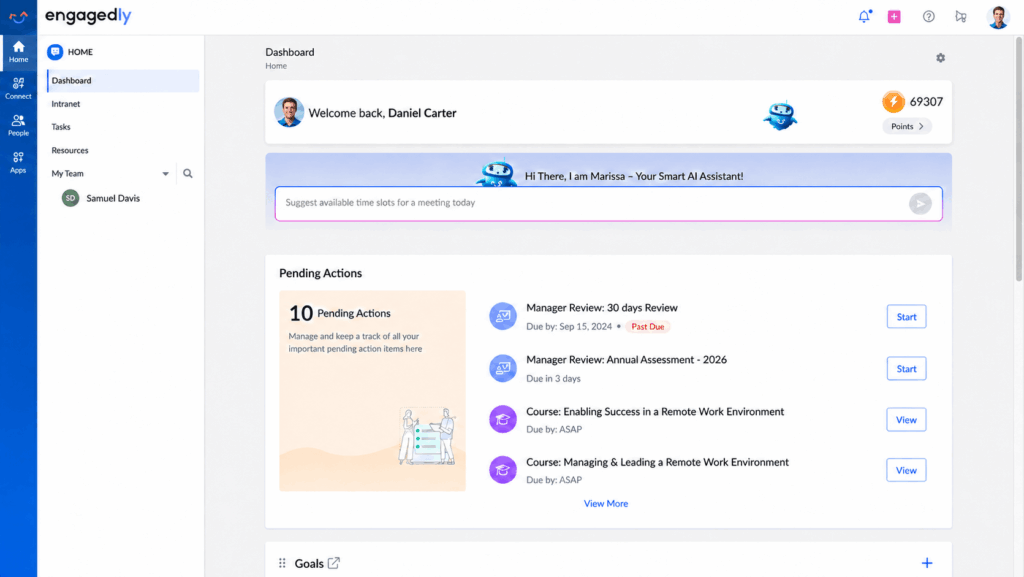
While Lattice and 15Five are well-known for performance management, Engagedly stands out as a powerful alternative that offers a more holistic approach. Beyond performance reviews, Engagedly combines OKRs and goals, 360-degree multi-rater feedback, a built-in learning experience platform, and talent analytics and mobility into one connected system, helping organizations build high-performance cultures without stitching together separate tools.

Each platform has its strengths, but the right choice depends on your organization’s needs, team size, and future growth strategy. If you want a comprehensive solution that combines performance management with learning, engagement, and career growth in one place, it is worth seeing how Engagedly compares to both Lattice and 15Five, and to other tools like PerformYard, before you decide.

Ready to see it in action? Request a demo of Engagedly and find out how a unified performance, engagement, and learning platform can work for your team.

Frequently Asked Questions (FAQs)

What is the difference between Lattice and 15Five?

Lattice and 15Five differ primarily in depth, scalability, and focus. Lattice is built for structured, enterprise-grade performance management with advanced analytics, DEIB reporting, compensation tools, and cascading OKRs, and has narrowed its scope to performance and people-AI after discontinuing its HRIS and payroll products in 2026. 15Five focuses on continuous feedback, weekly check-ins, and AI-assisted manager coaching with a simpler interface.

In short, Lattice suits mid-to-large organizations needing data granularity and compliance-ready reporting, while 15Five fits agile teams prioritizing manager coaching and culture alignment. The right choice depends on team size, complexity, and long-term HR strategy.

Which platform is better for small businesses or startups?

For startups and small teams, 15Five is often the better fit due to its lower entry price and lightweight user experience. Its weekly check-ins, Kona AI Coach, and strengths-based reviews support fast-moving teams that value feedback and culture.

Lattice, while powerful, may feel complex or costly for smaller organizations, especially with its $4,000 minimum annual agreement. If your priority is rapid deployment, manager enablement, and employee engagement without heavy configuration, 15Five’s Engage or Perform plans provide strong value for early-stage growth companies.

How do Lattice and 15Five compare on performance reviews and OKRs?

Lattice offers highly customizable 360-degree reviews, calibration tools, PIP tracking, and structured OKR alignment with cascading goals. This makes it ideal for enterprises managing promotions, compliance, and structured evaluation cycles.

15Five emphasizes AI-assisted reviews, weighted OKRs, and flexible review cycles through its Growth Studio. Its goal system is simpler and more team-centric, supporting agile goal-setting rather than hierarchical alignment.

If your organization requires standardized evaluation frameworks and pay-for-performance integration, Lattice leads. If you prefer continuous coaching conversations and lightweight goal tracking, 15Five may be more practical.

Which tool offers better analytics and reporting capabilities?

Lattice provides deeper analytics, including DEIB dashboards, sentiment analysis, compensation benchmarking, and HRIS-ready reporting through its Analytics module. These features support compliance, executive decision-making, and workforce planning.

15Five focuses on its HR Outcomes Dashboard, which surfaces actionable engagement insights and retention-risk signals at the team level. While powerful for managers, it does not offer the same depth of compensation or diversity analytics as Lattice.

Is there an alternative that combines performance, engagement, and learning in one platform?

Engagedly is a comprehensive alternative that integrates performance reviews, employee engagement, real-time feedback, recognition, and learning in one system. Unlike tools focused primarily on reviews or feedback, Engagedly connects goal tracking, surveys, 360-degree feedback, and development pathways into a unified experience.

This holistic approach supports high-performance cultures by linking performance conversations directly to growth and skill development. For organizations seeking an all-in-one talent management platform rather than modular add-ons, Engagedly offers a scalable and strategically aligned solution. You can compare more performance management platforms here or request a demo to see it firsthand.
Lattice vs Leapsome: 2026 Comparison (Features & Pricing)

Lattice vs Leapsome is a comparison between two HR platforms built for performance management, goals, engagement, and employee development. Lattice is a performance-first system with strong analytics, OKR tracking, and a new AI Agent for HR teams. Leapsome is a modular people enablement platform that now spans HRIS, recruiting, learning, and performance in one connected system. The right pick depends on whether you want a performance-first tool or a broader people platform that bundles HR data, hiring, and development together.

Choosing between Lattice and Leapsome in 2026 is not simply a “which tool has more features” decision. Both platforms have expanded well beyond basic reviews and surveys. Lattice added a native AI Agent and MCP support this year. Leapsome pushed further into HRIS territory with new Recruiting and Time Tracking modules, plus a Whistleblowing tool and a Form Builder. So the real difference now comes down to platform shape as much as feature depth.

Lattice is usually the stronger fit for organizations that want a polished performance management system with structured review cycles, OKRs, manager 1:1s, analytics, and an AI Agent that acts on HR data. Leapsome is often stronger for teams that want performance management connected to a broader system of record, including HRIS, recruiting, learning, and onboarding.

In this Lattice vs Leapsome comparison, we will break down features, 2026 pricing, pros, cons, integrations, and ideal use cases so you can decide which platform makes more sense for your HR team.

Quick answer: Choose Lattice if performance management, goals, analytics, and an AI-powered HR agent are your biggest priorities. Choose Leapsome if you want one connected platform for HRIS, recruiting, performance, learning, and onboarding, and you are comfortable getting a custom quote for pricing.

Lattice vs Leapsome at a Glance

CategoryLatticeLeapsome
Best forMid-sized and larger companies that want structured performance management, goals, and analyticsGrowing companies that want HRIS, performance, learning, and recruiting in one modular platform
Core strengthPerformance reviews, goals, 1:1s, analytics, and an AI AgentHRIS, performance reviews, learning, surveys, and onboarding under one system of record
Performance reviewsCustom review cycles, feedback, calibration, succession planning, and PIPsAutomated review cycles, 360 feedback, competencies, and drag-and-drop calibration
Goals and OKRsCascading goals with Jira and Salesforce integrationsIndividual, team, and company OKRs with a visual goal tree
Engagement surveysPulse, onboarding, exit surveys, eNPS, and AI analysis of trendsScience-backed survey library, benchmarking, DEI analytics, and turnover analysis
LearningCareer growth via the Grow add-on (competencies, IDPs, career tracks)A dedicated Learning module with SCORM, AICC, and xAPI course support
HRIS and recruitingNot part of the platformHRIS is a core module; Recruiting and Time Tracking are in early access
AILattice AI Agent plus Model Context Protocol (MCP) supportAI Agents included on the platform tier across every module
PricingPublished per-seat pricing starting at $8/seat/month for a single productModules are bought individually or combined; pricing needs a custom quote
IntegrationsSlack, Microsoft Teams, Google Workspace, Jira, Salesforce, HRIS tools, and SSO providersHRIS, ATS, Slack, Microsoft Teams, Google Calendar, Outlook, and SSO providers
Better choice ifYou want a performance-first platform with strong analytics and an AI AgentYou want HRIS, recruiting, and learning bundled with performance in one system

Pricing information was checked against Lattice and Leapsome’s official pricing pages in August 2026. Prices and plans can change, so contact each vendor directly to confirm current rates and contract terms before purchasing.

What Is Lattice?

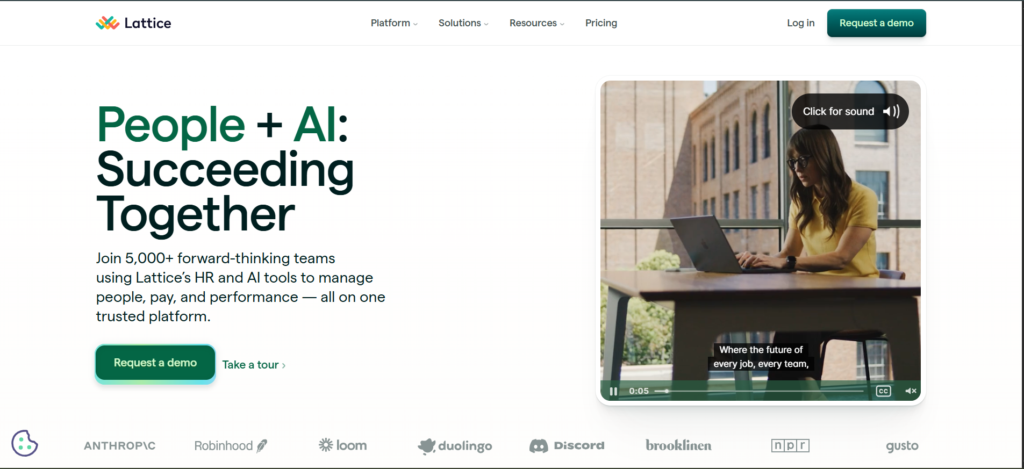
Lattice Home Page

Lattice is a people management platform built to help HR teams improve employee performance, engagement, growth, and alignment. It brings performance reviews, goals, feedback, 1:1s, engagement surveys, analytics, compensation, and a new AI Agent into one platform, with a customer base that includes GoCardless, Duolingo, and Discord.

Lattice is often a strong fit for mid-sized and larger organizations that want structured performance cycles, clear goal tracking, and an AI layer that can answer HR questions and coach managers directly inside the platform.

Key Features of Lattice (2026)

Performance reviews: Customizable review cycles, calibration, succession planning, promotions, and performance improvement plans (PIPs).

Goals and OKRs: Cascading goals across company, team, and individual levels, with native Jira and Salesforce integrations.

1:1 meetings: Structured agendas, shared notes, and action items, included free with every base product.

AI Agent: An AI agent that goes beyond a chatbot. It can act on HR data, answer employee questions, and coach managers in the flow of work.

MCP support: Lattice now supports the Model Context Protocol, letting HR data connect to AI tools wherever a team already works.

Engagement surveys: Pulse, onboarding, exit, and eNPS surveys with AI-generated trend analysis.

Analytics: People analytics included with every base product, at no extra cost.

Grow and Compensation: Optional add-ons for competencies, individual development plans (IDPs), career tracks, comp bands, and pay cycle management.

Lattice Pricing (2026)

According to Lattice’s official pricing page, the platform is sold as modular base products rather than flat tiers:

  • Performance: $10/seat/month, includes 1:1s, Weekly Updates, Feedback, and Q&A Boards
  • Goals & OKRs: $8/seat/month, same manager tools included
  • Engagement: $4/seat/month, same manager tools included
  • Foundations bundle (Lattice’s most popular package, combining Performance and Goals & OKRs): $13/seat/month
  • Compensation add-on: +$6/seat/month
  • Grow add-on: +$4/seat/month
  • Enterprise: custom quote based on seats, complexity, and scale

Analytics, the AI Agent, and integrations are included with all base products at no extra charge. Lattice’s pricing FAQ confirms a minimum annual agreement of $4,000, annual billing only, USD-only invoicing, and no additional implementation fees for its performance products.

Lattice Pros and Cons

Pros: Lattice is strong for structured performance management, with deep review customization, calibration, and succession planning. The built-in AI Agent and MCP support are genuinely new capabilities in 2026, and Analytics now comes bundled with every base product instead of being sold separately.

Cons: Lattice can get expensive as more modules are added, since Compensation and Grow are still priced as add-ons on top of a base product. It also has no HRIS, recruiting, or time-tracking layer, so companies that want a single system of record may need to look elsewhere, which is where Leapsome tends to stand out.

What Is Leapsome?

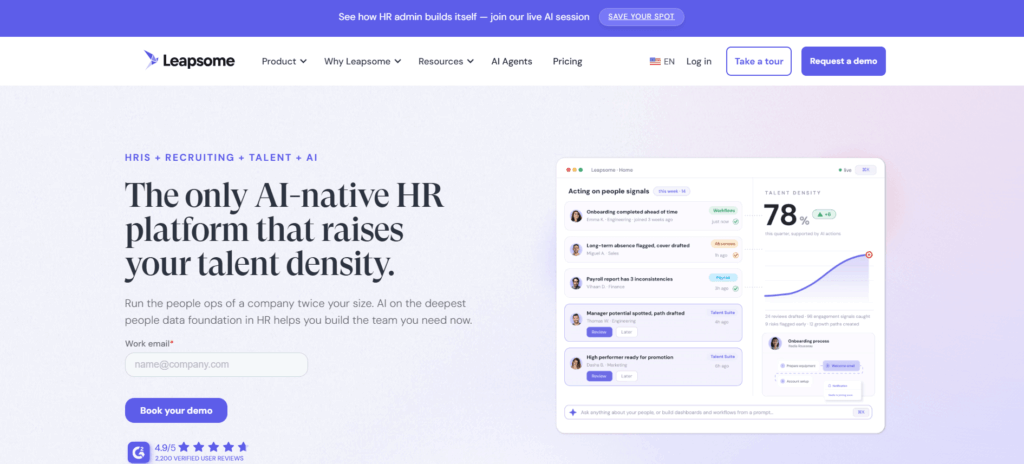
Leapsome Home Page

Leapsome is a modular people enablement platform that has grown well beyond performance management. As of 2026, it combines HRIS, recruiting, performance reviews, goals, learning, surveys, compensation, and time tracking, all connected to the same employee data model. It’s used by more than 2,000 organizations, including Spotify, Sony, and Bumble.

Leapsome’s biggest strength is that it connects performance data to a broader system of record, so reviews, goals, and learning are informed by the same HR data that powers onboarding and recruiting.

Key Features of Leapsome (2026)

HRIS: Centralized employee data, advanced workflows and approvals, absence management, payroll prep, and document e-signatures.

Recruiting (Early Access): Candidate pipeline management, AI screening and interview transcripts, and one-step candidate-to-employee conversion.

Reviews: Automated review cycles, 360 feedback, best-practice question libraries, and drag-and-drop calibration.

Goals: Individual, team, and company OKRs with a visual goal tree and Jira integration.

Surveys: A science-backed question library, DEI analytics, benchmarking, and turnover analysis.

Learning: Personalized learning paths, automated onboarding content, and course uploads via SCORM, AICC, xAPI, and CMI5.

Time Tracking (Early Access): Timesheets, work schedules, and automatic issue detection for hourly and salaried staff.

AI Agents, Workflows, Analytics, Whistleblowing, and Form Builder: All included on the platform tier regardless of which modules a company buys.

Leapsome Pricing (2026)

Modules can be bought individually or combined in any combination, with multi-module and user-volume discounts available. There is no published flat per-seat rate. Instead, cost depends on employee count, contract length, and the modules selected, and buyers need to request a quote.

What the official page does confirm: every contract has a minimum term of one year, there is no setup fee, a 14-day free trial is available with no credit card required, and dedicated Customer Success support is available for annual contracts of $6,000 or more. Special pricing is available for startups and NGOs on request.

Leapsome Pros and Cons

Pros: Leapsome’s expansion into HRIS, recruiting, and time tracking means growing companies can potentially replace several point solutions with one connected platform. Its modular approach lets HR teams start small and add modules as needs grow, and AI Agents are included across the platform rather than sold as a separate line item.

Cons: Because Recruiting and Time Tracking are still in early access, larger or more complex hiring and workforce needs may require a more mature dedicated tool for now. Pricing is entirely quote-based, so buyers cannot compare exact costs without contacting sales, and the total can climb quickly once HRIS, Learning, Surveys, and Compensation are all layered on top of Reviews and Goals.

Head-to-Head: Performance Reviews

Performance reviews remain one of the strongest areas for both platforms.

Lattice gives HR teams a high level of control over the review process, with custom cycles, calibration, succession planning, and PIPs built directly into the Performance product. This makes Lattice especially useful for companies with formal review processes across multiple departments.

Leapsome also offers strong review capabilities, including automated cycles, 360 feedback, and drag-and-drop calibration. Because Reviews sits on the same HRIS foundation as onboarding and recruiting, review outcomes can flow more directly into learning paths and competency development.

Which platform wins for performance reviews? Lattice is stronger if you want deep review customization and succession planning built into a dedicated Performance product. Leapsome is stronger if you want review data to connect naturally to HRIS records, learning paths, and onboarding history. For a broader look at how review software is evolving, Engagedly’s guide to the top performance management systems in 2026 covers where the category is headed.

Head-to-Head: Goals and OKRs

Both platforms support goals and OKRs, with slightly different framing.

Lattice’s Goals & OKRs product focuses on cascading goals with native Jira and Salesforce integrations, which is useful for companies that already run structured OKR programs tied to engineering or sales tools.

Leapsome’s Goals module includes a visual goal tree and automatic progress tracking, connected to the same Jira integration and to Leapsome’s broader HRIS and Reviews data.

Which platform wins for goals and OKRs? Lattice has a slight edge for organizations centered on Salesforce and Jira workflows. Leapsome is a strong choice if you want goal data visible alongside HRIS and review records in the same system. Engagedly’s OKR guide and templates is a useful reference regardless of which platform you choose, and Engagedly’s own OKRs and Goals module connects goal tracking directly to performance reviews and talent analytics.

Head-to-Head: Engagement Surveys

Both platforms help HR teams measure sentiment and engagement, which matters more than ever given how engagement is trending globally. Gallup’s 2026 State of the Global Workplace report found that only 20 percent of employees worldwide were engaged in 2025, the second consecutive annual decline, with low engagement costing the global economy an estimated $10 trillion in lost productivity.

Lattice offers engagement, pulse, onboarding, and exit surveys with AI-generated trend analysis, priced as its own Engagement product at $4/seat/month.

Leapsome’s Surveys module includes a science-backed question library, DEI analytics, and turnover benchmarking, always paired with the same employee data used across Reviews and HRIS.

Which platform wins for engagement surveys? Lattice is a strong option if you want engagement surveys as a lower-cost standalone product. Leapsome is stronger if you want survey results benchmarked against HRIS and turnover data in the same view.

Head-to-Head: Learning, HRIS, and Recruiting

This is where the two platforms have diverged the most in 2026.

Leapsome now includes a dedicated Learning module with SCORM, AICC, xAPI, and CMI5 support, plus a full HRIS layer and early-access Recruiting and Time Tracking modules. That means a growing company could plausibly run its entire employee lifecycle, from candidate to exit, on Leapsome alone.

Lattice does not have HRIS or recruiting capabilities. It supports employee growth through the Grow add-on, covering competencies, IDPs, and career tracks, but it is not built to replace a system of record.

Which platform wins for learning, HRIS, and recruiting? Leapsome wins by a wide margin here in 2026, simply because it has expanded into categories Lattice has not entered. If HRIS consolidation or in-house recruiting tools are a priority, that is likely the strongest reason to choose Leapsome over Lattice.

Head-to-Head: AI Capabilities

AI is the newest battleground between the two platforms.

Lattice launched a dedicated AI Agent in 2026, described on its pricing page as going beyond a chatbot by acting on HR data, answering employee questions, and coaching managers in real time. Lattice also added support for the Model Context Protocol (MCP), which lets the platform’s data connect to AI tools outside Lattice itself.

Leapsome bundles AI Agents into its platform tier across every module, so AI support is available regardless of which modules a company buys, alongside AI-prompted workflow and form creation.

Which platform wins for AI capabilities? Both vendors treat AI as a platform-wide layer rather than a paid add-on in 2026, so the deciding factor is less about AI itself and more about which underlying modules that AI acts on. For a broader look at how AI is reshaping this category, see Engagedly’s breakdown of AI in performance reviews.

Head-to-Head: Pricing

Pricing is one of the clearest differences between the two platforms in 2026.

Lattice publishes per-seat prices for its base products directly on its pricing page: $8/seat/month for Goals & OKRs, $10/seat/month for Performance, $4/seat/month for Engagement, and $13/seat/month for its Foundations bundle. Compensation and Grow are add-ons at $6 and $4/seat/month. There is a $4,000 minimum annual agreement.

Leapsome does not publish per-module prices. Its official pricing page confirms that modules can be bought individually or combined, with multi-module and volume discounts available, but the exact cost requires a custom quote based on headcount, contract length, and modules selected.

Which platform wins for pricing? Lattice is easier to evaluate up front because its core pricing is public. Leapsome may offer better value for companies buying several modules at once, but that only becomes clear after a sales conversation.

Head-to-Head: Integrations

Lattice integrates with Slack, Microsoft Teams, Google Workspace, Jira, Salesforce, major HRIS platforms, and SSO providers. Leapsome integrates with HRIS and ATS platforms, Slack, Microsoft Teams, Google Calendar, Outlook, and SSO providers, plus LinkedIn Learning and GoodHabitz for its Learning module.

Which platform wins for integrations? Both cover the essentials well. Lattice may fit better if your stack is already built around Salesforce and Jira. Leapsome may fit better if you rely heavily on learning content providers and want HRIS-native workflows.

Which Should You Choose?

Choose Lattice if your company wants a performance-first platform with strong review cycles, OKRs, an AI Agent, and published starting prices. It is a good fit for mid-sized and larger organizations that already have HRIS and recruiting tools and mainly need a stronger way to manage performance, goals, and engagement.

Choose Leapsome if your company wants performance management connected to HRIS, recruiting, and learning in one system, and you are comfortable requesting a custom quote. It is a good fit for growing companies that want to consolidate multiple HR tools into a single platform over time.

Conclusion

Lattice and Leapsome are both capable platforms, but they have grown into slightly different shapes by 2026. Lattice remains a performance-first system with structured reviews, goals, analytics, and a new AI Agent, with pricing that is easy to check upfront. Leapsome has expanded into a broader people platform covering HRIS, recruiting, learning, and time tracking, at the cost of needing a custom quote to understand the final price.

If neither platform feels like the perfect match, Engagedly offers an AI-first alternative that connects performance, OKRs, learning, engagement, and talent analytics in one platform, backed by its Marissa AI assistant. The best way to know for certain is to see it against your own review cycles, goals, and team structure.

See how Engagedly compares for your team. Request a demo and get a walkthrough built around your actual performance, goals, and engagement needs.

Frequently Asked Questions

Is Lattice or Leapsome better for a mid-sized company in 2026?

It depends on whether you already have separate HRIS and recruiting tools. If you do, Lattice’s performance-first approach and published pricing are easier to evaluate. If you want to consolidate HRIS, recruiting, learning, and performance into one platform, Leapsome’s 2026 module lineup covers more ground.

Does Lattice have an AI agent in 2026?

Yes. Lattice’s official pricing page describes an AI Agent that goes beyond a chatbot by acting on HR data, answering employee questions, and coaching managers, included with every base product alongside Analytics and Integrations.

Does Leapsome offer recruiting and time tracking?

Yes, as of 2026 Leapsome offers Recruiting and Time Tracking as early-access modules alongside its established HRIS, Reviews, Surveys, Goals, Learning, and Compensation modules.

Which platform has cheaper published pricing, Lattice or Leapsome?

Lattice publishes per-seat prices starting at $4/seat/month for Engagement, up to $13/seat/month for its Foundations bundle, according to its official pricing page. Leapsome does not publish per-module prices and requires a custom quote based on headcount, modules, and contract length.

Is there a free trial for either platform?

Leapsome’s official pricing page confirms a 14-day free trial with no credit card required. Lattice’s pricing page does not list a self-serve free trial, and the minimum annual agreement is $4,000, so interested teams should book a demo to evaluate the platform.

What is a good alternative if neither Lattice nor Leapsome fits?

Engagedly is worth evaluating if you want performance management, OKRs, learning, engagement, recognition, and talent analytics on one AI-first platform, alongside other options like 15Five, Culture Amp, and PerformYard depending on your priorities.

BambooHR vs Rippling: Features, Pricing, Pros & Cons Analysis

BambooHR is the better fit for small and mid-sized businesses that want a simple, HR-first system, while Rippling is the stronger choice for companies that want HR, IT, and finance unified on one platform. The right answer depends on whether you need a focused HR tool or a broader workforce operations system.

BambooHR is used by 30,000+ companies worldwide, largely due to its clean interface and centralized HR database. Rippling, on the other hand, connects with 600+ third-party apps in its App Shop and has expanded well beyond HR into IT and finance automation.

Choosing between BambooHR and Rippling is one of the more consequential HR software decisions a business can make in 2026. The right platform can streamline operations, raise employee satisfaction, and make HR teams more efficient. This guide breaks down features, pricing, and other key differences to help you decide which platform fits your organization, and where a people-enablement platform like Engagedly might round out what either one leaves on the table.

BambooHR vs Rippling: A Quick Overview

BambooHR is a niche HR platform built for small to mid-sized businesses that automates core HR work such as employee records, onboarding, and performance management. Rippling integrates HR, IT, and finance into a single platform, with a strong focus on automation and global workforce management, including device provisioning, payroll, and expense tracking.

BambooHR Overview

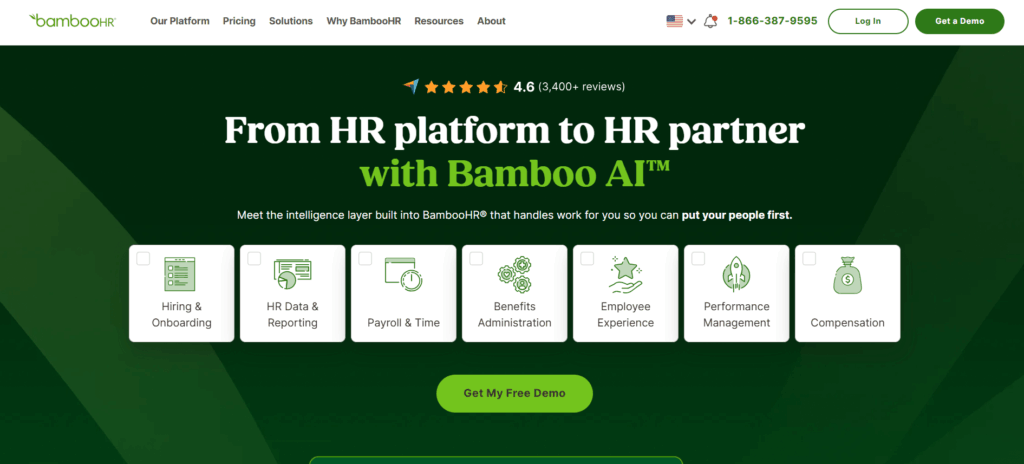
BambooHR emphasizes ease and efficiency for HR teams through a unified employee lifecycle management platform.

Key features include:

  • Employee Records: A centralized, secure database for all employee data.
  • Hiring & Onboarding: Customizable onboarding checklists, e-signatures, and a built-in applicant tracking system.
  • Time Off & Benefits Tracking: Automated time-off requests, approvals, and benefits tracking.
  • Performance Management: 360-degree review cycles, 1:1s, and goal tracking (available on the Pro plan and above).
  • Payroll: US-based payroll with automated federal, state, and local tax filing (add-on).
  • AI Assistant: Ask BambooHR answers everyday HR questions using company data, with deeper capabilities on higher plans.
  • Mobile App: Full HR access from any device.

Pros

  • Intuitive, easy-to-navigate interface
  • Strong onboarding and time-off management
  • Automatic volume discounts as headcount grows
  • 7-day free trial to test the platform

Cons

  • Payroll is limited to US-based employees
  • No native IT or finance functionality
  • Advanced analytics and benchmarking are reserved for the Elite plan

Rippling Overview

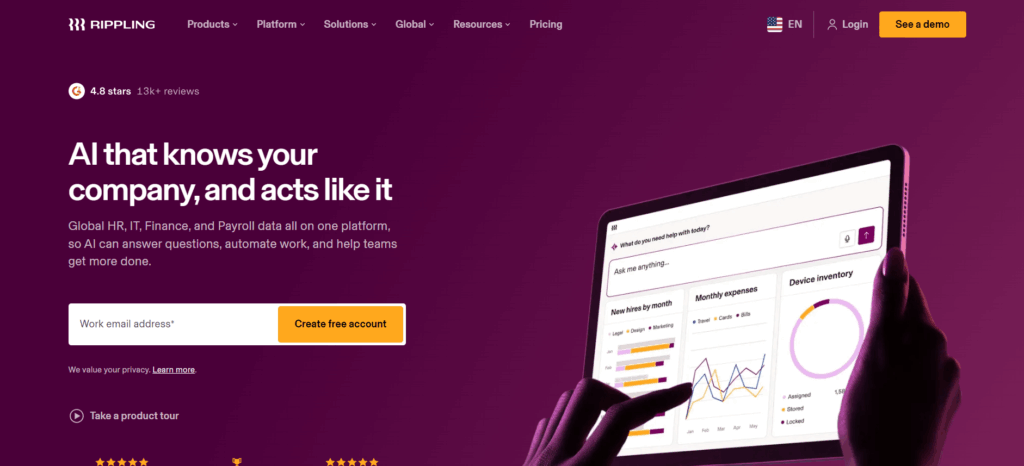
Rippling combines HR, IT, and finance into one system, aiming to automate the full employee lifecycle for growing businesses.

Key features include:

  • HR Automation: Onboarding, offboarding, time-off tracking, and workflow automation.
  • Global Payroll: Tax-compliant payroll processing across the US and internationally.
  • IT & Device Management: Automated provisioning of apps, devices, and access (identity and access management, zero-touch device deployment).
  • Rippling Spend: Corporate cards, expense management, and bill pay.
  • Rippling AI: Launched in March 2026, Rippling AI answers company-specific questions using live workforce data and can take action across HR, IT, and finance rather than just generating text.
  • Integrations: 600+ apps available through the Rippling App Shop.

Pros

  • One platform for HR, IT, and finance
  • Deep automation and workflow customization
  • Global payroll and Employer of Record services for international hiring
  • Highly extensible with custom apps and API access

Cons

  • No free trial; evaluation happens through a guided demo
  • Setup can take longer given the breadth of modules
  • Full pricing requires a custom quote, which makes upfront budgeting harder

BambooHR vs Rippling: Feature and Pricing Comparison

1. Pricing

BambooHR publishes its pricing directly on its official pricing page. For companies with more than 25 employees, pricing is per employee, per month:

  • Core: $10 USD per employee/month
  • Pro: $17 USD per employee/month
  • Elite: $25 USD per employee/month

Companies with 25 employees or fewer are billed a flat rate starting at $250 USD/month. Volume discounts apply automatically as headcount grows, registered nonprofits get an additional 15% off, and bundling Payroll with Benefits Administration adds another 15% discount for US-based customers. BambooHR also offers a 7-day free trial with no credit card required.

Rippling does not publish a full rate card. According to its official pricing page, the Rippling Platform starts at $8 per user per month, with every other HR, IT, and finance product purchased separately on top of that required base. Rippling states that pricing works on a per-employee, per-month basis for most products, though some carry an added monthly base fee, and every quote is customized to the modules a business selects. There is no free trial, but Rippling offers guided demos to evaluate the platform before purchase.

Note: If your team needs exact costs for a specific module combination, visit their platform page for pricing details.

2. HR Services

Rippling’s HR toolkit centers on automation and flexibility: onboarding, time-off management, document storage, workforce analytics, recruiting, learning management, and PEO/EOR services for global teams. Its Workflow Studio lets admins build custom approval chains across departments.

BambooHR keeps its HR toolset structured around the employee lifecycle: employee records, custom report builder, workflows and approvals, applicant tracking (job opening limits scale by plan), and compliance training powered by EasyLlama. Businesses that want structured goal tracking and review cycles alongside their HRIS may also want to look at how OKRs and Goals software can extend what a core HRIS offers once headcount grows.

3. Payroll Services

Rippling’s payroll spans domestic and international employees and contractors, with automated tax filings and integrated PEO options for companies that need compliance support in multiple countries.

BambooHR Payroll is built for US-based teams, integrating with time tracking and benefits so payroll data flows automatically. BambooHR is currently running a promotion offering Payroll subscription fees at $0 through December 31, 2026 for qualifying customers who commit to a 12-month agreement, though implementation and multi-state filing fees are excluded from that offer.

4. Usability

BambooHR is built around simplicity. Its dashboard is designed for non-technical users, and its 7-day free trial makes it easy to test drive before committing.

Rippling trades some of that simplicity for depth. The unified platform reduces the need for separate HR, IT, and finance tools, but the breadth of modules means a longer learning curve during initial setup, even as automation reduces manual work over time.

5. Integration Capabilities

Rippling connects to 600+ apps spanning accounting, identity and access management, security, and productivity tools, and it offers developer kits for teams that want to build custom integrations.

BambooHR’s marketplace includes 150+ integration partners focused specifically on HR use cases, such as applicant tracking, performance management, and employee engagement tools, but it does not extend into IT or finance systems the way Rippling does.

What’s New for 2026

Both platforms have leaned further into AI this year. Rippling introduced Rippling AI in March 2026, designed to answer company-specific questions using live data and execute actions across HR, IT, and finance rather than act as a simple chatbot. It followed that up with Rippling Data Cloud, an AI-powered BI layer for workforce analytics.

BambooHR expanded its own AI Assistant across its plan tiers: Core users get HR data questions answered directly, Pro adds company policy and document lookups, and Elite unlocks benchmark-based analysis for strategic decisions. BambooHR also added Compliance Intelligence, powered by VirgilHR, giving HR teams instant answers to compliance questions alongside 100+ templates and guides.

If your organization is evaluating AI-driven performance and feedback tools alongside an HRIS, it’s worth comparing how a dedicated platform handles it. Engagedly’s Real-Time Feedback and 360 Degree Feedback tools are purpose-built for continuous performance conversations, something that sits outside the core scope of either BambooHR or Rippling.

BambooHR vs Rippling: Tabular Comparison

CriteriaRipplingBambooHR
Starting Price$8/user/month (platform) + module quotes$10/employee/month (Core), custom for 25 employees or fewer
HR ServicesOnboarding, global payroll, automation, app & device managementOnboarding, records, workflows, applicant tracking
PayrollDomestic and global payrollDomestic (US) payroll only
AI FeaturesRippling AI, Rippling Data CloudAsk BambooHR, Compliance Intelligence
UsabilityHighly customizable; longer setupIntuitive, quick to implement
Integrations600+ apps150+ apps
Free TrialNo (demo available)7 days

Conclusion

BambooHR and Rippling both hold strong positions in the HR software market, but they serve different needs. Rippling is built for organizations that want HR, IT, and finance in one unified, highly automated system, and its global payroll and device management make it a strong fit for larger or fast-scaling companies. BambooHR, with its intuitive interface and HR-first focus, remains a favorite for small and mid-sized businesses that want straightforward onboarding, time-off management, and performance tools without added complexity.

If you’re looking for a platform built specifically around performance management, employee engagement, and talent development rather than general HR administration, Engagedly is worth a look. From Performance Reviews to talent mobility, Engagedly helps organizations build high-performing, people-centric cultures that a general-purpose HRIS isn’t designed to deliver on its own.

The right choice between BambooHR, Rippling, or Engagedly ultimately comes down to your business needs, budget, and growth stage. Request a demo with Engagedly today to see how our AI-powered platform can strengthen your people strategy.

FAQs

Is BambooHR cheaper than Rippling?

For a straightforward HR-only setup, BambooHR’s published per-employee pricing (starting at $10/month) is easier to estimate than Rippling’s, since Rippling requires a custom quote once you add modules beyond the $8/month base platform.

Does Rippling offer a free trial?

No. Rippling does not offer a free trial as of 2026, but it does provide guided demos so businesses can evaluate the platform before signing a contract.

Which platform is better for a small business?

BambooHR is generally the simpler fit for small businesses due to its intuitive setup, flat-rate pricing for companies with 25 or fewer employees, and shorter learning curve.

Do BambooHR and Rippling offer performance management tools?

Both offer basic performance features, BambooHR includes 360-degree review cycles and goal tracking from the Pro plan up, while Rippling includes review cycles and OKR alignment within its HCM suite. Neither is purpose-built for performance management the way a dedicated platform is.

The 10 Best Qualtrics Competitors to Watch in 2026

Qualtrics is an experience management platform that lets teams build surveys, collect feedback, and turn responses into reports without writing code. It covers customer, employee, product, and brand experience programs through a single suite. For teams that find its interface complex, its learning curve steep, or its pricing out of reach, a smaller and more focused tool often gets the same feedback job done for less money and less setup time.

What are the best Qualtrics competitors in 2026?

The strongest Qualtrics alternatives in 2026 are SurveyMonkey, Engagedly, Zonka Feedback, Survicate, Typeform, SurveySparrow, Jotform, Customer Thermometer, Medallia, and Forsta. Each one trades away some part of Qualtrics’s enterprise research depth in exchange for a simpler interface, faster setup, or clearer pricing, so the right pick depends on whether the priority is customer feedback, employee engagement, or general-purpose survey building.

Quick comparison: Qualtrics competitors in 2026

PlatformBest forStarting price (official)
SurveyMonkeyGeneral-purpose surveys and market researchFree plan; paid plans from $39/month (individual), $30/user/month (team, 3+ seats)
EngagedlyEmployee engagement and performance management$2–$10/user/month, billed annually; $7,500/year minimum
Zonka FeedbackMultichannel customer and employee feedbackCustom pricing based on response volume and data credits
SurvicateWebsite, product, and in-app feedbackFree plan; paid plans scale with response volume
TypeformConversational, one-question-at-a-time formsFree plan; paid plans from around $25/month (annual)
SurveySparrowChat-style surveys plus NPS and CX programsPlans from $7/month (annual)
JotformForms with built-in survey and payment logicFree; paid plans from $34/month (annual).
Customer ThermometerOne-click, high-response-rate feedbackCustom/usage-based pricing
MedalliaEnterprise customer and employee experienceCustom pricing, contact sales
ForstaMarket research combined with experience managementCustom pricing, contact sales

Top Qualtrics competitors: find the right feedback tool for your needs

1. SurveyMonkey (Momentive)

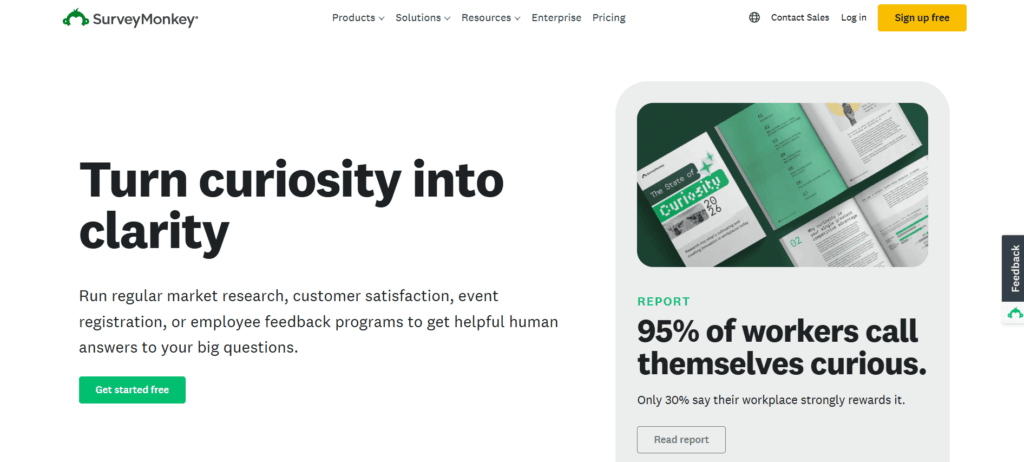
SurveyMonkey, now operating under parent brand Momentive, remains one of the most recognized names in the survey space. It started as a simple feedback tool and has grown into a full experience management platform with AI-assisted analysis built in.

Why it’s a strong competitor: The interface stays approachable even as the feature set has grown, and the platform now leans heavily on AI for survey creation and results analysis, which shortens the distance between collecting responses and acting on them.

Pricing: Team Advantage: $30/user/month; Team Premier: $92/user/month; Enterprise: Custom pricing. Individual plans range from Free to $139/month.

2. Engagedly

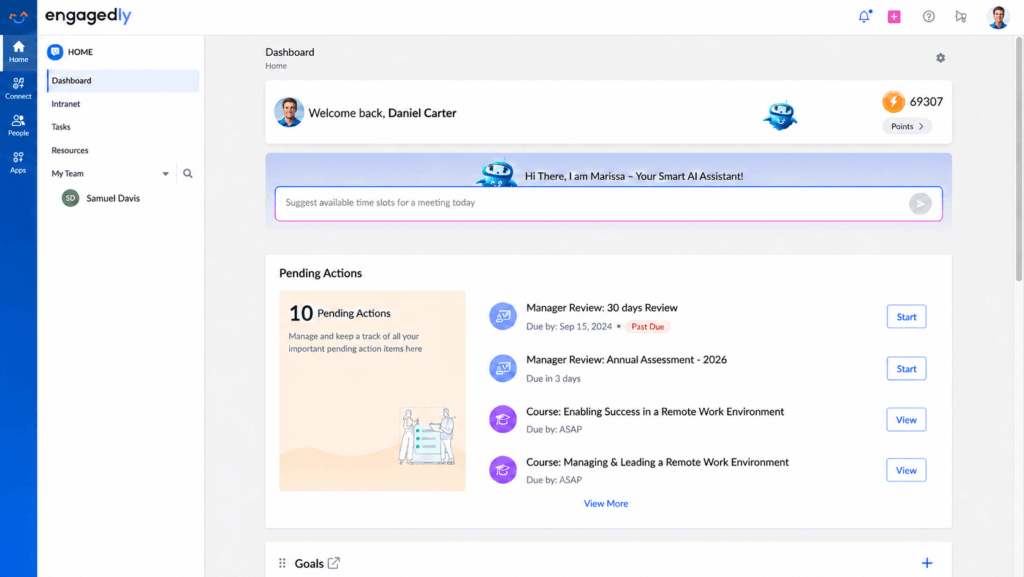
Engagedly is an AI talent management platform built to help organizations connect performance, engagement, learning, growth, and recognition in one unified experience. Powered by Marissa, its AI SuperAgent, Engagedly helps leaders turn people strategy into intelligent actions, reduce talent silos, and drive measurable business outcomes. Trusted by organizations worldwide, Engagedly supports stronger engagement, better retention, and the development of high performing teams.

In practice, that means continuous feedback, 360-degree multi-rater reviews, and OKRs and goal tracking live inside the same platform as engagement surveys and learning tools, rather than sitting in separate systems HR has to stitch together by hand.
Why it’s a strong competitor: Where most names on this list are built for external customer feedback, Engagedly is built for the internal side of the equation, combining performance management, engagement pulse surveys, and workforce analytics so HR teams are not stitching together three separate tools to run a single review cycle.

Pricing: Modules range from $2 to $10 per user per month, billed annually, with a $7,500 per year minimum. Bundles and enterprise plans are available on request.

3. Zonka Feedback

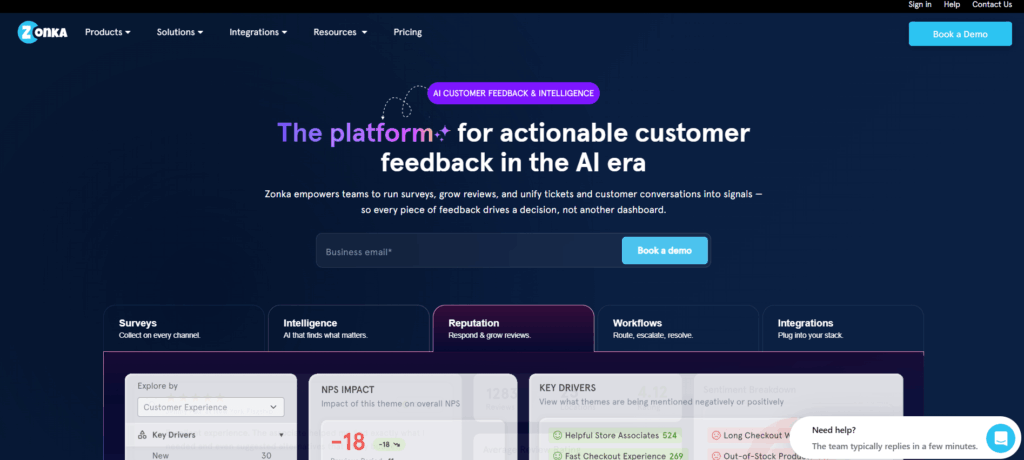
Zonka Feedback is an AI-powered customer feedback and intelligence platform built to unify scattered feedback sources such as surveys, tickets, chats, and reviews into a single view, then turn that data into role-based insights teams can act on.

Why it’s a strong competitor: Zonka now runs two connected products, Customer Feedback and AI Feedback Intelligence, and it can be bundled with Engagedly’s growth hub style continuous-feedback workflows for teams that want survey data and development planning in one place.

Pricing: The company now quotes custom pricing for both products, based primarily on the number of responses for Feedback Management and on data credits for Feedback Intelligence, with the option to bundle both under one custom quote.

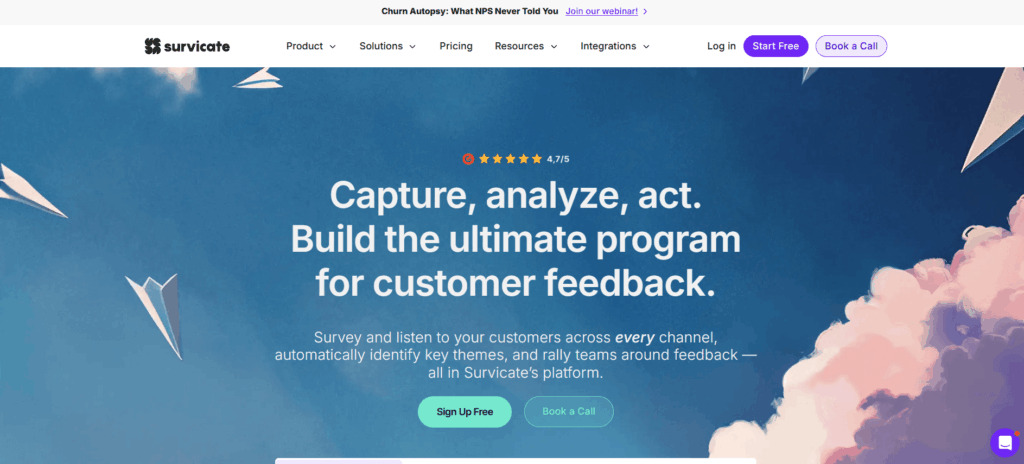
4. Survicate

Survicate takes a channel-first approach to feedback, letting teams collect input through websites, in-app prompts, and email without needing a research team to run the program.

Why it’s a strong competitor: Survicate is genuinely flexible for product and CX teams, with native integrations into HubSpot, Intercom, and Zapier that make it easy to trigger surveys based on real user behavior instead of a fixed send schedule.

Pricing: Survicate offers a free plan, and paid tiers scale up based on monthly responses, topping out at several hundred dollars per month for higher-volume plans. Current tier details are on Survicate’s own pricing page.

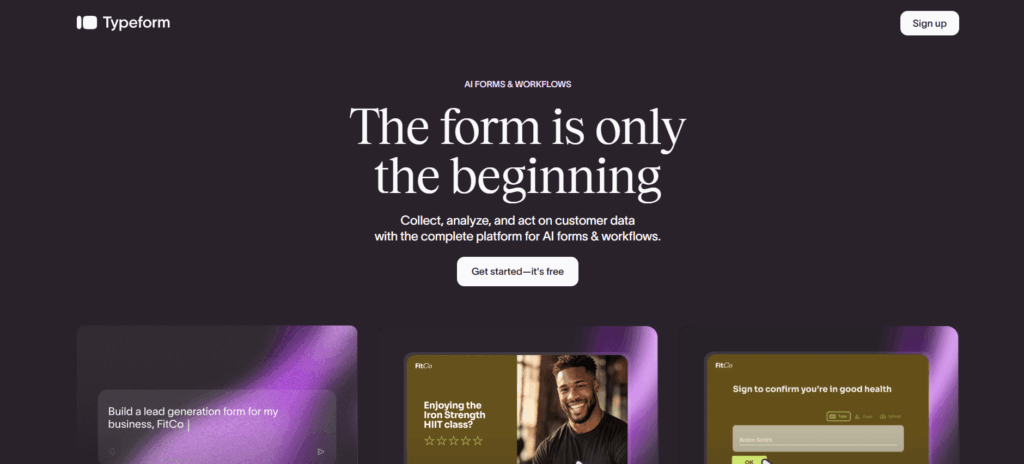
5. Typeform

Typeform began as a form builder and became known for its conversational, one-question-at-a-time format, which tends to produce higher completion rates than a traditional long-form survey.

Why it’s a strong competitor: The visual, interactive design is still Typeform’s biggest draw. For teams that care about respondent experience as much as the data itself, that design edge often outweighs a smaller feature list compared to Qualtrics.

Pricing: Typeform offers flexible plans starting at $25/month when billed annually, with higher tiers providing more responses, users, customization, analytics, and automation. Enterprise plans offer custom limits, dedicated support, advanced security, and features such as SSO, HIPAA, and GDPR compliance.

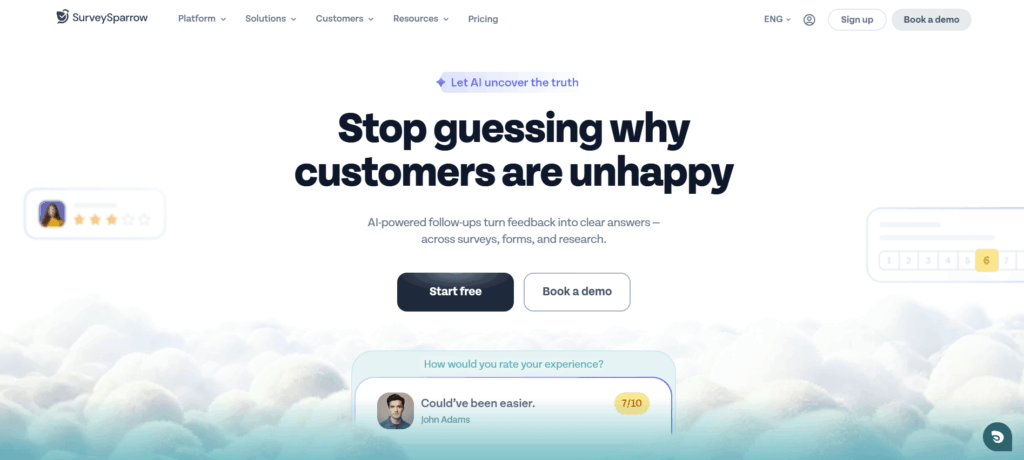
6. SurveySparrow

SurveySparrow replaces Delighted on this list following Delighted’s shutdown. It offers the same conversational, chat-style survey format Typeform is known for, plus dedicated NPS, CSAT, and CES programs built for ongoing customer experience tracking rather than one-off surveys.

Why it’s a strong competitor: SurveySparrow covers both ends of the feedback spectrum, quick single-question NPS checks and longer multi-page research surveys, inside one platform, which suits teams that outgrew a single-metric tool like Delighted.

Pricing: SurveySparrow offers flexible survey plans ranging from a Forever Free option to Enterprise, with paid plans starting at $7/month when billed yearly. Higher tiers add more responses, users, integrations, automation, advanced analytics, customization, and enterprise features such as HIPAA compliance.

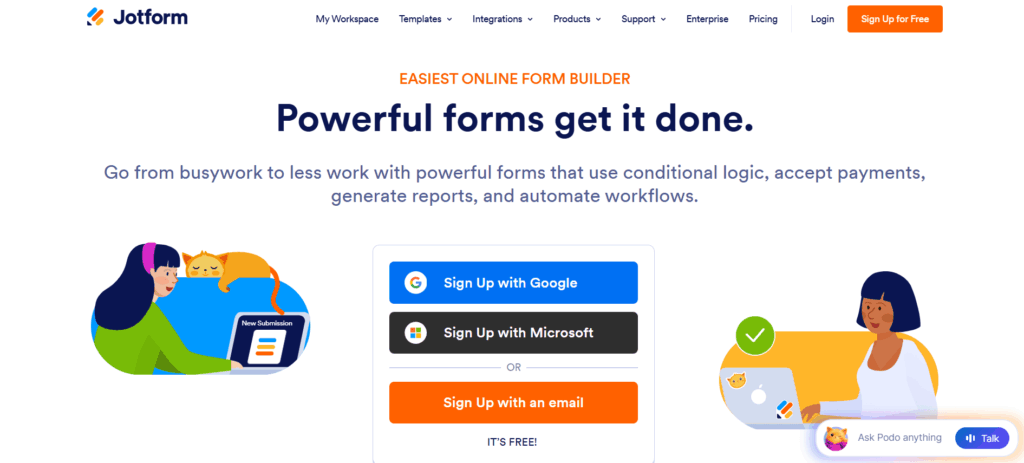
7. Jotform

Jotform has grown well past basic form building into a tool with genuine survey and feedback capabilities, built around a fast, drag-and-drop form editor.

Why it’s a strong competitor: Jotform integrates with Google Sheets, Slack, Zapier, and dozens of other platforms, so teams can automate what happens after a response comes in instead of just collecting it. Its mobile app also makes it practical to gather feedback on the move.

Pricing: Jotform offers flexible pricing plans, from a free Starter plan to customizable Enterprise plans, with increasing limits for forms, submissions, storage, and advanced features. Paid plans start at $34/month when billed annually, with nonprofit and education discounts available.

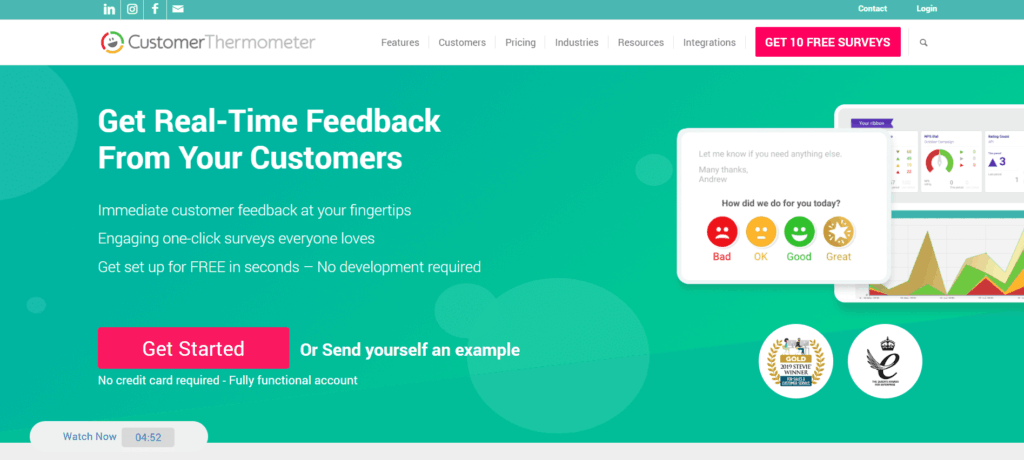
8. Customer Thermometer

Customer Thermometer built its name on one-click feedback: a single click from the customer captures satisfaction data with almost no friction, which keeps response rates high.

Why it’s a strong competitor: The one-click format is the differentiator here. It works especially well for support and service teams who want a fast pulse check rather than a full survey, and it integrates with tools like Salesforce and HubSpot to route results automatically.

Pricing: Customer Thermometer offers usage-based pricing with unlimited users, rollover responses, reporting, and flexible upgrades or cancellations. Advanced plans add features such as NPS reporting, embedded surveys, and email-footer Thermometers, with 10 surveys available free to get started.

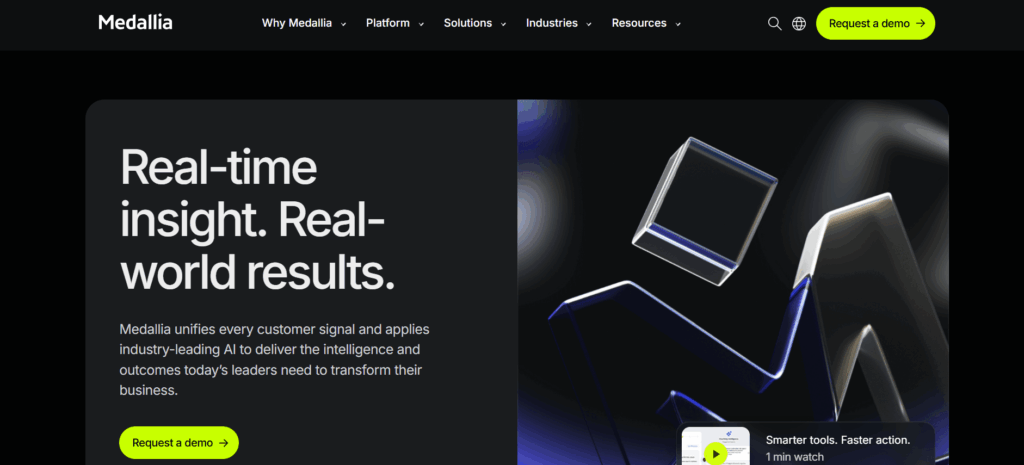
9. Medallia

Medallia has long been positioned as an enterprise leader in experience management, built around collecting real-time feedback from customers, employees, and other stakeholders so businesses can act on it quickly.

Why it’s a strong competitor: Medallia’s AI and machine learning tools are built for large organizations that need to estimate future trends and understand sentiment across many channels at once, rather than run a single survey campaign.

Pricing: Medallia does not publish self-serve pricing on its site.

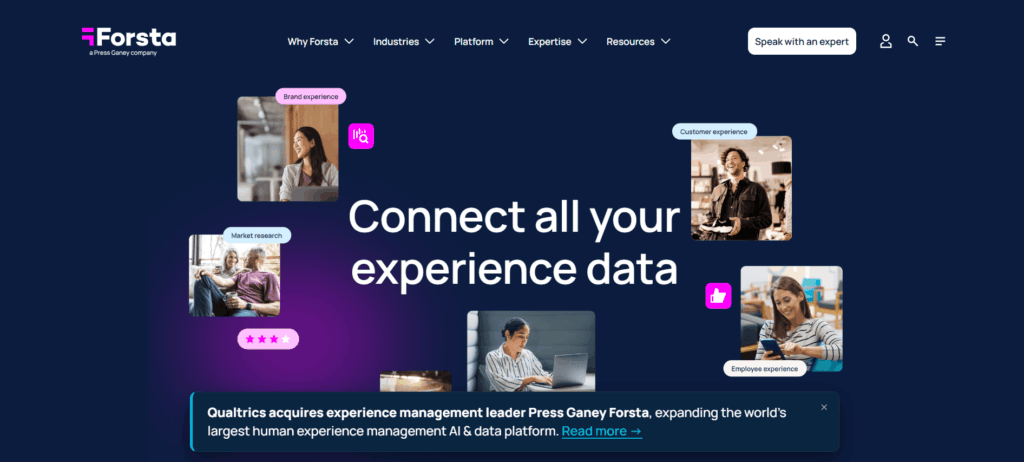
10. Forsta (formerly Confirmit)

Forsta formed in 2021 from the merger of Confirmit, Dapresy, and FocusVision, and it focuses on blending traditional market research with day-to-day experience management.

Why it’s a strong competitor: Forsta pairs advanced survey logic with text analytics that goes beyond multiple-choice data, which suits research and consulting teams that need to make sense of large volumes of open-ended feedback.

Pricing: Forsta does not list public pricing. Quotes are custom and depend on the scope of the research program, so a conversation with their sales team is required to get exact numbers.

Conclusion

The market for experience management tools keeps expanding, and the list of realistic Qualtrics competitors has shifted even over the past year, with Delighted’s shutdown being the clearest example. Each platform here is still built for a different job: SurveyMonkey and Typeform for general survey work, Medallia and Forsta for enterprise-scale research, Zonka Feedback, Survicate, and SurveySparrow for ongoing CX programs, Jotform and Customer Thermometer for lightweight, fast feedback collection, and Engagedly for the employee side of the equation.

If the priority is bringing performance management, continuous feedback, and engagement surveys into one connected platform instead of stitching several tools together, Engagedly is worth a closer look.

Request a demo of Engagedly →

Frequently asked questions

Is SurveyMonkey cheaper than Qualtrics?

For most small and mid-sized teams, yes. SurveyMonkey’s published team plans start at $30 per user per month, and its individual plans start free, while Qualtrics generally requires a custom enterprise quote regardless of team size.

Which Qualtrics competitor is best for employee feedback specifically?

Engagedly is the strongest option on this list for employee-focused programs, since it combines performance reviews, engagement surveys, and workforce analytics rather than treating pulse surveys as a standalone feature.

Do any of these tools offer a free plan?

SurveyMonkey, Jotform, Survicate, and Typeform all offer usable free tiers with limited responses or questions. Medallia, Forsta, and Engagedly are enterprise tools quoted through sales, with no self-serve free option.

What is the main difference between Qualtrics and Engagedly?

Qualtrics is built primarily around research and experience data collection across customers, employees, and products. Engagedly is built specifically for the employee lifecycle, connecting performance reviews, goal tracking, and engagement surveys into one workflow rather than treating each as a separate module.

Which Qualtrics competitor is easiest to set up?

Typeform, SurveySparrow, and Jotform are generally the fastest to get running, since each relies on a visual, template-driven builder rather than the configuration layer research platforms like Qualtrics or Forsta require.

How often should companies re-evaluate their feedback platform?

An annual review is a reasonable baseline, since pricing, features, and even product availability change: Zonka Feedback shifted from flat tiers to custom quotes, and Delighted shut down entirely within the same year. Checking each platform’s own pricing and status page before renewal avoids budgeting around information that is no longer current.

Can a small business afford a Qualtrics alternative?

Yes. SurveyMonkey, Survicate, Typeform, and Jotform all publish self-serve pricing that starts free or under $50 a month, which makes them realistic options for small teams that do not need enterprise-scale research tools.

Lattice vs. Culture Amp: The Ultimate Engagement Solution in 2026

Lattice vs Culture Amp is a comparison between two of the most recognized employee experience platforms on the market today. Lattice is built primarily around performance management, goal tracking, and AI-driven talent development, while Culture Amp is built around engagement surveys, people science, and organizational feedback. Both platforms have expanded into each other’s territory over the past year, so the real difference in 2026 comes down to which capability your organization wants to lead with.

Employee experience and performance are closely linked, and both drive innovation, retention, and business growth. Global employee engagement fell to just 20% in 2025, down from a peak of 23% in 2022, and low engagement now costs the world economy roughly $10 trillion a year in lost productivity, according to Gallup’s 2026 State of the Global Workplace report. That kind of gap is exactly why HR leaders keep comparing platforms like Lattice and Culture Amp before they commit budget to one.

This guide breaks down Lattice vs. Culture Amp for 2026, covering features, official pricing, ratings, and the biggest platform changes from the past year, so you can make a decision based on what each vendor actually offers today, not what they offered a year ago.

Lattice vs. Culture Amp: Market Snapshot

The employee engagement software category keeps growing as more companies formalize their people strategy. The global market was valued at USD 1,049.9 million in 2024 and is projected to reach USD 2,608.3 million by 2030, growing at a CAGR of 16.4% from 2025 to 2030, according to Grand View Research. That growth is why the two vendors keep adding AI features and overlapping into each other’s core categories.

Both platforms share a similar set of building blocks:

  • Goal-Setting and OKR Alignment: Both platforms let organizations set Objectives and Key Results so employees stay aligned with company priorities. Engagedly’s own OKRs and Goals module works on the same principle, tying individual goals to business outcomes.
  • Integrations: Both connect with HRIS tools, Slack, and Microsoft Teams to keep workflows in one place.
  • Performance Benchmarks: Both surface performance metrics that flag where an employee or team needs support.
  • Pulse and Engagement Surveys: Both run customizable surveys that feed into action plans.
  • Data-Driven Decision Making: Both provide analytics dashboards for HR teams to track outcomes in real time.
  • Structured Review Processes: Both automate review cycles to cut down on administrative work.

What Is Lattice?

Lattice Home Page

Lattice launched in 2015 and grew into one of the leading performance management platforms on the market. Its stated mission is to help organizations connect people strategy to business strategy, and it now brands itself as a “People + AI platform.” In 2026, Lattice made its biggest structural change since launch: it discontinued its HRIS and payroll products to refocus entirely on its Talent Suite. Payroll access ended March 31, 2026, and HRIS access ended July 31, 2026, following a new partnership that connects Lattice’s Talent Suite with Workday HCM. This means Lattice now positions itself as a performance and engagement layer that sits on top of an existing HRIS rather than a full HR system of record.

Lattice Features in 2026

Lattice’s current platform is organized around a few core products:

  • Performance Reviews, Talent Reviews, and PIPs: Customizable review templates, calibration tools, and structured performance improvement plans for managers.
  • Goals & OKRs: Cascading goals tied to business outcomes, with progress tracking and integrations like Jira and Salesforce.
  • Engagement: Pulse surveys, onboarding and exit surveys, eNPS, and AI-based trend analysis.
  • Grow and Compensation: Career tracks, individual development plans, and comp planning tools sold as add-ons.
  • AI Agent: An AI layer that answers HR questions, summarizes reviews, and coaches managers directly inside the flow of work.
  • 1:1s, Feedback, and Updates: Manager tools bundled into every core product.

Lattice Pricing (2026)

According to Lattice’s own pricing page, the platform is sold in modular, per-seat packages billed annually, with a minimum annual commitment of $4,000. Its most popular package, Foundations, includes 1:1s, weekly updates, feedback, and Q&A boards for $13 per seat per month. The individual products break down as follows:

  • Performance: $10/seat/month
  • Goals & OKRs: $8/seat/month (also available unbundled at $8/month)
  • Engagement: $4/seat/month
  • Compensation (add-on): +$6/seat/month
  • Grow (add-on): +$4/seat/month
  • Enterprise: Custom pricing based on seats and scale

Lattice bills only in USD, on an annual basis, and there is no published free trial.

What Is Culture Amp?

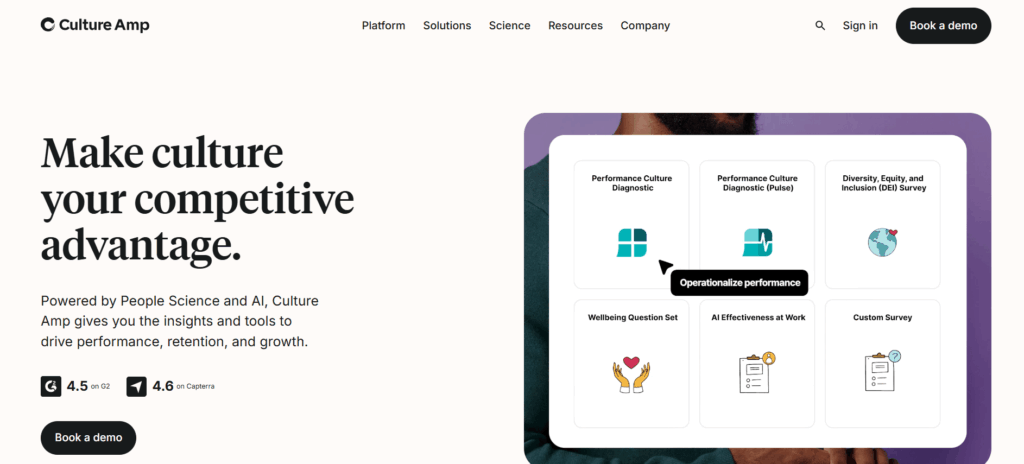
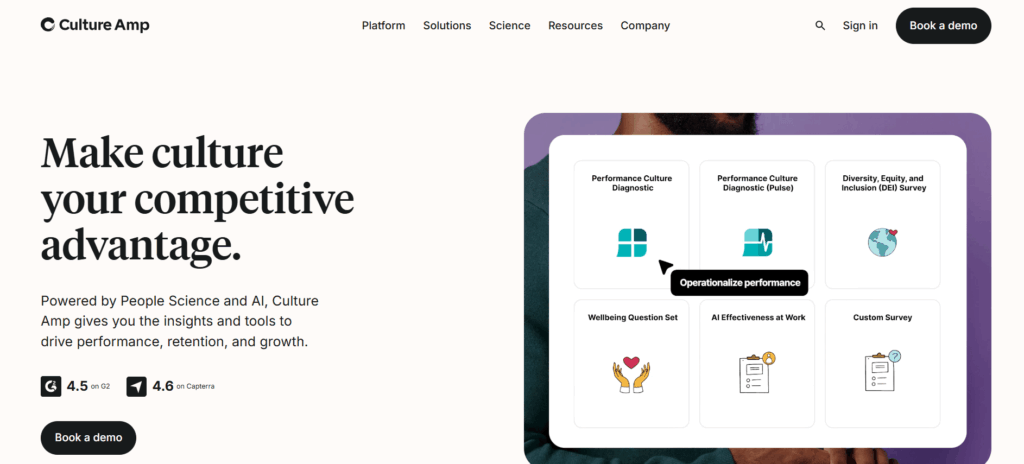
Culture Amp Home Page

Culture Amp was founded in 2009 in Melbourne as an anonymous employee feedback tool and has since grown into a full people science and performance platform. Its mission centers on helping organizations build more engaged, inclusive workplaces using data and behavioral science.

In 2026, Culture Amp streamlined its product lineup around two core pillars, Engage and Perform, with AI Coach now built into both rather than sold as a separate add-on. The Performance Culture Quadrant, a newer diagnostic survey, was also added to the Engage suite this year.

Culture Amp Features in 2026

  • Engage: Customizable surveys for engagement, DEI, onboarding, and exit, plus benchmarking against Culture Amp’s dataset.
  • Perform: Continuous feedback, performance reviews and calibration, 1-on-1 conversations, goal management, and 360-degree effectiveness surveys.
  • AI Coach: Built into both Engage and Perform, it turns survey and performance data into instant insights and manager coaching, comparable in spirit to Engagedly’s Real-Time Feedback tools.
  • People Science Consulting: An add-on service pairing customers with I/O psychologists for change management and program design.
  • Every plan includes: SSO and encryption, HRIS integrations, Slack and Microsoft Teams integrations, multilingual support, and SOC 2 and GDPR compliance.

Culture Amp Pricing (2026)

Culture Amp does not publish per-seat dollar pricing on its official site. According to Culture Amp’s own plans and pricing page, pricing depends on the number of employees, product chosen, and service tier, with every plan billed annually and priced through a custom quote. Visit their platform page for pricing details rather than relying on third-party estimates.

Lattice vs. Culture Amp: Features Compared

Lattice and Culture Amp are both cloud-based platforms that help managers and employees improve performance and engagement, but they still take different starting points:

  • Lattice leads with performance management: reviews, goals, succession planning, and continuous feedback, now wrapped in an AI Agent.
  • Culture Amp leads with engagement and people science: surveys, benchmarking, DEI insights, and AI Coach guidance for managers.

Both platforms have converged more this year than in the past. Lattice added deeper AI coaching for managers, and Culture Amp folded performance tools directly into its core Perform product. If your organization wants a single platform for performance, goals, engagement, learning, and recognition without stitching modules together, it’s worth comparing both against a platform like Engagedly’s Performance Reviews suite, which combines these areas natively.

Lattice Ratings (2026)

  • G2: 4.7/5 (4,000+ reviews) (G2)
  • Capterra: 4.5/5 (100+ reviews)

Culture Amp Ratings (2026)

  • G2: 4.5/5 (1,500+ reviews) (G2)
  • Capterra: 4.7/5 (160+ reviews)

Lattice vs. Culture Amp: Brief Comparison

FeatureLatticeCulture Amp
Core FocusPerformance managementEmployee engagement and people science
AnalyticsReal-time performance data, AI Agent insightsDEI and engagement metrics, AI Coach insights
Customer SupportHighly responsive, dedicated success teamReliable, tiered by organization size
Ease of UseIntuitive, with a learning curve for adminsUser-friendly and accessible for beginners
CustomizationHighly customizable, modular add-onsStandardized surveys with some configuration
IntegrationsWide range, now paired with Workday HCMStrong HRIS and Slack/Teams integrations
PricingPublished per-seat pricing starting at $4/seat/monthQuote-based, not published
Best ForGrowing organizations focused on performanceOrganizations prioritizing engagement and DEI

What Changed in 2026

A few updates are worth flagging if you last compared these platforms in 2025:

  • Lattice exited HRIS and payroll to focus entirely on its Talent Suite, partnering with Workday for core HR administration.
  • Lattice added an AI Agent that answers HR questions and coaches managers directly inside reviews and 1:1s.
  • Culture Amp consolidated its product lineup around Engage and Perform, with AI Coach now bundled into both instead of sold separately.
  • Culture Amp launched the Performance Culture Quadrant, a new diagnostic survey inside Engage.

None of these changes shift the fundamental positioning: Lattice is still the performance-first platform, and Culture Amp is still the engagement-first platform.

Lattice vs. Culture Amp: Final Verdict, Which Platform Wins in 2026?

The choice still comes down to what your organization wants to solve first:

  • Choose Lattice if performance management, goal tracking, and structured reviews are the priority, especially now that its AI Agent is built directly into that workflow.
  • Choose Culture Amp if engagement, DEI, and people science are the priority, and you want AI Coach guidance layered on top of survey data.

Conclusion

Lattice and Culture Amp are both strong, established leaders in the employee experience space, but each one asks you to compromise somewhere. Lattice narrowed its scope this year by exiting HRIS entirely, and Culture Amp still doesn’t publish transparent pricing. Engagedly was built to avoid that tradeoff altogether, combining performance management, engagement, learning, recognition, and talent mobility on one platform. If you want a closer look at how the category stacks up beyond just these two vendors, our breakdown of the best employee engagement software for 2026 and the top performance management software for 2026 cover a wider set of options side by side.

With Engagedly, there is no need to choose between performance and engagement. From advanced customization and AI-powered insights to a unified employee experience, our platform helps you design the future of work today.

Ready to see it for yourself? Request a demo and find out how Engagedly compares to Lattice and Culture Amp for your team.

FAQs

What data privacy and security features are offered by Lattice vs. Culture Amp?

Both platforms publish SOC 2 compliance, SSO, and encryption as standard across their plans. Lattice details its certifications on its trust center, while Culture Amp lists GDPR, CCPA, and SOC 2 as part of every plan.

Do smaller organizations benefit from using Lattice vs Culture Amp?

Lattice’s modular pricing lets smaller teams start with a single product like Engagement at $4/seat/month, though the $4,000 annual minimum applies regardless of headcount. Culture Amp does not publish a small-business price point, so smaller teams will need to request a quote directly.

Does Lattice vs Culture Amp support hybrid or remote work environments?

Yes. Both are cloud-based platforms built for distributed teams. Lattice’s 1:1 and Updates tools are aimed specifically at remote manager-employee communication, while Culture Amp’s pulse surveys are designed to capture sentiment across dispersed teams.

Which is better suited to international teams?

Culture Amp’s benchmarking data and multilingual platform are built for cross-regional insight across global teams. Lattice also supports international teams through customizable workflows, though its now-discontinued HRIS was always US-only, so international organizations relying on Lattice for HR administration will need a separate system of record going forward.

15Five vs Culture Amp (2026): Which Employee Engagement Platform Fits Your Business?

15Five and Culture Amp are both employee experience platforms, but they solve different problems. 15Five is built around continuous check-ins, manager coaching, and lightweight performance management, while Culture Amp is built around large-scale engagement surveys and people analytics. If you are a small or mid-sized team that wants managers and employees talking every week, 15Five fits better. If you are a larger organization that needs benchmarked survey data and deep reporting, Culture Amp fits better.

Employee engagement is not a soft metric anymore; it is tied directly to business performance. Gallup’s own workplace research shows that top-quartile business units see meaningfully lower absenteeism, greater profitability, and less turnover than bottom-quartile teams. A separate Gallup analysis of engagement and earnings per share found that companies with a critical mass of engaged employees outperformed their competition by 147% in earnings per share. (Gallup Business Journal).

So how do you actually raise engagement, and which platform helps you measure and act on it? That’s where 15Five and Culture Amp come in. Both platforms help you understand what your employees think, but they go about it in very different ways, one through frequent, lightweight check-ins, the other through in-depth, research-backed surveys.

In this post, we compare 15Five and Culture Amp on features, pricing, and best-fit use cases, using only information published on their own official sites, so you can pick the platform (or approach) that actually fits your team.

What Is 15Five?

15Five is a performance and engagement platform built around continuous feedback, weekly check-ins, and manager coaching, designed to help companies replace annual reviews with ongoing conversations between managers and employees.

Key Features and Capabilities:

  • Weekly Check-Ins: Employees share quick updates on wins, blockers, and mood, so small issues surface before they become big ones.
  • OKRs & Goal Management: Weighted OKRs and goal tracking keep individual work aligned to company priorities.
  • 1-on-1s: Structured meeting agendas, notes, and action items for manager and employee conversations.
  • Performance Reviews: AI-assisted performance reviews, calibrations, and a 9-box talent matrix for structured evaluations.
  • Engagement Surveys: eNPS, lifecycle surveys, and an AI-generated Predictive Impact Score that flags disengagement drivers before they cost you people.
  • AI Tools: AMAYA (an AI thought partner) and Kona AI (a meeting assistant and AI coach) are built into the higher-tier plans.

User Interface and Experience:

The platform is designed to be simple and quick to adopt, with little learning curve for managers or employees. It works well for teams that want engagement built into a weekly rhythm rather than an annual event.

Best Suited For:

15Five works well for small to mid-sized businesses, particularly mid-market companies that want a continuous feedback culture without a heavy analytics overhead. For a broader look at how these tools stack up, our guide to the best performance management systems covers where 15Five sits among other platforms.

What Is Culture Amp?

Culture Amp is an employee experience platform built around research-backed engagement surveys, performance reviews, and people analytics, designed to give HR and leadership teams a data-driven view of workforce sentiment and performance.

Key Features and Capabilities:

  • Engage: Customizable engagement surveys, including DEI assessments, pulse surveys, and lifecycle (onboarding and exit) surveys, with automated comment analysis and industry benchmarking.
  • Perform: Continuous feedback, structured performance reviews with calibration, one-on-one templates, and goal alignment tools.
  • Develop: Career path frameworks, skills and competency tracking, and individualized growth plans, including an Employee Skills Coach.
  • Effectiveness: 360-degree feedback for individuals, managers, and teams, used to build development plans from peer and manager input.

User Interface and Experience:

Culture Amp’s dashboards are built for HR teams that want to slice engagement data by department, tenure, or seniority. It rewards teams with dedicated people-analytics resources, though smaller teams new to data-heavy platforms may find the depth of options a bit much at first.

Best Suited For:

Culture Amp is best suited for medium to large organizations that need advanced benchmarking, DEI reporting, and cross-company analytics. If you are also evaluating 360-degree feedback tools specifically, see our roundup of the best 360-degree feedback software for more context on how Culture Amp’s Effectiveness module compares.

15Five vs Culture Amp: Feature Comparison

Feature15FiveCulture Amp
Main FocusContinuous feedback, manager effectiveness, performanceEngagement surveys, 360 feedback, people analytics
Core ModulesEngage, Perform, Total PlatformEngage, Perform, Develop, Effectiveness
Key FeaturesWeekly check-ins, 1-on-1s, OKRs, AI coaching (Kona), AMAYA insightsEngagement surveys, 360 feedback, performance reviews, skills coaching
Best ForSmall to mid-sized, mid-market businessesMedium to large, data-driven organizations
User InterfaceSimple, lightweight, quick adoptionData-rich dashboards, deeper reporting
Reporting & AnalyticsHR Outcomes Dashboard, Manager Effectiveness IndexDepartmental and seniority-level benchmarking, DEI reporting
PricingPublished, starts at $4/user/monthNot published, quote-based
Free TrialAvailableNot offered

Comparing Key Features of 15Five vs Culture Amp

Feedback and Engagement

15Five runs on weekly check-ins and continuous feedback loops between managers and employees, aiming to keep communication frequent rather than periodic. Culture Amp leans on structured engagement surveys and 360-degree feedback to collect and analyze sentiment across the whole organization. If you want a deeper dive into building your own engagement survey process, our guide on how to interpret employee engagement survey results walks through turning that data into action.

Employee Performance Tracking

15Five ties performance to weighted OKRs, goal tracking, and AI-assisted reviews, with a 9-box talent matrix for calibration. Culture Amp’s Perform module uses structured reviews, calibration frameworks, and continuous feedback channels, with the Effectiveness module adding 360-degree input from peers and managers.

Reporting and Analytics

15Five’s Insights Dashboard and Manager Effectiveness Index focus on manager-level coaching data and progress trends. Culture Amp is built for deeper analytics, letting HR teams break down engagement data by department, seniority, and demographic to pinpoint where to act.

Employee Development and Growth

15Five’s Growth Studio supports individual development plans (IDPs), succession planning, and career paths tied directly to performance data. Culture Amp’s Develop module offers career path frameworks and an Employee Skills Coach, backed by data from its Engage and Perform modules. Because learning is one of the strongest retention levers available, LinkedIn’s own workplace learning research found that most organizations are concerned about employee retention, and providing learning opportunities is their No. 1 retention strategy. (LinkedIn Workplace Learning Report). Platforms that connect goals, feedback, and growth planning in one place tend to make that easier to act on.

Pricing Comparison: 15Five vs Culture Amp

15Five Pricing

15Five publishes its pricing directly on its website. As of February 2026, plans are billed annually per user:

  • Engage: $4 per user/month, for engagement surveys, targeted assessments, and action planning.
  • Perform: $11 per user/month, adding AMAYA, AI-assisted reviews, OKRs, 360° feedback, and the 9-box talent matrix.
  • Total Platform: $16 per user/month, combining Engage and Perform with manager training microlearnings and the HR Dashboard.

Add-ons like Kona AI Coach ($19/manager/month), Kona Meeting Assistant ($2/employee/month), and Compensation ($9-$11/user/month) are priced separately. Details are on 15Five’s official pricing page.

Culture Amp Pricing

Culture Amp does not publish plan pricing on its website. Its Engage, Perform, Develop, and Effectiveness modules can be purchased individually or bundled, and cost depends on employee count, module selection, and contract length. Visit their platform page for pricing details, or request a quote directly from Culture Amp.

Pros and Cons: 15Five vs Culture Amp

15Five

Pros:

  • Simple to roll out, with a short learning curve for managers and employees.
  • Transparent, published pricing starting at $4/user/month.
  • Strong focus on manager coaching and continuous feedback.
  • AI tools (AMAYA, Kona) built into paid plans.

Cons:

  • Deep, org-wide analytics are less of a focus than in survey-first platforms.
  • Advanced customization sits behind higher-priced tiers.

Culture Amp

Pros:

  • Deep, benchmarked survey data and departmental reporting.
  • Strong fit for large organizations with dedicated HR analytics needs.
  • 360-degree feedback (Effectiveness) built for structured development conversations.

Cons:

  • Pricing is not published, so you need to go through a sales quote.
  • No free trial listed, and smaller teams may find the module-based pricing less predictable.

Which One Should You Choose?

For Smaller Businesses or Startups: If you’re a small or growing team that wants frequent, lightweight feedback and transparent pricing, 15Five is the more straightforward pick.

For Larger Enterprises or Data-Driven Cultures: If you need benchmarked survey data, DEI reporting, and deep analytics across a large workforce, Culture Amp’s module-based approach gives you more room to scale that reporting.

Both platforms genuinely help you get closer to your employees’ experience, and Deloitte’s own workplace research continues to find a strong link between highly engaged companies and lower voluntary turnover, so whichever direction you lean, the investment tends to pay off.

Final Thoughts

Choosing between 15Five and Culture Amp comes down to how your organization wants to run engagement: through frequent, lightweight conversations, or through structured, benchmarked surveys. Both platforms have loyal user bases and strong feature sets, they’re just built for different scales and different HR workflows.

If you want a platform that brings performance reviews, engagement surveys, and talent development together instead of managing them separately, Engagedly is worth a look. It combines AI-powered performance management, learning, and engagement in one system built for growing, mid-market teams.

Ready to see it in action? Request a demo and find out how Engagedly can support your employee engagement strategy.

FAQs

Does 15Five support employee recognition?

Yes. 15Five includes “High Fives,” a built-in recognition feature that lets employees acknowledge and celebrate each other’s contributions in the flow of work.

Which platform is better for performance reviews?

Both offer structured performance review tools. 15Five leans into continuous, AI-assisted reviews tied to weekly check-ins, while Culture Amp’s Perform module focuses on calibration and structured review cycles supported by its Effectiveness (360-degree) module.

Is there a mobile app for 15Five or Culture Amp?

15Five offers a mobile app for check-ins, 1-on-1s, and surveys, listed on the Apple App Store and Google Play. Culture Amp’s mobile access is primarily through a responsive web platform rather than a dedicated native app, so check their official site for current availability.

What is the difference between 15Five and Culture Amp?

15Five focuses more on continuous feedback, manager coaching, check-ins, and performance management, while Culture Amp emphasizes employee engagement surveys, benchmarking, people analytics, and workforce insights. The better option depends on whether your priority is ongoing manager-employee conversations or organization-wide engagement data.

Is 15Five better than Culture Amp?

15Five can be a better fit for teams that prioritize continuous feedback, weekly check-ins, manager effectiveness, and lightweight performance management. Culture Amp may be better for organizations that need deeper engagement analytics, benchmarking, and survey-driven insights.

Is Culture Amp better than 15Five?

Culture Amp may be a better choice for organizations that need advanced employee engagement surveys, benchmarking, DEI reporting, and people analytics. 15Five is generally more focused on continuous feedback, manager coaching, and ongoing performance conversations.

What are the best alternatives to 15Five and Culture Amp?

Alternatives to 15Five and Culture Amp include employee engagement and talent management platforms such as Engagedly, depending on the capabilities an organization needs. Engagedly combines performance management, employee engagement, learning, goals, feedback, and talent development in one platform, making it an option for teams looking beyond standalone engagement or performance tools.

150 Best Performance Review Examples for Employees and Managers

In 2026, it’s more critical than ever for forward-thinking business leaders, like yourself, to conduct meaningful performance reviews or use structured yearly appraisal examples to ensure fairness, clarity, and consistency. A well-delivered performance review can inspire employees to grow, excel, and stay engaged, while a poorly executed one risks disengagement and even turnover.

Conducting impactful reviews is a skill that requires practice and intention, but the good news is—we’ve put together this guide with eight engaging performance review examples to help you deliver more effective evaluations this year. These appraisal examples will also help managers maintain fairness and consistency across teams

What is a Performance Review?

Performance Review

A performance review, boiled to its essence, is a controlled assessment of employees conducted by managers. It often includes structured appraisal examples that guide managers in delivering balanced and objective evaluations. Performance reviews are supposed to identify an employee’s strengths and weaknesses, with the ultimate goal of providing them with the feedback and assistance they need to become better.

Every company, naturally, conducts its performance review differently, but they all share the same purpose. Annual employee reviews used to be in the past, but quarterly and even monthly performance reviews are becoming more common. 

A performance review, or a yearly appraisal sample supported by clear appraisal examples, is a controlled assessment of employees conducted by managers. When they’re done right, performance review sessions can be highly effective in boosting your employees’ morale and offering them the guidance they need.

However, if done wrong, a performance review could actively damage morale and cause them further anxiety. For this reason, correctly doing a performance review is vital for managers. Continuous real-time feedback helps employees make improvements throughout the year instead of waiting until formal review cycles.

As a productive business manager, you need to perform the best performance reviews. Doing so will let you identify and correct your employee’s problems as early as possible, along with improving their morale. The following performance review examples will help you with that. 

Annual employee reviews, often guided by a yearly appraisal sample, used to be common, but quarterly and even monthly performance reviews are becoming more frequent.

What Are the Best Performance Review Phrases to Use?

These 150 performance review phrases are what you need to adopt to improve your performance management skills today.  Using well-crafted appraisal examples alongside these phrases can make evaluation conversations clearer and more actionable.

1. Creativity and innovation

Creativity is vital in the modern workplace. You have people as your employees and not as robots for that reason. You need to encourage your employee’s creativity during your review sessions. So, you should use performance review phrases similar to these 

Positive:

  1. “You consistently bring innovative ideas to projects, finding solutions that others may overlook. Your creativity is a major contributor to the success of our initiatives.”
  2. “Your ability to think outside the box has led to several process improvements that saved the team valuable time.”
  3. “You inspire colleagues by encouraging fresh perspectives and helping the group approach challenges in new ways.”
  4. “Your original thinking adds a unique dimension to our brainstorming sessions, driving innovation across the team.”
  5. “You balance creativity with practicality, ensuring that your ideas are not only imaginative but also actionable and effective.”
  6. “You regularly challenge existing assumptions, pushing the team to think differently and avoid complacency.”
  7. “Your brainstorming sessions often generate unique perspectives that lead to breakthrough ideas.”

Critical:

  1. “There are times when your solutions lean heavily on conventional methods. Let’s work on stretching your creative boundaries more often.”
  2. “You sometimes hesitate to share ideas in group settings. Building confidence in your creativity could add more value to team discussions.”
  3. “Your creativity shines in some areas but can be applied more consistently across all tasks.”
  4. “At times, your ideas lack the necessary follow-through. Developing a plan to execute them effectively will strengthen your impact.”
  5. “You could benefit from collaborating more with peers during ideation sessions to expand your creative range.”
  6. “Sometimes your creative ideas are presented without considering practical constraints. Balancing vision with feasibility will improve adoption.”

2. Communication

Effective communication with supervisors, colleagues, and clients is vital for success in any industry. You need to encourage your employees to improve their communication with these examples. 

Positive:

  1. “You communicate clearly and concisely, ensuring everyone understands expectations and objectives.”
  2. “Your ability to listen actively and respond with empathy builds trust and fosters open dialogue.”
  3. “You adapt your communication style effectively, whether you’re addressing executives or teammates.”
  4. “Your presentation skills make complex information easy to understand for all audiences.”
  5. “You handle sensitive conversations with professionalism and tact, maintaining strong relationships.”
  6. “You adapt your communication style effectively depending on your audience, ensuring both senior leaders and junior team members clearly understand your message.”
  7. “Your written communication is clear, well-structured, and leaves little room for misinterpretation, which improves team efficiency.”


Critical:

  1. “You sometimes provide updates later than needed, which can affect team coordination. More timely communication would improve efficiency.”
  2. “Your written communication occasionally lacks clarity. Focusing on more concise language will help.”
  3. “There are moments when active listening is overlooked, leading to misunderstandings with teammates.”
  4. “You could work on being more vocal during group discussions, ensuring your insights are heard.”
  5. “Nonverbal communication, such as tone and body language, could be improved to avoid misinterpretation.”
  6. “You sometimes provide updates that are too brief, leaving out critical context. Adding more detail would ensure smoother handoffs.”

Also read: Communication Is The Key Through Any Crisis

3. Productivity and quality of work

Increasing employee productivity is vital for advancing your company’s goals. You need to encourage your employees’ productivity with these performance review examples: 

Positive:

  1. “You consistently exceed productivity targets, delivering work on time without sacrificing quality.”
  2. “Your ability to juggle multiple projects while maintaining high standards is impressive.”
  3. “You demonstrate strong focus, completing tasks efficiently even under tight deadlines.”
  4. “Your proactive approach to prioritizing high-value work contributes greatly to team success.”
  5. “You help improve overall team productivity by streamlining workflows and sharing best practices.”
  6. You consistently find smarter ways to complete routine tasks, which increases both speed and quality.”
  7. “Your focus on outcomes ensures that your work has a meaningful impact on the team’s overall success.”

Critical:

  1. “There are times when task prioritization could be improved, leading to delays in high-priority projects.”
  2. “You occasionally take longer than expected to complete assignments. Developing stronger time management strategies could help.”
  3. “Distractions sometimes interfere with your productivity. Finding strategies to stay focused may be beneficial.”
  4. “You would benefit from setting a more structured schedule to ensure deadlines are consistently met.”
  5. “Delegation is an area to develop — leaning on teammates for support could improve efficiency.”
  6. “Sometimes attention to detail is sacrificed for speed. Balancing efficiency with accuracy will enhance results.”

4. Cooperation

Workplace cooperation is the secret to synergy. As the manager, you need to encourage all your employees to work together. These performance review questions will help you achieve just that. 

Positive:

  1. “You work well with colleagues and contribute meaningfully to team goals.”
  2. “Your willingness to collaborate and share credit creates a supportive work environment.”
  3. “You handle differing opinions respectfully, fostering healthy discussions.”
  4. “You consistently put team success ahead of individual recognition, strengthening team morale.”
  5. “You are flexible when priorities shift, ensuring collaboration remains seamless.”
  6. “You proactively offer assistance to colleagues who are overloaded, which builds a strong sense of support.”

Critical:

  1. “There are times when you seem hesitant to participate actively in group work. Engaging more could add value to team outcomes.”
  2. “You sometimes struggle with conflict resolution. Developing stronger strategies in this area will help cooperation.”
  3. “At times, you focus heavily on personal tasks at the expense of team objectives. Balancing both will benefit everyone.”
  4. “Being more open to receiving feedback from colleagues could strengthen teamwork.”
  5. “Sharing credit more consistently for team successes will foster greater collaboration.”
  6. “There are times when you rely too heavily on others to resolve conflicts. Taking more ownership will strengthen collaboration.”

5. Learning Ability

Positive:

  1. “You have an impressive ability to learn new concepts quickly and apply them effectively.”
  2. “Your curiosity drives continuous growth, keeping you at the forefront of industry trends.”
  3. “You embrace new technologies and adapt to change with ease.”
  4. “You learn from mistakes and use them as opportunities to improve performance.”
  5. “You actively seek out training and development opportunities, setting a strong example for others.”
  6. “You eagerly share what you’ve learned with the team, turning individual growth into collective progress.”

Critical:

  1. “You sometimes resist adopting new methods. Being more open to change will support your growth.”
  2. “You could benefit from asking more questions when learning new concepts to avoid confusion later.”
  3. “Applying newly learned skills consistently will help strengthen your performance.”
  4. “At times, your follow-through on development opportunities has been limited. Let’s make this a priority.”
  5. “You could expand your growth by actively sharing what you learn with colleagues.”
  6. “Occasionally, you rush through new material too quickly. Slowing down will ensure stronger mastery.”

6. Problem-solving

Problem-solving is among the most invaluable skills for employees. You need to cultivate problem-solving abilities with these annual review examples for employees. 

Positive:

  1. “You analyze challenges effectively and propose creative, practical solutions.”
  2. “Your calm demeanor under pressure helps you solve issues without escalating them.”
  3. “You consistently consider multiple perspectives before making decisions.”
  4. “Your resourcefulness ensures that even unexpected problems are resolved quickly.”
  5. “You identify risks early and address them proactively.”
  6. “You analyze problems from multiple perspectives before deciding on the best solution, which leads to stronger outcomes.”
  7. “You consistently remain calm under pressure and apply logical reasoning even when timelines are tight.”

Critical:

  1. “You sometimes jump to conclusions too quickly. Taking more time to analyze could improve results.”
  2. “You could involve teammates more often when solving complex problems.”
  3. “At times, you focus on surface-level fixes rather than root causes. Let’s work on digging deeper.”
  4. “You sometimes delay decisions due to overanalyzing. Striking a balance would help.”
  5. “Using more data to support your decisions could make solutions stronger.”
  6. “Occasionally, you rush to a solution without fully considering alternatives. Taking more time to evaluate options would improve results.”

7. Dependability

Positive:

  1. “You consistently follow through on your commitments, ensuring that projects are completed accurately and on time. Your reliability makes you a trusted member of the team.”
  2. “Colleagues know they can count on you when deadlines are tight, and your ability to remain steady under pressure is invaluable.”
  3. “Your dependability gives the team confidence that tasks will be handled without constant oversight.”
  4. “You take ownership of your responsibilities and deliver predictable, high-quality results every time.”
  5. “Your reputation for dependability strengthens team trust and improves overall efficiency.”
  6. “You often take initiative to follow up on tasks without needing reminders, ensuring nothing falls through the cracks.”

Critical:

  1. “There are times when deadlines are missed or tasks are incomplete. Building stronger follow-through habits will improve dependability.”
  2. “Occasionally, you require reminders to complete assignments. Developing more consistency would strengthen trust with colleagues.”
  3. “At times, updates on task progress are delayed. Being more proactive in communication will improve team coordination.”
  4. “You sometimes struggle with balancing multiple priorities, which affects reliability. Improved prioritization can help.”
  5. “Your dependability is strong in some areas but inconsistent in others. Let’s focus on achieving reliability across all responsibilities.”
  6. “At times, unexpected absences affect delivery. Improving reliability in attendance would strengthen dependability.”

8. Efficiency & Time Management

Productive employees show up on time. You need to convey to your employees that you expect them to be punctual and come to work regularly. These performance review examples let you achieve just that: 

Positive:

  1. “You consistently manage your time well, meeting deadlines without sacrificing the quality of your work.”
  2. “Your ability to prioritize effectively allows you to focus on high-impact tasks, boosting productivity for the entire team.”
  3. “You balance multiple assignments seamlessly and ensure projects move forward smoothly.”
  4. “Your scheduling and planning skills help prevent last-minute challenges, which benefits the whole team.”
  5. “You proactively identify time-saving strategies that improve efficiency for both yourself and your colleagues.”
  6. “You regularly create efficient workflows that minimize duplication of effort, saving time for the whole team.”

Critical:

  1. “There are times when prioritization could be improved. Working on distinguishing urgent versus important tasks will strengthen outcomes.”
  2. “You occasionally underestimate the time required to complete assignments. Building more realistic schedules would help.”
  3. “Some tasks take longer than expected due to multitasking. Focusing on one task at a time may improve efficiency.”
  4. “You sometimes spend time on lower-value activities. Streamlining your workflow could help focus on critical work.”
  5. “Being more consistent with planning tools and checklists could help ensure deadlines are consistently met.”
  6. “You occasionally push tasks too close to deadlines, creating unnecessary pressure. Better pacing would improve outcomes.”

9. Job Knowledge

Positive:

  1. “You demonstrate a deep understanding of your role and consistently apply your expertise to achieve excellent results.”
  2. “Your technical knowledge allows you to solve problems quickly and provide guidance to others.”
  3. “You stay up to date with industry trends and bring fresh insights that improve team performance.”
  4. “Your mastery of job-related skills makes you a valuable resource for colleagues who seek support.”
  5. “You are proactive about learning new tools and methods, ensuring your knowledge remains current.”
  6. “You apply your knowledge in ways that simplify complex issues, making it easier for others to contribute.”

Critical:

  1. “There are areas within your role where your understanding could be stronger. Let’s work on developing these skills together.”
  2. “At times, you’ve had difficulty applying your knowledge in new or unfamiliar situations. Additional practice could help.”
  3. “You could benefit from more cross-training to expand your expertise beyond your current responsibilities.”
  4. “Your ability to connect job knowledge with business goals could be improved for greater impact.”
  5. “You sometimes rely on others for information that falls within your scope. Building more independence will strengthen performance.”
  6. “You sometimes hesitate to expand beyond your current expertise. Proactively learning adjacent skills would boost effectiveness.”

10. Accountability

Positive:

  1. “You take ownership of both your successes and mistakes, demonstrating a high level of accountability.”
  2. “Your transparency when addressing challenges fosters trust and creates a culture of responsibility.”
  3. “You consistently set clear goals and hold yourself accountable for achieving them.”
  4. “Your willingness to own errors and correct them quickly shows professionalism and integrity.”
  5. “You lead by example, inspiring others to take greater accountability for their own work.”

Critical:

  1. “There are times when you shift blame rather than accepting responsibility. Owning outcomes more fully will help you grow.”
  2. “You sometimes avoid acknowledging mistakes promptly. Addressing them faster would improve accountability.”
  3. “You could work on following through with self-assigned goals more consistently.”
  4. “Progress tracking could be more transparent. Regular updates will help demonstrate accountability.”
  5. “Occasionally, you take action without clarifying expectations. Asking for alignment beforehand will strengthen accountability.”

11. Emotional Intelligence

Positive:

  1. “You show great empathy for colleagues, making others feel supported and understood.”
  2. “Your ability to remain calm under stress helps maintain a positive atmosphere during challenging times.”
  3. “You handle conflict with emotional maturity, ensuring respectful and constructive resolutions.”
  4. “Your self-awareness allows you to adjust your behavior when needed, maintaining harmony within the team.”
  5. “You promote an inclusive environment by respecting and understanding diverse perspectives.”
  6. “You notice when colleagues are disengaged and take steps to re-engage them with empathy and encouragement.”

Critical:

  1. “There are times when frustration shows in your tone or body language. Managing these emotions more effectively would help.”
  2. “You could work on showing greater patience when others struggle under pressure.”
  3. “Occasionally, emotional reactions cloud your judgment. Developing stress management techniques will help.”
  4. “You sometimes overlook how team morale is affected by your words. Being more mindful will strengthen relationships.”
  5. “Conflict resolution can be improved by focusing more on empathy during tense situations.”
  6. “You sometimes misread others’ non-verbal cues, which can cause misunderstandings. Paying closer attention will strengthen communication.”

12. Leadership / Initiative

Positive:

  1. “You step into leadership roles naturally, guiding projects with confidence and clarity.”
  2. “Your initiative ensures that challenges are addressed quickly, often before they escalate.”
  3. “You inspire colleagues by leading with both action and accountability.”
  4. “You willingly take on additional responsibilities, demonstrating commitment to team success.”
  5. “Your ability to motivate others and delegate effectively strengthens the entire group.”
  6. “You mentor less experienced colleagues, offering guidance that strengthens their skills and builds overall team capability.”
  7. “Your ability to inspire confidence encourages others to step up and take initiative as well.”

Critical:

  1. “There are times when you hesitate to step into leadership roles. Building more confidence here will expand your influence.”
  2. “You could be more proactive in volunteering for projects that require initiative.”
  3. “Delegation is an area for improvement — relying too much on yourself limits team growth.”
  4. “You sometimes wait for direction instead of taking initiative. Anticipating needs could improve outcomes.”
  5. “Greater involvement in strategic discussions would help develop your leadership presence.”
  6. “Occasionally, you avoid giving difficult feedback to team members. Developing this skill will improve leadership effectiveness.”

13. Innovation

Positive:

  1. “You bring a fresh perspective to existing challenges and often identify creative solutions others may not see.”
  2. “Your willingness to experiment with new tools and processes improves our workflows.”
  3. “You encourage others to think innovatively, creating a culture of continuous improvement.”
  4. “You not only generate innovative ideas but also follow through with actionable plans.”
  5. “Your ability to connect innovation with practical business outcomes makes your ideas highly valuable.”
  6. “You actively encourage experimentation, creating space for the team to test new ideas without fear of failure.”
  7. “Your openness to blending traditional methods with innovative approaches often creates balanced, practical solutions.”

Critical:

  1. “You sometimes hesitate to present unconventional ideas. Developing confidence here will encourage more innovation.”
  2. “There are times when your suggestions need more detailed planning to be actionable.”
  3. “You could work on balancing innovation with feasibility to ensure ideas are practical.”
  4. “You occasionally resist change when new processes are introduced. Greater openness will support growth.”
  5. “Following through on your innovative proposals more consistently would enhance your impact.”
  6. “Occasionally, your innovative ideas require more testing before implementation. Building in pilot phases would help.”

What Are the Most Engaging Types of Performance Reviews?

Engaging Performance Review


While there are many models for performance reviews, we’ve listed 8 of the most engaging employee evaluation types for you. These formats work especially well when paired with specific appraisal examples tailored to each role.

1. Bar Graph Visual

A bar graph can be used to present the percentage of goal completion employees have achieved. Each bar would be filled to the extent that the intended goal has been completed, offering an easy visual representation of the employee’s progress. Bar graphs are both practical and effective.

You can divide your bar graph according to areas of concern or different aspects of work, such as productivity, time management, communication skills, etc. It’d be wise to include between 5 to 10 categories, but no more because that might overwhelm the employees. The goal of using bar graphs is to provide a neat and tidy perspective of your employees’ overall productivity.

Also, strategically construct your bar graph in a way that your employee’s most positive traits are at the start. Doing so will provide them with an overall positive perspective of their profile and help them maintain morale. When discussing the graph with your employees, try to focus on the positives and offer encouraging advice on how to correct the areas of concern.

2. Box Grade Scorecard

If you’ve ever traded baseball cards, you’ll precisely know what a scorecard is. You’ll also know just how effective scorecards are at communicating the overall profile of a person. Give every employee a scorecard on a 100-point scale and provide them with rankings for each of their abilities.

You have the different categories color-graded to represent their current performance. The higher an employee scores, the better they are at that specific behavior. For instance, you could have an employee’s communication skills score colored green and 90, indicating that this employee possesses excellent communication skills.

The benefit of conducting a performance review with color-coded scoreboards is that it gamifies your performance review and offers a simple yet effective way to demonstrate your employee’s abilities. Another benefit is that scorecards are intuitive and make sense, reducing the chances of any ambiguities developing.

3. Short KPI-Based Review

Depending on the industry you’re in, you may find a holistic performance review redundant for some employees. These would be those employees that are the most specialized in their skills and completely very specific tasks that other employees don’t. Nearly every company will have, at least, a few such individuals whose work is hyper-specific.

You need to test them using key performance indicator (KPI) metrics with these employees. A KPI is a specific and objective metric that can judge an employee’s performance in a specific field. For instance, the KPI of a salesperson could be the number of calls they make, the percentage of successful calls they make, and the revenue they generate for your company.

KPI reviews are particularly well-constructed for more regular performance reviews, like weekly or monthly ones. You’d also benefit from the objective and analytical nature of KPI-based reviews since they elegantly highlight your employees’ proficiency in very specific skills.

Also read: Goal Setting Processes: KPI VS OKR

4. Self-Evaluation Performance Review

Sometimes, it’s best to have your employees rate themselves. The benefit of a self-evaluation performance review is that it provides you with your employees’ perspectives. You learn what they think and how they feel about their performance and current skill level. Self-evaluation performance reviews also clarify any misconceptions between you and your employees regarding their performance.

To conduct a self-evaluation performance review, you need to provide your employees with a short questionnaire where they can indicate their perceived performance level. You could offer them a point scoreboard, a bar graph they could, or any other way to quantitatively represent their performance.

It’s important to ask effective questions to make sure your employees fully understand the evaluation. You also need to inform your employees that they need to answer these questions as honestly as possible. The data must be as accurate as possible to ensure a good performance review.

5. Comprehensive Long Performance Review

A comprehensive long performance review is useful for annual performance reviews, often conducted with the help of a yearly appraisal sample. This type of performance review involves conducting a long series of questions and evaluations with an employee to develop a holistic perspective of their long-term contributions.

Comprehensive long performance reviews are conducted mostly for appraisal and promotion purposes. Organization-wide performance trends become even more valuable when leaders have access to executive workforce insights that support better talent decisions. This type of review, commonly seen in yearly appraisal samples, generates a long-term perspective of your employee’s abilities and it can help you decide whether a particular employee deserves to be promoted.

To conduct a comprehensive long performance review, you need to create infographics of your employee’s abilities and request comments from supervisors, colleagues, and clientele the employee interacts with. Using 360-degree feedback provides a more balanced view by incorporating perspectives from managers, peers, direct reports, and even customers. Next, thoroughly analyze this information before finally presenting it to the employee to judge their response.

6. Section-wise Percentage Review

Section-wise percentage reviews are excellent for short-interval performance reviews. The benefit of this kind of performance review is that it offer a quick and easy way to show your employees how they’re doing.

To conduct a section-wise percentage review, you need to develop a list of sections, ranging from communication skills to attendance, etc., and color-code or express them in percentage formats. For instance, you could have the attendance section expressed as a percentage of 85% for an employee who has only been absent from work a few times.

Creating accurate percentage-wise percentage reviews involves collecting accurate data and statistics about your employees.

7. Quadrant-Based Performance Review

Quadrant-based performance reviews are used to judge an employee’s performance quarterly. This is a great type of short-term performance review that can accurately express an employee’s short-term performance.

A quadrant-based performance review will typically involve a four-quadrant graph with a color and percentage scale to show an employee’s quality of work. When conducting a quadrant-based performance review, your managers will point out performance levels in each area and inform employees of where they’re lacking.

This is an excellent format for conducting short-term performance reviews since it involves a very intuitive approach that expresses an employee’s performance and provides constructive feedback.

8. Generic Format

The generic format is employed by most organizations around the world as the standard employee review format. It involves a black-and-white chart with different sections consisting of the various areas in an organization measures employee performance. Examples could include overall abilities, attendance, demonstration of core values, commitment to goals, etc.

The performance review would conclude with comments made by the manager on the employee’s performance, in addition to offering advice to the employee on how to improve. This is a great formal because of its simple yet intuitive nature.

Final Thoughts

In conclusion, conducting effective performance review sessions is vital for your organization. However, it’s not easy to make proper performance reviews, so we’ve listed the 8 most engaging performance review examples and practical appraisal examples you can use in 2026. With these employee evaluation examples, you’ll improve your performance review abilities in no time!

Performance Management Tool

Frequently Asked Questions

What is an example of a performance review?

Performance review examples are sample phrases, comments, and formats managers use to evaluate employee performance clearly and fairly.
Performance review examples are ready-to-use comments, templates, and evaluation formats that help managers assess employee performance more effectively. They usually include:
Positive and constructive feedback phrases
Examples by skill area, such as communication or productivity
Review formats like KPI scorecards or self-evaluations
Comments for annual, quarterly, or monthly reviews
These examples make appraisal conversations more consistent and less subjective. For instance, instead of saying “good job,” a manager can say, “You consistently meet deadlines and communicate project risks early.” That gives the employee clearer direction. Well-written review examples improve fairness, reduce ambiguity, and make performance conversations more actionable for both managers and employees.

How do I write a good appraisal comment?

An effective employee review comment is specific, balanced, and focused on observable performance, outcomes, and improvement opportunities.
An effective employee review comment explains what the employee did, why it mattered, and what should happen next. A strong comment should be:
Specific, not vague
Balanced, with strengths and development areas
Evidence-based, tied to results or behaviors
Actionable, with a clear next step
For example, instead of writing “needs better communication,” say, “Your updates are helpful, but adding more context earlier would improve team coordination.” This gives the employee something they can act on. Managers often get better results when they use measurable examples, such as missed deadlines, client feedback, or project outcomes, rather than general opinions.

What are good positive review comments for employees?

Positive performance review phrases highlight strengths such as communication, productivity, accountability, leadership, and teamwork with specific examples.
Positive performance review phrases help managers recognize employee contributions in a way that feels credible and useful. Common examples include:
“You consistently deliver high-quality work on time.”
“You communicate clearly and keep stakeholders aligned.”
“You take ownership of challenges and follow through reliably.”
“You bring creative ideas that improve team outcomes.”
“You collaborate well and support colleagues when priorities shift.”
The strongest praise is tied to actual behavior or business impact. For example, if an employee improved workflow efficiency or supported team morale during a busy period, mention that directly. Specific praise reinforces the right behaviors and makes recognition more meaningful during performance reviews.

What format should I use for a performance review?

The best review formats depend on the role, but common options include KPI reviews, self-evaluations, scorecards, and annual appraisals.
The best performance review format depends on how often you review employees, what type of work they do, and what data you track. Popular formats include:
KPI-based reviews for measurable, specialized roles
Self-evaluations for employee reflection and alignment
Scorecards or percentage reviews for fast, visual check-ins
Comprehensive annual reviews for promotions and long-term evaluation
Quadrant-based reviews for short-term performance snapshots
For example, sales roles often benefit from KPI metrics like calls, conversions, or revenue. Broader roles may need a more holistic format that includes collaboration, leadership, and job knowledge. Choosing the right format improves consistency and makes the review process easier to understand.
How do you make performance reviews fair?

Managers make reviews more fair and useful by using consistent criteria, specific examples, measurable data, and regular feedback.
Managers can improve performance reviews by making them more objective, consistent, and development-focused. Best practices include:
Use the same criteria across similar roles
Rely on examples and documented outcomes
Include both strengths and improvement areas
Support comments with KPIs, feedback, or observed behaviors
Avoid saving all feedback for the annual review
For example, using monthly notes on communication, productivity, or accountability makes final reviews more accurate and less biased. Review tools such as scorecards, bar graphs, and self-evaluation forms can also improve consistency. Employees are more likely to trust the process when feedback feels specific, timely, and tied to real performance rather than opinions.

The Shift From HR Tools to HR Infrastructure Platforms

Not long ago, HR teams juggled a stack of point solutions to get through the week. One app for payroll; another for time tracking, A standalone performance tool; a learning portal. And an ATS held together with spreadsheets and goodwill. 

Those tools did the job. However, they rarely talked to each other. Data got stuck in silos. Employees bounced between logins. Managers guessed more than they should have.

Something’s changing. HR infrastructure platforms are replacing collections of disconnected tools with a single, integrated backbone for people operations. With this in place, you’re building the foundation for your entire people strategy.

Why does this matter now? Business moves faster than it used to. Talent markets shift. Roles evolve. Compliance rules change. Companies that treat HR technology as core infrastructure adapt better when things move.

Keep reading to learn how to shift from HR tools to HR platforms for your company or organization.

HR Tools vs. HR Infrastructure Platforms

  • Traditional HR tools solve one task at a time. Run payroll, schedule shifts, file expenses, request PTO, and complete a review cycle. 

They’re usually easy to buy and roll out, and for a while, that works. But as you grow, each new tool becomes another island. Integrations help, but only so much. See HR tech trends in 2026, which companies sometimes invest in separately.
  • HR infrastructure platforms work differently. They provide a connected layer that spans the employee lifecycle (hiring, onboarding, performance, learning, engagement, compensation, and offboarding). They take into account the PPT framework
  • People
  • Process
  • Technology

With this in place, data flows end-to-end. You get a shared employee profile, consistent permissions, unified analytics. Not to mention a common team experience. You operate one platform where modules already work together. Rather than stitching five tools together.
The key differences:

HR ToolsHR Infrastructure Platforms
They handle tasksThey handle outcomes
They fix immediate problemsThey build long-term agility
They capture dataThey turn it into insight and action

Driving forces behind the transition

Several forces are pushing organizations toward platforms:

  • Cloud-native architectures smoothen integration. AI and machine learning bring pattern recognition and recommendations to everyday HR decisions. Deloitte’s Human Capital Trends research shows that organizations are redesigning work around human-and-technology collaboration.

Image source

  • Workforce complexity keeps multiplying. Hybrid work, global hiring, contingent labor, and skills-based staffing add more moving parts. A unified platform gives you one source of truth across locations and workflows.
  • Employee expectations have shifted. People want the same frictionless digital experience at work that they have in their personal lives. When you’re competing for talent, the friction of logging into six different systems to complete onboarding matters. That’s what it takes to create a great employee experience with technology
  • Leaders need real-time visibility. Visibility into hiring funnels, performance trends, engagement hot spots, skills gaps, and internal mobility. That’s hard when the story is chopped into separate tools. People analytics drives business value when it sits on clean, connected data across the employee lifecycle. 

Taken together, these shifts point in the same direction: fragmentation no longer scales. With HR infrastructure, teams can see what employees actually want using real data, whether that’s preferences or participation trends. That makes it easier to plan things like a blank t-shirt collection for giveaways or team-building activities for engagement based on real demand.

Benefits and Challenges in Adopting HR Infrastructure Platforms

Potential benefits

When the parts work together, the whole gets smarter. Possible advantages:

  • Efficiency scales better. Fewer duplicate logins and manual data handoffs. Automations span entire workflows. A candidate accepts an offer. And the system triggers IT provisioning, onboarding tasks, learning paths, and manager check-ins without anyone having to chase five systems.
  • You get real-time insights. A unified data model lets you track time-to-fill, first-year attrition, manager coaching activity, and internal mobility in one place. You spend less time reconciling reports and more time acting on what they say.
  • The employee experience improves. From onboarding through growth, employees see an integrated journey. Learning recommendations align with goals. Feedback and recognition are woven into daily work. Pay and performance live side by side.

Platforms with open APIs and modular capabilities make it easier to plug in new tech and adjust as your organization evolves. That flexibility also helps HR respond quickly to different employee needs. Whether it’s improving day-to-day worker experiences or supporting more complex, sensitive matters like family law and health benefits, without rebuilding systems from scratch.

Possible challenges

Platform transitions are big projects. The common hurdles:

  • Upfront investment matters. Consolidating tools and migrating data require budget and time. Clear success metrics and a phased roadmap help keep momentum.
  • Old habits are sticky. Technology is only part of the equation. You need a solid change management plan that addresses resistance and skill gaps. Organizations that invest in thorough training and communicate clearly see smoother transitions and faster ROI.
  • Centralizing data risks privacy and security. Look for vendors with strong certifications and controls (ISO 27001 and SOC 2). If you operate in the EU, ensure compliance with GDPR. If you’re testing AI-powered features, track evolving guidance on fairness and transparency.

Image source

Admins and managers also need time to adjust to new ways of working. Plan role-based training and give people space to practice so adoption sticks. This is especially important when integrating tools like contract management software into your HR infrastructure. Where consistent use and proper workflows are key to keeping data accurate and connected.

A few shifts worth watching:

  • AI is moving from descriptive to prescriptive. Today’s dashboards tell you what happened. Tomorrow’s platforms will help you decide what to do next. Systems that predict which employees are ready for promotion suggest optimal team compositions for projects. Or identify emerging skills gaps before they impact business performance.
  • People’s data is getting richer. Skills taxonomies, internal mobility signals, even learning outcomes will feed more dynamic talent marketplaces. Organizations will increasingly manage work around skills rather than fixed roles. A theme echoed in the World Economic Forum’s Future of Jobs research.

Image source

  • Workforce planning is becoming more proactive. Predictive models that forecast hiring needs and capacity constraints will help leaders get ahead of change rather than react to it. The key is grounding predictions in transparent methods and audited data sources.
  • Immersive learning is scaling up. VR and AR will move from pilots to day-to-day training for safety, customer service, leadership, and more. PwC found that VR learners can be trained up to four times faster than in the classroom while feeling more emotionally connected to the content.

Image source

Final Note: Making the Move

Moving from HR tools to HR infrastructure platforms changes how organizations run their people operations. This impacts how they make decisions and shape the employee experience. The payoff shows up in faster cycles and clearer insights. Even a smoother journey for everyone, from candidates to alumni.

AI advancements, skills-based planning, immersive learning, and emerging tech will continue to change the playbook. You don’t need to predict the future to prepare for it. You just need infrastructure built to handle change.

If you’re looking to shift from HR tools to HR infrastructure, consider leveraging Engagedly’s AI-powered talent management software. Engagedly enables you to develop, engage, and manage people…all in one place. To get started, request a demo today!

Brooke Webber
Brooke Webber

Brooke Webber is a passionate advocate for a people-first strategy in HR. Her major focus areas are workplace psychology and employee listening, where she has already accumulated five years of writing experience.

Frequently Asked Questions About HR Infrastructure Platforms

What are HR infrastructure platforms?

HR infrastructure platforms are integrated software solutions that connect every stage of the employee lifecycle, including recruitment, onboarding, performance management, learning, engagement, compensation, and offboarding. Unlike standalone HR tools, they provide a centralized system where employee data, workflows, and analytics work together to improve efficiency, decision-making, and the overall employee experience.

How are HR infrastructure platforms different from traditional HR tools?

Traditional HR tools are designed to perform individual functions, such as payroll, attendance tracking, or performance reviews. HR infrastructure platforms combine these functions into a single connected system, creating one source of truth for employee data, automating workflows across departments, and providing unified reporting instead of disconnected information.

Why are organizations moving to HR infrastructure platforms?

Organizations are adopting HR infrastructure platforms to reduce technology silos, improve operational efficiency, support hybrid and global workforces, enhance employee experiences, and gain real-time workforce insights. A unified platform also makes it easier to scale HR operations as the business grows while maintaining data consistency and compliance.

What are the main benefits of HR infrastructure platforms?

HR infrastructure platforms offer several benefits, including:

Centralized employee data
Automated HR workflows
Better workforce analytics
Improved employee experience
Easier compliance management
Reduced administrative work
Greater scalability for growing organizations

These advantages help HR teams spend less time managing systems and more time supporting strategic business goals.

What features should you look for in an HR infrastructure platform?

When evaluating HR infrastructure platforms, prioritize features such as:

Employee lifecycle management
Performance and goal management
Learning and development tools
Employee engagement capabilities
AI-powered analytics and reporting
Open APIs and integrations
Workflow automation
Role-based security and compliance certifications
Mobile accessibility

These features ensure the platform can support both current and future business needs.

Can small and mid-sized businesses benefit from HR infrastructure platforms?

Yes. HR infrastructure platforms are valuable for businesses of all sizes. Small and mid-sized organizations benefit from centralized employee records, automated HR processes, simplified compliance, and scalable technology that grows alongside the company without requiring multiple disconnected systems.

How do HR infrastructure platforms improve the employee experience?

HR infrastructure platforms create a seamless employee experience by providing one place to complete HR tasks, access learning resources, set goals, receive feedback, request time off, and manage career development. This reduces friction, saves time, and helps employees stay connected throughout their journey with the organization.

Are HR infrastructure platforms secure?

Most enterprise-grade HR infrastructure platforms are built with strong security measures such as data encryption, role-based access controls, audit logs, and certifications like SOC 2 and ISO 27001. Organizations operating internationally should also ensure the platform supports regulatory requirements such as GDPR and other applicable privacy laws.

How does AI enhance HR infrastructure platforms?

AI enhances HR infrastructure platforms by automating repetitive tasks, identifying workforce trends, recommending personalized learning, supporting skills-based workforce planning, predicting employee turnover risks, and providing actionable insights from workforce data. This enables HR teams to make faster, more informed decisions.

How do you choose the right HR infrastructure platform?

Choose an HR infrastructure platform that aligns with your business size, workforce strategy, integration requirements, security standards, scalability goals, and budget. Look for a solution that supports the complete employee lifecycle, offers flexible integrations, provides reliable customer support, and can adapt as your organization evolves.

6 Powerful Rippling Competitors for HR Teams You Need to Know About

Human resource management encompasses more than just recruiting and termination. It includes building a thriving workplace environment, engaging employees, and ensuring that HR operations run smoothly and efficiently.

According to Gallup research, highly engaged employees can increase profitability by up to 21% over those in less involved firms.

The correct HR software may greatly improve the management of these operations. Rippling provides flexible solutions for payroll, benefits, and personnel administration. Its extensive features and user-friendly interface have received excellent responses from numerous companies.

However, Rippling may not be the best answer for many businesses. HR professionals are constantly looking for options that meet their organization’s specific needs, budget, and size.

Rippling competitors are HR platforms that offer an alternative to Rippling’s all-in-one payroll, IT, and workforce system – ranging from engagement and performance suites like Engagedly, to payroll-first tools like Gusto, to enterprise HCM systems like Workday. Each takes a different approach, so the right pick depends on company size, budget, and whether payroll, engagement, or performance is the priority.

In this blog, we will explore six tough Rippling competitors and compare their HR solutions to help you make an informed choice. Read on!

6 Rippling Competitors HR Teams Can Explore

Here are six compelling alternatives to Rippling that HR teams can consider to meet their specific needs.

1. Engagedly

Engagedly is an AI talent management platform built to help organizations connect
performance, engagement, learning, growth, and recognition in one unified experience.
Powered by Marissa, its AI SuperAgent, Engagedly helps leaders turn people strategy into
intelligent actions, reduce talent silos, and drive measurable business outcomes. Trusted by
organizations worldwide, Engagedly supports stronger engagement, better retention, and the
development of high performing teams.

Key Features:

  • Performance Management: Performance reviews, instant feedback, and progress tracking keep teams aligned and focused on getting things done.
  • OKRs and Goals: Goal setting and alignment tools give employees and managers a shared, AI-assisted view of what matters most.
  • 360 Feedback: Multi-rater assessments uncover blind spots and growth opportunities across teams.
  • Employee Engagement: Pulse surveys, rewards, and social collaboration strengthen corporate culture and how employees interact.
  • Learning and Development: A built-in learning experience platform makes training and upskilling easily accessible.
  • CXO Insights: AI-powered analytics turn performance, engagement, and skills data into strategic, data-driven decisions.

Pricing: Manage Performance runs $5-$8 per user/month, Learn & Grow runs $3-$5 per user/month, and Recognize & Reward, Engage & Listen, and Talent Mobility are each $2 per user/month, billed annually with a $7,500/year minimum.

2. Gusto

Gusto is a popular Rippling competitor for small and medium businesses, known for its simple, easy-to-use approach to payroll, benefits, and onboarding. It’s a strong fit for teams that want clear pricing without a lot of setup complexity.

Key Features:

  • Automated Payroll: Tax payments and direct deposits run automatically, removing manual errors and keeping filings compliant.
  • Employee Benefits Management: A broad range of benefit options, including health insurance and retirement plans, in one place.
  • Leave Management: Built-in time-off tracking makes it easy to manage absences and stay compliant.
  • Onboarding Tools: New hire paperwork and compliance tasks are automated to speed up onboarding.

Pricing: Simple starts at $49/month plus $6 per employee/month, Plus starts at $80/month plus $12 per employee/month, and Premium starts at $180/month plus $22 per employee/month.

3. BambooHR

BambooHR is another leading Rippling competitor built for small and medium businesses that want a powerful, user-friendly employee management interface. It covers everything from basic HR records to compensation planning and advanced analytics.

If you’re also comparing BambooHR itself against other tools, our BambooHR alternatives guide breaks down how it stacks up in more detail.

Key Features:

  • Employee Data Management: A central, secure repository for all employee records and reporting.
  • Performance Management: 360-degree review cycles, 1:1s, and instant reporting support continuous improvement.
  • Customizable Reporting: Custom dashboards turn HR data into insights on turnover, headcount, and trends.
  • Time Tracking: Shift scheduling, overtime calculations, and automated approval workflows.

Pricing: Core starts at $10 per employee/month, Pro at $17 per employee/month, and Elite at $25 per employee/month for companies with more than 25 employees.

4. Workday

Workday is one of the most established software solutions for human resources at large organizations with complex HR processes. It combines payroll, benefits, talent management, and workforce planning into a single enterprise-grade platform.

Key Features:

  • Cloud-Centric HR and Financial Framework: A unified approach to managing HR, finance, and planning.
  • Talent Management: Recruitment, onboarding, learning management, and employee development in one system.
  • Real-Time Analytics: Deep, built-in reporting gives HR teams visibility into workforce trends.
  • Workforce Planning: Tools for budget-aligned, schedule-optimized workforce planning at scale.

Pricing: Pricing is custom-quoted based on company size, modules selected, and implementation scope.

5. TriNet Zenefits (HR Platform)

Zenefits is now part of TriNet, operating as TriNet’s HR Platform and HR Plus offering following TriNet’s 2022 acquisition of the brand. It still simplifies benefits administration, payroll, and compliance for small to mid-sized businesses, now backed by TriNet’s broader HR infrastructure.

Key Features:

  • Payroll and Benefits Administration: Manages employee benefits and payroll, including direct access to healthcare providers and tax filings.
  • Compliance Oversight: Automatically updates for federal and state standards, with e-signatures to speed up approvals.
  • Time-Off Management: A built-in approval system for tracking vacation days and sick leave.
  • HR Plus Add-Ons: Optional Payroll Pro and People Pro services add dedicated payroll and HR experts to the platform.

Pricing: TriNet does not publish standard rates for HR Plus (formerly Zenefits). Pricing follows a per-employee-per-month model, and a custom quote is required based on company size and services needed .

6. ADP Workforce Now

ADP Workforce Now is a powerful Rippling competitor generally serving mid-sized and large corporations. ADP is well known across the HR industry, particularly for the reliability of its payroll engine.

Key Features:

  • Payroll Automation: Automates payroll processing, tax filing, and compliance across jurisdictions.
  • Talent Management: Tools to support recruitment, performance evaluations, and employee development.
  • Time and Attendance Tracking: Reduces time theft and errors with built-in tracking capabilities.
  • Benefits Administration: Simplifies health insurance and retirement plan administration with full payroll integration.

Pricing: Pricing is custom-quoted based on company size and the modules selected; contact ADP’s sales team for a personalized quote.

Quick Comparison: Rippling vs Top Competitors in 2026

HR SoftwareBest ForKey FeaturesPricing
EngagedlyMid-sized businesses and enterprisesPerformance management, employee engagement, learning & development, talent mobilityManage Performance: $5-$8/user/month · Learn & Grow: $3-$5/user/month · Recognize & Reward: $2/user/month · Engage & Listen: $2/user/month · Talent Mobility: $2/user/month (billed annually)
RipplingSmall to mid-sized businessesAll-in-one HR platform, payroll, IT, benefits, onboarding, time trackingCustom pricing – Rippling does not publish a full rate card; most figures require a sales quote
GustoSmall to mid-sized businessesAutomated payroll, benefits management, time-off tracking, onboardingSimple: $49/mo + $6/employee · Plus: $80/mo + $12/employee · Premium: $180/mo + $22/employee
BambooHRSmall to medium businessesEmployee data management, performance tracking, reporting, time trackingCore: $10/employee/mo · Pro: $17/employee/mo · Elite: $25/employee/mo.
WorkdayLarge enterprisesCloud-based HR, financial management, talent management, workforce planningCustom pricing, enterprise-level – not published publicly
TriNet Zenefits (HR Platform)Small to mid-sized businessesBenefits and payroll management, compliance tracking, document storageCustom pricing – billed per-employee-per-month, quote required
ADP Workforce NowMid-sized to large businessesPayroll automation, talent management, time tracking, benefits administrationCustom pricing, based on company needs

To Wrap Up

Rippling is undoubtedly a strong player in the HR software space, but the Rippling competitors we’ve discussed, including Engagedly, prove there is no one-size-fits-all solution.

Depending on your company’s size, needs, and goals, one of these platforms may be the best fit for streamlining your HR processes and creating a positive employee experience.

Take the time to evaluate the priorities within your organization, including payroll, compliance, employee engagement, and development. The right platform will make HR’s job easier and create an environment for a more motivated, productive team.

Want to inspire performance in your team? Try Engagedly. Request a demo today to see how it can help you build an engagement powerhouse.

FAQs

How do I choose the right HR platform?

Start by matching company size and budget to key needs like payroll, engagement, compliance, or talent management. Book demos of your top choices to check out features firsthand before committing.

What are the key benefits of using HR software?

HR software streamlines processes, reduces manual work, improves compliance, enhances employee engagement, and provides valuable insights through analytics.

How secure is my data with HR software?

Reputable HR software providers prioritize data security through measures such as encryption, regular security audits, and compliance with standards like GDPR and CCPA.

Can HR software integrate with other tools?

Most HR platforms offer integration capabilities with other tools and systems, such as payroll, benefits, and time-tracking software, for a seamless, consistent experience.

How much do Rippling competitors typically cost compared to Rippling?

Costs vary widely by platform type. Gusto and BambooHR publish clear per-employee rates starting around $10-$55 per employee/month depending on plan, while Rippling, Workday, TriNet, and ADP all require a custom sales quote. Engagedly’s engagement and performance suites start at $2 per user/month, making it more accessible for teams that don’t need a full payroll platform.

Do Rippling alternatives require long-term contracts?

It depends on the vendor. Gusto runs month-to-month with no long-term contract and lets customers cancel anytime. BambooHR, TriNet, Workday, and ADP typically involve annual or multi-year agreements, especially at larger company sizes, so it’s worth confirming contract length and renewal terms before signing.

What’s the difference between an HRIS, a PEO, and an ASO?

An HRIS (like BambooHR or Engagedly) is software your internal HR team uses to manage records, performance, and processes. A PEO (Professional Employer Organization) becomes a co-employer and takes on shared liability for payroll taxes and compliance. An ASO (Administrative Services Organization), such as TriNet’s HR Plus, outsources HR administration without the co-employment relationship. The right fit depends on how much HR responsibility you want to keep in-house.

Is there a free trial available for any of these platforms?

BambooHR offers a free trial directly from its website with no credit card required. Gusto and most enterprise platforms like Workday, TriNet, and ADP typically route prospects to a guided demo instead of a self-serve trial, since pricing and setup depend on company-specific configuration.

How is Engagedly different from payroll-focused Rippling alternatives like Gusto or ADP?

Engagedly focuses on performance management, employee engagement, and learning and development rather than payroll processing. It’s built for HR teams that already have payroll covered and want to strengthen goal alignment, feedback culture, and career growth, which makes it a strong complement to (rather than a replacement for) payroll-first tools like Gusto or ADP.

Internal Recruitment: Methods, Benefits & Real Examples

Internal recruitment helps companies fill open roles faster by hiring from within instead of starting from scratch with external candidates.

For many organizations, this is one of the fastest and most cost-effective ways to hire. Internal recruitment helps reduce hiring costs, shorten ramp-up time, retain institutional knowledge, and create clearer career growth paths for employees.

It also plays a bigger role in retention than many companies realize. When employees can see real opportunities to grow internally, they are more likely to stay engaged and invest in their long-term future with the company.

In this guide, we will break down what internal recruitment is, how it works, the most common internal hiring methods, the benefits and challenges to know, and real examples of companies that use internal recruitment well.

What is Internal Recruitment?

Internal recruitment is the process of filling a vacant role with someone who already works in the organization. Instead of sourcing candidates externally, companies hire from within by promoting, transferring, or reassigning existing employees.

It is commonly used to reduce hiring time, preserve internal knowledge, and support long-term succession planning.

Internal recruitment usually includes:

  • promotions into higher-level roles
  • lateral transfers across departments
  • internal job postings for open roles
  • referrals from current employees
  • project-based moves or temporary internal assignments

When managed well, internal recruitment helps organizations improve retention, strengthen employee trust, and create a more visible path for career growth.

Internal Recruitment Methods

Internal Recruitment Methods

Internal recruitment can happen in several ways, depending on the role, the company structure, and the skills already available inside the business.

Internal Job Posting

Internal job posting is one of the most common internal recruitment methods. Companies advertise open roles internally before opening them to external candidates.

This gives employees visibility into available opportunities and allows them to apply for roles that align with their skills, interests, and career goals. Internal job boards, career portals, and internal newsletters are commonly used to share these openings.

Employee Referrals

Employee referrals are often associated with external hiring, but they can also support internal recruitment. Managers and team leaders often recommend strong internal candidates for open roles based on performance, skills, and readiness.

This can help surface qualified employees who may not actively apply but are strong candidates for internal mobility.

Promotions

Promotions are one of the most direct forms of internal recruitment. Employees move into roles with greater responsibility, broader scope, or leadership expectations.

Promotions help organizations reward strong performance while reinforcing career growth and succession planning.

Transfers

Transfers move employees into different teams, departments, or functions without necessarily changing seniority. These lateral moves help organizations fill talent gaps while giving employees broader experience and exposure.

Transfers are especially useful for skill development, cross-functional mobility, and long-term workforce planning. In many organizations, these moves also work like an internal apprenticeship pathway, giving employees hands-on exposure before stepping into larger roles.

Key Benefits of Internal Recruitment

Internal recruitment offers several strategic advantages for organizations trying to hire faster, retain talent, and build stronger internal career paths.

1. Lower Hiring Costs

Internal hiring reduces spending on job ads, agencies, sourcing, and external recruiting tools. It also lowers onboarding and training costs because internal hires already understand the business.

2. Faster Time to Productivity

Internal candidates already know the company’s systems, workflows, and expectations. That usually means less onboarding time and faster ramp-up compared to external hires.

3. Stronger Employee Retention

Visible internal career paths help employees see long-term growth opportunities within the company. This improves engagement and reduces turnover risk.

LinkedIn’s Workplace Learning Report found that companies with strong internal mobility retain employees nearly twice as long as companies with low internal mobility.

4. Better Cultural Alignment

Internal candidates already understand company norms, communication styles, and expectations. This reduces the risk of poor culture fit and shortens adjustment time.

5. Stronger Succession Planning

Internal recruitment helps companies identify and prepare future leaders. It creates a more reliable leadership pipeline and reduces dependency on external hiring for key roles.

6. Retention of Institutional Knowledge

Internal hires already understand customers, systems, internal processes, and team dynamics. This helps organizations preserve knowledge that is often lost with external turnover.

Disadvantages of Internal Recruitment

Internal recruitment has clear advantages, but it also comes with tradeoffs that companies should plan for.

  • Limited fresh perspective: Hiring only from within can reduce exposure to new ideas and outside thinking. This is where blended hiring models become useful, especially when companies need outside expertise for specialized or short-term gaps, similar to how teams approach staff augmentation to add skills without overbuilding headcount.
  • Internal competition: Employees may feel discouraged if internal hiring feels political or inconsistent.
  • Skill gaps: The best internal candidate may still need training before they are ready.
  • Backfill challenges: Filling one internal role often creates another vacancy that still needs to be filled.
  • Risk of favoritism: Without clear criteria, internal hiring can feel biased or unfair.

The best internal recruitment strategies balance internal mobility with external hiring when new skills or perspectives are needed.

Internal vs External Recruitment

FactorInternal RecruitmentExternal Recruitment
Hiring speedFasterSlower
Hiring costLowerHigher
Onboarding timeShorterLonger
Cultural fitStrongerLess certain
New perspectivesLimitedStronger
Institutional knowledgeRetainedNeeds rebuilding
Employee moraleOften improvesNeutral or mixed
Innovation potentialModerateHigher

Internal Recruitment Examples

Many successful organizations worldwide implement internal recruitment as a major talent strategy. Here are some real-world examples that highlight its effectiveness:

Google

Google encourages internal mobility through open internal job boards and cross-functional career movement. Employees can explore opportunities across teams, helping Google retain talent while supporting long-term career growth.

Deloitte

Deloitte is known for using internal mobility as a core talent strategy. The company invests heavily in upskilling and leadership development to prepare employees for internal movement and promotion.

Zappos

Zappos built a strong internal hiring culture by making internal roles visible and encouraging employees to pursue growth opportunities across the company. Its transparent approach to internal mobility helped reinforce employee trust and retention.

Best Practices

Internal Staffing is best done in a strategic and thoughtful manner. Hence, organizations need to ensure that the process is transparent, fair, and aligned with their strategic talent management objectives. Here are a few steps to make the most of internal hiring practices:

1. Practice Transparent Internal Job Postings

It is significant for internal recruitment to be successful. Employers should inform their employees about such positions from time to time through onboarding, newsletters, or internal sites. This keeps every employee informed of vacancies so that they can apply if they meet the qualifications.

Creating a platform for the centralization of job posts like Engagedly’s internal talent management tools is efficient because employees can easily apply for the roles, and the HR departments can track candidates accordingly.

2. Offer Employee Development Programs

For the internal hiring process to work successfully, organizations need to ensure that their employees can grow within the organization. This also involves providing employees with training to achieve new skills as well as giving them chances of certification for the next higher level in their careers.

For instance, leadership development programs may help to nurture talent that can be promoted to management positions, while technical training helps to close skill gaps in certain specialized tasks.

Engagedly’s learning modules are designed to align employee development with organizational goals, ensuring a stronger pipeline of internal candidates for future roles.

3. Employ Objective Evaluation Standards

Biased selection methods may lead to hiring a non-qualified candidate over a more qualified internal candidate; thus, organizations should set efficient standards for internal candidates.

These can be done through structured performance reviews, skills assessments, and interviews, depending on the position an individual has applied for. 

Thus, the standardization of evaluation can contribute to the fact that companies can make more informed decisions and reduce the risk of favoritism. Many organizations also use multi-rater feedback to ensure a more balanced and comprehensive evaluation.

4. Provide Constructive Feedback

Not all internal candidates can be employed for the vacancies they applied for; thus, it is advisable to offer them constructive feedback. It should draw their attention to what they did well and what they did not do well, as well as recommend areas one should focus on to stand higher chances in the future. Open communication increases confidence and helps employees continue seeking opportunities within the organization.

5. Leverage Technology to Streamline the Process

Internal recruitment cannot be fully executed without the use of technology. Engagedly includes features that help determine star players, illustrate career mobility, and connect employees’ abilities to positions of interest. By automating administrative tasks, HR teams can focus on strategic decision-making.

6. Foster a Culture of Opportunity 

Internal hiring thrives where the aim of an organization is to continuously focus on the growth of its employees. It is about empowering employees to take career ownership and giving them tools and support systems to do so. This process includes frequent performance reviews, OKRs and goals, and career development conversations.

7. Balance Internal and External Hiring

Internal recruitment may have various benefits, but it’s essential to maintain a balance between external and internal hiring.

Internal rotation and effective external staffing guarantee a strong and diverse employee portfolio. External hires can provide new ideas to the company, while the insiders have a deeper understanding of business and company practices.

Key Takeaways

Internal Recruitment is the best practice for organizations as it ensures the stability of talent within the company, conserves resources and builds a strong culture for growth. When implemented effectively, it offers substantial benefits such as Employee motivation, rapid recruitment, and enhanced organizational culture alignment.

The use of Internal Staffing helps corporations such as Google, Deloitte, and Zappos build a long-term winning strategy. With the help of tools from Engagedly, a company can arrange an internal recruitment procedure while increasing the levels of engagement among the staff and improving organizational assets.

If you’re looking to make internal recruitment more structured, data-driven, and scalable, you can request a demo to see how it works in practice.

FAQs

What is internal recruitment?

Internal recruitment is the process of filling open positions with existing employees rather than hiring candidates from outside the organization. Companies use internal recruitment to promote career growth, retain talent, and fill vacancies more efficiently.

Common forms of internal recruitment include:
Employee promotions
Lateral transfers
Internal job postings
Temporary assignments and project-based moves
Employee referrals for internal opportunities
A strong internal recruitment strategy helps organizations maximize existing talent while creating visible career paths for employees.

Why is internal recruitment important?

Internal recruitment is important because it helps organizations retain talent, reduce hiring costs, and create more opportunities for employee growth.

Key benefits include:
Faster hiring and onboarding
Lower recruitment expenses
Improved employee retention
Stronger employee engagement
Better succession planning
Increased internal mobility
Retention of institutional knowledge
When employees see opportunities to advance within the company, they are often more motivated to stay and grow with the organization.

What are the main methods of internal recruitment?

Organizations can use several methods to identify and move talent internally.

The most common internal recruitment methods include:
Internal job postings
Employee promotions
Department transfers
Internal talent marketplaces
Temporary assignments and secondments
Employee referrals
Succession planning programs
Using multiple methods helps organizations create a transparent and accessible internal hiring process.

What is the biggest benefit of internal recruitment?

One of the biggest benefits of internal recruitment is the ability to fill positions faster and at a lower cost than external hiring.

Internal candidates often provide advantages such as:
Existing knowledge of company processes
Faster time to productivity
Reduced onboarding requirements
Strong cultural alignment
Lower recruitment spending
Greater employee loyalty and engagement
Because internal hires already understand the organization, they can often contribute more quickly than external candidates.

What is the difference between internal and external recruitment?

Internal and external recruitment differ primarily in where candidates are sourced.

Internal recruitment focuses on:
Current employees
Promotions and transfers
Lower hiring costs
Faster onboarding
Greater retention of organizational knowledge

External recruitment focuses on:
Candidates outside the organization
Access to broader talent pools
New perspectives and ideas
Specialized skills not available internally
Greater workforce diversity opportunities
Most organizations benefit from balancing both approaches depending on their hiring needs.

What are the disadvantages of internal recruitment?

While internal recruitment offers many advantages, it also comes with potential challenges.

Common disadvantages include:
Limited access to new perspectives and ideas
Internal competition among employees
Risk of favoritism or perceived bias
Potential skill gaps in promoted employees
Creation of additional vacancies that require backfilling
Reduced diversity of experience and viewpoints
A transparent and structured hiring process can help minimize many of these challenges.

How does internal recruitment improve employee retention?

Internal recruitment improves retention by showing employees that career growth opportunities exist within the organization.

It helps organizations:
Create visible career paths
Reward strong performance
Increase employee engagement
Strengthen loyalty and commitment
Reduce frustration related to career stagnation
Encourage long-term workforce development
Employees are more likely to stay when they believe their future growth can happen within the company.

When should a company use internal recruitment?

Internal recruitment is most effective when qualified talent already exists within the organization and employees are ready for advancement.

Organizations often use internal recruitment when:
Filling leadership positions
Supporting succession planning efforts
Expanding teams quickly
Rewarding high-performing employees
Addressing retention challenges
Building long-term career development pathways
It can be an efficient solution when speed, continuity, and employee development are priorities.

How can companies make internal recruitment more effective?

Successful internal recruitment requires transparency, fairness, and ongoing employee development.

Best practices include:
Posting internal opportunities openly
Establishing clear selection criteria
Investing in employee development programs
Using objective evaluation methods
Providing feedback to unsuccessful candidates
Encouraging career development conversations
Leveraging technology to identify internal talent
A structured approach helps employees trust the process and increases participation in internal mobility programs.

Is internal recruitment better than external recruitment?

Neither internal nor external recruitment is universally better. The right choice depends on the role, business goals, and available talent.

Internal recruitment is often better for:
Speed and cost efficiency
Succession planning
Employee retention
Preserving organizational knowledge

External recruitment is often better for:
Bringing in new perspectives
Acquiring specialized expertise
Driving innovation
Expanding the talent pool
Many organizations achieve the best results by combining internal mobility with strategic external hiring.

AI Ethics: Implications for Human Resource Leaders

As 76% of HR leaders express concern that their companies risk falling behind competitors within the next 12 to 24 months without adopting AI solutions, the discourse around generative AI ethics gains prominence. This transformative technology, spanning healthcare, advertising, transportation, banking, legal, education, and workplaces, introduces a pivotal shift in the employment landscape.

AI, beyond automating tasks, empowers human potential and yields rapid, precise outcomes. Its impact on HR extends to cultivating a culture of connection, communication, and collaboration. Through sophisticated AI solutions, HR managers can seamlessly engage with employees, fostering meaningful interactions.


As artificial intelligence (AI) technologies reshape HR—from hiring and onboarding to performance reviews and employee engagement—understanding AI Ethics is more important than ever. In 2025, HR leaders face a dual challenge: embracing the productivity benefits of AI while ensuring fairness, transparency, and trust in people-centric processes. This guide unpacks the ethical implications of AI in HR and outlines best practices for adopting AI responsibly.

Also read: Performance Calibration: Importance, Steps, and the Role of HR

What Are AI Ethics?

AI ethics refers to the principles and guidelines that govern the responsible development, deployment, and use of artificial intelligence (AI) technologies. It involves ensuring that AI systems and applications align with ethical standards, human values, and legal regulations. The goal of AI ethics is to address potential risks and challenges associated with AI, promote transparency, fairness, accountability, and avoid any negative consequences that may arise from AI decision-making.

Key aspects of AI ethics include:

  • Transparency: Ensuring that AI systems are transparent and explainable, allowing users to understand how decisions are made.
  • Fairness: Mitigating biases in AI algorithms to prevent discrimination and ensure fair treatment across diverse demographic groups.
  • Accountability: Holding individuals and organizations responsible for the development, deployment, and outcomes of AI systems.
  • Privacy: Respecting individuals’ privacy rights and protecting sensitive information when collecting and processing data.
  • Security: Implementing measures to secure AI systems against malicious attacks and unauthorized access.
  • Collaboration: Encouraging collaboration between developers, policymakers, ethicists, and other stakeholders to establish universal standards and best practices.
  • Sustainability: Considering the environmental impact of AI technologies and promoting sustainable practices in their development and usage.

AI ethics seeks to strike a balance between advancing technological innovation and ensuring that AI benefits society without compromising fundamental human values or causing harm. Establishing ethical frameworks helps guide the responsible development and application of AI in various domains, fostering trust and minimizing unintended consequences.

Why AI Ethics Matter in Human Resources

Balancing Productivity with Oversight

AI tools now handle up to 94% of routine HR queries, significantly reducing administrative workload. But without governance, risks of bias, job displacement, and dehumanization rise. (Source: Josh Bersin via IBM)

Workers Value AI Support—but Not AI Managers

A Workday study revealed that 75% of employees view AI agents as helpful teammates, but only 30% are comfortable being managed by AI. Human oversight remains vital to preserve empathy and accountability. (Source: IT Pro, TechRadar)

AI Bias and Discrimination Remain a Concern

Recruitment AI often struggles with accents, dialects, and diverse backgrounds, potentially excluding non-native speakers. Inclusive training data and transparency are essential to reduce hiring bias.

Regulation on the Rise

Governments are tightening controls. The EU AI Act and NYC AI bias audit laws require transparency and fairness in automated HR tools. HR leaders must stay ahead of compliance requirements.

Top Ethical Challenges & Mitigation Strategies

Loss of Human Touch

AI can undermine empathy when applied to sensitive areas like grievances, promotions, or layoffs. Maintain a human-in-the-loop model for critical decisions.

Data Bias & Fairness

Test systems for algorithmic bias, mandate third-party audits, and adopt explainable AI models to ensure fair outcomes.

Transparency & Trust

Promote AI literacy training for HR and employees. Use transparent systems that explain why decisions were made.

Ethical Governance

Set up AI Review Boards including HR, compliance, and ethics experts. Leverage AI governance platforms to flag risks early.

Well-Being & Perception

While AI boosts efficiency, employees fear job loss, privacy risks, and loss of autonomy. HR leaders must integrate feedback channels, upskilling initiatives, and clear guardrails during implementation.

The Role of Artificial Intelligence in HR

In the dynamic landscape of HR, the synergy between artificial intelligence (AI) and human resources professionals is reshaping the industry. While AI can’t replace the human touch that defines HR’s people-centric nature, its transformative potential is unmistakable. From expediting recruitment processes and optimizing employee selection to task allocation and predictive analytics for engagement, AI is revolutionizing HR practices.

A survey of 250 HR leaders, as presented in Eightfold AI’s report, “The Future of Work: Intelligent by Design,” underscores the widespread use of AI in various HR functions, including employee records management, payroll processing, hiring, recruiting, performance management, and onboarding. The implications of AI on HR processes are far-reaching, contributing to a more seamless and efficient HR landscape. Discover how Engagedly’s AI powered platform streamlines HR processes, elevates performance outcomes, and enhances every stage of the employee lifecycle.

As HR managers embrace AI tools to enhance the employee experience, a thorough examination of the ethical dimensions is paramount. This exploration delves into the responsible and mindful integration of AI into HR practices, ensuring a harmonious balance between innovation and ethical considerations.

What Are the Ethical Implications of AI in HR?

The integration of Artificial Intelligence (AI) with human resources introduces a multitude of opportunities and challenges. As HR leaders embrace AI to enhance various functions, ethical considerations take center stage. This section delves into the ethical implications of AI in HR, exploring how organizations can navigate this evolving landscape responsibly while ensuring transparency, fairness, and ethical integrity in their HR practices.

1. Conduct Bias & Fairness Assessment

Conducting a bias and fairness assessment is a crucial step in ensuring the ethical implications of AI in HR. This process involves a comprehensive examination of AI systems to identify and rectify any potential biases and unfairness. It entails a meticulous review of training and development data, scrutinizing the hiring process, validating against discrimination, assessing AI-generated outcomes, and closely monitoring system effectiveness across diverse employee groups.

To implement this assessment effectively, organizations should establish a cross-functional team of stakeholders responsible for guiding the ethics of AI. This collaborative group, which may include representatives from HR, IT, legal, and other relevant departments, plays a pivotal role in upholding moral standards, overseeing AI usage, and proactively addressing any ethical concerns that may arise. A robust bias and fairness assessment not only ensures ethical AI practices but also promotes transparency and fairness in HR processes.

Also read: Unveiling AI’s Power and Limits for Fairer Hiring

2. Avoid Invasion of Employee Privacy

Privacy concerns may arise when implementing AI tools that collect, store, and analyze personal data. It is crucial to ensure that candidates and employees are fully informed about how and why their information is handled, stored, and safeguarded against unauthorized access.

Prioritizing privacy and security is paramount in the adoption of AI in the workplace. While some AI systems are designed to discard or refrain from reusing user information, others may use data (such as voice commands, gender details, language modulations, etc.) to train machine-learning algorithms. This introduces potential risks to the privacy of employees or customers. Therefore, any data related to employees, customers, or other confidential aspects of the organization must undergo anonymization before being utilized in AI applications.

3. Ensure Clarity and Fairness

Transparency and clarity are essential ethical considerations in the utilization of artificial intelligence in human resources. Business leaders must prioritize openness, particularly when AI is employed to monitor individuals or make decisions that directly impact them. In cases where an AI system is responsible for decision-making concerning employees, HR professionals should provide clear explanations regarding the factors considered in the decision-making process. This commitment to transparency enhances trust and accountability in the use of AI within HR practices.

4. Ensure Human Control

Ensuring human control is a fundamental ethical principle in the deployment of artificial intelligence (AI) in human resources. While AI can enhance efficiency and decision-making, maintaining a balance with human oversight is critical, even when using AI HR assistants. Human control ensures that AI systems are aligned with ethical standards, promoting fairness and preventing unintended consequences. HR professionals should retain the authority to intervene, interpret, and correct AI-generated outcomes. This human-centric approach safeguards against the undue influence of AI, fostering a workplace environment where technology serves as a supportive tool under human guidance.

Moreover, human control acts as a safeguard against potential biases embedded in AI algorithms. As AI systems learn from historical data, they may inadvertently perpetuate existing biases. Human intervention becomes essential to identify, rectify, and prevent any discriminatory patterns that may emerge. HR professionals, with their expertise in understanding organizational dynamics and diverse workforce needs, play a crucial role in mitigating bias and ensuring that AI aligns with the company’s commitment to fairness and inclusivity. By upholding human control, organizations not only adhere to ethical AI practices but also foster a culture of transparency and accountability. See how Engagedly brings AI into core people operations to simplify workflows, support data informed decisions, and optimize talent management.

Also read: How HR and People Leaders Can Ensure Pay Equity in 2024

5. Build a Human-Centric AI System

By prioritizing a human-centric approach, organizations acknowledge the importance of preserving the well-being, dignity, and rights of the individuals involved. Designing AI systems that prioritize the human experience ensures fair and unbiased outcomes, promoting inclusivity and mitigating potential harm.

A human-centric AI system emphasizes factors such as equity, diversity, and the protection of individual privacy. It strives to enhance, rather than replace, human decision-making, fostering collaboration between AI technology and human intuition. By actively involving employees in the development and implementation processes, organizations can cultivate a system that aligns with their values and ethical standards.

In essence, a human-centric AI system seeks to augment human capabilities, support ethical decision-making, and uphold the principles of fairness and respect within the HR domain. It serves as a foundation for building trust, fostering positive employee experiences, and navigating the ethical complexities associated with the integration of AI in HR practices.

New Enhancements for 2025

HR Chatbots with Emotional Intelligence – Some AI systems now detect tone and sentiment, ensuring more empathetic interactions.

AI-Powered Coaching Assistants – Helping managers give better feedback while keeping a human-centered approach.

Bias Detection Tools – New platforms audit training data before deployment to prevent systemic bias.

Job Impact Predictions
Gartner forecasts that 37% of the workforce will be impacted by generative AI in the next 2–5 years, without net job loss through 2026, and generative AI creating half a billion net-new jobs by 2036. (Source: Gartner)

AI as a Cultural KPI
At Microsoft, AI tool usage (like Copilot) is now part of employee performance reviews—focusing on AI learning mindset, not usage volume. (Source: Business Insider)

Governance Amid Global Standards
The World Employment Confederation (WEC) has released an HR-targeted AI Ethics Toolkit, aligning with EU and U.S. transparency and bias mandates. (Source: WEC Toolkit)

AI Governance Platforms Rising
Gartner predicts that organizations using AI governance platforms will suffer 40% fewer ethical incidents. Embedding these platforms—and ethics officers into governance—will be a must-have. (Source: Brightmine)

Global Safety Oversight
The UK, U.S., and India have established or expanded AI Safety Institutes, and the Paris 2025 IASEAI summit showcased international efforts to define AI safety and ethics standards. (Sources: Wikipedia, IASEAI)

Real-World Snapshots & Stories

WEC’s Toolkit helps HR services comply with EU’s AI Act and similar regulations.

IBM’s AskHR handles nearly all routine staff queries via AI—a leap in efficiency—but only with careful compliance alignment.

Microsoft now evaluates employee AI usage behavior to reinforce AI fluency as part of workplace culture.

Summing Up

The swift advancement of artificial intelligence (AI) in the realm of human resources offers numerous opportunities, such as streamlining talent acquisition, improving employee engagement, and optimizing HR processes. However, this rapid evolution also raises critical ethical concerns within HR practices. AI systems utilized in HR could inadvertently perpetuate biases, impact employee rights, and present various ethical challenges. Adhering to stringent AI ethics and ensuring robust data privacy measures become imperative in navigating these potential ethical pitfalls within HR operations. AI in HR is no longer optional—it’s a strategic necessity. But without strong ethical foundations, organizations risk damaging employee trust, DEI progress, and compliance standing. By adopting transparent, human-centered, and accountable AI strategies, HR leaders in 2026 can balance innovation with integrity.

If you’re evaluating how to introduce AI into people processes without compromising trust, it may be worth requesting a demo to see how structured, ethical implementation looks in action.

Rewards and Recognition Module

Frequently Asked Questions

What does AI ethics mean in HR?

AI ethics in HR means using artificial intelligence fairly, transparently, securely, and with human oversight in people decisions.

AI ethics in HR refers to the core principles that guide how artificial intelligence should be designed, deployed, and monitored in people processes. A strong ethical framework focuses on:
Fairness: Actively preventing discrimination and algorithmic bias.
Transparency: Explaining clearly how data is analyzed and how recommendations are made.
Accountability: Defining who is legally and operationally responsible for system errors.
Human Oversight: Keeping trained HR professionals in ultimate control of final decisions.

This is especially critical in hiring, onboarding, performance reviews, and employee engagement, where automated decisions directly impact human careers.

Why is AI ethics important in HR?

AI ethics matters in human resources because HR decisions affect careers, trust, inclusion, privacy, and legal compliance.

AI ethics matters because HR systems influence high-stakes decisions about people, not just inanimate business processes. Key reasons include:
Career Impact: Automated screening or evaluations directly dictate promotions and hiring.
Diversity & Inclusion: Biased systems can quietly replicate historical workforce discrimination.
Employee Trust: Poor transparency or secretive data collection instantly degrades workplace morale.
Data Privacy: Massive language and monitoring models expose highly sensitive, personal employee data.
Regulatory Compliance: Rapidly growing global laws now strictly mandate fairness and data explainability in the workplace.

What are the ethical problems with AI in HR?

The biggest ethical risks of AI in HR are bias, privacy violations, lack of transparency, and overreliance on automation.
The most common ethical failures in automated workforce systems include:
Algorithmic Bias: Recruiting tools misinterpreting accents, dialect variations, or historical hiring gaps, which unfairly excludes qualified candidates.
Privacy Intrusions: Invasive data mining through continuous employee monitoring or sentiment analysis tools.
The “Black Box” Problem: A total lack of explainability behind why an AI rejected a candidate or flagged an employee.
Loss of Empathy: Removing the human touch from deeply sensitive moments like terminations, mental health support, or disciplinary actions.
Automation Bias: Managers trusting AI scores blindly without reviewing the underlying context.

How do you implement ethical AI in HR?

HR leaders can use AI responsibly by auditing bias, protecting privacy, keeping humans involved, and improving transparency.

Responsible AI adoption requires building strict guardrails before scaling any tool. Best practices include:
Pre-Deployment Audits: Conduct independent bias and fairness assessments on software before buying it.
Human-in-the-Loop: Ensure automated recommendations are always verified by an HR professional.
Data Safeguards: Anonymize and encrypt employee data to protect individual privacy.
Clear Communication: Build AI literacy by openly telling employees how, why, and where AI is analyzing workplace data.
Phased Rollouts: Start with low-risk tasks (like answering basic onboarding FAQs) before expanding to high-stakes areas.

What is AI governance in HR?

An ethical AI governance framework for HR should include oversight, audits, privacy rules, transparency standards, and accountability.

An AI governance framework is a structured system for managing how workplace AI tools are selected, monitored, and legally controlled. A complete framework includes:
Clear internal ownership and executive accountability.
Routine, independent third-party bias testing.
Explicit data consent and privacy policies for employees.
Transparent explainability standards for all software logic.
An escalation path allowing employees to dispute automated outcomes.
Cross-functional review boards composed of HR, IT, legal, and compliance stakeholders.

Understanding the Role and Future Impact of AI in HR

As of 2024, 60% of organizations are using AI to manage talent- McKinsey

Artificial intelligence has permeated every aspect of our lives. The highly disruptive technology is transforming industries worldwide, and HR is no exception.

Undoubtedly, AI can help streamline many HR tasks. From automating the candidate screening process to boost employee engagement, AI in HR offers several notable benefits. But does it also have the potential to take over certain jobs traditionally done by humans?

Well, it certainly appears so.

A report from the Academy to Innovate HR (AIHR) claimed that HR roles that are “repetitive and with low levels of complexity” are at a huge risk of being automated in the coming years.

This has sparked spirited debates across HR departments, fostering both hope and caution about the potential impacts of this emerging technology.

Today, we will explore the HR job roles that AI could potentially transform or even replace while offering helpful advice on how to thrive in this new era.

How Is AI Impacting the HR Industry?

Let’s start by talking about a real-world example.

Genesis10 is a leading HR staffing company in New York City with over 1,000 employees. The company has implemented AI to streamline and expedite its hiring process.

From automating resume prescreening to algorithmic candidate matching, they have efficiently deployed AI to reduce costs. Additionally, the AI-powered chatbot on their website seamlessly gathers candidate data, conducts preliminary screening, and filters out applicants- all without any human intervention. Brilliant, isn’t it?

AI in human resources can help companies create a more efficient HR department by improving decision-making and boosting employee engagement. Structured performance reviews help translate these insights into measurable outcomes.

One aspect that AI is massively transforming is recruitment. Leveraging the benefits of AI, companies can automate resume screening and swiftly identify the best candidate for the job. This saves HR professionals a lot of time and effort.

Advanced AI algorithms can also help HR personnel identify patterns in employee data. By analyzing metrics such as job satisfaction and turnover rates, HR can pinpoint areas for improvement and boost employee engagement.

But which are the specific job roles that are likely to be taken over by AI? Let’s find out in the following section.

What Are AI Agents and How Are They Creating Autonomous HR Assistants?

In 2025, a new generation of AI agents — semi-autonomous systems that can plan, execute, and interact — is beginning to emerge within HR. These agents can carry out tasks such as:

  • Conversing with employees or candidates using natural language, performing follow-ups or scheduling without human intervention
  • Coordinating with other systems (payroll, LMS, access provisioning) to act on decisions
  • Making recommendations autonomously and flagging issues for human review

Gartner reports that the share of HR leaders planning to use semiautonomous AI agents in HR increased significantly in 2025, with 44% of HR leaders stating intent to adopt agentic AI in the next 12 months.

This means that HR professionals will gradually shift from being the executors of HR tasks to orchestrators of AI systems—managing, auditing, and guiding their behavior. Rather than viewing AI as merely a tool, HR must now think in terms of agentic systems as collaborative partners.

Tip for authors / practitioners: Introduce pilot AI agents in narrowly defined, low-risk domains (such as FAQs, leave requests, simple onboarding steps). Monitor their outputs for fairness, transparency, and employee satisfaction before scaling.

Which HR Roles Are Most Likely to Be Replaced by AI?

Skynova surveyed to understand the impact of AI in HR. The results revealed that 86% of HR felt that it was likely that their jobs would be replaced by AI in the coming years. 

Another study revealed that nearly one-third of all HR roles face a high risk of automation. A deeper analysis reveals that HR administration job roles face a 90% likelihood of automation. On the other hand, roles that necessitate excessive human intervention, such as HR directors and managers, are less at risk.

Now, let’s look at some HR roles that are most likely to be replaced by AI in the near future.

1. Recruiting Managers

The automation of the entire candidate sourcing and screening process has largely impacted the role of recruiting managers. Today, there are plenty of AI-powered tools that can sift through hundreds of resumes and online profiles within minutes to identify the best candidates for different job roles.

Moving on, there is a proliferation of talent assessment tools that help measure each candidate’s competency and personality traits. These tools utilize an efficient way to evaluate the candidate through behavioral assessments, skill testing, and gamification. AI algorithms analyze the gathered data to generate detailed reports on a candidate’s strengths, weaknesses, and other personality attributes.

Additionally, AI-powered chatbots and virtual assistants can help companies provide an improved candidate experience. These assistants can easily track website visitors, address common candidate queries, and keep them in the loop throughout the recruitment process.

This shows that administrative tasks such as CV screening will be gradually taken over by AI. Recruitment managers, on the other hand, will focus on cultural fit, talent potential and management, and soft skills. Using AI insights, their role will become more about nurturing relationships and less about sifting through resumes.

2. HR Analysts

An HR analyst gathers and evaluates HR information to streamline processes and improve decision-making. AI in analytics is swiftly changing how HR analytics is performed.

With the ability to process vast amounts of data at lightning speed, AI algorithms can identify patterns and correlations that may not be perceived by human analysts. Moreover, AI-powered predictive analytics can help identify trends in employee performance, engagement, and turnover. Aligning these insights with OKRs and goals ensures actions are tied to business outcomes.

For instance, AI might discover that a lack of adequate training opportunities is causing employees to feel disengaged and disgruntled. Thus, HR departments can tackle problems more proactively.

The automation of data collection, analysis, and reporting can free up HR professionals to focus on strategic initiatives rather than spending time crunching numbers.

However, this doesn’t necessarily mean that AI will replace the job role of HR analysts. Instead, HR analysts can leverage AI to augment their capabilities and use it as a powerful tool to make more informed decisions. 

3. Learning and Development Professionals

AI is changing the way HR approaches skill training and development at their organization. By gathering information such as employee preferences, career aspirations, training needs, etc., AI can create tailored development programs well-suited to each employee’s unique needs.

Furthermore, AI-enabled tools can also match mentors with their mentees based on diverse factors such as career goals and skill sets. They can even offer real-time feedback on employees’ progress. Incorporating 360-degree feedback provides more well-rounded input across teams.

In the coming years, AI will completely transform generic training sessions into highly personalized modules. This shift will not necessarily sideline learning and development professionals but instead empower them to focus on more complicated aspects of learning and execution.

4. Payroll Administrator

Until now, payroll administrators have been playing a very crucial role in the HR department. They have been responsible for ensuring that all employees within an enterprise get paid fairly and on time.

However, many organizations have now introduced  AI tools for payroll management to increase efficiency and accuracy. Automated payroll systems can streamline hundreds of salary lines, bonuses, and tax discrepancies within minutes. With these tools, it is easier to reduce risk, eliminate unintentional errors, and combat fraud.  

The introduction of AI will likely bring a change in the traditional job roles of payroll administrators. However, the role will still require human intervention to resolve any issues that arise. Also, given the personal and sensitive nature of the data that a payroll system utilizes, companies must take a balanced approach to automation, ensuring that privacy and security concerns are carefully addressed.

In the coming years, payroll administrators will increasingly pivot towards roles that emphasize strategic decision-making, compliance management, and employee support, leveraging AI as a powerful tool to enhance efficiency while maintaining the integrity of payroll operations.

What Actions Must HR Professionals Take to Adapt?

As AI continues to reshape the HR industry, professionals must embrace the opportunities and challenges it presents. Continuous knowledge upgrading and adaptation to changing scenarios are paramount.

HR professionals who are in high-risk roles must create a smart upskilling strategy to future-proof their careers. They must also identify transferable skills to help them seamlessly transition to a new role if need be.

HR professionals should become comfortable with prompting, customizing, evaluating outputs, and interpreting AI recommendations. This shifts the role from “user of HR tools” to “designer / critic of AI outputs.”

Similarly, employees who are at moderate risk must embrace the use of new and innovative AI tools and leverage them to augment their capabilities. They must also work to enhance their management and critical thinking skills.

Remember, HR must ultimately continually develop, reskill, and upskill to stay relevant in their fast-paced world. In the end, AI is just one tool among many, and learning to collaborate with it will unlock immense potential and drive sustainable change.

Remote Work -Engagedly

What Are the Key Challenges, Ethical Risks, and Mitigation Strategies?

While the benefits of AI in HR can be compelling, the risks and challenges are nontrivial. HR leaders should stay alert to:

Bias & Discrimination

Historical data often reflect biases (gender, race, age). If AI models are trained naively, they might amplify such biases in hiring, promotions, or performance evaluation.

Lack of Transparency & Explainability

When AI makes recommendations, employees may feel decisions are black boxes. Without explainable reasoning, trust can erode.

Privacy, Data Protection & Consent

AI in HR involves processing highly personal, sensitive data (employee records, performance metrics). Ensuring proper consent, secure storage, and legal compliance is critical.

Employee Well-being & Anxiety

The integration of AI can trigger fear about job security or fairness. A recent study on employee perceptions found that transparency, involvement, and clear communication moderated negative well-being outcomes.

Overreliance & Automation Bias

When humans defer excessively to AI outputs (“automation bias”), they may under-scrutinize wrong recommendations. HR must maintain human oversight.

Implementation Failure & Abandoned Projects

Not every AI project succeeds. Even with enthusiasm, nearly half of AI initiatives in companies have been abandoned in 2025.

Conclusion

AI is no longer a distant trend in HR — it’s already reshaping how organizations hire, engage, and support their people. From streamlining repetitive tasks to enabling more strategic, data-driven decision-making, AI is becoming a true partner in the HR function.

Yet, its value lies not in replacing humans, but in empowering HR teams to focus on what they do best: building culture, driving growth, and creating meaningful employee experiences. The future of HR will be about co-working with AI — where machines handle scale and efficiency, while humans bring empathy, ethics, and vision.

For HR leaders, the path forward is clear: stay curious, experiment responsibly, and keep people at the heart of every AI initiative. Those who strike the right balance between technology and humanity will not only future-proof their roles but also unlock new levels of impact in their organizations. If you’re looking to bring AI and performance management together in a practical way, it’s worth requesting a demo to see how it can work for your organization.

FAQs

What does AI in HR mean?

AI in HR uses machine learning and automation to improve hiring, analytics, employee support, and routine HR operations.
AI in HR refers to the use of artificial intelligence to automate, assist, and improve human resources processes.

At a glance:
Common uses: recruitment, analytics, payroll, learning, employee support
Main benefit: faster decisions and less manual work
Human role: oversight, judgment, and employee care

Organizations use AI in human resources for tasks such as resume screening, candidate matching, chatbot-based support, payroll processing, and personalized learning recommendations. AI can also analyze employee data to identify trends in engagement, turnover, and performance. The strongest use cases are repetitive, data-heavy workflows where speed and consistency matter, while human teams still handle empathy, ethics, context, and final decision-making.

What HR jobs can AI automate?

The HR tasks most likely to be automated are repetitive, rules-based processes such as screening, scheduling, payroll, and reporting.
The HR tasks most likely to be automated by AI are high-volume activities that follow predictable rules and require limited human judgment.

These typically include:
Resume prescreening and candidate matching
Interview scheduling and follow-ups
Payroll processing and anomaly checks
HR reporting and data analysis
FAQ handling through chatbots or virtual assistants

Your blog highlights recruiting administration, HR analytics support, learning personalization, and payroll administration as major areas of change. In practice, AI handles speed and scale well, but roles involving culture, conflict resolution, coaching, leadership trust, and sensitive employee situations still need human involvement. Automation is most effective when it removes admin burden rather than replacing the full HR function.

Will AI take over HR jobs?

AI is more likely to change HR roles than replace them by shifting work from administration to strategy.
AI is more likely to transform HR roles than eliminate them completely.

The shift usually looks like this:
Less time on admin work
More focus on strategy and decision support
Greater need for critical thinking and AI oversight
Higher emphasis on employee experience and ethics

For example, recruiting managers may spend less time screening resumes and more time assessing cultural fit and relationship quality. HR analysts may rely on predictive analytics but still interpret trends and recommend action. Learning teams may use AI for personalized training paths while focusing on program design and behavior change. The future role of HR is increasingly about orchestrating systems, validating outputs, and keeping people at the center.

What are the advantages of AI in HR?

The biggest benefits of AI in human resources are efficiency, better decision-making, personalization, and faster employee support.
The biggest benefits of AI in human resources come from its ability to process data quickly and automate repetitive work.

Key benefits include:
Faster hiring workflows
Improved data analysis and forecasting
More personalized learning and development
Better employee support through chatbots
Reduced manual errors in payroll and admin tasks

Your blog notes that AI can improve decision-making and boost employee engagement by identifying patterns in turnover, job satisfaction, and development needs. AI also helps HR teams scale support without increasing administrative load. When used well, it frees up time for higher-value work such as coaching, workforce planning, culture-building, and leadership support.

What are the risks of AI in HR?

HR leaders should assess bias, privacy, explainability, employee trust, and overreliance before adopting AI systems.
The main risks of AI in HR involve fairness, transparency, compliance, and employee confidence.

Before adoption, HR leaders should review:
Bias and discrimination risk in hiring or promotion decisions
Data privacy and consent for employee information
Explainability of AI recommendations
Automation bias where humans trust AI too quickly
Employee anxiety around job security and fairness
Your blog also notes that many AI projects are abandoned, which makes pilot testing important. A smart approach is to start with narrow, low-risk use cases such as FAQs or simple onboarding tasks, then track satisfaction, fairness, and quality. Human oversight is essential, especially when decisions affect pay, performance, hiring, or employee well-being.

10 HR Technology Trends for 2026

The future of HR is being rewritten – one algorithm at a time.
From AI-powered recruitment to immersive onboarding in the Metaverse, HR technology is rapidly evolving to meet the needs of a hybrid, digital-first workforce. In 2026, we’ll see a major shift toward personalization, automation, and data-driven strategies that don’t just support HR processes—they transform them.

Backed by over $17 billion in recent investments, the HR tech space is set to revolutionize how companies hire, engage, and retain talent. In this blog, we’ll explore the 10 biggest HR technology trends shaping the workplace in 2026—and how forward-thinking leaders can stay ahead.

Here’s a quick sneak peek of the Top 10 HR Technology Trends for 2026:

  1. Workplace Digitization with AI and machine learning.
  2. Hybrid Workplaces enhanced by tech-driven collaboration tools.
  3. Digital Learning incorporating gamification and virtual reality.
  4. Hyper-Personalization to tailor work environments to individual needs.
  5. Data-Driven DEIB for effective diversity and inclusion strategies.
  6. Employee Self-Service powered by AI chatbots and mobile apps.
  7. Metaverse Integration for immersive HR processes.
  8. Data-Backed Organizations aligning decisions with employee/customer data.
  9. AI in Talent Management for smarter hiring and mobility.
  10. People Analytics driving strategic workforce decisions.

Why HR Technology Strategy Is Critical in 2026

Organizations are moving from simply experimenting with HR tech to strategically integrating it across every HR function. This shift—from isolated pilots to sustained deployment—marks a turning point in how HR drives value.

A well-defined HR technology strategy ensures that investments align with organizational goals, AI tools are implemented ethically, and automation supports—not replaces—human capabilities. In 2026, companies that strategically connect payroll, HRIS, learning systems, and analytics will gain a competitive edge in agility, decision-making, and talent retention.

What Is HR Technology?

HR technology, often called HR tech, refers to the digital tools and software that help HR teams manage various functions like hiring, payroll, employee performance, and even employee engagement. Think of it as the backbone that keeps a company’s people processes running smoothly.

For example, if you’ve ever applied for a job online and got an automated email saying, “Thank you for applying,” that’s HR tech in action. Tools like Applicant Tracking Systems (ATS) help companies manage applications efficiently.

On a broader scale, HR tech includes things like learning management systems (LMS) for employee training, performance review platforms, and employee engagement apps that keep teams connected and motivated.

HR tech isn’t just for big companies, either. Even startups use tools like Slack or Trello to streamline communication and collaboration among teams, which are part of this growing tech ecosystem. Ultimately, it saves time, reduces errors, and makes the employee experience better.

Measuring the outcome is the first step in improving or enhancing the system. By adopting HR technologies, organizations are becoming more aware of their employees’ expectations.

According to recent research from G2, organizations managing large employee data sets are increasingly relying on ETL tools for data transfer to streamline their analytics processes.

A similar trend will follow in 2026 with the following upcoming HR technologies.

1. Workplace Digitization

The surge in workplace digitization, which began in March 2020, continues to reshape the way businesses operate. In 2026, expect organizations to remodel their technical infrastructure by incorporating artificial intelligence and machine learning, revolutionizing employee experiences and customer satisfaction. From employee onboarding to retirement, HR technologies will leave no stone unturned in enhancing the employee lifecycle.

The digital workplace will foster seamless connectivity among colleagues, providing personalized experiences for each individual. Employers investing in these technologies can expect a more informed, knowledgeable, and innovative workforce, leading to higher operational efficiency driven by data and technology.

2. Elevating Hybrid Workplace

Forrester’s prediction report states that 60% of organizations will shift to hybrid work models and only 10% will stay committed to a completely remote working model. Further, it adds that 1 in 3 companies shifting to a hybrid model will fail in doing so. The primary reason is redesigning the workplace, and job roles, and creating an engaging work environment

So far, employers have been facing the challenge of maintaining higher standards of work and productivity with a geographically dispersed workforce.

As employees are being called back to offices, it will become even more difficult to manage them and provide an engaging and productive experience in the workplace. HRs will have to solve these massive challenges to offer a better employee experience, interconnectivity, and engagement. 

To make a hybrid workplace successful, organizations are taking several measures. These include the following:

  • Deploying a centralized platform to integrate multiple employee applications to enhance productivity
  • Improving internal communication through multimedia content: HR can break silos by connecting with employees through interactive videos and surveys
  • Deploying space management technology to reserve office space and desks
  • Using tools like OfficeTogether to offer a healthy work environment by monitoring visitors’ check-ins, employee health screening updates, and offering superior assistance to every employee.

3. Digital Learning & Development

Employee learning and development is a core strategy of every organization. In the last two years, L&D has faced an onslaught of changes due to sudden shifts in work setups and organizations’ lack of preparedness for them.

In 2026, L&D professionals will have an uphill task of providing continued learning along with engagement and inclusivity at the forefront. Employee experience and learning will have to go hand in hand to get optimum results. Structured career development and continuous growth conversations ensure employees stay engaged while preparing for future opportunities.

With organizations already embracing digital learning, 2026 will be a landmark year with the deployment ofgamification and virtual reality in the learning process. The overall estimated impact is higher employee engagement, motivation, and better learning outcomes. Further, to ensure the learning of employees working remotely, digital learning will be customized to cover more ground through mobile and desktop applications.

4. Hyper-Personalization

To understand hyper-personalization in the workplace, try answering the following questions:

  • What work environment brings out the best in employees?
  • Is every employee doing what they are best at?
  • What activities, policies, and infrastructure are more meaningful and engaging to employees?
  • What does an ideal workplace look like? 

For decades, hyper-personalization has been used in marketing to attract customers, but by 2026, it has made its way into office cubicles. With45% of US employeesworking remotely (completely or partially) and a shortage of skilled labor in the market, the power of decision-making has shifted from employers to employees. Hyper-personalization gives employees more flexibility and an opportunity to change work environments to better suit them.

Organizations are working to provide a better employee experience and transform traditional office spaces into more interactive, accommodative, and inclusive workplaces. They are working on three pillars to provide a personalized experience to employees: communication, management, and work environment. It will help in resolving challenges around accessibility, gender diversity, and inclusivity.

5. Data-driven DEIB 

In the last decade, organizations have amped up their efforts to create a diverse and inclusive environment for employees. But the achievement has not been much substantial. The primary reason was that many of the efforts were on paper and there wasn’t enough data to analyze the outcomes. It is a proven fact that data disclosures in certain industries harbor behavioral changes. 

With organizations adopting several policies and practices for enhancing diversity, equity, inclusion, and belongingness in the workplace, it is imperative to use data analytics to get actionable insights. Research conducted by HBR found that data disclosure and analysis can have a profound effect on the diversity initiatives of an organization. 

One of the most important HR tech trends in 2026 is a reliable and data-driven DEIB strategy. As a large proportion of employees are willing to work in a hybrid setup, organizations have to place pragmatic measures to enhance diversity and inclusion. It involves driving various processes such as sourcing, hiring, onboarding, employee engagement, grievance redressal, and policy formation through a competent tech-enabled system.

6. Tech Enabled Employee Self-Service 

Employee self-service is an aspect of Human Resources (HR) technology that enables employees to access and manage their HR-related information and tasks independently. This can include updating personal information, viewing pay stubs, and requesting time off. The primary objective of employee self-service is to improve operational efficiency and reduce the workload for HR departments.

As we move into 2026, it is expected that employee self-service portals, mobile applications, and chatbots will become increasingly prevalent. These tools will allow employees to access the information they need quickly and easily, regardless of location.

Furthermore, the integration of artificial intelligence (AI) and machine learning will enable these portals, applications, and chatbots to provide personalized recommendations and assistance to employees.

The adoption of employee self-service not only improves organizational efficiency and reduces costs, but also enhances the employee experience. By providing employees with the ability to manage their HR-related tasks independently, organizations can become more agile and responsive to employee needs, which can improve employee satisfaction and engagement. In conclusion, employee self-service is an important aspect of HR technology that is expected to continue to evolve and gain prominence in the years to come.

7. Metaverse in HR 

Immersive alternate reality, also known as the Metaverse, is poised to revolutionize various aspects of HR practices. This groundbreaking technology offers seamless integration of virtual meetings, interviews, discussions, onboarding, employee engagement, employee experience, and learning and development.

By creating lifelike virtual environments, the Metaverse enables HR professionals to host dynamic and interactive meetings, conduct immersive job interviews, and facilitate engaging discussions among remote teams.

Researchers predict a swift and widespread adoption of the Metaverse in HR, with a projected 25% of people dedicating at least an hour of their daily work routine to this transformative technology by the year 2026.

As more organizations recognize the immense potential of the Metaverse, its impact on reshaping traditional HR processes and enhancing collaboration across distributed teams will be nothing short of revolutionary.

The Metaverse empowers HR to transcend geographical boundaries and usher in a new era of seamless and impactful virtual interactions that enrich employee experiences and elevate organizational productivity.

8. Data-Backed and Digitally-Led Organizations 

In the transformative landscape of 2026, organizations are embracing a data-driven approach to gain a deeper understanding of their employees and customers. By harnessing the power of employee and customer data, organizations are poised to align their actions and initiatives with a clear sense of purpose and direction. Executive leaders also benefit from centralized workforce insights that connect people data with strategic business outcomes.

This trend goes beyond mere data analysis; it signifies a holistic shift towards customer and employee centricity, where organizations strive to cater to individual needs and preferences, fostering stronger relationships and brand loyalty. Moreover, the data-driven trend extends its reach to address pressing social and environmental concerns, as organizations recognize their role in contributing to a more sustainable and responsible future.

9. Artificial Intelligence to Address Talent Concerns 

Talent shortage and hiring will get tough in 2026. To overcome these issues, organizations will see a surge in the adoption of AI to create a digital skills catalog and utilize it for hiring, internal mobility, overcoming paper ceilings, and bias in recruitment processes.

10. People Analytics

The contribution of people analytics in the critical decision-making process and business outcomes has outpaced convention and paper-led strategies. It will continue to grow through massive adoption and upscaling in 2026.

AI Ethics & Employee Well-Being Amid HR Tech Strategy

AI can supercharge HR efficiency, but unchecked automation risks employee trust, fairness, and mental well-being.
To make AI a force for good, HR leaders must:

  • Maintain transparency in AI decision-making.
  • Include employee representation when selecting or configuring tools. Tools like 360-degree feedback can also help HR teams validate sentiment across teams before scaling workplace changes too quickly.
  • Establish ethical AI safeguards to avoid bias and promote inclusivity.

When implemented with ethics in mind, AI can simultaneously enhance operational efficiency and workforce morale.

Steps to Build a Robust HR Technology Strategy

Form an HR/AI Governance Committee – Include HR, IT, legal, and employee advocates to guide responsible AI adoption. (AIHR)

Map the HR Tech Ecosystem – Align HRIS, payroll, L&D, and analytics systems into a single integrated architecture. (Outsail)

Pilot & Validate New Tools – Test solutions like agentic HR assistants, AI-based compensation benchmarking, or sentiment analytics for wellness. (TechRadar, Business Insider, arXiv)

Track Impact with Dashboards – Use metrics like retention risk, skills growth, and engagement sentiment to measure tech ROI.

Conclusion

To cope with the demand for a more innovative employee experience and provide a progressive environment for employees, the future of HR technology will have to be based on continuous modernizing technology, innovative frameworks, and data-driven approaches.

We hope the HR technology trends mentioned in the article will help you to create a better workplace. If you’re evaluating how to bring performance, learning, and workforce planning into one connected strategy, this is a good time to request a demo and see how modern HR teams are simplifying execution.

Learning and Development

FAQs

What are the latest HR tech trends?

HR technology trends refer to the digital tools and systems changing how organizations hire, engage, develop, and retain employees.

The most important trends shaping the workplace include:
Agentic AI: Shifting from basic text generation to autonomous systems that can manage complex workflows, forecast workforce gaps, or update records independently.
Skills-Based Hiring Infrastructure: Platforms that prioritize verified capabilities, certifications, and real-world performance over traditional degrees.
Unified, Connected Ecosystems: All-in-one HRIS platforms replacing fragmented tech stacks to ensure smooth data flow and full-funnel visibility.
Always-On Workforce Listening: Continuous pulse-survey tools replacing slow annual surveys to track burnout, wellbeing, and sentiment in real time.
Hyper-Personalized Employee Experience: Self-service portals and digital rewards tailored directly to individual employee needs.

These trends matter because HR is moving from manual administration to strategic workforce enablement. Organizations use these modern tools to reduce administrative load, improve employee experience, and make faster, more accurate talent decisions.

Why do companies need an HR tech strategy?

An HR technology strategy helps organizations align tools, data, and automation with business goals and employee needs.
An HR technology strategy is a structured plan for selecting, integrating, and governing HR tools so they support business outcomes and workforce goals.

A strong strategy helps organizations:
Connect HRIS, payroll, learning, and analytics systems
Avoid fragmented tool adoption
Improve data quality and reporting
Support ethical AI use and stringent data privacy compliance (e.g., DPDP Act, CCPA)
Strengthen agility, retention, and decision-making

Without a strategy, many companies end up with disconnected platforms and poor adoption. For example, if payroll, performance, and learning systems do not work together, HR teams lose visibility into skills, engagement, and workforce trends. Strategic integration turns HR tech from a set of tools into a true business advantage.

What is AI used for in HR?

AI is changing HR by improving hiring, coaching, self-service, analytics, and workforce decision-making at scale.
AI in HR refers to the use of machine learning, automation, and predictive tools to improve HR processes and employee support.

Common use cases include:
Screening candidates and objectively matching verified skills faster
Delivering chatbot-driven, 24/7 employee self-service
Generating personalized learning paths or tailored coaching suggestions
Identifying retention risks and forecasting workforce patterns before resignations happen
Automating routine interview scheduling and onboarding paperwork

For example, AI tools can build skills catalogs, surface likely flight risks, or automate routine HR queries. The value is not just speed. Done well, AI helps HR teams shift from reactive administration to proactive workforce planning. However, it works best when paired with transparency, bias controls, and human oversight.

What are people analytics in HR?

People analytics improves HR decision-making by turning workforce data into insights on retention, engagement, performance, and skills.
People analytics is the use of employee data to identify trends, measure outcomes, and guide better workforce decisions.

It helps HR teams track and improve areas such as:
Turnover trends and predictive retention risk
Real-time engagement and employee sentiment
Skills development, adjacencies, and internal mobility
Hiring effectiveness, channel performance, and quality of hire
DEIB (Diversity, Equity, Inclusion, and Belonging) outcomes

For instance, modern HR dashboards combine continuous pulse survey scores, training completion rates, and attrition patterns to identify exactly where intervention is needed. Instead of relying on assumptions, leaders can use evidence to prioritize actions. This makes HR more strategic, especially when organizations want to connect employee experience, performance, and business outcomes in one measurable framework.

How do you choose HR software?

Companies should look for integration, usability, ethics, analytics, and measurable business impact when adopting new HR technology.
When evaluating new HR technology, organizations should focus on fit, governance, and long-term value rather than just features.

Key evaluation criteria include:
Ecosystem Compatibility: Easy, open API integration with existing payroll and HR systems.
Mobile-First User Experience: Intuitive self-service portals for employees and managers.
Predictive Analytics: Dashboards that translate raw data into actionable workforce forecasts.
Compliance & Ethics: Strong data security safeguards, role-based access, and strict alignment with local data privacy laws.
Measurable ROI: Clear tracking tied to key metrics like adoption rates, time-to-hire, or retention improvements.

For example, a self-service platform may look impressive, but it should also reduce HR workload, improve response times, and connect seamlessly with payroll data. The best HR tech choices solve real workforce problems, support employee wellbeing, and scale with the organization’s future needs.

Essential HR Document Checklist for Employee Management in 2026

As noted by Gartner’s 5 HR Trends for 2025, more than 75% of HR leaders consider that managers are overwhelmed; 70% report their present leadership programs are not getting them ready for the future. Only 15% of companies engage in strategic workforce planning, leaving a significant gap in HR’s ability to align talent with long-term business goals.

Disorganized HR compliance, especially in documentation, can cost companies lost annual revenue. It can lead to compliance penalties, lost trust among employees, inefficiencies, and legal disputes.

Managing HR documents is one of the most essential tasks of the HR department. As businesses continue to consider remote work, automation, and stringent laws of compliance, an organized HR documents checklist has become more crucial than ever.

In 2026, businesses face compliance challenges, especially concerning data privacy, labor laws, and remote work policies. Companies that fail to streamline and manage their HR documentation may have to deal with financial and reputational damage.

This guide elaborates on the important HR documents that every organization should maintain. These are essential for compliance, management of employees, and operational efficiency.

Why is HR Documentation Compliance Crucial?

source

HR documents ensure compliance and clarity in managing employee processes. Here are some key reasons why HR documentation is necessary:

  1. Ensuring Compliance with the Law: Most of the HR documents are legally mandatory. They act as proof when the company has audits, disputes, or legal proceedings.
  2. Managing Employee Onboarding: HR documents like offer letters, employee handbooks, company policies, and tax forms simplify the employee onboarding process. Such documents provide new employees with what is required of them from the beginning.
  3. Monitoring Employee Performance – Performance review documents, feedback logs, and appraisal records help organizations monitor their employees’ growth and productivity. Proper documentation supports the fair promotion and compensation given to employees.
  4. Protecting Company Assets: HR documents include agreements that protect sensitive business information and intellectual property. These documents prevent the misuse of company data by the employees.
  5. Improving Communication, Engagement, and Responsibility: Proper documentation ensures effective communication of policies, benefits, and performance goals. HR documents keep both employers and employees responsible in order to reduce misunderstandings.
  6. Effective Employee Offboarding: The exit documents, like resignation letters and final settlement records, are there to ensure smooth transitions of employees who are leaving. Good documentation avoids compliance issues and ensures a good exit experience.
  7. Ensuring Employee Rights: HR Compliance guarantees fair treatment of employees, equal opportunities, and harassment-free workplaces.
  8. Building Trust and Transparency: Legal standards and internal policies make organizations trustworthy to the employees. Trust leads to good relationships, better retention of employees, and increased productivity.

HR Documents Checklist: A Comprehensive Guide

Here are the major HR documents every manager should maintain to build a seamless, orderly procedure in HR.

1. Job Description Document

A proper and well-written job description document lays the foundation of your recruiting process and management. It consists of roles, responsibilities, qualifications, and expectations set on all positions. It attracts the right person, clearly sets expectations, and aligns the contribution to the goals of the organization.

2. Organization Chart

An organization chart is a visual representation of the company’s managerial hierarchy. This chart shows manager reporting, departmental structures, and key roles within the organization.

3. Staffing Plan

A staffing plan is a critical document that showcases current and future workforce requirements. The strategic plan helps with proper recruitment to prevent over and understaffing. You must align the staffing plan with business annual forecasting for proper planning.

4. Employee Handbook

The employee handbook acts as a guideline for policies, expectations, and company culture. It creates consistent standards, communicates policies, and prevents misunderstandings. Leaders must include critical policies, such as leaves, workplace behavior, and redressal of grievances.

5. Warning Letters

Warning letters are official letters meant to address misconduct or lack of performance among employees. Such documentation assures well-maintained records and ensures fair disciplinary procedures. Leaders must keep detailed records for compliance with laws and tracking the resolution.

6. Compliance Documents on Employment Regulation

These documents ensure local, state, and federal employment laws are being followed. They keep the business away from legal issues and encourage ethical practices. The HR department must keep up to date on employment laws to have current compliance documents.

7. Diversity, Equity, Inclusion and Belonging Initiatives

DEIB documents list the company’s efforts towards an inclusive and WCAG-compliant workplace. Such documentation enhances employee morale and creates a diverse and inclusive workforce.

8. Compensation Records

A detailed compensation record tracks pay scales, compensation, bonuses, incentives, and benefits. It ensures fair salary practices, transparency, and compliance with existing laws. Utilize HR software for the efficient management of record-keeping.

9. Performance Metrics and Documents

These include performance review documents, KPIs, and appraisals. Such documents drive performance, identify growth opportunities, and reward top talent. It becomes imperative for HR leaders to make performance evaluations based on measurable and objective criteria.

10. Recruiting and Orientation Documents

These documents encompass job application forms, guidelines for interviews, onboarding checklists, and training plans. These streamline hiring and integrate new employees efficiently. Make onboarding documents personalized to increase employee experience.

11. Time and Attendance Policy

Time and attendance policy establishes the rules and regulations of time work, rules of attendance, and overtime. This document is responsible for accountability for payroll preparation and also for maintaining fairness in processing payrolls. It is better to use a digitalized attendance system.

12. Employee Schedules

Employee Schedules outline shifts, work hours, and project timelines for the workforce. Such documents increase productivity, prevent disputes, and guarantee all role coverage. Leaders must percolate such schedules early to accommodate requests for leave.

source

13. Expense Accounting

These are files that record business-related costs, such as travel, reimbursements, etc. Maintenance of such files ensures transparency and avoids overspending. Leaders must utilize expense management software for effortless tracking.

14. Employee Assistance Programs

EAPs offer support services for enhancing employee mental health, counseling, and professional issues. Such plans and programs boost employee welfare, resulting in decreased absenteeism and burnout. HR leaders must inform employees constantly about available EAP.

15. Employee Contracts

Employee contracts involve these agreements, which revolve around terms and conditions of employment, confidentiality provisions, and a non-compete agreement. Such contracts safeguard both parties and help stakeholders obtain legal advice to comply with labor laws.

16. Company Values

Documents containing company values define the essence and culture of the workplace. It ensures that employees’ behavior complements the company’s mission and vision. Leaders must make values an integral part of onboarding and training.

17. Exit Documents

Exit Documents are forms that report termination, retirement, exit interviews, and clearance forms. These ensure a hassle-free transition and mitigate legal implications. It is equally important to obtain exit interview feedback to create better HR policies.

The Role of Technology in Managing HR Documents

source

Reports suggest that 70% of companies are opting for digital HR solutions to enable efficient and secure document handling.

The tools such as Engagedly offer integrated end-to-end HR solutions. These tools automated the document workflows to save time, reduce error, and ensure real compliance tracking.

Significant Resources and Tools Your HR Department Needs

  1. HRMS – Human Resource Management System: It centralizes all HR documents, keeping them accessible, organized, and updated. Top HRMS platforms provide dashboards to be customized as well as advanced reporting capabilities that support HR professionals to make informed decisions.
  2. Automation of Documents: It enables the HR teams to create templates, fill up fields automatically, and send documents for e-signature.
  3. Recruitment Tools: These revolve around applicant tracking systems that can keep all recruitment documents. These documents range from resumes to interview feedback secure and organized for easy retrieval.
  4. Listening Tools: These help HR departments capture anonymous feedback and monitor how employees are feeling. Documenting responses and trends ensures data-driven decisions for HR policy.
  5. Benefits Management Platforms: Keep all the documentation related to benefits centralized, updated, and compliant. Platforms help customize benefits, track enrollments, and keep employees informed about the benefits.
  6. Payroll Management Tools: This software helps centralize and safeguard payroll-related documents like payslips, tax forms, and compliance certificates. It makes them retrievable with ease.
  7. Performance Appraisal Tools: Such software helps in recording goals, feedback, and achievements, hence making performance records systematically kept and retrievable.
  8. Employee Engagement Tools: This includes document interactions, achievements, and feedback and offers actionable insights for the HR departments. The creation of a culture of appreciation and continuous improvement is provided by engagement platforms such as Engagedly.
  9. Document Safety Software: This safeguards all HR files—contracts, payroll details, and employee records—as encrypted, password-protected, and backed up.

Conclusion

HR documents play a crucial role in maintaining compliance and employee management. Right from onboarding to exit, every phase of an employee in an organization depends on well-maintained HR documentation.

HR technology is crucial because of the increasing regulatory requirements and employee demands in 2026. With platforms such as Engagedly, organizations can use automated tools to simplify HR documentation.

Streamline your HR processes and remain compliant with the innovative solutions from Engagedly. If you’re looking to simplify HR documentation, improve compliance, and bring performance and employee data into one system, you can request a demo to see how it works in practice.

FAQs

What counts as an HR document?

HR documents are the records, forms, and policies used to manage employees, ensure compliance, and support HR operations.
HR documents are the official records organizations use to manage the employee lifecycle, maintain compliance, and support everyday people operations. They usually include:

hiring and onboarding documents
policy and handbook records
payroll, compensation, and benefits files
performance, disciplinary, and exit documents

Examples include job descriptions, employee handbooks, contracts, warning letters, performance reviews, and offboarding records. These documents are not just administrative files. They help organizations communicate expectations, document employment decisions, protect company assets, and reduce legal risk. A well-managed HR documentation system also improves consistency, transparency, and operational efficiency across teams.

Why does HR documentation matter?

HR documents are important because they support compliance, improve communication, protect the business, and organize employee processes.
HR documents are important because they create clarity, accountability, and legal protection across every stage of employment. Their biggest benefits include:

ensuring compliance with labor and tax laws
supporting smoother onboarding and offboarding
documenting performance, discipline, and compensation decisions
protecting sensitive company information and business assets

For example, employee handbooks reduce policy confusion, while signed contracts and compliance forms provide evidence during audits or disputes. Performance records also support fair promotions, feedback, and pay decisions. Without structured HR documentation, businesses risk inefficiencies, legal exposure, employee mistrust, and inconsistent people management practices.

What should be in an HR documents checklist?

An HR documents checklist should include hiring, compliance, payroll, performance, policy, and employee exit records.

An HR documents checklist should cover the full employee lifecycle, from hiring to exit, so nothing important is missed. Core HR documents often include:

job descriptions and staffing plans
organization charts and recruiting documents
employee handbook and policy acknowledgments
employee contracts and compliance records
compensation, payroll, and attendance documents
performance reviews, warning letters, and appraisal files
exit forms and offboarding records

Some organizations also maintain DEIB documents, employee assistance program materials, and company values documentation. The exact checklist may vary by business size and industry, but the goal is the same: complete, accurate, and easy-to-access records that support both compliance and employee management.

How do you organize HR documents?

Companies can manage HR documents effectively with centralized systems, automation, secure storage, and regular document reviews.
Effective HR document management means keeping files organized, secure, current, and easy to retrieve when needed. Best practices include:

using a centralized HRMS or cloud-based system
automating templates, workflows, and e-signatures
applying role-based access and encryption
reviewing and updating documents regularly
backing up files and following retention policies

For example, digital HR platforms can store contracts, payroll records, and performance files in one place while tracking updates and approvals automatically. This reduces manual work, lowers the risk of lost documents, and helps HR teams stay audit-ready. Good document management also improves response time when employees or regulators request records.

How often should HR files be updated?

HR documents should be reviewed at least annually and updated whenever laws, policies, or organizational changes occur.
HR documents should be reviewed regularly to ensure they remain legally compliant, accurate, and aligned with current business practices. A practical review schedule includes:

a full review at least once a year
updates after major legal or regulatory changes
revisions when company policies or structures change
immediate updates when forms, contracts, or compliance requirements shift

For example, if labor laws change or the company adopts a new remote work policy, related HR documents should be revised right away. Annual audits also help identify outdated language, missing records, or policy gaps. Regular review reduces compliance risk and ensures employees always receive current, trustworthy information.

5 Ways How Effective HR Management Helps Business Growth

Human resources are the driving force behind the success of any business, and they are the ones who do the physical and mental work. Human resources ensure that all the functions in the business are running in the way they should. Business of any size needs efficient HR management to get the best optimal results from its employees. Human resource management involves all business management decisions that affect the relationship between the employees and the organization. 

Using Payroll and HR Software, an organization can improve its ability to find the best-fit candidate from the huge list of applicants without any bias. 

Importance of Human Resource Management in business

Importance of HRM

The growth of the company is wholly dependent on its employees, and human resource management is an important part of increasing and sustaining the health of the business. To make the company stay competitive in the business, HR managers play an important role in recruiting the right talent into the business. 

Apart from recruiting the candidates, HR management also ensures benefits and salaries are fair, keep employees satisfied in their job, and make personalized tasks. HR management assists the employees with the right training, HR courses, and also other developments needed to meet the objectives. Here is the list of 5 effective ways an effective human resource management can help the business grow.

Also read: The Significance Of Having an HRM Software In Your Organization

Hiring and retaining the best talent

For any company, expansion, and success depend on its ability to hire and keep top talents. According to an earlier survey, businesses with effective talent recruitment strategies had 3.5 times more revenue growth than those that don’t have strategies.  

To successfully overcome the challenges of a business environment that is ever-changing, it is important to develop a diversified and talented team. An organization’s efficiency, customer happiness, ability to compete in the market, and more can be improved by having highly skilled and motivated employees.

Effective recruitment and retention methods often have the important side effect of reducing the turnover of employees. Replacing an employee might cost anywhere between one and a half and two times that person’s annual income. Businesses can attract and keep top talent, which is necessary for long-term success, by investing in effective recruitment and retention methods.  

HR management is important in this process because it helps identify applicants with the necessary education and work history. Businesses are better able to meet the demands of a quickly evolving business environment and retain top talent when they have a robust and diversified staff.

Employee turnover

Planning, management, training, and benefits reduce retention rates and increase recruiting costs. Project delays, productivity losses, training obligations, and a negative effect on team morale are ways employees find it better to leave the job, which can hurt the firm.  

By putting the right programs in place and using HR planning, you can increase your ability to retain employees. Through the use of employee satisfaction surveys, clear policies and procedures, and programs to boost morale, you can improve employee satisfaction. 

Salaries also play an important role in employee turnover. By ensuring that the right salaries are paid to the employees, the credibility of the organization will increase among the employees. So look for the best Payroll Software and incorporate it into your organization for effective payroll management.

Also read: Here’s How An HRM Software Can Benefit You

Developing new talent

Your HR team must create an employee onboarding process to welcome your new employee. They will benefit from this by gaining the required abilities and organizational knowledge. If you instill the ideas of cooperation, openness, and constant progress sooner for the new hires, the results will be better. 

Having work procedures, protocols, and guidelines that promote a satisfying working environment is important. Each worker will have to become an expert in the techniques and methods particular to their job. 

HR should provide informational guides, select people to oversee new recruits, standardize employee training, and do other things. Having such a process in place will enable new hires to focus more on doing well in their new roles. 

As businesses face rapid change, effective HR management now also involves adapting to some newer forces. Here are trends that companies should be aware of to ensure HR continues to drive growth:

  1. People Analytics & Data-Driven Decision Making
    HR leaders increasingly leverage analytics to understand employee behavior, predict turnover risk, identify skill gaps, and tailor development programs. Using metrics such as time-to-fill, retention rates, engagement scores, and predictive modeling helps align HR strategy with real business outcomes.
  2. AI, Automation & HR Tech Integration
    Repetitive HR tasks (e.g. resume screening, scheduling, basic queries) are being automated, freeing HR to focus on strategy, wellbeing, coaching. But with tech comes responsibility — ensuring fairness, transparency, and avoiding bias in AI systems.
  3. Remote / Hybrid Work & Flexible Workforce Models
    Post-pandemic, hybrid and remote work are no longer exceptions. Growth comes from designing HR policies that support remote productivity, ensure equitable experience for remote/hybrid staff, maintain belonging, and reimagine leadership/trust without physical co-location.
  4. Well-being, Mental Health & Burnout Prevention
    Employee wellness is now strategic. HR initiatives around mental health support, flexible scheduling, workloads, psychological safety, and continuous check-ins are key to retaining top talent and sustaining performance.
  5. Diversity, Equity, Inclusion, Belonging & ESG Alignment
    Organisations are integrating DEIB into their core growth strategies, not as a “nice-to-have.” Also, ESG (environmental, social, governance) factors are influencing employer branding, employee engagement, and stakeholder expectations.
  6. Regulatory Compliance, Data Privacy & Ethical HR
    With more data collection (analytics, AI, remote monitoring), there are increased responsibilities around data security, privacy laws, consent, and ethics. HR leaders must stay ahead of legal/regulatory changes and embed fairness and transparency.

Incorporating these trends into HR planning and operations doesn’t mean discarding foundational HR work — instead, it means enhancing it so HR remains not just reactive, but a proactive growth partner.

Challenges & Pitfalls HR Must Navigate

While HR has huge opportunity to contribute to growth, there are common pitfalls if not handled carefully:

  • Over-dependence on metrics without context — Data/metrics are powerful, but misinterpreting them (or ignoring qualitative insight) can lead to wrong decisions. Always combine data with frontline feedback.
  • Technology adoption without change management — Introducing tools (AI, remote tools, analytics platforms) without proper training, stakeholder buy-in, or communication often causes resistance or sub-par usage.
  • Burnout & employee stress — Push for performance without support for well-being leads to morale issues, turnover, engagement loss; may even erode growth instead of helping it.
  • Inequity in hybrid/remote arrangements — Remote employees may miss informal visibility compared to in-office ones; inequitable distribution of resources, perks, recognition. HR must consciously ensure fairness.
  • Regulatory or ethics missteps — Using employee data (analytics, monitoring) raises privacy concerns; biased algorithms may cause discrimination; non-compliance with local laws/data protection can cause reputational and legal costs.

Recognizing these risks early, and planning mitigations (e.g. feedback loops, audits, inclusive design, ethics/compliance oversight) makes HR’s growth-contribution stronger and more resilient.

Performance evaluation and employee development

Performance evaluation and employee development

One of the most important components of an HR management strategy for company success is performance management and employee development. A reliable performance management system is needed to track staff progress. 

You can track an employee’s performance, compare it, and understand their strengths and areas for development as part of keeping records of their development. The implementation of the performance management system should fall under the HR department.  

Data from a performance management system can provide an amount of knowledge about a worker’s objectives and potential career paths. This also includes how important perks and benefits are given to the employees according to their performance. 

Creating incentive and recognition programs provides employees with a sense of value and boosts employee retention. You can use Payroll Software to make correct payments and other benefits to employees based on their performance. 

Also read: 6 Most Important Takeaways From 20 of the Biggest Productivity Studies

Provides business strategy

HRM for business strategy

Successful businesses must have a futuristic business plan as it helps the organization’s human resources match its objectives. An essential part of the business strategy process is played by the HR function, which also develops and implements programs to help employees get and develop the skills and competencies. 

The business strategy involves analyzing the future of the business and market, competitor analysis, and resources required for the new business plan. To work on business strategy goals, HR can make sure they have the right people in the right roles to achieve their objectives by coordinating their activities. 

Apart from assisting businesses in remaining competitive in a continuously evolving business environment, this also gives the company a clear direction and vision to work.

Final thoughts

HR is an important driver of growth and helps to compete in the market. For leveraging the full benefits of HR management HR Software can be the right choice. They help in attracting and retaining talent, managing and mitigating tasks, and more that helps businesses to compete and grow in the market. Always remember that investing in HR software is not about cost but an opportunity that helps businesses to succeed. 


Frequently Asked Questions

What does HR management do?

HR management is the process of hiring, developing, supporting, and retaining employees to help a business achieve its goals.
HR management is the strategic function responsible for managing the employee lifecycle and aligning people practices with business objectives.

It typically includes:
recruitment and onboarding
payroll, benefits, and compliance
performance management and development
employee engagement and retention

In practice, HR management helps ensure that the right people are in the right roles, with the right support to perform well. For example, HR teams use unified HRIS (Human Resources Information Systems) platforms and automated payroll software to streamline hiring, improve fairness, and reduce administrative errors. A strong HR management approach improves both employee experience and organizational performance over time.

Why is HR management important for business growth?

HR management supports business growth by improving hiring, retention, productivity, workforce planning, and employee development.
HR management is important because business growth depends heavily on people, performance, and the ability to retain strong talent.

It contributes to growth by:
hiring the right people faster through predictive talent sourcing
reducing employee turnover and high replacement costs
upskilling and reskilling the workforce through structured training
aligning future workforce capacity with long-term business strategy

Companies with effective talent strategies are more likely to sustain long-term performance because they build stronger teams and reduce costly disruptions. HR also helps improve employee satisfaction through fair pay, transparent compliance policies, and clear development opportunities, all of which directly drive productivity, engagement, and corporate growth.

How does HR reduce employee turnover?

HR management improves hiring and retention through better recruitment, onboarding, compensation, development, and employee satisfaction strategies.
HR management helps organizations attract and keep talent by building a stronger employee experience from recruitment through long-term development.

Its biggest impact includes:
identifying best-fit candidates during hiring through data-driven assessments
creating structured preboarding and onboarding experiences for new hires
ensuring market-competitive salaries and equitable benefits packages
using real-time employee listening tools and retention programs to catch flight risks early

For example, a company with a clear onboarding process and competitive compensation is far more likely to retain employees than one with poor communication and inconsistent support. HR also uses tools like continuous pulse surveys, automated payroll software, and personalized development programs to address dissatisfaction early and improve overall retention outcomes.

What does modern HR management include?

Modern HR management includes hiring, onboarding, performance management, analytics, compliance, wellbeing, and workforce strategy.
Modern HR management goes beyond manual administration and plays a critical, data-driven role in shaping business performance and employee experience.

Key HR functions include:
recruitment, skills-based hiring, and strategic onboarding
payroll architecture, fringe benefits, and statutory compliance
agile performance evaluations and continuous feedback systems
people analytics, workforce planning, and core HR tech infrastructure
employee wellbeing, hybrid work governance, and DEIB (Diversity, Equity, Inclusion, & Belonging) initiatives

HR leaders heavily rely on data – such as retention rates, time-to-fill, and engagement scores – to make predictive workforce decisions. At the same time, they manage modern priorities like remote work fairness, burnout prevention, and ethical data privacy compliance. This transforms HR into a core business engine rather than a back-office support role.

How does HR support employee development?

HR management improves employee performance through goal setting, feedback, training, recognition, and structured development programs.
HR management improves performance and development by creating systems that help employees grow, stay aligned, and perform consistently.

Effective HR support usually includes:
structured onboarding and immediate role clarity
continuous performance management software and peer reviews
learning and development (L&D) programs tailored to specific skill gaps
recognition frameworks, performance incentives, and clear career pathing

HR can look across individual performance data to pinpoint skill gaps and deliver targeted training, continuous micro-learning, or internal mentorship loops. It also equips managers with frameworks for objective goal tracking, regular check-ins, and meaningful recognition. When employees understand what is expected of them and see a viable path for internal growth, they naturally stay more engaged and contribute at a much higher level.


Author: Ravi Varma

I am Ravi Varma, A Digital Expert and blogger at We Suggest Software – A Leading Software Reviews and recommendations Platform Worldwide.


Subscribe To The Engagedly Newsletter 


HR Rules and Regulations: A Guide to Compliance

HR compliance protects workers and upholds employment rules, which builds a company’s reputation and fosters future expansion. Sustainable development and legal compliance depend on an understanding of the significance of HR compliance.

Businesses can improve their reputation, stay out of trouble with the law, and guarantee a happy and productive work environment by following employment laws and protecting their employees.

Read on as we explore the definition of HR compliance and the many kinds of HR compliance in this guide, assisting your company in successfully navigating these important areas.

What Is HR Compliance?

Source

HR compliance refers to adhering to all relevant HR laws and regulations. It includes creating policies and procedures that ensure compliance. The complexity and risks associated with non-compliance of HR rules and regulations increase, which necessitates proactive management.

Key aspects of HR compliance include:

  • Adhering to employment laws.
  • Being prepared for potential audits
  • Preventing penalties from enforcing agencies.
  • Understanding the consequences of ignorance of compliance obligations.

Businesses of all sizes must comply with evolving HR mandates to avoid legal repercussions. In fact, a study found that about 50% of business owners find maintaining regulatory compliance extremely or very challenging. This highlights the critical importance of staying current with HR compliance guidelines to mitigate risks and ensure operational success

What Are the Types of HR Compliance?

Here are the main types of HR compliance:

1.  Statutory Compliance

Statutory compliance includes fundamental rules like those pertaining to minimum wages, employment age limits, and workplace discrimination statutes. Businesses can function legally and morally in their hiring procedures by adhering to these statutes.

2.  Regulatory Compliance

Adhering to rules and regulations issued by specialized regulatory organizations that are pertinent to specific industries or sectors is known as regulatory compliance. These rules frequently cover certain safety precautions, operating guidelines, or environmental requirements that companies must follow to be in compliance and stay out of trouble.

3.  Contractual Compliance

Respecting the terms and conditions outlined in agreements with clients, partners, suppliers, or workers is known as contractual compliance. It guarantees that all parties carry out their commitments and duties as specified in enforceable contracts.

4.  Union Law Compliance

Following the guidelines set forth by labor unions, which defend and promote the rights and interests of workers, is a necessary part of abiding by union legislation. Fair treatment of unionized workers with relation to pay, benefits, working conditions, and dispute resolution procedures is ensured by adherence to union laws.

Also Read: The Significance Of Having an HRM Software In Your Organization

How Are HR Laws and Regulations Evolving?

HR laws are constantly evolving, making it imperative for businesses to stay updated. Here are some key factors that should be considered:

  1. Increased State and Local Legislation: State and local governments are increasingly regulating employment practices, and introducing new laws on employee overall well-being.
  2. Response to Social and Cultural Changes: Laws are coming up with new regulations on DEI which influence workforce management.
  3. Technological Developments: As a result of technological developments, new HR issues, including cybersecurity and data privacy, have arisen.
  4. Legislation Affected by Pandemics: The COVID-19 pandemic and other recent occurrences have led to the creation of new regulations pertaining to remote work, employee health, and safety.
  • AI / algorithmic bias & automated decision-making: compliance around using AI in hiring, payroll, performance reviews (fairness, transparency, auditability)
  • Data protection & privacy tightening: e.g. regulations like GDPR, CCPA, or equivalents in various jurisdictions (India’s evolving Personal Data Protection Bill, etc.)
  • Remote & hybrid workplace regulation: e.g. cross-border employment, remote worker taxes, local labor regulations, health and safety in home offices
  • Gig / contract worker classification: more scrutiny on whether workers are truly contractors or employees
  • Workplace mental health & wellbeing legislation: new laws around psychological safety, mandatory leaves, wellness support
  • Environmental, Social, and Governance (ESG) / social compliance in HR: linking HR compliance to ESG reporting

What Are the Key Areas of HR Compliance?

Here are some of the most significant areas of HR compliance that could impact your business:

1.  Recruitment and Hiring

Source

Businesses must follow fair and legal hiring practices to identify suitable candidates. HR handles job application sorting, initial screening, and coordination of interviews for the hiring manager. It also includes post-hiring and onboarding processes. Structured performance reviews later help evaluate and develop hired talent effectively.

Here are some key considerations to look into:

  • Fair job listings and interview questions
  • Compliance with anti-discrimination laws.
  • Protect candidates’ and employees’ personal information, ensuring both physical and digital security.
  • Use HR management software to secure online applications and document storage.
  • Employee Misclassification should be avoided.

Eligibility to work documentation should be completed for all new hires, verifying identity and work authorization. Businesses must also ensure compliance with visa regulations if sponsoring foreign workers.

Best Practices:

  • Avoid discriminatory language in job postings.
  • Standardize interview questions to focus on qualifications.
  • Secure personal data and use reliable HRM software.

2.  Wages and Hours

It is relevant for organizations to comply with federal, state, and local wage laws, related to minimum wage and overtime regulations. Leaders must record employee hours accurately and pay overtime as required.

Here are some recommendations:

  • Keep Employee handbook up-to-date. Ensure that the handbook is kept current and that every employee has read it.
  • Adhere to all applicable state and federal requirements to ensure compliance with minimum wage laws and overtime regulations.
  • Create thorough contracts that include work schedules, pay, benefits, and categorization in collaboration with legal advice.
Also Read: An HR’s Guide to Dealing with Employee Complaints

3.  Employee Benefits and Leave

Source

Organizations must ensure compliance with regulations for health insurance, paid leave, unemployment benefits, and various types of leave. Leaders must implement strategies to improve employee relationships with the organization.

Here are some best practices and HR compliance examples:

  • Develop recognition and feedback systems to acknowledge employee contributions.
  • Organize activities to promote a positive work environment
  • Encourage transparency and include comprehensive benefits packages.
  • Conduct meetings to educate employees about their benefits.
  • Offer essential health coverage if you have 50 or more employees.
  • Adhere to ERISA standards for retirement and health care plans.
  • Provide necessary health care coverage information and summary of benefits.
  • Comply with FMLA for paid and unpaid leave.

4.  Workplace Safety and Health

It is important for businesses to maintain a safe working environment. You must assess industry hazards and provide necessary training to employees to combat risks.

An example is when construction workers face risks like dealing with hazardous materials. HR rules and regulations must provide specific safety requirements related to such specific risks.

HIPAA and OSHA Regulations

  • Securely store health plan records to comply with HIPAA.
  • Conduct audits to ensure health information privacy.
  • Provide job and safety training per OSHA requirements and maintain safety records.
  • Report injuries and illnesses to OSHA annually.

5.  Employee Relations and Discipline

Organizations must implement anti-harassment policies and promote fair and consistent disciplinary procedures.

1.  Delve in Compensation Management

HR determines pay, bonuses, raises, and classification and ensures accurate payroll processing. Research competitive wages and develop compensation packages that may include non-monetary benefits. Also, businesses must maintain salary structures across all organizational levels.

2.  Union and Non-Union Compliance

Adhere to union rules regarding working hours, pay, and safety. Understand and comply with collective bargaining practices for union employees and draft contracts for non-union employees and subcontractors.

3.  Immigration Compliance

Follow the Immigration and Nationality Act and other relevant laws when hiring or admitting foreign employees or students.

4.  Code of Conduct and Disciplinary Actions

Communicate the office code of conduct during onboarding and ensure employees understand acceptable workplace behavior. Handle disciplinary actions consistently, whether the company follows a zero-tolerance policy or a warning system.

How Can Organizations Maintain HR Compliance?

Here are some ways to maintain HR compliance within organizations:

1.  Develop and Implement HR Policies

Businesses must maintain a list of compliance obligations according to business location, industry, and size. They can also use compliance software to track regulatory requirements effectively.

Clarify roles within the HR team for managing compliance responsibilities and offer necessary training and resources to enhance compliance knowledge and skills.

Stay informed about federal, state, and local HR laws and industry-specific regulations and monitor updates and changes in legislation that affect HR practices. Attend HR compliance workshops and utilize resources from government websites and professional organizations.

3.  Conduct Regular Audits

Proactively assess HR practices through regular audits to identify and address compliance gaps. You must also update HR policies based on audit findings and ensure ongoing compliance. Provide HR compliance training sessions and maintain consistency in applying HR processes. Ensure HR technology complies with privacy laws and consider platforms with compliance.

How Can Organizations Ensure Employee Data Privacy and Compliance?

Organizations must ensure that the collection, storage, processing, and transfer of employee personal and sensitive data comply with applicable data protection laws. Key points include:

  • Lawful basis & consent: Define a lawful basis for processing (consent, contract, legal obligation, legitimate interest). Where required, obtain employee consent for data use (e.g. background checks, biometrics).
  • Data minimization & purpose limitation: Only collect data necessary for HR purposes (payroll, benefits, performance), and do not use it for unrelated purposes (e.g. marketing) without additional consent.
  • Transparency & access rights: Inform employees about what data is collected, how it is used, stored, and whom it is shared with. Provide mechanisms for employees to access, correct, or request deletion of their data (if law allows).
  • Secure storage & retention policies: Use encryption, access controls, and segmentation for sensitive HR databases. Define retention periods and dispose of data securely once no longer needed.
  • Cross-border transfers & third parties: If employee data is stored or processed in different jurisdictions, ensure adequate safeguards (e.g. standard contractual clauses). Vet third-party systems (HR, ATS, payroll vendors) for compliance.
  • Privacy impact assessments (PIA): For high risk uses (e.g. biometric systems, AI analytics on employee behavior), perform PIAs or DPIAs to identify risks and mitigation strategies.
  • Breach response & notification: Have a process to detect, report, and remediate data breaches. Comply with any legal notification obligations to regulators or employees.

What Are the Benefits of HR Compliance?

Following HR compliance offers the following benefits:

  1. Fair and Safe Work Environment: HR compliance in any organization leads to workplace fairness, non-discrimination, and safety compliance. It also promotes respect through consistent policy application.
  2. Reduces Legal Risks: Complying with HR rules and regulations minimizes non-compliance risks with labor laws and regulations and mitigates potential legal disputes and financial penalties.
  3. Improves Employee Morale and Retention: HR compliance leads to enhanced employee satisfaction and trust through fair treatment. It further boosts retention rates by providing a compliant workplace.
  4. Enhances Company Reputation: Modern businesses need to demonstrate responsibility and ethical practices as employers. This helps them attract top talent and strengthen stakeholder relationships.
Also Read: Benefits Of Having HR Management Software In Organization

Final Words

HR compliance is vital for protecting employees because it promises fair practices, maintains employee safety, and prevents legal issues. In this regard, it is important to stay updated on the latest changes in HR-related laws and adapt to evolving regulations. To manage compliance more effectively while improving employee engagement, it’s worth requesting a demo to see how a unified platform can support your HR processes.

Partner with Engagedly as your trusted advisor to navigate HR compliance requirements with confidence. Our expertise ensures comprehensive compliance and enhances employee engagement effectively.

Book a demo today!

Talent Management

Frequently Asked Questions

What does HR compliance include?

HR rules and regulations are the laws, policies, and compliance requirements that govern employment practices and workplace conduct.
HR rules and regulations are the legal and policy standards organizations must follow when managing employees and workplace practices.

They usually cover:
hiring and anti-discrimination practices
wages, hours, and overtime
employee benefits and leave
workplace safety, conduct, and documentation

These rules help businesses operate lawfully while protecting employees and reducing legal risk. For example, HR compliance can include verifying work authorization, following minimum wage laws, protecting employee data, and maintaining fair disciplinary procedures. A strong HR compliance process ensures policies are not just documented, but consistently applied across the organization.

Why does HR compliance matter?

HR rules and regulations protect employees, reduce legal risks, and help businesses maintain trust, fairness, and operational stability.
HR rules and regulations are important because they create a lawful, fair, and safer workplace for employees while protecting the business from avoidable risk.

They help organizations:
reduce legal penalties and audit exposure
improve workplace fairness and consistency
protect employee rights and safety
strengthen employer reputation and trust

For example, a company that complies with wage laws, anti-harassment policies, and leave requirements is less likely to face disputes, fines, or employee dissatisfaction. Compliance also supports long-term business growth because it builds credibility with employees, regulators, and external stakeholders.

What are the types of HR compliance?

The main types of HR compliance are statutory, regulatory, contractual, and union-related compliance requirements.
The main types of HR compliance refer to the different legal and operational obligations organizations must follow.

These commonly include:
statutory compliance: laws on wages, age limits, and discrimination
regulatory compliance: industry-specific rules from regulatory bodies
contractual compliance: obligations in employee, vendor, or client agreements
union law compliance: rules covering unionized employees and labor relations

For example, a business may need to meet minimum wage laws, follow sector-specific safety regulations, honor contract terms, and comply with collective bargaining requirements. Understanding these categories helps HR teams create more complete compliance policies and reduce exposure across multiple areas of the business.

Which HR activities have the biggest legal risk?

Recruitment, wages, benefits, workplace safety, discipline, and employee data privacy are major HR compliance areas.
Several core HR functions are heavily shaped by compliance rules because they directly affect employee rights, employer obligations, and legal risk.

The most important areas include:
recruitment and hiring practices
wages, overtime, and hours worked
employee benefits and leave administration
workplace safety and health
discipline, code of conduct, and employee relations
employee data privacy and recordkeeping

For example, HR teams must avoid discriminatory job postings, track hours accurately, follow leave regulations, and protect health or payroll data. These areas require consistent documentation, manager training, and reliable systems to ensure compliance across the employee lifecycle.

How do businesses maintain HR compliance?

Companies stay compliant by updating policies, tracking legal changes, auditing practices regularly, and training HR teams consistently.
Companies stay compliant with HR laws and regulations by building a proactive process rather than reacting only when problems arise.

The most effective steps include:
developing and documenting clear HR policies
monitoring federal, state, and local legal updates
conducting regular HR audits
training HR teams and managers on compliance requirements
using secure HR technology and recordkeeping systems

For example, a company may review its handbook quarterly, audit hiring and payroll records, and ensure employee data is stored securely under privacy laws. This kind of routine oversight helps businesses catch gaps early, reduce legal exposure, and maintain a more consistent employee experience.

How HR Mobile Apps Enhance Your Organizational Efficiency

HRM module in an organization is one of the most critical aspects for attaining long-term goals. As an enterprise’s size increases, numerous HR-related information is needed by employees and management at different levels. Even though HR functions and organizational efficiency are seldom talked together, there are enough ways by which a well-functioning HR mobile application can make all the difference. 

When the HR functions in an enterprise are transparent. Developing an HR mobile application eventually addresses many employee management challenges. If you want to develop an HR mobile app, you need companies that have experience in developing mobile apps. Searching for the top companies is hard. 

But, you can use this handy list of the top 10 mobile app development companies to develop your mobile app. In this list, you will find the top companies that can help you develop an HR mobile app.

Let’s explore how an HR mobile application can help your organization.

5 Benefits of HR Mobile Applications in Organization

1. Ensures Employee and Leave Management

For any organization, especially small and medium-sized enterprises, it is often difficult to manage payroll, leaves, attendance, and other employee record, mainly because of the lack of a dedicated HR department. For such organizations, employee management through tailor-made solutions offered by mobile app development companies can make a lot of difference. 

From providing clarity regarding superior-subordinate communication to different areas of personnel management, such applications have standard and specific features that suit the different needs of an organization. Manual errors in processing salaries, calculating standard and actual work hours, bonus analysis, and attendance are eliminated. Even for large enterprises, such applications reduce the time consumed in routine employee management. 

2. Supports Communication on the Go

Employees can easily communicate with the management while working from home or any other remote location. Hence, in the current scenario, when working from different locations has become the ‘new normal’, HR mobile applications have become pivotal in ensuring seamless communication. Further, some applications also provide the functionality of internal team communication, thereby helping in better team-building.

On the contrary, the management has numerous alternatives (such as chat, messages, and even calling functions) to contact the employees around the clock. Eventually, it helps in empowering employees and giving ample supervision power to the management. 

3. Promotes the Formation of a Learning Organization

As we understand, training and development are two of the most critical HR functions. With well-managed HR mobile applications, the management can easily integrate internal courses and LMS mechanisms for employee training and development. The employees can self-learn several new traits, and testing the new skills is easier than any other option. 

Moreover, you can even integrate AI to offer a personalized learning journey to your employees, resulting in better work execution. If you are interested to learn on how AI-driven HR apps help, read this article which describes the 5 top use cases for using AI in HR apps

From videos to infographics, it is possible to upload different types of learning materials on such applications. Further, monitoring and evaluating employee progress and taking corrective actions, if needed, is relatively straightforward. 

Hence, having such a well-managed HR mobile app in an enterprise promotes a culture of constant learning and improvement. When an employee realizes that an organization supports their learning and development, it leads to higher productivity and efficiency.  

4. Helps in Enhancing Employee Engagement

HR mobile applications foster greater employee engagement in several key ways. First, they provide a seamless channel for company news, updates, and two-way communication. With push notifications and in-app messaging, employees stay connected to leadership in real time. This transparency helps build trust and alignment around company goals.

Second, HR apps enable streamlined access to workplace tools and services like benefit enrollment, time tracking, and peer recognition platforms. By putting everyday HR functions right in employees’ pockets, apps remove frustrations and create a smooth employee experience. This convenience empowers people to take charge of administrative tasks.

Third, apps collect rich engagement data through intuitive pulse surveys, wellness tracking, and sentiment feedback features. These insights help HR better understand employee sentiment, morale levels, and real-time reactions to workplace policies. Armed with this data, they can tweak approaches to maintain high engagement amidst raid business change.

Finally, gamification elements in apps motivate participation while making company resources more approachable through whimsical interfaces. Social recognition walls, goal-tracking apps with badges and leaderboards, and peer-to-peer rewards systems drive adoption and healthy usage habits.

5. Automation of Human Resources Tasks

From an organizational perspective, when routine tasks such as payroll and employee management are streamlined, and the chances of manual error are virtually eliminated, management can focus on more strategic areas. Hence, automation and the introduction of HR mobile applications could be critical in transforming the HR function into a strategic one rather than just being administrative. 

From the moment of onboarding employees to their constant skill development, there are various areas that the HR department can take care of when the usual tasks are taken care of. When the top management strategically focuses on employee growth, it helps attain one of an organization’s most critical goals: employee loyalty. 

Summing up

To sum up, having an HR mobile application to take care of primary and advanced functions could benefit an enterprise. Besides saving a significant amount of time and resources, such apps help in the strategic progression of the HR function in an organization. Further, with better engagement and loyalty, organizational efficiency is improved in the long term. 

If you’re at the shortlisting stage, it helps to compare HR mobile apps side by side on mobile experience, employee self-service, and integrations before committing.

HR mobile apps address many employee management challenges by making HR processes transparent and accessible on the go. They streamline routine tasks like payroll, leave management, and attendance tracking which previously required manual effort and were prone to errors. Apps enable easy communication between management and remote employees, promoting better team collaboration. They also facilitate employee learning and development through integrated training content and resources.

Organizational Citizenship Behavior: Key Benefits and How to Cultivate It

Organizational Citizenship Behavior refers to the voluntary actions taken by employees at their workplace. These behaviors can contribute to a productive and positive environment. OCB incorporates actions like showing initiative and assisting coworkers. It will likewise nurture a harmonious ambiance. 

While OCB is exhibited by the employees, it will enhance job gratification and foster teamwork. On top of this, it will enhance the overall efficiency of the organization. Businesses will benefit from high morale and minimized turnover. 

It is imperative to use thoughtful strategies while cultivating OCB. These can be recognizing contributions and developing a supportive culture. Fostering OCB will help businesses establish a resilient and thriving workforce. Here, we have articulated the main advantages of OCB and some other essential information. 

Why Organizational Citizenship Behavior Matters More Than Ever in 2025

In 2025, OCB, voluntary actions that go beyond job requirements, has become an organizational superpower. Meta-analyses show that OCB directly improves operational efficiency, customer satisfaction, and unit-level performance across industries. For instance, altruism and civic virtue were linked to increased restaurant profits, reduced food waste, and elevated service quality (Wikipedia).
In high-tech environments, OCB directed toward the organization (OCBO) significantly enhanced job performance, especially among employees with strong human capital (ResearchGate). With rising expectations around employee engagement, adaptability, and performance, fostering OCB is more critical than ever.

OCB – A Brief Introduction

Organizational citizenship behavior represents a set of actions. These are voluntarily taken by employees. These are intended to enhance the workplace. These are not task-specific behaviors. On the other hand, these are self-initiated behaviors to improve organizational outcomes. For instance, an employee working late to ensure his or her colleague meets deadlines is a live example of OCB.

The term was invented by Dennis Organ in the 80s and has since been used as a foundation for workplace relations. According to the Academy of Management Review report, organizations with higher levels of OCB outperform their rivals. It is in terms of employee turnover rate and customer satisfaction.

Key Benefits of Organizational Citizenship Behavior

OCB provides several advantages that supplement organizational performance. Encouraging employees to perform some activities besides their call of duty results in a better corporate working environment. Some of the main advantages of OCB are explained in detail as follows.

1. Enhanced Employee Collaboration

Cooperation is always important in any successful workplace. Some employees are known to demonstrate OCB. They will always perform tasks for other peers/colleagues willingly.

Moreover, they will solve problems on the team level. The performance of these activities creates good relationships between individuals within organizational structures. It will likewise establish trust among team members. 

For instance, an employee may help a colleague with work-related issues even if the two of them have no working relationship. It minimizes conflict so there can be good teamwork and guarantees that tasks are accomplished on time.

2. Increased Productivity

A study found that organizations that implement OCB are beneficiaries of increased productivity. A survey was conducted by ScienceDirect in 2020. It depicted that organizational citizenship behavior’s knowledge can enhance organizational productivity by up to 20%.

Employees contribute positively to process improvements in critical situations. It helps to retain standard set performance in organizations. It also encourages other people to adopt the same actions. Consequently, it can lead to improved performance levels.

3. Improved Job Satisfaction

While performing OCB, employees undertake the action to develop feelings of accomplishment. In other words, supporting the organization creates intrinsic motivation in the organization. This enhances job performance. It likewise plays a major role in increasing employee morale. This becomes even more effective when supported by real-time feedback that reinforces behaviors instantly.

Firms like Engagedly use tools that track and reward such behaviors. Thus, it ensures that companies inform the employees regarding how much they appreciate their level of motivation. Engaged employees will usually not look for other organizations to work for. This implies low turnover rates and associated costs.

4. Better Organizational Climate

OCB’s impact addresses an organization’s climate that focuses on the organization’s work environment and culture. A company is composed of employees who voluntarily display positive behaviors. It will foster positive working conditions and creativity, in addition to flexibility. 

This favorable climate also attracts top talent. This is because prospective employees seek collaborative organizational environments.

5. Customer Satisfaction

The advantages of organizational citizenship behavior include more than internal operations. Caring about their work and customers allows employees to produce exceptional customer service.  

For instance, an employee interacting with customers performs more than the expectations. Therefore, he will create a positive customer experience

Consequently, the advantages of organizational citizenship behavior are multiple. This is especially true when it comes to internal organization functioning and external visibility. In other words, identifying these behaviors will help an organizational culture to be created consistently. It will drive success for sure.

Kinds of Organizational Citizenship Behavior

Engaging and molding the workforce is essential for organizational development. Consequently, companies must understand the various types of OCB. Dennis Organ, who first introduced the concept, identified five main types of OCB. Each of the types plays a special role in an organization’s success.

1. Altruism

Altruism is the action of providing services to other people without expecting a return. Altruistic employees include those who help other employees with tasks. It likewise comprises those who provide suggestions in tricky areas or circumstances. 

For instance, an organizational team member can have considerable years of experience. He might help a fresher to undergo the organizational formalities. He is an example of altruism. 

All these actions will improve relations. However, these can likewise tackle challenges interfering with business operations.

2. Conscientiousness

Conscientiousness represents an employee’s commitment to meet organizational expectations. Such employees show organization, obedience, accountability, and a proactive attitude toward their roles. 

For example, an employee might always be precise with deadlines. He might likewise maintain records or point out waste. He might also identify inefficiencies and exhibit conscientiousness. His commitment results in motivating other people around them. It will lead to an overall increase in team productivity.

3. Sportsmanship

Being a good sportsman is maintaining a positive attitude, even in challenging circumstances. Sportsmanlike employees do not whine and tend to concentrate on the solutions.

For instance, an employee who will continue to have a positive attitude after a project failure will encourage the rest of the team members. This behavior reduces negativity in the workplace and encourages people to become more productive in today’s ever-evolving world.

4. Courtesy

Courtesy of politeness concerns proactive efforts to prevent conflicts and promote harmony. Professional and courteous staff will communicate updates to their peers, give suggestions, and respect others’ time and work as valuable.

For instance, notifying a team member about a scheduling date change in advance is considered a courtesy. Such behaviors add up to make the workplace environment cleaner, respectful, and more professional.

5. Civic Virtue

Civic virtue refers to active participation in management and the benefit of the organization. Civic virtue employees stay informed of the company’s policies, attend optional meetings, and provide their support to organizational causes. 

For example, voluntarily joining a cross-functional task force indicates civic virtue. Such behavior shows a high level of identification with organizational goals and a desire to possess them.

When such types of organizational citizenship behavior are recognized and supported, leaders can cultivate a work environment that thrives on collaboration, respect, and shared purpose.

All of them play a significant part in improving the dynamics of the workplace environment and the organization’s constant progress toward prosperity.

Citizenship Behaviors: What They Are and Why They Matter in Modern Workplaces

Citizenship behaviors—often referred to as citizenship behaviors at work—are the voluntary, extra-role actions employees perform that improve team dynamics and organizational functioning. These behaviors are not written in job descriptions, yet they significantly impact organizational success, productivity, and collaboration.

Citizenship behaviors include actions such as helping a colleague with deadlines, sharing knowledge proactively, keeping the workplace organized, and supporting organizational initiatives without being asked. Research shows that strong citizenship behaviors lead to higher team cohesion, better morale, and improved organizational performance.

Citizenship behaviors are closely connected to Organizational Citizenship Behavior (OCB), as they represent the practical, day-to-day actions that bring OCB principles to life. While OCB provides the framework, citizenship behaviors demonstrate how employees actually practice those behaviors at work.

Key Characteristics of Citizenship Behaviors

  • Voluntary and discretionary—not tied to formal job duties
  • Focused on team or organizational benefit
  • Enhance productivity and morale
  • Contribute to psychological safety
  • Strengthen workplace culture

Examples of Citizenship Behaviors

  • Offering help to overwhelmed coworkers
  • Welcoming and supporting new team members
  • Volunteering for cross-functional committees
  • Keeping communication channels positive and respectful
  • Sharing constructive feedback to improve team processes
  • Proactively participating in organizational initiatives

Why Citizenship Behaviors Matter Today

As workplaces evolve, organizations rely more heavily on teamwork, autonomy, and cross-functional collaboration. Citizenship behaviors help fill gaps, reduce friction, and create a high-trust environment where employees can perform at their best.

Companies with high levels of citizenship behaviors consistently report:

  • Lower turnover
  • Higher employee engagement
  • Improved customer outcomes
  • Stronger organizational culture
  • Greater adaptability during change
  • Better overall performance metrics

Encouraging citizenship behaviors can transform a workplace from compliance-driven to contribution-focused, making employees feel valued, supported, and aligned with organizational goals.

Best Practices to Cultivate Organizational Citizenship Behavior

Implementation of organizational citizenship behavior in an organization, therefore, needs planning and subsequent efforts to be made. Leaders need to implement strategies that drive employees’ behaviors in voluntary actions without making them feel they are being forced.

Here are some best practices to foster OCB effectively:

1. Recognize and Reward Contributions

Recognition is one of the most powerful ways of motivating OCB. Those individuals who sense their additional input is appreciated will likely go on to be beneficial personnel. Many organizations also integrate this into structured performance reviews to ensure consistency.

Engagedly’s performance management system empowers managers with the tools required to monitor, recognize, appreciate, and reward this behavior in real time. A token of appreciation in public, a performance bonus, or even a simple ‘thank you’ note is beneficial.

2. Offering Development Opportunities

An increase in OCB can also be attributed to employees seeing opportunities for growth and development. When companies provide training and skill-building workshops, employees feel capable of handling responsibilities themselves.

Engagedly’s talent development solutions ensure that employee goals are aligned with the organizational goals for productivity and positive employee contribution.

3. Encourage Open Communication

Organizational citizenship behavior needs a transparent communication culture to thrive in an organization. It has been noted that employees make an extra effort when they are included in decision-making processes.

These involve daily/weekly feedback, group discussion forums, and approaches to leadership channels to help establish this culture.

Thus, technology-driven solutions such as engaged engagement ensure that teams can easily communicate with each other.

4. Cultivate a Culture Of Collaboration

Teamwork is the core of OCB. Imposing values and positive behavior through structured activities such as brainstorming, team-building, and collaborative work fosters team culture within the organization. When staff feel a bond with other employees, they will not hesitate to help or collaborate voluntarily.

5. Align Goals and Values

When personal values match organizational values, employees will be willing to demonstrate OCB naturally. The leaders should also ensure that they encourage the common goals during onboarding sessions, meetings, and events. Highlighting outcomes through OKRs and goals creates stronger alignment and accountability.

6. Provide Necessary Resources

Subordinates cannot contribute beyond their roles if they do not have the tools to do their initial job properly. Leaders should attempt to provide employees with timely access to create a supportive environment where employees can focus on additional contributions.

When the above best practices are adopted, the culture that supports OCB will be developed and promoted, hence empowering the workforce and the organization as a whole.

Challenges of Organizational Citizenship Behavior

If an organization’s citizenship behavior has various advantages, it also possesses some challenges. Recognizing these challenges helps to consider shortcomings and avoid possible failures in the sustainable development of fostering OCB.

1. Risk of Burnout

Employees who practice OCB consistently may face burnout because of the extra responsibilities they take. Managers must manage workload distribution so that employees do not overwork themselves.

2. Potential for Exploitation

If the employees are not rewarded or appreciated for the additional work that they do in equal proportion, then the workers may feel neglected. Such behaviors are not encouraged, but platforms like Engagedly can be used to track and reward employees for their appropriate behaviors.

3. Resistance to Change

There will always be some employees who might ignore OCB because of varying attitudes and ethical issues. This can be avoided through the application of targeted strategies like team-building exercises and management training.

Final Thoughts

Organizational citizenship behavior is not just an idea but a revolutionary strategy for improving workplace relations and effectiveness. By understanding its various types, benefits, and the associated challenges, organizations can unlock their full potential.

Business management tools, such as Engagedly, provide detailed structures for encouraging OCB, thus guaranteeing an organization’s success and collaborative work environment. If you’re looking to build a culture where behaviors like these are consistently recognized and reinforced, you can request a demo to see how it works in practice.

Frequently Asked Questions (FAQs)

What is Organizational Citizenship Behavior (OCB)?

Organizational Citizenship Behavior (OCB) refers to the voluntary actions employees take that go beyond their formal job responsibilities to support coworkers, improve teamwork, and contribute to organizational success.

Examples of OCB include:
• Helping colleagues complete tasks
• Sharing knowledge and expertise proactively
• Volunteering for additional responsibilities
• Supporting organizational initiatives
• Maintaining a positive attitude during challenges
• Suggesting ideas to improve processes

Although these behaviors are not usually part of job descriptions, they play a significant role in building a collaborative and high-performing workplace.

What are the five types of Organizational Citizenship Behavior?

According to Dennis Organ’s OCB framework, Organizational Citizenship Behavior consists of five key dimensions.
These include:
Altruism – Helping coworkers without expecting anything in return
Conscientiousness – Going beyond minimum job requirements by being dependable and responsible
Sportsmanship – Maintaining a positive attitude despite setbacks or challenges
Courtesy – Preventing conflicts through respectful and proactive communication
Civic Virtue – Taking an active interest in the organization’s success and participating in its initiatives
Together, these behaviors strengthen collaboration, trust, and organizational effectiveness.

Why is Organizational Citizenship Behavior important?

Organizational Citizenship Behavior helps create a workplace where employees willingly contribute beyond their assigned responsibilities, leading to stronger team performance and business outcomes.

Key benefits include:
• Improved collaboration and teamwork
• Higher employee engagement and morale
• Increased productivity and efficiency
• Better customer service and satisfaction
• Stronger organizational culture
• Lower employee turnover and absenteeism
• Greater adaptability during organizational change

Organizations that encourage OCB often build more resilient and collaborative teams.

How can organizations encourage Organizational Citizenship Behavior?

Organizations can foster OCB by creating a supportive work environment where employees feel recognized, trusted, and connected to organizational goals.

Effective strategies include:
• Recognize and reward positive behaviors
• Encourage open and transparent communication
• Provide learning and career development opportunities
• Promote teamwork and cross-functional collaboration
• Align employee goals with organizational objectives
• Give employees the resources they need to succeed
• Build a culture of trust, inclusion, and psychological safety

Employees are more likely to demonstrate OCB when they feel valued and supported.

What are some examples of Organizational Citizenship Behavior?

Organizational Citizenship Behavior includes voluntary actions that improve the workplace without being formally required.

Common examples include:
• Helping coworkers meet deadlines
• Mentoring new employees
• Volunteering for cross-functional projects
• Sharing useful knowledge with teammates
• Suggesting process improvements
• Representing the organization positively
• Supporting company events and initiatives
• Maintaining a positive attitude during organizational change

These everyday actions contribute to stronger relationships, higher productivity, and a healthier workplace culture.

What challenges can organizations face when promoting OCB?

While Organizational Citizenship Behavior offers many benefits, organizations should encourage it in a balanced and sustainable way.

Potential challenges include:
• Employee burnout from consistently taking on extra responsibilities
• Feeling unrecognized for voluntary contributions
• Uneven participation across teams
• Managers developing unrealistic expectations for extra-role behaviors
• Resistance to cultural or behavioral change

Recognizing contributions, distributing workloads fairly, and supporting employee well-being help organizations sustain OCB without creating unnecessary pressure.

Why Do Employees Leave Their Jobs? The Real Reasons Workers Are Quitting Right Now (And What HR Can Actually Do About It)

Here’s a reality check: The average voluntary turnover rate in the U.S. sits at 13.5% as of 2025, and 51% of U.S. employees, roughly 1 in 2 workers, are either actively searching for or watching for new job opportunities. That’s not just a statistic. That’s half your workforce with one foot out the door.

But here’s what makes this even more concerning: most of this turnover is preventable. Research shows that roughly 75% of voluntary employee turnover can actually be avoided.

The question isn’t whether employees are leaving—it’s why they’re leaving, and what you can do about it before your best talent walks out the door.

The Cost of Getting This Wrong

Before we dive into solutions, let’s talk numbers. Studies estimate that replacing an employee can cost about 33% of their annual salary. For a mid-level employee earning $60,000, that’s nearly $20,000 down the drain—and that’s just the direct costs.

The real damage? Lost productivity, decreased team morale, knowledge gaps, and the strain on remaining employees who have to pick up the slack while you scramble to fill the position.

Why Do Employees Leave Their Jobs? The Top 8 Reasons (And They’re Not What You Think)

1. Toxic Workplace Culture: The Silent Killer

Let’s start with the elephant in the room. A staggering 32.4% of individuals who left a position within the past year cited a toxic or negative workplace as one of their reasons for resigning, making it the most commonly reported factor.

Here’s the kicker: Only 15.3% of employers surveyed thought that employees had left due to a toxic workplace environment.

Read that again. Leadership is either completely unaware of the toxicity or unwilling to address it.

What does a toxic workplace look like in practice?

  • Lack of psychological safety where employees can’t speak up
  • Office politics that reward favoritism over performance
  • Blame culture where mistakes aren’t learning opportunities
  • Gossip, cliques, and exclusionary behavior
  • Disrespect from colleagues or leadership

What HR Can Do: Conduct anonymous culture audits quarterly. Use pulse surveys to gauge the real temperature of your workplace. But here’s the critical part—you must act on the feedback. Employees stop giving honest feedback when they see it disappear into a void.

Create clear channels for reporting toxic behavior with guaranteed protection from retaliation. Train managers on recognizing and addressing toxic dynamics before they become resignation catalysts.

2. Poor Leadership and Management: People Don’t Quit Jobs, They Quit Bosses

You’ve heard this before, and it’s still true. Gallup research consistently finds that 50% of employees who quit do so because of their manager.

The second most frequent factor among job quitters was poor company leadership, and the third most frequent was conflict with a manager or supervisor. Combined, these paint a clear picture: employees aren’t quitting jobs—they’re quitting bad leadership.

Bad managers manifest in several ways:

  • Micromanagement that suffocates autonomy
  • Inconsistent or unclear communication
  • Failure to provide feedback or recognition
  • Playing favorites or showing bias
  • Not advocating for their team’s growth

Real-World Example: Sarah, a marketing specialist, consistently exceeded her targets for 18 months. Her manager took credit for her campaigns in leadership meetings and never acknowledged her contributions. When a competitor offered her 10% less than her current salary but with a manager who valued transparency and recognition, she left without hesitation.

What HR Can Do: Invest heavily in leadership development—not just once during onboarding, but continuously. Train managers on:

Implement 360-degree feedback so managers understand how their leadership style impacts retention. Make management effectiveness a key metric in performance reviews, not just business outcomes.

3. Compensation and Benefits: The Foundation That Can’t Be Ignored

Yes, money matters. While it’s not the only reason employees leave, it’s still foundational. Among the top reasons cited for leaving, pay/benefits accounts for 11% of departures.

But here’s what’s changed: employees are smarter about total compensation. They’re not just looking at salary—they’re evaluating:

  • Healthcare benefits and mental health coverage
  • Retirement contributions and matching
  • Flexible spending accounts
  • Student loan repayment assistance
  • Equity or profit-sharing opportunities

What HR Can Do: Conduct regular compensation benchmarking against industry standards. Use tools like Engagedly to track pay equity across departments, ensuring you’re competitive not just at hiring but throughout employment.

Be transparent about pay structures. Salary secrecy breeds resentment. Create clear career ladders that show employees exactly what they need to do to reach the next compensation level.

Don’t wait for annual reviews to adjust compensation. If someone’s role has expanded or they’ve taken on additional responsibilities, adjust their pay accordingly—before they start interviewing elsewhere.

4. Career Stagnation: Nowhere to Go But Out

Research shows that 43% of employees planning to leave prioritize training and development, compared to just 31% who intend to stay long-term.

When employees feel stuck, they leave. It’s that simple.

Career stagnation looks like:

  • No clear path for advancement
  • Skills are becoming outdated, with no training opportunities
  • Doing the same tasks for years without new challenges
  • Watching external hires fill senior positions repeatedly
  • Lack of mentorship or stretch assignments

What HR Can Do: Create Individual Development Plans (IDPs) for every employee—not just high potentials. Use performance management platforms like Engagedly to track skill development, identify learning opportunities, and align career goals with business needs.

Implement job rotation programs, cross-functional projects, and lateral moves that keep work engaging. Sometimes career growth isn’t just about climbing up—it’s about expanding horizontally to build diverse skills.

Establish mentorship programs that connect junior employees with senior leaders. The ROI? Higher engagement, better succession planning, and employees who feel invested in.

5. Burnout and Work-Life Imbalance: The Breaking Point

Burnout rates are now at a record high of 70% and nearly half of U.S. workers are suffering from mental health issues.

This isn’t just about being busy. Burnout is a state of physical, emotional, and mental exhaustion caused by prolonged stress, and it’s driving employees out the door faster than almost anything else.

Warning signs include:

  • Consistently working beyond normal hours
  • No clear boundaries between work and personal time
  • Unrealistic deadlines and expectations
  • Insufficient staffing leading to overwork
  • Lack of support for mental health

What HR Can Do: Move beyond offering an EAP (Employee Assistance Program) that nobody uses. Create a culture where taking time off is encouraged, not just permitted.

Implement mandatory “unplug” policies. Some companies are experimenting with “no meeting Fridays” or blocking out focus time in calendars company-wide.

Train managers to spot burnout symptoms early. Create workload distribution visibility so leadership can see when teams are consistently overextended.

Most importantly: model the behavior from the top. If your executives are sending emails at midnight and working weekends, your policies around work-life balance are just performative.

6. Lack of Recognition and Feeling Undervalued

Engagement and culture accounts for 37% of reasons employees cite for leaving, the highest category.

Recognition isn’t about pizza parties or generic “employee of the month” plaques. It’s about feeling seen, valued, and appreciated for your specific contributions.

Employees leave when:

  • Their ideas are consistently ignored or shot down
  • Achievements go unacknowledged
  • Feedback is only given when something goes wrong
  • There’s no connection between their work and company’s success
  • Compensation doesn’t reflect increased responsibilities

What HR Can Do: Build recognition into your daily operations, not just annual reviews. Use continuous performance management systems that enable peer-to-peer recognition, manager kudos, and linking achievements to company objectives.

Create multiple recognition channels:

  • Real-time acknowledgment in team meetings
  • Written recognition in company communications
  • Monetary rewards tied to specific achievements
  • Public celebration of wins
  • Private, personalized thank-yous from leadership

The key is specificity. “Great job” means nothing. “Your analysis of the Q3 data revealed a trend we hadn’t noticed, which directly led to a 15% increase in customer retention” means everything.

7. Flexibility and Remote Work: The New Non-Negotiable

The pandemic permanently shifted expectations. Pew Research Center reports that 75 percent of adults in jobs that can be done from home are working remotely at least some of the time.

Rigid return-to-office mandates are causing resignations. Employees have proven they can be productive remotely, and many are unwilling to give up the benefits:

  • No commute (saving time and money)
  • Better work-life integration
  • Reduced stress and improved well-being
  • Ability to relocate to lower cost-of-living areas

What HR Can Do: Get granular about flexibility needs. Not every role can be fully remote, but most can offer some flexibility. Options include:

Nearly 55 percent of employees said they’d be more likely to stay with an employer that offered flextime. This isn’t a perk anymore—it’s a retention strategy.

8. Mission and Purpose Misalignment: The Values Gap

Today’s workforce, especially younger generations, wants their work to matter. They want to work for companies whose values align with their own.

Employees leave when:

  • Company values are just words on a wall with no action behind them
  • The mission feels hollow or purely profit-driven
  • Ethical concerns go unaddressed
  • There’s no clear connection between daily work and the company’s purpose
  • Social responsibility and sustainability are ignored

What HR Can Do: Be authentic about your mission. If your company exists to make money, own it—but find ways to create meaning within that framework through customer impact, innovation, or team development.

Regularly communicate how individual contributions connect to larger goals. Use town halls, internal newsletters, and one-on-ones to draw those connections explicitly.

Create opportunities for employees to engage in work that aligns with their values—whether that’s volunteering initiatives, sustainability projects, or innovation labs working on meaningful problems.

The Great Detachment: A Warning Sign for 2025

Here’s something that should terrify every HR leader: U.S. employee engagement reached an 11-year low, indicating that many workers feel disconnected even in their new roles.

We’ve moved from the Great Resignation to what experts are calling the “Great Detachment”—employees aren’t necessarily leaving, but they’re mentally checked out. This is arguably worse because:

  • Productivity tanks
  • Innovation disappears
  • Customer experience suffers
  • The disengagement becomes contagious
  • When the economy shifts, these disengaged employees will leave en masse

What HR Leaders Need to Do Right Now

1. Implement Stay Interviews, Not Just Exit Interviews

By the time you’re conducting an exit interview, it’s too late. Stay interviews—regular conversations with current employees about what keeps them engaged and what might cause them to leave—are proactive retention tools.

Ask questions like:

  • “What would make you consider leaving?”
  • “What do you look forward to when you come to work?”
  • “What frustrates you most about working here?”
  • “What would you change if you could?”

2. Use Data to Predict Flight Risks

Leverage HR analytics to identify patterns in turnover. Look at:

  • Time in role before departure
  • Performance ratings vs. attrition
  • Manager-specific retention rates
  • Department-level trends
  • Engagement survey correlations

Modern platforms like Engagedly provide predictive analytics that can flag potential flight risks based on engagement scores, performance trends, and other signals—giving you time to intervene.

3. Hold Managers Accountable for Retention

Make retention a key metric in manager performance reviews. Track:

  • Team turnover rates
  • Employee engagement scores
  • Development plan completion
  • Stay interview frequency
  • Recognition frequency

Managers with consistently high turnover should receive additional support, or if cultural problems persist, be moved out of leadership positions.

4. Create Transparent Career Pathways

Map out clear career progression frameworks for every role in your organization. Employees should be able to answer:

  • “What’s the next step in my career here?”
  • “What skills do I need to develop?”
  • “What’s the timeline for advancement?”
  • “What does success look like at the next level?”

5. Invest in Continuous Learning

Without clear growth pathways, employees are likely to look elsewhere for career advancement. Build a learning culture through:

  • Tuition reimbursement or assistance programs
  • Internal training and certification opportunities
  • Conference attendance and professional development budgets
  • Lunch-and-learns and knowledge sharing
  • Stretch assignments and special projects

6. Fix Your Onboarding

29% of survey respondents shared they quit a job within 90 days of starting. That’s nearly a third of new hires not making it past the first quarter.

Your onboarding is either a retention tool or a resignation catalyst. Invest in:

  • Structured 30-60-90 day plans
  • Regular check-ins during the first 6 months
  • Buddy systems for new hires
  • Clear role expectations and success metrics
  • Early wins and meaningful work from day one

The Bottom Line: Retention Is a Continuous Strategy, Not a One-Time Fix

Why do employees leave their jobs? Organizations fail to meet their evolving needs for respect, growth, flexibility, recognition, and purpose.

The companies that win the talent war in 2025 and beyond won’t be the ones with the flashiest perks or the highest salaries (though competitive compensation is table stakes). They’ll be the ones that:

  • Create psychologically safe cultures where people can thrive
  • Develop managers into leaders worth following
  • Provide clear pathways for growth and development
  • Recognize and value contributions authentically
  • Offer flexibility that respects employees’ lives outside work
  • Connect daily work to a meaningful purpose

Given that approximately 42% of turnover is viewed as preventable by the employees themselves, there’s an enormous opportunity for HR intervention.

The question is: Will you wait until your best employees hand in their resignations, or will you act now to build the kind of workplace people want to stay in?

Your turnover rate is a report card on your organizational health. What grade are you currently getting?

Supporting Neurodiverse Employees: How HR Can Build Compliant and Compassionate Processes

The conversation around neurodiversity in the workplace is growing louder—and for good reason. Conditions such as ADHD, Autism, Dyslexia, and other neurodivergent traits are increasingly recognized as strengths, not deficits. Yet many organizations still struggle to balance compliance with the Americans with Disabilities Act (ADA) and the need to build compassionate, scalable processes that support neurodiverse employees.

For HR leaders, this challenge presents an opportunity: to transform the workplace into a space where all employees can thrive—while staying aligned with legal requirements.

Neurodiversity in the Workplace Matters

Research shows that 15–20% of the global population is neurodivergent. That means nearly one in five employees may process information, communicate, or learn differently.

When workplaces fail to accommodate these differences, the costs are high:

  • Decreased employee engagement
  • Higher turnover rates
  • Increased compliance risks

On the flip side, organizations that embrace neurodiversity in the workplace often see improved creativity, stronger problem-solving, and a more loyal workforce.

The Compliance Challenge for HR

The ADA requires employers to provide reasonable accommodations to employees with disabilities, including neurodivergent conditions. But in practice, many HR teams struggle with:

  • Evaluating accommodation requests fairly
  • Building an interactive process that is both efficient and empathetic
  • Keeping up with evolving statutory and federal leave requirements
  • Scaling processes without losing the human touch

This is where strategy comes in. HR leaders must adopt a structured framework that ensures compliance while fostering inclusion.

Strategies to Support Neurodiverse Employees

Here are key approaches HR professionals can implement:

1. Create a Clear Accommodation Framework

Develop policies that outline how requests are submitted, reviewed, and implemented. A transparent process builds trust and reduces confusion.

2. Train HR and Managers on Neurodiversity

Awareness training helps reduce bias and equips managers with tools to support neurodivergent employees effectively.

3. Offer Flexible Work Arrangements

For many neurodiverse employees, adjustments like flexible schedules, quiet workspaces, or remote options can make a significant impact.

4. Leverage Assistive Technology

Tools like speech-to-text software, noise-canceling devices, and project management platforms can help employees perform at their best.

2025 brings important federal leave and accommodation updates. HR teams must remain proactive to avoid compliance gaps.

Examples of Real-World Accommodations

Supporting neurodiversity in the workplace doesn’t have to be costly or complex. Common accommodations include:

  • Modified training materials (visual aids, step-by-step guides)
  • Adjusted lighting or noise control measures
  • Flexible deadlines for projects
  • Job coaching or mentorship programs

These changes often have minimal cost but deliver major benefits for productivity, engagement, and retention.

Building a Culture of Inclusion

Policies and processes are only half the equation. True support for neurodiverse employees requires cultural change:

  • Encourage open dialogue about accommodation needs.
  • Highlight neurodiverse success stories within the organization.
  • Measure progress with regular employee feedback and inclusion metrics.

When HR combines compliance with compassion, organizations unlock the full potential of their workforce.

Final Thoughts

Embracing neurodiversity in the workplace is no longer optional—it’s a business imperative. HR leaders who invest in compliant, compassionate processes not only meet legal requirements but also build stronger, more innovative, and more resilient organizations.

By approaching accommodations strategically and inclusively, HR can create a workplace where neurodiverse employees don’t just fit in—they thrive.