10 Best Goal Setting Software in 2026 (Reviewed and tested)

Setting goals is easy. Keeping those goals visible, measurable, and connected to business priorities is where organizations often struggle.

A manager may set quarterly targets in a spreadsheet. Employees might document individual objectives somewhere else. Progress updates happen in meetings, performance reviews live in another system, and by the end of the quarter, nobody has a reliable view of what is actually on track.

That is the problem goal-setting software is designed to solve.

Modern employee goal-setting software helps organizations create goals, cascade company priorities across teams, track progress, manage OKRs, and bring goals into regular manager-employee conversations.

Some platforms focus almost entirely on OKRs. Others connect goals with performance reviews, feedback, learning, projects, or broader strategy execution.

So, which solution is right for your organization?

What Is the Best Goal-Setting Software in 2026?

The best goal-setting software in 2026 includes Engagedly, Betterworks, Lattice, 15Five, Leapsome, Profit.co, Weekdone, ClickUp, Asana, and WorkBoard.

The right choice depends on what you want to accomplish.

Goal-Setting SoftwareBest ForPricing
EngagedlyGoals connected with performance and talent management$5–$8/user/month*
BetterworksContinuous performance and goal alignmentFrom $8/user/month
LatticeHR-led goals, OKRs, and performanceGoals & OKRs from $8/seat/month
15FiveManager effectiveness and employee performancePerform from $11/user/month
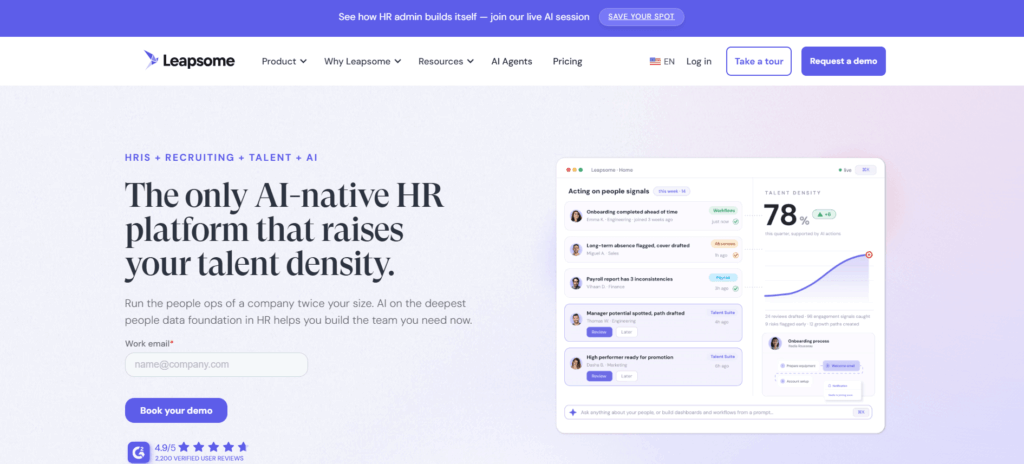
LeapsomeFlexible goals, OKRs, and people enablementCustom pricing
Profit.coEnterprise OKRs and strategy executionCustom pricing
WeekdoneDedicated OKR management for SMBsFree for up to 3 users; paid plans available
ClickUpConnecting goals directly with tasks and projectsPaid plans from $7/user/month
AsanaCross-functional goal and project managementAdvanced from $24.99/user/month
WorkBoardEnterprise strategy execution and OKRsCustom pricing

*Pricing changes frequently. Check each vendor’s current pricing before purchasing.

1. Engagedly
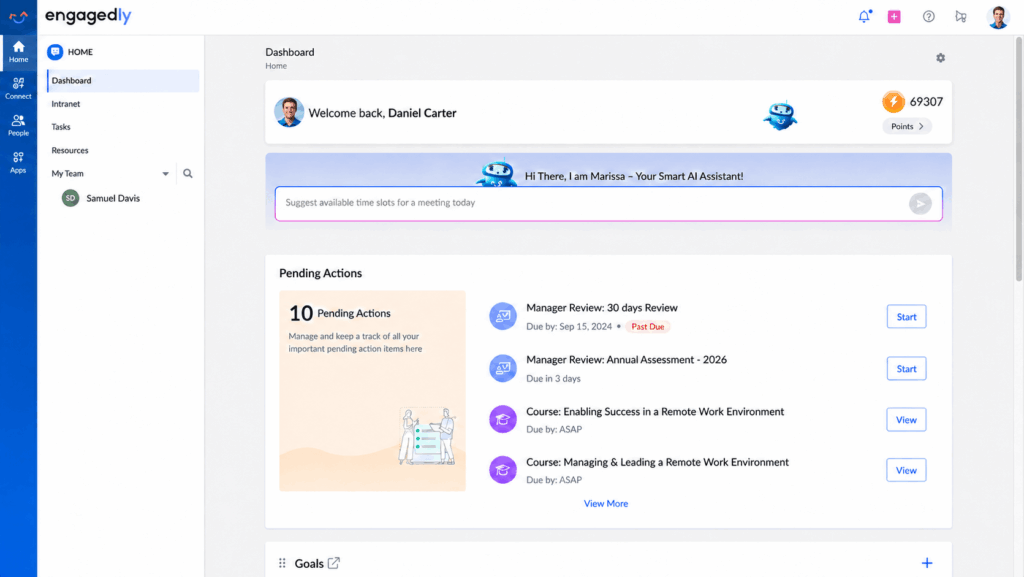
Best for: Mid-sized organizations that want employee goals and OKRs connected directly with performance management, feedback, development, and talent processes.

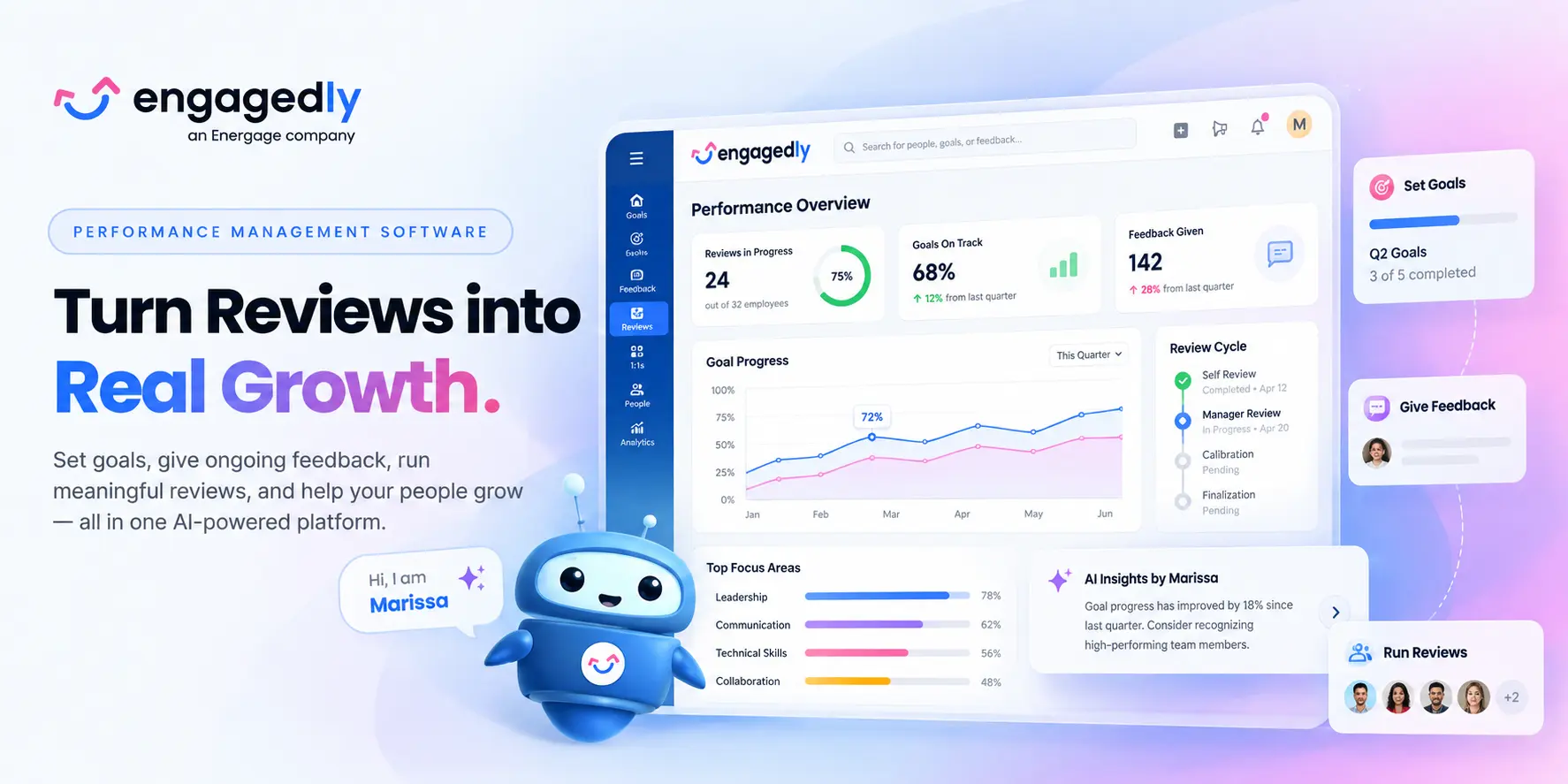
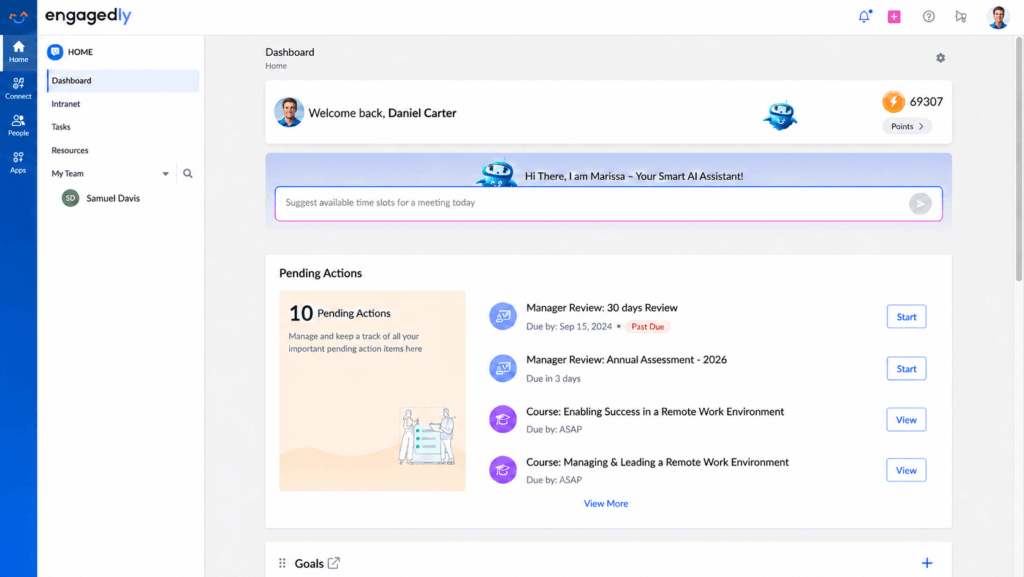
Engagedly is an AI-powered talent management platform that combines goal setting and OKRs with performance reviews, 360-degree feedback, 1:1 meetings, skills, learning, recognition, and talent development.

Rather than treating goals as a separate quarterly exercise, organizations can use Engagedly to connect goals with ongoing performance conversations.

Company-level goals can be cascaded to business units, teams, and individual employees. Teams can define measurable key results, assign contributors, manage goal priorities and weightages, and monitor progress through reports and dashboards.

Goals can also be pulled into meetings, feedback conversations, and performance reviews, helping managers evaluate employees with more context around the outcomes they were expected to deliver. Engagedly also provides AI-powered goal suggestions through Marissa AI.

Key Features

  • Company, department, team, and individual goals
  • OKRs and measurable key results
  • Cascading and contributing goals
  • Goal weightages and priorities
  • AI-powered goal suggestions
  • Goal dashboards and reporting
  • Goal discussions during 1:1 meetings
  • Real-time feedback connected to goals
  • Goal integration with performance reviews
  • Mobile access and integrations

Pricing

Engagedly’s Performance Suite is currently listed at $5–$8 per user per month, billed annually, with a minimum annual pricing threshold of $7,500. Goals and OKRs are included within the Performance Suite.

Where Engagedly Stands Out

Engagedly is particularly useful when organizations do not want goal management to operate in isolation. Goals can feed into reviews, feedback, development, learning, and broader talent decisions.

For organizations that only want a lightweight standalone goal tracker, however, the broader platform may offer more functionality than they require.

Best fit: HR teams looking to connect employee goals with continuous performance management and development.

2. Betterworks
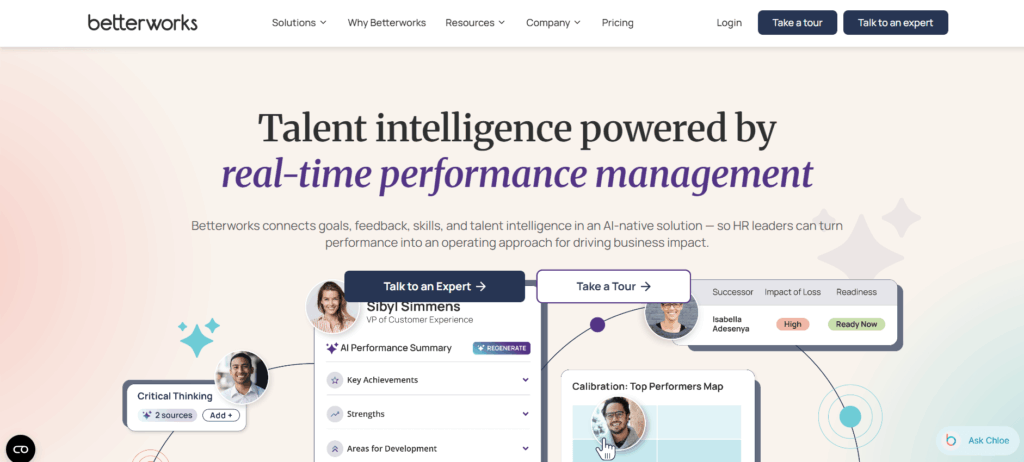
Best for: Organizations that want goals to form the foundation of continuous performance management.

Betterworks combines goals and OKRs with feedback, conversations, 1:1 meetings, performance management, and AI assistance.

One of its strengths is keeping goals active throughout the performance cycle rather than revisiting them only during quarterly or annual reviews.

Organizations can cascade company priorities into team and individual goals, monitor progress in real time, and bring goal achievement into performance conversations. Betterworks also uses AI to recommend goals based on strategy and employee roles.

Key Features

  • Company, team, and individual goals
  • Goals and OKRs
  • Cascading goal alignment
  • Real-time progress tracking
  • Goal reminders
  • AI-assisted goal creation
  • Feedback and conversations
  • 1:1 meetings
  • Performance review integration

Pricing

Betterworks currently lists its Performance plan at $8 per user per month, including Goals & OKRs, performance management, feedback, conversations, 1:1 meetings, and AI assistance.

Where Betterworks Stands Out

Betterworks is strongest for companies that want goals to provide measurable evidence for employee performance conversations.

Best fit: Mid-market and enterprise organizations adopting continuous performance management.

3. Lattice
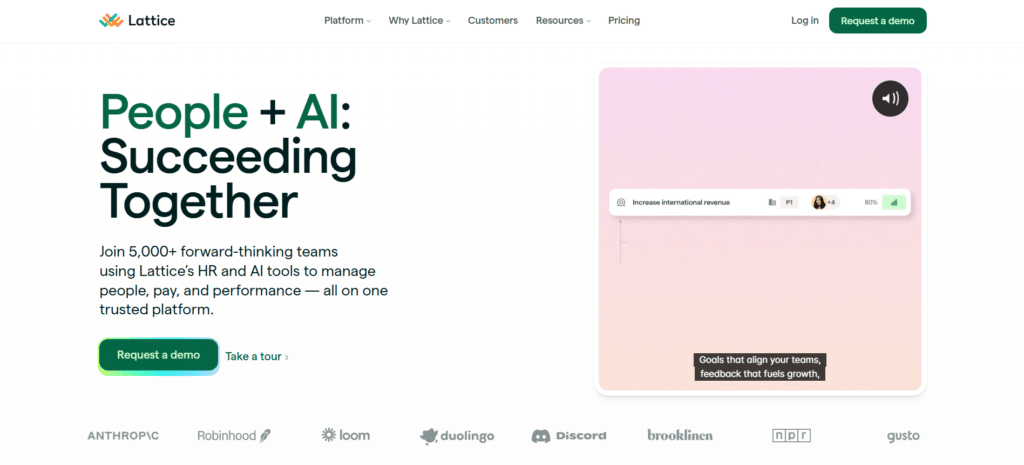
Best for: HR teams that want structured goals and OKRs within a broader people management platform.

Lattice combines goal management with performance reviews, feedback, 1:1s, employee engagement, analytics, and talent-management capabilities.

Its Goals & OKRs product supports cascading goals, progress updates, reminders, configurable goal processes, and integrations such as Jira and Salesforce.

That makes it particularly useful for organizations that want employees to understand how individual priorities contribute to broader company objectives.

Key Features

  • Cascading goals
  • OKRs
  • Progress updates
  • Goal reminders
  • Configurable workflows
  • 1:1 meetings
  • Employee feedback
  • Performance management
  • Jira and Salesforce integrations

Pricing

Lattice currently lists Goals & OKRs at $8 per seat per month. Its broader Foundations package, which combines several people-management capabilities, starts at $13 per seat per month. Lattice also lists a $4,000 minimum annual agreement.

Where Lattice Stands Out

Lattice offers a good balance between dedicated goal management and broader HR performance workflows.

Best fit: HR teams looking for configurable OKRs within an established performance-management platform.

4. 15Five
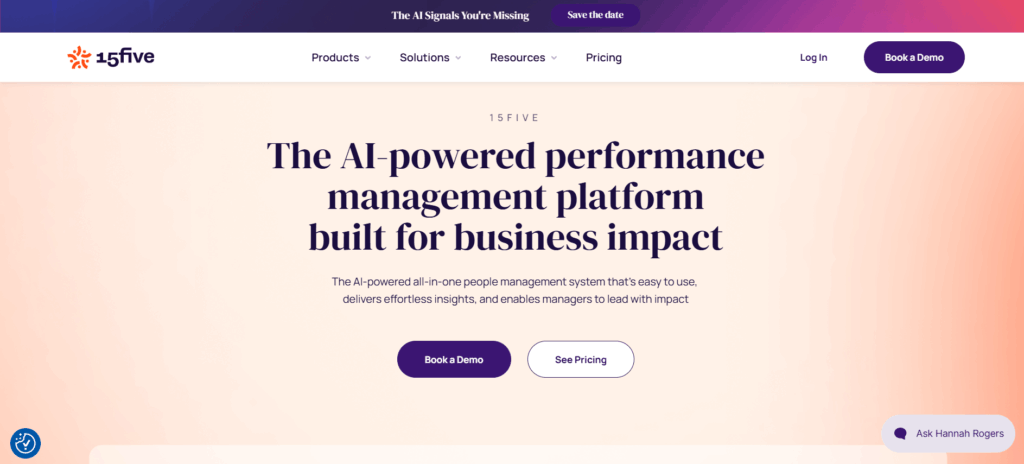
Best for: Organizations that want goals connected to manager effectiveness, weekly check-ins, and employee performance.

15Five allows organizations to create company, department, team, individual, and self-development objectives using the OKR framework.

Employees and managers can track progress over time while bringing goals into weekly check-ins and performance conversations. Its Jira and Salesforce integrations can also automatically update certain key results based on work completed elsewhere.

Key Features

  • Company and employee OKRs
  • Individual development objectives
  • Weighted OKRs
  • Weekly check-ins
  • 1:1 meetings
  • Performance reviews
  • 360-degree feedback
  • Career development tools
  • Jira and Salesforce integrations

Pricing

15Five’s Perform plan costs $11 per user per month when billed annually and includes OKRs & Goals along with performance reviews, 360 feedback, career planning, check-ins, and other performance features.

Where 15Five Stands Out

The platform is particularly strong when organizations want managers to discuss goals frequently instead of treating them as static records.

Best fit: Organizations prioritizing manager effectiveness and continuous employee conversations.

5. Leapsome
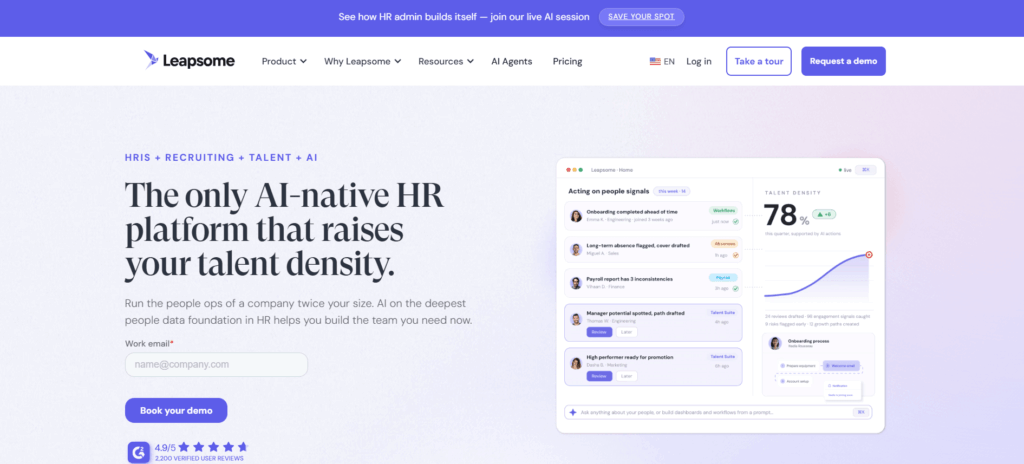
Best for: Organizations that want flexible goal frameworks alongside reviews, competencies, feedback, and development.

Leapsome supports company, team, individual, performance, and development goals.

Organizations can use traditional goals or structured OKRs, establish automated goal cycles, assign owners and contributors, and visualize alignment using interactive goal trees.

Its AI capabilities can also suggest OKRs and initiatives, while dashboards provide visibility into completion rates, outdated goals, team progress, and adoption.

Key Features

  • SMART goals and OKRs
  • Company, team, and individual goals
  • Automated goal cycles
  • AI-assisted goal creation
  • Goal trees
  • Goal analytics
  • Progress dashboards
  • Feedback and comments
  • Jira integration
  • Performance-review integration

Pricing

Leapsome uses custom pricing based on employee count, modules, and contract length. A 14-day free trial is currently available.

Where Leapsome Stands Out

Leapsome provides considerable flexibility for businesses that use different goal-setting approaches across departments.

Best fit: Growing and global organizations looking for flexible people enablement and goal management.

6. Profit.co

Best for: Organizations that want OKRs to support broader strategy execution.

Profit.co goes beyond basic goal tracking by connecting OKRs with strategy management, KPIs, projects, employee performance, and other execution workflows.

Organizations can create OKRs at different levels, cascade them across teams, assign priorities, track progress, use more than 300 built-in KPI options, and create dashboards for executives and managers.

Its strategy-focused approach makes it particularly relevant for organizations that want to connect corporate objectives with execution across multiple functions.

Key Features

  • Company, team, and individual OKRs
  • Cascading goals
  • 300+ KPI options
  • Custom priority weights
  • Real-time dashboards
  • OKR templates
  • Automated notifications
  • Strategy roadmaps
  • Task and portfolio management
  • AI-assisted strategy capabilities

Pricing

Profit.co currently uses custom pricing based on selected modules and user count and offers a 30-day trial.

Where Profit.co Stands Out

Its strongest differentiator is the ability to combine OKRs with broader strategy-execution frameworks.

Best fit: Enterprises and strategy teams that need more than employee-level goal tracking.

7. Weekdone

Best for: Small and mid-sized organizations looking for a focused OKR platform.

Weekdone specializes in OKRs, weekly planning, check-ins, and strategy alignment.

Organizations can create annual goals and quarterly OKRs, connect team objectives with company priorities, and visualize relationships through an OKR hierarchy.

Weekly check-ins help teams keep goals active throughout the quarter rather than setting objectives and forgetting about them.

Key Features

  • Annual and quarterly OKRs
  • Company, department, team, and individual goals
  • OKR hierarchy
  • Weekly check-ins
  • KPI tracking
  • Dashboards and reports
  • Feedback and recognition
  • Jira and Asana integrations
  • Slack and Microsoft Teams integrations
  • OKR coaching and training

Pricing

Weekdone is free for up to three users and provides a 14-day free trial for teams with four or more users. Paid pricing varies by team size.

Where Weekdone Stands Out

Its combination of software and OKR coaching can help organizations that are implementing OKRs for the first time.

Best fit: SMBs that want a dedicated OKR tool rather than a full talent-management suite.

8. ClickUp
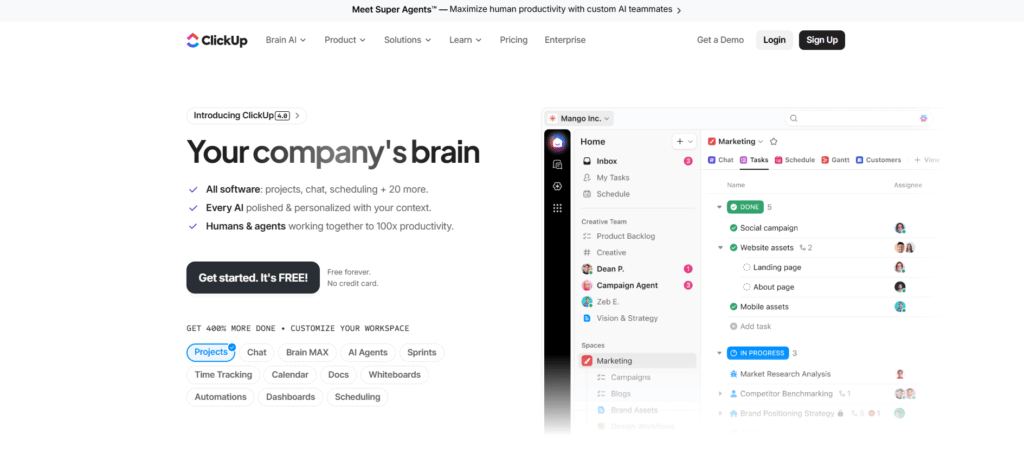
Best for: Teams that want goal tracking tightly connected to projects and day-to-day tasks.

ClickUp approaches goal management from a work-management perspective rather than an HR perspective.

Teams can create high-level goals and break them into measurable targets based on numbers, currency, true/false outcomes, or task completion.

Goals can then be linked directly to work inside ClickUp, allowing progress to update as associated tasks are completed. Teams can also organize goals into folders for OKRs, sprints, quarterly targets, or employee scorecards.

Key Features

  • Goals and measurable targets
  • OKR tracking
  • Numerical and monetary targets
  • Task-based goal progress
  • Automatic progress tracking
  • Goal folders
  • Dashboards
  • Permissions and sharing
  • Project and sprint management

Pricing

ClickUp offers a Free Forever plan with limited Goals usage. Its Unlimited plan starts at $7 per user per month when billed annually and includes Goals and Portfolio Management.

Where ClickUp Stands Out

ClickUp is especially useful when goals need to connect directly to projects, tasks, and operational work.

It is less HR-focused than platforms such as Engagedly, Betterworks, or Lattice.

Best fit: Product, marketing, operations, and project teams already managing work in ClickUp.

9. Asana
Best for: Cross-functional organizations that want strategic goals connected with project execution.

Asana Goals helps companies connect company-level objectives with the projects and work responsible for delivering them.

Leaders can monitor progress across portfolios while employees can understand how individual projects contribute to broader priorities.

This makes Asana particularly useful when the main goal-management challenge is connecting strategy with everyday work rather than running an HR performance-management program.

Key Features

  • Company goals
  • Team goals
  • Goal progress tracking
  • Project-to-goal connections
  • Portfolios
  • Status updates
  • Dashboards
  • Workload management
  • Project and task management

Pricing

Goals are included with Asana’s Advanced plan, currently priced at $24.99 per user per month when billed annually.

Where Asana Stands Out

Its biggest advantage is the connection between strategic objectives and project execution.

Best fit: Organizations already using Asana for cross-functional project management.

10. WorkBoard
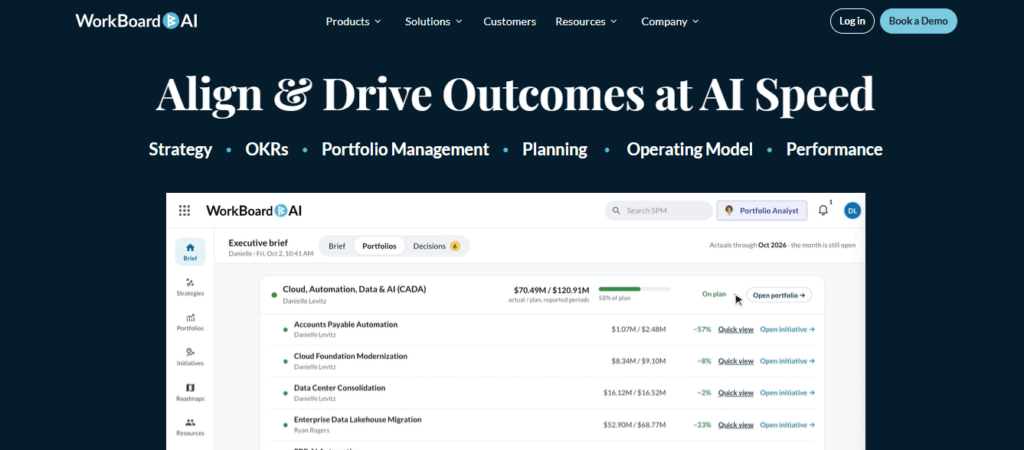
Best for: Large enterprises that need OKRs as part of an organization-wide strategy-execution system.

WorkBoardAI focuses heavily on strategy, business outcomes, OKRs, portfolio management, planning, operating cadence, and performance.

Companies can connect strategic priorities with objectives and key results across teams while giving executives visibility into execution, dependencies, risks, and progress.

Its current platform also uses AI agents to assist with OKR creation, identify alignment issues, generate scorecards, support business reviews, and help managers prepare for conversations.

Key Features

  • Enterprise OKRs
  • Strategy-to-goal alignment
  • AI-assisted OKR creation
  • Goal progress monitoring
  • Strategic portfolio management
  • Scorecards
  • Business-review workflows
  • Strategy dashboards
  • Performance and coaching capabilities

Pricing

WorkBoard does not publicly list standard pricing and generally uses custom enterprise pricing.

Where WorkBoard Stands Out

WorkBoard is considerably more strategy-focused than a typical employee goal tracker.

Best fit: Large enterprises that need executive strategy, OKRs, portfolios, and execution management within one environment.

What Is Goal-Setting Software?

Goal-setting software is a digital platform that helps organizations create, assign, align, track, and measure employee, team, and organizational goals.

Instead of managing objectives through spreadsheets, documents, or disconnected systems, goal-management software creates a central place where employees and managers can see:

  • What needs to be achieved
  • Who owns each goal
  • How progress is measured
  • How individual goals connect with company priorities
  • Whether goals are on track or at risk
  • What progress has been made over a specific period

Many modern platforms also support OKRs, SMART goals, KPIs, cascading goals, check-ins, dashboards, feedback, and performance-review integration.

Goal-Setting Software vs. OKR Software: What’s the Difference?

Goal-setting software is a broader category.

It can support individual employee goals, team targets, development goals, SMART goals, performance objectives, KPIs, or company priorities.

OKR software, meanwhile, is specifically designed around the Objectives and Key Results framework.

An objective defines what you want to achieve, while key results define how success will be measured.

For example:

Objective: Improve customer retention.

Key Results:

  • Increase renewal rate from 85% to 90%.
  • Reduce customer churn from 8% to 5%.
  • Improve customer satisfaction score from 4.1 to 4.5.

Many platforms in this list support both traditional goals and OKRs, so organizations do not necessarily need separate systems.

What Features Should You Look for in Goal-Setting Software?

The most important features depend on how your organization manages goals, but several capabilities are particularly valuable.

Goal Alignment and Cascading

Employees should be able to understand how their work contributes to team, department, and company priorities.

Look for tools that allow goals to be connected or cascaded across organizational levels.

Flexible Goal Frameworks

Not every organization uses the same methodology.

The platform should ideally support frameworks such as SMART goals, OKRs, KPIs, individual development goals, or custom goal structures.

Measurable Progress Tracking

Managers need more than a list of objectives.

Good goal-tracking software should allow teams to define measurable targets, update progress, and quickly identify goals that are on track, behind schedule, or at risk.

Check-Ins and Reminders

Goals should remain part of regular conversations.

Automated reminders and recurring check-ins can prevent goals from disappearing after they are created.

Dashboards and Reporting

Managers and HR leaders should be able to see progress at individual, team, department, and organizational levels without manually compiling spreadsheets.

Performance Management Integration

For employee performance goals, connecting goals with feedback, 1:1s, and performance reviews creates more context for evaluations.

Integrations

Look for integrations with the tools employees already use, such as Jira, Salesforce, Slack, Microsoft Teams, HRIS platforms, and project-management systems.

AI Assistance

AI is increasingly being used to suggest measurable goals, improve OKR wording, summarize progress, flag risks, and reduce the administrative work involved in goal management.

How to Choose the Best Goal-Setting Software

Start with the problem you are trying to solve.

If your primary goal is employee performance and development, platforms such as Engagedly, Betterworks, Lattice, 15Five, or Leapsome are likely to be more relevant.

If your priority is dedicated OKR management, Weekdone or Profit.co may be stronger options.

Organizations focused on project execution may prefer ClickUp or Asana because goals connect directly with tasks and projects.

Large enterprises trying to connect strategy, OKRs, portfolios, and executive execution may find WorkBoard more suitable.

The best platform is therefore not necessarily the one with the longest feature list. It is the one that fits how your organization actually sets goals, discusses progress, evaluates performance, and adjusts priorities.

Final Thoughts

The best goal-setting software should do more than provide employees with a place to enter objectives.

It should help people understand what matters, how their work contributes to company priorities, how progress will be measured, and when priorities need to change.

For organizations primarily focused on project execution, tools such as ClickUp and Asana make it easier to connect goals with everyday work.

For companies implementing dedicated OKR programs, Weekdone, Profit.co, and WorkBoard provide stronger strategy and OKR-focused capabilities.

And for organizations that want employee goals connected with performance reviews, feedback, 1:1s, development, and broader talent management, platforms such as Engagedly, Betterworks, Lattice, 15Five, and Leapsome provide a more integrated approach.

Engagedly is particularly suited to organizations that want goals to remain connected to the complete employee performance cycle—from setting expectations and tracking progress to providing feedback, evaluating results, and supporting development.

Want to see how Engagedly can help connect employee goals with performance and development? [Request a demo].

Frequently Asked Questions About Goal-Setting Software

What is the best goal-setting software for employees?

Engagedly, Betterworks, Lattice, 15Five, and Leapsome are among the strongest options when employee goals need to connect with performance management. Engagedly is particularly suitable for organizations that want goals, reviews, feedback, development, and broader talent-management capabilities within one platform.

What is the best software for tracking employee goals?

The best choice depends on your workflow. Engagedly and Betterworks work well for performance-focused organizations, while ClickUp and Asana are better suited to teams that want goals tied closely to project execution.

What is OKR software?

OKR software helps organizations create and track Objectives and Key Results. Objectives describe what the organization wants to accomplish, while key results provide measurable outcomes that indicate whether the objective has been achieved.

Can goal-setting software improve employee performance?

Goal-setting software can improve the structure around performance by giving employees clearer priorities, measurable targets, progress visibility, and regular opportunities to discuss goals with managers. The software itself does not improve performance automatically; effective goal design, manager coaching, and regular check-ins remain important.

What is the difference between goal-setting software and performance management software?

Goal-setting software primarily focuses on creating, aligning, and monitoring goals.
Performance management software typically covers a broader set of processes, including performance reviews, 360-degree feedback, competencies, 1:1 meetings, development planning, and sometimes compensation.
Platforms such as Engagedly, Betterworks, Lattice, 15Five, and Leapsome combine both capabilities.
What is the best free goal-setting software?

ClickUp offers limited Goals functionality on its Free Forever plan, while Weekdone is free for teams of up to three users. Free plans can work for small teams, but larger organizations generally need paid plans for advanced reporting, integrations, administration, and enterprise controls.

Can goal-setting software be used for SMART goals?

Yes. Most modern goal-management tools can support SMART goals—goals that are Specific, Measurable, Achievable, Relevant, and Time-bound. Some platforms also support OKRs, KPIs, development goals, and custom goal frameworks.

10 Best Performance Management Software for Manufacturing Companies in 2026

Performance management software for manufacturing helps HR and operations teams manage employee goals, reviews, feedback, skills, learning, and development across both office employees and frontline workers.

But manufacturing creates challenges that traditional office-focused performance management tools are not always designed to handle.

Many employees work rotating shifts. Some rarely sit at a computer. Others may not have a company email address. Supervisors are managing production, safety, quality, staffing, and output at the same time they are expected to coach employees and complete reviews.

That changes what you should look for in a performance management system.

The right platform should make reviews and feedback easier for frontline managers, give deskless employees a practical way to participate, connect skills with learning and development, and work across plants, shifts, roles, and locations.

In this guide, we compare 10 performance management software platforms for manufacturing companies based on performance capabilities, frontline usability, skills and learning, integrations, reporting, and overall manufacturing fit.

Best performance management software for manufacturing at a glance

PlatformStrong fit forFrontline supportLearning and skillsPricing
EngagedlyMixed office and frontline workforcesStrongBuilt inCustom quote
UKG ProManufacturers already using UKG for payroll or workforce managementStrongAvailableCustom quote
CornerstoneLearning, skills, and compliance-heavy environmentsModerateStrongCustom quote
SAP SuccessFactorsLarge manufacturers using SAPModerateAvailableCustom quote
WorkdayEnterprise manufacturers needing unified HR and workforce dataModerateStrong skills capabilitiesCustom quote
ClearCompanyManufacturers connecting hiring, onboarding, and performanceModerateLimitedCustom quote
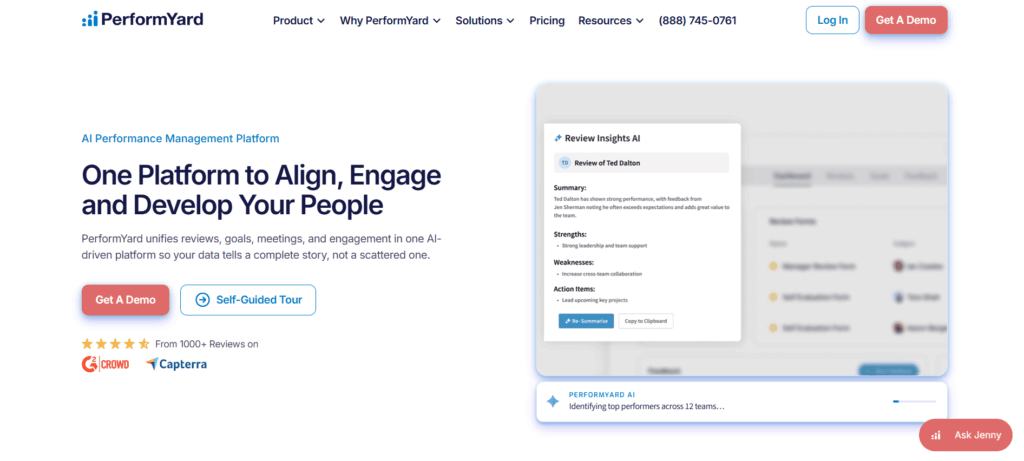
PerformYardFlexible, dedicated performance managementModerateTalent development capabilitiesCustom quote
BetterworksGoal-driven and continuous performance environmentsModerateSkills capabilitiesCustom quote
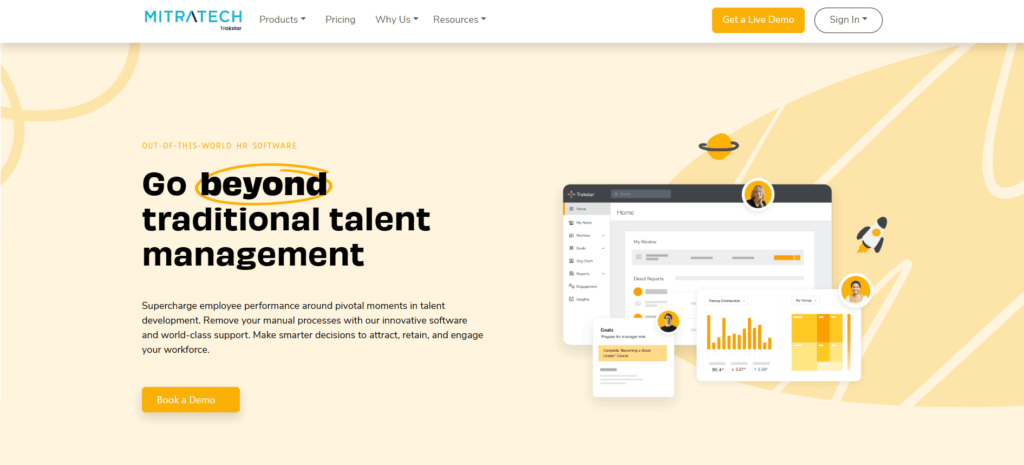
Trakstar PerformStructured reviews and straightforward performance processesModerateSeparate learning productCustom quote
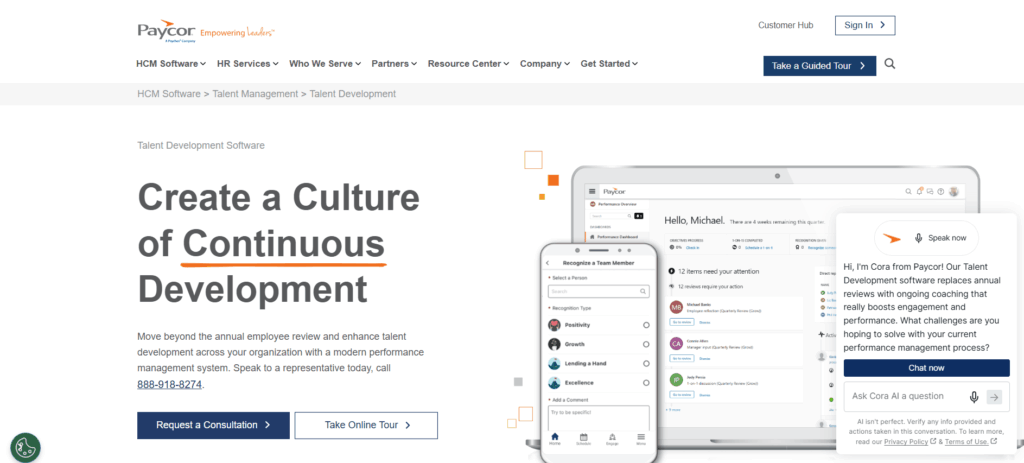
PaycorSMB and mid-market manufacturers combining HR, payroll, and performanceGoodAvailable within broader HCMCustom quote

What is performance management software for manufacturing?

Performance management software for manufacturing is an employee performance system designed to help manufacturers set expectations, conduct reviews, track goals, provide feedback, develop skills, and make better talent decisions.

It is different from manufacturing execution systems (MES), overall equipment effectiveness (OEE) software, and production-performance platforms.

Those systems primarily measure machines, processes, production, quality, and operational output.

Employee performance management software focuses on people.

For example, it can help answer questions such as:

  • Is an employee meeting the expectations of their role?
  • Does a maintenance technician need additional training?
  • Which operators have the skills required to move into a team-lead position?
  • Are supervisors providing regular feedback?
  • Are performance ratings consistent between plants and managers?
  • Which employees could fill critical roles internally?
  • Are individual goals connected to plant and company priorities?

For manufacturing organizations, the strongest systems increasingly connect performance data with learning, skills, engagement, recognition, and workforce development rather than treating the annual review as a standalone HR exercise.

1. Engagedly

Engagedly brings together performance management, learning, engagement and listening, rewards and recognition, talent mobility, and people analytics, powered by Marissa AI throughout the platform.

For manufacturers, one of its main advantages is its ability to support both corporate employees and frontline workers rather than requiring the entire workforce to follow the same experience.

Engagedly’s manufacturing offering includes mobile-enabled learning, role-specific development, skills, safety training, surveys, goals, and workforce development. Its broader frontline solution, EngagedlyFX, expands that approach with mobile-first communication, operations, training, and performance capabilities for frontline teams.

That matters because manufacturing HR teams often manage two very different employee experiences.

Corporate employees may be comfortable completing OKRs, 360 feedback, development plans, and detailed reviews on a computer.

An operator working a shift needs something much faster and easier to access.

Key features

  • Configurable performance review cycles
  • Continuous check-ins and feedback
  • Goals and OKRs
  • 360-degree feedback
  • Competency and skill assessments
  • Skill-gap analysis
  • Learning and development
  • Mobile training
  • Career paths and talent mobility
  • Succession planning
  • Individual development plans
  • Employee recognition
  • Engagement and pulse surveys
  • Mentoring
  • AI-assisted performance and talent workflows
  • Frontline workforce capabilities through EngagedlyFX

Engagedly also connects performance with employee development. Instead of letting a skill gap end as a comment in a performance review, organizations can turn that insight into action through learning, growth plans, skills development, mentoring, and internal career opportunities.

For organizations in the manufacturing industry, this is especially valuable across frontline and plant teams, where performance, skills, training, and career development need to stay connected across roles, shifts, and locations.

Why manufacturers may consider Engagedly

Performance and development are connected. Reviews, goals, learning, skills, career development, and talent decisions can operate within the same broader platform.

It supports mixed workforces. Manufacturers do not have to design the entire employee experience around office workers.

Skills can feed development. Skill information can be used to identify development needs and internal talent opportunities.

Frontline learning is mobile-first. Engagedly’s frontline training capabilities include mobile-friendly microlearning, recurring training, certifications, reminders, and completion tracking.

The platform goes beyond annual reviews. Goals, feedback, development, engagement, recognition, and performance can work as an ongoing process.

Limitations to consider

Engagedly covers significantly more than basic performance reviews, so organizations looking only to digitize a simple annual appraisal may not need the broader platform.

A multi-module rollout also requires more planning than implementing a standalone review tool.

Pricing

Engagedly uses custom pricing based on organizational requirements and the products or modules selected.

Strong fit for: Manufacturers that want performance management connected with learning, skills, employee development, engagement, and frontline enablement.

Editor’s note: Engagedly is our platform, so we have deeper product knowledge of it than the other products covered in this comparison. We recommend evaluating every platform against your own workforce, systems, requirements, and implementation needs.

2. UKG Pro

UKG is already deeply embedded in many hourly and shift-based work environments.

UKG Pro combines HCM capabilities with payroll, talent management, workforce management, scheduling, time and attendance, analytics, and employee experience capabilities.

Its manufacturing offering is especially focused on managing complex workforces across shifts, locations, scheduling requirements, skills, payroll, compliance, and labor operations.

That makes UKG particularly relevant when performance management is only one part of a broader workforce-management problem.

Key features

  • Performance management
  • Employee development
  • Learning
  • Workforce scheduling
  • Time and attendance
  • Payroll
  • Talent management
  • Workforce analytics
  • Employee self-service
  • Mobile workforce capabilities
  • Employee communication
  • AI-powered workforce insights

Why manufacturers may consider UKG

It fits naturally into complex hourly environments. Scheduling, time, attendance, payroll, and workforce management are major parts of the UKG ecosystem.

Strong manufacturing focus. UKG specifically supports manufacturing organizations and complex frontline workforces.

Less system fragmentation for existing UKG customers. If workforce management and payroll already run through UKG, expanding within the ecosystem may simplify integrations and administration.

Operational workforce data sits closer to HR data. That can make it easier to understand workforce patterns across shifts and locations.

Limitations to consider

Organizations primarily looking for a highly specialized performance-management experience may find the broader HCM suite heavier than necessary.

Implementation scope can also become significant when multiple UKG products are deployed together.

Pricing

UKG pricing is quote-based and depends on the products, employee population, and implementation scope.

Strong fit for: Mid-size and enterprise manufacturers already using UKG or looking for workforce management, payroll, HR, and talent capabilities within a broader platform.

3. Cornerstone

Cornerstone has long had a strong learning and workforce-development focus, which makes it particularly relevant to manufacturers where technical capability, compliance training, and reskilling are major priorities.

Its manufacturing solution focuses heavily on workforce skills and training, while the wider Cornerstone platform connects learning with performance, goals, development, and internal mobility.

In 2026, Cornerstone has also been expanding how learning, skills, goals, and employee development work together through its AI-powered platform.

Key features

  • Performance management
  • Goal management
  • Continuous performance conversations
  • Learning management
  • Compliance learning
  • Skills management
  • Learning and development plans
  • Talent development
  • Career and internal mobility capabilities
  • AI-supported learning experiences
  • Workforce capability insights

Why manufacturers may consider Cornerstone

Strong learning foundation. It is particularly relevant where employee capability and compliance training are major requirements.

Performance can connect with skills development. Organizations can use performance conversations as part of a broader skills strategy.

Suitable for large learning environments. Global and multi-site manufacturers often need structured learning at significant scale.

Useful for reskilling. This becomes increasingly important as automation changes the skills required across manufacturing roles.

Limitations to consider

Organizations primarily looking for a lightweight performance-review application may find Cornerstone broader than necessary.

Its biggest differentiation is around learning, skills, and talent development rather than being a frontline-first performance tool.

Pricing

Cornerstone provides custom pricing based on products, users, and implementation requirements.

Strong fit for: Manufacturers where learning, reskilling, compliance, and workforce capability are central to the performance strategy.

4. SAP SuccessFactors

SAP SuccessFactors is a natural platform to evaluate when SAP already plays a major role across the organization.

SuccessFactors Performance & Goals supports goal alignment, performance management, continuous feedback, development, and connections between performance and compensation.

Its current Goal Management experience supports cascading goals, team goals, milestones, AI-assisted goal creation, and mobile access.

For a global manufacturer, however, the main advantage is often less about an individual performance feature and more about fitting talent processes into a broader SAP environment.

Key features

  • Performance reviews
  • Goal management
  • Cascading goals
  • Continuous performance management
  • Development planning
  • Talent reviews
  • Succession management
  • Compensation integration
  • AI-assisted goal creation
  • Workforce analytics
  • Mobile access

Why manufacturers may consider SAP SuccessFactors

Works well in SAP-centric environments. Existing SAP customers can reduce the number of disconnected enterprise systems.

Strong global capabilities. Large manufacturers operating across countries often require significant localization and enterprise governance.

Suitable for structured talent processes. Performance, succession, compensation, and development can operate within the same ecosystem.

Goal alignment is deep. Organizations can connect company priorities with team and individual goals.

Limitations to consider

The system can require substantial configuration and implementation expertise.

It can also be more platform than smaller or less complex manufacturers need.

Frontline usability should be tested carefully against the workflows your plants actually use rather than assumed from the broader suite.

Pricing

SAP SuccessFactors is generally priced by solution and organizational requirements. Contact SAP for a current quote.

Strong fit for: Large, multi-country manufacturers already standardized on SAP or looking for enterprise-level HCM and talent management.

5. Workday

Workday brings HR, talent, skills, workforce data, analytics, and other enterprise processes into a unified environment.

For manufacturers managing large workforces across sites and countries, that consolidated view can be valuable.

Workday supports performance processes and skills intelligence alongside broader HCM capabilities. Its manufacturing customer Jabil, for example, reports using Workday to consolidate fragmented HR systems and increase performance-review completion while expanding talent and succession visibility.

Key features

  • Performance management
  • Goals
  • Talent reviews
  • Skills intelligence
  • Succession planning
  • Career development
  • Workforce planning
  • Compensation
  • HR analytics
  • Global HCM
  • Mobile employee access

Why manufacturers may consider Workday

Unified enterprise data. Performance can sit alongside broader HR and workforce information.

Strong analytics capabilities. Large organizations can analyze workforce and talent information across locations.

Skills are increasingly central to the platform. That can help manufacturers plan for changing technical and workforce requirements.

Designed for enterprise scale. It is suitable for organizations managing significant organizational complexity.

Limitations to consider

Workday is an enterprise platform rather than a lightweight performance tool.

Implementation, administration, and configuration can require significant resources.

Manufacturers should also test the frontline experience directly if a large percentage of their workforce is deskless.

Pricing

Workday uses custom enterprise pricing.

Strong fit for: Large manufacturers looking to consolidate HR, skills, performance, workforce planning, and analytics into an enterprise HCM environment.

6. ClearCompany

ClearCompany takes a broader talent-management approach by combining recruiting, onboarding, performance, and employee development.

That can be useful for manufacturers dealing with frequent hiring and onboarding of hourly workers.

Instead of treating recruiting and employee performance as separate processes, HR teams can carry employee information from hiring into onboarding and ongoing talent management.

ClearCompany also publishes dedicated guidance around performance management for manufacturing organizations.

Key features

Why manufacturers may consider ClearCompany

Hiring and performance are connected. This can be valuable for manufacturers continually onboarding hourly employees.

Useful for early-tenure performance management. New-hire goals, onboarding, and performance expectations can be brought closer together.

Broader talent lifecycle coverage. Organizations can manage more than just the annual review.

Limitations to consider

Manufacturers with sophisticated requirements around technical skills, certifications, frontline operations, or global talent processes may need additional systems.

Organizations primarily looking for deep learning and skills management should compare those capabilities carefully with more specialized platforms.

Pricing

ClearCompany provides custom pricing.

Strong fit for: Manufacturers that want recruiting, onboarding, and performance processes within the same talent-management environment.

7. PerformYard

PerformYard is focused primarily on performance management rather than trying to replace the entire HR technology stack.

The platform brings together reviews, goals, continuous feedback, meetings, surveys, engagement, reporting, and AI-assisted performance workflows.

That focus can be useful for manufacturers that already have payroll, HRIS, scheduling, and learning systems but need a more flexible performance layer.

Key features

  • Configurable performance reviews
  • Goal management
  • Continuous feedback
  • 360-degree feedback
  • One-on-ones
  • Employee engagement
  • Surveys
  • Reporting and analytics
  • AI-supported performance workflows
  • Performance improvement processes
  • Talent development capabilities

Why manufacturers may consider PerformYard

Flexible review processes. Organizations can build different review workflows around roles or employee groups.

Performance is the core product. You are not implementing a large HCM suite just to improve reviews.

Supports frequent performance conversations. Goals, reviews, meetings, and feedback can operate together instead of relying solely on annual evaluations.

Growing talent-development capabilities. PerformYard has expanded beyond basic review administration into broader performance and employee-development workflows.

Limitations to consider

It is not a manufacturing operations or workforce-management platform.

Organizations needing frontline communication, scheduling, sophisticated LMS capabilities, or certification management will likely continue using other systems alongside it.

Pricing

PerformYard provides pricing based on organizational requirements. Confirm current packages directly with the vendor.

Strong fit for: Manufacturers that already have the rest of their HR stack and want a dedicated, configurable performance-management platform.

8. Betterworks

Betterworks is centered around continuous performance, goals, feedback, skills, and talent intelligence.

Its 2026 positioning has increasingly moved toward real-time performance management, using goals, conversations, skills, and other work signals to provide organizations with more continuous visibility into performance.

That makes it particularly relevant for manufacturers trying to connect strategic company priorities with plant, team, and individual objectives.

Key features

  • Goals and OKRs
  • Performance management
  • Continuous feedback
  • Coaching
  • Performance conversations
  • Skills visibility
  • Talent intelligence
  • AI-supported goal creation
  • Performance insights
  • Workforce and talent analytics

Why manufacturers may consider Betterworks

Strong goal alignment. Company priorities can cascade into team and employee objectives.

Designed around continuous performance. Organizations can move beyond relying entirely on periodic review cycles.

Increasing emphasis on skills and talent intelligence. This can support broader talent decisions and workforce readiness.

Useful for KPI-driven environments. Manufacturers already accustomed to measurable operational objectives may find the goal-management approach familiar.

Limitations to consider

Betterworks is not a workforce-management platform.

Organizations that need scheduling, time and attendance, extensive frontline communication, or manufacturing compliance training will need other systems for those functions.

Its approach also works best when the organization is prepared to maintain an active goal and feedback culture.

Pricing

Betterworks uses custom pricing.

Strong fit for: Manufacturers that want to connect goals, continuous performance, feedback, skills, and talent decisions.

9. Trakstar Perform

Trakstar Perform is designed around structured employee performance management.

It supports performance reviews, competencies, goals, continuous feedback, 360-degree reviews, engagement surveys, automated reminders, and reporting. Trakstar also offers a separate learning product that can be used alongside Perform.

For manufacturers moving away from spreadsheets or manual review processes, that straightforward approach may be attractive.

Key features

  • Configurable performance reviews
  • Competency assessments
  • Goal setting and tracking
  • 360-degree feedback
  • Manager check-ins
  • Continuous feedback
  • Employee engagement surveys
  • Automated reminders
  • Performance reporting
  • Performance improvement workflows
  • Separate LMS through Trakstar Learn

Why manufacturers may consider Trakstar

Structured performance workflows. It covers the core processes many organizations need to move reviews out of spreadsheets.

Automated reminders. That can reduce the amount of manual follow-up required from HR.

360-degree feedback is built into the performance product.

Learning is available through the wider Trakstar platform.

Limitations to consider

Trakstar Perform is not designed as a frontline operations platform.

Manufacturers with sophisticated workforce-management, skills intelligence, mobile frontline, or enterprise HCM requirements should compare it against broader suites.

Pricing

Trakstar uses quote-based pricing.

Strong fit for: Small and mid-size manufacturers looking for structured employee reviews, goals, feedback, and performance tracking without implementing a large enterprise HCM suite.

10. Paycor

Paycor combines payroll, HR, workforce management, talent management, and employee experience capabilities.

Its manufacturing offering includes performance tools for regular feedback, goal setting, and performance tracking alongside broader payroll and workforce capabilities.

That makes it useful for organizations where the priority is not simply buying a performance-management tool but reducing the number of HR systems used across the business.

Key features

  • Performance management
  • Goal setting
  • Employee feedback
  • Payroll
  • Time and attendance
  • Scheduling
  • Employee development
  • Compensation
  • Workforce analytics
  • Employee self-service

Why manufacturers may consider Paycor

Performance sits alongside payroll and HR. That simplifies administration for companies that do not want another separate platform.

Designed for hourly workforces. Paycor has significant experience with manufacturing and frontline employee environments.

Broader HCM functionality. HR teams can manage multiple workforce processes from the same ecosystem.

Limitations to consider

Organizations requiring sophisticated calibration, global talent management, skills intelligence, or advanced learning may find deeper capabilities in more specialized platforms.

Large multinational manufacturers may also require more complex enterprise functionality.

Pricing

Paycor pricing varies by product package and workforce size. Request a current quote for the modules you need.

Strong fit for: Small and mid-market manufacturers looking to combine payroll, workforce management, HR, and employee performance within one broader platform.

What features should manufacturing companies look for in performance management software?

The best platform for a corporate workforce is not automatically the best platform for a plant workforce.

Before creating a shortlist, look at how the system handles these areas.

1. Frontline and mobile access

Start with the employee experience.

Can an operator access what they need without sitting at a corporate laptop?

Can a supervisor document a conversation from a tablet or phone?

Can employees complete required actions without navigating complicated HR software?

If the answers are no, adoption will be difficult regardless of how powerful the administrator dashboard looks.

2. Flexible performance reviews

A plant manager, engineer, machine operator, salesperson, and finance employee should not necessarily be reviewed using the same criteria.

Look for configurable:

  • Review forms
  • Competencies
  • Rating scales
  • Workflows
  • Review frequencies
  • Employee groups
  • Approval processes

The system should support consistency without forcing every role into the same template.

3. Continuous feedback and check-ins

Production environments move too quickly to wait 12 months before discussing a performance problem.

Managers should be able to document feedback and hold short check-ins as issues, achievements, or development needs arise.

Formal reviews can then summarize a history of performance instead of asking managers to remember everything that happened during the year.

4. Skills and competency management

Manufacturing increasingly has a skills problem as much as a performance problem.

Consider whether your platform can tell you:

  • What skills each role requires
  • Which employees already have those skills
  • Where skill gaps exist
  • Which employees are ready for more responsibility
  • What development they need next

This becomes particularly valuable when experienced employees retire, new technology is introduced, or plants struggle to recruit specialized talent.

5. Learning and certification tracking

Performance problems are not always motivation problems.

Sometimes employees simply need additional training.

Connecting performance, skills, and learning makes it easier to move from:

“This employee needs improvement”

to:

“This is the skill they need, this is the training that addresses it, and this is how we’ll measure progress.”

For regulated environments, certification and recertification tracking may also be important.

6. Goal alignment

Individual employees do not need a copy of the CEO’s objectives.

They do need to understand how their work contributes to plant and company results.

A useful goal-management system can connect:

Business priority → plant target → team objective → individual responsibility

That gives employees context without turning goal setting into unnecessary bureaucracy.

7. Manager usability

Do not choose software based only on what HR can configure.

Ask a frontline supervisor to test it.

How long does it take to:

  • Record feedback?
  • Complete a check-in?
  • Update a goal?
  • Finish a review?
  • Find an employee’s previous notes?
  • Assign development?

If simple actions take too long, adoption will eventually fall.

8. Integrations

At minimum, evaluate connections with your:

  • HRIS
  • Payroll
  • Time and attendance system
  • Scheduling or workforce management platform
  • LMS
  • Collaboration tools

You do not need to integrate everything on day one.

But employee data should not require constant manual maintenance across systems.

9. Multi-site and multilingual support

A process that works at headquarters may fail at a plant in another country.

Manufacturers operating across locations should evaluate:

  • Language support
  • Local workflows
  • Permissions
  • Plant-level reporting
  • Global reporting
  • Different review structures
  • Local regulatory requirements

The goal is to establish shared performance standards without pretending every site operates identically.

How to choose the right performance management software for manufacturing

You can narrow the list considerably by answering four questions.

How much of your workforce is frontline?

If a large percentage of employees work on the plant floor, frontline usability should be a primary selection criterion.

Do not settle for a desktop demonstration.

Ask the vendor to show exactly how a machine operator or shift supervisor would use the product.

What systems do you already have?

If payroll, scheduling, and workforce management already run on UKG, Paycor, SAP, or Workday, evaluate the capabilities available in your existing ecosystem before adding another platform.

Using an existing vendor may reduce integration work.

But convenience should not override functionality. If the performance experience does not meet your requirements, a dedicated platform may still make more sense.

Do you need performance management or workforce development?

If your requirement is primarily:

“We need to replace spreadsheets and run better reviews.”

a focused performance-management platform may be enough.

If the challenge is:

“We are losing experienced employees, struggling with skill gaps, preparing people for new technology, and need stronger internal talent pipelines.”

you probably need more than reviews.

Look for performance management connected to:

  • Skills
  • Learning
  • Career development
  • Succession
  • Internal mobility
  • Mentoring

What is your hardest site?

Pilot the system there.

Do not choose the corporate office or your most digitally mature plant.

Choose the location with three shifts, limited desktop access, multiple employee groups, busy supervisors, and the toughest adoption environment.

If the system works there, scaling it becomes much easier.

Performance management software for manufacturing: FAQs

What is the best performance management software for  manufacturing companies?

Engagedly is particularly relevant when performance needs to connect with learning, skills, talent development, and frontline enablement. UKG is worth evaluating when workforce management and payroll are major requirements. Cornerstone is strong when learning and skills are central. SAP SuccessFactors and Workday are commonly evaluated for large enterprise environments, while dedicated performance platforms such as PerformYard, Betterworks, and Trakstar can make sense when organizations already have the rest of their HR technology stack.

The right choice depends on workforce type, company size, existing technology, skills requirements, and how complex your performance process is.

What makes performance management different in manufacturing?

Manufacturing employees may work across shifts, locations, production lines, and highly specialized roles.

Many workers are deskless, while managers have limited time for HR administration.

Performance processes therefore need to accommodate frontline access, role-specific expectations, practical manager workflows, skills development, training, and multi-site operations.

Can frontline workers use performance management software?

Yes, but accessibility matters.

Look for mobile-friendly workflows, simple employee experiences, self-service capabilities, and processes designed around short interactions rather than lengthy desktop forms.

When evaluating a vendor, ask to see the frontline employee experience rather than only the HR administrator dashboard.

Can performance management software track manufacturing skills and certifications?


Capabilities vary considerably between vendors.

If skills and certifications are important, specifically ask about:

Skills matrices
Competencies
Skill-gap analysis
Certifications
Expiration dates
Recertification
Learning assignments
Role readiness
Development plans

Do not assume that a product supporting “competencies” automatically provides full certification management.

What is the difference between manufacturing performance management software and MES?

Employee performance management software measures and develops people.

A manufacturing execution system primarily helps manage and monitor production processes.

An MES may track production output, work orders, downtime, quality, and equipment-related data.

A people-performance platform tracks goals, feedback, reviews, skills, competencies, development, and employee performance.

Larger manufacturers may use both.

Should performance management software integrate with an ERP or MES?

Not necessarily at the beginning.

HRIS, payroll, identity, time, and workforce-management integrations are often higher priorities because they keep employee and organizational data synchronized.

Integration with MES or other operational systems can become valuable when manufacturers want to connect workforce goals or employee-performance information with operational outcomes.

That should normally be driven by a clear business use case rather than integration for its own sake.

How long does performance management software take to implement?

Implementation depends heavily on scope.

A straightforward review system for one employee population may be relatively quick.

A multi-country talent platform involving performance, learning, skills, integrations, historical data, localization, and multiple workflows can take significantly longer.

Ask vendors to separate the implementation plan into:

Data migration
Configuration
Integrations
Testing
Manager training
Employee communication
Pilot
Full rollout

That will give you a more realistic comparison than a single implementation-time estimate.

How much does performance management software for manufacturing cost?

Pricing varies considerably.

Focused performance-management products are typically priced differently from full HCM or talent-management suites, while enterprise platforms may also require implementation, consulting, integration, and support costs.

Because packaging and prices change frequently, compare current vendor quotes based on the same:

Employee count
Modules
Contract period
Implementation scope
Integrations
Support requirements

The lowest subscription price does not necessarily mean the lowest total cost of ownership.

Employee Check Ins – A Manager’s Complete Checklist for 2026

An employee check in is a short, regular conversation between a manager and a team member about priorities, progress, roadblocks, and support. It is more casual than a performance review and more focused than a general catch-up. This guide gives US managers a step-by-step checklist, sample questions, and a ready-to-use agenda. Results depend on consistency and follow-through, not on any single format.

Check ins also matter more right now than they did a few years ago. Gallup reported that US employee engagement held flat at 31% in the first half of 2026, with 18% of workers actively disengaged. The manager conversation is one of the few levers you control directly.

Particularly for remote employees, regular check-ins play an even more crucial role in ensuring engagement and productivity.

Also Read: The ultimate check-ins list for performance appraisals

What is an Employee Check-In? 

An employee check in is a scheduled, one-on-one conversation where a manager and an employee talk about work, goals, and support. Most check ins last 15 to 30 minutes and happen weekly or every other week, although the right rhythm depends on role and experience.

Check In vs One-on-One vs Performance Review

People use these terms loosely, so here is a practical way to separate them.

Check inOne-on-onePerformance review
Main purposeProgress, blockers, quick supportRelationship, coaching, career talkFormal evaluation of results
Typical length15 to 30 minutes30 to 60 minutes45 to 90 minutes
Typical frequencyWeekly or biweeklyWeekly to monthlyAnnually or twice a year
Documented in HR fileLight notesLight notesYes

In many companies a check in and a one-on-one are the same meeting. If yours are separate, keep the check in short and tactical.

The lengths and frequencies are editorial benchmarks, not studies.

The purpose of these check-ins can vary depending on the organization and the individual employee’s needs, but common topics of discussion can include workload management, career development, feedback and guidance, work-life balance, team collaboration, and progress toward goals.

Employee check-ins are important for fostering open communication, building trust and accountability, and supporting employees in their professional growth and development. If you’re looking to make check-ins more structured, measurable, and aligned with performance outcomes, you can request a demo to see how it works in practice.

Also Read: Benefits of employee check-ins in organizations

Why Employee Check Ins Matter in 2026

Regular check ins matter because the quality of the manager conversation moves engagement more than most policies do. Here is what the latest data shows.

These are survey findings and show association, not proof that check ins alone cause better engagement. Still, the pattern is consistent. Frequent, useful conversations beat rare, formal ones.

Conducting Effective Employee Check-ins 

Effective employee check ins need a structured and consistent approach. This manager’s checklist walks you through five steps, then covers how often to meet, common mistakes, and documentation. Follow it and your check ins will stay productive, focused, and useful for both you and your employees.

Step 1 – Set Clear Expectations

Before the check in, make sure you and your employee agree on what will be discussed. That includes the purpose of the meeting, the agenda, and the outcome you both want. When both sides come prepared, the time is used well.

A Simple 20-Minute Check In Agenda

If you need a format today, start here.

  • 2 minutes – a quick personal opener
  • 5 minutes – the employee shares updates and wins
  • 5 minutes – blockers and what you can do to help
  • 5 minutes – priorities for the next week or two
  • 3 minutes – feedback, action items, and who owns what

Send the agenda ahead of time and ask the employee to add one topic. That single habit makes check ins feel like a shared meeting instead of a status report.

Sample Employee Check In Agenda and Discussion Points

You do not need to ask all 20 questions in one meeting. Pick three to five that fit the moment and let the conversation run. A long list turns a check in into an interview.

Workload and Responsibilities

  1. How are you feeling about your workload and workload management?
  2. How have you been prioritizing your tasks and responsibilities?

Career Development
3. How are you feeling about your career progression and development?
4. Are there any training or learning opportunities you’re interested in pursuing?

Feedback and Guidance
5. Is there anything you need from me or the company to better support you in your work?
6. Are there any areas of your job where you’d like more feedback or guidance?

Work-Life Balance
7. Have you been able to maintain a healthy work-life balance?

Policies and Procedures
8. Are there any company policies or procedures you have questions or concerns about?

Team Collaboration
9. How are you feeling about the team dynamic and collaboration?
10. Have you been able to build positive relationships with coworkers and managers?

Company Culture
11. Is there anything you’d like to see change or improve in the workplace?
12. How are you feeling about the company’s overall direction and vision?
13. Have you had any opportunities to provide feedback or input to the company?

Benefits and Perks
14. Have you been able to use any company benefits or perks?

Upcoming Projects and Initiatives
15. Are there any upcoming projects or initiatives you’re excited about?

Strengths and Skills
16. How have you been able to apply your strengths and skills in your work?

Goals and Objectives
17. Are there any goals or objectives you’re working toward in the short or long term?

Open Discussion
18. Is there anything else you’d like to discuss or bring up during our check in?

Challenges and Accomplishments
19. Are there any challenges or roadblocks you’re currently facing in your work?
20. Have you had any recent successes or accomplishments you’re proud of?

Questions Worth Adding in 2026

  • Which tasks are eating your time that you think a tool or process change could fix?
  • How are you using AI tools in your work, and what guidance would help?
  • Do you have what you need to work well from where you work (home, office, or both)?
  • What is one thing I could stop doing, or do differently, to make your week easier?
  • Is anything on your plate unclear in priority?

Keep questions focused on work. Avoid probing into health, family, religion, or other personal topics. If an employee brings something up themselves, listen and point them to HR or benefits resources when it is appropriate.

Employee Check In Questions for Remote and Hybrid Teams

Employees need to open up for these meetings to be worth the time. Here are some conversation starters you can use.

  • How are you feeling about your work and progress toward your goals?
  • What accomplishments are you most proud of since our last check in?
  • Are there any areas where you feel you’ve made significant progress?
  • What challenges have you faced since our last check in?
  • How have you overcome any obstacles or roadblocks in your work?
  • Is there anything you need from me or the company to support your progress?
  • Have you identified any new goals or objectives since our last check in?
  • How have you applied any new skills or knowledge to your work?
  • Are there any areas where you’d like additional training or development opportunities?
  • How does your progress toward your goals line up with the company’s overall objectives and direction?

Step 2 – Create a Comfortable Environment

Effective check ins need a safe setting where employees can share their thoughts, feelings, and concerns. Aim for a relaxed, positive tone so people feel comfortable talking about progress and any challenges they’re facing. For remote employees, turn on video when possible and give the first minute or two to a human opener before moving to work topics.

Step 3 – Provide Feedback and Support

Feedback is a core part of performance management, and check ins are a natural place to give it. Use specific examples and clear suggestions for improvement. Make sure employees also get the support they need to hit their goals, whether that is training, resources, or help removing a blocker.

Step 4 – Review Progress Toward Goals

Check ins are a good moment to review progress and confirm employees are on track. Spotting a problem early gives you time to work out a solution together before it grows.

Step 5 – Plan for the Future

Close each check in by looking ahead. Set or adjust goals, talk about career development, and note any support your employee may need. Planning together keeps people motivated and engaged.

How Often Should You Hold Employee Check Ins?

Weekly is the safest starting point, and every other week works well for experienced, self-directed employees. Gallup recommends a meaningful conversation with each team member every week, and it notes that managers who skip weeks need longer conversations to catch up.

Use this as a starting guide and adjust by situation.

  • New hires and employees on a new project – weekly, for the first 90 days
  • Experienced employees with stable work – every other week
  • Remote or hybrid employees – weekly, because small problems stay invisible longer
  • Teams in peak season or a crunch – a short weekly check in, even 10 minutes

Pick a fixed day and time, and protect it. Cancelling a check in tells the employee they are low priority, so reschedule instead of skipping. For ideas on building the habit across a team, see our guide on creating a culture of frequent employee check ins.

Common Employee Check In Mistakes to Avoid

Most check ins fail for ordinary reasons, and all of them are fixable.

  • Turning it into a status report – if you only read updates, send them in writing and use the meeting for problems.
  • Skipping or moving the meeting too often – consistency is what builds trust.
  • Talking more than the employee – aim for the employee to speak most of the time.
  • Focusing only on weaknesses – Gallup’s research found that recognition, goals, priorities, and strengths make conversations more meaningful.
  • Asking for feedback and not acting on it – even a small visible change shows people you listened.
  • Not writing anything down – jot two or three lines on actions and owners so nothing gets lost.

Should You Document Employee Check Ins?

Yes, but keep it light. Short notes on goals, agreed actions, and follow-ups are enough for most check ins. Consistent notes also help later when you write a performance review. This is general guidance and not legal advice, so check your company’s policy and talk to HR or counsel if a check in involves a performance concern, a complaint, or a protected topic.

Making Check Ins Easier With Engagedly

If you manage more than a handful of people, tracking check ins in spreadsheets gets messy fast. Engagedly’s check-in feature lets you set a recurring schedule, use prompts you can customize, record feedback from both sides, and connect check in notes to goals and performance reviews. You can request a demo to see how it works for your team.

Employee Check Ins – Key Takeaways

Good check ins are short, regular, and two-sided. Set a clear agenda, keep the setting relaxed, give specific feedback, review goals, and plan the next step. Start with a weekly 20-minute meeting, use three to five questions, and write down the actions. Adjust the rhythm as you learn what each employee needs.

Performance Management Tool

Frequently Asked Questions (FAQs)

What is an employee check in?

An employee check in is a regular, short conversation between a manager and an employee about priorities, progress, and support. It is less formal than a performance review and usually lasts 15 to 30 minutes.

How long should an employee check in last?

Weekly is a strong default, and Gallup recommends a meaningful weekly conversation with each team member. Experienced employees with steady work can move to every other week, while new hires and remote staff often benefit from weekly meetings.

What is the difference between a check in and a performance review?

Most check ins work well at 15 to 30 minutes. If a conversation needs more time, schedule a separate one-on-one for coaching or career planning instead of stretching the check in.

What should you ask in an employee check in?

Ask about workload, blockers, progress on goals, and what support they need from you. Three to five open questions are enough, and it helps to ask what you could do differently as their manager.

How do you run employee check ins for remote or hybrid teams?

Keep a fixed weekly time, use video when possible, and send the agenda ahead. Remote employees miss the casual hallway conversations, so spend the first minutes on a human opener before moving to work topics.

Do employee check ins need to be documented?

Light documentation is a good habit. Record goals, action items, and follow-ups in a few lines. For anything involving performance concerns or sensitive topics, follow your company policy and check with HR.

Performance Improvement Plan (PIP) Guide + Templates 2026

Underperformance rarely fixes itself. When it goes unaddressed, it slows the team down, hurts morale, and pushes your stronger people to look elsewhere.

The backdrop makes this harder. According to Gallup’s 2025 data, only 31% of US employees were engaged at work, unchanged from 2024. When engagement is that thin, a struggling employee can slip further without anyone noticing.

A performance improvement plan, or PIP, is one way to step in with structure instead of guesswork. Done well, it gives an employee a fair shot at getting back on track. Done badly, it becomes a paper trail for a decision that was already made.

Enter the Performance Improvement Plan (PIP) — a formal framework designed to help employees address performance gaps in a constructive way. A well-crafted PIP sets clear objectives, offers actionable feedback, and establishes achievable targets within a defined timeline.

It encourages open communication, provides structured support, and fosters skill development. Incorporating 360 degree feedback can provide broader context on performance gaps and behavioral concerns. By aligning individual efforts with company goals, PIPs not only help employees succeed but also boost accountability, motivation, and overall productivity.

In this guide, you’ll learn when a PIP makes sense, when it doesn’t, how to write one step by step, what US employers need to watch legally, and how to use the templates and examples below.

What Is a Performance Improvement Plan (PIP)?

A performance improvement plan (PIP) is a formal, written plan that names specific performance gaps, sets measurable goals, and gives an employee a defined period and support to meet them. Managers and HR use it when informal feedback has not worked. It is meant to guide improvement, but it does not guarantee a particular outcome, and in most US states it does not change at-will employment.

PIP vs. PDP vs. Informal Coaching

These three get mixed up a lot, so here is the quick version.

  • Informal coaching is a conversation or two about a gap. It is the right first step for most issues.
  • A performance development plan (PDP) focuses on long-term growth and career goals, not a current problem.
  • A PIP targets a specific, documented gap with a deadline and a clear statement of what happens next.

If the problem is new, start with coaching. Move to a PIP when the gap continues after clear expectations and real support. Using a PIP as a shortcut to termination is where most of the trouble starts.

When to Use a PIP

Below are key scenarios where a PIP can be beneficial.

1. Consistent Underperformance

A PIP is appropriate when an employee consistently fails to meet performance expectations. This may include missing sales targets, failing to achieve benchmarks, or producing low-quality work. These issues often point to gaps in skills, lack of motivation, or unclear expectations.

A PIP helps by identifying specific performance gaps and providing actionable steps to address them. It also communicates that the organization recognizes the employee’s potential and is committed to their long-term success.

2. Behavioral Issues Affecting Teamwork or Productivity

Persistent behavioral issues – such as poor communication, conflicts with colleagues, or reluctance to provide feedback – can disrupt team harmony and reduce productivity. If left unchecked, these behaviors can harm the work environment and project outcomes.

In such cases, a PIP can encourage self-awareness, define acceptable behaviors, and provide structured support through mentoring or training. By addressing these issues, a PIP helps create a positive work environment where employees can contribute effectively to team success.

3. Difficulty Meeting Deadlines or Quality Standards

Employees who consistently struggle to meet deadlines or maintain quality standards may benefit from a PIP. These challenges can stem from insufficient tools, poor time management, or inadequate training.

A PIP sets clear expectations by outlining specific objectives related to timeliness and quality. It provides a structured timeline for improvement and allows managers to assess whether additional resources or training are needed to support the employee’s performance.

4. Inconsistent Performance Levels

If an employee’s performance fluctuates significantly — excelling one month and underperforming the next — a PIP can help stabilize their output by providing clear benchmarks, regular feedback, and consistent expectations.

5. Resistance to Feedback or Development

If an employee resists constructive feedback, coaching, or professional development opportunities, a PIP can outline expectations for growth and cooperation. This approach emphasizes the importance of continuous learning and adaptability.

6. Lack of Initiative or Engagement

When employees demonstrate a lack of initiative, enthusiasm, or engagement, it can impact team dynamics and productivity. A PIP can help set goals to encourage proactive behavior, improve participation, and foster a greater sense of ownership in their work.

When Not to Use a PIP

A Performance Improvement Plan (PIP) can be a great tool for addressing performance issues — but let’s be real, it doesn’t work for every situation. Misusing a PIP can create unnecessary stress and damage trust.

Here’s when you should skip the PIP and try something else instead.

1. When Expectations Aren’t Clear

If your employee hasn’t had proper training or doesn’t know what’s expected of them, a PIP isn’t the answer. It’s not fair to hold someone accountable for goals they never understood in the first place.

This is a bigger problem than most managers realize. Gallup’s latest findings show that clarity about what is expected at work has dropped by nine points since 2020. Many “performance problems” start as unclear expectations.

👉 Fix First: Make sure job expectations, training, and resources are crystal clear before you even think about a PIP.

2. When Personal Challenges Get in the Way

Sometimes life happens. Maybe your employee is dealing with health issues, family emergencies, or other temporary setbacks. Slapping a PIP on them during a tough time isn’t just ineffective — it’s kind of heartless.

👉 Be Human: Offer support, flexibility, or counseling instead. Sometimes, a little empathy goes a long way.

3. When the Decision Is Already Made

Let’s be honest — if you’ve already decided to let someone go, don’t waste their time (or yours) with a PIP. It’s not meant to be a box-checking exercise before firing someone.

👉 Keep It Ethical: A PIP should be about helping employees improve, not leading them on.

4. For One-Off Mistakes

Everyone makes mistakes. If an employee messes up once or twice, it doesn’t mean they need a full-on improvement plan. PIPs are for consistent or major performance issues.

👉 Keep It Simple: A quick chat or some constructive feedback will usually do the trick.

5. When It’s a Personality Clash

If two employees just don’t get along, a PIP won’t fix that. These issues are more about relationships than performance.

👉 Resolve Conflicts: Try team-building activities, mediation, or honest conversations to work things out.

6. When the Employee Recently Used a Protected Right

If someone recently reported harassment, requested an accommodation, asked for medical or family leave, or filed a complaint, a PIP that follows soon after can look like retaliation, even if your intent was clean. Document any performance concerns that predate the protected activity, and talk to HR or counsel before moving forward.

Fix first: Review the timeline of events and get legal guidance before issuing the plan.

Yes. PIPs are legal in the US, and in most states employment is at-will. But a PIP can still become evidence in a discrimination or retaliation lawsuit if it looks like a cover for an unlawful decision.

The legal ground has shifted recently. After the Supreme Court’s Muldrow decision, the bar for what counts as an “adverse employment action” got lower, which means PIPs are showing up more often in employment disputes. Courts have not all agreed on how far this goes. For example, the First Circuit held in Walsh that placing an employee on a PIP, without more, was not an adverse action even after Muldrow. That tells you outcomes depend on the facts, so process matters.

To keep your PIP corrective instead of punitive, make sure it does the following.

  • Ties every concern to a specific, job-related standard the employee already knew about
  • Uses the same process for employees in similar situations
  • Includes real support, such as training, coaching, or workload adjustments
  • Is documented by dates, examples, and measurable results rather than opinions
  • Is reviewed by HR before it goes to the employee

State rules differ. California, New York, and Montana, for example, all treat parts of this differently, and Montana is not purely at-will once an employee passes probation. Check your state’s rules and talk to an employment attorney before you issue a PIP in a sensitive situation. This section is general information, not legal advice.

Key Components of a PIP

1. Specific Goals and Objectives

One of the most crucial elements of a Performance Improvement Plan (PIP) is setting clear and specific goals. Vague instructions like “do better” won’t cut it. Employees need to know exactly what’s expected of them.

Instead of saying, “Improve communication,” a better goal would be:
“Respond to all emails within 24 hours for the next two weeks.”

These goals should be:

  • Precise and Measurable: Make sure targets are clear and easy to track.
  • Relevant: Align objectives with the employee’s job responsibilities and core tasks.
  • Time-Bound: Assign deadlines to create urgency and focus.

For example, if an employee struggles with deadlines, a goal might be: “Submit all assignments on time for the next 30 days.”

Clear, relevant, and time-bound targets give employees a concrete pathway to success and show them the company is invested in their growth. Connecting improvement plans with measurable goals and OKRs makes it easier to monitor progress throughout the PIP period.

2. Timeline for Improvement

A PIP needs a well-defined timeline to ensure accountability and track progress. Timelines typically range from 30, 60, or 90 days, depending on the complexity of the performance issue.

No federal law sets a required PIP length, so US employers set their own. A practical rule of thumb is to match the length to the problem.

  • 30 days works for narrow, measurable issues like missed deadlines or response times.
  • 60 days fits most performance gaps that involve both skills and output.
  • 90 days suits complex skill building or behavior change.

Whatever you pick, put the start date, end date, and check-in dates in writing. Be ready to extend the plan in writing if you changed the goals or support midway.

  • Shorter Timelines: Ideal for addressing immediate issues (e.g., meeting weekly sales quotas).
  • Longer Timelines: Better for more complex challenges, like skill development or behavioral changes.

Including milestones and check-ins within the timeline is key. For instance:
“Weekly progress meetings to review tasks, address challenges, and adjust strategies as needed.”

Also, make sure the timeline factors in the support and resources provided to the employee, such as training, mentorship, or additional tools.

3. Actionable Steps and Support

Goals are great, but employees need to know how to achieve them. Break down objectives into actionable steps that are:

  • Practical and Measurable: For example, if the goal is to improve quality, an actionable step might be: “Double-check all work against a quality checklist before submission.”
  • Time-Specific: Assign deadlines for each step to keep progress on track.

Regular check-ins (e.g., weekly meetings) give employees a chance to get real-time feedback, ask questions, and tackle roadblocks.

But it’s not just about tasks — support matters too. This could include:

  • Mentorship: Pairing the employee with a mentor for guidance.
  • Training: Offering workshops or courses to build necessary skills.
  • Tools and Resources: Ensuring they have everything they need to succeed.

Finally, open communication is essential. Employees should feel comfortable asking for help or clarifying doubts without fear of judgment. Regular encouragement and constructive feedback can boost confidence and motivation.

4. Clear Consequences

A PIP should lay out the potential outcomes clearly. Employees need to know what happens if they succeed — and what happens if they don’t.

  • If the Employee Succeeds:

    Positive outcomes could include retaining their position, being eligible for new opportunities, or earning renewed trust from management.
  • If the Employee Fails:

    Consequences might include reassignment, demotion, or, in some cases, termination.

Being upfront about these outcomes ensures transparency and reinforces the seriousness of the PIP. However, the focus should always be on supporting improvement rather than punishment.

5. Performance Metrics and Measurement Criteria

Clearly define how success will be measured. Metrics provide objectivity and help both the employee and manager track progress effectively. For example:

  • Sales Goals: “Close 5 new deals per month.”
  • Quality Standards: “Achieve a project error rate of less than 2%.”
  • Customer Service: “Maintain a customer satisfaction score of 90% or above.”

Why It Matters: Metrics create transparency and eliminate ambiguity, ensuring both parties understand what success looks like.

6. Regular Feedback and Communication Plan

Incorporate a schedule for consistent feedback throughout the PIP period. Regular check-ins help keep the employee on track and provide opportunities for real-time adjustments.

  • Weekly Meetings: To review progress, address challenges, and offer support.
  • Progress Reports: Document key achievements and areas that still need attention.

Why It Matters: Ongoing communication fosters a collaborative environment and makes employees feel supported rather than scrutinized.

7. Employee Input and Agreement

Engage the employee in the PIP process by encouraging their input. Discussing their perspective and challenges can lead to a more tailored and effective plan.

  • Ask for Feedback: “Does this plan feel achievable to you?”
  • Mutual Agreement: Have the employee acknowledge and agree to the plan in writing.

Why It Matters: Collaboration ensures the employee feels ownership and commitment to the process.

8. Support from HR

Involve HR to ensure the process is fair, legal, and consistent with company policies.

  • HR Review: Ensure the PIP is documented and aligns with employment laws and company guidelines.
  • HR Mediation: If conflicts arise during the PIP, HR can help resolve them objectively.

Why It Matters: HR involvement safeguards against legal risks and supports fairness in the process.

9. Documentation and Record-Keeping

Maintain thorough documentation of the entire PIP process, including:

  • Initial Performance Issues
  • Goals and Action Plans
  • Progress Updates
  • Final Outcomes

Why It Matters: Proper documentation protects the company in case of disputes and ensures transparency.

10. Follow-Up Plan After Completion

Even after the PIP ends, have a follow-up plan to sustain improvement and prevent regression.

  • Continued Check-Ins: Monthly or quarterly reviews to monitor ongoing performance.
  • Recognition: Acknowledge improvements and successes to reinforce positive behavior.

Why It Matters: Follow-ups ensure long-term success and show the employee that their growth is valued.

How to Write a PIP Step by Step

If you want a quick process to follow, here it is.

Close it out in writing. Document the outcome and the next step, whether that is a return to normal performance management, an extension, or something else.

Gather the evidence. Pull dated examples, metrics, and earlier feedback. If you can’t point to specifics, you aren’t ready for a PIP.

Confirm the standard. Check that the expectation was documented and communicated before the gap appeared.

Get HR involved. Have HR review the draft before the employee sees it.

Write measurable goals. Use targets the employee can track on their own, such as “respond to customer tickets within 4 business hours.”

Add real support. Name the training, tools, and coaching you will provide, and who is responsible for each.

Hold the meeting. Walk through the plan in person or by video, invite questions, and ask for their input.

Check in on a schedule. Meet weekly or every other week, take notes, and send a short written summary afterward.

Best Practices for Implementing a PIP

1. Maintain a Collaborative Approach

A PIP isn’t meant to be a top-down directive — it works best as a collaborative effort. When employees feel like partners in the process, it fosters trust, open communication, and mutual accountability.

  • Get Their Input: Involve employees in creating the PIP. Ask for their perspective on the challenges they’re facing and what support they need. For example, if deadlines are an issue, they might suggest tools or processes to help them stay on track.
  • Regular Check-Ins: Schedule weekly or bi-weekly meetings to discuss progress, challenges, and adjustments. Make these meetings a safe space where employees feel comfortable asking for help or clarification.
  • Offer Resources and Guidance: Provide the tools, mentorship, or training they need to succeed. This shows the company’s commitment to their development.
  • Celebrate Small Wins: Acknowledge progress along the way to keep morale high and reinforce positive behavior.

Why It Works: A collaborative approach shows employees that the company values them and is invested in their success, making the PIP feel supportive rather than punitive.

2. Be Transparent and Document Everything

Transparency and documentation are your best allies in implementing a fair and effective PIP. Clear communication and detailed records create trust and ensure accountability.

  • Set Clear Expectations: From the start, explain the goals, steps, timeline, and potential outcomes of the PIP. No one should be left guessing about what they need to achieve.
  • Document Thoroughly:
    • Initial Plan: Outline performance issues, specific goals, and the resources provided.
    • Meeting Summaries: After each check-in, document progress, feedback, and any changes to the plan.
    • Final Outcome: Whether the PIP succeeds or fails, document the result and the reasons behind it.
  • Explain Consequences Clearly: If the PIP could lead to disciplinary action, be upfront about it. Conversely, if the employee succeeds, highlight how that reinforces their value to the company.

Why It Works: Transparency removes ambiguity, while documentation protects both the employee and the company, ensuring a fair and consistent process.

3. Offer Constructive Feedback and Support

The goal of a PIP is improvement, not criticism. Providing constructive feedback and ongoing support makes the process positive and motivating.

  • Be Specific: Focus on behaviors and actions, not personal traits.
    • Instead of: “You’re not meeting expectations.”
    • Try: “I’ve noticed delays in submitting reports. Let’s discuss ways to improve your time management.”
  • Regular Feedback: Hold consistent check-ins to review progress, celebrate wins, and tackle challenges. This shows that the company is committed to helping the employee improve.
  • Provide Support: Offer the resources they need to succeed — whether it’s mentorship, training, or tools. If workload is an issue, consider redistributing tasks or adjusting deadlines.

Why It Works: Continuous support and clear, actionable feedback help employees feel guided and motivated, increasing their chances of success.

4. Focus on Growth, Not Punishment

A PIP should be seen as a tool for development, not discipline. Emphasizing growth helps employees stay positive and motivated.

  • Frame It Positively: Communicate that the goal of the PIP is to help the employee succeed, not to penalize them. Let them know their contributions are valued and the company is invested in their improvement.
  • Set Realistic Goals: Ensure the targets are achievable and aligned with the employee’s role. Clear steps for improvement make the process less daunting.
  • Avoid Threats: Don’t treat the PIP as a prelude to termination. Instead, approach it as a way to unlock potential and address performance gaps together.

Why It Works: When employees see the PIP as an opportunity for growth, they’re more likely to engage with the process and take ownership of their improvement.

📝 Basic PIP Template

Use this template as a foundation for any role or industry.

1. Employee Information

    • Name: ______________________
    • Job Title: __________________
    • Department: ________________
    • Date of PIP Initiation: _______

2. Performance Issues

Describe the specific behaviors or performance gaps that need improvement.
Example: “Failure to meet deadlines for 3 consecutive projects” or “Consistent delays in responding to customer inquiries.”

3. Specific Goals and Objectives

Outline measurable and clear targets.
Example: “Submit all project deliverables on time for the next 60 days” or “Respond to customer emails within 24 hours.”

4. Action Plan

List the steps and resources available to support improvement.
Example:

    • Attend a time management workshop.
    • Weekly mentorship sessions with [Mentor Name].

4. Timeline for Improvement

Define the duration of the PIP and check-in dates.
Example: “This PIP will run from [Start Date] to [End Date] with weekly progress check-ins.”

6. Support and Resources

Detail any tools, training, or assistance provided.
Example:

7. Consequences

Explain what will happen if the PIP is successfully or unsuccessfully completed.
Example:

    • Success: Retain current position and responsibilities.
    • Failure: Possible reassignment or termination.

8. Acknowledgment

Employee signature confirms receipt of this plan, not necessarily agreement with it. [Optional] Nothing in this plan changes the at-will nature of employment or creates a contract. Employee comments (optional) can be attached.

Employee signature: __ Date:
Manager signature: ____
Date:
HR reviewer: ____
Date: __

🔧 Customized PIP Examples

1. Sales Role PIP

  • Performance Issues:

    Failure to meet monthly sales targets for 3 months.
  • Goals and Objectives:
    • Achieve 10 new client conversions per month for the next 60 days.
    • Schedule and complete at least 20 client calls per week.
  • Action Plan:
    • Weekly sales coaching sessions.
    • Access to new CRM tools for tracking leads.
  • Timeline:

    60 days with bi-weekly check-ins.
  • Consequences:
    • Success: Eligible for performance bonuses.
    • Failure: Possible reassignment to a different role.

2. Customer Service Role PIP

  • Performance Issues:

    Slow response time and unresolved customer complaints.
  • Goals and Objectives:
    • Respond to customer queries within 2 hours during business hours.
    • Resolve 90% of customer complaints within 48 hours.
  • Action Plan:
    • Training on customer service best practices.
    • Daily review of customer interactions with a supervisor.
  • Timeline:

    30 days with weekly check-ins.
  • Consequences:
    • Success: Retain position and receive recognition for improvement.
    • Failure: Potential formal warning or transfer to another team.

3. Technical Role PIP

  • Performance Issues:

    Delayed project submissions and lack of familiarity with new software.
  • Goals and Objectives:
    • Complete all project deliverables on time for the next 3 assignments.
    • Achieve proficiency in [New Software] within 45 days.
  • Action Plan:
    • Attend software training sessions.
    • Weekly check-ins to review project progress.
  • Timeline:

    45 days with bi-weekly check-ins.
  • Consequences:
    • Success: Eligible for new project opportunities.
    • Failure: Possible reassignment or reduction in responsibilities.
Examples of PIPs in Action

The two case studies below are illustrative examples, not real company data. Use them as a model for structure, not as benchmarks for what results to expect.

📈 Case Study 1: Sales Underperformance

Scenario:
Alex, a sales representative, struggled to meet monthly targets for three consecutive quarters. While he had excellent communication skills, he faced challenges managing follow-ups and converting leads, which severely impacted his overall performance.

PIP Details:
The company implemented a 60-day PIP to address Alex’s challenges. The plan included measurable targets like:

  • 20% increase in lead conversion within 60 days.
  • Follow-ups within 24 hours of initial contact.

To support Alex, the plan provided:

  • Weekly mentorship with a senior sales manager to refine strategies.
  • Weekly training sessions on objection handling and advanced sales techniques.
  • Access to new CRM tools to streamline lead tracking and follow-ups.
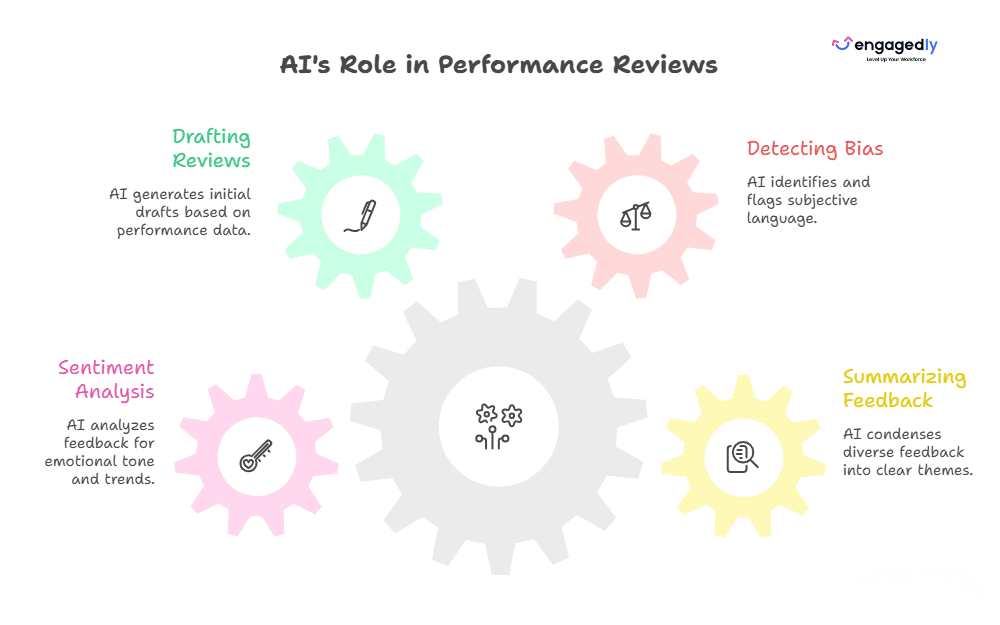
Progress Review:
Bi-weekly check-ins were held to review progress, provide constructive feedback, and make adjustments as needed.

Outcomes:
By the end of the PIP, Alex exceeded expectations with a 30% improvement in lead conversion. The structured mentorship and training boosted his confidence, helping him retain his position and rebuild his credibility within the team.

✅ Key Takeaway:
This case highlights how a well-designed PIP with clear goals and strong support can turn underperformance into success.

🤝 Case Study 2: Improving Workplace Behavior

Scenario:
Emily, a project manager, frequently interrupted colleagues during meetings and made negative comments about their ideas. This behavior led to decreased collaboration and team morale.

PIP Details:
The company initiated a 45-day PIP focusing on improving Emily’s behavior. Specific goals included:

  • Practicing active listening by not interrupting during meetings.
  • Participating in conflict resolution training.
  • Seeking feedback from team members on her communication improvements.

To support her, the company assigned a mentor to help Emily develop her interpersonal and leadership skills.

Progress Review:
Regular check-ins allowed Emily to discuss her progress and challenges while receiving constructive feedback.

Results:
Emily showed significant improvement by the end of the PIP. She actively participated in meetings with a more positive attitude and received favorable feedback from her team. Stronger working relationships and improved collaboration boosted overall team productivity.

✅ Key Takeaway:
This case demonstrates how a PIP can effectively address behavioral issues and promote personal growth within a team setting.

PIP in Action: How Amazon Handles It

Amazon is the most talked-about example of a large-scale PIP system. The details come from reporting on internal documents, not from Amazon’s public statements, so treat them as reported rather than official.

Amazon’s process has two stages. The first is called Focus, and the second is called Pivot. According to Fortune’s reporting on those documents, fewer than 2,000 employees were in Focus in April 2022, and by the end of that year upwards of 3,300 a month were.

Pivot gives employees three options.

  • Work to improve performance
  • Leave voluntarily with severance
  • Appeal the manager’s decision to place them in Pivot

Critics, including some employment attorneys, argue that programs like this can work more as an exit path than a development tool. That is the lesson for your own PIP. If employees believe the outcome is already decided, the plan loses its value and your legal risk goes up. Make the support real and the goals fair.

Final Thoughts

A well-crafted Performance Improvement Plan (PIP) is more than just a corrective tool — it’s an opportunity for growth and development. By setting clear goals, maintaining open communication, and providing actionable support, PIPs create a pathway for employees to succeed.

Customizing PIPs to address specific roles and challenges makes them more effective, while templates ensure consistency and clarity. When implemented thoughtfully, PIPs can transform underperforming employees into productive, engaged contributors.

By following best practices and learning from real-world examples, organizations can foster a culture of continuous improvement and support. In the end, a successful PIP benefits both employees and the organization, promoting growth, accountability, and long-term success. If you’re looking to make performance improvement more structured, measurable, and scalable across teams, you can request a demo to see how it works in practice.

Frequently Asked Questions (FAQs)

How long should a PIP last?

Most US employers use 30, 60, or 90 days, though no federal law sets a required length. Shorter plans suit narrow, measurable problems, while longer ones fit skill building or behavior change. Whatever you choose, put the dates in writing.

Can you be fired while on a PIP?

In most US states, yes, because employment is generally at-will. The exceptions matter, though. An employer cannot fire someone for a discriminatory or retaliatory reason, and some states and contracts add extra protections. That is why a PIP should be genuine and well documented.

Do you have to sign a PIP?

Signing usually acknowledges that you received the plan, not that you agree with it. Many employers note a refusal in writing instead. If you aren’t sure what your signature means, ask HR to explain it before you sign, and consider speaking with an employment attorney.

Is a PIP the same as being fired?

No. A PIP is a documented chance to improve. In practice, some PIPs do end in termination, and some employees are placed on one when the decision has already been made, but a PIP on its own does not end employment.

Can you put someone on a PIP while they are on medical or family leave?

This is a high-risk area. Laws like the FMLA and ADA protect employees from interference and retaliation, so a PIP tied to leave or accommodation requests can create legal exposure. If performance concerns were documented before the leave, talk to HR and counsel before acting.

What should I do if I’m put on a PIP?

Read the plan carefully and ask questions about anything vague. Ask what success looks like and what support you will get. Keep your own notes and copies of your work and emails. Meet every check-in. If you believe the PIP is unfair or tied to a complaint or leave, consider getting advice from an employment attorney.

Do PIPs actually work?

It depends on the cause. PIPs tend to work better when the gap comes from unclear expectations or missing skills, and the employer provides real support. I could not find a reliable national success rate, so be cautious about any specific percentage you see online.

Best 21 Performance Management Software In 2026

Choosing the best performance management software in 2026 is no longer just about digitizing annual appraisals.

Companies need performance management systems that help managers set clearer goals, give timely feedback, run fair reviews, coach employees, identify skill gaps, and connect individual performance with business priorities.

That need is becoming more important as organizations adapt to faster changes in work and skills. Deloitte’s 2026 Global Human Capital Trends found that 85% of leaders consider workforce adaptability critical, but only 7% say their organizations are leading in helping employees continuously grow and adapt.

At the same time, Gallup reports that only 20% of employees globally were engaged in 2025, while manager engagement fell to 22%.

Modern employee performance management software addresses this gap by bringing goals, continuous feedback, reviews, analytics, coaching, development, and increasingly AI-assisted workflows into one system.

But the right platform depends heavily on how your organization manages performance.

This guide compares 21 of the best performance management software platforms for 2026, including their strengths, ideal use cases, pricing approach, and potential limitations.

Performance Management SoftwareBest ForStandout CapabilityPricing Approach
EngagedlyMid-market organizations wanting performance + talent managementPerformance, goals, feedback, learning, engagement and AI in one ecosystemPricing: $5–$8 per user/month, billed annually; $7,500/year minimum
LatticeStructured performance and people programsReviews, goals, engagement and developmentPerformance + Goals bundle publicly listed from $13/user/month
15FiveManager effectiveness and continuous performanceCheck-ins, coaching, reviews and manager developmentPerform plan $11/user/month annually
LeapsomeIntegrated people enablementReviews, goals, surveys and learningCustom/package-based
PerformYardHighly customizable review processesFlexible performance cycles and reportingRoughly $5–$15/user/month depending on package
BetterworksEnterprise goal alignmentEnterprise OKRs and continuous performanceCustom pricing
Culture AmpPerformance + employee experienceEngagement data combined with performance and developmentCustom pricing
BambooHRSMB and mid-market HR teamsPerformance integrated with core HRPackage/custom pricing
DeelGlobal and distributed workforcesGlobal HR combined with performance managementPackage-based
Peoplebox.aiOKR-driven and fast-growing organizationsGoals, reviews, calibration and AIPerformance Management listed at $8/employee/month annually
WorkleapSMB and mid-market teams wanting simple adoptionPerformance, engagement and AI insightsStandard starts at $4,999 annually
TeamflectMicrosoft 365 organizationsPerformance management inside Teams and OutlookFree tier; paid plans available per user
ClearCompanyTalent lifecycle managementRecruiting, onboarding and performance togetherCustom pricing
Profit.coStrategy and OKR-heavy organizationsOKRs connected with performance managementPackage-based
PrimalogikFlexible 360 feedback and reviewsCustom review and multi-rater feedback programsPackage-based

There is no single “best” performance management platform for every organization.

A company running quarterly OKRs has very different needs from a business focused primarily on annual reviews, leadership development, manager coaching, or global workforce management.

For this comparison, we considered the factors that matter most when organizations evaluate performance management software:

Performance review capabilities

Can the platform support annual, quarterly, project-based and continuous review cycles?

Goal and OKR management

Can managers connect individual and team goals with company priorities and track progress throughout the year?

Continuous feedback

Does the software support ongoing manager feedback, peer feedback, check-ins and 1:1 conversations?

360-degree feedback

Can organizations collect structured feedback from managers, peers, direct reports and other stakeholders?

Manager experience

How easy is it for managers to run reviews, prepare conversations, identify performance gaps and follow up?

Employee development

Does performance data connect with skills, learning, career planning or development plans?

Analytics and calibration

Can HR teams identify performance trends, compare ratings and support more consistent talent decisions?

AI capabilities

Does AI meaningfully reduce administrative work or improve insights rather than simply generate text?

Integrations

How easily can the platform connect with HRIS, collaboration, productivity and business systems?

Ease of implementation

How difficult is the software to configure, adopt and maintain?

Scalability

Can the system continue working as the organization grows in headcount, complexity or geography?

Pricing and value

Is pricing transparent, and does the organization need to buy multiple additional modules to get the functionality it needs?

Disclosure: Engagedly publishes this guide and is one of the platforms included. The goal of this comparison is to help buyers understand the differences between performance management solutions and create a shortlist based on their specific requirements.

Best Performance Management Software Platforms for 2026 

1. Engagedly

Best for: Mid-market organizations looking for an AI-powered performance management platform connected with learning, engagement, recognition, and talent development.

Engagedly is an AI-powered talent management and employee experience platform built to help organizations activate, develop, and retain top talent.

Engagedly Performance management Software

At its core is Marissa AI, an advanced agentic intelligence layer that helps automate workflows, surface actionable insights, and provide contextual guidance to HR teams, managers, and employees.

What differentiates Engagedly is the breadth of its connected talent management ecosystem. Performance does not stop once a review is completed. Organizations can connect performance insights with goals, learning recommendations, skill development, recognition, succession planning, and talent mobility, helping turn performance data into continuous employee development.

Key Capabilities

  • Performance reviews and 360 feedback
  • Goals and OKRs
  • Real-time feedback and 1:1s
  • Competencies and skills
  • Learning and development
  • Engagement surveys
  • Recognition and rewards
  • Succession planning and talent mobility
  • AI-driven talent insights

Pricing

Engagedly’s Performance Suite costs $5–$8 per user/month, billed annually, with a $7,500 annual minimum.

Potential Limitation

Organizations that only need a basic annual appraisal tool may not need the breadth of Engagedly’s wider talent-management platform.

Performance Management Tool

2. Lattice

Best for: Mid-market and larger organizations that want structured performance management, goals, talent reviews, and employee development in one platform.

Lattice is a people management platform built around performance, goals, employee development, engagement, and manager effectiveness. Its performance product supports formal reviews as well as the ongoing activities that feed into those reviews, including 1:1 meetings, weekly updates, feedback, and goal tracking.

A major strength is the connection between performance reviews and broader talent decisions. Organizations can use Lattice for reviews, calibration, talent reviews, promotions, succession planning, and performance improvement plans, while its Goals & OKRs product helps connect individual work with team and company priorities.

Lattice has also expanded its AI capabilities. Review drafts can draw from information already stored in the platform, such as goals, feedback, 1:1s, updates, and growth areas, which can reduce the amount of information managers need to reconstruct during review season.
Key capabilities

  • Performance reviews and self-assessments
  • Goals and OKRs
  • 1:1 meetings and weekly updates
  • Continuous feedback
  • Talent reviews
  • Calibration
  • Succession planning
  • Promotions
  • Performance improvement plans
  • Employee development
  • Workforce analytics
  • AI-assisted review drafting

What makes Lattice stand out?

Lattice is particularly strong for organizations that want formal talent-management processes to sit alongside everyday manager habits. Goals, feedback, conversations, reviews, and talent decisions are connected rather than treated as separate HR exercises.

Potential limitation

Organizations wanting a broad native ecosystem covering learning management, extensive employee recognition, and wider talent-development workflows may still need complementary tools.

Pricing

Lattice currently lists its Performance product at $10 per seat/month, Goals & OKRs at $8, and its broader Foundations package at $13 per seat/month, billed annually. Lattice also lists a $4,000 minimum annual agreement.

3. 15Five

Best for: Organizations that want to improve manager effectiveness and build more continuous performance conversations.

15Five approaches performance management from a manager-development perspective. Instead of focusing only on formal appraisal cycles, the platform combines performance reviews with regular check-ins, 1:1 meetings, feedback, OKRs, and career-development tools.

This makes it especially relevant for organizations trying to move away from annual reviews toward a more continuous model. Managers can use ongoing check-ins and 1:1s to understand progress and blockers, while formal reviews bring together performance information at defined points during the year.

15Five also combines its software with manager-focused development capabilities, making the platform useful for companies that see manager quality as one of the biggest drivers of employee performance.

Key capabilities

  • Performance reviews
  • 360-degree feedback
  • Weekly employee check-ins
  • 1:1 meetings
  • Goals and OKRs
  • Career growth tools
  • Engagement surveys
  • AI-powered performance workflows
  • Manager development
  • Performance analytics

What makes 15Five stand out?

Its biggest differentiator is the focus on manager effectiveness. Rather than treating managers primarily as review administrators, the system is designed to help them maintain more regular conversations with employees throughout the year.

Potential limitation

Organizations looking for a broader talent-management suite with native learning management, extensive recognition, succession planning, and internal mobility may need additional products.

Pricing

15Five lists its Perform plan at $11 per user/month billed annually. Its Total Platform plan is listed at $16 per user/month and combines performance, engagement, and manager-development capabilities.
4. Leapsome

Best for: Organizations wanting performance management, goals, engagement, competencies, and employee development in a connected people platform.

Leapsome brings several parts of the employee experience into one system, including performance reviews, goals and OKRs, employee surveys, competencies, feedback, meetings, and learning.

One of its strengths is the way these areas can work together. Goal progress can be connected to performance reviews, survey data can provide additional context around engagement and retention, and competency assessments can help organizations identify skill gaps and development priorities.

This makes Leapsome particularly relevant for HR teams that do not want performance reviews to end with a rating. Review outcomes can instead become part of broader conversations around skills, learning, development, and employee growth.

Key capabilities

  • Performance and 360-degree reviews
  • Goals and OKRs
  • Competency frameworks
  • Instant and continuous feedback
  • Employee surveys
  • 1:1 meetings
  • Learning and development
  • People analytics
  • Integrations with common HR and collaboration systems

What makes Leapsome stand out?

Leapsome’s main advantage is the connection between performance, engagement, and development. It can work well for organizations trying to build a broader people-enablement strategy instead of managing each HR process in isolation.

Potential limitation

Because Leapsome covers multiple HR use cases, buyers should evaluate the exact modules they need and compare the total package rather than judging the platform solely on its performance-management capabilities.
Pricing

Leapsome does not publish a standard per-user rate. Its current information states that contracts have a one-year minimum term, there are no setup fees, and a 14-day free trial is available.


5. Reflektive

Reflektive is a comprehensive performance evaluation software that assists in business growth through continuous improvement. The tool helps increase productivity through constructive employee engagement and driving growth through high-performance-driven teams.

Solutions offered by Reflektive:

  • Real-time Feedback
  • Easy and quick employee recognition
  • Multiple user tagging
  • Performance and talent calibration
  • Increase and measure employee engagement through surveys

6. PerformYard

PerformYard is a scalable performance management platform that provides intelligent insights about the workforce through data-driven features. It helps in executing performance reviews, frequent check-ins, real-time feedback, and inputs from throughout the organization.

Solutions offered by Performyard:

  • Customizable Performance Review Cycles – Create review schedules that fit your business rhythm, from quarterly check-ins to annual appraisals.
  • 360-Degree Feedback – Gather multi-source feedback from peers, managers, and direct reports for a balanced employee performance view.
  • Goal Setting and Tracking – Align individual and team goals with organizational objectives, track progress visually, and adjust in real time.
  • Continuous Feedback Loops – Encourage frequent, informal feedback to build a culture of ongoing improvement rather than one-time evaluations.
  • Automated Reminders and Notifications – Keep managers and employees on track with built-in alerts for upcoming tasks and review deadlines.
  • Detailed Performance Analytics – Access dashboards and reporting tools to spot trends, identify high performers, and address skill gaps.

Also Read: How to build performance management metric strategy?

7. Deel

Deel is a global HR platform that combines payroll, compliance, and talent management into one comprehensive solution. While originally known for its employer of record (EOR) services, Deel Engage has evolved into a robust performance management system designed for distributed and international teams.

Solutions offered by Deel:

  • 360-Degree Feedback & Reviews – Conduct comprehensive performance evaluations with customizable anonymity settings, peer selection criteria, and multi-source feedback from managers, peers, and direct reports.
  • Goal Setting & OKR Management – Create, track, and align individual and team goals with organizational objectives. Use AI-driven suggestions tailored to role, level, and past performance.
  • Competency Frameworks & Skills Mapping – Define role-specific competencies and create transparent career progression pathways. Use skills matrices and 9-box grids to identify high potentials and skill gaps.
  • Performance Calibration – Compare and calibrate ratings across employee demographics with heatmaps, radar charts, and calibration tools to ensure fairness and reduce bias.
  • Automated Review Cycles – Trigger performance evaluations automatically based on probation periods, start dates, or custom criteria. Send personalized auto-nudges and reminders throughout the review process.
  • Compensation Integration – Link performance outcomes directly with compensation data to reward top performers and make fair, equitable pay decisions seamlessly.

What sets Deel apart:

Deel’s unique advantage lies in its ability to manage the entire employee lifecycle for global teams—from compliant hiring and payroll in 150+ countries to performance reviews and development plans—all on one platform. This makes it ideal for companies with international workforces who need integrated compliance, payroll, and performance management.

Best for: Global companies and remote-first organizations needing integrated EOR, payroll, and performance management.

8. HROne

HROne is an AI-powered performance management system, designed for organizations to manage their talent force with data-driven insights and actions. With features like defining and quantifying KPIs, easy performance review process, performance scorecard, 9-box rating, and 1-on-1 meetings for conflict resolution, you can address talent management from all aspects rather than monitoring it superficially.  

With its continuous 360–degree feedback feature, you can nurture the skills and performance of your workforce from all touchpoints. For example, you cannot only ask a manager’s feedback for an employee but also from their peers, colleagues, and overall, 8-12 people to get a broader picture of their performance and cultural fit. 

Key Solutions Offered: 

  • Review rating formula for final performance rating 
  • Easy OKR mapping 
  • 360-degree feedback process for anonymous and overall feedback 
  • Easy goal creation and defining of KPIs 
  • 9-box rating for identifying future leaders 
  • 1-on-1 for candid manager and person conversation

9. Betterworks

Betterworks helps enterprises scale up their performance by providing intuitive and directional insights. This performance management tool helps create a vision with the right set of goals, reviews, and continuous feedback from the employees. Managers can use features like reviews and check-ins, goal management, and continuous feedback for performance enhancement.

Solutions offered by Betterworks:

  • Continuous Performance Management & Check-Ins
  • Offers ongoing feedback loops, regular one-on-one check-ins, and light, coaching-oriented performance conversations instead of infrequent formal reviews.
  • OKR & Strategic Goal Setting Alignment
  • Facilitates company-wide objectives (OKRs) cascaded down to team and individual levels, ensuring alignment of efforts with larger business goals.
  • 360-Degree Feedback & Peer Recognition
  • Incorporates multi-source feedback, real-time peer-to-peer recognition (e.g., digital badges), and fosters a supportive, transparent feedback culture.
  • Advanced Analytics & Reporting
  • Equipped with real-time dashboards, trend and historical performance tracking, customizable analytics, and manager-specific insights to guide decision-making.

10. 7Geese/Paycor

It is a human capital management tool that offers a range of services, like HR & payroll management, talent management, workforce management, and employee experience. It helps in building an engaging and collaborative culture to enhance organizational performance.

Solutions offered by 7Geese/Paycor

  • 1:1 and feedback tools
  • Automated workflows to eliminate repetitive tasks
  • Customizable dashboard for coaching sessions
  • OKRs and goal management

10. Peoplebox.ai

Peoplebox.ai is an AI-powered talent management platform that seamlessly integrates performance management, OKRs, and employee engagement directly into tools teams already use—specifically Slack and Microsoft Teams. The platform emphasizes ease of use, automation, and real-time insights.

Solutions offered by Peoplebox.ai:

  • OKR & Goal Management – Set, align, and track objectives and key results across individual, team, and company levels. Auto-update progress through integrations with Jira, Asana, Salesforce, HubSpot, and other work tools.
  • Customizable Performance Reviews – Design review cycles tailored to your business needs with flexible templates, rating scales, competency mapping, and goal selection. Run 360° reviews, peer reviews, self-evaluations, and manager assessments.
  • 1-on-1 Meetings & Check-ins – Schedule and structure meaningful conversations between managers and direct reports with automated agendas, goal tracking, and action items.
  • 9-Box Talent Matrix – Visualize employee performance and potential to identify high performers, succession candidates, and development needs across departments and roles.
  • 360-Degree Feedback – Collect comprehensive feedback from multiple sources to provide balanced, unbiased performance insights.
  • Engagement Surveys & Pulse Checks – Measure employee satisfaction and engagement through customizable surveys delivered directly in Slack or Teams.
  • Business Reviews & Analytics – Conduct strategic reviews where OKRs are set, tracked, and embedded in review boards. Generate detailed reports and analytics to make data-driven talent decisions.

What sets Peoplebox.ai apart:

The platform lives inside Slack and Microsoft Teams, eliminating the need for employees to learn or log into another system. This “no new login” approach drives exceptionally high adoption rates and makes performance management feel like a natural part of daily work rather than an administrative burden.

Best for: Tech companies and fast-growing startups that prioritize Slack or Microsoft Teams and want OKRs, reviews, and engagement in one integrated platform.

12. Workleap

Workleap (formerly Officevibe) is a modular, people-first employee experience platform that brings together engagement, performance management, onboarding, learning, and organizational clarity. Built with AI at its core, Workleap helps organizations – especially SMBs and hybrid teams—simplify HR processes while keeping employees engaged and aligned.

Solutions offered by Workleap:

  • AI-Powered Performance Reviews – Build customizable review cycles with self, peer, and manager feedback. Workleap AI generates performance summaries, highlights achievements and growth opportunities, and suggests draft responses to reduce manager workload.
  • Goals & OKRs – Create, track, and update individual and team objectives with flexible goal structures. AI analyzes progress, feedback, and context across roles and teams to deliver clear performance synthesis.
  • 360-Degree Feedback – Conduct multi-source evaluations with customizable anonymity settings and reviewer groups to match your culture.
  • Real-Time Dashboards & Analytics – Monitor review progress, track rating distributions, and compare results across teams with visual dashboards and calibration tools.
  • Continuous Feedback & Recognition – Enable ongoing feedback loops with “Good Vibes” peer-to-peer recognition and instant feedback features.
  • Engagement Surveys (Officevibe) – Run automated pulse surveys with anonymous feedback, eNPS tracking, and AI-powered sentiment analysis to measure team morale and identify improvement areas.
  • Onboarding Workflows – Create personalized welcome portals with role-specific checklists, automated document signing, and progress tracking.
  • Learning & Development – Deliver self-paced learning paths with AI-powered course recommendations.

What sets Workleap apart:

Workleap’s Performance Flywheel creates a connected system where goals, reviews, and feedback work together continuously rather than in isolation. The AI Cycle Builder can set up review cycles in minutes, and the platform integrates seamlessly with Slack, Microsoft Teams, and major HRIS systems—all with transparent pricing and no setup fees.

Best for: SMBs, hybrid teams, and remote-first organizations seeking an intuitive, modular platform for performance, engagement, and development.

13. Thrivesparrow

Thrivesparrow is an emerging AI-powered performance management and employee engagement platform designed for small to medium-sized businesses. It combines 360-degree feedback, goal tracking, recognition, and pulse surveys with advanced AI analytics to turn performance data into actionable insights.

Solutions offered by Thrivesparrow:

  • 360-Degree Performance Reviews – Collect comprehensive feedback from peers, managers, and direct reports with customizable review cycles, competency frameworks, and role-based evaluations.
  • AI-Driven Insights & Analytics – Transform review and survey data into visual heatmaps, bell curves, competency summaries, and trend reports. AI sentiment analysis highlights strengths, skill gaps, and engagement risks.
  • Goals & OKRs Tracking – Align individual and team objectives with organizational priorities. Track progress transparently with visual dashboards and real-time updates.
  • Continuous Feedback & Recognition – Share instant peer-to-peer feedback and recognition badges to build a culture of continuous improvement and appreciation.
  • Engagement Surveys & Pulse Checks – Measure employee sentiment with customizable, multilingual surveys. AI-powered reports provide quick, detailed analysis of results.
  • AI-Generated Personal Development Plans (PDPs) – Automatically create personalized development plans based on 360 feedback, GAP analysis, and performance trends—saving managers significant time.
  • Rewards & Recognition – Gamified recognition system with point-based rewards and a global rewards marketplace supporting 80+ countries.

What sets Thrivesparrow apart:

Thrivesparrow’s AI capabilities go beyond basic reporting—the platform uncovers what truly drives team performance and provides heat-map visualizations showing performance patterns. The tool is particularly strong in helping managers turn feedback into action with AI-suggested next steps and personalized development plans.

Best for: Small businesses and startups looking for an affordable, feature-rich performance management solution with strong AI analytics capabilities.
14. ClearCompany

ClearCompany offers a platform that combines recruitment, onboarding, performance management, and workforce planning into one ambit. It offers a range of solutions that help organizations develop and nurture talent for higher performance. 

Solutions offered by ClearCompany:

15. Primalogik

Primalogik is an intuitive, flexible performance management platform specializing in 360-degree feedback, performance reviews, and goal management. Built for mid-sized organizations, it offers extensive customization options while maintaining simplicity and ease of use.

Solutions offered by Primalogik:

  • 360-Degree Feedback – Create fully customizable 360 review processes with flexible questionnaires, rating scales (3-point to 10-point), and anonymity levels. Collect multi-source feedback from managers, peers, direct reports, and other stakeholders.
  • Performance Reviews – Conduct structured reviews with self-assessments and manager evaluations. Use customizable templates and automated reminders to streamline the process.
  • Goal Setting & OKR Management – Set clear, measurable objectives and track progress toward both individual and organizational goals. Managers can collaborate with employees on goal-setting.
  • Continuous Feedback & Recognition – Enable real-time feedback exchange and instant recognition throughout the year to build a feedback-rich culture.
  • Employee Engagement Surveys – Launch anonymous surveys to gather honest feedback on engagement, satisfaction, and organizational culture.
  • Advanced Analytics & Reporting – Access dynamic, easy-to-understand reports that filter through performance data. Compare results over time to track growth and create development plans.
  • Development Planning – Build targeted development plans for each team member based on 360 feedback results. Focus on improvement areas and measure progress across review cycles.

What sets Primalogik apart:

Primalogik’s strength is its flexibility—users can build completely custom questionnaires, choose rating scales, and select anonymity levels to match their culture. The platform strikes a balance between powerful customization and user-friendly simplicity, making it accessible even for non-technical users. Customer support is frequently praised as responsive and helpful.

Best for: Mid-sized organizations seeking a flexible, customizable 360 feedback and performance review solution with excellent support.

Small Improvements is a lightweight performance management platform built for growing teams. Used by companies like Duolingo, SoundCloud, and Zapier, it helps foster a culture of continuous feedback, alignment, and development.

Key Features:

  • Customizable performance reviews & 360° feedback
  • Lightweight goals & objectives
  • Real-time feedback & praise
  • 1:1 meeting agendas & notes
  • Pulse surveys & engagement insights
  • Integrations with tools like BambooHR, Slack, and Google

Ideal for companies with 10–1350 employees, Small Improvements offers a flexible, user-friendly toolkit to improve performance and employee experience.

17. Workable HR

Workable HR is a comprehensive human resources information system (HRIS) that combines recruiting, onboarding, employee management, and performance reviews into one unified platform. While best known for its applicant tracking system (ATS), Workable has evolved into a full-featured HR solution.

Solutions offered by Workable HR:

  • Performance Reviews – Create tailored review templates with configurable question types for different roles and departments. Customize review cycles (quarterly, annual, or project-based) to align with company objectives.
  • Multi-Level Feedback System – Conduct self-reviews, manager evaluations, peer feedback, and direct report reviews to get a complete 360-degree performance picture.
  • Progress Tracking & Reporting – Monitor review completion across the organization with dashboards filtered by department, manager, or status. Generate comprehensive reports to identify top performers and improvement areas.
  • Goal Setting & Performance Alignment – Set and track individual and team goals aligned with organizational objectives (performance management tools currently being expanded).
  • Employee Database & Org Charts – Store and organize all employee data with customizable profiles, track role history and compensation, and maintain automated org charts reflecting real-time company structure.
  • Onboarding & Self-Service – Build personalized welcome portals with role-specific workflows, automate paperwork with e-signatures, and enable employees to manage their own HR tasks.
  • Time-Off Management – Configure custom time-off policies with advanced accrual rules, approval workflows, and company calendar integration.
  • Recruiting & ATS Integration – Seamlessly connect performance data with hiring processes through Workable’s industry-leading ATS.

What sets Workable HR apart:

Workable excels at providing an all-in-one HR solution where recruiting, onboarding, employee records, and performance management live in the same system. This eliminates data silos and creates a seamless employee lifecycle experience. The multi-level feedback system allows for fully customizable 360 reviews that can be reused cycle after cycle.

Best for: Growing companies that need both recruiting and HR management in one platform, particularly those wanting customizable performance reviews integrated with comprehensive employee data.

18. Teamflect

Teamflect is an all-in-one performance management and employee engagement solution built natively for Microsoft Teams and Outlook. It’s the highest-rated performance management tool in the Microsoft Teams app store, designed to keep all HR processes within the Microsoft 365 ecosystem employees already use daily.

Solutions offered by Teamflect:

  • Native Microsoft 365 Integration – Run the entire performance cycle inside Teams and Outlook with single sign-on (SSO), Entra ID integration, and bi-directional sync with Microsoft To Do and Outlook Tasks.
  • Performance Reviews & 360 Feedback – Build customizable review cycles with self, peer, manager, and direct report feedback. Use the extensive template library and AI-guided review writing assistance.
  • Goals & OKRs – Set and track cascading goals with complete customization. Create custom goal labels, relate tasks to goals, and track progress with automated check-ins inside Teams chat.
  • 1-on-1 Meetings – Structure meetings with talking points, shared and private notes, check-in forms, integrated goal setting, and task management—all within Teams meetings.
  • Continuous Feedback & Recognition – Share instant feedback and celebrate achievements with customizable recognition badges and points-based rewards. Create leaderboards to foster healthy competition.
  • Engagement Surveys & Pulse Checks – Run surveys directly in Teams chat with AI-powered analysis and real-time sentiment tracking.
  • Teamflect Agent (AI Assistant) – Use AI to prepare 1-on-1s, generate feedback, detect burnout signals, and make smarter people decisions.
  • Task Management – Create tasks from Teams chat, meetings, emails, and OKRs. Sync seamlessly with Microsoft To Do and Outlook Tasks for unified task tracking.
  • Succession Planning & Career Development – Build branching career paths, create individual development plans (IDPs), and identify succession candidates.

What sets Teamflect apart:

Teamflect’s native Microsoft 365 integration means zero new logins and the highest adoption rates among competitors. Everything from goal-setting to feedback to reviews happens where employees already work—in Teams and Outlook. The platform also integrates with Power BI for advanced analytics and Power Automate for custom HR workflows.

Best for: Organizations deeply embedded in the Microsoft 365 ecosystem seeking native Teams/Outlook performance management with high adoption rates.

19. Effy.AI

Effy.AI is an AI-first performance management platform that transforms 360-degree feedback and performance reviews from an administrative burden into strategic insights. Built for modern teams, especially SMBs, it emphasizes speed and simplicity—organizations can launch comprehensive 360 reviews in under 10 minutes.

Solutions offered by Effy.AI:

  • AI-Generated Review Forms – Create tailored performance review forms within minutes using AI. The platform generates relevant questions based on role, department, and review type.
  • 360-Degree Feedback – Conduct multi-source evaluations with support for self-assessments, manager reviews, peer evaluations, upward feedback, and subordinate feedback.
  • AI-Summarized Results – Receive automatically generated summaries with actionable insights, highlighting strengths and areas for improvement based on collected responses.
  • Slack Integration – Participants receive notifications and can submit reviews directly within Slack, enhancing accessibility and engagement without leaving their primary communication tool.
  • Automated Reminders – Set deadlines and let the system send automated reminders for pending reviews, ensuring timely completion.
  • Performance Analytics – Access heatmaps, 9-box grids, score trends, and bias detection to make data-driven talent decisions.
  • One-on-Ones & Meeting Notes – Document regular check-ins, track discussion points, and create action items.
  • Kudos & Recognition – Enable instant peer-to-peer recognition and feedback sharing.
  • Goal Setting & Tracking – Set individual and team goals with progress tracking (feature expanding).

What sets Effy.AI apart:

Effy.AI’s laser focus on speed and simplicity makes it stand out. The AI-powered form creation, summarization, and bias detection mean that what typically takes hours can be done in minutes. The platform is particularly well-suited for SMBs that want enterprise-grade 360 feedback without enterprise-level complexity or cost.

Best for: Small to medium businesses and startups seeking fast, AI-powered 360 reviews with minimal setup and strong Slack integration.

20. Profit.co

Profit.co is a comprehensive OKR software platform that integrates strategy execution, performance management, task management, and employee engagement into one unified system. It’s designed to help organizations prioritize goals, execute strategies, and build high-performance cultures.

Solutions offered by Profit.co:

  • OKR Management & Strategy Execution – Create, cascade, and align objectives and key results across company, department, team, and individual levels. Use AI-powered OKR templates and chatbot for instant goal creation.
  • Goal Alignment & Dashboards – Visualize how individual and team goals connect to company objectives with alignment dashboards and real-time heatmaps showing OKR progress.
  • Performance Reviews & 360 Feedback – Conduct customizable performance evaluations with multi-rater feedback from managers, peers, and direct reports. Link individual goals and competencies directly to reviews.
  • Competency & Talent Management – Use the 9-box talent grid, competency score assessments, and skills gap analysis to identify high-potential employees and development needs.
  • Automated Review Cycles – Trigger performance evaluations automatically based on custom criteria. Send personalized nudges and reminders throughout the cycle.
  • Development & Succession Planning – Create automated development plans based on review results and identify succession candidates for critical roles.
  • Task Management Integration – Map tasks to OKRs and key results, creating clear connections between daily work and strategic objectives.
  • Check-ins & Meetings – Schedule OKR review meetings (weekly, quarterly) with automated agendas, attachments, and task boards.
  • Employee Engagement – Conduct surveys, share updates via newsfeed, use hashtags for OKR engagement, and promote recognition and achievements.
  • Analytics & Business Intelligence – Access PowerPoint report generation, department-specific heat maps, and company-wide performance dashboards.

What sets Profit.co apart:

Profit.co uniquely integrates OKRs, tasks, performance management, and engagement on a single platform—creating a complete performance ecosystem. The built-in strategic planning tools, reflect-reset process for quarterly OKR reviews, and extensive integration options (Jira, Slack, G Suite, Teams, 100+ more) make it particularly powerful for execution-focused organizations.

Best for: Mid-sized to large organizations focused on strategic execution through OKRs who want performance management, task tracking, and engagement unified in one platform.

21. Sprad

Sprad is an AI-powered performance and talent management system that helps organisations gain real clarity on employee performance, skills, and development — moving beyond static reviews to continuous insight and action.

Solutions offered by Sprad:

  • Continuous Performance Reviews – Automates regular performance reviews using ongoing feedback and real work data, reducing manual effort while keeping performance conversations relevant.
  • 360-Degree Feedback – Collects structured feedback from peers, managers, and employees to create a well-rounded view of strengths, development areas, and impact.
  • Skill Management & Development – Uses AI-driven skill frameworks and gap analysis to identify which skills matter most and guide targeted employee development.
  • Career Pathing & Internal Mobility – Helps organisations uncover internal talent and build clear career paths based on performance and skill readiness.
  • Predictive People Analytics – Provides early insights into retention risks, performance trends, and workforce planning to support proactive HR decisions.
  • Atlas AI Assistant – Transforms feedback, performance, and skills data into clear recommendations for HR leaders and executives, highlighting what truly drives success.

The best performance management system depends less on the number of features and more on the problem you are trying to solve.

Choose an all-in-one talent management platform if:

You want performance reviews, goals, feedback, learning, engagement and talent development connected rather than managed in separate systems.

Platforms to evaluate include:

Engagedly and Leapsome

Choose a manager-effectiveness platform if:

Your biggest challenge is getting managers to run better 1:1s, give frequent feedback and coach employees consistently.

Consider:

15Five

Choose a highly customizable performance review platform if:

You already know how your performance process should work and need software that adapts around it.

Consider:

PerformYard or Primalogik

Choose an enterprise OKR and alignment platform if:

Company strategy, cascading goals and enterprise-wide alignment are central to your performance methodology.

Consider:

Betterworks or Profit.co

Choose performance management inside Microsoft Teams if:

Microsoft Teams and Outlook are where employees already spend most of their workday.

Consider:

Teamflect

Choose an OKR-focused performance platform for a fast-growing company if:

You need business goals, performance reviews and talent insights closely connected.

Consider:

Peoplebox.ai

Choose performance management for a global workforce if:

Your organization hires and manages employees internationally and wants global HR operations connected with performance.

Consider:

Deel

Choose an employee-experience-led platform if:

You want to connect performance with employee engagement, sentiment and manager insights.

Consider:

Culture Amp or Workleap

The best performance management software should do more than manage annual reviews. It should help organizations set clear goals, support continuous feedback, automate routine tasks, and turn performance data into useful insights.

When comparing performance review software, look for these core capabilities:

1. Continuous Feedback

Managers and employees should be able to exchange feedback throughout the year, not just during review cycles. Continuous feedback helps identify performance gaps early and supports regular coaching and improvement.

2. 360-Degree Feedback

360-degree feedback gathers input from managers, peers, direct reports, and other colleagues to provide a broader view of an employee’s strengths, behaviors, and development areas.

Also Read: How to effectively review employee performance?

3. Automation and Ease of Use

A performance management platform should be intuitive for employees, managers, and HR teams. Automated reminders, review workflows, notifications, and dashboards help reduce manual work and keep performance processes on track.

4. People Analytics

Performance analytics help HR teams identify trends, skill gaps, high performers, and development needs. These insights can also support succession planning and broader people analytics strategies.

5. Goals and OKRs

Strong performance management software should support clear, measurable goals and OKRs. Goal setting helps employees understand expectations, track progress, and connect individual performance with business priorities.

6. Employee Recognition

Recognition helps reinforce strong performance and positive behaviors. Look for platforms that make it easy for managers and employees to recognize achievements and celebrate contributions.

7. Learning and Development

Performance insights should lead to development. Platforms with learning, skills, or development-plan capabilities can help employees close skill gaps and prepare for future roles.

8. Customization and Integrations

The software should adapt to your review cycles, rating systems, competencies, and workflows. It should also integrate with your HRIS, collaboration tools, and other HR technologies.

9. Security and Access Controls

Because performance data is sensitive, look for strong security, role-based permissions, data protection, and administrative controls.

The right platform should bring these capabilities together without making the performance process more complicated. If you want to see how an integrated approach works in practice, you can request a demo.

Final Thoughts

Performance management software helps organizations build a workforce that is skilled, engaged, and consistently improving. In a fast changing and competitive environment, business outcomes depend heavily on how well companies set goals, support managers, develop talent, and act on performance signals early.

Modern platforms go beyond annual reviews. They enable continuous feedback, clearer alignment, better coaching, fairer evaluations, and stronger visibility into skills and growth. The right tool makes performance conversations easier to run, easier to track, and easier to improve over time.

Use this guide to shortlist options based on your needs, team size, workflows, and adoption goals, then validate your top picks through demos and real user feedback before choosing.

Performance Management System

Frequently Asked Questions (FAQs)

What are the key features of performance management software?

The best performance management platforms include goal tracking, continuous feedback, 360 degree reviews, analytics dashboards, and development planning tools.
When evaluating performance management platforms, organizations should prioritize tools that support continuous performance rather than annual reviews alone.
Key features to look for include:

Goal alignment and OKRs to track progress toward business outcomes
Continuous feedback systems that encourage regular conversations
360 degree feedback from peers, managers, and direct reports
People analytics dashboards that highlight performance trends
Employee development plans tied to skills and career growth
Automated workflows and reminders to reduce administrative effort

These capabilities help organizations connect employee performance with measurable outcomes such as productivity, engagement, and retention. Many modern platforms also integrate with collaboration tools like Slack or Microsoft Teams.

Why are annual performance reviews becoming outdated?

Organizations are replacing annual reviews with continuous performance systems to provide real time feedback, better goal alignment, and faster talent decisions.
Companies are shifting to continuous performance management because traditional annual reviews fail to capture real time performance insights.

Continuous performance systems provide several advantages:
Frequent feedback and coaching instead of once a year conversations
Real time goal tracking tied to business outcomes
Earlier identification of disengagement or burnout risks
Better alignment between individual work and company objectives
Research shows feedback frequency strongly impacts engagement.

Employees who receive regular feedback are significantly more likely to stay engaged and productive. Modern performance software enables this shift by embedding feedback, recognition, and check ins into everyday workflows rather than treating reviews as isolated HR events.

Performance Calibration Meetings: Everything You Need To Know

A performance calibration meeting is a structured session where managers compare employee ratings against shared criteria before reviews are finalized. It exists to make ratings consistent across teams, reduce rater bias, and make sure every rating is backed by evidence. HR usually facilitates, and managers keep ownership of their own ratings. Calibration improves fairness and consistency, but it does not remove bias entirely, and it only works as well as the criteria and evidence behind it.

If two managers rate the same work differently, the employee pays for that gap in raises, promotions, and trust. This guide covers how to run calibration in 2026, including a timed agenda, bias checks, remote and hybrid tips, US legal points, and answers to the questions HR teams ask most.

In this article, we will delve into the intricacies of performance review calibration, exploring the concept in detail and unpacking the following:

What is a Performance Calibration Meeting?

A performance review calibration meeting is a process in which managers discuss the ratings of their direct reports with other managers. The purpose of these calibrations is to make employee evaluations more consistent throughout the organization.

By using this procedure, managers can reduce bias in the performance review process and ensure employees’ performance reports are created according to a common set of performance calibration criteria.

Ideally, all managers discuss their ratings before sharing their performance reviews with employees, so they can make any adjustments if necessary.

Thus, performance calibration can help managers ensure that they apply the same standards to all employees and objectively evaluate employees on uniform parameters.

Importance of Calibration Meeting

So far, we have understood that calibration meetings are conducted by managers to set standards for reviewing their employees, create a process to differentiate top performers, and review employee ratings proposed by managers.

Employees notice when reviews feel inconsistent. In a Gallup survey of U.S. employees, only 22% strongly agreed that their performance review process is fair and transparent. The same research found that employees with quarterly progress check-ins were 2.1 times as likely to see the process as fair. Calibration fixes the consistency problem across managers, and regular check-ins fix the timing problem.

Let us take an example to understand the importance of performance calibration ratings. Some managers are inclined to give all their employees a rating of 5 since they did everything in their job description.

Alternatively, a stricter manager might give their top performers a rating of 3 if they meet the same performance criteria. The strict manager may come up with a reason such as the top performers only managed to meet the set requirements for their role, not exceed them.

Here is a simple illustration (hypothetical numbers). Two managers each lead six people who did similar work. Manager A rates five of them “exceeds expectations”. Manager B rates none of them that high. Before calibration, the five people on A’s team get stronger raise and promotion cases than anyone on B’s team, for the same results. In calibration, both managers show the evidence behind each rating against the same rubric. A often lowers a few ratings and B raises a few, and the final distribution reflects the work instead of the manager.

In other words, managers likely want a fair review process, but they can miss the mark if their review process isn’t compared with others.

The more vagueness there is in the performance review process, the greater the chance for bias and inaccurate feedback. The process of performance calibration ratings is a great way to remove any form of ambiguity.

Thus, a company should prioritize performance calibration meetings since they can help to ensure that review standards are fair, equitable, and balanced across an organization.

Talent calibration meetings also allow managers to identify top performers throughout their organizations and honor these standout employees.

In addition to providing employees with a learning opportunity, these meetings also assist managers in improving their ability to observe employee performance and set performance standards.

By having checkpoints before sharing performance reviews with employees, self-doubting managers will gain confidence in their reviews.

Roles matter as much as attendance. Keep them clear before the meeting starts.

  • Facilitator. Usually an HR business partner or People Ops lead who is not rating anyone in the room. They keep time, enforce the rubric, and call out bias.
  • Managers. Each presents their own ratings with evidence and stays open to changing them.
  • Senior leader. Joins as a calibration peer and does not override ratings by rank.
  • Note taker. Records rating changes and the reason for each one.

Who Should Participate in Performance Calibration Meetings?

Your organization’s size and structure will determine who will be part of the performance calibration meeting.

Performance appraisal meetings generally involve managers who will complete the performance appraisals along with HR personnel. The HR professionals would provide guidance wherever required. Additionally, having a representative from each department can help oversee the process.

In larger companies, involving all managers together at the same time may not be possible. In such situations, it is best to create subgroups within your company so meetings can be managed efficiently, without any form of chaos.

Calibration Best Practices for Remote / Hybrid Organizations

Distributed teams present unique challenges for calibration. Here are some tips to make calibration fair and effective even when participants and employees are remote:

  • Asynchronous pre-work & documentation
    Ask managers to submit evidence, ratings, narratives, and any flagged items ahead of time so reviewers can digest before the meeting.
  • Structured virtual formats
    Use breakout rooms, timed agendas, and shared digital rating sheets to keep discussions focused and prevent dominance by loud voices.
  • Leverage recorded examples or work artefacts
    Encourage managers to bring documented deliverables, peer feedback, metrics dashboards, or recorded work to support their ratings.
  • Cross-time zone scheduling & fairness
    Be considerate of time differences—rotate meeting times or stagger calibration groups to avoid disadvantaging some participants.
  • Promote visibility & inclusion
    Make sure remote participants have equal voice; use “round robin” sharing where each manager speaks in turn, rather than ad hoc conversation.
  • Frequent micro-calibrations or “calibration check-ins”
    Instead of waiting for full calibration cycles, teams might hold mini-calibrations (e.g. monthly or quarterly “spot checks”) to adjust alignment in real time.

Proximity bias is the biggest risk in hybrid teams. Managers see in-office employees more, and visibility gets mistaken for impact. Ask every manager to back each rating with outcomes and deliverables, not observations of presence, and compare ratings for remote and on-site staff at the same level during the bias check.

Preparing for Performance Calibration Meeting

A manager or supervisor should prepare performance review appraisals in advance and submit their drafts to senior leaders and/or HR leadership for review. At performance calibration meetings, they should be prepared to get their ratings reviewed or discussed with their peers and managers.

HR facilitators must facilitate the compilation of essential and historical data for the business. This data would include average ratings based on key factors; trends in performance, and the identification of exceptional performers. 

Calibration in the Age of Data & AI Support

As organizations increasingly use people analytics and AI in HR, performance calibration is also evolving. Rather than relying solely on manager opinions, many teams now combine human judgment with data-driven insights.

  • Data dashboards & trend analysis
    Before calibration, HR or analytics teams may prepare dashboards showing historical rating distributions, performance trends over time, demographic breakdowns (e.g. by department, gender), and variance metrics. These help identify outliers or inconsistencies to probe during discussion.
  • AI / algorithmic flagging
    Some systems flag employees whose rating seems inconsistent relative to peers, past performance, or competency gaps. These flagged cases become discussion points in calibration.
  • Bias detection & audit checks
    Analytics can help detect patterns of potential bias (e.g. certain managers giving systematically higher or lower ratings). These insights can guide deeper discussion during calibration.
  • Clarifying AI suggestions with human context
    AI or analytics outputs should be used as inputs, not decisions. During calibration, managers should debate and contextualize any data / model suggestions, rather than accepting them uncritically.

Use analytics to ask better questions, not to make decisions. Dashboards and flags are useful for spotting outliers. The rating decision should stay with people who can explain it.

Calibration affects pay, promotion, and termination decisions, so the records can matter if a rating is challenged. A few practical habits help.

  • Tie every rating to written criteria and specific evidence
  • Keep notes about why a rating changed, and keep comments about performance, not personality
  • Keep the record-keeping consistent across teams
  • Review rating patterns by protected groups with legal or HR counsel before finalizing

If you use AI or automated tools to influence employment decisions, check state rules. Colorado replaced its original AI law with a narrower one, SB 26-189, which takes effect January 1, 2027 and focuses on notice, adverse action processes, and record retention. Other states and cities have their own rules, so confirm current requirements with employment counsel. This is general information, not legal advice.

Step-wise Procedure to Calibrate Performance Ratings

When managers have gathered to calibrate their performance ratings, what does the process look like? To give you a better perspective, we have shared detailed step-wise procedures for performance calibration meetings. For performance calibration to be successful, there are four key steps:

1. Evaluation

To calibrate ratings, you must understand what the ratings are. Performance calibration meetings should not be viewed by managers as a group activity session of rating employees’ performance. Rather, they must complete the reviews themselves before the meeting and present their findings.

It helps managers if they are given prior training or refresher courses on how to evaluate their employees’ performance, based on the performance calibration process.

2. Calibration

In a performance calibration meeting, managers should discuss the performance appraisals with some tangible examples and reasoning to support their views. 

When managers share drafts of their performance reviews, their peers may have some suggestions for certain points. Other managers may feel that a rating for a particular employee is too high or too low, causing some additional discussion.

As a result, the manager may realize their overall rating is not based on performance, but rather on arbitrary decisions. Calibration is a check on consistency, not a vote to average everyone out.

Another factor to consider when calibrating your system is the comparison of current data with historical data for individual departments and for the entire company. By doing so, a manager can better understand an employee’s performance in your organization as a whole.

3. Don’t force a distribution:

You should not force or even try to retain a consistent distribution of ratings – quarterly, annually, or departmentally. It is quite common for employees to observe some variation in their performance with time.

As a manager, you should always remember that consistent performance measurement is the key, not employees’ consistent outcomes.

Calibration can be carried out once all the information has been collected. The managers should adjust employee evaluations as deemed appropriate to align with a company’s objectives.

4. Feedback:

Once necessary adjustments have been made, managers can communicate their performance reviews with their employees and engage in direct discussions about those reviews. Continuous real-time feedback ensures alignment doesn’t drift between calibration cycles.

At this point, managers should have more confidence in the validity of their reviews. Similarly, employees should feel the same about the evaluation process.

Also read: How to provide constructive feedback to your employees?

Performance Calibration Meeting Agenda (Sample for 90 Minutes)

This agenda works well for a group of 6 to 10 managers. Larger groups should split into subgroups or extend the time, and plan breaks for long sessions.

TimeSegmentWhat happens
0 to 10 minKickoffRestate the goal, confidentiality rules, and the rating rubric
10 to 20 minData reviewReview rating distribution by team, prior-cycle trends, and any outliers flagged by HR
20 to 50 minTop and bottom ratingsDiscuss the highest and lowest proposed ratings first, with evidence
50 to 75 minMiddle ratings and flagged casesReview cases with large gaps between managers or from last cycle
75 to 85 minBias checkScan changes for patterns by team, location, tenure, and demographic groups
85 to 90 minWrap-upConfirm final ratings, assign follow-ups, and agree on what to tell employees

Pre-work (send 48 hours before)

  • Each manager submits proposed ratings with two or three specific examples per person
  • HR shares rating distributions and prior-cycle data
  • Everyone re-reads the rating definitions
Performance Reviews

Calibration Meeting Questions That Keep the Discussion Fair

Good questions turn opinions into evidence. A few worth using.

  • What specific results or behaviors support this rating?
  • How does this compare to another person at the same level with a similar rating?
  • Would this rating hold if the employee worked remotely or sat next to you?
  • Is this rating based on the whole review period or mostly the last two months?
  • Does this match our written definition of “meets” or “exceeds”?
  • What would change your mind?

Procedure for Kicking-off Performance Calibration Meeting

To get you started with the Performance Calibration meeting, here are the procedures:

1. Establish a positive tone: Thank participants for attending the Performance Calibration meeting. Make sure participants understand the significance of the meeting and encourage full engagement by stressing the importance of performance calibration.

2. Ensure confidentiality: Make sure that the meeting’s content, as well as any outcomes, remain confidential. 

3. Examine rating scales: Before discussing employees’ ratings, take time to review your organization’s scale and system, used to measure performance.

3. Comparison of performance distribution: You can compare the pattern of performance to the hoped-for performance distribution (decided by managers) or by comparing it to the previous period.

4. Employee’s performance ratings: In the next section, discuss each employee’s performance ratings. Managers should explain their ratings and explain the rationale for them.

5. Obtaining opinions: Attendees should be given an opportunity to voice their opinions if they feel an employee’s assessment is biased or if they want to add something to the review.

6. Adjust ratings as needed: If managers need to change any ratings, they can do so during the meeting.

7. Express gratitude: Express thankfulness to participants for their time and dedication to making sure employees receive honest and unbiased feedback.

Benefits of Performance Calibration Process

1. Identifying top performers

Performance appraisals are designed to distinguish top performers from average or subpar performers and to reward and retain high performers. 

2. Organization benefits

For HR and senior management of the company, managers’ performance calibration ratings on employees’ objectives, competencies, and other factors help to set benchmarks or traits of a top performer.

Furthermore, the ratings can be used not only to determine a pay raise but also to make a decision on promotion and development plans. Thus, with the benchmarks set, organizations can benefit from performance calibration massively as performance becomes quantifiable. 

3. Performance ratings are more accurate

By calibrating performance ratings, managers are able to provide more accurate evaluations. Calibration problems can chase high performers away if they are not rewarded for their performance.

Therefore, it is crucial to ensure performance ratings are accurate and reliable. The performance calibration process ensures that all employees are rated on the same standards. 

4. Accountability and transparency

Managers are held jointly accountable for the performance assessment ratings created for all employees. Managers can gain new insight into employees’ performance by discussing their performance collectively. Discussions among peers could bring transparency in regards to the way managers tend to give ratings – which can be generously or sternly. 

5. Establishment of a new supportive organizational culture

Performance calibration is a necessary activity for organizations that have undergone a merger or acquisition. There will need to be an alignment of cultures and performance benchmarks. Merging multiple performance principals through the performance calibration meeting can facilitate the establishment of a new reliable and encouraging organizational culture.

6. Brings clarity

During a performance review calibration meeting, if a manager shares and clarifies the rationale for the performance appraisal ratings, it would serve as an example for other managers too. 

Consequently, other managers too will be equipped with supporting reasons for the employees’ ratings, next time a Performance Calibration meeting occurs, eliminating any form of bias. This enables the management team to better understand and reinforce the key performance indicators.

7. Increases the feelings of equitable treatment

Employees must believe their managers are evaluating them fairly since compensation, promotion, and succession decisions are based on performance evaluations. Also, organizations may face challenges such as low productivity or a high attrition rate when employees feel they are treated unfairly.

Thus, when the performance ratings are accurate and clarified, employees are more likely to perceive the performance appraisal process as acceptable.

Pitfalls & Mistakes to Avoid in Calibration

Common Rating Biases and How to Catch Them

Watch for these five patterns during calibration.

  • Recency bias. Recent events outweigh the full review period. Ask for examples from each quarter.
  • Halo and horns effect. One strong or weak trait colors the whole rating. Ask for evidence tied to each goal.
  • Leniency or strictness. A manager consistently rates high or low. Compare their distribution to other teams.
  • Similarity bias. Managers favor people who resemble them in background or style. Re-check ratings against the rubric, not the relationship.
  • Proximity bias. People who are more visible get rated higher. This shows up often with remote and hybrid staff.

Conclusion

Calibration works when it is treated as a consistency check backed by evidence. Set clear rating definitions, have managers prepare in advance, use a neutral facilitator, and keep notes on every change. Pair it with regular check-ins so ratings don’t drift between cycles.

If you want to reduce the manual work, Engagedly’s performance review software supports calibration views, rating comparisons, and review workflows in one place. You can request a demo to see how it fits your process.

Performance Management Tool

FAQs

What does performance calibration mean?

Performance calibration is a review process where managers align employee ratings to improve fairness, consistency, and accuracy across teams.

Performance calibration is a structured process where managers meet collectively to discuss employee ratings before they are finalized. Instead of allowing each manager to grade in isolation, calibration establishes a shared organizational standard for what “exceeds expectations,” “meets expectations,” or “needs improvement” actually looks like. This collective alignment eliminates rating disparities, ensures equal performance is rewarded equally, and builds structural trust in the appraisal process.

Why do companies use calibration meetings?

Performance calibration meetings are important because they reduce bias, improve rating fairness, and create more equitable employee evaluations.

Left uncalibrated, performance reviews inevitably suffer from a mismatch in managerial standards – where a lenient manager hands out top marks easily, while a harsh manager gives average grades for identical work. Calibration solves this operational problem by:
Eliminating Grade Inflation: Standardizes scoring metrics across entirely separate business units.
Reducing Individual Bias: Challenges subjective manager opinions by requiring objective performance data.
Securing Pay Equity: Ensures that merit-based bonuses, promotions, and compensation increases are distributed fairly.
Boosting Retention: Employees are far more likely to accept tough feedback when they trust the evaluation process is standardized.

Who attends a calibration meeting?

Performance calibration meetings should include reviewing managers, HR partners, and relevant leaders who can guide fair rating decisions.

To keep discussions focused, productive, and entirely confidential, calibration sessions are restricted to key stakeholder groups:

People Managers: The direct supervisors who initially drafted the employee performance reviews and know the day-to-day context.
HR Business Partners: Facilitators who guide the meeting, monitor for subconscious bias, and ensure compliance with corporate policy.
Department Leaders / Executives: Provide high-level organizational oversight and ensure talent distribution aligns with overall business results.

How do you run an effective performance calibration process?

An effective performance calibration process uses manager prep, evidence-based discussion, structured review, and rating adjustments when needed.

An effective performance calibration process relies on a clear, data-driven sequence to move managers from subjective impressions to evidence-based alignment:

Pre-Meeting Preparation: Managers submit their initial employee ratings along with written justifications and objective work metrics in advance.
Standard Calibration: The session begins by reviewing the agreed-upon grading criteria and distribution targets across the company.
Evidence-Based Debates: The group reviews outliers (exceptionally high or low performers) to ensure their ratings are supported by tangible documentation rather than personal favoritism.
Data-Driven Adjustments: Ratings are actively adjusted live during the session to align with shared standards and smooth out team anomalies.
Final Feedback Delivery: Once aligned, final calibrated scores are locked, enabling managers to deliver highly confident, defensible reviews to employees.

AI in Performance Reviews – Use Cases, Tools, Laws and Risks (2026)

AI in performance reviews means using machine learning or generative AI software to help managers and HR teams gather feedback, summarize it, draft review language, and spot patterns across goals and ratings. It’s built for managers, HR teams, and employees who want reviews that are faster, more consistent, and better documented. It supports human judgment and does not replace it, and several US states now attach notice and oversight rules when AI influences employment decisions.

If you only have a minute, here’s the short version.

  • Managers are already using AI for reviews, often without telling employees.
  • Used well, it saves time and sharpens feedback. Used carelessly, it makes feedback generic and can raise legal questions.
  • The safest setup keeps a person in charge of every rating, tells employees what the AI does, and follows your state’s rules.

How Common Is AI in Performance Reviews in 2026?

Common, and often invisible to employees. Depending on the survey, between a third and nearly four in five US managers have used AI to prepare feedback or reviews, and few employees say anyone told them.

Three recent data points show the picture:

The gap between 33% and 78% is wide. The likely reasons are different samples and different definitions of “using AI,” so treat each number as directional. What the surveys agree on is the disclosure gap and the quality risk, since 34% of employees in the Highwire data said feedback felt more generic after AI entered the process.

That mix of real time savings and real trust risk is why the rest of this guide focuses on using AI without losing the human part of the review.

How AI Is Used in Performance Reviews Today

AI in performance reviews refers to the use of artificial intelligence to support employee evaluations, feedback analysis, review writing, goal tracking, and development planning.

In simple terms, AI helps managers and HR teams make sense of performance data faster.

Instead of relying only on memory, annual review notes, or scattered feedback, AI can bring together information from multiple sources such as goals, peer feedback, manager notes, self-assessments, recognition, learning activity, and past review data.

The goal is not to replace managers. The goal is to help managers run more consistent, evidence-based, and development-focused conversations.

Today, AI is most commonly used to summarize feedback from multiple sources, draft first versions of reviews, identify patterns in manager feedback, detect biased language, analyze sentiment, suggest development areas, and connect performance trends to goals or learning plans.

AIHR notes that AI in performance reviews is commonly used for bias detection, goal tracking, performance assessment, and review drafting. It can improve consistency and reduce manual work, but still requires human oversight to keep reviews accurate and useful.

That distinction matters. AI can organize information and surface patterns, but managers still need to add context, judgment, empathy, and accountability.

A good AI-supported review process should help answer questions like:

  • What patterns are visible across feedback?
  • Which goals were met, missed, or delayed?
  • What strengths show up repeatedly?
  • What development areas need attention?
  • Is the review language fair, specific, and evidence-based?
  • What should the employee focus on next?

When used well, AI can make performance reviews less subjective and less time-consuming. When used poorly, it can make reviews feel automated, opaque, or unfair.

Key Use Cases

How AI Supports Performance Reviews

AI can support performance reviews in several practical ways. The strongest use cases are the ones that reduce administrative work while improving the quality of feedback.

Summarizing Feedback

One of the most useful applications of AI in performance reviews is feedback summarization.

Managers often collect feedback from several places: peer reviews, manager notes, self-evaluations, 360-degree feedback, project updates, customer comments, and recognition data. Reviewing all of that manually can take hours and still leave room for missed patterns.

One of AI’s most useful roles in performance reviews is turning scattered feedback into clear, usable themes.

For example, it may identify that an employee is consistently praised for collaboration but receives repeated feedback about delayed follow-ups. It can also group comments by strengths, improvement areas, behaviors, and impact.

This helps managers prepare for reviews with better context.

Instead of starting from a blank page, they can begin with a structured summary and then validate it with their own observations.

AIHR explains that AI can gather and condense feedback from multiple sources, including managers, peers, customers, and self-assessments, to create a more complete view of employee performance.

Example:
AI might summarize feedback like this:

“Across peer and manager feedback, the employee is consistently recognized for strong collaboration and problem-solving. The most common improvement theme is timeliness of stakeholder updates during cross-functional projects.”

This kind of summary gives managers a clearer starting point for the conversation.

Detecting Bias in Reviews

Another valuable use case for AI in performance reviews is identifying review language that is biased, vague, or difficult to act on.

Performance reviews are often shaped by human bias, even when managers have good intentions. Recency bias, inconsistent standards, and personality-based judgments can all influence how feedback is written and interpreted. Over time, these patterns make reviews less fair and less useful.

AI can help by flagging language that may be too subjective, overly broad, or potentially biased before the review is finalized.

For example, it may surface phrases such as:

  • “not leadership material”
  • “too emotional”
  • “not a culture fit”
  • “lacks executive presence”
  • “needs to be more aggressive”

These kinds of statements are often too vague to be useful and too subjective to be fair. They describe impressions, not observable behaviors, which makes them harder for employees to understand and harder for managers to justify.

A stronger review focuses on specific actions instead of personality judgments.

Instead of: “She is not assertive enough.”
Use: “She can improve by sharing recommendations earlier in planning discussions and supporting them with data.”

This makes the feedback more specific, more actionable, and easier to apply.

Used well, AI can help managers catch unclear or loaded language early and reframe feedback in a way that is more consistent, evidence-based, and fair.

However, AI is not automatically unbiased. If the model is trained on biased historical review data, it can reinforce the same patterns it is supposed to catch.

For US employers, this is more than a fairness point. Illinois now treats AI use that results in discriminatory effects as a civil rights violation under HB 3773, and California’s civil rights rules for automated decision systems took effect on October 1, 2025. If a tool can’t explain why it flagged or ranked someone, you’ll struggle to defend the outcome.

This is why bias detection should be treated as a review aid, not a final judgment. AI can flag risk, but managers and HR still need to decide what fair feedback actually looks like.

Drafting Reviews

For managers staring at a blank review form, AI is often most useful as a drafting assistant.

This is especially useful for managers who lead large teams or struggle to turn notes into clear, balanced feedback. AI can take inputs such as goals, feedback notes, project outcomes, and past check-ins, then create a first draft of a review.

AI is most useful at the drafting stage, not the decision stage. Managers still need to review, refine, and contextualize every draft before it is shared.

A good AI-generated draft should help managers:

  • organize feedback
  • reduce blank-page effort
  • create clearer review language
  • balance strengths and development areas
  • connect feedback to goals
  • suggest next steps

For example, a manager might enter:

“Employee met 4 of 5 goals, led onboarding project, received positive peer feedback for collaboration, but missed two reporting deadlines.”

AI might draft:

“Over the past review cycle, you made strong contributions to the onboarding project and were consistently recognized by peers for collaboration. One development area is improving reporting consistency, especially when deadlines are shared across stakeholders.”

The manager should then edit the draft with specific examples, context, and agreed next steps.

How to Write a Performance Review With AI in 6 Steps

A good AI draft depends on what you feed it. This workflow keeps the manager in control.

  1. Gather real inputs first. Pull goal results, peer feedback, 1:1 notes, and project outcomes from the whole review period, not just the last few weeks.
  2. Use an approved tool. Don’t paste names, ratings, or leave and health details into a public chatbot unless your company has approved it.
  3. Prompt with facts and ban inventions. Tell the AI to use only what you provide.
  4. Edit every sentence. AI can write confident lines that aren’t true, so check each claim against your notes and add the specific examples only you know.
  5. Run a language check. Ask the AI to flag vague or personality-based phrases, then decide yourself what to change.
  6. Tell the employee how AI was used. Invite them to add context or correct anything before the review is final.

Three Prompts You Can Copy

Prompt for a first draft

Write a mid-year performance review for a [role] using only the facts I paste below. Do not invent examples, metrics, or quotes. Keep the tone direct and fair, separate strengths from development areas, and end with two next steps.

Prompt for a language check

Review this draft for vague, personality-based, or loaded language. List each phrase, explain why it may be unclear or unfair, and suggest a behavior-based rewrite. Do not change anything else.

Prompt for a development plan

Based on these three development areas, suggest one specific goal and one learning activity for each. Keep each goal measurable and tied to the next 90 days.

Sentiment Analysis

Sentiment analysis uses AI to identify tone, themes, and emotional patterns across feedback.

In performance reviews, this can help HR teams understand whether feedback is positive, negative, neutral, or mixed. It can also surface themes that may not be obvious when reading individual comments.

For example, sentiment analysis may show that employees in one department receive mostly positive feedback on collaboration but negative feedback on workload and manager support.

At an individual level, sentiment analysis can help identify patterns in review comments, peer feedback, and engagement survey responses.

It can help answer questions like:

  • Is feedback mostly constructive or overly negative?
  • Are certain teams receiving more critical feedback than others?
  • Are employees consistently raising concerns about workload?
  • Are managers using supportive or punitive language?
  • Are performance conversations improving over time?

This can make performance reviews more useful at both individual and organizational levels.

However, sentiment analysis should be used carefully. Tone is contextual. A comment may sound negative because it describes a real performance issue, not because the feedback process is unfair.

AI can identify patterns, but HR and managers need to interpret them responsibly

Also Read: Problems with Annual Performance Reviews

Benefits of Using AI for Performance Reviews

AI can improve performance reviews when it is used to support better conversations, not replace them.

The biggest benefits are speed, consistency, visibility, and stronger development planning.

1. Less manual work for managers

Managers often spend significant time collecting notes, reviewing feedback, and drafting reviews. AI can reduce this administrative load by summarizing information and preparing first drafts.

This gives managers more time to focus on coaching and follow-up.

In a December 2025 Gartner survey of 1,622 respondents, managers who used AI saved an average of four hours across the performance management process. That time is best spent on coaching and follow-up.

2. More consistent reviews

AI can help standardize how reviews are written and structured.

For example, it can prompt managers to include specific examples, connect feedback to goals, and avoid vague language. This can reduce inconsistencies between managers and teams.

3. Better use of performance data

AI can analyze multiple data points instead of relying only on memory.

This is important because traditional reviews often suffer from recency bias, where managers overfocus on what happened most recently rather than the entire review period.

AI can help bring older feedback, completed goals, recognition, and development progress back into the conversation.

4. Faster feedback cycles

AI can support more continuous performance management by analyzing feedback and progress throughout the year.

Instead of waiting for annual reviews, managers can identify patterns earlier and coach employees in real time.

5. Stronger development planning

AI can help connect performance gaps to learning recommendations, coaching plans, and career development paths.

For example, if an employee repeatedly receives feedback about presentation skills, AI can suggest relevant learning resources or development goals.

6. Better visibility for HR and leadership

AI can help HR teams spot broader performance trends across teams, roles, or departments.

This can help answer questions like:

  • Which teams need more manager support?
  • Where are skill gaps emerging?
  • Are review ratings consistent across departments?
  • Are high performers getting enough development opportunities?
  • Are certain groups receiving less actionable feedback?

This makes performance reviews more valuable for workforce planning and talent decisions.

Also Read: Best Employee Engagement Strategies for a Better Workplace

Additional Risks & Challenges to Be Aware of in 2026

Along with the usual concerns around bias and oversight, organizations also need to account for a newer set of risks as AI becomes more embedded in performance reviews. These challenges are less about whether AI can support reviews and more about whether it can do so fairly, transparently, and responsibly at scale.

1. Bias in training data

AI systems learn from historical performance data, and that data is not always neutral. If past reviews reflect biased manager behavior, uneven access to opportunity, or inconsistent standards across teams, AI can inherit and repeat those patterns.

Without regular auditing, this can reinforce existing inequalities rather than reduce them.

2. Uneven access and AI fluency

Not every employee has the same level of comfort with AI tools, digital systems, or workplace technology. Some employees may know how to use AI to improve documentation, feedback, or self-assessments, while others may have less exposure or support.

If performance systems assume equal access and equal AI fluency, they risk rewarding familiarity with tools instead of actual performance.

3. Black-box decision making

One of the biggest risks in AI-supported reviews is opacity. When AI surfaces recommendations, patterns, or warnings without explaining how it reached them, employees and managers may struggle to trust the output.

If people cannot understand how conclusions are reached, it becomes harder to challenge errors, identify bias, or explain decisions fairly.

4. Privacy and compliance risk

Performance reviews often involve sensitive employee data, including feedback history, development needs, performance concerns, and manager observations. Introducing AI into that process increases the need for stronger data controls.

Organizations need clear policies around what data is collected, how it is used, who can access it, how long it is stored, and whether employees have visibility into that process. This is especially important in regions with stricter privacy and employment regulations.

Some state laws now add notice and recordkeeping duties on top of this. Colorado’s updated law, effective January 1, 2027, requires employers to keep compliance records for three years.

5. Over-reliance on automation

AI can make reviews faster, but speed should not come at the cost of judgment. When managers rely too heavily on AI-generated summaries or drafts, reviews can become generic, impersonal, and disconnected from real day-to-day performance.

The more AI handles the thinking, the easier it becomes for managers to disengage from the quality of the conversation itself.

6. Employee trust and fairness perception

Even if an AI system is technically sound, employees still need to believe the process is fair. If AI feels opaque, overly influential, or difficult to question, trust in the review process can erode quickly.

In performance management, employee perception matters almost as much as technical accuracy. If people do not trust the process, they are less likely to trust the outcome.

7. Model drift over time

AI systems can become less reliable as business priorities, performance expectations, and organizational norms evolve. A model trained on outdated review data may continue reinforcing standards that no longer reflect how performance should be evaluated today.

Without periodic review and retraining, AI can drift out of alignment with current expectations and create poor recommendations that look credible on the surface.

8. Hidden AI use

When managers use AI without telling anyone, employees fill the gap with suspicion. In the same Highwire research, about 40% of employees either suspected AI was used or weren’t sure. Unclear AI use also creates legal exposure in places like Illinois, where notice is required when AI influences certain employment decisions.

9. Generic feedback

AI drafts tend to sound alike, and generic feedback doesn’t help anyone improve. It’s also hard to defend if a rating is challenged. The fix is simple. Require every AI-assisted review to include at least two specific examples written by the manager.

AI in performance reviews

Best Practices for Using AI in Reviews

AI works best when it improves the quality of performance conversations. It should not make reviews colder, more automated, or harder to understand.

Use these best practices to keep AI-supported reviews fair and useful.

1. Keep managers accountable

AI can suggest, summarize, or draft. Managers should still own the final review.

Every AI-generated review should be checked for accuracy, context, tone, and fairness before it is shared with an employee.

2. Be transparent with employees

Employees should know when AI is being used in the review process.

Explain what the AI does, what data it uses, and what decisions remain with managers or HR.

Transparency builds trust.

Here’s a plain-language notice you can adapt.

“Our review process uses an AI tool to help summarize feedback and draft review language. Your manager reviews and edits every review and makes all rating, pay, and promotion decisions. The tool uses [list data types]. If you want to add context or correct anything, tell your manager or HR within [number] days.”

Have legal review the wording before you roll it out, because notice requirements differ by state.

3. Use AI for patterns, not final judgments

AI is useful for identifying trends across feedback, goals, and review notes. It should not be the final authority on ratings, promotions, compensation, or performance improvement decisions.

4. Audit for bias regularly

Review AI outputs for patterns across demographic groups, teams, managers, locations, and roles.

If the system consistently produces less specific feedback for certain groups, flags certain employees more often, or mirrors biased historical patterns, it needs review.

5. Train managers on AI literacy

Managers need to understand what AI can and cannot do.

Training should cover:

  • how to interpret AI summaries
  • how to edit AI-generated drafts
  • how to spot bias
  • how to protect employee data
  • how to explain AI-supported feedback to employees

6. Use specific examples

AI-generated feedback can become generic if it is not grounded in real examples.

Managers should add specific projects, outcomes, behaviors, and context.

7. Give employees a chance to respond

Employees should be able to clarify, challenge, or add context to AI-supported feedback.

This is especially important when reviews influence promotions, compensation, or development plans.

8. Connect feedback to development

AI should not only identify performance gaps. It should help managers turn those gaps into useful development plans.

A good review should end with clear goals, learning support, and follow-up actions.

AI Tools for Performance Reviews in 2026

AI performance review tools generally fall into two categories: dedicated performance management platforms and general AI writing tools.

Dedicated platforms are usually better for structured, compliant, and scalable review processes because they connect AI to goals, feedback, 360 reviews, development plans, and performance data.

General AI tools can help with drafting or rewriting feedback, but they require more caution because they may not have the same governance, privacy controls, or HR-specific workflows.

Here are common types of AI tools used for performance reviews in 2026:

1. Performance management platforms with AI

These tools support structured review cycles, goal tracking, feedback, calibration, and AI-assisted review writing. The strongest performance review tools connect AI to structured workflows instead of treating review writing as a standalone task.

They are best for organizations that want one system for performance reviews, feedback, and development.

Examples include platforms such as Engagedly, Betterworks, Lattice, 15Five, Leapsome, and Culture Amp.

2. 360-degree feedback tools with AI summaries

These tools collect feedback from managers, peers, direct reports, and stakeholders, then use AI to summarize themes.

They are useful when organizations want a broader view of employee performance.

3. AI writing assistants

These tools help managers rewrite feedback to make it clearer, more constructive, and more specific.

They are useful for improving review language but should not be used with confidential employee data unless approved by the organization.

4. People analytics tools

These tools use AI to identify trends in performance, engagement, retention risk, manager effectiveness, and talent mobility.

They are useful for HR leaders who want to connect performance reviews to broader workforce decisions.

5. Learning and development platforms

Some learning platforms use AI to recommend courses, skills, or development paths based on review feedback.

This helps turn performance reviews into action plans.

When evaluating AI performance review tools, look for:

  • clear data privacy practices
  • explainable AI outputs
  • bias monitoring
  • human approval workflows
  • integration with goals and feedback
  • audit trails
  • configurable review templates
  • role-based permissions
  • employee visibility and consent controls
  • notice templates and employee acknowledgment tracking
  • logs showing who reviewed and approved each AI output
  • vendor documentation of bias testing you can share with auditors

Don’t assume a vendor handles compliance for you. Epstein Becker Green notes that AI employment laws can apply to both developers and the employers deploying their tools, and it recommends checking vendor contracts for bias-testing commitments.

Performance Reviews

There’s no blanket US ban on using AI in performance reviews. But a growing set of state and local rules adds notice, anti-discrimination, and human oversight duties when AI influences employment decisions. Most of them focus on hiring, promotion, discipline, and termination rather than on drafting review text, so how you use the tool matters more than whether you use it.

This is general information and not legal advice, so check with employment counsel for the states where your people work.

The Rules to Know Right Now

LawStatus as of October 15, 2026What it means for performance reviews
Illinois HB 3773In effect since January 1, 2026Requires notice when AI is used to influence or facilitate covered decisions, including promotion, discipline, and terms of employment. State rules on how to give notice were proposed in May 2026 and withdrawn in June, with no new timeline yet.
California civil rights rules on automated decision systemsIn effect since October 1, 2025Applies state anti-discrimination law to tools that make or facilitate employment decisions. Regulators can consider anti-bias testing, or the lack of it, in complaints.
California SB 947 (No Robo Bosses Act)Signed September 30, 2026, operative July 1, 2027Bars relying solely on an automated system to discipline or fire an employee. Human involvement can’t be a rubber stamp.
California privacy agency rules on automated decision-makingEffective January 1, 2027Adds disclosure and opt-out style requirements when automated technology replaces human decision-making in employment decisions.
Colorado SB 26-189Effective January 1, 2027Replaced the original Colorado AI Act. Requires notice before covered AI-assisted decisions and three years of records. Tools an individual uses to summarize or organize information for human review are excluded.
Texas TRAIGAIn effect since January 1, 2026Bars using AI in employment decisions with intent to discriminate. Unlike Illinois, it doesn’t create liability from disparate impact alone.
Connecticut SB 5Mass-layoff AI disclosure from October 1, 2026, broader duties from October 1, 2027Employers must tell the state whether AI contributed to a WARN-level mass layoff. Later duties cover disclosing automated tools that interact directly with employees.
NYC Local Law 144In effectCovers automated tools used in hiring and promotion. Requires an independent bias audit within the past year, a public summary, and notice. A December 2025 state comptroller audit called enforcement ineffective, which puts pressure on the city to enforce more actively.

Colorado’s attorney general is also taking comments on draft rules through October 26, 2026.

What About Federal Law?

There’s no single federal AI employment law. A December 2025 executive order set out to challenge state AI laws it views as burdensome, and a Justice Department AI task force followed in January 2026. As of September 1, the task force had not initiated litigation against a state AI law. A bipartisan federal discussion draft released in June 2026 would also leave state authority over employment-related AI in place. Until Congress or the courts change things, state obligations still apply, so waiting for federal preemption is a risky plan.

Courts are also widening who can be held responsible. In AI hiring litigation, a federal court has allowed discrimination claims to proceed against both an AI vendor and the employers using its tools. Performance tools aren’t the same as hiring tools, but the liability logic is worth watching.

What About the EU AI Act?

If you have employees in the EU, the dates moved. The Digital Omnibus on AI, in force since July 27, 2026, pushed high-risk obligations, which cover many employment tools, from August 2, 2026 to December 2, 2027. The requirements were delayed, not removed, so documentation and human oversight are still worth starting now.

The Practical Takeaway

If AI only helps a manager organize notes and the manager makes every decision, your exposure is lower. If AI scores, ranks, or recommends ratings, promotions, discipline, or terminations, treat it as a regulated tool. Give notice, keep a human reviewer who can genuinely disagree with the tool, and keep records.

What to Do in the Next 90 Days

You don’t need a perfect AI policy to get started. You need a clear one that people actually follow. A practical 90-day plan looks like this.

  • Days 1 to 30. List every AI feature in your HR and performance tools, including features inside platforms you already pay for. Note which ones summarize, which ones score or rank, and which ones recommend decisions.
  • Days 31 to 60. Write a one-page rule set covering approved tools, what data can be entered, who signs off on each review, and how employees are told. Draft your notice language and have counsel review it.
  • Days 61 to 90. Train managers to edit AI drafts, check one review cycle’s language for patterns by team and manager, and set up a record of who approved what.

Then put the dates that matter on a shared calendar. Colorado’s law and California’s privacy rules start on January 1, 2027, and California’s SB 947 starts on July 1, 2027.

AI will keep changing, and so will the rules. The teams that do well will treat AI as a drafting and pattern-spotting assistant and keep people responsible for the decisions.

Frequently Asked Questions

Can AI write performance reviews?

Yes, AI can draft a review from the notes, goals, and feedback you give it, but a manager should always edit and own the final version. It works best at turning scattered input into a clear first draft. It can’t know context you didn’t provide, and it can state things confidently that aren’t true, so check every claim against your own records.

Is it legal to use AI in performance reviews in the US?

There’s no blanket ban, but state and local laws add duties in some places. Illinois requires notice when AI influences covered employment decisions, California regulates automated decision systems under its civil rights rules, and Colorado’s updated law starts January 1, 2027. These laws focus mostly on hiring, promotion, discipline, and termination, so a tool that only summarizes feedback for a manager carries less risk than one that scores or ranks people. Ask employment counsel about your states.

Do I have to tell employees that AI was used in their review?

In Illinois, you do when AI is used to influence or facilitate covered employment decisions, and Colorado will require notice before certain AI-assisted decisions from January 1, 2027. Even where the law doesn’t require it, telling employees is the safer move. In one 2026 survey, only 16% of employees said they were told AI played a role in their review, and that gap is exactly what erodes trust.

Is it safe to paste employee information into ChatGPT or other public AI tools?

Only if your company has approved the tool and its data terms. Performance reviews contain sensitive details such as ratings, development concerns, and sometimes health or leave information. Use a company-approved tool with clear privacy controls, remove names and sensitive details where you can, and check your own policy first.

Does AI make performance reviews less biased?

It can help, but it doesn’t remove bias on its own. AI can flag vague or loaded language and bring older feedback back into view, which helps with recency bias. It can also repeat patterns from biased past reviews if it was trained on them, so audit the output by team, manager, and demographic group, and keep a person responsible for the final call.

How much time can AI save on performance reviews?

In a December 2025 Gartner survey of 1,622 respondents, managers who used AI saved an average of four hours across the performance management process. Your results will vary with team size and how much editing the drafts need. Put the time you save back into the review conversation rather than just finishing faster.

Can AI decide raises, promotions, or terminations?

It shouldn’t make those decisions alone. California’s SB 947 will bar employers from relying solely on an automated system to discipline or fire an employee starting July 1, 2027, and other states are adding notice and oversight rules. Use AI to organize evidence and surface patterns, then have a manager and HR make and document the decision.

Does the EU AI Act apply to my US company’s performance reviews?

It can, if you have employees in the EU. AI used to evaluate workers is treated as high risk, but the high-risk deadline moved from August 2, 2026 to December 2, 2027 under the Digital Omnibus. Start documentation and human oversight now, because the requirements were delayed and not removed.

The PIP Paradox: How Traditional Performance Improvement Plans May Be Hurting Your Company

The beloved Performance Improvement Plan (PIP) is the golden shovel that will probably end up digging your own grave. There is no way to hide it: for many employees, being told you are on a PIP feels as welcoming as finding a spider in your shoe.

The intent behind the PIP seems noble enough on paper- this is a chance for employees in danger of washing out to try to right the ship before they go down with it and crash and burn. In practice? And here is where it gets a bit tricky.

Whatever the case, is that a great elephant in the room… for PIPs – a paradox that companies don’t seem to get out from between us. Although these plans are meant to promote progress, they frequently have the opposite effect.

In fact, in some cases, they can actually harm your company’s culture and productivity as much as or more than help. Crazy, right? The PIP Paradox – Explained in detail!

PIPs: Catalyst for Success or Recipe for Failure?

But pause before we throw PIPs into the operational scrap heap. There is some credit due here. They have a good idea, even admirable. If used the right way, a PIP is nothing more than a structured plan for an underperforming employee to go back on track with guidance and support. It is a light in the darkness: for converting a floundering employee into an all-star. It would seem pretty good, right?

So here is the kicker: that is not what they are being perceived as. Let’s be real for a second. Well, what about if you were given a performance improvement planwhich – let’s be real here – essentially means your job is hanging by a thread… would that sound like doom and gloom, or hope? If you choose to terrorize, you are in good company.

A PIP is often, rightly or wrongly, seen by most employees as deathly serious – a pronouncement from their employer that they’re on the path out. You know as being handed a spoon to bail out water when they suggest you board a sinking ship. Not very inspiring, aye?

The issue is that PIPs have a lot of baggage associated with them. Instead of being developmental opportunities, they can stick a corporate scarlet letter on an employee that says they are a loser in front of their colleagues and managers.

This destroys not only the confidence of the individual who is on a PIP, but also the morale of that person (and could even become team-wide). Before you know it, everyone is awaiting their turn at the performance guillotine.

And that’s just the start. What is Behind it? What far too many PIPs do not appreciate is exactly how multifaceted workplace performance can be. They often pin everything on the employee and never take into account possible alternative causes such as inadequate training, bad work culture or incomplete instructions that could be behind the inadequacy issues. 

Problem #1: PIPs Erode Trust and Morale

A performance improvement plan is supposed to do just that… improve performance. Wrong! For many employees, a PIP is only another step towards walking the plank at work. A study by Betterworks found that more than half of employees regard PIPs as a sign their job is already lost.

That perception problem hasn’t improved Only 14% of employees strongly agree their performance review inspires them to improve, and 61% of HR professionals say fewer than half of their managers effectively address employee underperformance and development needs. (EvalFlow, 2026) When the review process that leads into a PIP is already failing to land, the PIP inherits that credibility gap before it’s even written.

The result? Few things dial up the anxiety more, kill motivation faster, and send beneficial experience, skill sets, and institutional knowledge ducking for cover before the PIP reaches its end.

So much so that some of our managers will admit to you a PIP is usually just a step one, or formality with most employees before management decides to terminate. Sort of like handing over a parachute with dozens of holes in it and then acting surprised when the person doesn’t land without injury.

It was not just the person on the PIP who now found themselves compromised or revealed – this touched every leader and employee one way or another as well as teams in similar ways from both sides of senior management – eroding trust and affecting morale.

The Feedback Gap Behind the PIP

Most PIPs don’t fail because the plan is badly written. They fail because the feedback that should have happened months earlier never did. A 2026 survey of more than 250 organizations found that 91.6% have a formal performance management process on paper, but only 47% actually hold three or four feedback conversations during a review cycle. In practice, 68.5% of organizations say employees receive just one or two formal check-ins a year.In the Talent Strategy Group’s 2026 survey of more than 250 organizations, 91.6% had a formal performance-management process, 47% of participating organizations encouraged three or four formal feedback conversations during a performance cycle, and 68.5% reported that employees usually received only one or two formal feedback conversations. (Talent Strategy Group data via EvalFlow, 2026) Evalflow

That gap matters because of what it becomes by the time a PIP shows up:

  • A manager who hasn’t flagged an issue in months suddenly needs a paper trail
  • An employee who thought things were fine gets blindsided
  • A performance gap that could have been a five-minute conversation in March becomes a formal document in September

The PIP isn’t the failure point. It’s the receipt for a failure that happened upstream.

Problem #2: The “It’s All You” Mindset

Another big problem with a classic PIP is that it often lays all the blame at the feet of the employee. But guess what? It is not uncommon: the root cause of a performance issue has multiple owners. This is often the product of systemic issues within the organization itself, such as poor management, unfocused expectations, and a scarcity of resources.

Studies show that employees are virtually never at fault when performance is lacking. Often there are a range of causes spanning poor training or management support. However, the traditional PIP targets only the individual, ignoring organizational flaws.

Case Study: Fossil Group’s Shift to Continuous Performance Conversations

Fossil Group, a global leader in lifestyle accessories, faced a daunting challenge: its traditional, paper-based performance management system was no longer sufficient to meet the demands of its growing, competitive environment.

With 15,000 employees worldwide, managing performance through outdated methods led to inconsistencies, misalignment of goals, and inefficiency. Fossil recognized that it needed to evolve its approach to performance management to stay ahead in the competitive watch and fashion industry.

The company’s primary issue was that 35% of employee goals were found to be misaligned with the company’s strategic priorities. This gap not only created confusion among employees but also hampered productivity. Managers struggled to have effective performance conversations, leading to a lack of coaching and feedback.

In response, Fossil partnered with Quantum Workplace to implement a more dynamic and continuous performance management system. This system allowed for regular “check-ins” and ongoing feedback, which could be initiated by any employee at any time.

To emphasize the importance of performance conversations, Fossil created dedicated “Performance Days,” where no task-related meetings were scheduled. On these days, the focus was entirely on employee development and performance discussions.

Additionally, Fossil developed intuitive templates for these check-ins, ensuring that conversations were structured, goal-focused, and collaborative.

The company also integrated recognition tools, enabling peer-to-peer recognition and creating a more engaged workforce. This approach resulted in 92% of employees participating in goal-setting reviews, better goal alignment, and improved employee engagement. Aligning these efforts with clear OKRs and goals ensures better organizational alignment.

Through this transformation, Fossil achieved greater organizational alignment, reduced turnover, and enhanced the overall employee experience – proving that continuous feedback can outshine outdated performance management systems.

Problem #3: PIPs Are Reactive, Not Proactive

Most PIPS are reactive: traditional PIPs Employee problems are often months, if not years old before the employee is put on a Performance Improvement Plan. By then, the damage is done and you have dug a deep hole for your employee. Sending out a reactive PIP may seem like you are throwing a ladder but it is usually too little, too late.

However, in fact companies should be more proactive; they are required to intervene when there are problems with a performance Frequent check-ins, feedback loops, and mentoring can stop most performance issues from plummeting.

However, Adobe famously dropped its annual review process in lieu of regular conversations to give managers a chance to identify and address issues early. This feedback-centric system has led to 30% less voluntary turnover at Adobe, demonstrating how some simple proactive feedback can save everyone a giant migraine later on​

Case Study: Adobe’s “Check-In” System

Adobe serves as a shining example of how moving away from traditional PIPs can lead to better outcomes. In 2012, the company scrapped its annual performance reviews and PIPs in favor of ongoing check-ins between managers and employees. The focus shifted from punitive measures to meaningful conversations about goals, challenges, and development opportunities.

The result? Employee engagement soared, voluntary turnover dropped by 30%, and the company saw improvements in both morale and performance. Adobe’s approach demonstrates that ongoing feedback and support are far more effective than reactive, one-size-fits-all PIPs​.

Why You Shouldn’t Trust Any Single “PIP Success Rate” Number

If you’ve seen a specific PIP success rate quoted somewhere, treat it carefully. There’s no single, representative dataset that tracks PIP outcomes across industries, so most of the numbers circulating online come from anonymous polls or vendor case studies using different definitions of “success.”No high-quality, representative public dataset establishes a universal PIP success rate, and vendor anecdotes and anonymous internet polls often use incompatible definitions of success. (EvalFlow, 2026)

What that means practically:

  • Don’t build your PIP policy around a borrowed percentage from a blog post
  • Track your own numbers instead. Define what “success” means at your company (goals met, role change, voluntary exit, termination), and measure it over a fixed window
  • Compare your own year-over-year data rather than chasing an industry average that may not reflect your workforce, industry, or manager quality

This is a small section, but it’s the kind of honest, checkable framing that separates a trustworthy resource from another recycled listicle.

Problem #4: PIPs Ignore Emotional and Mental Health

Ok seriously, work is stressful enough without having to worry about being on a PIP. An employee placed on a PIP may feel afraid or anxious, which can have a great impact on emotional and mental health. Many times, employees are already struggling with their workload or personal life and a PIP can serve as the final straw leading them into burnout or disengagement.

Employees tend to spiral downward emotionally whenever they are put on a PIP. It can lead to their peer isolation or constant monitoring. Which can compound performance issues, rather than resolve them. Organizations such as HSBC have understood this and are now focusing on the psychological well-being of their staff alongside performance management strategies.

The PIP Paradox in Action

This is a system intended to support the rights of employees which, in many cases, has become their elimination. The paradox is also obvious in the actions of a PIP, which are to improve performance but often do more harm than good by driving employees away, compromising morale and perpetuating organizational systemic issues.

But – and here is the kicker – we continue to deploy them. Why? But PIPs are a necessary evil for many organizations. The process is well documented and can be demonstrated in the event a company is sued for wrongful termination.

However, suppose the main reason for doing this is protection from a legal perspective, and not the desire to actually make employees better. In that case, you might want to reconsider how you are conducting performance review management.

Data & Analytics to Guide PIP Decisions

Rather than relying purely on intuition, modern HR teams and managers should use data and analytics to inform whether initiating a PIP is the right step. Consider:

  • Performance trend analytics
    Look at an employee’s performance data over time (e.g. quarterly scores, output, quality metrics) to detect patterns rather than one-off lapses.
  • Comparative benchmarking
    Compare performance relative to peer group benchmarks, adjusting for role, tenure, and workload. This helps identify whether the individual is truly underperforming or being unfairly judged.
  • Variance / anomaly detection
    Use analytics to flag sudden dips or deviations from usual performance. But also check if the dip is explainable (e.g. project changes, resource constraints).
  • Bias and fairness audits
    Before recommending a PIP, run bias checks: are women/underrepresented groups more likely to be put on PIPs in your organization? Are certain managers more “trigger-happy”? Use HR analytics to monitor and guard against systemic bias.
  • Risk / impact modeling
    Estimate risks and consequences: e.g. attrition risk, morale impact, legal exposure. Use this insight to decide whether to try alternative interventions first.

By grounding the PIP decision in data and analytics, you reduce subjectivity, build a stronger case, and avoid misplacing blame.

What’s the Alternative?

Ok, but let’s get real… If traditional PIPs are about as effective as using a screen door for the hull of a submarine, what do you expect companies to do? Do they need to overlook poor performance? Absolutely not. Instead of running employees through the PIP wringer, here a few alternatives that are more successful as well as more humane. This is how you can change the way of doing performance improvement.

Check on a Regular Basis: Why Continuous Feedback Matters

One key lesson we learned from both Fossil and Adobe: don`t do performance reviews as one-time, excruciating sit-down events when each person is too scared to be truly honest. Having these regular check-ins not only provides the manager with opportunities to address problems in real-time and course-correct before things get out of control, but it also allows managers to build trust with their employees. Continuous real-time feedback ensures issues are addressed as they happen.

Studies have shown that employees who receive actionable feedback regularly are 2.7 times more likely to be engaged in their work and 3.2 times more likely to stay motivated.

Not bad, right?

The best part? This does not have to be a formal check-in. Actually, the looser and more ad-hoc they are, the nicer. Okay, maybe a little coffee and some post-project debrief, or even just a quick Slack message.

Cultivating a culture of feedback To create this environment, organizations need to ensure communication is a continuous process, with the help of honest conversations and enabling employees on their journey.

Blame in a Team Sport

When results start to suffer, the typical response is to place blame on the person. The problem is that most performance issues are they result of not something the employee should be trying to avoid (effort) nor a lack of skill. The real problem is often organizational barriers to progress: insufficient resources, conflicting expectations, or even dysfunctional leadership.

This is essentially where holistic community support comes into play. Rather than promising rebuke of the employee, ask: How might we support them? Do they require more instruction, improved hardware, or improved process of communication?

Experts say that 58% of executives think their current performance management system does not work to engage people as they should.

This can be fixed by taking a holistic approach – rather than letting an employee drown in an ocean of unrealistic demands.

You are Here to Build, Not Punish

Now how about this idea, stop making employees feel like their on the last chance saloon and instead treat performance challenges as an opportunity to grow? Radical, right?

To change a PIP from punishment to more of an opportunity for development, think about how you can turn that into some kind of upskilling or mentorship, or maybe even determine whether the job responsibilities themselves need to be re-assessed.

After all, performance problems are largely due to the discrepancies between employee strengths and of those in their existing roles. Those who need extra help in one area may excel in another with a guiding hand. The trick is to approach a performance dip as a coaching moment, and not the ‘last straw’ or whatever kind of proverbial phrase comes to mind.

Why Mental Health Matters: Because Allowing for the Total Employee

Real talk: you can’t really discuss performance without having a discussion about mental health. Not only do stress, burnout, and anxiety take their toll on personal well-being, but they also have a devastating impact on professional performance. And yet, they are hard to find in the classic PIP. However, frequently being put on a PIP only makes things more stressful and contributes to the problem.

Performance management: how best to cater to your employee’s mental health and well-being. Offering mental health care, flexible hours, and a culture of inclusion can improve performance as well as employee morale.

Is It Time to Rethink PIPs?

The traditional Performance Improvement Plan(PIP) might have started with good intentions, but let’s be honest- it’s often a ticking time bomb in the workplace. Sure, PIPs have their place for serious, documented performance issues, but they’re increasingly being seen as outdated and even counterproductive.

Why? Because most PIPs are reactive, addressing performance problems only when they’ve reached a crisis point. This puts employees in a high-stress, almost fight-or-flight mode, which, let’s face it, is not exactly a breeding ground for productivity or creativity. If you’re looking to move from reactive PIPs to a more proactive performance approach, it’s worth requesting a demo to see how it can be implemented effectively.


FAQs

What is a performance improvement plan?

Performance improvement plans are structured documents that define performance gaps, improvement goals, timelines, and manager support steps.
A Performance Improvement Plan, or PIP, is a formal document used by HR and management to address sustained employee underperformance. It outlines exactly where an employee is falling short, what success looks like, how progress will be measured, and what support – such as coaching, training, or weekly check-ins – the company will provide to help them succeed.

Do performance improvement plans actually work?

Performance improvement plans can work, but they often fail when employees see them as punishment instead of support.

Performance improvement plans are only effective when they are implemented early, fairly, and with genuine coaching intent. Because many employees view a PIP as an unwritten notice of termination, it can trigger severe anxiety that further lowers morale. Companies usually achieve far better retention and engagement by addressing performance gaps through continuous feedback and early intervention long before a formal crisis plan is required.

What does a good PIP include?

A strong performance improvement plan should include clear goals, measurable outcomes, regular check-ins, and documented manager support.

A strong performance improvement plan must be highly specific, actionable, and structurally focused on growth rather than termination. Every effective PIP includes:

The Performance Gap: Clear, objective examples of exactly where the employee is falling short.
Measurable Goals: Concrete metrics (e.g., changing “improve communication” to “provide daily written status updates”).
Support Actions: The exact training, tools, or mentorship the company will provide to help.
A Clear Timeline: Explicit deadlines (typically 30, 60, or 90 days) alongside scheduled weekly check-ins.

What can replace a PIP?

Better alternatives to traditional PIPs include continuous feedback, regular manager check-ins, coaching, mentoring, and role-specific support.
Modern performance management systems prioritize proactive, fear-free alternatives to solve performance gaps earlier in the employee lifecycle:

Continuous Feedback Loops: Real-time constructive guidance immediately following tasks to course-correct behavior instantly.
Structured Check-ins: Routine, bi-weekly conversations dedicated solely to roadblocks, separating development from high-stakes annual salary reviews.
Targeted Mentorship: Pairing the employee with an internal subject-matter expert to remove manager-employee power dynamics.
Role Redesign: Shifting responsibilities to better match the employee’s core strengths while retaining their institutional knowledge.

When is a PIP appropriate?

A company should use a performance improvement plan when underperformance is serious, documented, ongoing, and unresolved through coaching.
A PIP should never be a surprise or a first-line response to a sudden performance dip. It is a formal step appropriate only when specific criteria are met:

Sustained Issues: The performance deficiencies are repeated and chronic, not isolated incidents.
Prior Clarification: The employee has already been explicitly informed of their role expectations in writing.
Failed Informal Coaching: Verbal warnings and standard managerial support have yielded no measurable improvement.
Objective Calibration: HR has audited the situation to ensure there is no manager bias, peer benchmarks are fair, and the workload is realistic.


Importance of Training And Development: 12 Benefits

Training and development is the structured process organizations use to build employee skills, close performance gaps, and prepare people for future roles. Training targets immediate, job specific skills, while development focuses on long term growth, including leadership readiness and career progression. Together, these programs raise productivity, reduce turnover, and help companies adapt as roles and technology change. In 2026, most organizations treat training and development as core business infrastructure, not an optional HR perk.

Training and development is no longer just an HR initiative. In 2026, it is a business priority tied directly to productivity, retention, adaptability, and long term growth. As roles evolve faster, skill gaps widen, and employee expectations shift, organizations need structured learning programs that help employees perform better today while preparing for tomorrow. Companies that invest in training build stronger teams, better managers, and more resilient businesses.

training and development programs Enhance Employee Growth

TL;DR Summary:

  • Employee training and development improves performance, retention, and engagement, driving long-term business success.
  • Benefits include closing skill gaps, boosting productivity, enhancing satisfaction, and fostering future leaders.
  • Programs reduce turnover and help align employees with company goals, culture, and innovation.
  • Features like personalized learning paths, progress tracking, and mobile access boost effectiveness.
  • Engagedly LXP stands out with adaptive learning, rich content libraries, and analytics for optimizing employee growth.
  • Investing in development creates a motivated, skilled workforce and a more resilient, profitable organization.

Watch this insightful video to learn why investing in your team’s growth is crucial for organizational success.


What is Training and Development?

Training and development is the structured process of improving employee skills, knowledge, and capabilities to help them perform effectively in their current roles and prepare for future responsibilities. Training focuses on immediate job performance, while development supports long term growth through leadership building, upskilling, and continuous learning. Together, they help organizations improve productivity, retain talent, and build a more capable workforce.

Benefits of Employee Training and Development

With a clear understanding of the importance of training and development, organizations can ensure that their employees are always improving and evolving.

A corporate training and development program, thus, eventually helps an organization increase employee productivity and performance in their current job roles.

Types of Training and Development Programs

Most companies run several types of training at once, each aimed at a different stage of the employee journey. The main categories include:

  • Onboarding and orientation training. Gets new hires up to speed on tools, processes, and company culture during their first weeks.
  • Technical and job-specific training. Builds the hands-on skills employees need for their current role, from software tools to industry-specific processes.
  • Soft skills and leadership development. Covers communication, conflict resolution, coaching, and decision making, the skills that carry people into management and senior roles.
  • Compliance and safety training. Keeps employees current on legal, regulatory, and workplace safety requirements.
  • Upskilling and reskilling programs. Prepares employees for new technologies or entirely new roles as job requirements shift, an increasingly urgent category given how fast core skills are changing.
  • AI and digital fluency training. One of the fastest-growing categories in 2026, focused on helping employees use AI tools responsibly and effectively in daily work.

Most organizations blend several of these formats rather than relying on just one, since a single training type rarely covers both today’s performance gaps and tomorrow’s skill needs.

Why Is Training and Development Important in 2026?

Training and development has become a strategic necessity in 2026. Rapid shifts in technology, changing employee expectations, and growing pressure to do more with leaner teams have made continuous learning essential. Organizations are no longer investing in training just to improve skills. They are using it to improve retention, accelerate adaptability, and keep performance consistent in a fast changing workplace.

Key Statistics

Recent research shows just how central learning has become to retention, productivity, and adaptability:

The takeaway hasn’t changed, but the stakes have gone up. Companies that treat learning as core infrastructure, not a nice-to-have, are the ones outpacing competitors on retention, internal mobility, and AI readiness.

Why Is Training and Development Important?

employee training and development

Employee training and development initiatives play a crucial role in elevating job satisfaction, increasing productivity, and fostering enhanced employee retention. By providing opportunities for learning and growth, organizations empower their workforce with fresh skills and knowledge, paving the way for career advancement within the company.

1. Addressing Performance Gaps

Transforming Challenges into Workforce Excellence

It’s common for employees to encounter challenges in specific areas of their performance. Recognizing the importance of training and development allows organizations to address these challenges effectively by identifying specific areas for improvement, tailored training and development sessions can be crafted to meet individual needs, resulting in a more skilled and competent workforce.

2. Optimizing Workforce Potential

Regular training and development programs empower employees to strengthen their weaknesses and acquire new skills and knowledge. As a result, their overall performance is optimized, benefiting both the employees and the organization. The importance of training lies in its ability to boost productivity and efficiency across the entire workforce, helping each employee reach their full potential.

Optimizing Workforce through Training

Skill development not only enhances individual capabilities but also enhances the collective proficiency of the entire workforce, leading to increased productivity and efficiency.

3. Ensure Employee Satisfaction

A strategic investment in employee development and training fosters a sense of contentment among employees. When employees feel that their organization is committed to their growth and professional development, they are more engaged and motivated in their roles. However, for the program to be effective, it must be tailored to the specific needs of the employees, ensuring that the gained knowledge can be readily applied in the workplace.

4. Enhancing Organizational Productivity

In today’s rapidly changing marketplace, an organization’s productivity heavily relies on the skillset of its employees. Training and development programs enable employees to stay updated and acquire new competencies, thereby positively impacting the organization’s productivity.

Recognizing the Importance of Training and Development allows organizations to gain significant advantages. Through strategic investments in successful training programs, employers experience the benefits of a motivated, devoted, and engaged workforce, while employees find value in an organization that prioritizes their growth and well-being. This symbiotic relationship not only fosters a productive work environment but also contributes positively to the company’s overall success. To move from isolated programs to a connected development strategy, you can request a demo and explore how learning, performance, and growth come together.

5. Cultivating Self-Motivated Employees 

Participating in comprehensive training and development sessions empowers employees to handle workplace challenges independently, reducing their reliance on constant supervision and guidance. This self-motivation cultivated through training enhances individual and team performance, contributing to a more efficient and self-sufficient workforce.

Moreover, self-motivated employees often exhibit a proactive approach toward their roles, seeking continuous improvement and taking the initiative to contribute positively to the organization’s goals.

What Are the Benefits of Training and Development?

The benefits of training and development show up quickly once a program is implemented consistently, not just as a one-time event. A well-run training and development program brings measurable advantages to an organization in several ways, from stronger day-to-day performance to a more resilient leadership pipeline.

Benefits of Employee Training and Development

1. Enhanced Performance 

When employees receive regular training, it not only enhances their job skills and knowledge but also boosts their confidence in applying their talents. As a result, their performance improves, enabling them to function with increased effectiveness and productivity in the workplace. This cycle of continuous learning fosters a skilled and motivated workforce that contributes to the overall success of the organization.

2. Standardized Processes 

When employees in a workplace get training, it aids in the standardization of work processes. Thus, employees can adapt and apply the same practices at the workplace that they have learned during the training session. Additionally, standardized work processes foster a cohesive and efficient work environment, leading to improved collaboration and better overall outcomes for the organization.

3. Organizational Growth 

A well-organized training system not only facilitates systematic and methodical learning for employees but also encourages a proactive and confident approach to acquiring new skills and knowledge, fostering a culture of continuous improvement within the organization.

4. Policy Awareness 

A strong training program will always assist employees in becoming familiar with the values, ethics, policies, visions, and missions of their company. By aligning employees with the company’s values, ethics, policies, visions, and missions, a robust training program cultivates a sense of purpose and commitment among employees, leading to increased engagement and loyalty towards the organization.

5. Improved Client Satisfaction 

When an organization’s employees get regular training, their job abilities enhance and they perform more professionally and effectively. Customers will notice the difference in service quality, which will positively impact their perception of the company.

In turn, improved customer satisfaction and positive word-of-mouth referrals can lead to increased customer loyalty and a stronger market position for the organization. As employees’ skills and expertise grow through regular training, the company gains a competitive edge, further driving its growth and success in the marketplace.

6. Adopting Advanced Technologies 

With the rapid advancement of technology across all sectors, exposing employees to new practices in advanced technology would help an organization improve its efficiency and production. As a result, the organization becomes more adaptable to modern challenges, stays ahead of the competition, and fosters a culture of innovation, leading to long-term growth and sustainability.

7. Competitive Edge 

Today’s corporate world is constantly changing thanks to technological advancements, industry trends, and innovation. To remain ahead of the competition, you must understand the crucial nature of employee training. 

When you have effective employee development and training measures in place, your employees will be more equipped to adapt to change, providing your organization with a much-needed competitive edge.

8. Development of Future Leaders 

Acquiring skilled leadership may begin with the new talent acquisition or with the selection of existing employees for a leadership role. By establishing leadership development programs, an organization may not have to look out for candidates outside the organization, as they may train the right talent to assume a leadership role.

9. Employee Retention 

Employers have continual challenges in recruiting and retaining talent, yet one method to retain employees is to provide a professional development program. Development programs instill a sense of worth in employees, encourage loyalty, and eventually enhance employee retention. Owing to all these reasons, investing in your employees’ professional development is essential for employee retention.

10. Career Advancement 

There are several benefits of a training and development program in a company. One of the most significant advantages of training employees is that certain employees can be trained to assume higher responsibilities. Fulfilling the responsibilities can lead to the promotion of the candidates. 

This is a cost-effective approach since recruiting fresh people is costly. Additionally, existing employees are familiar with the organization’s processes and work culture, which makes them a perfect match for higher roles and responsibilities

Skill-based credentials and clear internal mobility paths are becoming a standard part of career development strategy. Organizations that score high on LinkedIn’s Career Development Index, which measures factors like leadership skill growth and internal job movement, see meaningfully higher overall promotion rates than low-scoring organizations, according to LinkedIn’s 2025 Workplace Learning Report. The same report found that 71% of organizations already offer leadership training, making it the most common career development practice among companies that treat learning as a business priority.

Recommendation: Pair certifications with visible promotion criteria. Employees are far more likely to pursue a credential when they can see exactly how it connects to their next role.

11. Better Employee Engagement 

Regular development activities may help to keep employees engaged, while frequent training programs can ensure that employees ‘ abilitiesand practices are evaluated regularly. Managers may proactively build focused development programs that address any possible skill shortages by assessing a team’s existing skills and capabilities. Many organizations complement this with 360-degree feedback to gather broader performance insights.
12. Accountability And Trust

Training programs may assist individuals who are advancing in their careers and taking on additional responsibilities within a company. They will be able to develop the necessary skills to succeed at their new jobs through these programs. For instance, they may get training in leadership skills or the usage of specialized software in their new post.

Accountability works best when it’s built into the training itself, not bolted on afterward. Organizations with strong internal mobility structures consistently report higher engagement and retention, but the strongest single lever remains simple: give employees training tied directly to the responsibilities they’re about to take on.

How to Implement a Training and Development Program

The most effective training and development programs follow a clear process, not a one-off event. Here’s how most successful programs come together:

  1. Run a skills gap analysis. Compare the skills your team has today against what current and upcoming roles require. This shows you exactly where training will have the most impact instead of guessing.
  2. Set specific, measurable goals. Tie each training initiative to a business outcome, such as reducing time-to-productivity for new hires or improving a specific performance metric.
  3. Choose the right delivery format. Combine formats based on the content and audience, including instructor-led sessions, microlearning, on-the-job coaching, and self-paced digital courses.
  4. Personalize learning paths. Give employees training that matches their role, skill gaps, and career goals instead of one generic curriculum for everyone.
  5. Train managers to reinforce learning. Managers who actively coach and follow up on training see far better skill transfer than programs left entirely to self-study.
  6. Track completion and business impact. Measure course completion and skill assessments, but also track downstream metrics like internal promotion rate, retention, and productivity.
  7. Review and iterate quarterly. Skill requirements shift fast. Revisit your training content and priorities regularly instead of treating the program as set-and-forget.

Programs that skip the first step, the skills gap analysis, tend to waste budget training employees on skills they don’t need while leaving the real gaps unaddressed.


Learning and Development

How Does Engagedly LXP Unlock Employee Potential?

Engagedly LXP

Organizations across industries are embracing Engagedly LXP to elevate their training and development initiatives. As a leading Talent Management Platform, Engagedly has become the go-to solution for businesses seeking to enhance employee skills, foster professional growth, and drive organizational success. Below are some of the features that make Engagedly a powerful asset for employee development:

1. Personalized Learning Paths

Engagedly LXP offers a personalized approach to learning, allowing employees to follow tailored learning paths based on their roles, aspirations, and skill gaps. This personalized touch ensures that training is relevant, engaging, and directly applicable to individual career trajectories.

2. Create Rich Content Library

Engagedly LXP empowers companies to build a rich content library tailored to their unique needs. Organizations can curate and add a wide range of learning resources, from industry-specific courses to leadership development modules, ensuring employees have access to relevant and engaging materials.

This flexibility enables companies to provide personalized learning opportunities that align with both organizational goals and employee growth objectives.

3. Interactive Learning Modules

Engagedly LXP goes beyond traditional training methods by incorporating interactive learning modules. These modules utilize multimedia elements, quizzes, and real-world scenarios to create an immersive learning experience. This not only enhances comprehension but also makes the learning process enjoyable and memorable.

4. Progress Tracking and Analytics

Keeping tabs on employee progress is made seamless with Engagedly LXP’s robust tracking and analytics features. Organizations can monitor individual and collective progress, identify areas of strength and improvement, and make data-driven decisions to optimize training initiatives continually.

5. Adaptive Learning Paths

Engagedly LXP leverages adaptive learning technology, ensuring that training evolves with the employee’s progress. This feature tailors subsequent learning modules based on an individual’s proficiency, optimizing the learning journey for each employee.

6. Mobile Accessibility

Recognizing the need for flexibility, Engagedly LXP is designed with mobile accessibility in mind. Employees can engage in learning activities anytime, anywhere, ensuring that training is not confined to the office space and fits seamlessly into their schedules.

Also Read: Strategies to Promote Workplace LGBTQ+ Diversity and Inclusivity

Conclusion 

Recognizing the importance of employee training and development, organizations gain significant advantages from strategic investments in successful training and development programs. Simultaneously, employees experience meaningful benefits.

Employers reap the outcomes of having motivated, devoted, and engaged staff, while employees find value in being associated with an organization that prioritizes their growth and well-being. This symbiotic relationship not only fosters a productive work environment but also contributes positively to the company’s overall success.

Engagedly’s all-in-one human resource management software includes several modules, one of which is dedicated to employee training, learning, and development. The solution offers a host of functionalities so that you can plan, schedule, and execute training and development programs when required.

Talent Management Software

Frequently Asked Questions (FAQs)

What is training and development in the workplace?

Training and development refers to structured learning programs that improve employee skills, productivity, and long term career growth.
Training and development is a structured process that helps employees gain skills, knowledge, and capabilities needed for both current and future roles.
In most organizations it includes:
Job specific training to improve day to day performance
Professional development for leadership or career growth
Technology or process training to adapt to new tools
Continuous learning programs such as microlearning or certifications
Effective programs combine skill development with measurable outcomes. Companies often track productivity improvements, course completion rates, and internal promotion metrics to evaluate success. When implemented strategically, training and development improves workforce capability, strengthens engagement, and helps organizations remain competitive in changing industries.

Why do companies invest in employee training programs?

Employee training improves productivity, engagement, and innovation while helping organizations close skill gaps and maintain long term competitiveness.
Employee training is important because it directly impacts workforce capability and organizational performance.
Key benefits include:
Closing skill gaps across teams
Increasing employee productivity and efficiency
Improving engagement and job satisfaction
Supporting innovation and technology adoption
Strengthening employee retention
Research consistently shows that companies investing in learning and development perform better financially. For example, LinkedIn research found that 94 percent of employees stay longer at companies that invest in career development. Businesses also measure training impact using metrics like productivity growth, internal mobility rates, and employee engagement scores. Strategic training programs therefore become a major driver of sustainable business growth.

What advantages do employee development programs provide?

Training and development programs improve performance, retention, leadership readiness, and employee engagement while strengthening overall organizational productivity.
Training and development programs create measurable improvements in both employee performance and organizational growth.
Major benefits include:
Improved job performance and skill proficiency
Higher employee engagement and motivation
Reduced turnover and stronger retention
Standardized processes and improved service quality
Leadership pipeline development
Many organizations also track internal promotion rates to evaluate learning outcomes. For instance, companies that implement digital badge programs for skill certification have reported increased promotion eligibility and leadership readiness. When learning initiatives align with business goals, they not only enhance workforce capability but also improve innovation, customer satisfaction, and operational efficiency across the organization.

What are examples of effective workplace training programs?

The most effective training programs combine microlearning, personalized learning paths, real world scenarios, and measurable progress tracking.
Modern employee training programs focus on flexibility, personalization, and measurable outcomes.
Common high performing training formats include:
Microlearning modules that deliver short, focused lessons
Personalized learning paths aligned with role and skill gaps
Leadership development and soft skill training
Technology or software training programs
Scenario based learning with quizzes and assessments
Organizations increasingly use learning platforms or LXP systems to manage these programs. These platforms provide analytics on learning engagement, completion rates, and skill development. Studies also show that companies adopting microlearning report significantly higher learning effectiveness because employees can absorb knowledge quickly without disrupting daily work responsibilities.
How do HR teams evaluate training effectiveness?

Organizations measure training success using metrics like productivity improvement, employee retention, skill progression, and internal promotion rates.
Measuring training effectiveness requires linking learning outcomes to real business results.
Organizations typically track:
Employee productivity and performance improvements
Skill assessment scores and course completion rates
Internal promotion and leadership readiness metrics
Employee engagement and satisfaction scores
Retention and turnover rates
Many companies also use learning analytics tools within learning management systems or LXP platforms to monitor participation and progress. By connecting learning data with workforce performance metrics, organizations can identify which programs deliver the highest return on investment. This data driven approach allows leaders to continuously refine training strategies and ensure development programs support long term business goals.

Lattice vs Workday: Which HR Platform Is The Best?

Lattice is best for mid-market companies that want a fast, easy to use performance management and engagement platform, while Workday is best for large, global enterprises that need a single system for HR, payroll, and financial operations. The right pick depends on your headcount, budget, and whether you need performance tools alone or a full HR and finance backbone.

The global human resource technology market is projected to grow from $47.32 billion in 2026 to $95.95 billion by 2034, at a compound annual growth rate of 9.2%. That growth is pulling in AI powered performance tools, engagement platforms, and enterprise HCM suites alike, which is exactly where Lattice and Workday sit.

Both are established names in HR technology, but they solve different problems. This guide breaks down what each platform actually offers in 2026, including official pricing, ratings, and features, so you can decide which one fits your organization.

What Is Lattice?

Lattice is a people management platform built around performance reviews, goal tracking, and employee engagement. It helps companies create a culture where continuous feedback, 1:1s, and goal alignment are part of everyday work rather than an annual event.

Lattice Features In 2026

Lattice has built its reputation on an intuitive interface and a sharp focus on performance and growth. In 2026, the platform has expanded further into AI, with an AI Agent, workplace habit tracking, and deeper analytics layered on top of its core performance tools.

The top features of Lattice include:

Performance Reviews: Structured, configurable review cycles including project based, 360 degree, and manager led reviews that reduce the admin burden on HR teams. You can explore this in more depth on Engagedly’s Performance Reviews page, which covers how continuous review cycles work in practice.

Goals & OKRs: Cascading goals connect individual work to company objectives, with integrations into Jira and Salesforce to keep progress visible. Engagedly’s OKRs and Goals module follows a similar cascading model for teams that want goal alignment from the top down.

1:1s, Feedback & Weekly Updates: Known together as Manager Tools, these keep managers and employees connected between formal review cycles.

Engagement: Pulse surveys, onboarding and exit surveys, eNPS tracking, and AI powered trend analysis to measure sentiment across teams.

Grow: Career pathing, competencies, and individual development plans (IDPs) to help employees see a clear route to advancement.

Compensation: Global benchmarks, comp bands, cycle management, and multi chain approvals for pay planning tied to performance outcomes.

AI Agent: An AI assistant built into the platform that acts on workforce data, answers manager questions, and surfaces coaching prompts inside the flow of work.

Analytics: Workforce level reporting that helps HR and leadership see engagement, performance, and attrition trends in one place.

Lattice Pricing (2026)

According to Lattice’s official pricing page, the platform uses modular, per seat pricing that scales as you add products. Here is what Lattice currently publishes:

  • Foundations (most popular bundle): $13/seat/month, includes Performance, Goals & OKRs, Analytics, AI Agent, Integrations, 1:1s, Weekly Updates, Feedback, and Q&A Boards
  • Performance: $10/seat/month
  • Goals & OKRs: $8/seat/month (can be purchased separately from Performance)
  • Engagement: $4/seat/month
  • Compensation (add-on): +$6/seat/month
  • Grow (add-on): +$4/seat/month
  • Enterprise: Custom pricing based on seats, complexity, and scale

Lattice requires a minimum annual agreement of $4,000, bills annually in USD, and all contracts include dedicated customer support at no extra cost.

What Is Workday?

Workday is a far more comprehensive, enterprise oriented system that unifies HR, finance, planning, and analytics on a single cloud platform. It handles payroll, recruiting, talent management, workforce planning, and financial operations, which is why large, global organizations tend to choose it over point solutions.

Workday Features In 2026

Workday’s scale and depth are what set it apart. In 2026, the platform continues to lean heavily into AI agents and skills intelligence woven throughout its HR and finance modules.

Here is a snapshot of Workday’s core capabilities:

Human Capital Management: A unified system covering the entire employee lifecycle, from recruiting through retirement, built on a single data model the company calls “Power of One.”

Human Resource Management: Core HR processes including employee records, onboarding, org management, and compliance, with self-service tools that free HR teams from manual admin.

Skills Intelligence & AI Agents: Workday has built AI agents directly into its HCM suite to automate routine HR tasks, surface skills data, and support workforce planning decisions.

Employee Experience & Voice: Mobile-friendly self-service for benefits, time off, and personal data, paired with pulse survey tools that feed employee sentiment into leadership decisions.

Workforce Management: Time tracking, scheduling, and attendance tools designed to keep large, distributed workforces compliant with labor regulations.

Analytics & Reporting: Embedded business intelligence that turns workforce data into actionable insight without needing a separate BI tool.

Local & Global Payroll: Native payroll processing across regions, which is especially useful for multinational companies managing compliance in several countries at once.

Workday Pricing (2026)

Workday does not publish pricing on its official site. Every plan, whether HCM alone or the full HR and finance suite, is quoted directly by the Workday sales team based on your headcount, modules, and contract structure. If pricing is a deciding factor for your evaluation, visit their platform page for pricing details or request a quote directly from Workday.

Lattice Vs Workday: Features Compared

Lattice Is Best Known For

  • Feedback System: Continuous, cross functional feedback that keeps performance conversations alive year round, not just at review time.
  • Goal Tracking: A centralized way to set and track OKRs, with integrations that keep goals visible across the tools teams already use.
  • Engagement: Pulse surveys, eNPS, and benchmarking that give leaders a clear read on morale and retention risk.
  • AI-Powered Coaching: The AI Agent surfaces manager guidance and performance context directly inside the platform.

Workday Is Best Known For

  • Hiring: End-to-end recruiting, from job postings to applicant tracking and interview scheduling.
  • Payroll: Automated, compliant payroll processing for both domestic and global teams.
  • Time Tracking: Clock-in/out, PTO requests, and working hour tracking built into the same system as HR and payroll.
  • Analytics: Enterprise grade dashboards that combine HR, finance, and workforce data for leadership decision-making.

Lattice Vs Workday: Ratings

PlatformG2 RatingCapterra Rating
Lattice4.7/5 (4,000+ reviews)4.5/5 (200+ reviews)
Workday HCM4.1/5 (1,400+ reviews)4.5/5 (1,700+ reviews)

Lattice tends to score higher on ease of use and setup, since it is a purpose-built performance and engagement tool. Workday scores well on comprehensiveness and reliability at scale, which reflects its role as a full HR and finance system of record rather than a single-purpose tool.

What’s New In 2026

Both platforms have leaned hard into AI over the past year. Lattice’s AI Agent now acts on workforce data and coaches managers directly inside review cycles and 1:1s, while its newer Habits and Analytics modules push the platform further into proactive people management rather than reactive reporting. Workday has continued expanding AI agents across its HCM suite, using its unified data model to power skills intelligence and automate repetitive HR tasks at scale.

For companies that use both, it is worth noting that Workday customers frequently pair it with Lattice specifically for performance and manager effectiveness, using Workday as the system of record and Lattice as the layer that drives day-to-day performance conversations. That combination shows up often enough in customer feedback that it is a legitimate middle path if you do not want to choose just one.

Which HR Platform Is The Best?

Ultimately, choosing between Lattice and Workday depends on your organization’s size and what problem you are actually trying to solve.

If your priority is performance evaluations, goal setting, and employee development, Lattice is the stronger fit, especially for small to mid-sized businesses or those that already run a separate HRIS. If you want a full people strategy stack that goes beyond performance, Engagedly’s 360 Feedback and Real-Time Feedback tools offer a similar continuous feedback approach alongside learning and growth features in one platform.

If your organization needs a single system for HR, payroll, and financial operations at global scale, Workday remains the stronger option. Its depth in analytics, compliance, and multi-country payroll make it a fit for larger, more complex organizations.

Summing Up

Choosing HR software is not just about picking a tool. It is about matching a platform’s strengths, whether that is performance management, payroll, or full enterprise HR, to your organization’s actual needs and growth stage.

Lattice and Workday serve different purposes, and both are strong at what they do. The right choice depends on your headcount, budget, and how much of your HR stack you want in one place.

Looking for a platform that combines performance management, talent analytics, and growth planning without the enterprise price tag? Engagedly’s Talent Analytics & Mobility and CXO Insights tools give leadership teams the same kind of workforce visibility, built into a single platform designed for fast-moving companies. You can also read our breakdown of Lattice vs 15Five if you are comparing more than one performance management tool before you decide.

FAQs

Can Lattice integrate with Workday?

Yes. Lattice can pull employee data from Workday into its own system, so HR teams can run performance and engagement programs in Lattice while keeping Workday as their system of record for core HR data.

Lattice vs Workday: Which platform is better for small to mid-sized businesses?

Small and mid-sized companies generally lean toward Lattice because of its easy setup, lower cost of entry, and focus on performance and engagement rather than full enterprise HR.

Lattice vs Workday: Which platform provides better analytics and reporting?

Workday generally offers deeper analytics because it pulls from HR, payroll, and financial data in one unified system. Lattice’s analytics are more focused, covering performance, engagement, and goal progress rather than company-wide financial reporting.

Can Lattice and Workday integrate with other software?

Yes, both platforms support third-party integrations. Workday connects with a broader range of enterprise systems, including finance and operations tools, while Lattice integrates closely with communication and project management tools like Slack, Jira, and Microsoft Teams.

Why is Workday’s pricing not published?

Workday does not publish pricing because costs vary significantly by headcount, modules selected, and contract complexity. Organizations need to contact Workday sales directly for a quote tailored to their needs.

Ready to Build a High-Performance Culture?

Whether you are evaluating Lattice, Workday, or looking for a platform that brings performance management, engagement, and talent growth together without a modular pricing maze, Engagedly is built to scale with your team.

Request a demo to see how Engagedly can simplify your HR strategy in 2026 and beyond.

What Are the Traditional Methods of Performance Appraisal?

Traditional performance appraisal methods are structured, manager-led evaluation techniques used to formally assess employee performance, usually once or twice a year. The most common ones are the graphic rating scale, checklist, ranking, paired comparison, critical incidents, grading, essay appraisal, forced distribution, confidential report, and Management by Objectives (MBO). Each one trades off simplicity against depth, and most organizations still use at least one of them alongside newer, continuous feedback practices.

Every manager has been there: end-of-year review season rolls around, and suddenly you’re trying to summarize twelve months of work in a single conversation. It feels rushed. It often is.

That’s the paradox at the heart of traditional performance appraisals. They’ve been the standard in HR for decades – and for good reason. They bring structure, documentation, and a common language for evaluating performance. But they also have real limitations that modern organizations are starting to feel.

Before you decide whether to keep them, replace them, or supplement them, it helps to actually understand what they are and how each one works.

This guide covers all the major traditional performance appraisal methods – what they involve, where they shine, and where they fall short.

What Is Performance Appraisal?

A performance appraisal is a formal, structured process through which an organization evaluates an employee’s job performance over a set period – typically quarterly or annually. It’s not just a review meeting. Done well, it covers goal progress, strengths, development needs, and how the individual’s work connects to broader organizational objectives. Aligning employees with clear OKRs and goals makes performance conversations more objective and measurable.

Most appraisals serve four core purposes:

  • Measuring actual performance against expectations
  • Identifying areas for growth and skill development
  • Informing decisions around promotions, compensation, and training
  • Creating a documented record of employee performance over time

These appraisal methods refer specifically to structured, supervisor-led evaluation techniques that have been in practice since the early 20th century. They follow a hierarchical model – a manager evaluates an employee – and typically happen on a fixed schedule.

The catch is that most employees don’t feel these reviews work. Only 14% of employees strongly agree that their performance reviews actually inspire them to improve, according to Gallup’s research on performance reviews. And 81% of HR leaders say they’re still reworking their performance management systems because the current process isn’t producing better outcomes, per Gartner. That doesn’t mean traditional methods should be abandoned. It means they need trained evaluators and the right method matched to the right situation.

Common Traditional Methods

Cover graphic grouping the ten traditional performance appraisal methods into four approaches: score against criteria, compare employees, describe in writing, and agree on goals.

Traditional performance appraisal methods give organizations structured ways to evaluate employee performance, document progress, and support decisions around promotions, compensation, and development.

While many modern organizations now use continuous feedback systems, traditional appraisal methods are still widely used because they create consistency, accountability, and measurable evaluation frameworks.

Below are the most common traditional performance appraisal methods, along with how they work, their advantages, limitations, and where they fit best.

1.  Graphic Rating Scale Method

Using a set of predefined criteria, employees are assessed when using the rating scales approach. These requirements are typically role-specific and may include things like work product quality, timeliness, collaboration, and communication abilities. Every criterion is assigned a number, usually ranging from 1 to 5 or 1 to 10.

Benefits

  • It is simple to comprehend and put into practice
  • It gives a performance measurement that is quantitative
  • It enables comparison amongst employees

Limitations

  • Managers may interpret rating scales differently
  • Scores often lack detailed context or explanation
  • Can encourage overly generic evaluations
Also Read: 7 Modern Performance Appraisal Types that Create a Winning Culture

2.  Checklist Method

Checklist example with six behavior statements, four of them ticked as describing the employee.

Supervisors apply this technique by using a checklist of assertions pertaining to several facets of the worker’s conduct and performance. They cross out the items that pertain to the worker undergoing assessment.

Benefits

  • It is a straightforward and uniform method
  • It limits the possibility of prejudice by making explicit claims
  • It is also time-saving and effective for assessors

Limitations

  • Does not capture performance quality in depth
  • Oversimplifies complex employee contributions
  • Limited developmental feedback for employees

3.  Ranking Method

Using a ranking system, employees are ranked from best to worst according to their overall performance. Managers rank their staff members based on comparisons with one another.

Five employees ranked from best to lowest, with a note that rankings show order but hide the size of the gaps between people.

Benefits

Limitations

  • It may demotivate workers at lower levels, and they may need extra motivation
  • It could lead to unhealthy worker competition
Also Read: Evolution Of Performance Management System

4.  Paired Comparison Method

Paired comparison grid where four employees are compared in pairs and wins are counted to produce a final ranking.

Managers must compare every employee with every other employee in pairs when using the paired comparison method. The higher-performing worker in each pair is determined, and a total ranking is created by counting the instances in which each worker is judged to be better than the others.

Benefits

  • It lowers prejudice caused by ranking everyone at once
  • It makes assessors choose between personnel in a particular way

Limitations

  • Extremely time-consuming in larger teams
  • Focuses more on comparison than development
  • Can create unnecessary internal competition

5.  Critical Incidents Method

Review-period timeline where a manager logs three strong and two weak performance moments.

Unrecognized contributions account for 25% of employee exits. That’s why noteworthy actions representative of an employee’s work output should be recognized. In this method, managers record incidents of unusually good or poor performance throughout the review period.

Benefits

  • It gives specific instances for criticism.
  • It promotes ongoing performance tracking and documentation.

Limitations

  • Requires consistent manager documentation throughout the year
  • Managers may record only extreme positive or negative incidents
  • Can overlook day-to-day performance consistency

6. Grading Method

Grade tiles A to D (Outstanding, Good, Average, Poor) and two managers giving the same employee different grades.

In the grading method, employees are assigned a letter or descriptor grade – typically A, B, C, D, or labels like “Outstanding,” “Good,” “Average,” and “Poor” – based on their overall performance.

How it works: Managers assess each employee holistically and assign a grade that reflects their general performance level. Some organizations use a fixed scale; others leave the criteria loosely defined.

Benefits

  • Fast and easy to understand
  • Works well when managers need a quick, high-level summary
  • Familiar format (similar to academic grading)

Limitations

  • Highly subjective – two managers may grade the same performance very differently
  • Grades tell employees what they are, not how to improve
  • No documentation of specific behaviors or incidents
Also Read: How HR Helps Performance Review Calibration and Standardization

Additional Traditional Performance Appraisal Methods

It’s critical to understand the various forms of assessment techniques in order to choose the best way for performance evaluation, goal alignment, staff development, and productivity gains.

1.  Confidential Report

A supervisor privately writes a report covering contribution, discipline, cooperation and quality of work, followed by a feedback session.

A Confidential Report is a conventional performance evaluation technique in which a supervisor evaluates an employee’s work in private. Typically, this report includes a variety of performance-related topics, including overall organizational contribution, discipline, cooperation, and quality of work.

Advantages

  1. Discretion: A more transparent and truthful appraisal process is promoted by confidentiality, which enables supervisors to offer frank criticism without worrying about bias or retaliation.
  2. Holistic View: Supervisors can provide a comprehensive picture of an employee’s performance by including particular accomplishments, obstacles faced, and growth shown over time, among other important contextual information.
  3. Simplicity: Because the report is confidential, it frequently includes a feedback session when managers and staff can have a detailed conversation about performance, strengths, and areas for development, which promotes mutual understanding and development.

Limitations

  1. Subjectivity: It depends only on the supervisor’s viewpoint, which can create subjective biases and ignore the contributions of colleagues and subordinates as well as other perspectives. This limitation is often addressed through 360-degree feedback to include multiple perspectives.
  2. Lack of Transparency: It can take a lot of time for supervisors to create comprehensive reports for every employee, particularly in larger teams or organizations. This can have an impact on how quickly feedback and developmental help are provided.
  3. Limited Input: Feedback may be less successful in promoting ongoing development and career advancement if it focuses more on past performance than on future development objectives and career aspirations.

2.  Essay Appraisal

A narrative appraisal page with sections for performance, shortcomings, potential and future suggestions, beside a summary of its strengths and weaknesses.

When using the essay appraisal approach, the assessor must provide a thorough account of the worker’s performance, potential, shortcomings, and overall contributions. Specific instances, broad observations, and suggestions for the future can all be included in this evaluation.

Advantages

  1. Detailed Feedback: It gives managers the ability to give detailed, narrative-based insights into a worker’s abilities, actions, and future contributions; this enables them to provide a more comprehensive understanding than just grading a worker’s skills.
  2. Individual Focus: Essay assessments can assist staff members in establishing SMART (specific, measurable, achievable, relevant, and time-bound) goals for their professional development by providing a detailed assessment of their strengths and areas for improved performance.
  3. Accountability: Workers are more likely to take initiative and take responsibility for their performance enhancements and growth goals when they receive individualized feedback, which encourages accountability.

Limitations

  1. Dependent on Evaluator Skill: The writing abilities, impartiality, and experience of the evaluators -which might differ greatly throughout managers and departments – have a significant impact on the caliber and equity of the comments.
  2. Difficulties with Consistency: It can be difficult to maintain uniform evaluation standards and criteria between assessors or appraisal periods, which could result in discrepancies in performance evaluations and feedback.
  3. Possibility of Misinterpretation: Because narrative feedback is subjective, staff members could misread the evaluator’s motives or conclusions, which could cause misunderstandings or arguments concerning performance goals and ratings.
Also Read: A Complete Guide to Improve the Performance Appraisal Process

3.  Forced Distribution

Bell curve split into the bottom 20% as low performers, the middle 70% as moderate performers and the top 10% as high performers.

Workers are divided into performance categories (e.g., middle 70%, bottom 20%, top 10%), so that a specific proportion of them fall into each group.

These categories are used as high performers, moderate performers, and low performers, using the forced distribution method. This approach, which frequently resembles a bell curve, forces a specific percentage of personnel into each category.

Advantages

  1. Reduction of Central inclination: This reduces the inclination for managers to rate every employee as average and encourages a more realistic representation of individual contributions by forcing them to distinguish between employees’ performance levels.
  2. Aligns with Compensation Strategies: Promotes equitable and transparent reward distribution by objectively classifying workers into performance tiers that inform salary increases, bonuses, and other forms of compensation. This aligns with merit-based compensation schemes.
  3. Enhances Organizational Performance: Forced distribution promotes competitiveness, ongoing development, and overall organizational success by cultivating a meritocratic culture where excellent performance is acknowledged and rewarded.

Limitations

  1. Establishes a Competitive Environment: Competition can push certain workers to reach their full potential, but it can also lead to unhealthy rivalries, erode cooperation and teamwork within teams or departments, and negatively affect organizational cohesion.
  2. Possibility of Perceived Unfairness: When assigning employees to fixed percentages in large teams or organizations, it is possible to ignore individual contributions or outside variables that impact performance, which can leave workers feeling unsatisfied or unfairly treated.
  3. Negative Effect on Morale: Workers who are placed at lower performance levels may experience demotivation or disengagement, which can have an adverse effect on their commitment to the company over the long run, productivity, and morale.

These evaluation methods help organizations assess performance, guide professional development, and allocate rewards effectively.

However, they can also be subjective, time-consuming, and may not capture continuous performance trends accurately. Make sure you consider how these methods align with your organization’s culture and goals when implementing them.

4. Management by Objectives (MBO)

Four-step MBO cycle (agree goals, check in, review, set new goals) with a sample year-end review of goals hit, missed and changed.

Management by Objectives is the answer to “what is MBO in performance appraisal.” It’s a goal-driven method, introduced by Peter Drucker in the 1950s, where a manager and employee jointly set specific, measurable objectives at the start of a review period, then evaluate performance against how many of those objectives were actually met.

How it works: The manager and employee agree on 3 to 5 concrete goals together, rather than the manager assigning them unilaterally. At the end of the period, the appraisal is a straightforward conversation about which goals were hit, missed, or changed, and why.

Advantages
  1. Clarity: Employees know exactly what they’re being measured against from day one, which removes a lot of the ambiguity that fuels disputes in other methods.
  2. Shared ownership: Because goals are set jointly, employees tend to feel more invested in hitting them than in methods where a manager grades them after the fact.
  3. Direct link to business outcomes: Individual goals can be tied straight to team or company targets, which makes it easier to show how one person’s work rolled up into a bigger result.
Limitations
  1. Weak on how, strong on what: MBO measures whether a goal was hit but says little about the behaviors, teamwork, or effort involved in getting there.
  2. Goal quality depends on the manager: Badly written or overly easy goals make the whole appraisal meaningless, and rewriting goals mid-year is common when circumstances change.
  3. Can undervalue collaborative work: Roles that are mostly about supporting others, like some operations or admin functions, don’t always translate cleanly into individual, measurable objectives.
Also Read: Performance Calibration Meetings: Everything You Need To Know

Pros and Cons of Traditional Performance Appraisal Methods

Here’s an honest summary of where traditional appraisals hold up – and where they don’t.

What they do well:

  • Structure: They give managers a clear, repeatable process for evaluation
  • Documentation: They create an official record that supports HR decisions
  • Benchmarking: Quantitative methods (like rating scales) allow year-over-year comparison
  • Goal alignment: When done well, appraisals connect individual effort to organizational direction

Where they fall short:

  • Infrequency: Annual or semi-annual reviews mean most employees go months without structured feedback. One-third of employees wait more than three months to receive feedback from their managers.
  • Recency bias: Managers naturally remember recent events more vividly, skewing assessments
  • Subjectivity: Most traditional methods rely heavily on manager judgment, which varies widely
  • Low engagement impact: When managers give weekly rather than annual feedback, employees are 5.2 times more likely to say they receive meaningful feedback and 3.2 times more likely to feel motivated to do outstanding work, according to Gallup.
  • Cost: Traditional appraisal cycles are administratively heavy. Managers spend an average of 210 hours a year on performance management activities, a figure widely cited from Gartner/CEB research and reported by SHRM.
  • Financial drag: A traditional annual review process can cost an organization with 10,000 employees somewhere between $2.4 million and $35 million in lost working hours a year, according to Gallup.

The core problem isn’t that these methods are wrong. It’s that a once-a-year process can’t keep pace with how work actually happens. Modern work is continuous, collaborative, and fast-moving. Static annual reviews struggle to capture that reality.

How to Choose the Right Performance Appraisal Method

MethodBest team sizeBest forBias risk
Graphic rating scaleAny sizeCompensation decisions, benchmarkingMedium
ChecklistAny sizeFast, standardized reviewsLow
RankingSmall teamsIdentifying top performers quicklyHigh
Paired comparisonSmall teams (under 15)Reducing rating scale ambiguityMedium
Critical incidentsAny sizeDocumenting specific behavior over timeMedium
GradingLarge organizationsQuick, high-level summariesHigh
Essay appraisalAny size, manager time permittingDevelopment planning, nuanced feedbackMedium
Forced distributionLarge organizationsCompensation tieringHigh
Confidential reportGovernment, large enterprisesSensitive, discretion-heavy evaluationsHigh
MBOAny sizeGoal-driven, individual contributor rolesLow to medium

There’s no single method that works for every organization. Here’s a practical way to think about it:

Consider your team size. Paired comparison and ranking work in small teams. At scale, they become impractical and unfair. Rating scales and checklists are better for large organizations.

Think about what the appraisal output will be used for. Compensation decisions? Graphic rating scales and forced distribution give you a clear hierarchy. Development planning? Essay appraisals and critical incidents give you richer material to work with.

Match the method to your culture. Forced distribution and ranking in a collaborative, trust-based team can destroy morale fast. Essay methods work well where managers have the time, skill, and training to write meaningfully.

Plan for bias mitigation. Whatever method you choose, build in training for evaluators. The most common failure point in traditional appraisals isn’t the method itself – it’s inconsistent application.

Final Words

Effective employee performance evaluation has its foundation in the traditional methods of appraisal.

These techniques offer managers organized ways to evaluate performance, pinpoint areas in need of development, and make wise choices.

Having a thorough understanding of performance management guarantees a complete review process and assists managers in selecting the best strategy for their unique requirements.

Organizations today are increasingly moving beyond static annual reviews toward more continuous and insight-driven approaches to performance management. The goal is no longer just evaluation, but ongoing growth, alignment, and development.

Platforms like Engagedly help organizations connect performance reviews, feedback, recognition, and employee development into a more continuous experience that better reflects how modern teams work.

To move beyond traditional appraisals and build a more continuous, insight-driven performance system, you can request a demo and see how it works in practice.

Performance Reviews

Frequently Asked Questions

What is performance appraisal?

Performance appraisal is a formal process used to evaluate an employee’s job performance, achievements, strengths, and development needs over a specific period.

Performance appraisals help organizations:
– Measure performance against goals and expectations.
– Identify skill gaps and development opportunities.
– Support promotion and compensation decisions.
– Improve communication between managers and employees.
– Create documented performance records.

What are the traditional methods of performance appraisal?

Traditional performance appraisal methods are structured evaluation techniques where managers assess employee performance using predefined criteria and formal review processes.

Common traditional appraisal methods include:
– Graphic Rating Scale Method.
– Checklist Method.
– Ranking Method.
– Paired Comparison Method.
– Critical Incident Method.
– Grading Method.
– Essay Appraisal Method.
– Forced Distribution Method.
– Confidential Report Method.

What is the most commonly used traditional performance appraisal method?

The Graphic Rating Scale Method is the most widely used traditional performance appraisal method because it is simple, scalable, and easy to standardize across teams.

Why organizations use it:
– Provides measurable performance scores.
– Allows comparison across employees.
– Easy to administer and analyze.
– Works well for large workforces.
– Supports compensation and promotion decisions.

How often should traditional performance appraisals happen?

Most organizations that still use traditional methods run them once or twice a year, but running the appraisal only once a year is increasingly seen as too infrequent to be useful on its own. Many companies now pair an annual or semiannual formal appraisal with more frequent informal check-ins, so employees aren’t waiting months to hear how they’re doing.

Are traditional performance appraisal methods still used in 2026?

Yes. Traditional methods like rating scales, checklists, and MBO are still widely used, especially in large organizations, government agencies, and industries where documentation and legal defensibility matter. What’s changed is that most companies now combine these traditional methods with continuous feedback tools rather than relying on them as the only source of performance data throughout the year.

What is the difference between traditional and modern performance appraisal methods?

Traditional methods are periodic, manager-led, and backward-looking, evaluating what already happened over the past quarter or year. Modern methods, like continuous feedback, 360-degree reviews, and OKR-based check-ins, are ongoing, multi-source, and forward-looking, focused on adjusting performance in real time rather than only documenting it after the fact.

Which traditional performance appraisal method has the least bias?

The checklist method and Management by Objectives tend to carry the least bias because both rely on specific, predefined criteria or agreed-upon goals rather than a manager’s subjective overall impression. Methods like ranking, grading, and forced distribution carry the highest bias risk because they depend heavily on one manager’s comparative judgment.

Performance Management Biases – 12 Types and How to Fix Them

Performance management bias is a systematic error in how managers rate, coach, and promote employees, driven by mental shortcuts instead of observed results. It shows up as inflated scores, vague feedback, and uneven career opportunities. Structured criteria, ongoing documentation, and calibration reduce it, though no process removes it completely.

Here is why this matters. In one SHRM-published study, only 15% of women and 24% of men managers had confidence in their company’s performance evaluation process, and most viewed it as subjective and highly ambiguous. If the people running reviews don’t trust them, employees won’t either.

Managers also carry a lot of weight. Gallup estimates that managers account for at least 70% of the variance in employee engagement scores across business units. That is variance in scores, not a guarantee, but it shows how much one manager’s judgment shapes a team’s experience.

Below are 12 biases that quietly distort reviews in US workplaces, with an example and a fix for each.

Performance Review Biases at a Glance

BiasWhat it looks likeFastest fix
Central tendencyEveryone lands in the middleRate against role criteria with evidence
LeniencyScores run too high to avoid conflictRequire examples for every high rating
SeverityScores run too lowCalibrate against peer managers
HaloOne strength lifts every ratingScore each competency separately
HornOne flaw drags every ratingScore separately and add multi-rater input
RecencyThe last few weeks dominateKeep a running log all year
PrimacyFirst impressions stickReview the full period at set intervals
Similar-to-meFavoring people like youUse behavior-based criteria
ConfirmationNoticing only evidence that fits your viewList disconfirming examples
StereotypeJudging by group assumptionsUse anchored rubrics and audit results
ProximityFavoring who you see mostRate outcomes, not visibility
ContrastJudging against the last person, not the standardReview against criteria, and vary review order

1. Central Tendency Bias: The Middle Ground Trap

Central tendency bias occurs when managers rate all employees in the middle or “satisfactory” range, regardless of their actual performance. This often happens when a manager evaluates many employees and unconsciously starts giving similar scores to everyone to avoid making difficult judgments.

Example: Imagine a manager overseeing 20 employees. Instead of recognizing individual strengths and weaknesses, the manager gives nearly all of them a “satisfactory” rating. This not only demotivates top performers who aren’t recognized for their efforts but also overlooks underperformers who need improvement.

How to Avoid It

To prevent central tendency bias, focus on each employee’s individual performance and how it aligns with the expectations of their role. Collect performance data at multiple points throughout the year rather than relying on a single evaluation period. Aligning performance with OKRs and goals makes evaluations more objective.

This provides a more comprehensive view of each employee’s contributions and ensures that standout performers receive the recognition they deserve.

Leniency and severity are related rating errors, so let’s look at those next.

2. Leniency and Severity Bias: The Extremes of Evaluation

Leniency bias occurs when a manager rates all employees too positively, while severity bias happens when the manager rates all employees too harshly. Both extremes can distort the performance review process and lead to frustration.

Example: A manager who wants to avoid conflict may give all employees high marks (leniency bias), even when some are clearly underperforming.

Conversely, a manager trying to motivate employees might rate everyone low (severity bias), hoping that tough evaluations will encourage improvement.

Unfortunately, leniency bias creates a false sense of accomplishment, while severity bias can lead to disengagement.

Removing the middle option helps, but it won’t fix things on its own. Without shared standards, managers just pick “slightly above” for everyone. Pair the scale with calibration sessions, where managers compare ratings across teams and explain the evidence behind each score before ratings are final.

How to Avoid It

Quick check before you submit ratings. If most of your team landed in the same rating band, pull the written evidence for each person and confirm it supports the score. If you can’t point to specific work, the rating is probably a default.

To counter these biases, establish clear evaluation criteria and use a consistent rating scale. If using a 5-point scale, consider eliminating the middle or neutral option, forcing managers to make a definitive judgment about performance.

By creating distinct rating categories, managers are encouraged to think critically about each employee’s achievements and areas for improvement.

3. Halo and Horn Bias

Halo and horn bias occur when managers allow a single trait or characteristic of an employee to disproportionately influence the entire performance review.

Halo Bias happens when a manager gives an employee an overly positive evaluation based on one strong trait, such as their punctuality, or even unrelated factors like supporting the same sports team. This singular focus can overshadow areas where the employee may need improvement.

Horn Bias is the opposite, where a manager gives an employee a negative review based on one disliked trait or past mistake, even if the employee excels in other areas. This bias can manifest as a result of personal preferences or even unconscious discrimination, such as sexism or racism.

Why It’s Problematic: No employee is perfect, and focusing on just one aspect of their performance—whether positive or negative—means overlooking other key contributions or challenges. This can lead to unfair evaluations, with high-performing employees going unrecognized or employees being penalized for one-off issues.

How to Avoid It

To avoid halo and horn biases, managers need to adopt a structured and objective performance evaluation process. The most reliable fix is structure. Score each competency or goal separately, using the same questions for every employee, so one standout trait or one bad week can’t set the tone for the whole review.

Evaluating employees across multiple metrics ensures that no important qualities are overlooked, and it helps uncover faulty logic, such as cherry-picking evidence to fit a preconceived conclusion. Many organizations also use multi-rater feedback to ensure broader evaluation inputs.

4. Recency and Primacy Bias: The Influence of Time

Recency bias occurs when a manager focuses primarily on the most recent work or interactions they remember with the employee, allowing these events to overshadow their overall performance throughout the evaluation period.

For example, if an employee closed a big deal just before the review, they may receive a high rating, even if their performance was inconsistent or underwhelming earlier in the year.

Primacy bias, on the other hand, is the tendency to give more weight to an employee’s initial performance, often overlooking their more recent achievements or struggles.

A manager might continue to rely on their first impressions of an employee’s past successes or failures, regardless of their current work.

The spillover effect also plays a role here. This happens when a manager assumes that an employee’s past performance trends – whether positive or negative – are continuing without thoroughly evaluating recent work.

For instance, if an employee has consistently performed well in the past, their manager might assume they’re still doing well and neglect to carefully assess their recent contributions.

Why It’s Problematic: Both biases skew the accuracy of evaluations, leading to unfair assessments. Recency bias can result in overrating short-term successes, while primacy bias can lead to outdated assessments that don’t reflect an employee’s current abilities or efforts.

How to Avoid It

Make it a habit instead of a project. Spend five minutes at the end of each week or project noting one win, one miss, and the context. At review time, you’re reading a record instead of trusting your memory.

To reduce the impact of recency and primacy biases, managers need to assess performance over the entire evaluation period, not just based on recent or early impressions.

Documenting regular real-time feedback throughout the year and reviewing an employee’s contributions at multiple intervals ensures a more balanced and fair evaluation. When employees work in teams, be sure to evaluate their contributions to get an accurate picture of their performance.

By maintaining a structured, consistent review process, managers can prevent these biases from skewing the performance appraisal and ensure that evaluations reflect an employee’s true capabilities over time

5. Similar-to-Me Bias: Liking What’s Familiar

Similar-to-me bias occurs when managers give higher ratings to employees they perceive as being similar to themselves, whether in terms of interests, personality, or background.

Example: A manager who shares a hobby or alma mater with an employee might give them a better evaluation because they feel a connection, even though other employees are performing just as well, if not better.

How to Avoid It

To reduce similar-to-me bias, set specific, measurable criteria for performance evaluations. Ensure that all employees are assessed based on their achievements and contributions rather than personal connections or similarities.

Using a structured, objective review process helps maintain fairness and focus on performance rather than personal traits.

6. Confirmation Bias & Stereotype Bias

What it is

  • Confirmation bias is when evaluators favor information or examples that confirm their existing beliefs about an employee, ignoring evidence to the contrary.
  • Stereotype bias involves allowing stereotypes (e.g. gender roles, age, race) to shape judgments of performance rather than actual behaviors. Role congruity theory shows how women in leadership are judged more harshly for traits viewed as “not fitting” stereotypes.

Why it’s problematic

  • Employees may be under-credited because of preconceived notions, or praised unfairly for confirming the manager’s expectations.
  • Stereotype bias can lead to systemic inequities in ratings, promotions, and development.

How to avoid it

  • Encourage evaluators to list disconfirming examples (instances that contradict prior impressions).
  • Use structured rubrics and behavioral anchors for rating, rather than relying on subjective impressions.
  • Include diversity, equity & inclusion training that surfaces unconscious stereotypes.
  • Rotate or anonymize parts of evaluation when possible (e.g. blind peer assessments) to reduce identity cues.

7. Proximity Bias

Proximity bias is the tendency to favor the people you see and talk to most. On hybrid and remote teams, that often means in-office employees get more credit, more stretch assignments, and higher ratings, even when remote colleagues deliver the same results.

How to avoid it

  • Judge outcomes against written, measurable goals, no matter where someone works.
  • Ask every employee to submit a short summary of their results before the review.
  • Compare ratings for remote and in-office employees in the same role.

8. Contrast Effect

Contrast effect happens when you rate someone against the last person you reviewed instead of against the standard. A solid performer looks average after a star, and an average performer looks great after a struggling one.

How to avoid it

  • Review against written criteria, not against peers.
  • Rate one competency across all employees before moving to the next.
  • Change the order you review people in.

Bias in AI Performance Tools in 2026

AI can make reviews more consistent, but it can also repeat and scale existing bias. A tool trained on past ratings learns whatever patterns those ratings contained. Treat AI output as one input to a manager’s judgment, never the final decision.

Where bias creeps in

  • Historical data bias, where models trained on biased ratings repeat unfair patterns.
  • Feature bias, where the metrics tracked favor certain roles, styles, or work modes, such as remote versus in-office.
  • Context blindness, where the tool misses personal circumstances or team dependencies and penalizes people unfairly.

What to do about it

  • Audit outputs regularly by gender, age, role, and location.
  • Keep a named human accountable for every rating.
  • Ask vendors how the model was built and tested for bias.
  • Tell employees when AI informs their review, and give them a way to question the result.

The US legal picture is also moving. Colorado’s governor signed SB 26-189 on May 14, 2026, replacing the earlier Colorado AI Act, with employer obligations scheduled to begin January 1, 2027. According to Proskauer’s summary, employers using covered automated tools to materially influence employment decisions would face notice, disclosure, recordkeeping, and review obligations. Other states and cities have their own rules, so check where your employees work and talk to counsel.

A Simple Process to Reduce Bias All Year

Awareness alone doesn’t fix bias, but consistency helps. In one site covered in a SHRM-published viewpoint, applying criteria consistently narrowed gender gaps in ratings and removed the overrepresentation of men in the top performance category and women in the middle. That was one organization, so treat it as encouraging, not universal.

  1. Define criteria and rating anchors before the review cycle starts.
  2. Collect evidence continuously through check-ins, notes, and goal progress.
  3. Add more than one perspective, such as peer or multi-rater input.
  4. Hold calibration sessions before ratings are final.
  5. Audit the results by group, then fix the process, not just the individual rating.

Final Thoughts

Bias in performance reviews is normal, which is exactly why process matters. Clear criteria, ongoing documentation, multiple perspectives, and regular calibration give managers something sturdier than memory and gut feel. The payoff is fairer ratings, better conversations, and teams that trust the review process.

Request a demo here.

FAQs

What are the most common types of bias in performance reviews?

The ones HR teams cite most often are central tendency, leniency, severity, halo, horn, recency, primacy, and similar-to-me bias. Confirmation, stereotype, proximity, and contrast effects also show up, especially on hybrid teams. Most of them share the same root cause, which is managers relying on memory and gut feel instead of documented evidence.

How can managers reduce bias in performance reviews?

Use written criteria for every role, collect evidence throughout the year, add input from more than one rater, and hold calibration sessions before ratings are final. Then compare rating patterns across groups to spot problems. Awareness helps, but structure does most of the work.

What is the difference between the halo effect and the horn effect?

The halo effect lets one strong trait lift the whole review. The horn effect does the opposite, letting one flaw or past mistake pull everything down. Scoring each competency separately is the simplest fix for both.

How do you prevent recency bias in performance reviews?

Keep a running record of wins, misses, and context all year, and look back over the full review period before rating anyone. A five-minute weekly note gives you evidence to draw on instead of whatever happened last month.

Can AI remove bias from performance reviews?

Not on its own. AI can make scoring more consistent, but it learns from past data that may already contain bias. Audit results by group, keep a human accountable for final ratings, and tell employees how AI is used. Some states are also adding rules for automated decision tools in employment, so check with legal counsel.

Can biased performance reviews create legal risk for US employers?

Yes, they can. If ratings, promotions, or terminations track protected characteristics such as sex, race, age, or disability instead of documented performance, an employer may face discrimination claims under federal and state law. Written criteria and consistent documentation make reviews easier to defend. This is general information, not legal advice.

Want to know how Engagedly can improve your Performance Management? Request for a live Demo!

Request A Demo

Mentoring and Coaching in the Workplace: Examples & Best Practices for 2026

Mentoring and coaching in the workplace are two ways of helping employees grow with support from another person. Coaching targets a specific skill or performance goal over a short period, while mentoring supports broader career growth through a longer relationship. Organizations use both for onboarding, leadership development and retention. Neither guarantees results on its own, because outcomes depend on program design, good matching and manager support.

If you have ever wondered why some programs fill up with engaged pairs while others quietly fizzle out, this guide covers the differences, real examples, program types, a launch plan and how to measure what is working.

What is Coaching and Mentoring in the Workplace?

The CIPD describes workplace mentoring as a relationship where a more experienced colleague shares knowledge to support someone less experienced, and notes that mentoring tends to run longer than coaching. Coaching, by contrast, is usually tied to a defined goal and a shorter timeline.

What Is the Difference Between Coaching and Mentoring?

Coaching vs Mentoring in the Workplace

Employees often use coaching and mentoring interchangeably, but they solve different workplace challenges.

Coaching is usually performance-focused. It helps employees improve a specific skill, behavior, or outcome within a shorter period of time. Mentoring, on the other hand, focuses on broader career growth, confidence, and long-term professional development.

Both approaches are valuable, but organizations get the best results when they understand when to use each one.

AspectCoachingMentoring
Primary FocusPerformance improvementCareer development
DurationShort-termLong-term
StructureGoal-oriented and structuredRelationship-oriented
Driven ByImmediate business needsLong-term employee growth
Common TopicsProductivity, leadership, communicationCareer guidance, confidence, networking
Typical RelationshipManager, coach, or external expertSenior employee or experienced peer
Success MeasureSkill improvement and measurable outcomesGrowth, engagement, and career progression

For example, a sales manager may coach an employee to improve negotiation skills over six weeks. A mentor may help that same employee prepare for future leadership opportunities over the next two years.

Organizations that combine both approaches often build stronger leadership pipelines, improve retention, and create a more supportive workplace culture.

Why Do Coaching and Mentoring Matter More in 2026?

Coaching and mentoring are no longer viewed as optional employee perks. In 2026, they are becoming core workforce development strategies, especially as organizations navigate hybrid work, AI adoption, leadership burnout, and frontline retention challenges.

Employees increasingly expect continuous learning and personalized career support from employers. At the same time, organizations are struggling to retain skilled talent and prepare future leaders fast enough.

Here is what the evidence says, along with its limits.

What Are the Benefits of Coaching and Mentoring?

Strong coaching and mentoring programs benefit both employees and organizations.

For employees, these programs create a safe environment to learn, ask questions, improve confidence, and develop new skills faster. For organizations, they improve retention, leadership readiness, collaboration, and performance.

Here are some of the biggest benefits of mentoring and coaching in the workplace:

Faster Employee Development

Employees learn faster when they receive personalized guidance instead of relying only on formal training programs. Coaching helps employees strengthen specific skills, while mentoring helps them navigate broader career challenges.

Better Employee Retention

Employees are more likely to stay with organizations that invest in their growth. Mentoring programs make employees feel supported, valued, and connected to the organization.

Stronger Leadership Pipeline

Coaching and mentoring help organizations prepare future managers and leaders internally instead of relying heavily on external hiring.

Improved Communication and Collaboration

Mentoring relationships often connect employees across departments, functions, or generations. This improves knowledge sharing and breaks down organizational silos.

Higher Employee Engagement

Employees who receive guidance and development opportunities are often more motivated and engaged in their work.

Faster Onboarding for New Employees

New hires become productive faster when they have access to experienced mentors who can help them understand company expectations, workflows, and workplace culture.

Also Read: Coaching vs. Managing: Definitions, Differences, and Tips for Managers

How Can Managers Coach Without Burning Out?

Managers are the day-to-day coaches in most companies, and many are stretched thin. LinkedIn’s Workplace Learning Report found that 50% of organizations say managers lack the support to facilitate career development, making it the biggest barrier reported.

If you want managers to coach well, give them these basics.

  • Time set aside for development conversations, not just performance check-ins
  • A simple framework for goal-setting and feedback
  • Training on how to ask questions instead of giving answers
  • A clear path to hand employees to a mentor when the topic is career direction rather than a skill

coaching and mentoring examples 

What Are Some Examples of Mentoring and Coaching in the Workplace?

Modern mentoring and coaching programs are becoming more structured, technology-driven, and outcome-focused. Companies are using mentoring not only for leadership development, but also for onboarding, DEI initiatives, frontline training, AI upskilling, and internal mobility.

Below are some real examples of how organizations are implementing coaching and mentoring programs in 2026.

Real Examples of Mentoring and Coaching in the Workplace

Microsoft Teams Mentoring Initiative (2024) Microsoft launched a global virtual mentoring program connecting 50,000+ employees across time zones, focusing on digital transformation skills and remote leadership development.

Salesforce Ohana Culture Coaching (2024) Salesforce expanded their mentoring program to include AI skills coaching, with senior developers mentoring junior staff on Salesforce AI integration, resulting in 40% faster project completion.

Google’s DEI Mentoring Network (2024) Google’s updated mentoring program focuses on underrepresented groups in tech, with specific tracks for women in leadership and LGBTQ+ career advancement.

Mastercard

Mastercard considered mentoring as a means to break down silos and help employees connect with co-workers across the business who have similar ambitions and interests. This leading global payments technology company leveraged its talent marketplace to generate mentor pairings based on capabilities and ambitions, instead of making matches based solely on seniority. Mastercard’s mentoring program has proven to be particularly beneficial for welcoming new talents into their organization.

Why it works – pairing by skills and ambitions instead of seniority widens who can find a mentor.

Schneider Electric 

Surveys revealed that nearly 50% of exiting employees cited subpar growth opportunities as their primary reason for leaving the business. Therefore, Schneider Electric decided to take action and launch a talent marketplace to transform internal mobility and empower its employees to take charge of their professional development. Mentoring is a core component of internal mobility at Schneider Electric. 

Why it works – tying mentoring to internal mobility gives employees a visible next step, which speaks directly to the growth complaints behind exits.

Novartis 

With a headcount that surpasses 100,000, breaking down silos is a priority for Novartis. In the past, associates struggled to gain visibility into opportunities outside of their region and function. This led to the launch of a mentoring program with an emphasis on cross-functional and cross-country pairings. The company used its talent marketplace to generate mentee-mentor pairs based on relevant expertise. 

Why it works – cross-functional and cross-country pairs give people visibility they cannot get inside their own team.

Cooley 

Cooley is a global law firm with over 1,500 lawyers. The intricacies of their legal work demand that new attorneys be ready for action quickly. Their Cooley Academy Mentoring Program (CAMP) was designed to onboard new employees and get them ready to fasten connections with more experienced individuals. This provided them with a good support system that helped them become competent in their new roles faster. 

McGraw-Hill

The education publication giant, based in New York City, has offices in 38 countries, which provides interesting opportunities for mentorships. The company undertook a comprehensive planning and strategy approach to its mentoring program development. A case study on the process shows that most employees are well-served by the program. 97% of participants said that they would recommend the program. 

Across these examples, three patterns repeat. Matching is based on skills and goals, mentoring is connected to a business need such as onboarding or mobility, and the program is designed for a specific group instead of the whole company at once.

Also Read: 6 Guidelines to Developing A Professional Mentoring Program

What Are the Types of Coaching Programs in the Workplace?

Different coaching formats solve different organizational challenges. The best coaching programs are designed around employee needs, leadership maturity, and business goals.

Executive Coaching

Executive coaching focuses on senior leaders and managers. It helps improve leadership skills, strategic thinking, communication, and decision-making.

Peer Coaching

Peer coaching allows employees at similar levels to support each other through shared learning, accountability, and feedback.

Performance Coaching

Performance coaching helps employees improve specific skills, behaviors, or performance metrics tied to their role.

Group Coaching

Group coaching brings multiple employees together to learn from a coach and from each other. This format is often used for leadership development and cross-functional collaboration.

Career Coaching

Career coaching helps employees identify growth opportunities, prepare for promotions, and align their strengths with future career paths.

What Are the Types of Mentoring Programs in the Workplace?

Mentoring programs can take many forms depending on organizational goals, workforce size, and employee development needs. Some organizations focus on leadership development, while others use mentoring to improve onboarding, employee engagement, collaboration, or succession planning. Choosing the right format helps companies create stronger relationships and more meaningful employee development experiences.

Traditional Mentoring

Traditional mentoring is the most common mentoring model in the workplace. In this format, a senior or experienced employee mentors a less experienced employee over a longer period of time.

The mentor provides career guidance, shares workplace knowledge, and helps the mentee navigate professional challenges. These relationships often improve employee confidence, leadership readiness, and long-term career growth. Traditional mentoring is especially effective for onboarding new employees and preparing future leaders.

Reverse Mentoring

Reverse mentoring flips the traditional mentoring structure. Younger employees mentor senior leaders on topics like technology, digital communication, workplace trends, social media, or generational expectations.

This type of mentoring helps leadership teams stay connected with changing workforce dynamics and emerging technologies. It also creates a more inclusive culture where employees at different levels feel heard and valued. Many organizations now use reverse mentoring to strengthen diversity, inclusion, and digital transformation initiatives.

Group Mentoring

Group mentoring involves one mentor working with multiple mentees at the same time. This format encourages collaborative learning and allows employees to learn from both the mentor and each other.

Organizations often use group mentoring when scaling leadership development or onboarding programs across larger teams. It creates opportunities for broader discussions, peer support, and shared problem-solving. Group mentoring can also reduce the time commitment required from senior leaders while still supporting multiple employees.

Cross-Functional Mentoring

Cross-functional mentoring connects employees from different departments, teams, or business units. The goal is to improve collaboration, business understanding, and knowledge sharing across the organization.

For example, someone from operations may mentor an employee from marketing to help them better understand frontline challenges and workflows. This type of mentoring helps break down silos and encourages employees to think beyond their own roles. It also improves communication and alignment between teams.

Virtual Mentoring

Virtual mentoring programs use video calls, collaboration platforms, and digital mentoring tools to connect employees across locations and time zones. This format has become increasingly important in hybrid and remote work environments.

Virtual mentoring allows organizations to expand mentoring opportunities without geographical limitations. Employees can connect with mentors from different offices, regions, or even countries. Many companies now combine virtual mentoring with AI-powered matching platforms and progress tracking tools to improve participation and engagement.

How Is AI Changing Mentoring and Coaching?

AI is mostly changing the logistics. Matching tools suggest pairs based on skills and goals, scheduling gets easier, and some platforms summarize sessions or suggest discussion topics. The relationship itself still depends on trust between two people.

Before adopting an AI tool, ask a few practical questions.

  • What data does it use to match people, and did employees consent to that?
  • Can the vendor show evidence that its matching improves participation or outcomes?
  • Who can see session notes or summaries?

Claims about matching accuracy vary a lot by vendor, so ask for results you can check.

How Can You Start a Coaching or Mentoring Program?

Successful coaching and mentoring programs need more than good intentions. Organizations need clear goals, structure, accountability, and ongoing support to ensure the program delivers measurable value.

The most effective programs are designed strategically rather than treated as informal HR initiatives. When employees understand the purpose of the program and receive consistent support, participation and outcomes improve significantly.

1. Define Clear Goals

Start by identifying what the program should achieve. Goals may include leadership development, onboarding support, employee retention, career growth, or skill development.

Clear objectives help organizations design the right mentoring structure and measure success more effectively. For example, a mentoring program designed for leadership development will look very different from one focused on onboarding new employees. Defining goals early also helps mentors and mentees stay aligned throughout the relationship.

2. Match Participants Thoughtfully

Strong mentor and coach relationships depend on compatibility, shared interests, communication styles, and development goals.

Instead of matching employees based only on seniority, organizations should consider career aspirations, strengths, learning preferences, and areas of expertise. Thoughtful matching improves trust, engagement, and long-term participation. Many companies now use AI-powered matching platforms to improve pairing accuracy and scalability.

3. Provide Structure and Guidelines

Set expectations around meeting frequency, confidentiality, communication, milestones, and progress tracking from the beginning.

Without structure, mentoring relationships often lose momentum over time. Organizations should provide clear guidelines, discussion frameworks, and suggested goals to help participants stay focused. Regular check-ins also help ensure both mentors and mentees remain engaged and supported throughout the program.

4. Use Technology to Support the Program

Many organizations now use mentoring platforms, learning systems, and AI-powered matching tools to manage participation and engagement at scale.

Technology helps simplify scheduling, communication, documentation, and progress tracking. It also makes mentoring more accessible for remote and distributed teams. Digital platforms can provide analytics on participation, meeting frequency, skill development, and employee feedback, helping organizations improve the program continuously.

5. Measure and Improve Continuously

Collect feedback regularly and track program outcomes to improve effectiveness over time.

Organizations should monitor metrics such as participation rates, employee satisfaction, retention, internal promotions, and skill development progress. Feedback from mentors and mentees can reveal what is working well and where adjustments are needed. Continuous improvement ensures the program stays aligned with employee needs and business goals as the organization evolves.

What Mistakes Make Mentoring Programs Fail?

Most programs do not fail because of bad intentions. They fail because of design gaps.

Success is measured only by sign-ups, not by outcomes.

Meetings are too rare or unfocused. A Wharton management professor quoted in the Sun Microsystems coverage said the meetings have to be meaningful, not arbitrary.

Pairs are matched only by seniority, so goals and styles clash.

Managers are not brought in, so mentoring feels like extra work.

How Can You Measure the Success of Coaching and Mentoring Programs?

Modern coaching and mentoring programs need to demonstrate measurable business impact, not just participation. In 2026, organizations are increasingly tying mentoring outcomes to retention, internal mobility, leadership development, employee engagement, and workforce readiness.

The most effective companies treat mentoring and coaching as strategic talent development initiatives supported by clear goals, ongoing feedback, and measurable outcomes. This is also why many organizations now use dedicated mentoring platforms like Mentoring Complete to improve matching, track participation, monitor progress, and scale mentoring programs across distributed teams.

Some of the most useful metrics include:

  • Employee retention and turnover rates
  • Internal promotion and mobility rates
  • Leadership readiness and succession pipeline strength
  • Employee engagement and satisfaction scores
  • Participation and program completion rates
  • Time-to-productivity for new hires
  • Performance improvement and skill development progress
  • Mentor and mentee feedback quality
  • Cross-functional collaboration and knowledge-sharing outcomes
  • Diversity, equity, and inclusion (DEI) development metrics

Beyond tracking participation, organizations should evaluate whether mentoring relationships are actually driving meaningful employee growth and business outcomes. Regular feedback surveys, milestone reviews, and mentoring analytics help HR leaders identify which programs are improving engagement, leadership development, and retention over time.

Conclusion

Mentoring and coaching are becoming essential components of modern workplace development strategies. As organizations face rapid change, skills gaps, hybrid work challenges, and rising employee expectations, structured guidance and continuous learning matter more than ever.

The most effective organizations are moving beyond occasional training sessions and building long-term coaching and mentoring cultures that support employees throughout their careers.

Whether the goal is leadership development, onboarding, retention, or performance improvement, coaching and mentoring programs help employees feel supported, connected, and prepared to grow.

To bring structure, visibility, and continuous development into your mentoring and coaching initiatives, organizations can request a demo to see how modern talent development platforms support mentoring, coaching, learning, feedback, and growth in one connected experience.

Talent Management

Frequently Asked Questions About Workplace Mentoring and Coaching

What is mentoring and coaching in the workplace?

Mentoring and coaching in the workplace are employee development approaches designed to improve skills, confidence, performance, and career growth.

Coaching usually focuses on helping employees improve a specific skill or achieve a short-term goal, while mentoring supports broader long-term professional development through guidance and shared experience. Together, they create a stronger learning culture and help employees grow more effectively within the organization.

What is the difference between mentoring and coaching?

The biggest difference between mentoring and coaching is the focus and duration of the relationship.

Coaching is typically short-term and performance-oriented. It helps employees improve specific skills, behaviors, or work outcomes. Mentoring is more relationship-driven and focuses on long-term career development, leadership growth, and professional guidance.

Why are mentoring and coaching important in the workplace?

Mentoring and coaching help employees develop skills faster, improve confidence, and feel more supported in their roles.

For organizations, these programs improve retention, employee engagement, leadership development, and collaboration. They also help companies build stronger internal talent pipelines and create a culture focused on continuous learning and growth.

What are the benefits of mentoring programs for employees?

Mentoring programs help employees gain career guidance, expand their professional network, improve confidence, and develop leadership skills.

Employees with mentors often adapt faster to workplace expectations and feel more connected to the organization. Mentoring can also help employees navigate career challenges, explore growth opportunities, and prepare for future roles.

What are the most common types of mentoring programs?

Organizations use several types of mentoring programs depending on their goals and workforce structure.

Common mentoring formats include:
Traditional mentoring
Reverse mentoring
Group mentoring
Cross-functional mentoring
Virtual mentoring

Lattice vs 15Five: Selecting the Right Tool for Measuring Performance for Your Team

In today’s ever-changing business environments, companies always look for ways to improve organizational and team performance. Considering the dynamic digital era, powerful tools are available that can transform the way organizations execute reviews, track goals, and improve employee engagement.

Since various online options are available, selecting the most appropriate performance management software becomes even more crucial. Management needs solutions that tackle staff challenges while enhancing productivity and training.

When companies adapt to a particular software for evaluating team performance, two names – Lattice and 15Five – come into the limelight. Although both have advantages and disadvantages, it is very important to know the core differences to make informed decisions about what the business requires.

Specifically, comparing Lattice vs. 15Five includes essential features, the possibility of scaling, and the overall return on investment. Let’s explore these tools and how they fit into your business to understand how they can help and benefit your business.

What’s Changed in 2026 for Lattice & 15Five?

Lattice exits HRIS and payroll to focus on performance. Lattice announced in late 2025 that it would discontinue its HRIS and payroll products, with payroll access ending March 31, 2026 and HRIS access ending July 31, 2026. The company has instead partnered with Workday and now positions itself purely as a performance and people-AI platform, with plans built around Performance, Goals & OKRs, Engagement, Grow, and Compensation.

Lattice’s pricing structure is now fully modular. Per Lattice’s official pricing page, the entry point is Goals & OKRs at $8/seat/month, Engagement at $4/seat/month, and Performance at $10/seat/month, with a bundled Foundations package (Performance, Goals & OKRs, Analytics, and the AI Agent) at $13/seat/month. Compensation and Grow remain paid add-ons.

15Five refreshed its plan lineup and added AI and coaching add-ons. According to 15Five’s official pricing page (last updated February 2026), the core plans are Engage, Perform, and Total Platform, and the older Transform and Transform Accelerator coaching tiers have been replaced with standalone Kona AI Coach and Manager Products add-ons.

Review scores remain close, but sample sizes have grown. As of August 2026, Lattice holds a 4.6/5 rating on G2 and a 4.5/5 rating on Capterra s, while 15Five holds a 4.6/5 rating on G2 and a 4.7/5 rating on Capterra.

What is Lattice?

Lattice is a cloud-based performance management and engagement solution for performance reviews, employee culture, and team development. It is an all-in-one tool for managing employee performance reports, tracking targets, and managing employee development programs.

Features & Benefits

1. Performance Assessments:

Customizable Review Templates: Tailor performance reviews to fit your organization’s unique needs, whether it’s 360-degree feedback, self-assessments, or manager-led evaluations.

Continuous Feedback Mechanisms: Encourage a culture of ongoing feedback with tools for real-time praise, constructive criticism, and recognition.

Synchronized Modules: Performance data is integrated with other Lattice modules, such as goal tracking and engagement surveys, to provide a holistic view of employee performance.

Regular Check-ins: Facilitate frequent one-on-one meetings between managers and employees, ensuring alignment on priorities and progress.

AI-Powered Insights: Leverage an AI agent to identify patterns in feedback and performance, helping managers address potential issues proactively.

2. Goal Setting and OKRs:

Alignment with Organizational Goals: Ensure individual and team goals are directly tied to the company’s broader objectives, fostering a sense of purpose and direction.

Real-Time Progress Tracking: Monitor goal progress in real time, with visual indicators and dashboards that highlight achievements and areas needing attention.

Flexibility in Goal Management: Easily adjust goals as priorities shift, ensuring teams remain agile and responsive to changing business needs.

Transparency and Visibility: Create a transparent environment where employees can see how their contributions impact the organization’s success.

Cascading Structure: Company, team, and individual goals connect in a visible hierarchy, which helps larger organizations keep everyone pointed at the same priorities.

3. Engagement Surveys:

Comprehensive Survey Tools: Conduct pulse surveys, onboarding feedback, exit interviews, and more to gather insights at every stage of the employee lifecycle.

eNPS (Employee Net Promoter Score): Measure employee loyalty and satisfaction with eNPS surveys, providing a clear metric for organizational health.

Customizable Templates: Design surveys tailored to your organization’s culture and priorities, ensuring relevant and actionable feedback.

AI-Powered Trend Analysis: Identify sentiment trends, uncover hidden issues, and track improvements over time.

Action Planning: Turn survey results into actionable initiatives with built-in tools for creating and tracking follow-up actions.

4. Advanced Analytics:

DEIB Analytics: Gain insights into diversity, equity, inclusion, and belonging metrics such as representation and inclusion sentiment to drive meaningful change.

Sentiment Analysis: Analyze employee feedback to gauge overall morale and identify areas for improvement.

Team Performance Indicators: Track key performance metrics at the team level, such as productivity, engagement, and goal achievement.

Custom Dashboards: Create personalized dashboards to visualize data and trends, making it easier for leaders to make informed decisions.

System Adoption Tracking: Monitor how effectively teams are using Lattice, ensuring maximum ROI and engagement with the platform.

5. Employee Development:

Personalized Growth Plans: Help employees create and track individualized development plans, aligning their career aspirations with organizational needs. This lives in the paid Grow add-on.

Learning Integrations: Integrate with third-party learning platforms to give employees access to relevant courses and resources.

Career Tracks and Competencies: Map role-based competencies so employees and managers can see what growth to the next level actually looks like.

Skill Gap Analysis: Identify skill gaps across teams and individuals, enabling targeted training and development initiatives.

Pros and Cons

Pros:

  • Wide range of performance management features suitable for growing organizations.
  • Strong one-on-one meeting functionality with integrated agendas and action items.
  • Visually attractive interface that improves user experience.
  • Strong scalability for team expansion, with an AI agent layered across the platform.
  • Integrated compensation management tools for managing rewards.
  • Strong career development features, including a competency matrix and development plans.
  • Rich integrations with popular tools such as Slack, Jira, and Microsoft Teams.

Cons:

  • No longer offers a standalone HRIS, since that product line is being sunset in 2026.
  • Limited customization options for specific workflow requirements, based on recurring reviewer feedback.
  • Modular add-on pricing can become expensive when Engagement, Grow, and Compensation are combined.
  • Complex interface that some reviewers say takes time to fully learn.
  • A $4,000 minimum annual agreement, according to Lattice’s pricing page, which can be a stretch for very small teams.

Lattice Ratings (as of August 2026)

G2: 4.6/5 from 4,118 reviews

Capterra: 4.5/5 from 207 reviews

Lattice Pricing

Goals & OKRs: $8/seat/month

Engagement: $4/seat/month

Performance: $10/seat/month

Foundations (Performance, Goals & OKRs, Analytics, AI Agent, Integrations): $13/seat/month, most popular package

Compensation (add-on): +$6/seat/month

Grow (add-on): +$4/seat/month

Enterprise: custom quote

All plans are billed annually in USD only, with a $4,000 minimum annual agreement.

What is 15Five?

15Five is a performance management platform that improves communication between managers and employees through continuous feedback and development tools.

Features & Benefits

1. One-on-One Meetings:

Structured Agenda Tools: Provide managers and employees with pre-built templates and agendas to ensure productive and focused discussions.

Progress Tracking: Monitor employee progress on goals, tasks, and action items over time, ensuring accountability and alignment.

Action Item Management: Assign and track action items directly within the platform, making it easy to follow up on commitments.

Best-Self Kickoff: A structured way to align on expectations right when a working relationship or role begins.

Continuous Growth Monitoring: Use historical data and trends from one-on-one meetings to identify patterns and areas for improvement.

2. Continuous Feedback:

Real-Time Recognition: Enable employees and managers to give and receive praise instantly through the High Fives feature, fostering a culture of appreciation and motivation.

Weekly Check-Ins: Lightweight, recurring check-ins capture wins, challenges, and pulse ratings without requiring a full meeting.

Request Feedback: Employees and managers can request feedback anytime rather than waiting for a scheduled cycle.

Feedback Templates: Use pre-built templates to guide constructive feedback, ensuring it is actionable and meaningful.

AI Synthesized Feedback: Open-text survey and feedback responses get summarized automatically for faster review.

3. Engagement Surveys:

Pulse Surveys: Conduct short, frequent surveys to gauge employee sentiment and identify emerging issues before they escalate.

AI Predictive Impact Score: An AI-powered score that flags which engagement drivers matter most for retention.

Industry Benchmarking: Compare your organization’s engagement metrics against industry standards to identify strengths and opportunities.

Lifecycle Surveys: Cover onboarding and exit stages so feedback is captured at key transition points.

Action Planning: Turn survey insights into actionable initiatives with built-in tools for creating and tracking follow-up actions.

4. Growth Studio:

Growth Studio Tools: PIPs, Individual Development Plans, and succession planning live together in one module.

9-Box Talent Matrix: Plot performance against potential to guide succession and promotion conversations.

Competencies & Skills Mapping: Define what good looks like for each role and track progress against it.

Career Paths & Plans: Give employees a visible path for growth inside the organization.

Calibrations: Keep review ratings fair and consistent across managers and teams.

5. Goal Setting and OKRs:

Weighted OKRs & Goal Management: Assign relative importance to goals so progress reporting reflects what matters most.

Alignment with Organizational Goals: Ensure individual and team goals are directly tied to the company’s broader objectives.

Collaborative Goal Setting: Involve employees in the goal-setting process, increasing buy-in and commitment.

6. Performance Reviews:

360-Degree Feedback: Gather feedback from peers, managers, and direct reports for a comprehensive view of employee performance.

AI-Assisted Performance Reviews: AMAYA, 15Five’s AI thought partner, helps draft and refine review content.

Lifecycle Reviews: Run reviews tied to specific employment stages, not just a fixed annual calendar.

HR Outcomes Dashboard: Connect engagement data, review results, and turnover signals in a single analytics view.

Pros & Cons

Pros:

  • User-friendly interface with intuitive navigation and a modern design.
  • Flexible plan structure based on team size and specific needs.
  • Strong focus on manager training through the Kona AI Coach and Manager Products line.
  • Weekly check-ins with customizable questions and response tracking.
  • AI-powered performance review assistance for more efficient evaluations.
  • Comprehensive manager coaching resources, including live 1:1 and group coaching credits.
  • Dedicated HR Outcomes Dashboard for retention and engagement signals.

Cons:

  • Limited OKR and goal management features in the entry-level Engage plan.
  • Some users report that check-in questions can feel repetitive without manual customization.
  • Advanced features such as AMAYA, 360 reviews, and the Talent Matrix are locked behind the Perform and Total Platform tiers.
  • Pricing can increase quickly when Compensation, Kona, or Manager Products add-ons are included.
  • Mobile experience can feel less complete than the desktop app for on-the-go teams, based on recurring reviewer feedback.

15Five Ratings (as of August 2026)

G2: 4.6/5 from 1,928 reviews

Capterra: 4.7/5 from 895 reviews

15Five Pricing

Engage: $4/user/month, engagement surveys and analytics

Perform: $11/user/month, most popular, AI-assisted reviews, OKRs, 360 feedback, and Talent Matrix

Total Platform: $16/user/month, everything in Engage and Perform plus manager training microlearnings

Add-ons: Kona Meeting Assistant at $2/employee/month, Kona Coach at $19/manager/month, Manager Content at $49/manager/month, live Coaching at $399/credit, and Compensation starting at $9/user/month

All plans are billed annually.

Lattice vs 15Five: Feature by Feature

Knowing the differences between Lattice and 15Five clarifies an organization’s various aspects and enables it to settle on the best choice.

1. Performance Reviews

CategoryLattice15Five
FeaturesCustomizable review templates, calibration tools, advanced analytics, continuous feedbackStrengths-based assessments, AI-assisted reviews, flexible review cycles, real-time feedback loops
Use CasesLarge enterprises needing standardized evaluations, high-growth companies aligning promotions, DEIB-focused organizations auditing performance equityStartups prioritizing speed and frequent check-ins, organizations emphasizing strengths, remote teams needing ongoing feedback
When to ChooseLattice for structured, data-driven reviews in complex organizations15Five for lightweight, strengths-focused feedback in dynamic environments

2. Goal Setting & OKRs

CategoryLattice15Five
FeaturesCascading goals, real-time tracking, alignment tools, group goalsWeighted OKRs, weekly goal check-ins, simplified alignment
Use CasesEnterprise companies aligning global teams, project-driven organizations managing initiativesSMBs needing flexibility, teams valuing autonomy
When to ChooseLattice for hierarchical, cascading goal structures15Five for agile, team-level goal setting

3. Analytics Capabilities

CategoryLattice15Five
FeaturesDEIB analytics, sentiment analysis, customizable dashboardsHR Outcomes Dashboard, retention-risk signals, team-level analytics
Use CasesHR leaders needing compliance reporting, executives tracking engagement trendsSmall businesses needing insights, managers monitoring team morale
When to ChooseLattice for deep, compliance-ready analytics15Five for lightweight, actionable team metrics

Quick Comparison Table: Lattice vs 15Five

Feature/AspectLattice15Five
Starting Price$8/seat/month (Goals & OKRs)$4/user/month (Engage)
Best ForMid-to-large organizations with structured HR needsSmall-to-mid teams prioritizing continuous feedback
Core StrengthsAdvanced analytics, cascading OKRs, AI agent, compensation toolsUser-friendly interface, AI-assisted reviews, manager coaching
Key FeaturesPerformance reviews, Goals & OKRs, engagement, DEIB analytics, compensation, career tracksWeekly check-ins, 1:1s, engagement surveys, Growth Studio, Kona AI Coach
IntegrationsNative integrations with HRIS systems, payroll, SSO, and communication tools20+ integrations including Slack, Zoom, Jira, and BambooHR
G2 Rating4.6/5 (4,118 reviews)4.6/5 (1,928 reviews)
Capterra Rating4.5/5 (207 reviews)4.7/5 (895 reviews)
Unique OfferingsAI agent, career pathing, compensation and payroll-adjacent workflows (standalone HRIS being sunset)Kona AI Coach, live manager coaching credits, HR Outcomes Dashboard

Which Tool is Right for Your Team?

Knowing more about your organization and its dynamics will help you identify which solution better suits your performance management goals.

Decision Criteria

Team Size: Lattice tends to suit organizations with larger, more complex HR needs, while 15Five is popular with smaller and mid-sized teams that want to move fast.

Budget: Lattice’s entry point starts at $8/seat/month for Goals & OKRs, while 15Five starts at $4/user/month for Engage, per each platform’s official pricing page.

Specific Needs: Weigh how much you need deep, compliance-ready analytics versus a simpler, feedback-first interface.

Recommendations

Choose Lattice if:

You’re a large or compliance-focused organization needing advanced analytics, DEIB tools, and structured performance processes.

Ideal for: Enterprises, tech firms, and DEIB-driven companies that already run a separate HRIS.

Choose 15Five if:

You prioritize agility, strengths-based development, and lightweight engagement.

Ideal for: Startups, remote teams, and culture-first organizations.

Both platforms excel in modern performance management but cater to different organizational maturities and priorities. Align your choice with your company’s size, goals, and cultural values.

Conclusion

While Lattice and 15Five are well-known for performance management, Engagedly stands out as a powerful alternative that offers a more holistic approach. Beyond performance reviews, Engagedly combines OKRs and goals, 360-degree multi-rater feedback, a built-in learning experience platform, and talent analytics and mobility into one connected system, helping organizations build high-performance cultures without stitching together separate tools.

Each platform has its strengths, but the right choice depends on your organization’s needs, team size, and future growth strategy. If you want a comprehensive solution that combines performance management with learning, engagement, and career growth in one place, it is worth seeing how Engagedly compares to both Lattice and 15Five, and to other tools like PerformYard, before you decide.

Ready to see it in action? Request a demo of Engagedly and find out how a unified performance, engagement, and learning platform can work for your team.

Frequently Asked Questions (FAQs)

What is the difference between Lattice and 15Five?

Lattice and 15Five differ primarily in depth, scalability, and focus. Lattice is built for structured, enterprise-grade performance management with advanced analytics, DEIB reporting, compensation tools, and cascading OKRs, and has narrowed its scope to performance and people-AI after discontinuing its HRIS and payroll products in 2026. 15Five focuses on continuous feedback, weekly check-ins, and AI-assisted manager coaching with a simpler interface.

In short, Lattice suits mid-to-large organizations needing data granularity and compliance-ready reporting, while 15Five fits agile teams prioritizing manager coaching and culture alignment. The right choice depends on team size, complexity, and long-term HR strategy.

Which platform is better for small businesses or startups?

For startups and small teams, 15Five is often the better fit due to its lower entry price and lightweight user experience. Its weekly check-ins, Kona AI Coach, and strengths-based reviews support fast-moving teams that value feedback and culture.

Lattice, while powerful, may feel complex or costly for smaller organizations, especially with its $4,000 minimum annual agreement. If your priority is rapid deployment, manager enablement, and employee engagement without heavy configuration, 15Five’s Engage or Perform plans provide strong value for early-stage growth companies.

How do Lattice and 15Five compare on performance reviews and OKRs?

Lattice offers highly customizable 360-degree reviews, calibration tools, PIP tracking, and structured OKR alignment with cascading goals. This makes it ideal for enterprises managing promotions, compliance, and structured evaluation cycles.

15Five emphasizes AI-assisted reviews, weighted OKRs, and flexible review cycles through its Growth Studio. Its goal system is simpler and more team-centric, supporting agile goal-setting rather than hierarchical alignment.

If your organization requires standardized evaluation frameworks and pay-for-performance integration, Lattice leads. If you prefer continuous coaching conversations and lightweight goal tracking, 15Five may be more practical.

Which tool offers better analytics and reporting capabilities?

Lattice provides deeper analytics, including DEIB dashboards, sentiment analysis, compensation benchmarking, and HRIS-ready reporting through its Analytics module. These features support compliance, executive decision-making, and workforce planning.

15Five focuses on its HR Outcomes Dashboard, which surfaces actionable engagement insights and retention-risk signals at the team level. While powerful for managers, it does not offer the same depth of compensation or diversity analytics as Lattice.

Is there an alternative that combines performance, engagement, and learning in one platform?

Engagedly is a comprehensive alternative that integrates performance reviews, employee engagement, real-time feedback, recognition, and learning in one system. Unlike tools focused primarily on reviews or feedback, Engagedly connects goal tracking, surveys, 360-degree feedback, and development pathways into a unified experience.

This holistic approach supports high-performance cultures by linking performance conversations directly to growth and skill development. For organizations seeking an all-in-one talent management platform rather than modular add-ons, Engagedly offers a scalable and strategically aligned solution. You can compare more performance management platforms here or request a demo to see it firsthand.

The Dos and Don’ts of Giving Negative Performance Reviews

“Caroline, you have failed to meet the deadlines way too many times this quarter, We expect more dedication from you this quarter.” How many of us are ready to face negative reviews about our work like this? Not all employees are usually open to negative performance review. Sometimes, it is demotivating to listen to negative performance reviews and employees also tend to get defensive at times.

Continue reading “The Dos and Don’ts of Giving Negative Performance Reviews”

Performance Companies in 2026: 8 Real Case Studies and What Changed

Performance companies are organizations that have replaced the once a year performance review with continuous, development focused systems built on frequent check-ins, transparent goal tracking, and, increasingly, AI-assisted feedback. The term covers a real spectrum. Adobe and Microsoft lean development first, while Amazon and Meta run high-accountability, ratings-driven models. What most performance companies share in 2026 is speed. Feedback that used to wait twelve months now happens in weeks, and in some cases days.

Many organizations are now understanding the importance of shifting from traditional performance reviews to more continuous and flexible performance management processes.

Continue reading “Performance Companies in 2026: 8 Real Case Studies and What Changed”

Lattice vs Leapsome: 2026 Comparison (Features & Pricing)

Lattice vs Leapsome is a comparison between two HR platforms built for performance management, goals, engagement, and employee development. Lattice is a performance-first system with strong analytics, OKR tracking, and a new AI Agent for HR teams. Leapsome is a modular people enablement platform that now spans HRIS, recruiting, learning, and performance in one connected system. The right pick depends on whether you want a performance-first tool or a broader people platform that bundles HR data, hiring, and development together.

Choosing between Lattice and Leapsome in 2026 is not simply a “which tool has more features” decision. Both platforms have expanded well beyond basic reviews and surveys. Lattice added a native AI Agent and MCP support this year. Leapsome pushed further into HRIS territory with new Recruiting and Time Tracking modules, plus a Whistleblowing tool and a Form Builder. So the real difference now comes down to platform shape as much as feature depth.

Lattice is usually the stronger fit for organizations that want a polished performance management system with structured review cycles, OKRs, manager 1:1s, analytics, and an AI Agent that acts on HR data. Leapsome is often stronger for teams that want performance management connected to a broader system of record, including HRIS, recruiting, learning, and onboarding.

In this Lattice vs Leapsome comparison, we will break down features, 2026 pricing, pros, cons, integrations, and ideal use cases so you can decide which platform makes more sense for your HR team.

Quick answer: Choose Lattice if performance management, goals, analytics, and an AI-powered HR agent are your biggest priorities. Choose Leapsome if you want one connected platform for HRIS, recruiting, performance, learning, and onboarding, and you are comfortable getting a custom quote for pricing.

Lattice vs Leapsome at a Glance

CategoryLatticeLeapsome
Best forMid-sized and larger companies that want structured performance management, goals, and analyticsGrowing companies that want HRIS, performance, learning, and recruiting in one modular platform
Core strengthPerformance reviews, goals, 1:1s, analytics, and an AI AgentHRIS, performance reviews, learning, surveys, and onboarding under one system of record
Performance reviewsCustom review cycles, feedback, calibration, succession planning, and PIPsAutomated review cycles, 360 feedback, competencies, and drag-and-drop calibration
Goals and OKRsCascading goals with Jira and Salesforce integrationsIndividual, team, and company OKRs with a visual goal tree
Engagement surveysPulse, onboarding, exit surveys, eNPS, and AI analysis of trendsScience-backed survey library, benchmarking, DEI analytics, and turnover analysis
LearningCareer growth via the Grow add-on (competencies, IDPs, career tracks)A dedicated Learning module with SCORM, AICC, and xAPI course support
HRIS and recruitingNot part of the platformHRIS is a core module; Recruiting and Time Tracking are in early access
AILattice AI Agent plus Model Context Protocol (MCP) supportAI Agents included on the platform tier across every module
PricingPublished per-seat pricing starting at $8/seat/month for a single productModules are bought individually or combined; pricing needs a custom quote
IntegrationsSlack, Microsoft Teams, Google Workspace, Jira, Salesforce, HRIS tools, and SSO providersHRIS, ATS, Slack, Microsoft Teams, Google Calendar, Outlook, and SSO providers
Better choice ifYou want a performance-first platform with strong analytics and an AI AgentYou want HRIS, recruiting, and learning bundled with performance in one system

Pricing information was checked against Lattice and Leapsome’s official pricing pages in August 2026. Prices and plans can change, so contact each vendor directly to confirm current rates and contract terms before purchasing.

What Is Lattice?

Lattice Home Page

Lattice is a people management platform built to help HR teams improve employee performance, engagement, growth, and alignment. It brings performance reviews, goals, feedback, 1:1s, engagement surveys, analytics, compensation, and a new AI Agent into one platform, with a customer base that includes GoCardless, Duolingo, and Discord.

Lattice is often a strong fit for mid-sized and larger organizations that want structured performance cycles, clear goal tracking, and an AI layer that can answer HR questions and coach managers directly inside the platform.

Key Features of Lattice (2026)

Performance reviews: Customizable review cycles, calibration, succession planning, promotions, and performance improvement plans (PIPs).

Goals and OKRs: Cascading goals across company, team, and individual levels, with native Jira and Salesforce integrations.

1:1 meetings: Structured agendas, shared notes, and action items, included free with every base product.

AI Agent: An AI agent that goes beyond a chatbot. It can act on HR data, answer employee questions, and coach managers in the flow of work.

MCP support: Lattice now supports the Model Context Protocol, letting HR data connect to AI tools wherever a team already works.

Engagement surveys: Pulse, onboarding, exit, and eNPS surveys with AI-generated trend analysis.

Analytics: People analytics included with every base product, at no extra cost.

Grow and Compensation: Optional add-ons for competencies, individual development plans (IDPs), career tracks, comp bands, and pay cycle management.

Lattice Pricing (2026)

According to Lattice’s official pricing page, the platform is sold as modular base products rather than flat tiers:

  • Performance: $10/seat/month, includes 1:1s, Weekly Updates, Feedback, and Q&A Boards
  • Goals & OKRs: $8/seat/month, same manager tools included
  • Engagement: $4/seat/month, same manager tools included
  • Foundations bundle (Lattice’s most popular package, combining Performance and Goals & OKRs): $13/seat/month
  • Compensation add-on: +$6/seat/month
  • Grow add-on: +$4/seat/month
  • Enterprise: custom quote based on seats, complexity, and scale

Analytics, the AI Agent, and integrations are included with all base products at no extra charge. Lattice’s pricing FAQ confirms a minimum annual agreement of $4,000, annual billing only, USD-only invoicing, and no additional implementation fees for its performance products.

Lattice Pros and Cons

Pros: Lattice is strong for structured performance management, with deep review customization, calibration, and succession planning. The built-in AI Agent and MCP support are genuinely new capabilities in 2026, and Analytics now comes bundled with every base product instead of being sold separately.

Cons: Lattice can get expensive as more modules are added, since Compensation and Grow are still priced as add-ons on top of a base product. It also has no HRIS, recruiting, or time-tracking layer, so companies that want a single system of record may need to look elsewhere, which is where Leapsome tends to stand out.

What Is Leapsome?

Leapsome Home Page

Leapsome is a modular people enablement platform that has grown well beyond performance management. As of 2026, it combines HRIS, recruiting, performance reviews, goals, learning, surveys, compensation, and time tracking, all connected to the same employee data model. It’s used by more than 2,000 organizations, including Spotify, Sony, and Bumble.

Leapsome’s biggest strength is that it connects performance data to a broader system of record, so reviews, goals, and learning are informed by the same HR data that powers onboarding and recruiting.

Key Features of Leapsome (2026)

HRIS: Centralized employee data, advanced workflows and approvals, absence management, payroll prep, and document e-signatures.

Recruiting (Early Access): Candidate pipeline management, AI screening and interview transcripts, and one-step candidate-to-employee conversion.

Reviews: Automated review cycles, 360 feedback, best-practice question libraries, and drag-and-drop calibration.

Goals: Individual, team, and company OKRs with a visual goal tree and Jira integration.

Surveys: A science-backed question library, DEI analytics, benchmarking, and turnover analysis.

Learning: Personalized learning paths, automated onboarding content, and course uploads via SCORM, AICC, xAPI, and CMI5.

Time Tracking (Early Access): Timesheets, work schedules, and automatic issue detection for hourly and salaried staff.

AI Agents, Workflows, Analytics, Whistleblowing, and Form Builder: All included on the platform tier regardless of which modules a company buys.

Leapsome Pricing (2026)

Modules can be bought individually or combined in any combination, with multi-module and user-volume discounts available. There is no published flat per-seat rate. Instead, cost depends on employee count, contract length, and the modules selected, and buyers need to request a quote.

What the official page does confirm: every contract has a minimum term of one year, there is no setup fee, a 14-day free trial is available with no credit card required, and dedicated Customer Success support is available for annual contracts of $6,000 or more. Special pricing is available for startups and NGOs on request.

Leapsome Pros and Cons

Pros: Leapsome’s expansion into HRIS, recruiting, and time tracking means growing companies can potentially replace several point solutions with one connected platform. Its modular approach lets HR teams start small and add modules as needs grow, and AI Agents are included across the platform rather than sold as a separate line item.

Cons: Because Recruiting and Time Tracking are still in early access, larger or more complex hiring and workforce needs may require a more mature dedicated tool for now. Pricing is entirely quote-based, so buyers cannot compare exact costs without contacting sales, and the total can climb quickly once HRIS, Learning, Surveys, and Compensation are all layered on top of Reviews and Goals.

Head-to-Head: Performance Reviews

Performance reviews remain one of the strongest areas for both platforms.

Lattice gives HR teams a high level of control over the review process, with custom cycles, calibration, succession planning, and PIPs built directly into the Performance product. This makes Lattice especially useful for companies with formal review processes across multiple departments.

Leapsome also offers strong review capabilities, including automated cycles, 360 feedback, and drag-and-drop calibration. Because Reviews sits on the same HRIS foundation as onboarding and recruiting, review outcomes can flow more directly into learning paths and competency development.

Which platform wins for performance reviews? Lattice is stronger if you want deep review customization and succession planning built into a dedicated Performance product. Leapsome is stronger if you want review data to connect naturally to HRIS records, learning paths, and onboarding history. For a broader look at how review software is evolving, Engagedly’s guide to the top performance management systems in 2026 covers where the category is headed.

Head-to-Head: Goals and OKRs

Both platforms support goals and OKRs, with slightly different framing.

Lattice’s Goals & OKRs product focuses on cascading goals with native Jira and Salesforce integrations, which is useful for companies that already run structured OKR programs tied to engineering or sales tools.

Leapsome’s Goals module includes a visual goal tree and automatic progress tracking, connected to the same Jira integration and to Leapsome’s broader HRIS and Reviews data.

Which platform wins for goals and OKRs? Lattice has a slight edge for organizations centered on Salesforce and Jira workflows. Leapsome is a strong choice if you want goal data visible alongside HRIS and review records in the same system. Engagedly’s OKR guide and templates is a useful reference regardless of which platform you choose, and Engagedly’s own OKRs and Goals module connects goal tracking directly to performance reviews and talent analytics.

Head-to-Head: Engagement Surveys

Both platforms help HR teams measure sentiment and engagement, which matters more than ever given how engagement is trending globally. Gallup’s 2026 State of the Global Workplace report found that only 20 percent of employees worldwide were engaged in 2025, the second consecutive annual decline, with low engagement costing the global economy an estimated $10 trillion in lost productivity.

Lattice offers engagement, pulse, onboarding, and exit surveys with AI-generated trend analysis, priced as its own Engagement product at $4/seat/month.

Leapsome’s Surveys module includes a science-backed question library, DEI analytics, and turnover benchmarking, always paired with the same employee data used across Reviews and HRIS.

Which platform wins for engagement surveys? Lattice is a strong option if you want engagement surveys as a lower-cost standalone product. Leapsome is stronger if you want survey results benchmarked against HRIS and turnover data in the same view.

Head-to-Head: Learning, HRIS, and Recruiting

This is where the two platforms have diverged the most in 2026.

Leapsome now includes a dedicated Learning module with SCORM, AICC, xAPI, and CMI5 support, plus a full HRIS layer and early-access Recruiting and Time Tracking modules. That means a growing company could plausibly run its entire employee lifecycle, from candidate to exit, on Leapsome alone.

Lattice does not have HRIS or recruiting capabilities. It supports employee growth through the Grow add-on, covering competencies, IDPs, and career tracks, but it is not built to replace a system of record.

Which platform wins for learning, HRIS, and recruiting? Leapsome wins by a wide margin here in 2026, simply because it has expanded into categories Lattice has not entered. If HRIS consolidation or in-house recruiting tools are a priority, that is likely the strongest reason to choose Leapsome over Lattice.

Head-to-Head: AI Capabilities

AI is the newest battleground between the two platforms.

Lattice launched a dedicated AI Agent in 2026, described on its pricing page as going beyond a chatbot by acting on HR data, answering employee questions, and coaching managers in real time. Lattice also added support for the Model Context Protocol (MCP), which lets the platform’s data connect to AI tools outside Lattice itself.

Leapsome bundles AI Agents into its platform tier across every module, so AI support is available regardless of which modules a company buys, alongside AI-prompted workflow and form creation.

Which platform wins for AI capabilities? Both vendors treat AI as a platform-wide layer rather than a paid add-on in 2026, so the deciding factor is less about AI itself and more about which underlying modules that AI acts on. For a broader look at how AI is reshaping this category, see Engagedly’s breakdown of AI in performance reviews.

Head-to-Head: Pricing

Pricing is one of the clearest differences between the two platforms in 2026.

Lattice publishes per-seat prices for its base products directly on its pricing page: $8/seat/month for Goals & OKRs, $10/seat/month for Performance, $4/seat/month for Engagement, and $13/seat/month for its Foundations bundle. Compensation and Grow are add-ons at $6 and $4/seat/month. There is a $4,000 minimum annual agreement.

Leapsome does not publish per-module prices. Its official pricing page confirms that modules can be bought individually or combined, with multi-module and volume discounts available, but the exact cost requires a custom quote based on headcount, contract length, and modules selected.

Which platform wins for pricing? Lattice is easier to evaluate up front because its core pricing is public. Leapsome may offer better value for companies buying several modules at once, but that only becomes clear after a sales conversation.

Head-to-Head: Integrations

Lattice integrates with Slack, Microsoft Teams, Google Workspace, Jira, Salesforce, major HRIS platforms, and SSO providers. Leapsome integrates with HRIS and ATS platforms, Slack, Microsoft Teams, Google Calendar, Outlook, and SSO providers, plus LinkedIn Learning and GoodHabitz for its Learning module.

Which platform wins for integrations? Both cover the essentials well. Lattice may fit better if your stack is already built around Salesforce and Jira. Leapsome may fit better if you rely heavily on learning content providers and want HRIS-native workflows.

Which Should You Choose?

Choose Lattice if your company wants a performance-first platform with strong review cycles, OKRs, an AI Agent, and published starting prices. It is a good fit for mid-sized and larger organizations that already have HRIS and recruiting tools and mainly need a stronger way to manage performance, goals, and engagement.

Choose Leapsome if your company wants performance management connected to HRIS, recruiting, and learning in one system, and you are comfortable requesting a custom quote. It is a good fit for growing companies that want to consolidate multiple HR tools into a single platform over time.

Conclusion

Lattice and Leapsome are both capable platforms, but they have grown into slightly different shapes by 2026. Lattice remains a performance-first system with structured reviews, goals, analytics, and a new AI Agent, with pricing that is easy to check upfront. Leapsome has expanded into a broader people platform covering HRIS, recruiting, learning, and time tracking, at the cost of needing a custom quote to understand the final price.

If neither platform feels like the perfect match, Engagedly offers an AI-first alternative that connects performance, OKRs, learning, engagement, and talent analytics in one platform, backed by its Marissa AI assistant. The best way to know for certain is to see it against your own review cycles, goals, and team structure.

See how Engagedly compares for your team. Request a demo and get a walkthrough built around your actual performance, goals, and engagement needs.

Frequently Asked Questions

Is Lattice or Leapsome better for a mid-sized company in 2026?

It depends on whether you already have separate HRIS and recruiting tools. If you do, Lattice’s performance-first approach and published pricing are easier to evaluate. If you want to consolidate HRIS, recruiting, learning, and performance into one platform, Leapsome’s 2026 module lineup covers more ground.

Does Lattice have an AI agent in 2026?

Yes. Lattice’s official pricing page describes an AI Agent that goes beyond a chatbot by acting on HR data, answering employee questions, and coaching managers, included with every base product alongside Analytics and Integrations.

Does Leapsome offer recruiting and time tracking?

Yes, as of 2026 Leapsome offers Recruiting and Time Tracking as early-access modules alongside its established HRIS, Reviews, Surveys, Goals, Learning, and Compensation modules.

Which platform has cheaper published pricing, Lattice or Leapsome?

Lattice publishes per-seat prices starting at $4/seat/month for Engagement, up to $13/seat/month for its Foundations bundle, according to its official pricing page. Leapsome does not publish per-module prices and requires a custom quote based on headcount, modules, and contract length.

Is there a free trial for either platform?

Leapsome’s official pricing page confirms a 14-day free trial with no credit card required. Lattice’s pricing page does not list a self-serve free trial, and the minimum annual agreement is $4,000, so interested teams should book a demo to evaluate the platform.

What is a good alternative if neither Lattice nor Leapsome fits?

Engagedly is worth evaluating if you want performance management, OKRs, learning, engagement, recognition, and talent analytics on one AI-first platform, alongside other options like 15Five, Culture Amp, and PerformYard depending on your priorities.

Real-Time Performance Management Software: Why the Annual Review Stopped Working

Every performance review has a moment like this.

The manager brings up something that went wrong in March. It is now November. The employee remembers it differently, or does not remember it at all. There is a short pause while both of them decide whether to argue about it.

Neither one does. The form gets signed. Nothing changes.

That pause is worth understanding, because it is not a manager problem or an employee problem. It is a design problem, and it has a price tag.

The annual review is an expensive memory test

The traditional appraisal model was built for a slower world, and its running costs are easy to underestimate. Deloitte counted the cost of its own performance process and found the firm was spending close to 2 million hours a year on it. Not on coaching. On the process itself.

Adobe ran the same audit and found 80,000 manager hours a year going into reviews, which is roughly 40 full-time people doing nothing else.

The natural next question is what all that time buys. Gallup has asked employees directly, and the answers are not encouraging.

What employees actually thinkStrongly agree
My review inspires me to improve14%
My performance is managed in a way that motivates me20%
My review is fair29%
My review is accurate26%

Three out of four employees do not believe their own review is accurate. Thousands of hours go into producing a document most people quietly disagree with.

Peter Cappelli, Director of the Center for Human Resources at The Wharton School, has spent years studying why these systems underperform. His diagnosis is that annual reviews:

“prioritize and make people liable for past behavior instead of helping them improve.” Peter Cappelli, Director of the Center for Human Resources, The Wharton School

That distinction is the heart of the problem. A healthy performance management cycle runs through planning, monitoring, developing, and reviewing, but most companies only staff the last stage. Reviewing is measurement. Managing is what happens in the eleven months between measurements. Most companies have automated the first and left the second to chance.

Srikant Chellappa, Co-Founder of Engagedly, describes the part that gets left to chance:

“Our job as leaders is to keep people focused, by giving them a sense of purpose and highlighting their individual accomplishments and its impact on the business.” Srikant Chellappa, Co-Founder, Engagedly

Keeping people focused is a weekly act, not an annual one. When it only happens once a year, five specific failures follow.

What goes wrong in the gap

Recency bias. A manager rating twelve months of work mostly remembers the last six weeks. Everything earlier blurs, so the review reflects the calendar rather than the contribution.

Rater bias. Amazon learned this with an AI hiring tool that downgraded resumes containing “women’s” because a decade of past hires skewed male. Human raters carry the same history, just less visibly, and thin evidence gives that bias and its cousins more room to operate.

Goal drift. Clear goals are the backbone of the whole system, yet a goal written in January often describes a company that no longer exists by June. If nobody reopens the document, people spend half the year working toward targets that have quietly stopped mattering.

The February exodus. Adobe found voluntary turnover spiked every February, right after ratings landed and people processed a disappointing number.

Silent underperformance. This is the most expensive of the five, and the one that costs the most trust.

Kim Scott, Co-Founder of the management training firm Radical Candor and author of the book of the same name, spent years leading teams at Google and on the faculty of Apple University. She tells the story of an employee she calls Bob, whose work was poor for ten months while she reassured him to spare his feelings. When she eventually had to let him go, his reaction was the part she never forgot:

“Why didn’t you tell me? Why didn’t anyone tell me?” an employee of Kim Scott’s, recounted in First Round Review

By the time most companies act on a case like Bob’s, the only tool left is a formal plan, which is why alternatives to the performance improvement plan are worth having before you need one. Scott’s conclusion applies to every review cycle that saves the hard news for December: “It sounds so simple to say that bosses need to tell employees when they’re screwing up. But it very rarely happens.”

Every one of these five failures comes from the same source, which is distance between the work and the conversation about it. Close that distance and the failures lose their oxygen. That is what real-time performance management is for.

What “real time” actually means

Real-time performance management is not a faster annual review. It is a different shape:

  • Feedback lands within days of the work, not months
  • Goals stay visible and get updated as priorities shift
  • Check-ins are short, frequent, and forward-looking
  • Recognition happens publicly and immediately
  • The formal review summarizes things that were already said

The last point does most of the work. In a real-time system, nothing in the review is new information, so the conversation stops being a verdict and becomes a summary.

Scott builds that same timing into her definition of useful feedback, using the acronym HHIPP:

“Radical candor is humble, it’s helpful, it’s immediate, it’s in person, in private if it’s criticism and in public if it’s praise, and it doesn’t personalize.” Kim Scott, Co-Founder, Radical Candor

Immediate is the word an annual cycle cannot satisfy by design. And the research on what immediacy is worth is unusually clear.

The evidence on frequency

Gallup found that employees whose managers give daily feedback are 3.6 times more likely to be motivated to do outstanding work than those receiving annual feedback.

Recognition follows the same curve. Daily shout-outs leave 98% of employees feeling valued, while annual feedback leaves 37% feeling that way.

Josh Bersin, founder of the HR research firm The Josh Bersin Company and previously of Bersin by Deloitte, has covered this market for two decades and reaches the same conclusion. Companies with a feedback culture consistently outperform those that do not encourage it. His term for the goal is enabling performance “in the flow of work”, meaning inside the tools and rhythms people already have rather than in a separate annual exercise.

The research is one thing. What makes the case harder to argue with is that several of the largest US employers have already run the experiment, at scale, and published what happened.

Four US companies that made the switch

Adobe, Deloitte, GE, and Netflix are the best documented, though they are far from alone. We have covered eight companies that redefined their performance management systems in more detail.

Adobe: killed the review, kept the conversation

In 2012, Donna Morris, then Chief Human Resources Officer at Adobe, announced the company was scrapping annual reviews. She said it to a journalist, on a flight to India, before she had told her own team or the CEO.

Her reasoning:

“Adobe was founded on four core values: genuine, exceptional, innovative, and involved. Our old annual review process contradicted every one of them.” Donna Morris, former CHRO, Adobe

Adobe replaced it with Check-in, a rhythm of frequent, lightweight manager conversations about expectations, feedback, and growth. No ratings, no rankings, no forms.

MetricChange after Check-in
Voluntary turnoverDown 30%
Involuntary departuresUp 50%
Manager hours reclaimedTens of thousands per year

The second row answers the objection most leadership teams raise first. Involuntary departures went up because honest conversations happened earlier, and performance problems that used to sit unaddressed for a year got surfaced in weeks. Removing the annual review did not remove accountability. It moved it forward.

Deloitte: rebuilt around speed

The 2-million-hour figure came from Deloitte’s own audit, and it prompted the firm to go looking for something “nimbler, real-time, and more individualized.”

Marcus Buckingham, then head of people and performance research at the ADP Research Institute, and Ashley Goodall, then Director of Leader Development at Deloitte Services LP, described the redesign in Harvard Business Review. No cascading objectives, no annual review, no 360 tool. Instead, weekly check-ins, plus four short questions each team leader answers about each person at the close of a project.

Their design principle was the same one Cappelli identified from the outside: stop assessing the past and start fueling the future.

General Electric: the company that invented ranking, abandoned it

GE built the stack-ranking system that the rest of corporate America copied for thirty years, which makes its reversal the most striking of the four.

It dropped forced rankings in the mid-2010s and replaced them with an app for continuous “touchpoints” between managers and employees, built around two recurring questions: what should I keep doing, and what should I change.

Netflix: informal 360s instead of a formal cycle

Netflix went further than most and dropped formal reviews without replacing them with another process. Patty McCord, Chief Talent Officer at Netflix for fourteen years and co-author of the company’s culture deck, described what took their place in Harvard Business Review:

“When we stopped doing formal performance reviews, we instituted informal 360-degree reviews. We kept them fairly simple: People were asked to identify things that colleagues should stop, start, or continue.” Patty McCord, former Chief Talent Officer, Netflix

The underlying assumption, in her words, was that people can handle anything as long as they are told the truth. The format survives outside Netflix even if the rest of that culture does not suit your company, and it sidesteps the question of which rating scale to use entirely. Stop, start, continue takes about four minutes to answer and produces more usable feedback than a five-point scale.

Across all four, the same trade appears. Less process, more conversation, and the conversation moved closer to the work.

What changes with a real-time system

The annual modelThe real-time model
Feedback once a yearFeedback in the flow of work
Manager recalls from memoryContinuous record of actual work
Goals set once, forgottenGoals visible and updated
Review is a verdictReview is a summary
Problems surface at year-endProblems surface in weeks
Recognition is annual and abstractRecognition is immediate and public
Data lives in a spreadsheetData lives where the work happens

The right-hand column looks obvious on paper, which is why so many companies announce it and then watch it fade. None of it runs on goodwill. Managers are already stretched, and asking them to give more feedback produces three weeks of enthusiasm followed by silence.

It holds only when a system handles the remembering, the prompting, and the record-keeping. That is where software earns its place, and it is the problem Engagedly was built to solve.

How Engagedly does this

Engagedly did not start as a performance platform. It launched as a social collaboration tool, and the market pushed the founders somewhere else.

“We were initially focused on social tools in the platform as a product, but feedback from the market and our clients revealed they needed a more holistic approach that connected employee engagement with performance objectives.” Srikant Chellappa, Co-Founder, Engagedly

That pivot set the current focus, in his words: “performance management, engagement, and tying it all together with employee development.” The product follows the same order as the failures described earlier.

Real-time feedback, for the recency and silence problems

Chellappa, Engagedly’s Co-Founder, prescribes something other than an annual event for keeping teams motivated: “continuous recognition. Letting your team know their work matters and letting them know often.”

Engagedly’s Real-time Feedback makes that routine:

  • Give or request feedback in a few clicks, at any time
  • Every piece of feedback is stored and searchable
  • Public praise flows to the social feed, so recognition is visible
  • By review season, the manager has evidence rather than recollection instead of hunting for review phrases to fill a blank form

That last line is the direct answer to recency bias. A manager writing a review from a year of logged feedback is not reconstructing anything.

Goals and OKRs, for the drift problem

OKRs & Goals keeps objectives current and visible:

  • Cascading goals connect individual work to company strategy, using SMART goal formats people can actually measure
  • Progress updates happen continuously, not at quarter-end
  • Everyone can see how their work ladders up

Visibility matters as much as accuracy here, because employees cannot align to a strategy they cannot see. Chellappa makes that point about the leader’s side of the equation:

“Two important things you can do as an organizational leader is to make sure that your objectives and your company’s purpose is very clear and transparent to everyone, not just your direct reports. Also, employees should have a clear understanding of what they are working towards and how their contribution is moving the needle forward.” Srikant Chellappa, Co-Founder, Engagedly

Gallup suggests this is rarer than leaders assume. Only 26% of employees strongly agree they understand how their work connects to company goals.

Writing in TalentCulture, Chellappa made the case for holding goals in a shared system rather than a slide deck, because “aligning goals to company strategy enables employees to execute the mutually beneficial vision.”

Check-ins, for the conversation itself

Goals give the check-in something concrete to be about, which is what separates a useful employee check-in from a status update. Engagedly Meetings turns one-on-ones into a habit rather than an intention:

  • Shared agendas, so nobody arrives cold
  • Talking points and action items carried forward
  • A running history of what was discussed and decided

Reviews with a paper trail

By the time you run a performance review, the system already holds a year of feedback, goal progress, check-in notes, and recognition. The review becomes the summary described earlier rather than a reconstruction.

Adding 360 feedback, run to established best practice, widens the picture beyond one manager’s viewpoint, which is the most reliable way to dilute the rater bias that thin evidence encourages. It is the same instinct behind McCord’s stop, start, continue, with the collection handled for you.

AI that surfaces the pattern

Marissa™ AI, Engagedly’s AI layer, drafts feedback, summarizes review inputs, and flags patterns a manager may not have noticed. Our guide to using AI in performance reviews covers where that help is safe and where it is not.

The division of labor matters, given what the Amazon example showed about automated judgment. AI drafts, the human decides. The point is not to remove the manager from the conversation but to clear the admin work off their desk so the conversation can be the job.

There is a cultural condition attached to measuring people this often. It only helps if people are still allowed to take risks, which is the argument Chellappa made in TalentCulture:

“When there is no risk of failure, then failing is simply the result of incompetence.” Srikant Chellappa, Co-Founder, Engagedly

A once-a-year verdict punishes a bad quarter. A continuous record can absorb a miss in March and still register a strong second half.

Signals from the whole employee

Performance problems are often engagement problems in disguise, which is why the record of work is only half the picture. Team Pulse and Employee Surveys catch a drop in sentiment while it is still a conversation rather than a resignation, well before the February exodus pattern has a chance to repeat.

It meets people where they work

All of the above depends on people actually opening the tool. Flow of Work integrations put feedback and goals inside Slack, Teams, and the applications people already have open, which is Bersin’s flow-of-work principle in practice. The mobile app covers frontline and field teams who rarely open a laptop.

Where teams get this wrong

Having the platform is not the same as having the practice. Four failure modes account for most stalled rollouts, and we have written a fuller list of performance management adoption barriers elsewhere.

Adding real-time on top of the annual review. Keep the twelve-page form and add weekly check-ins, and you have doubled the workload. Continuous feedback should shrink the formal review, not sit alongside it, which is exactly what Adobe and Deloitte did.

Skipping manager training. Frequent bad feedback is worse than infrequent bad feedback. Scott’s HHIPP standard is a usable checklist here, and the SBI model of situation, behavior, impact gives managers a repeatable structure for being specific, behavioral, and forward-looking.

Confusing tracking with managing. Real-time means real-time coaching, not surveillance. 61% of Americans oppose AI tracking their movements at work, so measure the work rather than the person.

Leaders who opt out. If the executive team skips check-ins, the layers below will too. Adoption is copied downward.

Avoiding those four is mostly a question of sequencing, which is what the next ninety days should look like.

A 90-day starting plan

DaysFocusWhat good looks like
1-30GoalsEvery employee has 3 to 5 visible, current goals
31-60Check-insMonthly one-on-ones happening for 80%+ of teams
61-90Feedback and recognitionMost managers giving feedback monthly; praise visible publicly
OngoingReviewThe annual review shortens, because the year is already documented

Goals come first for the reason given earlier. Check-ins need something concrete to be about, and feedback needs a shared definition of what good performance looks like before it can be useful.

The bottom line

The annual review asks a busy person to recall twelve months of someone else’s work from memory, then compress it into a number that affects someone’s pay. Cappelli’s objection, Scott’s story about Bob, and Gallup’s numbers all describe the same failure from different angles.

Adobe stopped doing it and cut voluntary turnover by 30%. Deloitte stopped and reclaimed hundreds of thousands of hours. Netflix replaced it with four minutes of stop, start, continue. GE, which invented the ranking model everyone copied, stopped as well.

Real-time performance management is not a gentler alternative to any of that. Problems get named while they are still small, good work gets recognized while it still feels recent, and the review, when it arrives, contains nothing anyone should be surprised by.

Ready to see what that looks like in practice? Request a demo of Engagedly.

FAQs

How does real-time performance management software work?

Managers and employees set goals in a shared system, update progress as work moves, and exchange feedback through the platform or through an integration with Slack or Teams. Check-in notes, feedback, and recognition are all logged. At review time, the system assembles that history into a draft.

What features should I look for in performance management software?

The five that matter most for a real-time process are goal and OKR tracking, continuous feedback, one-on-one check-in agendas, 360 or multi-rater reviews, and integration with the tools people already use. Recognition and employee surveys strengthen the picture, since disengagement usually shows up before a performance drop does.

How is this different from employee monitoring software?

Monitoring measures activity: keystrokes, hours, screen time. Performance management software captures outcomes, feedback, and goal progress. The distinction matters to employees, given that 61% of Americans oppose AI tracking their movements at work.

Does performance management software integrate with our HRIS?

Most established platforms do, and this is worth confirming before you buy. Employee records, reporting lines, and job data should sync from the HRIS automatically, otherwise HR ends up maintaining the same org chart twice.

Is real-time performance management suitable for small HR teams?

Yes, and arguably more so. A small HR function cannot manually chase a company-wide review cycle, so automating the reminders, the collection, and the record-keeping frees up more time proportionally than it does in a large enterprise.

Does AI in performance management create bias risk?

It can, if the model makes the decision. Amazon’s scrapped recruiting tool learned bias from its own hiring history. The safer pattern is the one described above: AI drafts and summarizes, and a human reviews, edits, and owns the outcome.

What Is a Performance Management System? The Complete 2026 Guide

A performance management system is a mix of process and software that helps employers set goals, hold regular check-ins, collect feedback, run reviews, and plan development in one connected workflow. It is built for HR leaders, managers, and employees at US organizations of any size. It does not replace manager judgment, and no system guarantees better performance on its own. Results depend on how consistently managers use it.

If you’ve ever sat through a performance review, you know most people dread them. Managers put them off. Employees brace for them. HR chases everyone to finish the forms.

But that reaction says more about how the review is run than about performance management itself. When the system behind it works, the results are hard to argue with. Companies that focus on people’s performance are 4.2x more likely to beat their competition, with 30% higher revenue growth.

The catch? Almost nobody has built that system. Only 2% of Fortune 500 CHROs say theirs inspires employees to improve (Gallup). The rest have a process that makes paperwork, not progress.

The difference isn’t philosophy. It’s design.

This guide walks you through that design: what a performance management system includes, how the cycle works, how to keep it fair, where AI actually helps, how to choose a platform, and how to tell if it’s working.

Key takeaways

  • A performance management system is more than the annual review. It covers goal setting, check-ins, feedback, formal reviews, calibration, recognition, and development, all running on the same data.
  • Frequency beats format. Employees who get weekly feedback are 48% engaged. Those who get it annually are 5% engaged.
  • Fairness is a workflow, not a policy. Calibration sessions, behavior-based rubrics, and outcome audits do more for trust than any rewrite of your review form.
  • Managers are the make-or-break variable. They drive 70% of the variance in team engagement. If your system is hard for them to use, nothing else matters.
  • AI helps with drafting and pattern-spotting, not deciding. Keep the judgment human and keep an audit trail.

What is a performance management system?

A performance management system is how you set expectations, track progress, give feedback, review results, and grow your people. It combines a process, a set of conversations, and software that ties it all together.

It’s not the annual review. The annual review is one event inside it.

performance management system

Two parts have to work together:

  • The method. How you set goals. How often you talk. What “good” actually means at your company.
  • The technology. Where all of that lives, so it builds up over time instead of disappearing.

The system runs on collaboration. You and your team set expectations together, agree on how success gets measured, trade feedback all year, and review the results at the end.

Performance management covers a lot of ground: progress reviews, real-time feedback, one-on-ones, coaching, recognition, rewards, and goal setting.

The system is what makes those things happen everywhere, every time. Without it, they only happen when a manager is naturally good at them.

What a performance management system does

FunctionWhat that looks like day to day
Sets clear expectationsEveryone sees what they’re responsible for and how it connects to company goals
Creates a feedback rhythmCheck-ins happen on a schedule, not by accident
Captures evidenceWins and misses get logged as they happen, not remembered in December
Standardizes reviewsSame rubric, same scale, same calibration across every team
Connects to real outcomesRatings shape pay, promotion, and development, and people can see how
Reveals patternsCompany-wide data shows where problems are forming

That last one is the difference between a process and a system. A process gives you a form. A system gives you insight.

Also read: Why your organization needs an employee performance management system

Benefits of a performance management system

Employers use a performance management system to make expectations clear, catch problems early, and keep reviews consistent across teams. The benefits show up in a few places.

  • Clearer expectations. Every employee can see what they own and how it connects to company goals.
  • Fewer review-day surprises. Check-ins and logged feedback mean nothing important waits until December.
  • More consistent decisions. One rubric and one calibration process make pay and promotion calls easier to explain.
  • A documentation trail. Notes, goals, and review history are stored in one place, which helps if a decision is ever questioned.
  • Better development planning. Review results can point directly to skills gaps and learning actions.
  • Company-wide visibility. Leaders can see rating patterns, flight risks, and manager differences instead of guessing.

These benefits depend on adoption. A system managers avoid will not deliver any of them.

Performance management vs. performance appraisal

People use these two terms as if they mean the same thing. They don’t, and the mix-up causes real problems.

Performance appraisalPerformance management
LooksBackward, at one momentForward, all year
How oftenOnce or twice a yearOngoing, with formal checkpoints
PurposeJudge and rateDevelop and improve
Who owns itHR runs itManagers own it, HR supports
Input fromThe bossSelf, peers, manager, direct reports
What you getA rating and a formBetter work and clearer growth paths
How it feelsA verdictCoaching

Anna Tavis, who teaches Human Capital Management at NYU, puts it well: “Getting feedback once a year is totally not serving a purpose. It comes as a verdict, a judgment, whereas the intention here is to be course-correcting, to have coaching throughout the year.” (Knowledge at Wharton)

Appraisal is one piece of performance management. It’s not a replacement for it.

Free template: Appraisal Performance Review Template — a ready-made structure for writing reviews that are specific and useful, without spending a weekend on them.

Related: Traditional appraisal methods · Modern appraisal methods · How performance management evolved

Why performance management matters?

What a broken performance management system costs you

Ask a Fortune 500 CHRO whether their performance management system inspires people to improve, and 2% will say yes (Gallup, 2024). Two percent. These are the executives who own the thing.

Go one level down and it doesn’t get better. 61% of managers and 72% of workers can’t say they trust the process they’re in (Deloitte, 2025).

Ask why, and you land on a fairly uncomfortable admission: 75% of companies say they can’t accurately measure the value an individual creates (Deloitte, 2025).

Sit with that for a second. Companies are deciding raises, promotions, and layoffs using data they’ve openly told researchers isn’t reliable. No wonder only 29% of HR leaders think their process helps anyone do better work (Gartner, 2023), and 60% say it doesn’t work the way they want (Mercer, 2025).

The bill comes due in two places. People who aren’t performing well deliver 25% less value, and they’re 14% more likely to leave (Gartner, 2023). You lose the output, then you lose the person, then you pay to replace them.

What an effective system is worth

Here’s the good news, and the reason this page is 5,000 words long instead of a shrug.

Every one of those problems is fixable, and companies that fix them don’t get a modest bump. They separate from the field.

What happens when it worksSource
4.2x more likely to outperform peers, with 30% higher revenue growthMcKinsey, 2024
23% higher profits, 18% higher productivity, 51% less turnoverGallup, 2026
Quarterly progress checks: 90% more likely to be engagedGallup, 2024
Daily instead of annual feedback: 3.6x more motivatedGallup
Useful feedback: 5x as likely to be engaged, 48% less likely to job huntGallup/Workhuman, 2024
Nearly half of companies expect a 10%+ productivity jump from fixing thisWTW, 2025

The 3 changes that make a system work

Most research tells you what works. This one tells you what happens when you stop halfway.

McKinsey tested three specific moves:

  • Link goals to business priorities. Individual targets ladder up to what the company is actually chasing this year.
  • Train managers to coach. Not to fill forms. To hold a conversation that changes what someone does next quarter.
  • Pay for performance. Ratings connect to compensation, so the rating means something.

Companies that did all three: 84% said their system worked (McKinsey). Companies that picked one and called it a transformation got very little.

That’s the trap most rollouts fall into. New software, same untrained managers, same disconnected comp cycle. The three moves aren’t a menu. They’re a set.

How feedback frequency affects engagement

If you remember nothing else from this section, remember this ladder. Gallup tracked employee engagement against a single variable: how often people hear from their manager.

How often you give feedback% of your people who are engaged
Weekly or more48%
A few times a month38%
A few times a year23%
Once a year or less5%

Source: Gallup/Workhuman, 2024

Look at the top and bottom rows. Weekly feedback produces roughly ten times the engagement of annual feedback.

Not ten percent better. Ten times.

There is no software feature, no rating scale redesign, and no consultant engagement that beats simply talking to your people more often. Everything else in this guide is built to make that habit easier to keep.

The 4 Cs framework: Clarity, Cadence, Candor, Consequence

Before you look at software, it helps to have a way of thinking about what you’re building. Almost every failure we see traces back to one of four things being missing.

We call them the 4 Cs: Clarity, Cadence, Candor, and Consequence.

Clarity

People know what they’re responsible for and how it connects to the bigger picture.

This is the foundation, and it’s where most companies are weakest. Only 47% of employees strongly agree they know what’s expected of them at work, down from 61% in 2015 (Gallup).

Clarity pays off fast. Workers who feel aligned with leadership goals are 78% more motivated than those who don’t (PwC, 2025).

You have Clarity if: every person can name their top three priorities and point to the company goal each one supports.

Cadence

Conversations happen on a rhythm, not when someone remembers.

Right now, 56% of employees review their goals with their manager once a year or less (Gallup). A goal you look at once a year isn’t a goal. It’s a wish with a deadline.

You have Cadence if: check-ins happen monthly at minimum, and nobody is surprised at review time.

Candor

Feedback is specific, honest, and delivered in a way people can actually use.

This is the hardest one, because it depends on manager skill rather than process design. Only 20% of companies say their managers are good at coaching and feedback (WTW, 2025).

You have Candor if: employees can tell you one specific thing they’re working on because of feedback they got this quarter.

Consequence

Performance connects to something real: pay, promotion, growth, or opportunity.

Gartner found that when employees believe pay is tied to performance, they’re up to 17% more productive (Gartner, 2026). Note the word believe. The link has to be visible, not just real.

You have Consequence if: an employee can explain how their rating affected their pay, their next project, or their development plan.

Missing one C weakens the other three. Clarity without Cadence means goals drift. Candor without Consequence means feedback feels pointless. Consequence without Clarity is just arbitrary.

The 4 stages of the performance management cycle

There are four stages in the cycle. Each feeds the next.

1. Plan. You and your team set SMART goals or OKRs and connect them to company objectives. This is the Clarity stage, and it’s the one most companies rush.

2. Monitor. Progress gets tracked through check-ins, one-on-ones, and feedback in the moment. This is Cadence.

3. Review. The formal evaluation happens. Usually a self-review first, then the manager’s, often with peer and 360-degree feedback added in. Candor lives here, along with most of the bias risk.

4. Reward and develop. Results connect to recognition, pay, promotion, and growth plans. This is Consequence, and it’s the stage most often skipped.

Then it starts again, with what you learned feeding the next round of goals.

Related: SMART goals examples · Cascading goals · What are employee check-ins? · Review examples and phrases · Guide to performance bonuses

The 8 components of a performance management system

A good platform pulls all eight of these together. Here’s what each one does and what to look for.

1. Goal setting and alignment

Clear, challenging goals beat vague ones, and both beat having none.

Don’t stop at the individual level. Team goals need to connect to company goals. That’s the difference between 500 people working hard and 500 people working hard in the same direction.

Set them together, too. A shared conversation gives both sides a real read on what’s possible.

Look for: OKR and SMART goal support, cascading views, cross-team linking, and progress tracking. Engagedly’s OKRs and Goals lets you cascade from company level down to the individual, so every goal has a visible parent.

If goal-setting is new to you, start with our goal-setting templates.

Also read: Setting employee goals in Engagedly · Why goal setting matters · Employee goal examples

2. Regular check-ins and one-on-ones

It’s tempting to run your one-on-one as a project checklist. Face-to-face time is better spent on blockers, patterns, and growth.

Follow up on what your team is working on. It keeps momentum going and lets you fix small problems before they become review-day surprises.

But frequency alone isn’t enough. Gallup asked nearly 15,000 employees about their last conversation with their manager. Only 16% called it extremely meaningful (Gallup, 2026).

Look for: structured 1-on-1 agendas, shared talking points, action item tracking, and conversation history you can scroll back through. Engagedly’s Check-Ins and 1-on-1s keep the thread going between meetings.

New hires need the tightest cadence of all. Two templates for those first checkpoints:

Free templates: 30-Day Employee Performance Review Template for the first onboarding check, and the 90-Day Employee Performance Review Template for the point where you can see real signal.

Also read: Coaching vs. managing · Coaching skills for managers

3. Performance reviews and 360-degree feedback

The biggest change in reviews over the last decade is who gets to weigh in.

360-degree feedback brings in peers, direct reports, and cross-functional partners. It catches blind spots one rater always misses.

Upward feedback, where employees rate managers, feels awkward at first and stays useful forever. Yet McKinsey found only two in five companies use both upward and downward review (McKinsey).

Look for: flexible review cycles, self/peer/manager/upward flows, competency libraries, and reviewer reminders. Engagedly’s Performance Reviews can be configured per team, so engineering and sales don’t share one generic template.

Free template: Annual Performance Review Template — built to cover what was achieved and what comes next, so the yearly review isn’t purely a look backward.

Also read: Review examples for managers · 30-60-90 day review templates · Who should give 360 feedback · 360 feedback best practices

4. Recognition and rewards

Recognizing good work matters as much as flagging poor work. It’s also the piece most often skipped.

Only 23% of employees say they get the right amount of recognition. The ones who do are four times more likely to be engaged (Gallup/Workhuman).

It’s the cheapest lever in this whole guide. Praise costs nothing and compounds.

Look for: peer-to-peer recognition, values-linked praise, public visibility, and recognition analytics. Engagedly’s Rewards and Gamification makes peer recognition ongoing instead of a quarterly shout-out.

Want a deeper playbook? Download The Ultimate Reward and Recognition Playbook.

Also read: Best recognition software · What happens without recognition

5. Continuous feedback and coaching

A review doesn’t end at “good work” or “needs improvement.” The value is in the specifics: what to change, and how.

Adam Grant of Wharton frames it neatly: “It’s surprisingly easy to hear a hard truth when it comes from someone who believes in your potential and cares about your success.” (CNBC)

There’s a limit, though. Jim Harter, Gallup’s Chief Scientist for Workplace, warns: “Constant criticism makes it nearly impossible for a manager and employee to build a trusting relationship.” (Gallup)

A few things that make hard conversations land better:

  • Treat it as a shared problem. You’re solving something together, not delivering a verdict.
  • Say it early. Waiting for the formal review leaves people blindsided by something you noticed in March.
  • Ask before you conclude. Underperformance often has a cause worth knowing: workload, unclear scope, something outside work.
  • Balance it. Only praise and feedback stops meaning anything. Only criticism and your team stays on edge.

Look for: real-time feedback capture, feedback requests, and feedback tied to goals and competencies. Engagedly’s Real-Time Feedback lets anyone request or give feedback without waiting for a cycle.

Also read: The SBI feedback model · Why feedback matters · Constructive feedback in reviews · Delivering negative reviews

6. Learning and development

This is where performance data earns its keep. A rating that doesn’t lead to an action is just admin work.

It’s also the fastest-fading part of the employee experience. Only 31% of employees say someone at work encourages their development (Gallup, 2025). And 59% of CHROs now name development as a top struggle, up 16 points in a single year (Gallup, 2026).

Look for: skill frameworks, gap analysis, course assignment, and a direct link from review results to learning. Engagedly’s LXP, Growth Hub, Skill Gap Analysis, and Career Paths turn review outcomes into next steps.

Also read: Best employee development software · ROI of development programs · Workplace competencies guide

7. Performance analytics and reporting

Company-wide data answers questions no single review can. Where is performance strongest? Which managers grow people, and which burn them out? Are ratings fair across groups?

Only 6% of organizations say they’re doing this well (Deloitte, 2025).

Look for: rating distribution reports, equity analysis by group, engagement correlation, and flight-risk flags. Engagedly’s Talent Analytics and CXO Insights surface these patterns.

Not sure which numbers to watch first? Start here.

Free whitepaper: 10 Critical HR Metrics High-Performance Cultures Should Track — your guide to building a data-driven culture where HR drives business results instead of just reporting on them.

8. Succession planning and internal mobility

A good system gives you a live map of skill across the company. That map is what makes succession planning and internal moves possible.

Look for: 9-box talent review, successor tracking, readiness scoring, and internal opportunity matching. Engagedly’s Succession Planning and Talent Mobility build on data you’re already collecting.

Also read: The 9-box talent review · Best succession planning software · AI-powered talent mobility guide

Types of performance management systems

Organizational vs. individual performance management systems

Most guides group these systems into two levels. An organizational system tracks company-wide results, such as revenue targets and department KPIs. An individual system tracks each person’s goals, feedback, and growth. A healthy setup connects the two, so one person’s goals visibly support the company’s priorities.

The methods below, such as OKRs, 360-degree feedback, and BARS, are ways of running the individual side.

Different methods answer different questions. Most mature companies run two or three together.

MethodWhat it measuresBest forWatch out for
MBO / OKRsProgress against agreed objectivesOutcome-driven roles, cross-team alignmentPeople setting easy goals to look good
360-degree feedbackBehavior and impact across relationshipsLeadership growth, matrixed teamsBecomes a popularity contest if tied to pay
Rating scalesTraits and skills on a fixed scaleLarge, standardized workforcesEveryone lands in the middle
BARSBehavior against defined examplesRoles where how matters as much as whatExpensive to build for every role
Forced rankingYou against your peersMostly abandonedKills collaboration; legally risky
9-box gridPerformance and potentialSuccession planning“Potential” is the most bias-prone call in HR
Continuous check-insProgress and growth over timeFast-moving and hybrid teamsNeeds real manager skill
Project-basedDelivery against scopeAgile teams, contractorsMisses growth and teamwork

Thinking of changing your scale? You’re in good company. 45% of organizations use a five-point scale, and 54% have already changed theirs or are considering it (WTW, 2025).

Related: Choosing a rating scale · System examples · What makes a good system

Performance Management Tool

Annual reviews vs. continuous performance management

Formal performance management goes back to the World Wars, when militaries needed to understand what each person could do. By mid-century, businesses were using appraisals to grade workers and hand out rewards. The 1960s brought a shift toward development.

Then, for roughly fifty years, not much changed. The technology improved. The model, evaluate once a year and rate, did not.

Peter Cappelli of Wharton calls the current shift “a fundamental change in the way to manage your employees and the relationship with them.” (Knowledge at Wharton)

Writing in HBR, Cappelli and Tavis noted that “hated by bosses and subordinates alike, traditional performance appraisals have been abandoned by more than a third of U.S. companies” (HBR, 2016).

Patty McCord, who built Netflix’s talent function, is blunter: “If the purpose is to give feedback, then the annual performance review is a pretty terrible system. It’s backward looking. It’s not in the moment. It’s usually not actionable.” (IESE Insight)

Annual vs. continuous: a side-by-side comparison

AnnualContinuous
How often you talkOnce or twiceWeekly to monthly, plus formal checkpoints
Feedback delayUp to 12 monthsDays
Goal changesOnce a yearWhenever priorities shift
Manager effortOne painful spikeSpread out and lighter
Recency biasHighLow
Surprises at review timeCommonRare by design
Engagement5% engaged48% engaged

Engagement data: Gallup/Workhuman, 2024

What continuous performance management does not mean

It doesn’t mean scrapping the formal review. Most companies that tried a pure “no ratings” model brought structure back, because pay, promotion, and legal defensibility all need a documented decision.

The version that works: talk continuously, decide periodically. The formal review gets easier because the conversations already happened.

Google, Microsoft, Netflix, Adobe, and Uber all made this move. Five things show up in every one of those redesigns:

  • More frequent, lower-stakes conversations
  • Development talks separated from pay decisions
  • Simpler rating scales
  • More money spent on manager training than on software
  • Calibration as a scheduled, formal step

Read more: 8 companies that redefined performance management · How Purdys Chocolatier rebuilt theirs · Continuous performance management software · The problem with annual reviews · Rethinking your practices

How to reduce bias and keep performance reviews fair

A system that’s consistent but unfair is worse than no system. It makes bias look official.

And the bias is real. Research from Harvard Kennedy School found managers rated people of color lower than white employees, with the steepest penalty for Black employees in the US. Attempts to correct for it didn’t help. Women of color still ended up with the lowest final ratings (HKS, 2025).

HBR research found something subtler. Even when men and women perform identically, managers soften feedback for women — and in softening it, remove the useful information (HBR, 2023).

A language study of 248 reviews put numbers on it. 58.9% of reviews for men contained criticism. For women, it was 87.9%. Criticism of someone’s personality showed up in 2 of 83 critical reviews for men, and 71 of 94 for women (Fortune).

7 ways to reduce bias in performance reviews

1. Run calibration sessions. Get managers from different teams in a room to compare ratings against one standard before anything is final. This is the single highest-impact fix, and it solves rating inflation too. → Calibration meetings explained · HR’s role in calibration

2. Train for specific biases. Not “bias awareness” in general. Name them: recency bias, halo and horn effect, similarity bias, leniency bias. → Biases to avoid · Recency bias · Leniency bias · The halo effect · Rater bias

3. Write rubrics around behavior. Swap “Exceeds expectations” for a described behavior and an example. Vague scales are where bias hides.

4. Capture evidence all year. Recency bias is really a memory problem. If wins get logged as they happen, the review draws on twelve months instead of six weeks.

5. Get more than one opinion. Peer and upward feedback dilutes any single rater’s blind spot.

6. Audit your outcomes. Look at ratings, promotions, and pay by gender, race, and tenure. If a pattern shows up, find the cause instead of adjusting the number. Engagedly’s CXO Insights reports this at the org level.

7. Show your work. Publish the criteria, the timeline, and how to appeal. People judge fairness by the process as much as the outcome.

That last point is backed by McKinsey: perceived fairness, not rating accuracy, is what decides whether people trust the system (McKinsey).

Also read: Ethics in performance management

Performance Management Tool

AI in performance management

AI moved from pilot to production faster here than almost anywhere else in HR. It also moved faster than most companies’ rules for using it.

FindingSource
37% of organizations use AI somewhere in performance managementWTW, 2025
Top uses: goal setting (44%), development plans (40%), reviews (37%), coaching (35%)WTW, 2025
43% of organizations use AI in HR tasks, up from 26% in 2024SHRM, 2025
Managers save about four hours across the review process using AIGartner, 2026
90% of HR leaders say AI changed what a “high performer” looks likeBetterworks, 2026
But only 42% include AI expectations in goal setting todayBetterworks, 2026
Executives are 6x more likely than employees to think reviews have kept up with AIBetterworks, 2026

That’s the story of 2026 in three rows. Almost everyone agrees AI changed what good work means. Very few have changed how they measure it. And leaders think the gap is smaller than it is.

What AI is genuinely good at:

  • Drafting. Turning a year of logged feedback into a review draft you edit. That’s where the four saved hours come from.
  • Catching biased language. Flagging personality comments, gendered words, and empty praise before submission.
  • Fixing recency bias. Surfacing the win from month three that everyone forgot.
  • Checking goal quality. Flagging goals that can’t be measured the moment they’re written.
  • Spotting patterns. Rating spread, engagement links, flight risk.

What it shouldn’t do:

  • Decide ratings. Advisory only. That’s both an ethics call and a fast-moving compliance one.
  • Replace the conversation. A polished AI review from a manager who hasn’t spoken to you in six months is worse, not better.
  • Run without a trail. If a model shaped a rating, you need to show how.

Marissa AI is built for exactly this split. It drafts, flags bias, and checks goal quality. The decision stays with you.

Also read: AI in performance management · AI in performance reviews · AI and talent management · 10 ways AI will reshape talent strategy in 2026

Performance management for deskless, hybrid, and dynamic teams

One template doesn’t fit everyone. Three groups break most systems.

Deskless and field workers

Think manufacturing, healthcare, hospitality, retail, and logistics. These people work away from a desk and often can’t get to internal systems easily.

They’re the majority of the global workforce and get the minority of design attention. If your system assumes a laptop and a calendar invite, it doesn’t serve them.

What to change: mobile-first access, shorter and more frequent touchpoints, shift-aware scheduling, and goals based on what you can observe. Engagedly’s mobile app exists for this gap.

Also read: Performance management in manufacturing

Hybrid and distributed teams

Remote work removed the casual information managers used to rely on. Proximity bias fills the gap: the people you see get rated higher.

What to change: written goals and documented progress, output measures instead of presence, deliberate calibration to catch proximity effects, and async feedback.

Free whitepaper: Choosing the Right Performance Management Software for Remote Workplaces — what to look for when your team is spread across locations and time zones.

Dynamic teams

Teams have shifted from traditional to agile to dynamic: cross-functional, always changing, often with no assigned leader, and disbanding when the project ends.

TraditionalAgileDynamic
LeadershipAssigned line managerAssigned scrum masterSelf-managing
WorkflowPredictableShifts frequentlyChanges constantly
MembershipSame job titleFormal sprintsCross-functional, in flux
LifespanOngoingOngoingEnds with the project

Team model framework adapted from SAP’s performance management research

What to change: capture feedback at project milestones instead of year-end, gather input from whoever they actually worked with, and evaluate on skills rather than role.

Also read: 5 traits of a high-performance team · Talent management strategies

How to choose a performance management system

Most buying processes over-weight feature lists and under-weight adoption. A system nobody uses scores 100% on the RFP and 0% on results.

#What to checkThe question to askWhy it matters
1Manager usabilityCan a busy manager finish a check-in in under five minutes on a phone?Managers drive 70% of the variance in team engagement (Gallup). If the tool fights them, nothing else matters
2FlexibilityCan cycles, scales, and competencies differ by team?One template for sales and engineering fits neither
3IntegrationsDoes it sync with your HRIS, payroll, SSO, Slack, and LMS?Data in a silo can’t inform pay or promotion
4One connected flowDo check-ins feed the formal review automatically?If they’re separate, you’ve bought two tools
5CalibrationCan you run calibration inside the tool?Fairness is a workflow, not a policy doc
6Equity reportingCan you see ratings broken out by group?You can’t fix bias you can’t see
7AI governanceIs AI advisory? Is there an audit trail? Can you turn it off?Regulation is moving fast
8Development linksDo review results create learning actions?Otherwise ratings go nowhere
9Mobile accessDoes it work for people without a desk?See above
10Onboarding supportWhat do the first 90 days look like?Adoption is won or lost here

6 questions to ask a performance management vendor

  • Show me the manager’s weekly experience, not the admin console.
  • What happens to a check-in note six months later, at review time?
  • How do you handle a mid-cycle manager change?
  • Walk me through calibration for 400 people across 12 teams.
  • Show me a rating report split by gender and tenure.
  • What percentage of your customers’ managers complete check-ins monthly?

That last one is the best question on the list. Ask for the number, not the story.

Also read: Best performance management systems · Choosing review software · Top review software · Compare talent management software · Pricing

How to implement a performance management system

The most common mistake is buying software before deciding what performance means at your company. Here’s a sequence that avoids it.

Weeks 1–4: Define. Agree on the philosophy. Set your rating scale and what each level means. Pick your cadence. Decide the pay link and say it out loud. Name the two or three metrics that will prove it worked.

Weeks 5–8: Build. Create competency frameworks by job family, not one global list. Configure templates and workflows. Connect your HRIS, SSO, and payroll. Write the communication plan.

Weeks 9–12: Pilot. Run with two teams, one enthusiastic and one skeptical. Train managers on the conversation, not just the software. Fix friction weekly.

Weeks 13–20: Roll out. Go business unit by business unit. Publish the criteria to everyone. Hold manager office hours during the first cycle. Run your first calibration with HR facilitating.

Ongoing: Improve. Audit rating spread and equity after every cycle. Ask employees whether it felt fair, not whether they liked it. Review goal quality, not just completion. Refresh competencies yearly.

Also read: Adoption barriers and fixes · How to transform performance management

How to measure if your performance management system is working

Completion rate isn’t success. It’s hygiene. These are the numbers that show real change.

MetricWhat it tells youWhere you want it
% who know what’s expected of themClarityAbove the 49% benchmark and climbing
% who call the process fairTrustAbove the 22% benchmark
Check-ins per managerCadenceMonthly minimum, weekly ideal
Feedback volume per personCandorRising, from multiple sources
Ratings by demographic groupEquityNo meaningful gap between groups
Ratings by managerCalibration qualityConverging after calibration
Goal quality vs. completionWhether goals mean anythingHigh completion and real stretch
Regretted attrition of top performersThe bottom lineFalling
Internal promotion rateConsequenceRising
Manager coaching scoresYour capability gapAbove the 20% benchmark

Also read: Building a KPI system for reviews

Performance Management Tool

6 reasons performance management systems fail

Six patterns explain most failures.

1. It’s built for HR, not managers. If a review takes three hours and a training video, managers will rush it at the last minute.

2. Goals get set once and forgotten. With 56% of employees reviewing goals annually or less, the planning stage produces a document, not a direction.

3. Managers can’t coach. Only 20% of companies say theirs can. Software doesn’t fix a skill gap. It exposes one.

4. Ratings lead nowhere. If people can’t trace the line from rating to pay, promotion, or growth, the whole thing reads as theater.

5. Fairness is assumed, not built. No calibration, no rubrics, no audit. The results show it.

6. The purpose is contradictory. Trying to coach someone and decide their raise in the same meeting doesn’t work. Separate the conversations.

Also read: 6 reasons systems fail · When your strategy fails · The PIP paradox · PIP alternatives

Getting started with Engagedly

Everything you need to manage performance, all in one place.

The standalone annual review is done, and the data explaining why isn’t subtle. Weekly feedback produces about ten times the engagement of annual feedback. Quarterly check-ins nearly double it. Companies that combine goal alignment, manager coaching, and real rewards report an 84% success rate.

None of that requires a new philosophy. It requires Clarity, Cadence, Candor, and Consequence, plus a system where the conversation you had in March still exists in November.

The companies getting this right don’t have the fanciest forms. They’re the ones where a manager can have a five-minute conversation on a Tuesday and have it count.

If your setup today is spreadsheets, forms, and calendar reminders that only meet once a year, that’s the gap worth closing.

Request a demo to see goals, check-ins, 360 feedback, reviews, calibration, and development working together. Or compare Engagedly against your current stack first.

Performance Management Tool

Frequently Asked Questions

What is a performance management system in simple terms?

It’s the set of processes and software a company uses to set expectations, track progress, give feedback, review results, and grow its people. It runs all year, not just at review time.

What’s the difference between performance management and performance appraisal?

Appraisal is a backward-looking evaluation that produces a rating, usually once a year. Performance management is the ongoing system that includes appraisal plus goal setting, check-ins, feedback, coaching, recognition, and development.

What are the stages of the performance management cycle?

Four: plan, monitor, review, and reward and develop. Some models compress this to three, but the reward and development stage is where most systems break, so it’s worth naming on its own.

What are the main components of performance management?

Goal setting, check-ins, reviews, recognition, feedback and coaching, learning, analytics, and succession planning.

Do small companies need a performance management system?

Yes, but keep it light. Under about 50 people, a simple goal framework plus a steady check-in habit gets you most of the value. Formal calibration and 9-box planning make sense as you add management layers.

Can AI replace performance reviews?

No, and it shouldn’t. AI is good at drafting, surfacing evidence, flagging biased language, and spotting patterns. The judgment and the conversation stay human. About 37% of companies use AI somewhere in the process today.

BambooHR vs Rippling: Features, Pricing, Pros & Cons Analysis

BambooHR is the better fit for small and mid-sized businesses that want a simple, HR-first system, while Rippling is the stronger choice for companies that want HR, IT, and finance unified on one platform. The right answer depends on whether you need a focused HR tool or a broader workforce operations system.

BambooHR is used by 30,000+ companies worldwide, largely due to its clean interface and centralized HR database. Rippling, on the other hand, connects with 600+ third-party apps in its App Shop and has expanded well beyond HR into IT and finance automation.

Choosing between BambooHR and Rippling is one of the more consequential HR software decisions a business can make in 2026. The right platform can streamline operations, raise employee satisfaction, and make HR teams more efficient. This guide breaks down features, pricing, and other key differences to help you decide which platform fits your organization, and where a people-enablement platform like Engagedly might round out what either one leaves on the table.

BambooHR vs Rippling: A Quick Overview

BambooHR is a niche HR platform built for small to mid-sized businesses that automates core HR work such as employee records, onboarding, and performance management. Rippling integrates HR, IT, and finance into a single platform, with a strong focus on automation and global workforce management, including device provisioning, payroll, and expense tracking.

BambooHR Overview

BambooHR emphasizes ease and efficiency for HR teams through a unified employee lifecycle management platform.

Key features include:

  • Employee Records: A centralized, secure database for all employee data.
  • Hiring & Onboarding: Customizable onboarding checklists, e-signatures, and a built-in applicant tracking system.
  • Time Off & Benefits Tracking: Automated time-off requests, approvals, and benefits tracking.
  • Performance Management: 360-degree review cycles, 1:1s, and goal tracking (available on the Pro plan and above).
  • Payroll: US-based payroll with automated federal, state, and local tax filing (add-on).
  • AI Assistant: Ask BambooHR answers everyday HR questions using company data, with deeper capabilities on higher plans.
  • Mobile App: Full HR access from any device.

Pros

  • Intuitive, easy-to-navigate interface
  • Strong onboarding and time-off management
  • Automatic volume discounts as headcount grows
  • 7-day free trial to test the platform

Cons

  • Payroll is limited to US-based employees
  • No native IT or finance functionality
  • Advanced analytics and benchmarking are reserved for the Elite plan

Rippling Overview

Rippling combines HR, IT, and finance into one system, aiming to automate the full employee lifecycle for growing businesses.

Key features include:

  • HR Automation: Onboarding, offboarding, time-off tracking, and workflow automation.
  • Global Payroll: Tax-compliant payroll processing across the US and internationally.
  • IT & Device Management: Automated provisioning of apps, devices, and access (identity and access management, zero-touch device deployment).
  • Rippling Spend: Corporate cards, expense management, and bill pay.
  • Rippling AI: Launched in March 2026, Rippling AI answers company-specific questions using live workforce data and can take action across HR, IT, and finance rather than just generating text.
  • Integrations: 600+ apps available through the Rippling App Shop.

Pros

  • One platform for HR, IT, and finance
  • Deep automation and workflow customization
  • Global payroll and Employer of Record services for international hiring
  • Highly extensible with custom apps and API access

Cons

  • No free trial; evaluation happens through a guided demo
  • Setup can take longer given the breadth of modules
  • Full pricing requires a custom quote, which makes upfront budgeting harder

BambooHR vs Rippling: Feature and Pricing Comparison

1. Pricing

BambooHR publishes its pricing directly on its official pricing page. For companies with more than 25 employees, pricing is per employee, per month:

  • Core: $10 USD per employee/month
  • Pro: $17 USD per employee/month
  • Elite: $25 USD per employee/month

Companies with 25 employees or fewer are billed a flat rate starting at $250 USD/month. Volume discounts apply automatically as headcount grows, registered nonprofits get an additional 15% off, and bundling Payroll with Benefits Administration adds another 15% discount for US-based customers. BambooHR also offers a 7-day free trial with no credit card required.

Rippling does not publish a full rate card. According to its official pricing page, the Rippling Platform starts at $8 per user per month, with every other HR, IT, and finance product purchased separately on top of that required base. Rippling states that pricing works on a per-employee, per-month basis for most products, though some carry an added monthly base fee, and every quote is customized to the modules a business selects. There is no free trial, but Rippling offers guided demos to evaluate the platform before purchase.

Note: If your team needs exact costs for a specific module combination, visit their platform page for pricing details.

2. HR Services

Rippling’s HR toolkit centers on automation and flexibility: onboarding, time-off management, document storage, workforce analytics, recruiting, learning management, and PEO/EOR services for global teams. Its Workflow Studio lets admins build custom approval chains across departments.

BambooHR keeps its HR toolset structured around the employee lifecycle: employee records, custom report builder, workflows and approvals, applicant tracking (job opening limits scale by plan), and compliance training powered by EasyLlama. Businesses that want structured goal tracking and review cycles alongside their HRIS may also want to look at how OKRs and Goals software can extend what a core HRIS offers once headcount grows.

3. Payroll Services

Rippling’s payroll spans domestic and international employees and contractors, with automated tax filings and integrated PEO options for companies that need compliance support in multiple countries.

BambooHR Payroll is built for US-based teams, integrating with time tracking and benefits so payroll data flows automatically. BambooHR is currently running a promotion offering Payroll subscription fees at $0 through December 31, 2026 for qualifying customers who commit to a 12-month agreement, though implementation and multi-state filing fees are excluded from that offer.

4. Usability

BambooHR is built around simplicity. Its dashboard is designed for non-technical users, and its 7-day free trial makes it easy to test drive before committing.

Rippling trades some of that simplicity for depth. The unified platform reduces the need for separate HR, IT, and finance tools, but the breadth of modules means a longer learning curve during initial setup, even as automation reduces manual work over time.

5. Integration Capabilities

Rippling connects to 600+ apps spanning accounting, identity and access management, security, and productivity tools, and it offers developer kits for teams that want to build custom integrations.

BambooHR’s marketplace includes 150+ integration partners focused specifically on HR use cases, such as applicant tracking, performance management, and employee engagement tools, but it does not extend into IT or finance systems the way Rippling does.

What’s New for 2026

Both platforms have leaned further into AI this year. Rippling introduced Rippling AI in March 2026, designed to answer company-specific questions using live data and execute actions across HR, IT, and finance rather than act as a simple chatbot. It followed that up with Rippling Data Cloud, an AI-powered BI layer for workforce analytics.

BambooHR expanded its own AI Assistant across its plan tiers: Core users get HR data questions answered directly, Pro adds company policy and document lookups, and Elite unlocks benchmark-based analysis for strategic decisions. BambooHR also added Compliance Intelligence, powered by VirgilHR, giving HR teams instant answers to compliance questions alongside 100+ templates and guides.

If your organization is evaluating AI-driven performance and feedback tools alongside an HRIS, it’s worth comparing how a dedicated platform handles it. Engagedly’s Real-Time Feedback and 360 Degree Feedback tools are purpose-built for continuous performance conversations, something that sits outside the core scope of either BambooHR or Rippling.

BambooHR vs Rippling: Tabular Comparison

CriteriaRipplingBambooHR
Starting Price$8/user/month (platform) + module quotes$10/employee/month (Core), custom for 25 employees or fewer
HR ServicesOnboarding, global payroll, automation, app & device managementOnboarding, records, workflows, applicant tracking
PayrollDomestic and global payrollDomestic (US) payroll only
AI FeaturesRippling AI, Rippling Data CloudAsk BambooHR, Compliance Intelligence
UsabilityHighly customizable; longer setupIntuitive, quick to implement
Integrations600+ apps150+ apps
Free TrialNo (demo available)7 days

Conclusion

BambooHR and Rippling both hold strong positions in the HR software market, but they serve different needs. Rippling is built for organizations that want HR, IT, and finance in one unified, highly automated system, and its global payroll and device management make it a strong fit for larger or fast-scaling companies. BambooHR, with its intuitive interface and HR-first focus, remains a favorite for small and mid-sized businesses that want straightforward onboarding, time-off management, and performance tools without added complexity.

If you’re looking for a platform built specifically around performance management, employee engagement, and talent development rather than general HR administration, Engagedly is worth a look. From Performance Reviews to talent mobility, Engagedly helps organizations build high-performing, people-centric cultures that a general-purpose HRIS isn’t designed to deliver on its own.

The right choice between BambooHR, Rippling, or Engagedly ultimately comes down to your business needs, budget, and growth stage. Request a demo with Engagedly today to see how our AI-powered platform can strengthen your people strategy.

FAQs

Is BambooHR cheaper than Rippling?

For a straightforward HR-only setup, BambooHR’s published per-employee pricing (starting at $10/month) is easier to estimate than Rippling’s, since Rippling requires a custom quote once you add modules beyond the $8/month base platform.

Does Rippling offer a free trial?

No. Rippling does not offer a free trial as of 2026, but it does provide guided demos so businesses can evaluate the platform before signing a contract.

Which platform is better for a small business?

BambooHR is generally the simpler fit for small businesses due to its intuitive setup, flat-rate pricing for companies with 25 or fewer employees, and shorter learning curve.

Do BambooHR and Rippling offer performance management tools?

Both offer basic performance features, BambooHR includes 360-degree review cycles and goal tracking from the Pro plan up, while Rippling includes review cycles and OKR alignment within its HCM suite. Neither is purpose-built for performance management the way a dedicated platform is.

The 10 Best Qualtrics Competitors to Watch in 2026

Qualtrics is an experience management platform that lets teams build surveys, collect feedback, and turn responses into reports without writing code. It covers customer, employee, product, and brand experience programs through a single suite. For teams that find its interface complex, its learning curve steep, or its pricing out of reach, a smaller and more focused tool often gets the same feedback job done for less money and less setup time.

What are the best Qualtrics competitors in 2026?

The strongest Qualtrics alternatives in 2026 are SurveyMonkey, Engagedly, Zonka Feedback, Survicate, Typeform, SurveySparrow, Jotform, Customer Thermometer, Medallia, and Forsta. Each one trades away some part of Qualtrics’s enterprise research depth in exchange for a simpler interface, faster setup, or clearer pricing, so the right pick depends on whether the priority is customer feedback, employee engagement, or general-purpose survey building.

Quick comparison: Qualtrics competitors in 2026

PlatformBest forStarting price (official)
SurveyMonkeyGeneral-purpose surveys and market researchFree plan; paid plans from $39/month (individual), $30/user/month (team, 3+ seats)
EngagedlyEmployee engagement and performance management$2–$10/user/month, billed annually; $7,500/year minimum
Zonka FeedbackMultichannel customer and employee feedbackCustom pricing based on response volume and data credits
SurvicateWebsite, product, and in-app feedbackFree plan; paid plans scale with response volume
TypeformConversational, one-question-at-a-time formsFree plan; paid plans from around $25/month (annual)
SurveySparrowChat-style surveys plus NPS and CX programsPlans from $7/month (annual)
JotformForms with built-in survey and payment logicFree; paid plans from $34/month (annual).
Customer ThermometerOne-click, high-response-rate feedbackCustom/usage-based pricing
MedalliaEnterprise customer and employee experienceCustom pricing, contact sales
ForstaMarket research combined with experience managementCustom pricing, contact sales

Top Qualtrics competitors: find the right feedback tool for your needs

1. SurveyMonkey (Momentive)

SurveyMonkey, now operating under parent brand Momentive, remains one of the most recognized names in the survey space. It started as a simple feedback tool and has grown into a full experience management platform with AI-assisted analysis built in.

Why it’s a strong competitor: The interface stays approachable even as the feature set has grown, and the platform now leans heavily on AI for survey creation and results analysis, which shortens the distance between collecting responses and acting on them.

Pricing: Team Advantage: $30/user/month; Team Premier: $92/user/month; Enterprise: Custom pricing. Individual plans range from Free to $139/month.

2. Engagedly

Engagedly is an AI talent management platform built to help organizations connect performance, engagement, learning, growth, and recognition in one unified experience. Powered by Marissa, its AI SuperAgent, Engagedly helps leaders turn people strategy into intelligent actions, reduce talent silos, and drive measurable business outcomes. Trusted by organizations worldwide, Engagedly supports stronger engagement, better retention, and the development of high performing teams.

In practice, that means continuous feedback, 360-degree multi-rater reviews, and OKRs and goal tracking live inside the same platform as engagement surveys and learning tools, rather than sitting in separate systems HR has to stitch together by hand.

Why it’s a strong competitor: Where most names on this list are built for external customer feedback, Engagedly is built for the internal side of the equation, combining performance management, engagement pulse surveys, and workforce analytics so HR teams are not stitching together three separate tools to run a single review cycle.

Pricing: Modules range from $2 to $10 per user per month, billed annually, with a $7,500 per year minimum. Bundles and enterprise plans are available on request.

3. Zonka Feedback

Zonka Feedback is an AI-powered customer feedback and intelligence platform built to unify scattered feedback sources such as surveys, tickets, chats, and reviews into a single view, then turn that data into role-based insights teams can act on.

Why it’s a strong competitor: Zonka now runs two connected products, Customer Feedback and AI Feedback Intelligence, and it can be bundled with Engagedly’s growth hub style continuous-feedback workflows for teams that want survey data and development planning in one place.

Pricing: The company now quotes custom pricing for both products, based primarily on the number of responses for Feedback Management and on data credits for Feedback Intelligence, with the option to bundle both under one custom quote.

4. Survicate

Survicate takes a channel-first approach to feedback, letting teams collect input through websites, in-app prompts, and email without needing a research team to run the program.

Why it’s a strong competitor: Survicate is genuinely flexible for product and CX teams, with native integrations into HubSpot, Intercom, and Zapier that make it easy to trigger surveys based on real user behavior instead of a fixed send schedule.

Pricing: Survicate offers a free plan, and paid tiers scale up based on monthly responses, topping out at several hundred dollars per month for higher-volume plans. Current tier details are on Survicate’s own pricing page.

5. Typeform

Typeform began as a form builder and became known for its conversational, one-question-at-a-time format, which tends to produce higher completion rates than a traditional long-form survey.

Why it’s a strong competitor: The visual, interactive design is still Typeform’s biggest draw. For teams that care about respondent experience as much as the data itself, that design edge often outweighs a smaller feature list compared to Qualtrics.

Pricing: Typeform offers flexible plans starting at $25/month when billed annually, with higher tiers providing more responses, users, customization, analytics, and automation. Enterprise plans offer custom limits, dedicated support, advanced security, and features such as SSO, HIPAA, and GDPR compliance.

6. SurveySparrow

SurveySparrow replaces Delighted on this list following Delighted’s shutdown. It offers the same conversational, chat-style survey format Typeform is known for, plus dedicated NPS, CSAT, and CES programs built for ongoing customer experience tracking rather than one-off surveys.

Why it’s a strong competitor: SurveySparrow covers both ends of the feedback spectrum, quick single-question NPS checks and longer multi-page research surveys, inside one platform, which suits teams that outgrew a single-metric tool like Delighted.

Pricing: SurveySparrow offers flexible survey plans ranging from a Forever Free option to Enterprise, with paid plans starting at $7/month when billed yearly. Higher tiers add more responses, users, integrations, automation, advanced analytics, customization, and enterprise features such as HIPAA compliance.

7. Jotform

Jotform has grown well past basic form building into a tool with genuine survey and feedback capabilities, built around a fast, drag-and-drop form editor.

Why it’s a strong competitor: Jotform integrates with Google Sheets, Slack, Zapier, and dozens of other platforms, so teams can automate what happens after a response comes in instead of just collecting it. Its mobile app also makes it practical to gather feedback on the move.

Pricing: Jotform offers flexible pricing plans, from a free Starter plan to customizable Enterprise plans, with increasing limits for forms, submissions, storage, and advanced features. Paid plans start at $34/month when billed annually, with nonprofit and education discounts available.

8. Customer Thermometer

Customer Thermometer built its name on one-click feedback: a single click from the customer captures satisfaction data with almost no friction, which keeps response rates high.

Why it’s a strong competitor: The one-click format is the differentiator here. It works especially well for support and service teams who want a fast pulse check rather than a full survey, and it integrates with tools like Salesforce and HubSpot to route results automatically.

Pricing: Customer Thermometer offers usage-based pricing with unlimited users, rollover responses, reporting, and flexible upgrades or cancellations. Advanced plans add features such as NPS reporting, embedded surveys, and email-footer Thermometers, with 10 surveys available free to get started.

9. Medallia

Medallia has long been positioned as an enterprise leader in experience management, built around collecting real-time feedback from customers, employees, and other stakeholders so businesses can act on it quickly.

Why it’s a strong competitor: Medallia’s AI and machine learning tools are built for large organizations that need to estimate future trends and understand sentiment across many channels at once, rather than run a single survey campaign.

Pricing: Medallia does not publish self-serve pricing on its site.

10. Forsta (formerly Confirmit)

Forsta formed in 2021 from the merger of Confirmit, Dapresy, and FocusVision, and it focuses on blending traditional market research with day-to-day experience management.

Why it’s a strong competitor: Forsta pairs advanced survey logic with text analytics that goes beyond multiple-choice data, which suits research and consulting teams that need to make sense of large volumes of open-ended feedback.

Pricing: Forsta does not list public pricing. Quotes are custom and depend on the scope of the research program, so a conversation with their sales team is required to get exact numbers.

Conclusion

The market for experience management tools keeps expanding, and the list of realistic Qualtrics competitors has shifted even over the past year, with Delighted’s shutdown being the clearest example. Each platform here is still built for a different job: SurveyMonkey and Typeform for general survey work, Medallia and Forsta for enterprise-scale research, Zonka Feedback, Survicate, and SurveySparrow for ongoing CX programs, Jotform and Customer Thermometer for lightweight, fast feedback collection, and Engagedly for the employee side of the equation.

If the priority is bringing performance management, continuous feedback, and engagement surveys into one connected platform instead of stitching several tools together, Engagedly is worth a closer look.

Request a demo of Engagedly →

Frequently asked questions

Is SurveyMonkey cheaper than Qualtrics?

For most small and mid-sized teams, yes. SurveyMonkey’s published team plans start at $30 per user per month, and its individual plans start free, while Qualtrics generally requires a custom enterprise quote regardless of team size.

Which Qualtrics competitor is best for employee feedback specifically?

Engagedly is the strongest option on this list for employee-focused programs, since it combines performance reviews, engagement surveys, and workforce analytics rather than treating pulse surveys as a standalone feature.

Do any of these tools offer a free plan?

SurveyMonkey, Jotform, Survicate, and Typeform all offer usable free tiers with limited responses or questions. Medallia, Forsta, and Engagedly are enterprise tools quoted through sales, with no self-serve free option.

What is the main difference between Qualtrics and Engagedly?

Qualtrics is built primarily around research and experience data collection across customers, employees, and products. Engagedly is built specifically for the employee lifecycle, connecting performance reviews, goal tracking, and engagement surveys into one workflow rather than treating each as a separate module.

Which Qualtrics competitor is easiest to set up?

Typeform, SurveySparrow, and Jotform are generally the fastest to get running, since each relies on a visual, template-driven builder rather than the configuration layer research platforms like Qualtrics or Forsta require.

How often should companies re-evaluate their feedback platform?

An annual review is a reasonable baseline, since pricing, features, and even product availability change: Zonka Feedback shifted from flat tiers to custom quotes, and Delighted shut down entirely within the same year. Checking each platform’s own pricing and status page before renewal avoids budgeting around information that is no longer current.

Can a small business afford a Qualtrics alternative?

Yes. SurveyMonkey, Survicate, Typeform, and Jotform all publish self-serve pricing that starts free or under $50 a month, which makes them realistic options for small teams that do not need enterprise-scale research tools.