Gabby Davis is the Lead Trainer for the US Division of the Customer Experience Team. She develops and implements processes and collaterals related to the client onboarding experience and guides clients across all tiers through the initial implementation of Engagedly as well as Mentoring Complete. She is passionate about delivering stellar client experiences and ensuring high adoption rates of the Engagedly product through engaging and impactful training and onboarding.
Human resource management encompasses more than just recruiting and termination. It includes building a thriving workplace environment, engaging employees, and ensuring that HR operations run smoothly and efficiently.
According to Gallup research, highly engaged employees can increase profitability by up to 21% over those in less involved firms.
The correct HR software may greatly improve the management of these operations. Rippling provides flexible solutions for payroll, benefits, and personnel administration. Its extensive features and user-friendly interface have received excellent responses from numerous companies.
However, Rippling may not be the best answer for many businesses. HR professionals are constantly looking for options that meet their organization’s specific needs, budget, and size.
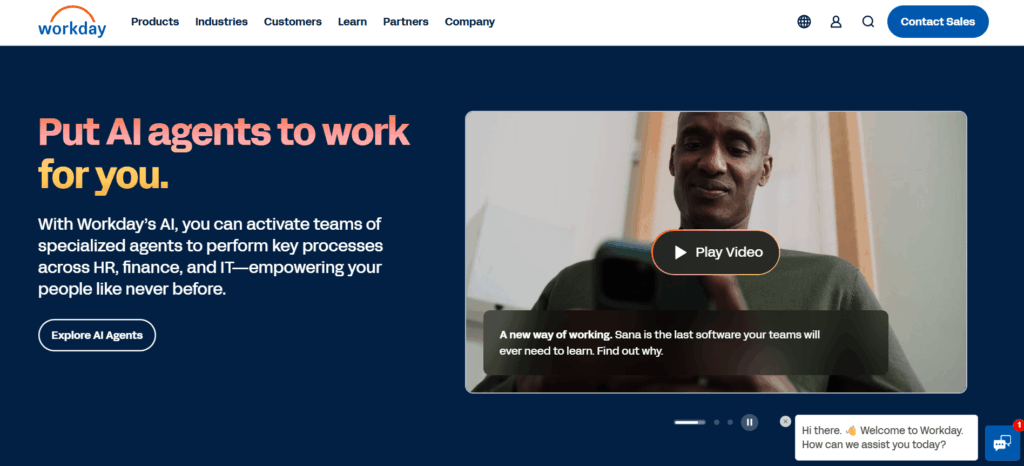
Rippling competitors are HR platforms that offer an alternative to Rippling’s all-in-one payroll, IT, and workforce system – ranging from engagement and performance suites like Engagedly, to payroll-first tools like Gusto, to enterprise HCM systems like Workday. Each takes a different approach, so the right pick depends on company size, budget, and whether payroll, engagement, or performance is the priority.
In this blog, we will explore six tough Rippling competitors and compare their HR solutions to help you make an informed choice. Read on!
6 Rippling Competitors HR Teams Can Explore
Here are six compelling alternatives to Rippling that HR teams can consider to meet their specific needs.
1. Engagedly
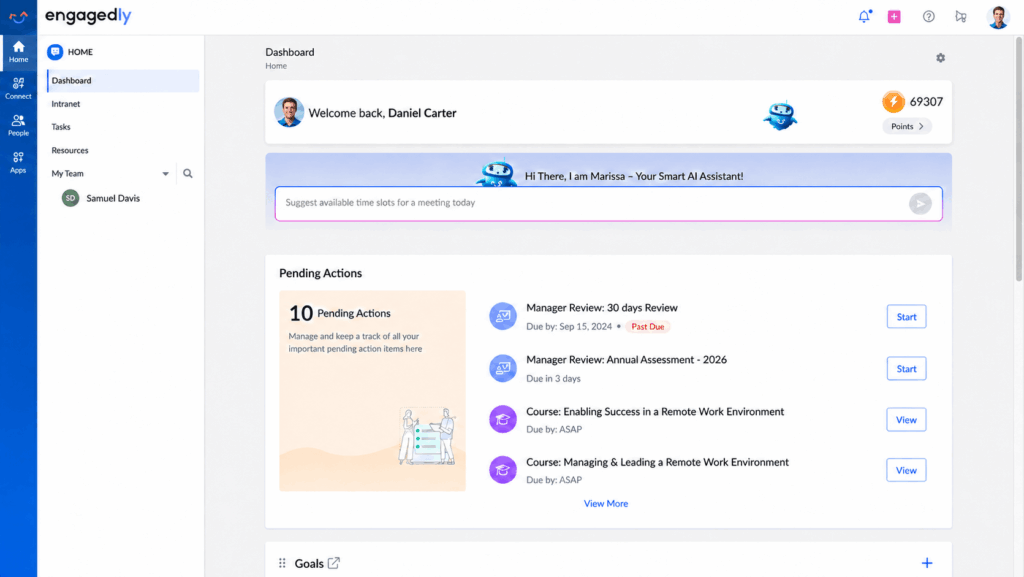
Engagedly is an AI talent management platform built to help organizations connect performance, engagement, learning, growth, and recognition in one unified experience. Powered by Marissa, its AI SuperAgent, Engagedly helps leaders turn people strategy into intelligent actions, reduce talent silos, and drive measurable business outcomes. Trusted by organizations worldwide, Engagedly supports stronger engagement, better retention, and the development of high performing teams.
Key Features:
Performance Management:Performance reviews, instant feedback, and progress tracking keep teams aligned and focused on getting things done.
OKRs and Goals:Goal setting and alignment tools give employees and managers a shared, AI-assisted view of what matters most.
360 Feedback:Multi-rater assessments uncover blind spots and growth opportunities across teams.
Employee Engagement: Pulse surveys, rewards, and social collaboration strengthen corporate culture and how employees interact.
Learning and Development: A built-in learning experience platform makes training and upskilling easily accessible.
CXO Insights:AI-powered analytics turn performance, engagement, and skills data into strategic, data-driven decisions.
Pricing: Manage Performance runs $5-$8 per user/month, Learn & Grow runs $3-$5 per user/month, and Recognize & Reward, Engage & Listen, and Talent Mobility are each $2 per user/month, billed annually with a $7,500/year minimum.
2. Gusto
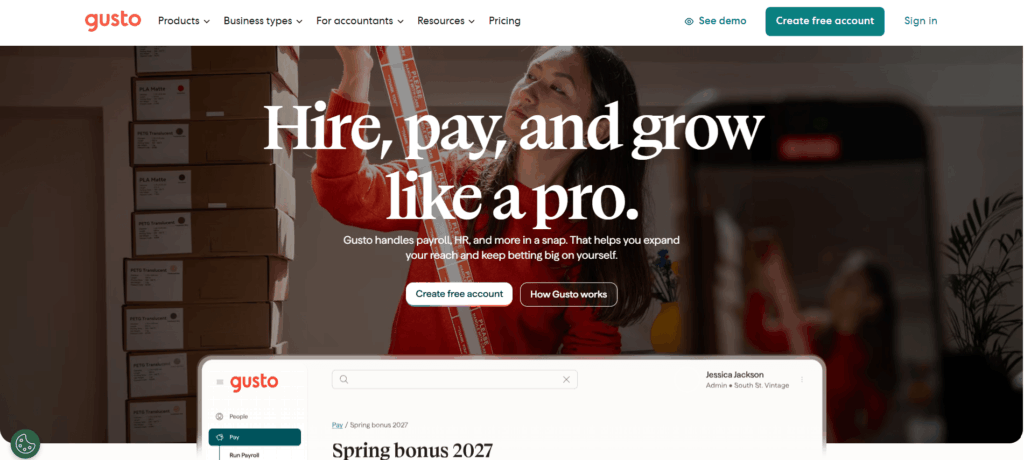
Gusto is a popular Rippling competitor for small and medium businesses, known for its simple, easy-to-use approach to payroll, benefits, and onboarding. It’s a strong fit for teams that want clear pricing without a lot of setup complexity.
Key Features:
Automated Payroll: Tax payments and direct deposits run automatically, removing manual errors and keeping filings compliant.
Employee Benefits Management: A broad range of benefit options, including health insurance and retirement plans, in one place.
Leave Management: Built-in time-off tracking makes it easy to manage absences and stay compliant.
Onboarding Tools: New hire paperwork and compliance tasks are automated to speed up onboarding.
Pricing: Simple starts at $49/month plus $6 per employee/month, Plus starts at $80/month plus $12 per employee/month, and Premium starts at $180/month plus $22 per employee/month.
3. BambooHR
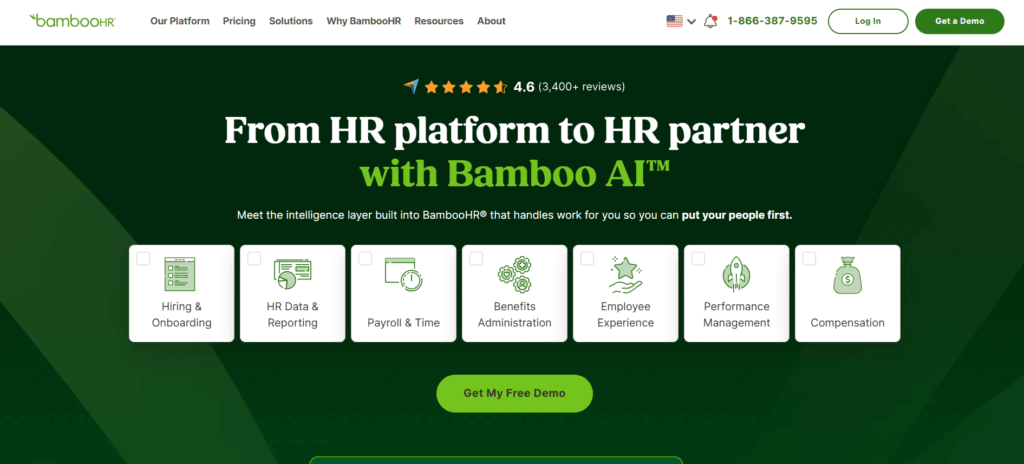
BambooHR is another leading Rippling competitor built for small and medium businesses that want a powerful, user-friendly employee management interface. It covers everything from basic HR records to compensation planning and advanced analytics.
If you’re also comparing BambooHR itself against other tools, our BambooHR alternatives guide breaks down how it stacks up in more detail.
Key Features:
Employee Data Management: A central, secure repository for all employee records and reporting.
Performance Management: 360-degree review cycles, 1:1s, and instant reporting support continuous improvement.
Customizable Reporting: Custom dashboards turn HR data into insights on turnover, headcount, and trends.
Time Tracking: Shift scheduling, overtime calculations, and automated approval workflows.
Pricing: Core starts at $10 per employee/month, Pro at $17 per employee/month, and Elite at $25 per employee/month for companies with more than 25 employees.
Cloud-Centric HR and Financial Framework: A unified approach to managing HR, finance, and planning.
Talent Management: Recruitment, onboarding, learning management, and employee development in one system.
Real-Time Analytics: Deep, built-in reporting gives HR teams visibility into workforce trends.
Workforce Planning: Tools for budget-aligned, schedule-optimized workforce planning at scale.
Pricing: Pricing is custom-quoted based on company size, modules selected, and implementation scope.
5. TriNet Zenefits (HR Platform)
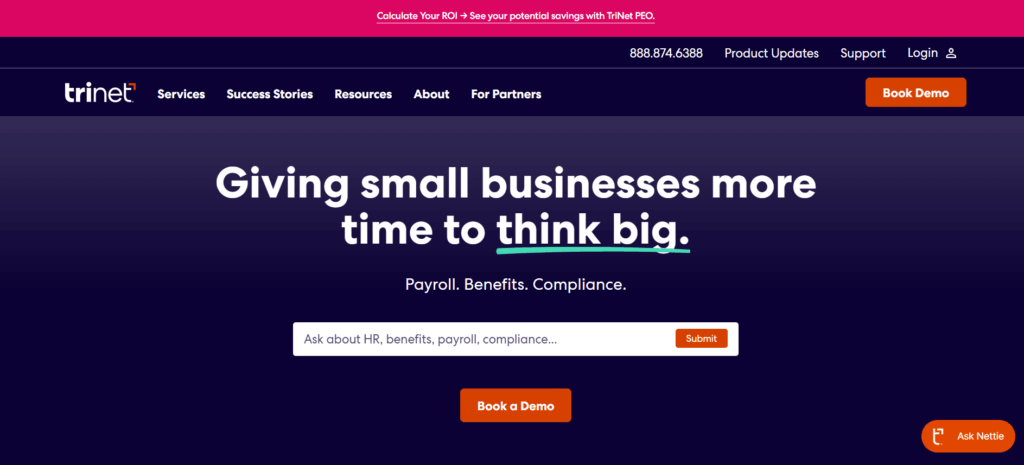
Zenefits is now part of TriNet, operating as TriNet’s HR Platform and HR Plus offering following TriNet’s 2022 acquisition of the brand. It still simplifies benefits administration, payroll, and compliance for small to mid-sized businesses, now backed by TriNet’s broader HR infrastructure.
Key Features:
Payroll and Benefits Administration: Manages employee benefits and payroll, including direct access to healthcare providers and tax filings.
Compliance Oversight: Automatically updates for federal and state standards, with e-signatures to speed up approvals.
Time-Off Management: A built-in approval system for tracking vacation days and sick leave.
HR Plus Add-Ons: Optional Payroll Pro and People Pro services add dedicated payroll and HR experts to the platform.
Pricing: TriNet does not publish standard rates for HR Plus (formerly Zenefits). Pricing follows a per-employee-per-month model, and a custom quote is required based on company size and services needed .
6. ADP Workforce Now
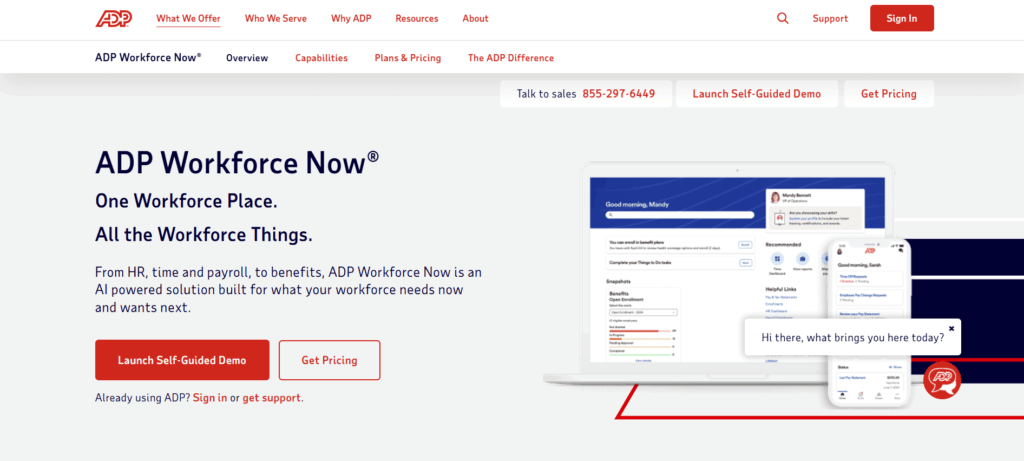
ADP Workforce Now is a powerful Rippling competitor generally serving mid-sized and large corporations. ADP is well known across the HR industry, particularly for the reliability of its payroll engine.
Key Features:
Payroll Automation: Automates payroll processing, tax filing, and compliance across jurisdictions.
Talent Management: Tools to support recruitment, performance evaluations, and employee development.
Time and Attendance Tracking: Reduces time theft and errors with built-in tracking capabilities.
Benefits Administration: Simplifies health insurance and retirement plan administration with full payroll integration.
Pricing: Pricing is custom-quoted based on company size and the modules selected; contact ADP’s sales team for a personalized quote.
Quick Comparison: Rippling vs Top Competitors in 2026
Payroll automation, talent management, time tracking, benefits administration
Custom pricing, based on company needs
To Wrap Up
Rippling is undoubtedly a strong player in the HR software space, but the Rippling competitors we’ve discussed, including Engagedly, prove there is no one-size-fits-all solution.
Depending on your company’s size, needs, and goals, one of these platforms may be the best fit for streamlining your HR processes and creating a positive employee experience.
Take the time to evaluate the priorities within your organization, including payroll, compliance, employee engagement, and development. The right platform will make HR’s job easier and create an environment for a more motivated, productive team.
Want to inspire performance in your team? Try Engagedly. Request a demo today to see how it can help you build an engagement powerhouse.
FAQs
How do I choose the right HR platform?
Start by matching company size and budget to key needs like payroll, engagement, compliance, or talent management. Book demos of your top choices to check out features firsthand before committing.
What are the key benefits of using HR software?
HR software streamlines processes, reduces manual work, improves compliance, enhances employee engagement, and provides valuable insights through analytics.
How secure is my data with HR software?
Reputable HR software providers prioritize data security through measures such as encryption, regular security audits, and compliance with standards like GDPR and CCPA.
Can HR software integrate with other tools?
Most HR platforms offer integration capabilities with other tools and systems, such as payroll, benefits, and time-tracking software, for a seamless, consistent experience.
How much do Rippling competitors typically cost compared to Rippling?
Costs vary widely by platform type. Gusto and BambooHR publish clear per-employee rates starting around $10-$55 per employee/month depending on plan, while Rippling, Workday, TriNet, and ADP all require a custom sales quote. Engagedly’s engagement and performance suites start at $2 per user/month, making it more accessible for teams that don’t need a full payroll platform.
Do Rippling alternatives require long-term contracts?
It depends on the vendor. Gusto runs month-to-month with no long-term contract and lets customers cancel anytime. BambooHR, TriNet, Workday, and ADP typically involve annual or multi-year agreements, especially at larger company sizes, so it’s worth confirming contract length and renewal terms before signing.
What’s the difference between an HRIS, a PEO, and an ASO?
An HRIS (like BambooHR or Engagedly) is software your internal HR team uses to manage records, performance, and processes. A PEO (Professional Employer Organization) becomes a co-employer and takes on shared liability for payroll taxes and compliance. An ASO (Administrative Services Organization), such as TriNet’s HR Plus, outsources HR administration without the co-employment relationship. The right fit depends on how much HR responsibility you want to keep in-house.
Is there a free trial available for any of these platforms?
BambooHR offers a free trial directly from its website with no credit card required. Gusto and most enterprise platforms like Workday, TriNet, and ADP typically route prospects to a guided demo instead of a self-serve trial, since pricing and setup depend on company-specific configuration.
How is Engagedly different from payroll-focused Rippling alternatives like Gusto or ADP?
Engagedly focuses on performance management, employee engagement, and learning and development rather than payroll processing. It’s built for HR teams that already have payroll covered and want to strengthen goal alignment, feedback culture, and career growth, which makes it a strong complement to (rather than a replacement for) payroll-first tools like Gusto or ADP.
You shortlisted Eightfold. You sat through the demo. The AI was impressive, the use cases were compelling, and then someone asked about pricing — and the conversation changed.
Or maybe you got to the end of a six-month evaluation only to hear that Eightfold “is best leveraged with companies of 10,000 employees or higher.” Or you’re already a customer watching an integration with Workday drag into its fourth month with no clear resolution.
Whatever brought you here, the underlying need is the same: a platform that moves internal talent, builds skills visibility, and puts the right people in the right roles. Eightfold can do that. It just can’t do it for most HR teams at a price, scale, or timeline that works.
Below are ten alternatives that solve the same problem from different angles, scored across eight parameters.
The 8 parameters used to score each alternative
AI depth: quality of skills inference and opportunity matching
Internal mobility: roles, gigs, projects, mentoring, career pathing
Skills intelligence: taxonomy depth, gap analysis, inferred vs self-reported
HCM integration: native connectors to Workday, SAP, Oracle and others
Ease of setup: time to value, admin complexity, implementation risk
Company size fit: mid-market, enterprise, or both
L&D depth: learning content integration and upskilling workflows
Pricing clarity: published rates vs opaque enterprise-only quotes
Quick comparison: all 10 alternatives
Platform
Best for
Key strength
Notable gap
Size fit
Gloat
Pure internal talent marketplace
Two-sided gig and project matching
Enterprise pricing, slow setup
Enterprise (5,000+)
Fuel50
Retention-first career mobility
Fastest ROI, skills taxonomy depth
No workforce planning
Mid-market to enterprise
Engagedly
Succession and talent pipelines
Readiness intelligence, STAR module
Lighter passive skills inference
200 to 3,000 employees
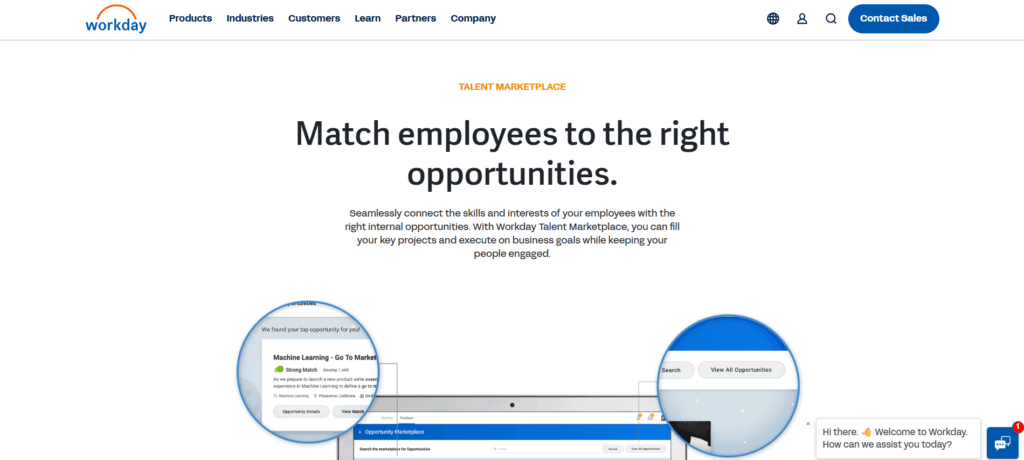
Workday Talent Marketplace
Existing Workday customers
Zero integration overhead
AI depth trails pure-play platforms
Enterprise
Phenom
TA and internal mobility unified
External-to-internal talent continuity
Thin performance management
Mid-market to enterprise
SAP SuccessFactors
SAP-native large enterprises
Governance, consistency, audit trails
Less mature AI marketplace
Enterprise (10,000+)
365Talents
Multilingual and European teams
Skills DNA, GDPR-native
Narrow integration ecosystem
Mid-market to enterprise
Neobrain
Mobility plus workforce planning
Headcount modeling and skills ontology
European-heavy, less NA support
Mid-market to enterprise
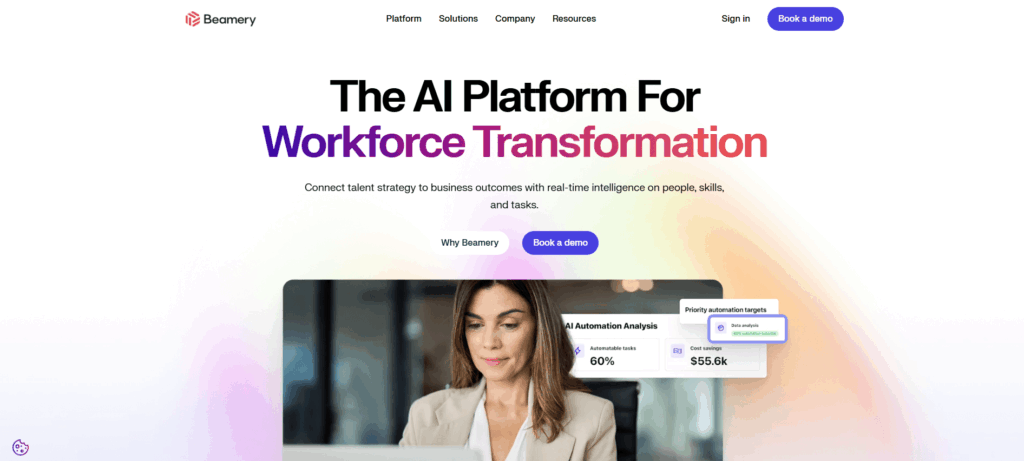
Beamery
Talent lifecycle continuity
Candidate-to-employee talent graph
Thin L&D, lighter career pathing
Mid-market to enterprise
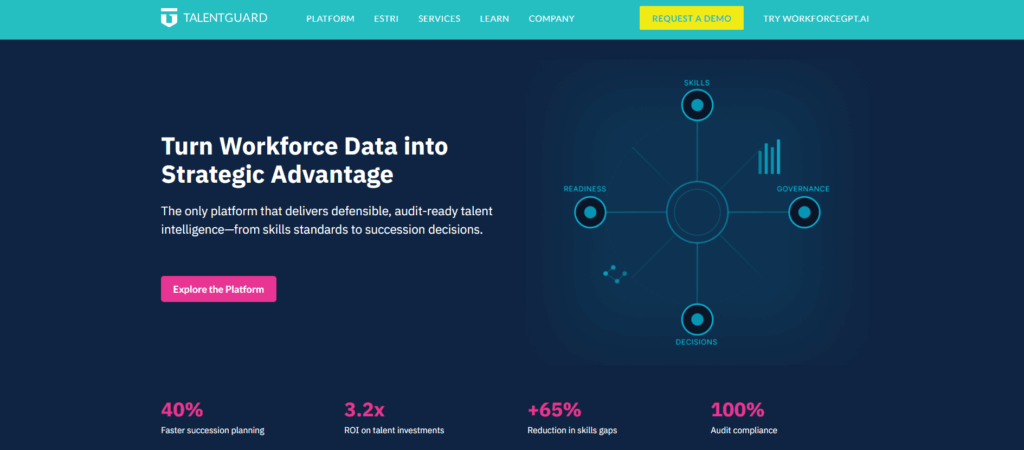
TalentGuard
Compliance-heavy sectors
Competency frameworks, audit trails
Narrower AI inference
Mid-market
Where Eightfold actually falls short
Eightfold openly tells you who it’s not for. When one reviewer contacted them for a demo, the response was that the platform “is best leveraged with companies of 10,000 employees in size or higher.” That’s not a knock. It’s clarity. But if you’re not in that bracket, here’s what you’d have found out later anyway.
🔗 Workday integration doesn’t always work
Flagged on: Capterra, SoftwareAdvice
“The fact that the integration has not even completed and we started this process in April of this year. Many issues along the way.”
“We needed the support of a third-party technical team to fulfill the integration requirements, and a delay in onboarding them led to a late fee when we didn’t hit the original go-live date.”
🖥️ Steep learning curve
Flagged on: Capterra, G2, Gartner Peer Insights
“Eightfold wasn’t really intuitive. The UI and UX were really bad.” — Capterra
“The user interface can feel overwhelming with the depth of features and data.” — Gartner Peer Insights
🐢 Slow performance
Flagged on: G2 (10+ mentions)
“Moving between steps takes a lot of time.”
“As Eightfold gets bigger, the speed of innovation and adaptability seems to reduce.”
📊 Shallow reporting and analytics
Flagged on: G2, Peerspot
“The tagging feature is not as in-depth and easy to use as desired and lacks reporting capabilities.”
“Data exports are large and different than what the dashboards show.” — Capterra
🎧 Support is a recurring problem
Flagged on: G2, Capterra
“Very disheartening that the service and support is not where it needs to be.” — Capterra
🤖 AI matching isn’t always accurate
Flagged on: Gartner Peer Insights, Capterra
“Sometimes AI pulls in profiles that aren’t fully aligned with the role, so the matches can feel slightly inconsistent.” — Gartner Peer Insights
None of these are dealbreakers for a 15,000-person enterprise with a dedicated implementation team. For anyone else, they’re exactly the kind of friction that makes a platform feel like it was built for someone else. Because it was.
1. Gloat
Best for: Organizations that need a mature, two-sided talent marketplace
Where Eightfold is a talent intelligence engine, Gloat is a talent marketplace. Its Workforce Graph maps employees, skills, and roles continuously, then matches employees to open roles, gigs, stretch assignments, and mentors. Built for employees to self-navigate.
Mastercard, HSBC, Unilever, and Schneider Electric have deployed it at scale, with one rollout covering 300,000 employees in a single launch. The 2025 agentic AI layer added autonomous agents that monitor workforce signals continuously.
Key features:
Two-sided gig and project marketplace
AI-driven career pathing and role matching
Workforce Graph for skills and role mapping
Mentoring and stretch assignment matching
Agentic AI for workforce monitoring
Workday, SAP, and Oracle integration
What it does well:
Richest employee-facing marketplace in the category
Deepest gig and project matching of any platform reviewed
Proven at enterprise scale globally
One of the most mature agentic AI layers in HR tech
Where it falls short:
Custom enterprise pricing with no published rates
Implementation takes months and requires IT involvement
Multilingual support has historically lagged
Skills inference depth trails Eightfold’s 1.6B profile foundation
AI depth 9/10 | Internal mobility 10/10 | Ease of setup 4.5/10 | Pricing clarity 4/10
2. Fuel50
Best for: Companies where employees are leaving for roles that already exist internally
Fuel50 leads with career aspiration. Where Eightfold starts from skills data, Fuel50 starts from where the employee wants to go, then maps backward to the opportunities, learning paths, and lateral moves that close the gap.
G2 data from 2025 puts Fuel50 ahead of both Eightfold and Gloat on implementation speed and time to value for internal mobility. Its skills library is curated with I/O psychology review rather than purely AI-inferred.
Mentorship matching with diversity-aware algorithms
Workforce analytics
What it does well:
Fastest time to value among pure-play alternatives per G2
Skills taxonomy is more granular and better curated than AI-inferred alternatives
Employee-first career pathing beats Eightfold on usability
Up to 65% increase in lateral movement and 60% reduction in churn reported by customers
Where it falls short:
No headcount modeling or scenario-based workforce planning
External labor market intelligence lighter than Eightfold
Not built for talent acquisition use cases
AI depth 8/10 | Internal mobility 9/10 | Ease of setup 8/10 | Pricing clarity 7/10
3. Engagedly
Best for: Mid-market HR teams that need succession planning and talent pipelines, not just matching
Most platforms tell you who’s available. Engagedly tells you who’s ready.
It’s built around readiness intelligence: AI matching that surfaces ready-now and ready-soon talent across roles, without relying on manager nominations or static ratings. Succession plans, HiPo lists, leadership pipelines, and PIPs all live in one system.
Talent Discovery lets you search by intent across skills, roles, and competencies in plain language and act on results directly — add to a pool, move to a pipeline, assign development, all in one flow. The STAR module surfaces the other side: which roles have no successor, where pipelines are thin, who’s a flight risk.
Development is tied to real role readiness, not content completion. Trusted by over 5,000 HR professionals globally.
Key features:
AI-driven readiness intelligence: ready now, ready soon, ready later
Natural language Talent Discovery
Talent Pipelines for succession, HiPo, leadership, and PIPs in one system
STAR module for critical role and flight risk identification
Role-aligned development tied to succession targets
Readiness uses live performance and engagement signals, not just skills profiles
STAR module surfaces succession gaps before they become crises
Performance, OKRs, and mobility live in one system: no separate integration project
Strong mid-market fit where Eightfold’s cost and scale don’t apply
Where it falls short:
Passive skills inference isn’t as deep as Eightfold or Gloat
Not designed for organizations above 10,000 employees
Gig and project marketplace features are lighter than pure-play platforms
AI depth 8/10 | L&D depth 9/10 | Ease of setup 8/10 | Pricing clarity 8/10
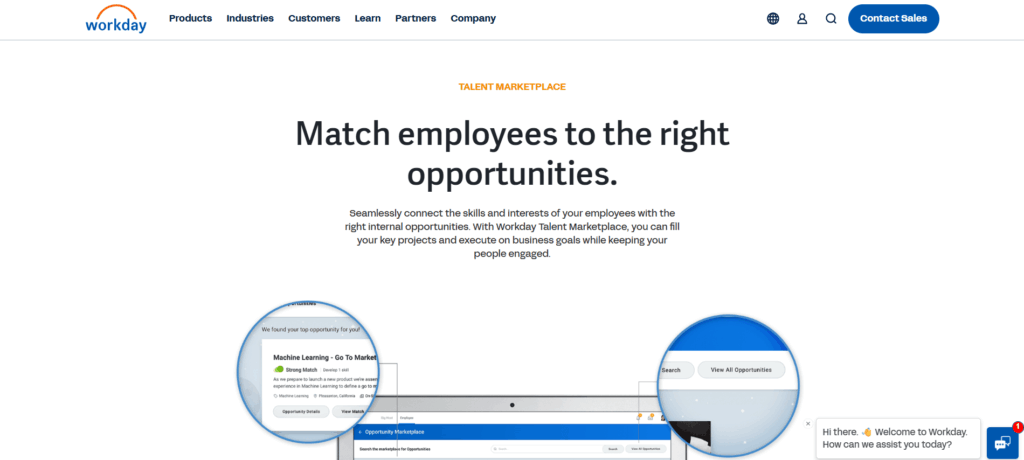
4. Workday Talent Marketplace
Best for: Enterprises already running Workday HCM
The case for Workday Talent Marketplace isn’t that it matches Eightfold’s AI. It doesn’t. The case is that if you’re already on Workday, it pulls from live HR records, learning, and performance data without a separate integration. No data cleaning, no duplicate profiles, no months-long implementation.
Skills Cloud sits underneath, inferring skills from existing HR data and learning activity. Solid, not specialized.
Key features:
Native Skills Cloud integration
Internal opportunity and gig matching
AI skills inference from existing Workday data
Career development tools and manager approval workflows
Integration with Workday Learning and Peakon
What it does well:
Zero integration overhead for existing Workday customers
Skills, performance, and learning data already connected and current
No vendor proliferation
Fastest deployment for Workday-native organizations
Where it falls short:
AI inference depth trails Eightfold, Gloat, and Fuel50
Implementation is expensive and slow for non-Workday organizations
Reporting customization is limited
Not worth switching HCMs for
HCM integration 10/10 | Company size fit 9/10 | Ease of setup 6/10 | Pricing clarity 5/10
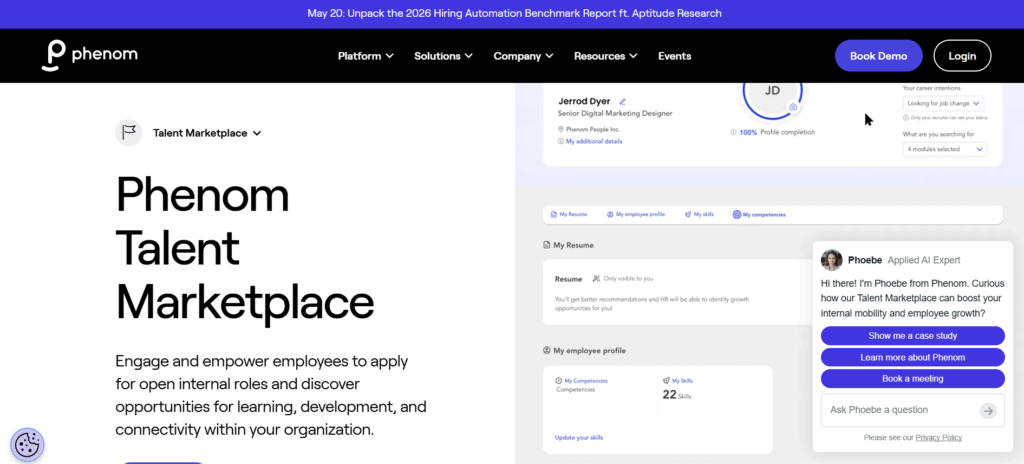
5. Phenom
Best for: Organizations that want recruiting and internal mobility on one data set
Phenom’s argument: the best internal candidates often already exist in your recruiting data. Someone who applied two years ago and was hired into a different role is still in the system as a matched candidate for future openings. External pipeline data and internal mobility data live together.
Key features:
Unified talent experience covering TA and internal mobility
AI-driven candidate and employee matching
Talent CRM with recruiter productivity tools
Career development hub
Employer brand tools and career sites
Workforce analytics
What it does well:
Only platform here that genuinely unifies external recruiting and internal mobility
Strong for organizations running structured talent pipelines
Good HCM and ATS integration breadth
Where it falls short:
Performance management is thin
L&D depth lags Engagedly and Cornerstone
Internal mobility is an extension of TA, not the core product
AI depth 8/10 | Internal mobility 8/10 | HCM integration 8/10 | Ease of setup 7/10
6. SAP SuccessFactors
Best for: Large enterprises already running SAP
Same logic as Workday: if you’re already in the SAP ecosystem, adding the talent marketplace module costs far less than introducing Eightfold alongside it. Skills data stays consistent across HR, finance, and operations. No new vendor.
AI marketplace features are less mature than Eightfold, Gloat, or Fuel50, and product iteration is slower. For regulated industries that prioritize consistency over AI sophistication, that’s often the right tradeoff.
Key features:
Career and Talent Development module
Internal gig marketplace
Skills framework integrated across SAP HCM
Learning management and succession planning
Compliance and audit-ready talent workflows
What it does well:
Native SAP data consistency across HR, finance, and operations
Talent decisions audit-traceable out of the box
No vendor proliferation for SAP shops
Mature succession planning and learning management
Where it falls short:
AI marketplace features trail Eightfold, Gloat, and Fuel50
Complex and expensive implementation
Not suited for companies below 5,000 employees
Not realistic without existing SAP infrastructure
HCM integration 9/10 | Company size fit 10/10 | Ease of setup 5/10 | Pricing clarity 4/10
7. 365Talents
Best for: Multilingual enterprises and organizations with a strong European footprint
365Talents fills a gap Eightfold has historically left open: genuine multilingual support and GDPR-native data architecture. Built in Paris, multilingual capability is foundational rather than retrofitted.
Skills DNA builds profiles by analyzing work history, job descriptions, and external labor market signals rather than self-reporting. Q1 2026 brought Forrester recognition in the Skills Intelligence Solutions Landscape. A deployment at Alstom reached 70% workforce adoption, and SNCF attributed over €100 million in reduced external consulting spend to the platform.
Key features:
Skills DNA profiling from work history and labor market signals
Multilingual support across major European languages
GDPR-native data architecture
Internal mobility matching and career pathing
Project and gig marketplace
Workforce analytics
What it does well:
Best multilingual and GDPR posture in the category
Skills DNA more accurate than self-reporting at scale
Strong European customer validation with measurable outcomes
Where it falls short:
Integration ecosystem narrower than Eightfold, Phenom, or Workday
Limited North American customer base and implementation support
Best for: HR teams pulled into strategic workforce planning conversations
Most talent intelligence platforms can tell you who’s available and who’s ready. Neobrain can also tell you what your workforce will look like in three years if current attrition holds, and which roles have no viable succession path given your hiring pipeline.
It pairs marketplace functionality with scenario-based headcount modeling, attrition risk, and skills gap forecasting. Its ontology covers over 70,000 skills and 26,000 job mappings.
Key features:
Talent marketplace with opportunity matching
Scenario-based workforce planning and headcount modeling
Attrition risk and skills gap forecasting
70,000-plus skills ontology, 26,000 job mappings
Workday, SAP, and Oracle integration
Career pathing and skills visualization
What it does well:
Only platform here that genuinely pairs internal mobility with workforce planning
Skills ontology depth among the most comprehensive in the category
Strong for HR leaders presenting workforce scenarios to finance
Where it falls short:
More platform than most teams need for pure matching
European-heavy customer base with lighter NA support
Less brand recognition outside continental Europe
Skills intelligence 9/10 | AI depth 8/10 | Internal mobility 7/10 | Ease of setup 7/10
9. Beamery
Best for: Organizations that treat talent as a long-term relationship
Beamery takes a CRM approach. Candidates, silver medalists, alumni, and current employees all live in the same graph. When an employee applies for an internal role, their original hiring profile, external career history, and internal performance data are connected.
Key features:
Unified talent CRM spanning candidates, employees, and alumni
AI-driven matching across internal and external pipelines
Workforce analytics and skills tracking
Internal opportunity visibility
Employer brand tools
Workday and SAP integration
What it does well:
Talent continuity across the full lifecycle, rare in this category
Strong for employer brand and talent pipeline nurturing
Solid workforce analytics and engagement reporting
Where it falls short:
Career pathing depth trails Fuel50 and 365Talents
Thin L&D integration
Internal mobility is an extension of the CRM, not the core product
HCM integration 8/10 | AI depth 7/10 | Internal mobility 7/10 | Company size fit 8/10
10. TalentGuard
Best for: Regulated industries and mid-market teams that need audit-traceable talent decisions
TalentGuard is competency-based. Rather than inferring skills from career signals across a billion profiles, it builds structured frameworks defining what skills and behaviors each role requires. WorkforceGPT sits on top, producing career paths and skills gap analysis with outputs that can be documented and defended in a compliance review.
For healthcare, financial services, and government, that structure beats Eightfold’s black-box AI.
On Workday and frustrated with Eightfold sync issues? Workday Talent Marketplace skips the integration entirely
On SAP? SuccessFactors gives you native consistency without adding a vendor
No major HCM lock-in? Engagedly stands alone with performance, OKRs, engagement, talent pipelines, and mobility in one system — zero separate integration projects required
Match the platform to your size
10,000+ employees: Eightfold, Gloat, SAP, and Workday are the realistic shortlist
3,000 to 10,000: Fuel50, Phenom, 365Talents, Neobrain, Beamery
200 to 3,000: Engagedly is purpose-built for this range
Below 2,000: Enterprise-grade matching models often perform worse than curated platforms because they need data density you don’t have
The honest takeaway
None of these is a direct Eightfold replacement, and they shouldn’t be
Eightfold solved skills inference at billion-profile scale for orgs that could justify the complexity
The right alternative isn’t the one that looks most like Eightfold. It’s the one that solves your version of the problem
For mid-market HR teams, that’s almost always Engagedly — the only platform here delivering AI-powered readiness intelligence, talent pipeline management, and role-aligned development without an enterprise contract or an integration nightmare
Frequently asked questions
What is the best Eightfold AI alternative for small and mid-sized companies?
Engagedly and Fuel50 are the strongest options for companies with fewer than 3,000 employees. Engagedly covers succession, OKRs, performance, and mobility in one platform. Fuel50 leads on career pathing and skills mapping. Both offer transparent pricing and faster implementation than Eightfold.
Which Eightfold alternative is best for internal talent mobility specifically?
Gloat has the most mature two-sided talent marketplace with the richest gig and project matching. Fuel50 is the strongest for employee-led career development. For organizations prioritizing succession readiness over marketplace fluidity, Engagedly is the better fit.
Is there an Eightfold alternative with transparent pricing?
Fuel50, Engagedly, and TalentGuard all offer more pricing transparency than Eightfold. TalentGuard is the most accessible for mid-market teams that need a budget number before starting a vendor process.
Which Eightfold alternative is best for European teams?
365Talents. GDPR-native, supports major European languages at the platform level (not as a translation layer), and has deep customer validation across France and continental Europe, including SNCF and Alstom.
Can any Eightfold alternative handle both talent acquisition and internal mobility?
Phenom is the only platform here that genuinely covers both with real depth. It unifies external recruiting and internal mobility data in one talent experience platform.
Most HR leaders can tell you who their high performers are. Far fewer can tell you who is actually ready to step into a critical role next quarter.
That gap is where organizations quietly lose money, momentum, and good people.
This guide walks through why the gap exists, what talent mobility actually means in 2026, how AI has changed what is possible, and how Engagedly’s AI Talent Mobility is built to solve the readiness problem end to end. If you are an HR leader, a People Ops lead, or a CEO thinking about leadership bench strength, this is for you.
The readiness problem nobody on the exec team wants to name
Every HR leader has sat through the meeting. A critical leader resigns. The room goes quiet. Someone asks, “So who’s our internal replacement?” And the answer is usually some version of “we have a few people we’re thinking about.”
The data says this is the norm:
21% of HR professionals have a formal succession plan. 56% have no plan at all (SHRM)
45% of directors worry they will not have a single internal successor ready when a senior role opens
40% of companies report not having a single internal candidate who could replace their CEO
Only 35% of organizations have a formalized succession process for critical roles
External hiring keeps getting more expensive at the same time:
Average cost per hire: $5,475 for standard roles, $35,879 for executives (SHRM 2025)
Executive costs jumped 21% from 2022 alone
Replacing a $100K hire through an agency can run $15,000 to $20,000 in fees
External recruitment takes up to 49 days on average, versus 20 days for internal recruitment
Put those two sets of numbers next to each other. Organizations are spending more than ever on external hires while being less confident than ever in their internal pipeline.
The opportunity cost is also real. LinkedIn research shows internal hires are 25% more likely to perform at or above expectations than external hires, and they stay 41% longer. When employees get promoted internally, they are 70% more likely to stay long term, according to The Josh Bersin Company’s Internal Hiring Factbook.
The talent is already on payroll. The problem is visibility.
Why performance data is not readiness data
Most HR systems were built to track performance. Performance reviews, OKRs, 9-box grids. All of it looks backward.
Readiness looks forward. It is not “how did this person execute last quarter,” but “can this person execute a bigger scope starting tomorrow.”
The two diverge more often than HR leaders admit:
Your top-rated regional manager might be a poor fit for a VP role because she has never managed managers
Your quietest engineer might be ninety days of development away from leading your architecture function
Your best seller might be the worst choice to run a sales team because the skills do not transfer
Legacy succession tools blur performance and readiness. Modern talent mobility platforms separate them on purpose.
Josh Bersin has summed this up well: internal talent mobility and external talent acquisition are two sides of the same coin. The problem is that most HR functions still treat them as separate departments with separate systems and separate data.
What talent mobility actually means in 2026
“Talent mobility” gets used loosely, so let’s make it concrete. Talent mobility is the ability to move people inside your organization — into new roles, projects, teams, and development paths — as business needs change.
A mature talent mobility capability covers all three. It gives employees a visible path to grow, managers a way to deploy talent where the business needs it, and HR a live view of who is ready for what.
From static succession planning to dynamic talent intelligence
Traditional succession planning looks like a spreadsheet reviewed once a year. Names on boxes, readiness marked in traffic-light colors, filed away until next year’s calibration.
Modern talent mobility looks like a live system that updates as reality changes. Someone completes a project, and their readiness score updates. Someone finishes a certification, and their skill profile updates. Someone gets flagged as a flight risk, their succession plan gets escalated.
Shreya Jha, Product Manager, L&D at Engagedly, describes the shift this way: “Organizations don’t struggle with identifying talent; they struggle with knowing who is truly ready when it matters. Talent Mobility connects AI-driven discovery, development, and succession into a single system, helping teams move from potential to readiness with clarity and speed.“
Josh Bersin has been blunter about the stakes. In a 2023 HR Executive interview, he called internal mobility and talent marketplaces “life-or-death survival strategies in an economy like we’re in today.” His Internal Hiring Factbook, produced with AMS, put it simply: “Looking to your internal talent pool to build your business, rather than trying to find a unicorn externally, is faster, smarter, and less costly.”
Companies that cannot move talent internally keep losing it to companies that can.
Why AI finally makes talent mobility work
For years, talent mobility was the right idea executed badly. Organizations tried to do it with spreadsheets, annual talent reviews, and goodwill. It did not scale.
AI is what makes it scale. Here is what AI changes in practice.
1. Skills frameworks in weeks, not years.
The old way involved consultants, competency committees, and 12-18 months of modeling work. Most companies never finish. AI agents now generate skills, competencies, and career frameworks in days by analyzing job descriptions, performance data, and project records. The first version is rough, but you get to iterate from something instead of nothing.
2. Continuous skill gap analysis.
Legacy tools ran gap analyses once a year if they ran them at all. AI agents do it continuously. You can see where your pipeline is thin today, not next quarter.
3. Talent discovery through natural language.
Instead of filtering a CSV, you ask a question: “Who in our Asia offices has worked on enterprise SaaS renewals and has leadership potential?” The answer comes back ranked, in seconds. Unilever saw what this unlocks when it launched FLEX Experiences.
The AI-powered marketplace let the company redeploy more than 8,000 employees during COVID, unlock 60,000+ hours of discretionary work, and raise productivity 41%. Schneider Electric built something similar and discovered that nearly 50% of its voluntary turnover had been linked to a perceived lack of internal mobility, a problem that had been invisible until AI surfaced it.
4. Personalized development at scale.
Creating an IDP for every high-potential employee used to take weeks of manual work. AI agents generate personalized learning paths and IDPs for every employee based on their current skills, target role, and gap areas. Development stops being reserved for the top twenty names on a list.
5. Readiness as a live signal.
This is the biggest change. AI lets readiness become a continuously updated data point, not a once-a-year assessment. Every course completion, every project result, every new responsibility feeds back into a readiness score for every successor candidate.
Inside Engagedly’s AI Talent Mobility
Engagedly is an AI talent management platform that unifies performance, engagement, learning, growth, and recognition. AI Talent Mobility, powered by Marissa AI agents, is purpose-built for the readiness problem.
Marissa: the agentic AI behind the product
Most “AI-powered” talent tools stop at a chatbot or a matching algorithm. Marissa goes further. She is an agentic AI SuperAgent, a set of agents that work continuously across the talent lifecycle.
Marissa builds skills, competency, and career frameworks in days rather than months. She analyzes skill gaps across your organization continuously as data changes. She surfaces ready-now and ready-soon talent against any critical role. She generates personalized IDPs and learning paths aligned to real roles employees are growing into. And she keeps succession plans current as employees complete courses, projects, and stretch assignments.
Instead of waiting for an annual talent review, your succession data updates as reality changes.
Sri Chellappa, CEO of Engagedly, puts it this way: “Talent Mobility helps organizations build the right skills foundation faster, uncover internal talent more intelligently, and guide employees toward the roles they are ready to grow into.“
Engagedly
Move the right people into the right roles — faster.
Surface hidden talent, close skills gaps, and give your workforce a clear path forward inside your own organization.
Natural language search across skills, roles, and performance data lets you ask questions in plain English and get a ranked list of internal candidates back. Some examples of what that looks like in practice:
“Who in marketing has launched B2B SaaS products and is ready for a senior manager role?”
“Which engineers have cloud migration experience and are flight risks?”
“Show me high-potential women leaders in the Americas who are ready for VP-level scope”
Every question you would normally have to commission an analyst to answer becomes a query you can run yourself.
Building talent pools
High-potential employees get captured into pools the moment they are identified, not when a role opens. When a critical role eventually becomes vacant, you draw from a pool that has been developing the whole time.
Planning for critical roles with STAR
STAR is Engagedly’s framework for flagging business-critical roles and individuals. The goal is to formalize your key-person dependency risk before it becomes a crisis.
In practice, STAR flags roles where an exit would create operational risk, identifies individuals whose loss would disrupt critical work, forces backup planning for every flagged role and person, and surfaces dependency patterns leadership can actually act on.
If your Head of Engineering or top enterprise AE left tomorrow, STAR is the mechanism that ensures you already know who is covering what.
Creating readiness pipelines
Employees move through defined readiness stages so you can see where each successor sits and what it will take to move them forward. This is more honest than a binary “successor identified” checkbox that nobody has looked at in eight months.
“Ready for VP in 12-18 months with exposure to board-level presenting and an international rotation” is actionable. “Successor: TBD” is not.
Activating development
This is the part most tools skip. Identifying talent is easy. Developing them is where things fall apart.
Talent Mobility lets you assign learning and IDPs directly from the pipeline view. Development is tied to a real role the employee is preparing for, not generic “leadership training” that may or may not apply to anything.
The workflow from discovery to readiness
A structured workflow replaces spreadsheets and gut calls:
Discover ready-now talent with AI
Pool them into role-specific pipelines
Develop them with targeted IDPs and learning
Track readiness as it grows
Promote with data-backed confidence
Each step feeds the next. Each step generates data that Marissa uses to sharpen the next round of recommendations. The system gets smarter as it runs.
Talent Mobility is designed for the talent situations that tend to blindside organizations. A few that come up the most:
Scenario 1: Preparing for a critical exit
Your CFO hints at retirement in 18 months. Without a system in place, you typically wait for the formal announcement and then start a 4-6 month external search. Meanwhile, the CFO is half-checked out, the finance team is anxious, and investors start asking questions.
With Talent Mobility, you build the pipeline now. Marissa identifies two internal candidates based on skills, performance, and readiness signals. You create IDPs for both and track readiness quarterly. By the time the CFO announces, you have a ready-now successor with the bench already warm.
Scenario 2: Scaling leadership for a growth plan
You need to go from three regional GMs to six in two years to support a new market entry. The traditional play is to hire three GMs externally. Recruitment takes six months per role, and often two of the three hires leave within 18 months because they never clicked with the culture.
With Talent Mobility, you build a GM pipeline of eight high-potential internal candidates 18 months before you need them. You run stretch assignments and targeted development. By the time the roles are real, three of the eight are ready. They know the company, the culture, and the customers.
Scenario 3: Reducing key-person dependency
Your Head of AI Engineering is the only person who really understands your core ML infrastructure. If she leaves, product velocity takes a six-month hit. The typical plan is to hope she does not leave.
With Talent Mobility, STAR flags the role and the person as business-critical. You identify two engineers who could back her up with 12 months of targeted development. You fund the training, stretch projects, and cross-training sessions that get them there. Product continuity becomes real, not hypothetical.
Scenario 4: Redeploying talent when business needs change
You are sunsetting one product line and launching another. Forty people need to move without being lost.
The usual response is layoffs on one side and external hiring on the other, which is expensive, demoralizing, and slow. With Talent Mobility, Marissa matches the 40 employees to open roles on the new product line based on skills and interests. Most find roles internally. Those who do not get targeted reskilling paths. Retention stays at 80%+ instead of dropping to 50%.
This is exactly what Unilever did during COVID with FLEX Experiences — redeploying 8,000+ employees when business conditions shifted overnight.
Scenario 5: Developing frontline and deskless workers
You run a retail chain with 5,000 frontline workers. Turnover runs at 60% annually. Most of your best shift leads quit for a better offer elsewhere before you even identify them as high potential.
Engagedly’s EFX capabilities extend mobility into training, compliance, and backup planning for frontline roles. Shift leads get flagged for management tracks. Development happens in-role. Attrition drops because workers can finally see a path.
Engagedly
Your best people are looking. Give them a reason to stay.
Employees stay 41% longer at companies with strong internal mobility. Engagedly’s AI Talent Mobility shows your people the path forward — before they find one somewhere else.
The cost reduction argument is straightforward. Filling more roles internally cuts external agency fees. Time-to-fill drops from 49 days to 20. You avoid the 15-20% of first-year salary that agency placements cost. Training costs fall because internal hires already know the culture.
The strategic upside is bigger.
Organizations that know their internal talent respond faster to change. They launch new products, enter new markets, and absorb leadership transitions without the two-quarter drag that external hiring creates.
Retention improves. Employees who see a real path forward stay. Schneider Electric found that 50% of its voluntary turnover was linked to a perceived lack of internal mobility. Fix that problem and you fix half your attrition.
Leadership pipelines get stronger. Internal promotions correlate with higher retention (70% more likely to stay long term per Josh Bersin’s research) and better performance (25% more likely to perform at or above expectations versus external hires, per LinkedIn).
Diversity progress gets easier. Internal mobility surfaces talent that your external pipeline keeps missing. Unilever deliberately hid education fields on its marketplace to reduce pedigree bias — a change only possible once the data was centralized in one system.
Promotion decisions get better. Instead of promoting based on tenure or visibility, you promote based on demonstrated readiness. Fewer regrets. Fewer costly mistakes.
Getting started with Engagedly AI Talent Mobility
One practical advantage of Talent Mobility is that you do not need a mature succession program already running to get value. There is no single entry point.
You can start with:
A critical role. Pick one, build successors for it, and prove the model.
High-potential employees. Start developing them today, and formalize the pipeline later.
A future business plan. Map the leadership you will need in two years, work backward.
Talent discovery. Just run the AI against your employee data and see what surfaces.
Development first. Assign IDPs to your top 20 people and build from there.
Most mid-market HR teams do not have the luxury of a two-year rollout. Talent Mobility is designed to deliver value in weeks.
Your next leader is already on your team
The organizations that will outperform over the next three years are not the ones spending more on external hires. They are the ones that finally get visibility into the talent already on their payroll.
Engagedly AI Talent Mobility is how you get that visibility. It surfaces ready-now successors before roles open. It maps internal career paths before employees start looking elsewhere. And it keeps critical roles covered without the scramble.
Your next leader already works for you. The only question is whether you find them before a competitor does.
Engagedly
See how AI is changing internal talent mobility.
Get a walkthrough of Engagedly’s AI Talent Mobility platform — skills matching, career pathing, and manager tools built for how modern HR teams actually work.
Many companies keep asking the wrong question. The obsession is always “why did this person leave?” when the more honest question is “what did we miss, and how long ago did we miss it?”
In most cases, the signal was there. Someone flagged something in a survey six months ago or brought it up in a one-on-one, which their manager noted and forgot. The leaving part is rarely a surprise. What is surprising is how often the warning signs were already documented somewhere, sitting in a spreadsheet, buried in a dashboard, or filed under “things to revisit.”
This blog walks through the employee feedback methods, listening channels, and strategic steps that can help you build real trust and reduce employee turnover before it becomes a pattern.
What Is Employee Listening (And What It Isn’t)?
Employee listening includes surveys, but that’s not the only thing. It is the whole system: the formal check-ins, the informal conversations, the anonymous channels people use when they do not feel safe putting their name on something, and yes, the behavioral signals too.
The way someone’s email response time changes. Whether they are showing up to optional meetings anymore. These are all part of what a real employee listening practice is designed to catch.
A real employee listening practice involves:
Feedback flowing from multiple directions and channels
Someone whose job is to notice when sentiment shifts
Managers having conversations that go beyond “how’s the project going?”
The willingness to act on what comes up, even when it is inconvenient
Do you want to understand the full spectrum of employee feedback methods your organization should be using? Explore how employee feedback works at scale.
Why Employee Listening Is the Foundation of Workplace Trust
The Trust Deficit
There is a specific kind of organizational self-deception that happens around listening. Leaders genuinely believe the culture is open. They have an open-door policy. They run the all-hands. They sent a survey. And employees, privately, feel completely unheard. Both things can be true at the same time, and that is what makes workplace trust-building so difficult to get right.
Trust does not collapse all at once. It erodes over time. The gap between “we have listening channels” and “people actually feel heard” is where most employee engagement strategies fall apart. Weak workplace trust-building costs organizations far more than the price of a disengaged employee. It costs them the ones who are still showing up but have already mentally checked out.
Listening Builds Psychological Safety
Psychological safety is not a workshop you run. It’s not a value on a slide. It’s the thing that happens, or doesn’t happen, in the small moments after someone says something honest. Does the manager get defensive? Does the feedback go somewhere? Does anything change?
When people see that speaking up leads somewhere real, they do it more. When they see that it doesn’t, they stop. It’s that simple.
Research shows that teams with high psychological safety feel more supported at work. In fact, they are 27% more likely to report higher performance. This improvement does not come from more cultural programs. It comes from managers who respond consistently to honest feedback. When honesty is handled well, employees feel encouraged to speak up again.
The Trust Loop: Listen, Act, Communicate
Most companies do step one: gather the input, run a survey, and collect the responses. Step two, actually changing something, is harder because it requires someone to make a call and own it. Step three, going back to employees and telling them what happened as a result, rarely happens.
That is the step that makes everything else stick. People do not need every piece of feedback to result in action. They need to know it was heard, considered, and either acted on or honestly explained away. That is the whole loop, and it is the foundation of genuine workplace trust building across every organization.
The Direct Link Between Employee Listening and Turnover Reduction
When trust is built through consistent listening, the outcome shows up directly in who stays and who leaves.
What the Data Shows
Organizations with structured employee listening programs consistently see lower attrition, stronger engagement scores, and better manager relationships. The more important finding, though, is the timing.
Employees who eventually leave usually show signs of disengagement weeks or months before they exit. The frustration shows up in survey data and in how they talk about their manager. It is there if someone is looking for it. Most of the time, nobody is.
Pairing employee survey tools with a reliable workforce tracking tool matters for precisely this reason. When you bring behavioural signals and survey data together in one place, patterns become easier to spot. You no longer rely on guesswork to understand what is happening. Instead, you start to see early signs that point to possible turnover.
As a result, you can act before employees decide to leave. You understand voluntary attrition behaviours while there is still time to respond. This is what separates proactive retention from reactive recruiting.
Why Employees Actually Leave
Lifecycle surveys provide insights into the key stages of an employee journey. However, exit interview responses are often sanitized. Phrases like “pursuing a new opportunity” or “seeking growth” reveal little.
The real reasons are usually more specific and often fixable if identified earlier through the right employee feedback methods. This is why understanding employee turnover rate becomes essential for HR leaders aiming to build a retention-first culture.
Replacing someone is expensive in ways that are easy to undercount. Recruiting fees are visible. Three months of reduced productivity while someone new gets up to speed is less visible but just as real.
People notice when colleagues leave. They notice whether leadership seems bothered by it or just moves straight to posting the job listing. That observation shapes how safe they feel bringing up their own concerns. Efforts to reduce employee turnover go well beyond HR metrics because they shape how the entire culture functions day to day.
6 Employee Listening Channels That Build Trust
To choose the right employee engagement strategies, you should match the channel to the concern.
Channel
Strength
Limitation
Best Use Case
Pulse Surveys
Trend tracking
Surface-level insights
Ongoing sentiment
Manager 1:1s
Deep context
Depends on a manager’s skill
Relationship building
Stay Interviews
Retention insights
Time-intensive
High-value employees
Anonymous Feedback
Honest input
Hard to follow up
Sensitive issues
Lifecycle Surveys
Journey insights
Periodic only
Experience mapping
AI Sentiment Analysis
Scalable insights
Needs quality data
Large organizations
1. Pulse Surveys
These surveys are useful for catching drift, but not useful for understanding why the drift happens. The number tells you something has changed. The conversation afterward tells you what. You would need to learn how pulse surveys track sentiment over time to get the most out of this channel.
2. Manager 1:1s
It is the most impactful employee listening channel, and the most variable in quality. A manager who uses one-on-ones well catches problems early, builds genuine trust, and typically leads a team with lower turnover. A manager who treats them as status updates is operating blind and does not know it. This is where employee feedback methods matter most.
Asking people why they are still here, rather than waiting to ask why they left, is a fundamentally different posture. It is one of the most underused employee engagement strategies available to HR leaders. For actionable ways to conduct stay interviews that yield honest answers, structure matters more than frequency. It is also worth reviewing the challenges that come with stay interview programs before rolling them out.
4. Anonymous Feedback
Anonymous feedback is valuable because it captures what people will not say with their name attached. But it is only effective when it’s apparent that you are also closing a loop, not simply collecting some suggestions. If nothing changes as a result, people stop using the channel, and you lose your most candid source of information.
5. Lifecycle Surveys
As already stated, lifecycle surveys offer valuable insights into the critical stages of the employee journey. Onboarding surveys highlight early gaps, while exit surveys reveal honest reflections. Many organisations collect this data but fail to act on it effectively.
6. AI Sentiment Analysis
AI sentiment analysis is especially useful at scale for large organisations. It identifies patterns in workforce sentiment much faster than manual analysis. However, it should support managerial judgment and not replace it.
How to Build a Listening Strategy That Reduces Turnover
Step 1: Define Goals
Your employee listening tools are only as effective as the goal behind them. Have a specific and clear goal first. “Improve engagement” is vague and tough to quantify. Instead, aim for something like reducing voluntary attrition in a team by 15%. That degree of specificity will enable you to measure progress and hold yourself accountable.
Step 2: Choose the Right Channels
Concentrate on a few channels and use them well. When you use too many, employees can feel overwhelmed and refuse to take any action. Such low participation leads to misleading insights that are worse than no data at all. You can conduct pulse surveys to identify trends, targeted questions to understand retention, and anonymous feedback for sensitive issues.
Step 3: Analyze Themes
A single complaint is merely a data point. But when the same issue emerges across teams, it’s a sign of something deeper. This is when you dig into trends rather than specific comments.
Pay attention to signals that repeat over time, such as:
Concerns that keep returning even after action
Gaps between manager and employee sentiment
Drops in participation after key decisions or events
Designing a framework for retention means embedding this pattern analysis into your existing review cycles.
Step 4: Close the Loop
Always get back to employees with what you learned. Tell them what you heard and how you will respond. Be honest about what you can’t control and why. This fosters trust and demonstrates that feedback is valued. Even a brief update can carry significant weight. This single habit does more for workplace trust building than any survey or dashboard ever will.
Step 5: Measure and Iterate
If your goal was to reduce employee turnover, are the numbers moving? If not, the strategy needs rethinking. Keep tracking your results and adjust when needed. If participation drops, your approach needs fixing. If attrition stays the same, your insights are not driving action. So, review both regularly and make changes whenever required.
Step
Example
Define Goals
An HR team realizes employees do not feel their feedback leads to any real change. So, it sets a specific goal to make the listening process visibly meaningful, not just routine.
Choose the Right Channels
They replace the generic annual survey with focused quarterly pulse surveys and voluntary stay conversations, so every interaction has a clear purpose that employees can see.
Analyze Themes
Responses reveal that employees value growth and recognition far more than perks, a pattern that shifts how HR prioritizes its next three initiatives.
Close the Loop
HR publishes a one-page summary after each cycle showing what was heard, what changed as a result, and what is still being worked on, making the feedback loop visible to everyone.
Measure and Iterate
They track not just participation rates but whether employees believe their input actually matters. This adjusts the process whenever that belief starts to slip.
Common Mistakes to Avoid
Collecting feedback and doing nothing with it is the worst thing you can do. It signals to employees that speaking up is a waste of time, and that lesson outlasts a survey.
Other patterns that undermine even the best employee listening tools are:
Treating individual comments as systemic patterns. One frustrated comment becomes a false crisis
Leaving managers unsupported and then wondering why the listening culture is not taking hold
Skipping the loop-close by gathering input without communicating outcomes. It destroys credibility faster than not asking at all
Each of these mistakes directly erodes the workplace trust building you are working toward. Once that trust is gone, it takes far longer to rebuild than it ever took to lose.
The Role of Technology in Scaling Employee Listening
AI-powered employee listening tools now make it possible to run effective employee listening programs at a scale that would have required a full analyst team a decade ago.
But the technology reflects whatever culture it sits inside. A company that does not act on feedback will just get faster at not acting on it. Employee listening tools work when an organization is already committed to the follow-through.
When organizations commit to the right tools and follow through consistently, the results show up in ways that are hard to ignore.
For example, Experian was spending four months on performance review cycles and making employees wait too long for meaningful feedback. But after implementing Engagedly, that cycle dropped to four weeks and employee engagement rose by 10%. It is proof that the right listening infrastructure changes not just process speed, but how valued employees actually feel.
Listening Drives Everything
The companies where people stay are not always the highest paying or the most prestigious. They are often the ones where employees feel heard.
Building a real employee listening culture is not complicated. It just needs to be consistent. Use the right employee feedback methods across multiple channels, follow through when it is inconvenient, and treat every response like it came from someone whose opinion matters. Because it did.
The connection between structured listening and the ability to reduce employee turnover shows up in retention numbers, engagement scores, and conversations people have, or do not have, with their managers.
If you are ready to build a listening culture that drives real retention outcomes, Engagedly’s continuous feedback and real-time engagement tools can help you. They give people leaders the infrastructure to do it consistently across teams, managers, and time zones.
FAQs
Q1. What is the difference between employee listening and employee engagement? Employee engagement measures how connected and motivated employees feel. In contrast, employee listening is the process of collecting and acting on feedback.
Q2. How often should you run employee listening programs? It depends on the channel you use. Pulse surveys work well monthly or quarterly. Manager 1:1s should happen regularly. Stay interviews are best once or twice a year for key employees.
Q3. What makes employee listening tools effective at scale? Effective tools combine multiple feedback channels in one place. They also help you spot sentiment trends quickly. In addition, they make it easier to act on feedback.
Author’s Bio: Charu is an outreach specialist with over 4 years of experience in digital marketing. Her expertise lies in developing and executing outreach campaigns that drive engagement and build brand awareness. When she’s not brainstorming outreach ideas, you can find Charu exploring the outdoors or practicing yoga.
Gloat is a genuinely strong platform. It’s also enterprise-only, slow to implement, and sized for organizations with thousands of employees and an IT team willing to own the rollout. For a lot of HR teams, that’s three blockers at once.
If you’ve been evaluating Gloat and something isn’t adding up, you’re probably not shopping in the wrong category. You’re just looking at the wrong platform for your situation.
This guide covers ten alternatives worth a serious look. Each one is scored across eight parameters: AI depth, internal mobility features, skills intelligence, HCM integration, ease of setup, company size fit, L&D depth, and pricing clarity. The goal isn’t to find the “best” platform in the abstract. It’s to find the one that fits the problem you’re actually trying to solve.
Quick comparison: all 10 alternatives at a glance
Platform
Best for
Key strength
Key weakness
Size fit
Eightfold AI
Skills data problems
AI inference from 1.6B profiles
No built-in LMS or performance tools
Enterprise (5,000+)
Fuel50
Retention-first mobility
Fastest ROI, career-led matching
No workforce planning
Mid-market to enterprise
Engagedly
Succession planning + talent pipelines
Readiness intelligence, AI talent discovery, STAR module
Lighter on passive skills inference
200–3,000 employees
Workday Talent Marketplace
Existing Workday customers
Zero integration overhead
Expensive, slow to implement
Enterprise
Phenom
TA + internal mobility unified
External-to-internal talent continuity
Shallow performance management
Mid-market to enterprise
SAP SuccessFactors
SAP-native large enterprises
Governance, auditability, consistency
Less mature AI marketplace
Enterprise (10,000+)
365Talents
Multilingual and European teams
Skills DNA, GDPR-native, multilingual
Narrow integration ecosystem
Mid-market to enterprise
Neobrain
Mobility + workforce planning
Headcount modeling + skills ontology
Overkill for pure matching needs
Mid-market to enterprise
Beamery
Talent lifecycle management
Candidate-to-employee talent graph
Thin L&D, lighter career pathing
Mid-market to enterprise
TalentGuard
Compliance-heavy sectors
Competency frameworks + audit trails
Narrower AI inference depth
Mid-market
Where Gloat actually falls short
Gloat is built for large enterprises. Deep AI, strong product, serious customer list. But if you’re not in that bracket, a few things will stop you before you even get to a demo.
That’s not a criticism. It’s just a fit problem. If your team is smaller, your budget is fixed, or you need something running this quarter, Gloat probably isn’t your platform. The ten options below are.
The 8 parameters used to evaluate each platform
AI depth: how the skills inference and matching actually work, not just what’s claimed
Internal mobility: roles, projects, gigs, mentors: what’s available and how well matched
Skills intelligence: taxonomy depth, gap analysis, whether skills are inferred or self-reported
HCM integration: Workday, SAP, Oracle connectors and how much integration work they require
Ease of setup: time to pilot, onboarding complexity, admin overhead
Company size fit: mid-market, enterprise, or genuinely both
L&D depth: learning content connections and upskilling workflows
Pricing clarity: transparent pricing vs. opaque enterprise-only quotes
1. Eightfold AI
Best for: Enterprises with a serious skills data problem
Eightfold is not really an HR platform. It’s a talent intelligence engine that happens to connect to your HR platform. The distinction matters.
It’s trained on 1.6 billion career profiles and infers skills from actual work history, not what employees say they can do, but what the data suggests they’ve done. Most HR systems have skill profiles that are partly wrong, partly blank, and partly three years out of date. Eightfold fixes that without requiring employees to update their profiles manually.
The 2025 agentic AI framework added autonomous agents for sourcing, matching, and workforce planning. If your HR leadership is being asked to model what the workforce needs to look like in 2027, Eightfold is the platform actually built to answer that question.
Key features:
AI-inferred skills from work history (no self-reporting required)
Internal opportunity and role matching
Agentic AI for sourcing and workforce planning
Diversity analytics
Integration with major ATS and HCM platforms
What it does well:
Skills inference depth is unmatched: 1.6B career profiles means it surfaces skills employees didn’t know to list
Connects internal mobility with external hiring in a single talent graph
Strong for succession planning and skills gap forecasting at scale
Where it falls short:
No built-in LMS, engagement surveys, or performance management
Implementation is complex and slow
Pricing is enterprise-only with no transparency
Teams that want one platform for everything will need other tools alongside it
Best for: Large enterprises where the core problem is not knowing what skills they actually have, especially those running multiple systems for performance and learning that they want to keep.
AI depth 9/10 | Skills intelligence 10/10 | Ease of setup 5/10 | Pricing clarity 4/10
2. Fuel50
Best for: Retention problems rooted in career visibility
Fuel50 starts from a different place than most mobility platforms. Rather than surfacing open roles and matching employees to them, it starts with where the employee wants to go, then builds backward to show what opportunities, learning paths, and lateral moves could get them there.
G2 data from 2025 puts it ahead of Gloat on skills mapping granularity and time to value. The implementation is faster, and ROI timelines are shorter. For mid-to-large companies losing employees to outside opportunities that already exist internally, that’s a meaningful difference.
The tradeoff is that Fuel50 is not a workforce planning tool. It’s a career development platform with strong mobility features. If you’re trying to model headcount scenarios or run succession planning alongside mobility, you’ll need another system.
Key features:
Career aspiration-led matching
Personalized career DNA profiles
Skills library with granular taxonomy
AI opportunity matching for roles and gigs
Mentorship matching
Diversity-aware algorithms
Workforce analytics
What it does well:
Fastest time-to-value among pure-play alternatives based on G2 data
Career pathing leads with employee goals rather than open headcount
Skills taxonomy outperforms Gloat on granularity
Up to 65% increase in lateral movement and 60% reduction in churn reported by customers
Where it falls short:
Not a workforce planning tool. No headcount modeling or scenario analysis
Lighter on external labor market intelligence than Eightfold
Not built for organizations where succession planning is the primary use case
Best for: Mid-to-large companies where employees are leaving for external roles that exist internally, and where a retention-focused, employee-driven approach to career development is the priority.
AI depth 8/10 | Internal mobility 9/10 | Ease of setup 8/10 | Pricing clarity 7/10
3. Engagedly
Best for: Mid-market HR teams that need succession, talent pipelines, and development in one place
Most platforms tell you who’s available. Engagedly tells you who’s ready.
It’s built around readiness intelligence: AI matching that surfaces ready-now and ready-soon talent across roles, without relying on manager nominations or static ratings. Succession plans, HiPo lists, leadership pipelines, and PIPs all live in one system instead of scattered decks and spreadsheets.
The Talent Discovery layer lets you search by intent across skills, roles, and competencies in plain language. Results come back as ranked shortlists you can act on directly: add to a pool, move to a pipeline, assign development, all without switching screens.
The STAR module handles the other side: which roles have no successor, where pipelines are thin, who’s a flight risk. It turns succession from a reactive scramble into something you can actually plan for.
Development is tied to real role readiness, not content completion. Learning paths and IDPs are built around the role someone is being prepared for, and progress is measured against actual skill gaps. Trusted by over 5,000 HR professionals globally.
Key features:
AI-driven readiness intelligence: surfaces ready now, ready soon, and ready later talent across roles
Natural language Talent Discovery: search by intent across skills, roles, departments, locations, and competencies
Talent Pipelines: succession, HiPo, leadership, and PIPs in one structured system
Talent Pool: shortlist and hold promising talent before roles or pipelines are formalized
STAR module: identify critical roles, single points of failure, and succession gaps
Role-aligned development: learning paths and IDPs tied to actual succession targets
OKR and goal management, performance reviews, 360-degree feedback, engagement surveys
What it does well:
Readiness-based succession uses AI matching rather than static ratings or manager gut feel
Unifies succession plans, HiPo lists, and PIPs that most teams manage across scattered tools
Natural language talent search returns ranked, actionable shortlists with no spreadsheets or tribal knowledge required
STAR module gives early visibility into which roles have no backup before it becomes a crisis
Development is tied to real role readiness, not just learning activity
Strong mid-market fit where Gloat’s pricing and complexity don’t make sense
Where it falls short:
Raw skills inference from passive signals isn’t as deep as Eightfold or Fuel50. Readiness is grounded in performance and structured data
Not built for organizations above 10,000 employees at Gloat or Eightfold’s scale
Gig and project marketplace features are lighter than pure-play talent marketplace platforms
Best for: HR teams at mid-market companies that need AI-powered succession planning, talent pipeline management, and role-aligned development in one system, particularly those currently managing these processes across spreadsheets, slide decks, and email.
AI depth 8/10 | L&D depth 9/10 | Ease of setup 8/10 | Pricing clarity 8/10
4. Workday Talent Marketplace
Best for: Organizations already running Workday
The honest case for Workday Talent Marketplace isn’t that it’s the best mobility platform. It’s that it’s already there.
If your organization runs Workday for HR and finance, the Talent Marketplace pulls from live HR records, learning completions, and performance data without a separate integration layer. No data cleaning project. No duplicate employee profiles. No six-month implementation.
The AI won’t match Eightfold on skills inference. The career pathing won’t match Fuel50. But for most organizations, a mobility platform that goes live in months and uses clean, current data outperforms a better platform that takes a year to implement and starts with stale information.
The caveat applies to mid-market companies specifically: Workday is expensive and complex to administer. If you’re not already in the Workday ecosystem, don’t enter it just for the Talent Marketplace.
Key features:
Native Skills Cloud integration
Internal opportunity and gig matching
AI-driven skills inference from existing HR data
Career development tools and manager approval workflows
Integration with Workday Learning and Peakon
What it does well:
Zero integration overhead for existing Workday customers: skills, performance, and learning data are already connected
Fastest path to a working mobility system for Workday shops
Skills Cloud AI inference improves as more HR data accumulates
No vendor proliferation
Where it falls short:
AI skills inference and career pathing depth trail Eightfold and Fuel50
Implementation is expensive and slow for companies not already on Workday
Mid-market companies often find it over-engineered
Pricing is opaque and enterprise-grade
Best for: Enterprises already running Workday HCM that want internal mobility without introducing a separate vendor or integration project.
HCM integration 10/10 | Company size fit 9/10 | Ease of setup 6/10 | Pricing clarity 5/10
5. Phenom
Best for: Connecting external recruiting to internal mobility
Most talent marketplace platforms treat hiring and internal mobility as separate problems. Phenom treats them as one. The platform covers candidate experience, recruiter tools, employee career development, and analytics in a single system, which means the person who applied for a role two years ago, didn’t get it, and was hired into a different position is still in the system as a matched candidate for future openings.
For companies that invest in employer brand, run structured talent pipelines, or regularly lose external candidates who would have been strong internal fits, that continuity matters.
The internal mobility module is solid. Where Phenom is weaker: performance management is shallow, and L&D depth trails dedicated platforms.
Key features:
Unified talent experience platform covering TA and internal mobility
AI-driven candidate and employee matching
Recruiter productivity tools and talent CRM
Career development hub
Employer brand tools
Workforce analytics
What it does well:
Unifies external recruiting data and internal mobility in a single system. The only platform here that does both with real depth
Strong for organizations running high-volume hiring alongside internal development
Good integration with major HCM and ATS platforms
Where it falls short:
Performance management is thin and not a substitute for a dedicated tool
L&D depth lags platforms like Engagedly or Cornerstone
Internal mobility module isn’t as mature as Gloat or Fuel50 on pure marketplace features
Best for: Companies where recruiting and internal mobility are managed separately today but should share data, particularly those running employer brand programs or structured external talent pipelines.
AI depth 8/10 | Internal mobility 8/10 | HCM integration 8/10 | Ease of setup 7/10
6. SAP SuccessFactors
Best for: Large SAP-native enterprises
If your organization runs SAP, adding the Career and Talent Development module keeps everything in one governance structure. Skills data is consistent across HR, finance, and operations. Talent decisions are audit-traceable. Compliance workflows already in place carry over.
The internal gig marketplace and AI-driven features are less mature than Gloat or Eightfold. Product iteration is slower. But for regulated industries where consistency and auditability matter more than AI sophistication, that tradeoff is often worth it.
The pitch for SAP SuccessFactors isn’t that it’s the best mobility platform. It’s that it avoids introducing another vendor into an already complex enterprise technology stack.
Key features:
Career and Talent Development module
Internal gig marketplace
Skills framework integration across SAP HCM
Learning management and succession planning
Compliance and audit-ready talent workflows
What it does well:
Native SAP data consistency across HR, finance, and operations with no reconciliation between systems
Talent decisions are audit-traceable out of the box
Succession planning and learning management are mature
No vendor proliferation for SAP shops
Where it falls short:
AI marketplace features trail Gloat, Eightfold, and Fuel50 by a visible margin
Implementation is complex and expensive
Less suited for companies below 5,000 employees
Not a realistic option if you’re not already running SAP
Best for: Large enterprises already running SAP HCM where governance, consistency, and avoiding vendor sprawl matter more than having the most sophisticated AI talent marketplace.
HCM integration 9/10 | Company size fit 10/10 | Ease of setup 5/10 | Pricing clarity 4/10
7. 365Talents
Best for: Multilingual and European enterprise teams
365Talents is the clearest Gloat alternative for organizations where English-only support is a dealbreaker. The platform was built in Paris, multilingual capability is core rather than bolted on, and GDPR compliance is built into the data architecture.
The “Skills DNA” technology is genuinely differentiated: it builds skill profiles by analyzing work history, job descriptions, and external labor market signals rather than relying on self-reported data. In Q1 2026 it picked up Forrester recognition in the Skills Intelligence Solutions Landscape, alongside an AI HR Award for a deployment at Alstom that reached 70% workforce adoption and €100M in reduced external consulting spend at SNCF.
The weaker areas: the integration ecosystem is narrower than Fuel50 or Phenom, and North American market presence and support resources are thinner than most platforms on this list.
Key features:
Skills DNA profiling from work history and labor market signals
Multilingual support across major European languages
GDPR-native data architecture
Internal mobility matching and career pathing
Project and gig marketplace
Workforce analytics
What it does well:
Best multilingual and GDPR posture in the category, built in rather than retrofitted
Skills DNA produces more accurate profiles than self-reporting, particularly in large orgs where employees don’t keep profiles current
Strong European customer validation: 70% workforce adoption at Alstom, €100M in reduced consulting spend at SNCF
Where it falls short:
Integration ecosystem is narrower than Fuel50, Phenom, or Workday
North American customer base and support infrastructure are limited
Less recognized by US-based HR tech analysts compared to Gloat or Eightfold
Best for: European or multinational enterprises with multilingual workforces where GDPR compliance and language support are non-negotiable, and where skills intelligence quality matters more than marketplace breadth.
Best for: When the CFO asks what your workforce will look like in three years
Most talent marketplace platforms don’t answer strategic workforce planning questions. They match employees to opportunities, track mobility outcomes, and surface skills gaps. They don’t model what happens to headcount needs when automation absorbs 15% of a job family, or which roles need to be built from scratch because the labor market won’t supply enough of them.
Neobrain does. It pairs marketplace functionality with scenario-based headcount modeling, attrition risk analysis, and skills gap forecasting against future business targets. The proprietary skills ontology covers more than 70,000 skills and 26,000 jobs.
For HR leaders being pulled into workforce strategy conversations that used to belong to finance, Neobrain is worth a close look. For teams that just need employee-to-opportunity matching, it’s probably more than you need.
Key features:
Talent marketplace with opportunity matching
Scenario-based workforce planning and headcount modeling
Attrition risk modeling and skills gap forecasting
70,000+ skills ontology and 26,000 job mappings
Workday, SAP, and Oracle integration
Career pathing and skills visualization tools
What it does well:
Only platform here that genuinely pairs talent mobility with strategic workforce planning in a single system
Skills ontology depth (70,000+ skills, 26,000 jobs) is among the most comprehensive in the category
Solid integration with major HCMs through standard APIs
Strong for HR leaders who need to present workforce scenarios to the CFO or board
Where it falls short:
More platform than most teams need if the use case is purely employee-to-opportunity matching
Less established brand recognition than Gloat, Eightfold, or Workday
European-heavy customer base with less North American implementation support
Best for: HR and workforce planning teams that need to connect internal talent mobility data with forward-looking headcount strategy, attrition risk, and skills gap analysis in one system.
Skills intelligence 9/10 | AI depth 8/10 | Internal mobility 7/10 | Ease of setup 7/10
9. Beamery
Best for: Talent lifecycle continuity from candidate to employee
Beamery takes a CRM approach to talent. Candidates, silver medalists, alumni, and current employees all live in the same talent graph. Internal mobility sits within that broader picture, so when an employee applies for an internal role, their original hiring profile, external career history, and internal performance data are all connected.
For companies that invest in employer brand and think seriously about the talent relationships they build before and after employment, Beamery provides infrastructure most internal-mobility-only platforms don’t offer. The career pathing depth doesn’t match Fuel50, and L&D integration is thin.
Key features:
Unified talent CRM spanning candidates, employees, and alumni
AI-driven talent matching across internal and external pipelines
Workforce analytics and skills tracking
Internal opportunity visibility
Employer brand tools
Workday and SAP integration
What it does well:
Talent continuity across the full lifecycle, from candidate to employee to alumni, in a way no other platform here handles
Strong for organizations that run employer brand programs and want to re-engage past candidates for internal roles
Workforce analytics and engagement reporting are solid
Where it falls short:
Career pathing depth trails Fuel50 and 365Talents
L&D integration is thin
Internal mobility is an extension of the talent CRM, not the core product. Pure marketplace features lag Gloat or Fuel50
Best for: Organizations with active employer brand programs and structured external talent pipelines that want to connect candidate and employee data in a single system, with internal mobility as an extension of that strategy.
HCM integration 8/10 | AI depth 7/10 | Internal mobility 7/10 | Company size fit 8/10
10. TalentGuard
Best for: Compliance-heavy sectors and mid-market HR teams
TalentGuard is competency-based, which makes it different from most platforms on this list. Rather than inferring skills from work history or letting employees self-report, it builds structured frameworks that define what skills and behaviors are required at each role and level. The WorkforceGPT layer sits on top of this, producing career paths and skills gap analysis with outputs that can be documented and defended.
For healthcare, financial services, government, and other sectors where talent decisions need audit trails, that structure is valuable. Implementation is faster than most enterprise platforms, and pricing is more transparent than Gloat or Eightfold. That matters for mid-market HR teams that need to justify a budget before getting a quote.
Key features:
Competency framework builder
WorkforceGPT-powered career pathing
Skills gap analysis with audit-traceable outputs
Succession planning and 360-degree feedback
Learning pathway recommendations
Mobile access and major HRIS integration
What it does well:
Competency-based approach produces structured, defensible talent decisions, a real advantage in regulated industries
WorkforceGPT career pathing is accessible and fast to configure
More transparent pricing than most platforms in this category
Implementation timelines are shorter than enterprise alternatives like Workday or SAP
Where it falls short:
AI skills inference depth trails Eightfold and Fuel50. Relies on structured frameworks rather than passive signals
Less suited for large enterprises running complex global workforces
Gig/project marketplace features are limited compared to Gloat or Phenom
Best for: Mid-market companies in healthcare, financial services, or government where talent decisions need to be structured and auditable, and where transparent pricing and fast implementation matter as much as AI sophistication.
Three questions narrow this down faster than any feature comparison:
What is the actual problem? If the core issue is skills visibility, Eightfold. If employees are leaving for opportunities that exist internally, Fuel50. If the HR team is managing five disconnected tools, Engagedly. If the IT team won’t approve another vendor, Workday Talent Marketplace.
What HCM are you already running? Integration projects are real work. If you’re on Workday, the native option deserves an honest evaluation. If you’re on SAP, same. The pure-play platforms (Gloat, Eightfold, Fuel50) integrate with major HCMs but it takes time.
How many employees do you have? Gloat, Eightfold, and SAP are designed for 5,000+ employee organizations. Engagedly, Fuel50, TalentGuard, and Beamery all serve the mid-market effectively. If you’re sitting at 500 employees and evaluating Eightfold, the implementation complexity and cost structure probably don’t make sense yet.
None of these platforms are interchangeable. They approach internal talent mobility from different angles: skills inference, career pathing, performance integration, and workforce planning. The one that fits depends on where the actual gap is in your organization.
Office games can serve different purposes. Some are quick icebreakers, some work better for in-office teams, some are built for remote employees, and others are ideal for large groups or team-building sessions.
To make things easier, we have grouped these 25 office games by use case, time commitment, and team format so you can quickly find the right fit for your team.
What Quick Office Games Can You Play in Under 15 Minutes?
Short on time? These quick office games work well before meetings, during team huddles, or as a light reset between long work sessions.
Two Truths and a Lie
Best for: Icebreakers, onboarding, small teams Time: 10 to 15 minutes Players: 3 or more Tools: None
How to play: Each person shares three statements about themselves. Two are true and one is false. The rest of the group guesses which one is the lie.
Why it works: It helps employees learn small, memorable things about each other without making the activity feel too formal.
Find Someone Who
Best for: New teams, mixed departments, large meetings Time: 10 to 15 minutes Players: 6 or more Tools: Printed or digital prompt sheet
How to play: Create a list of prompts such as “has worked here for more than five years,” “speaks more than one language,” or “has a pet.” Employees move around the room and find coworkers who match each prompt.
Why it works: It gets people talking quickly and helps employees interact beyond their usual circles.
One-Word Check-In
Best for: Team meetings, remote calls, weekly standups Time: 5 minutes Players: Any number Tools: None
How to play: Ask every employee to describe how they are feeling in one word. You can keep it work-related or open-ended.
Why it works: It gives managers a quick read on team mood and helps employees feel heard without turning the meeting into a long discussion.
Office Trivia
Best for: Team bonding, company culture, recurring meetings Time: 10 to 15 minutes Players: Any number Tools: Prepared questions
How to play: Prepare quick questions about your company, industry, team members, or fun general knowledge. Divide employees into teams and keep score.
Why it works: Trivia is easy to run, low-pressure, and works for both small and large teams.
Charades
Best for: Energy, creativity, team laughter Time: 10 to 15 minutes Players: 4 or more Tools: Prompt cards
How to play: Players act out a word, phrase, movie, workplace scenario, or company-related term without speaking. Their team guesses the answer.
Why it works: It brings energy into the room and helps people loosen up without needing complex setup.
Why Are Office Games Important for Employees?
Office games are not just fillers for team events. When done well, they create small moments of connection that help employees communicate better, trust each other more, and feel more comfortable contributing. Done well, they can contribute to the same workplace behaviors that shape the broader impact of employee engagement on productivity.
Gallup’s research on employee engagement shows that engaged employees have higher wellbeing, better retention, lower absenteeism, and higher productivity. Gallup also notes that close workplace relationships, including having a best friend at work, are linked to stronger communication, commitment, and overall employee experience.
Why Does All Work and No Play Make Employees Less Productive?
The adage “all work and no play makes Jack a dull boy” certainly rings truer than ever these days, particularly in today’s workplace environments that promote high pressure on the job. Although productivity takes centre stage, it is certainly detrimental to focus exclusively on work, and studies through the National Institute for Health revealed that play releases dopamine in the brain, the neurotransmitter in charge of being creative and innovative, two must-haves to make a place of work buzz.
Moreover, research conducted in 2020 with a telemarketing team found that “play interventions” reduced stress levels while improving the team’s performance. Dr. Stuart Brown, founder of the National Institute for Play, says, “Nothing lights up the brain like play. Three-dimensional play fires up the cerebellum, putting many impulses into the executive portion’s frontal lobe, which helps develop contextual memory.”
Playing at work is not about playfulness; it is an investment in the well-being of the employees and, in general, company success. Playful activities include team-building games, impromptu dance, or time spent playing creative hobbies during breaks.
Company results suggest that whenever play is encouraged in the workplace, companies are likely to unleash hidden talent and morale and cultivate innovation and resilience.
Remember, a happy and engaged workforce is a productive workforce. Let’s break down the walls between work and play and reap the rewards of a more humanized and fulfilling work experience.
What Are the Best Classic In-Office Games?
These office games work best when employees are in the same physical space. Use them for team-building days, onboarding sessions, company events, or short breaks during long meetings.
Human Bingo
Best for: Icebreakers and relationship-building Time: 20 to 30 minutes Players: 8 or more Tools: Bingo cards and pens
How to play: Create bingo cards with prompts such as “has traveled to more than three countries,” “plays a musical instrument,” or “has a dog.” Employees walk around and find coworkers who match each statement. The first person to complete a row wins.
Why it works: Human Bingo helps employees discover shared interests and start conversations naturally.
Desert Island
Best for: Problem-solving and team discussion Time: 15 to 20 minutes Players: 4 or more Tools: Whiteboard or paper
How to play: Ask the team to imagine they are stranded on a desert island. Each person chooses three items they would bring. Then the group discusses which items matter most for survival and why.
Why it works: It reveals how people prioritize, communicate, and make decisions as a group.
The Human Knot
Best for: Teamwork and communication Time: 10 to 15 minutes Players: 6 or more Tools: None
How to play: Employees stand in a circle. Each person grabs hands with two different people who are not directly beside them. The group must untangle itself without letting go.
Why it works: It forces teams to communicate, listen, and solve a physical problem together.
LEGO Challenge
Best for: Creativity and collaboration Time: 20 to 30 minutes Players: 2 to 4 per team Tools: LEGO bricks
How to play: Give each team the same set of LEGO bricks and a challenge, such as building the tallest tower, a bridge, or a product prototype.
Why it works: It encourages creative thinking, quick planning, and hands-on collaboration.
The Marshmallow Challenge
Best for: Innovation and fast prototyping Time: 18 minutes Players: 3 to 4 per team Tools: Spaghetti, tape, string, and one marshmallow
How to play: Give each team 20 sticks of spaghetti, one yard of tape, one yard of string, and one marshmallow. Teams must build the tallest freestanding structure with the marshmallow on top.
Why it works: It teaches teams to test ideas quickly instead of overplanning.
Office Olympics
Best for: Energy and friendly competition Time: 30 to 45 minutes Players: 8 or more Tools: Depends on chosen mini-games
How to play: Create a set of short workplace-themed challenges such as paper airplane throws, desk chair relays, typing contests, or cup stacking.
Why it works: It brings movement and humor into the workplace while encouraging teamwork.
Scavenger Hunt
Best for: Large offices and cross-team bonding Time: 30 to 60 minutes Players: 2 to 5 per team Tools: Clue list, camera, or phone
How to play: Create a list of items, clues, or locations employees need to find. Teams compete to complete the list first.
Why it works: It gets employees moving, talking, and solving clues together.
Product Knowledge Quiz
Best for: Sales, customer success, and product teams Time: 15 to 20 minutes Players: Any number Tools: Quiz questions
How to play: Create questions around product features, customer use cases, common objections, or company services.
Why it works: It turns learning into a game and helps teams strengthen product knowledge.
Customer Service Scenarios
Best for: Customer-facing teams Time: 15 to 20 minutes per round Players: 2 to 4 per team Tools: Scenario cards
How to play: Give teams realistic customer situations and ask them to role-play the best response.
Why it works: It improves communication, problem-solving, and confidence in real customer situations.
Guess the Logo
Best for: Light team fun and brand awareness Time: 10 to 15 minutes Players: Any number Tools: Logo images
How to play: Show logos from well-known brands, competitors, customers, or internal tools. Teams guess the logo.
Why it works: It is simple, fast, and easy to adapt for different teams.
What Are the Best Office Games for Remote Teams?
Remote teams need games that are easy to join, simple to explain, and comfortable on video calls. The best remote office games help employees feel present without creating meeting fatigue.
Microsoft’s Work Trend Index has repeatedly highlighted the importance of connection, trust, and communication in hybrid and remote work. Remote games can support those moments when used thoughtfully.
Virtual Bingo
Best for: Remote icebreakers Time: 15 to 20 minutes Players: 5 or more Tools: Digital bingo cards
How to play: Create bingo cards with prompts like “has a standing desk,” “has a pet nearby,” or “joined from a different city.” Employees mark boxes as they find teammates who match each prompt.
Remote Two Truths and a Lie
Best for: New remote teams Time: 10 to 15 minutes Players: 3 or more Tools: Video call
How to play: Each person shares two true facts and one false fact. The team guesses the lie using chat or verbal responses.
Virtual Trivia
Best for: Team socials and Friday meetings Time: 15 to 30 minutes Players: Any number Tools: Quiz platform or slides
How to play: Run trivia around general knowledge, company facts, pop culture, or industry topics.
Show and Tell
Best for: Building personal connection Time: 10 to 20 minutes Players: 3 or more Tools: Video call
How to play: Ask each person to show one object from their workspace and explain why it matters to them.
Virtual Pictionary
Best for: Creativity and laughter Time: 15 to 25 minutes Players: 4 or more Tools: Digital whiteboard
How to play: One player draws a prompt while the rest of the team guesses.
Guess the Workspace
Best for: Remote team bonding Time: 10 to 15 minutes Players: 5 or more Tools: Photos submitted in advance
How to play: Ask employees to submit a photo of a small part of their workspace. Show each photo and let the team guess whose workspace it is.
Online Escape Room
Best for: Problem-solving and collaboration Time: 30 to 60 minutes Players: 4 or more Tools: Online escape room platform
How to play: Teams solve puzzles and clues together within a set time.
Emoji Check-In
Best for: Quick team mood check Time: 5 minutes Players: Any number Tools: Chat or reactions
How to play: Ask everyone to drop one emoji that describes their current mood. Invite a few people to explain their choice if they want to.
What Are the Best Office Games for Large Groups?
Large-group office games should be easy to explain, scalable, and inclusive. Avoid activities where only a few people participate while everyone else watches. Choose games that allow teams to compete, collaborate, or move around together.
Team Trivia Tournament
Best for: All-hands meetings and company events Time: 20 to 30 minutes Players: 20 or more Tools: Questions, scoreboard, buzzer or form
Divide employees into teams and run multiple trivia rounds. Use categories like company history, industry knowledge, pop culture, and fun facts about employees.
Office Scavenger Hunt
Best for: Large offices and company retreats Time: 30 to 60 minutes Players: 20 or more Tools: Clue sheets and phones
Split employees into small groups and give them a list of clues, photos, or objects to find. Award points for speed, creativity, and teamwork.
Human Bingo
Best for: Networking and cross-team interaction Time: 20 to 30 minutes Players: 20 or more Tools: Bingo cards
Human Bingo works especially well in large groups because it pushes employees to speak with people they do not normally work with.
Office Jeopardy
Best for: Company knowledge and light competition Time: 30 to 45 minutes Players: 20 or more Tools: Jeopardy board or slides
Create categories around company values, customers, products, industry facts, and team trivia.
Build the Tallest Tower
Best for: Collaboration and fast thinking Time: 20 minutes Players: 20 or more Tools: Paper, tape, straws, spaghetti, or LEGO bricks
Divide employees into teams and challenge them to build the tallest freestanding structure.
What Are the Best Office Games for Team Building?
If your goal is stronger teamwork, choose games that require communication, shared decision-making, and problem-solving. These five are the strongest picks from the full list.
1. The Marshmallow Challenge
Best for creative problem-solving, prototyping, and team collaboration.
2. Human Bingo
Best for breaking silos and helping employees connect across departments.
3. Scavenger Hunt
Best for energy, teamwork, and large-group participation.
4. Customer Service Scenarios
Best for practical role-play, communication, and real workplace learning.
5. LEGO Challenge
Best for creativity, design thinking, and hands-on collaboration.
How Do You Choose the Right Office Game for Your Team?
The best office game depends on your team’s size, comfort level, available time, and purpose. A game that works well for a small creative team may not work for a large operations team or a quiet remote group.
Use this simple framework before choosing a game.
Start With the Goal
Ask what you want the game to achieve. If the goal is onboarding, choose icebreakers like Two Truths and a Lie or Human Bingo. If the goal is problem-solving, try the Marshmallow Challenge or LEGO Challenge. If the goal is energy, try Office Olympics or a scavenger hunt.
Match the Game to Team Size
For small teams, discussion-based games work well. For large groups, choose games that split people into smaller teams. For remote teams, pick games that work smoothly over video and chat.
Respect Different Comfort Levels
Not everyone enjoys physical games, improv, or activities that put them in the spotlight. Keep participation friendly and avoid games that could embarrass employees.
Keep It Short
Most office games work best when they are short and focused. A 10-minute game before a meeting often feels better than a long activity that interrupts the workday.
Ask for Feedback
After a few games, ask employees what they enjoyed. This helps managers avoid forced fun and choose activities that people actually want to join.
Conclusion
Office games work best when they feel simple, inclusive, and connected to the team’s real needs. They do not need to be elaborate or expensive. A 10-minute icebreaker, a quick trivia round, or a small team challenge can help employees relax, interact, and build stronger relationships.
The key is to choose games with purpose. Use quick games to energize meetings, remote games to improve connection, large-group games to bring departments together, and team-building games to strengthen collaboration.
When office games are done thoughtfully, they become more than a break from work. They become small moments that help people work better together.
Creating an engaging workplace goes beyond occasional team activities. Request a demo to discover how Engagedly helps organizations improve engagement, feedback, learning, and performance throughout the employee experience.
Frequently Asked Questions
What are office games for employees?
Creative office games are fun workplace activities designed to improve team bonding, communication, morale, and employee engagement.
Creative office games are structured activities that bring employees together through play, collaboration, and light competition. They typically help teams: build stronger relationships improve communication reduce workplace stress boost engagement and morale These games can include icebreakers, trivia, problem-solving challenges, and movement-based activities. For example, Two Truths and a Lie works well for introductions, while a scavenger hunt encourages teamwork and energy. The best office games are easy to run, inclusive, and tied to a clear purpose such as onboarding, team bonding, or improving collaboration. When used well, they support a more connected and enjoyable workplace culture.
Why do office games help employee engagement?
Office games improve employee engagement by reducing stress, building trust, and making collaboration feel more natural and enjoyable.
Office games help employee engagement because they create moments of connection that many teams do not get through work tasks alone.
Key benefits include:
lower stress and mental fatigue stronger team relationships better communication across roles improved morale and participation Playful activities can also support creativity and problem-solving. For example, trivia games encourage knowledge sharing, while team challenges like the Marshmallow Challenge improve collaboration under pressure. Research on workplace play has linked these activities with better performance and lower stress. When employees feel relaxed, included, and connected to their coworkers, they are more likely to stay engaged and contribute more effectively.
How do I pick a team game for work?
Choose workplace games based on team size, time available, energy level, and whether your goal is bonding, learning, or creativity.
The right workplace game should fit your team’s goals and your work environment. Before choosing a game, consider:
team size and whether the activity works in small or large groups time available, such as 10 minutes or a full hour purpose, like icebreaking, problem-solving, or stress relief comfort level of participants, especially for physical or improv games tools needed, such as cards, whiteboards, or apps
For example, Human Bingo works well for new teams, while Office Trivia suits mixed groups and recurring meetings. If your goal is innovation, try a LEGO challenge or product design sprint. Matching the game to the team improves participation and outcomes.
How can managers make office games effective without feeling forced?
Managers can make office games effective by keeping them optional, inclusive, short, and clearly connected to team experience.
Office games work best when they feel natural, not mandatory or overly scripted. To make them more effective: keep activities short and easy to join choose inclusive games that do not embarrass people explain the purpose, such as team bonding or stress relief rotate formats so the same activity does not become repetitive gather feedback to learn what employees actually enjoy For example, a 15-minute trivia round may work better than a high-energy physical challenge for a quieter team. Managers should treat games as a culture-building tool, not a forced exercise. When activities respect different personalities and time pressures, participation and value both improve.
Employee attrition rarely surprises anyone paying attention. The warning signs accumulate quietly: skipped 1:1s, flat engagement scores, goals that stopped moving months ago, a manager who stopped checking in. By the time someone submits their resignation, the decision has been made weeks earlier.
The problem most organizations face is not a lack of data. It is a lack of timely response. Dashboards fill with yellow and red indicators while nothing changes for the employee watching them.
This list covers the 20 employee retention software platforms that move past reporting into actual intervention, helping managers and HR teams act before people disengage for good.
Why Retention Software Matters More in 2026
The cost of losing an employee has climbed steadily. Gallup’s research puts replacement costs at one-half to two times an employee’s annual salary, once recruiting, onboarding, ramp time, and lost institutional knowledge are factored in. For a $60,000 employee, that range runs $30,000 to $120,000 per exit.
What makes 2026 different from five years ago: the conditions that lead to turnover have compounded. Remote work expanded the talent market globally. AI tools lowered the friction of job searching. And following rounds of layoffs at major employers, workforce trust in company loyalty has dropped. Employees are more willing to leave for marginal improvements in pay, growth, or culture than they were even two years ago.
LinkedIn’s 2024 Workplace Learning Report found that 94% of employees said they would stay longer at a company that invests in their career development. That is not a soft finding. It is a direct signal about what retention software should support.
What Separates Effective Retention Platforms from Expensive Dashboards
A few traits separate tools that reduce attrition from tools that just measure it. These are the defining characteristics of the best employee retention softwares in the market today.
They connect data from multiple sources. Engagement scores divorced from performance trends, goal activity, recognition frequency, and 1:1 cadence tell an incomplete story. Platforms that surface these signals together give HR and managers enough context to understand what is actually driving risk.
They push managers to act, not just observe.Gallup research shows that managers account for 70% of the variance in team engagement. A platform that surfaces a disengagement signal without helping the manager respond is not solving the problem. The best tools prompt specific next steps: schedule this 1:1, recognize this achievement, address this concern.
They surface risk early. Retention is not a last-minute problem. By the time someone’s productivity visibly drops or they stop participating in meetings, they have often already made the decision to leave. Platforms built on predictive signals, declining goal activity, reduced feedback participation, sentiment shifts, can flag risk weeks or months before that point.
They work inside existing workflows. Stand-alone retention tools get ignored. The platforms that actually change manager behavior are the ones embedded in performance reviews, check-ins, OKR tracking, and learning systems that teams already use daily.
The Top 20 Employee Retention Software Platforms in 2026
1. Engagedly
Engagedly approaches retention differently from most platforms on this list. Rather than treating it as a separate module or an engagement survey problem, it connects performance, OKRs, 360 feedback, recognition, learning, and career development into a single continuous system. Retention signals surface inside the same workflows managers and HR already use, rather than requiring a separate login to a separate dashboard.
Marissa AI, Engagedly’s agentic AI layer, continuously analyzes goal progress, feedback patterns, learning activity, and engagement data to surface early risk signals. Managers get specific prompts rather than generic alerts, which matters because a generic “check in on this employee” alert produces very different behavior than “this employee’s goal progress has stalled for six weeks and they have not submitted feedback in two review cycles.”
HR leaders can view retention trends by department, manager, tenure, or role without needing a data analyst. Managers get the same picture scoped to their own team.
Pros:
Full employee lifecycle coverage in one platform: performance, OKRs, engagement, recognition, learning, and internal mobility
Marissa AI flags disengagement early with specific recommended actions, not just risk scores
Role-based dashboards mean HR and managers see what is relevant to them without configuration
Covers every major retention driver, so organizations are not patching together three or four tools
Breadth means implementation takes time; organizations expecting to be live in a week will need to plan more carefully
Some users find the feature set deeper than they initially need, requiring phased rollout
Pricing minimum commitment may be a consideration for smaller organizations
Best for: Organizations that want a unified platform where performance, engagement, and growth data work together rather than sitting in separate systems.
Pricing: Modular pricing starting at $2 to $8 per user per month (billed annually), with a minimum annual commitment of $7,500. Add-on suites are available.
2. Culture Amp
Culture Amp bundles listening, performance, and development in one platform. Its core strength is translating survey data into manager action plans rather than leaving HR to interpret results on their own. The platform analyzes engagement data by demographics and departments, then suggests specific interventions at the team level.
Pros:
Action planning is built in rather than left to HR to design manually
Performance and engagement data connect, so managers can see how review cycles affect sentiment
Interface is accessible for managers who are not comfortable with analytics tools
Strong benchmarking data lets you compare your engagement scores against industry peers
Higher-tier plans can be expensive for growing mid-market companies
Some users report that customizing survey templates requires more effort than expected
Best for: Organizations wanting strong engagement-to-action workflows alongside performance management.
Pricing: Custom bundled pricing across Engage, Perform, and Develop modules. No public per-seat rate; pricing scales by organization size.
3. Workday Peakon Employee Voice
Peakon (now integrated with Workday) runs on a continuous listening model. Short, frequent pulse surveys replace the annual engagement cycle, and AI-powered text analysis surfaces themes from open-ended responses, workload concerns, manager relationship issues, career stagnation, without HR reading every comment manually.
Pros:
Continuous listening model catches sentiment shifts faster than quarterly or annual surveys
AI text analytics handle high comment volumes and surface themes automatically
Benchmarking shows how scores compare to similar organizations
Manager action planning is built into the workflow, not left to interpretation
Cons:
Most valuable when embedded in the broader Workday HCM ecosystem; standalone value is lower
Implementation complexity is high, particularly for organizations not already on Workday
Customization options for survey design are limited compared to enterprise survey platforms
Best for: Organizations already running Workday HCM that want continuous listening built into their existing stack.
4. Qualtrics XM for Employee Experience
Qualtrics handles complex, multi-channel feedback collection at scale. You can track passive behavioral signals (intranet activity, badge data, application usage) alongside traditional survey data. The analytics depth is considerable, covering employee segments, tenure bands, and custom attributes.
Pros:
Enterprise-grade survey design with multi-channel feedback collection
Passive signal tracking adds behavioral data beyond what employees self-report
Deep analytics for segmenting retention risk by any employee attribute
Strong integration ecosystem across HR tech
Cons:
Significant learning curve; teams without analytics experience often underutilize the platform
Implementation and configuration typically require professional services investment
Less built-in manager enablement compared to platforms like Engagedly or 15Five
Expensive relative to mid-market alternatives
Best for: Enterprise HR teams with dedicated analytics resources that want maximum flexibility in survey design and data segmentation.
5. Microsoft Viva Glint
Viva Glint fits naturally into organizations already running Microsoft 365. Surveys go out through familiar Microsoft interfaces, AI analysis surfaces engagement trends, and recommendations reach managers through Teams and Viva Insights rather than a separate application.
Pros:
Minimal friction for employees and managers already in Microsoft 365 daily
AI analysis surfaces trends and suggests manager actions without additional training
Good survey response rates because the experience is embedded rather than requiring a separate login
Integrates with Teams, Outlook, and Viva Insights
Cons:
Depth of engagement analytics is below what dedicated platforms like Qualtrics or Peakon offer
Limited standalone value if your organization is not on Microsoft 365
Less flexibility for complex custom survey design
Career development and learning features are thin compared to full-suite platforms
Best for: Microsoft 365-first organizations wanting engagement listening without adding another application to the stack.
6. Lattice
Lattice builds a direct connection between performance management and engagement. Managers see goal progress, 1:1 cadence, and performance review history alongside engagement scores, so they can spot when a high performer starts disengaging before it turns into a resignation. The workflows feel natural rather than HR-mandated, which helps with adoption.
1:1 workflow templates help managers build consistent check-in habits
Widely praised for ease of adoption across manager populations
Compensation benchmarking available as an add-on
Strong reporting for HR on manager effectiveness patterns
Cons:
Learning and development features are lighter than platforms like Engagedly
Engagement module is sold separately from performance, which adds cost
AI capabilities are less developed than some competitors
Can feel limited for organizations that need deep career pathing or skills infrastructure
Best for: Organizations where manager effectiveness and structured performance conversations are the primary retention levers.
Pricing: Modular per-seat pricing starting at $11 per user per month, with add-ons for engagement, growth, and compensation.
7. 15Five
15Five centers its entire platform on manager effectiveness. Weekly check-ins, pulse surveys, performance conversations, and coaching workflows help managers build stronger team relationships consistently rather than during annual review season. The platform’s coaching orientation is distinctive.
Pros:
Weekly check-in cadence builds consistent manager-employee communication habits
Coaching tools help managers improve, not just report on engagement
High Five recognition feature keeps appreciation visible between review cycles
Performance and engagement workflows connect naturally
Strong customer support and onboarding resources
Cons:
Lighter on advanced analytics and predictive retention modeling
Career development and internal mobility features are limited
Recognition is functional but not as sophisticated as dedicated platforms like Achievers or Workhuman
Can feel under-powered for large enterprise organizations with complex org structures
Best for: Organizations investing seriously in manager development as their primary retention strategy.
Pricing: Per-user pricing from $4 to $16 per user per month (billed annually), with coaching, AI, and compensation add-ons.
8. Leapsome
Leapsome packages performance, engagement, and learning together in what they describe as a people enablement platform. It is popular in European mid-market organizations, in part because the integrated approach aligns with how HR teams there tend to structure the employee lifecycle.
Competency frameworks and skills tracking built in
Intuitive interface with relatively short implementation timelines
Strong fit for EU-based organizations navigating local HR practices
Cons:
Customer support response times have drawn mixed reviews at scale
Analytics depth is below enterprise-grade platforms
Recognition features are basic compared to dedicated recognition tools
Less established in North American markets, which affects peer community and local support resources
Best for: European mid-market organizations wanting performance, engagement, and learning in one system.
9. WorkTango
WorkTango combines survey and insights, recognition and rewards, and manager enablement in one platform. Because recognition data, engagement signals, and manager activity all sit in the same system, the platform can surface patterns that separate tools would miss: for example, whether teams with lower recognition frequency show higher attrition risk.
Pros:
Recognition and engagement data connect, revealing patterns that siloed tools miss
Strong satisfaction scores on major software review platforms
Manager enablement tools included alongside listening and recognition
Employee net promoter score tracking built in
Cons:
Less depth on performance management than platforms like Engagedly or Lattice
Smaller customer base than some competitors, which affects integration ecosystem
Reporting customization can require support assistance
Best for: Organizations wanting a unified employee experience platform where surveys, recognition, and manager tools inform each other.
Pricing: Custom, quote-based pricing by organization size and modules selected.
10. Perceptyx
Perceptyx specializes in enterprise listening with a specific focus on closing the loop between survey data and manager action. AI-powered insights identify predictive attrition signals, and action planning agents guide managers through specific interventions based on their team’s data rather than presenting raw scores.
Pros:
Strong at connecting listening data to specific manager actions rather than leaving interpretation open
AI identifies predictive attrition signals before disengagement becomes visible
Built for enterprise scale with sophisticated benchmarking
Action planning workflow is a core product feature, not an afterthought
Cons:
Implementation is complex and typically requires professional services
Pricing and contract structures are built for large enterprise buyers
Less suitable for mid-market organizations without dedicated HR analytics resources
Less recognized outside large enterprise HR buyer circles
Best for: Large enterprise organizations that want AI-driven attrition prediction paired with structured manager action planning.
Pricing: Custom based on organization size, survey complexity, and feature requirements.
11. Medallia Employee Experience
Medallia captures employee signals across multiple channels: surveys, open-text feedback, HR system integrations, and sentiment analysis from internal communications. The analytics layer is focused on identifying which specific factors drive turnover risk rather than just measuring overall engagement.
Pros:
Multi-channel signal collection goes beyond traditional survey data
Retention-focused analytics identify which factors correlate with actual turnover
Scales well for large, distributed workforces
Strong integration capabilities with HRIS platforms
Cons:
Experience Data Record pricing model can be difficult to forecast for HR budget planning
Interface requires training; not intuitive for frontline managers
Primarily a listening and analytics tool; manager action enablement is lighter
Best for: Large organizations that want to combine multiple feedback channels and correlate signals to actual retention outcomes.
Pricing: Enterprise pricing based on Experience Data Records (EDR) rather than per-user or per-survey fees.
12. Quantum Workplace
Quantum Workplace focuses on what happens after the survey closes. Their engagement data comes paired with action planning frameworks that help managers and HR teams turn scores into specific initiatives rather than quarterly presentations that nothing comes from.
Pros:
Action planning is core to the product rather than a report-only tool
Goal and performance features complement engagement data
Accessible for mid-market HR teams without large analytics staff
Recognition features included in the platform
Cons:
Predictive analytics and AI capabilities lag behind enterprise-tier competitors
Less known outside North American mid-market, limiting peer benchmarking data for international organizations
Career development features are limited
Best for: Mid-market HR teams that want to move from engagement measurement to structured action without heavy analytics overhead.
Pricing: Custom employee-based pricing; engagement, performance, and development modules available individually or bundled.
13. Betterworks
Betterworks treats OKR alignment and continuous performance conversations as the primary retention drivers. The premise is that when employees understand how their work connects to company goals and receive consistent coaching, they are less likely to disengage. Transparent progress tracking makes that connection visible.
Pros:
Strong OKR framework keeps employee work connected to company direction
Good analytics for tracking adoption of performance conversations
Cons:
Engagement listening features are lighter than dedicated survey platforms
Recognition and rewards are limited compared to full-suite competitors
Learning and career development features are basic
Less suited for organizations whose retention problems stem from engagement or culture rather than goal clarity
Best for: Organizations where goal misalignment and lack of performance coaching are the primary turnover drivers.
Pricing: Custom employee-based pricing.
14. Workleap Officevibe
Workleap Officevibe makes the basics fast to deploy: pulse surveys, anonymous feedback loops, lightweight recognition, and structured 1:1 templates. Teams that have struggled to get managers to use more complex platforms often find Officevibe easier to adopt because the weekly workflow is short and simple.
Pros:
Fastest time to value on this list; most teams are live within days
Anonymous feedback helps surface concerns employees would not raise directly
Good Vibes recognition is simple but keeps morale visible between formal reviews
Affordable entry-level pricing for smaller organizations
Cons:
Depth is limited; not suitable for organizations that need advanced analytics or predictive retention modeling
Performance management features are basic compared to Lattice or Engagedly
Integration ecosystem is smaller than enterprise competitors
Career development features are minimal
Best for: Organizations that want fast deployment of pulse surveys and manager 1:1 habits without a long implementation timeline.
Pricing: Per-user pricing starting at $5 per user per month.
15. HiBob (Bob)
HiBob runs HRIS functionality alongside an engagement layer in the same platform. Because HR lifecycle data (tenure, department, manager history, compensation, promotion dates) lives in the same system as engagement workflows, retention reporting can be segmented by almost any attribute without a data export or a BI tool.
Pros:
HRIS and engagement data in one platform means segmentation by tenure, department, or manager is straightforward
Useful for identifying which specific employee groups face the highest attrition risk
Clean interface with strong adoption among HR teams
Culture and onboarding features complement retention workflows
Cons:
Engagement analytics depth is below dedicated listening platforms like Peakon or Qualtrics
Performance management features are lighter than Lattice or Engagedly
Best suited for companies in a specific size range (roughly 50 to 1,000 employees)
Predictive analytics are limited
Best for: Growing organizations that want HRIS and engagement in one system and need to slice retention data by segment without manual exports.
Pricing: Custom pricing tailored to organization size.
16. Visier People Analytics
Visier is primarily an analytics platform. It does not run surveys or manage performance workflows. What it does is model attrition risk and identify which factors drive turnover in your specific organization: compensation lag, manager tenure, internal mobility gaps, workload signals, or something else.
Pros:
AI-driven attrition prediction models built specifically for retention analysis
Identifies the specific factors driving turnover in your organization, not just averages
Works with data from your existing HRIS, ATS, and engagement tools
Strong for organizations that have data but lack the analytical capability to use it
Cons:
Not a standalone retention tool; requires other systems to collect the underlying data
Mobile experience has drawn mixed reviews
Pricing and implementation complexity are built for large enterprise buyers
Value is lower for organizations without meaningful historical HR data
Best for: Enterprise organizations with existing data from multiple HR systems that want to model and predict attrition rather than just measure engagement.
Pricing: Modular subscription-based pricing, typically customized to organization size and data volume.
17. Achievers
Achievers runs recognition programs at enterprise scale. Frequent, specific recognition is a documented retention driver, and Achievers makes it practical across large, distributed workforces where informal recognition disappears. Analytics track recognition patterns and correlate them with engagement and retention trends.
Pros:
Scales recognition across large, distributed teams in a way that informal appreciation cannot
Configurable rewards catalog with both monetary and non-monetary options
Analytics connect recognition frequency to engagement trends
Strong administrator controls for managing programs at enterprise scale
Cons:
Primarily a recognition and rewards platform; does not cover performance, feedback, or growth
Requires integration with other platforms to create a full retention picture
ROI case for recognition spend requires benchmarking against your own historical data
Less suited for organizations where recognition is not a primary turnover driver
Best for: Large organizations where recognition frequency and quality are identified gaps in the employee experience.
Pricing: Custom enterprise pricing based on workforce size.
18. Workhuman
Workhuman ties social recognition to cultural belonging. Appreciation on the platform is visible across teams and peer groups, not just within a direct reporting structure. Reviews consistently credit Workhuman with producing measurable shifts in how frequently employees recognize each other.
Pros:
Social recognition creates visible appreciation culture rather than private manager-to-employee acknowledgment
Strong evidence of morale impact in user reviews across software directories
Milestone recognition automates tenure and life event acknowledgment at scale
Skills-based recognition features connect appreciation to competency development
Cons:
Like Achievers, this is primarily a recognition platform and needs to be paired with performance and engagement tools
Premium pricing relative to basic recognition alternatives
Social features may not fit all organizational cultures, particularly more formal or hierarchical environments
Best for: Organizations that want to shift culture toward consistent, visible peer-to-peer recognition as a retention driver.
Pricing: Custom quotes based on organization size and feature selection.
19. Reward Gateway
Reward Gateway combines recognition, rewards, employee discounts, and a benefits hub in one platform. Employees can recognize peers, access perks and discounts, and understand their full compensation picture (base, benefits, and non-cash rewards) without switching between systems.
Pros:
Total rewards visibility helps employees understand the value of staying, beyond base salary
Employee discount program is a practical, tangible benefit that drives daily engagement with the platform
Recognition and rewards in the same interface creates natural usage habits
Works well for organizations with frontline or hourly workforces where traditional software tools have low adoption
Cons:
Engagement analytics and predictive retention features are thin
Performance management is absent; requires integration with other tools
Some users note that the recognition features are less sophisticated than dedicated recognition platforms
Best for: Organizations that want to boost retention through total rewards visibility and employee discounts alongside peer recognition.
Pricing: Monthly or discounted annual subscriptions that scale with workforce size.
20. Awardco
Awardco focuses on rewards and recognition with particularly strong ratings on G2 and Capterra. The platform integrates with Amazon Business, giving employees a broad reward selection rather than a constrained catalog of branded items. Analytics track recognition frequency and its correlation with engagement trends.
Pros:
Amazon Business integration provides a large, familiar reward catalog
Strong ratings across major software review platforms from verified users
Peer, manager, and milestone recognition all supported
Analytics show which teams and roles are under-recognized
Cons:
Primarily a recognition and rewards tool; no performance, engagement survey, or career development features
Requires integration with a broader HR platform to create a complete retention picture
Some users report that customizing award programs at scale requires support involvement
Best for: Organizations that want a recognized, well-reviewed rewards platform with a wide rewards catalog and solid analytics.
Pricing: Flexible, custom pricing based on the number of program types and organizational needs.
How to Choose the Right Employee Retention Software
Start with your actual turnover data before evaluating vendors.
If managers are the common factor in high-attrition departments, tools built around 1:1s, continuous feedback, and coaching (Lattice, 15Five, Engagedly) will address the root cause more directly than a recognition platform will.
If the data shows employees leaving for growth opportunities, a platform that connects learning, career pathing, skills tracking, and internal mobility to everyday performance workflows is the right starting point. Engagedly and Leapsome both approach this, though Engagedly’s coverage is deeper.
If frontline workers or distributed teams are driving the numbers, recognition and total rewards platforms like Reward Gateway, Achievers, or Awardco are often more effective than platforms designed for knowledge workers with regular computer access.
If you want the full picture connected, a platform like Engagedly that covers performance management, OKRs, engagement, recognition, and learning in one system prevents the data silos that force HR teams into manual reporting just to understand why a department is losing people.
Common Mistakes During Implementation
Treating survey scores as the outcome rather than the input. Scores matter only if someone acts on them. If managers do not receive specific guidance after engagement survey results, employees stop trusting that the survey changes anything, and response rates drop in subsequent cycles.
Buying software without addressing manager behavior.Gallup research shows managers drive 70% of the variance in team engagement. A retention platform helps a good manager be more systematic. It cannot turn a disengaged manager into an engaged one.
Waiting for problems to become obvious. Attrition that happens during the year shows up in exit interviews that HR reads after the fact. Retention software is most valuable when it surfaces signals three to six months before a resignation, while there is still time to act.
Measuring adoption of the tool rather than the behavior it is meant to produce. “Our managers logged into the platform” is not a retention outcome. “Our managers completed 1:1s with every direct report this quarter” is closer to one.
Final Thought
No retention platform fixes a job that has outgrown its pay, a manager who should not be managing, or a culture built on expectations that most people cannot sustain. The platforms on this list work best when the fundamentals are reasonably sound and the gap is execution: managers who need structure, HR teams who need earlier signals, leadership that needs to see where systemic problems concentrate.
Start with your own turnover data. Find where attrition actually concentrates, by department, manager, tenure band, or role. Then choose a platform that addresses that specific gap rather than the broadest possible feature set.
The goal is not to deploy a retention dashboard. It is to build enough visibility and enough manager habit that fewer people reach the point where leaving feels like the only option.
Looking to dig deeper? Explore Engagedly’s resources on employee engagement, performance management, and manager effectiveness to understand how a unified approach to retention works in practice.
Only 26% of employees clearly understand how their individual work connects to company goals. That is not a communication problem. That is a goal management problem.
The data on fixing it is fairly consistent. Sears saw an 8.5% increase in sales per hour per employee after rolling out OKRs across 20,000 employees, per Google’s re: Work documentation. A Fortune Business Insights survey found 87% of companies said OKRs met or exceeded their expectations post-implementation. Those are not unusual results for organizations that approach goal setting seriously. They are unusual for organizations that treat it as a compliance exercise.
What has changed in 2026 is what the software can actually do. AI-assisted goal writing, automated progress updates, and integrations with tools like Jira and Slack mean goal management does not have to be a separate HR ritual anymore. The better platforms today make goals part of how people work, not something teams manually update before a quarterly review.
This guide covers ten platforms worth evaluating, including three additions beyond the usual suspects. Each entry includes a feature breakdown, honest pros and cons, and a clear take on which organizations it fits best.
← swipe to see all columns
Tool
Goal setting
Performance reviews
Engagement surveys
AI features
Starts at
EngagedlyRecommended
Cascading + AI
✓
✓
Marissa agent
Custom
Lattice
Multi-level OKR
✓
✓
Moderate
$11 / seat
Betterworks
Enterprise OKR
✓
✗
Goal Assist
500+ only
Leapsome
Goal Tree
✓
✓
AI initiatives
$3 / user
15Five
Weekly OKR
✓
✓
Moderate
$4 / user
Profit.co
OKR-first
✗
✗
Auto scoring
$7 / user
Cascade
Strategy-led
✗
✗
Limited
Custom
Peoplebox
Auto-sync OKR
✓
✓
Auto-updates
$7 / user
Culture Amp
Standard OKR
✓
✓
Survey AI
Custom
Workleap
Basic OKR
✗
✓
Limited
$5 / user
Why Goal Setting Software Matters Now
Most organizations have tried some version of goal setting. The problem is not ambition. It is follow-through. This is where the best HR analytics softwares help identify gaps in execution and performance. Spreadsheets go stale within days. Shared documents do not remind anyone of anything. By the time a performance review rolls around, half the team has forgotten what their Q1 objectives were.
If you want to understand why individual performance suffers when goals are unclear, this piece on the 4 stages of the performance management cycle is worth reading. The short version: clarity at the goal-setting stage determines whether every subsequent stage works or does not.
John Doerr, who introduced OKRs to Google, put it plainly in Measure What Matters: “Ideas are easy. Execution is everything.” Software does not make execution happen. But it does create the conditions for it.
10 Best Employee Goal Setting Software for 2026
1. Engagedly
Best for: Mid-market companies that want AI built into goal setting, performance, and engagement rather than bolted on as an afterthought.
Engagedly is a full talent management platform. At its center is Marissa, an AI agent that assists with goal writing, progress tracking, engagement signals, and learning recommendations. Most platforms have added AI as a feature. In Engagedly, it runs through the entire product.
Key features:
Goal Setting and OKRs: Marissa suggests goals based on role, team priorities, and historical performance data, not generic templates. If a sales rep is setting Q2 goals, Marissa can recommend targets calibrated to what has actually worked for that team before. Cascading goals connect individual objectives to company priorities, with a visual goal tree that shows dependencies across departments.
Performance Reviews: AI-guided calibration helps reduce the bias and inconsistency that shows up in performance reviews when managers work from memory. The process is structured enough to be consistent across teams, flexible enough to accommodate different review types.
Continuous Feedback: Automated nudges prompt regular check-ins rather than leaving feedback to chance. This matters because the research is consistent: continuous feedback outperforms annual reviews on nearly every development metric.
Employee Engagement: Sentiment analysis flags teams where engagement is dropping before attrition becomes the signal. Leaders get specific suggestions, not just scores.
Learning Management: When an employee sets a development goal, Engagedly recommends relevant courses and connects them with mentors who have demonstrated the relevant skills. Goals and learning are not separate workflows.
360-Degree Feedback: Analytics give managers and HR a clear view of feedback patterns across the organization. For teams thinking about how to get more out of this process, this overview of 360-degree feedback covers the evidence and the practical setup.
Recognition: Marissa surfaces high performers and recommends recognition before they start wondering whether anyone noticed.
Pros:
Marissa AI is genuinely integrated, not a chatbot layered on top of a legacy platform
All-in-one: performance, goals, engagement, and learning in one system
Strong for mid-market companies that have outgrown basic tools but do not want enterprise complexity
Visual cascading goal trees make alignment visible at every level
Mobile-friendly with a clean interface
Cons:
Pricing is not published publicly; you need to request a demo to get a quote
Depth of features can feel like a lot for companies that only need basic OKR tracking
Best value emerges when multiple modules are used together, which requires buy-in across HR and leadership
Pricing: Custom. Contact Engagedly for a demo.
2. Lattice
Best for: Companies that want performance management and goal setting under one roof, with strong analytics for people teams.
Lattice is one of the more recognized names in this space, and for good reason. It connects goal tracking to performance reviews, one-on-ones, and engagement surveys in a way that feels cohesive rather than assembled. The OKR module lets you set goals at individual, team, and company levels, and those goals surface automatically in performance reviews rather than having to be manually referenced.
Key features:
OKRs with alignment to individual, team, and company levels
Performance reviews with structured competency frameworks
Engagement surveys with built-in analytics
Manager tools: one-on-ones, career development plans, feedback
Integrations with Jira, Salesforce, and Slack
Pros:
Clean, modern interface with strong adoption rates
Goals feed directly into performance reviews with no extra setup
Analytics for HR teams are genuinely useful, not just dashboard decoration
Well-suited to companies running engagement and performance in parallel
Cons:
Can get expensive once you add Engage and Grow modules on top of the base plan; pricing is modular and adds up
Smaller teams sometimes find the full feature set more than they need
The OKR module is solid but not as deep as dedicated OKR-first tools like Profit.co
Pricing: Talent Management starts at $11/seat/month. Engage, Grow, and Compensation are add-ons.
3. Betterworks
Best for: Organizations that are serious about OKRs as a performance strategy and want goals embedded in daily work rather than treated as a separate process.
Betterworks takes an execution-first approach to goal management. The platform’s AI-powered Goal Assist reviews job title, past goals, and team priorities to suggest goals that are actually connected to strategy rather than written in a vacuum. When priorities shift, updates cascade across linked goals automatically so teams stay aligned without someone having to manually rework the OKR tree.
A useful feature: nudges go through Slack when an OKR drifts 10% off track, which means goal conversations happen in the flow of work rather than only at review time.
Key features:
OKR tracking and alignment with cascading across departments
Integrations with Slack, Teams, Salesforce, Workday, and others
Pros:
One of the better implementations of OKRs connected to actual performance conversations
Goal Assist reduces the time managers spend coaching on goal quality
Enterprise-grade scalability with flexible goal structures
Strong cross-functional goal visibility
Cons:
Pricing is only available for companies of 500 or more employees, which puts it out of range for smaller teams
Less depth on engagement and learning compared to platforms like Engagedly or Leapsome
Some users report the interface takes time to get comfortable with
Pricing: Enterprise pricing. Minimum ~500 employees. Contact for quote.
4. Leapsome
Best for: Companies that want to connect performance management, goal setting, and employee learning in a single platform, particularly useful for teams that see development and goal achievement as linked.
Leapsome has built a genuinely integrated system. Goals in Leapsome are not disconnected from reviews or learning. When an employee sets a development objective, the platform suggests relevant learning modules. When a manager runs a review cycle, goal data is already there.
The Goal Tree feature shows how individual goals connect up through team and company objectives, which helps with both alignment and accountability.
Key features:
OKRs with automated progress tracking and dependency visualization
Flexible review cycles with competency frameworks
Ongoing feedback integrated with learning modules
AI-generated initiative recommendations that follow OKR best practices
Strong people analytics
Pros:
Modular: companies can start with one area and expand
One of the better integrations between goal setting and learning
Flexible review cycles, not locked into a rigid annual model
Starting price is competitive at $3/user/month
HRIS features mean it can serve as a broader HR tool, not just goal tracking
Cons:
Depth of the platform means setup time is non-trivial
Some users report that the interface, while clean, has a learning curve for complex configurations
Not the strongest fit for organizations primarily focused on pure OKR execution rather than holistic people management
Pricing: Starts at $3/user/month. Contact for enterprise pricing.
5. 15Five
Best for: Companies building a regular feedback culture, particularly those where manager-employee communication and weekly check-ins are a priority alongside goal tracking.
15Five takes a different angle than most OKR tools. The platform is built around the idea that frequent, structured check-ins prevent performance problems rather than just documenting them after the fact. The weekly check-in is a core workflow, not an optional feature. Goals and OKRs sit inside that rhythm.
The “Best Self Review” is 15Five’s signature approach to performance reviews, focused on development rather than evaluation. For organizations trying to shift from a ratings-heavy annual process to something more growth-oriented, this is worth looking at closely. For more on what that kind of shift looks like in practice, this piece on professional development goals for managers covers the structural side.
Key features:
OKRs integrated with weekly check-ins and feedback
Performance reviews using the Best Self Review methodology
Objectives aligned at individual, team, and company level
Pros:
Weekly check-in model keeps goals live rather than dormant between reviews
Strong on manager effectiveness and coaching workflows
Well-suited to companies that want to build feedback as a habit, not just a process
Clean UI with solid adoption rates
Cons:
Less suited to complex OKR hierarchies across large, matrixed organizations
The focus on individual check-ins can feel like overhead in teams with mature goal management
Some users want deeper integration between goals and compensation decisions
Pricing: Engage: $4/user/month. Perform: $8/user/month. Total Platform: $14/user/month. Contact for enterprise.
6. Profit.co
Best for: Organizations that want to implement OKRs properly without converting to a full HR platform, particularly leadership teams that want strategy and execution tightly linked.
Profit.co is purpose-built for OKRs. It does not try to be a full HCM or an engagement platform. The focus is on structured goal setting, execution tracking, and strategy alignment, and it does those things thoroughly.
The Strategy Room is a distinct feature. Leadership can map priorities, assign ownership, and monitor execution progress at a level of detail that most platforms either lack or bury in dashboards.
Key features:
OKR tracking and alignment at company, team, and individual level
Automated OKR scoring and real-time progress calculations
Tasks, projects, meetings, and engagement modules connected to goals
Structured check-ins that flag off-track and misaligned goals
Strategy Room for leadership-level execution monitoring
Pros:
Purpose-built for OKRs means the framework is implemented thoughtfully
Automated scoring removes manual reporting burden
Strategy Room gives executives visibility into execution, not just individual performance
Good fit for organizations that have tried OKRs before and want to do them more rigorously
Cons:
Less depth in engagement, learning, and continuous feedback compared to full-suite platforms
Can feel heavily OKR-centric if your organization also needs performance review and development workflows
Interface has improved but still less polished than Lattice or Leapsome
Pricing: Free plan available. Paid plans start around $7-9/user/month. Enterprise pricing available on request.
7. Cascade
Best for: Strategy-driven organizations, including multi-business-unit companies, that need to connect documented strategic initiatives to measurable goals and track whether the strategy is actually being executed.
Most goal-setting tools start at the OKR level. Cascade starts at the strategic plan. If your organization runs on a formal strategy architecture, with documented pillars, initiatives, and KPIs, Cascade maps those to goals rather than treating strategy and execution as separate workflows.
This distinction matters for complex organizations. A company running three business units across multiple regions cannot manage strategic alignment with a single OKR tree. Cascade is built for that kind of structural complexity.
Key features:
Strategy visualization linking goals, projects, and key results to strategic initiatives
OKR and goal alignment tied to documented strategic plans
Tracking for both strategic plan progress and goal progress
Support for multi-unit, multi-region structures
Analytics focused on strategic outcomes, not just task completion
Pros:
Best-in-class for organizations with formal strategic planning processes
Handles structural complexity that simpler OKR tools cannot manage
Reporting gives leadership visibility into whether strategy is moving, not just whether goals are green
Useful for boards and executive teams that need strategy execution visibility
Cons:
Less relevant for companies without formal strategic planning frameworks
Not the right tool if your primary use case is individual performance management or employee development
Setup requires investment in translating strategy into the platform’s structure
Pricing: Contact for pricing. Plans vary by team size and module selection.
8. Peoplebox
Best for: Tech companies and fast-growing teams that want OKRs, performance management, and engagement in one platform, with deep integrations into tools like Jira, Salesforce, and Google Sheets for automated key result tracking.
Peoplebox has found a niche among companies that hate manual goal updates. The platform integrates directly with tools like Jira, HubSpot, MySQL, and Google Sheets, so key results can update automatically as work happens. If you close deals in the CRM or move tickets in Jira, the related OKR updates without anyone touching the goal screen.
This automation focus reduces the biggest adoption failure in OKR programs: people updating goals only when forced to. For teams trying to understand how engagement and goal clarity connect, this data on the impact of employee engagement on productivity is relevant context.
Key features:
OKR tracking with automated key result updates via 50+ tool integrations
Performance reviews, calibration, and 360-degree feedback
Engagement pulse surveys with real-time analytics
One-on-one meeting management with automated agenda templates
Business review dashboards customizable with KPIs and progress narratives
Pros:
Automation of key result updates is genuinely differentiating
Slack-first interface means some teams can manage goals almost entirely through Slack
Competitive pricing starting at $7/user/month
Strong for tech companies already living in tools like Jira and HubSpot
Cons:
Interface can feel cluttered when managing large OKR portfolios
Some users report limited data visualization options for complex quarterly analysis
Mobile experience is less polished than desktop
File attachment to specific goals or key results is not currently supported
Pricing: OKR Platform: $10/user/month. Full Suite Professional: $12/user/month. Premium: $15/user/month.
9. Culture Amp
Best for: Companies that want engagement surveys, goal setting, and performance management connected under a single lens, especially HR teams that use culture and engagement data to inform talent decisions.
Culture Amp started as an engagement survey tool and has built out into a full performance management platform. The goal-setting and OKR module is solid, but the real reason to choose Culture Amp is if engagement data matters as much to you as goal tracking. The platform surfaces connections between how employees feel and how teams perform, which is harder to get from pure OKR tools.
The flexible goal structure lets you customize visibility and alignment settings, which is useful for organizations where different teams manage goals differently.
Key features:
Goal setting with custom structures and visibility controls
Engagement surveys with advanced analytics and benchmarking
360-degree feedback integrated with development planning
Strong people analytics connecting culture to performance outcomes
Pros:
Survey and culture analytics are best-in-class
Connecting engagement signals to performance data gives HR teams a more complete picture
Flexible goal visibility settings work well for organizations with varied management styles
Good for companies where the people analytics use case is as important as goal tracking
Cons:
OKR and goal features are less specialized than dedicated platforms like Profit.co or Betterworks
Pricing becomes significant as you add modules
Less useful if your primary driver is execution-focused goal management rather than cultural insights
Pricing: Contact for pricing. Pricing is modular and varies by features selected.
10. Workleap (formerly Officevibe)
Best for: Small to mid-size companies that want straightforward goal setting, engagement surveys, and feedback in a single, easy-to-deploy platform without enterprise complexity.
Workleap is the simplest platform on this list, and that is by design. It combines tools for engagement surveys, feedback, performance check-ins, and goal setting into a clean interface that teams adopt without much training. Integrations with Slack and Microsoft Teams mean most of the workflow happens where teams already communicate.
For teams that are just starting to build a structured goal management practice, Workleap avoids the overwhelming complexity that causes other platforms to fail at rollout. Understanding what effective check-ins actually look like is a good starting point; this piece on employee check-ins covers the basics.
Key features:
Goal tracking with individual and team alignment
Engagement pulse surveys with action planning
Continuous feedback tools and recognition
One-on-one meeting support
Slack and Teams integrations for in-workflow updates
Pros:
Fast to deploy; most teams are operational within days
Clean, intuitive interface with minimal training required
Affordable pricing, with a free plan available for small teams
Good for companies building a goal management culture from scratch
Cons:
Less depth in OKR management for organizations with complex goal hierarchies
Analytics are functional but not as sophisticated as Lattice, Culture Amp, or Leapsome
Not the right fit if you need strategy execution tracking or deep performance management workflows
Pricing: Free plan available for up to 3 users. Paid plans start around $5/user/month.
How to Choose the Right Platform
The decision usually comes down to where your biggest problem actually sits.
If your organization has tried OKRs before and failed at alignment, the issue is probably cascade and visibility. Platforms like Betterworks, Profit.co, and Engagedly have strong alignment architectures. If the problem is that goals die between review cycles, 15Five’s weekly check-in model or Peoplebox’s automated key result updates are worth looking at specifically.
If your organization needs goal setting to connect to performance reviews, development, and learning without managing multiple tools, Engagedly and Leapsome are the strongest choices. For companies where culture and engagement data inform talent decisions alongside goals, Culture Amp is worth serious consideration.
Cascade is in its own category. If your organization runs on formal strategic planning, Cascade is the only platform on this list that treats strategy as the foundation rather than an afterthought.
A few practical questions to answer before shortlisting:
How many levels of goal cascade does your organization actually need?
Simple team structures and complex multi-unit structures have very different requirements.
Will employees update goals regularly without prompting?
If the answer is “probably not,” automation (Peoplebox) or frequent check-in models (15Five) reduce the friction that kills OKR programs.
Is this primarily an HR initiative or a leadership initiative?
Top-down adoption, where executives visibly use the system and discuss goals publicly, is the difference between implementation that sticks and one that fades after the launch quarter. According to Google’s OKR documentation, 90% of companies that see results from OKRs implement them starting with the leadership team. Software does not change that math.
For a deeper look at what makes goal setting actually work rather than just being a process your organization runs, that piece covers the psychological and organizational evidence behind effective goal management.
Common Implementation Mistakes
Even well-chosen software fails when the rollout is handled poorly. A few patterns that come up repeatedly:
Treating the software as the solution rather than the enabler.
The platform tracks alignment; leadership has to create it. If executives do not visibly engage with goals, employees will not either.
Setting too many goals too soon.
Google recommends aiming for 60-70% OKR achievement. If teams consistently hit 100%, the goals are not ambitious enough. If they are consistently below 50%, they are probably unrealistic or poorly structured. The right starting point is usually fewer, better goals rather than comprehensive coverage.
Disconnecting goals from daily work.
Goals that only exist in the goal management software, never appearing in project planning or team meetings, become irrelevant. The platforms that embed goals into existing workflows, through Slack, Jira, Teams, or daily standups, have structurally better adoption rates.
Skipping change management.
A new goal platform changes how managers and employees interact weekly. Launch-week training is not enough. Plan for quarterly reinforcement, especially in the first two cycles.
None of the ten platforms here will automatically improve goal achievement. That still depends on clarity of strategy, management quality, and consistent follow-through.
What the right software does is remove friction. This is exactly what the best OKR softwares are designed to achieve. It stops goals from going stale between reviews. It makes the cascade visible rather than assumed. It prompts people to check in before the deadline has already passed. And increasingly in 2026, it helps teams write better goals in the first place.
For organizations where performance management needs to work harder, it is worth reading how the best performance management systems handle the full cycle, not just goal setting in isolation. Goals are one input. How organizations close the loop between goal, feedback, development, and recognition determines whether the investment pays off.
Platforms that treat goal management as part of a complete talent system, rather than a standalone OKR tracker, tend to get more out of it. Engagedly is the clearest example of that approach on this list. But the right tool is the one your organization will actually use consistently, which often means starting simpler and scaling up rather than the other way around.
Gallup recently surveyed Fortune 500 CHROs about their performance management systems. The number who strongly agreed that the system inspires employees to improve? Two percent.
Two. Out of a hundred.
On the employee side, the picture is just as bleak. 59% say traditional performance reviews have zero impact on how they do their jobs (Gartner, 2019). We’re talking about a process that eats hundreds of thousands of management hours across large organizations, and nearly everyone involved thinks it’s pointless.
And yet most companies keep running the same playbook. Annual review cycle, numerical rating, uncomfortable 30-minute conversation, back to work, repeat next year.
What makes this so frustrating is that the data on what happens when you get performance management right is hard to ignore. McKinsey found that companies focused on their people’s performance are 4.2 times more likely to outperform peers, with 30% higher revenue growth and attrition rates five percentage points lower. That’s not a marginal improvement. That’s a different category of company.
The question isn’t whether performance management matters. It’s why so many organizations are still using systems that even their own leaders admit don’t work.
Below are ten performance management system examples used by companies that found something better, along with the data behind each one, so you can figure out which model fits your situation.
What the Latest Data Actually Shows
A few data points are worth grounding in before jumping into specific systems, because the landscape has shifted quite a bit.
Global employee engagement fell to 21% in 2024, according to Gallup’s 2025 State of the Global Workplace report. That’s the first annual decline since pandemic lockdowns. In the U.S., it hit a 10-year low at 31%. Gallup estimates the global cost at $8.9 trillion in lost productivity. This isn’t a slow drift. It’s a drop that demands a different response.
Meanwhile, the annual review model keeps losing ground. ClearCompany data shows that companies using annual-only reviews dropped from 82% in 2016 to 54% by 2019, and that number has kept falling. Gallup’s own research explains why: employees receiving daily input from their manager are 3.6 times more likely to feel motivated to do outstanding work compared to those waiting for an annual check-in.
There’s also a growing disconnect between how employees want to be treated and how they feel they’re actually treated. Gartner found that 82% of employees say it matters that their organization sees them as a person, not just an employee. Only 45% believe their organization does.
The performance management software market reflects all of this. It was valued at roughly $5.96 billion in 2025 and is projected to reach $11.08 billion by 2035 (Business Research Insights), with cloud-based systems accounting for about 60% of new deployments. Companies are spending real money to move past what isn’t working.
10 Performance Management System Examples From Leading Organizations
1. OKRs (Objectives and Key Results): Google’s Goal Alignment Framework
Google popularized OKRs as a way to cascade objectives from company level down to individual contributors.
How it works: Employees set ambitious objectives with 3-5 measurable key results each quarter. The framework connects individual efforts to broader business goals through specific, trackable outcomes.
Why it works: OKRs create visibility across the organization. Everyone can see what others are working toward, which cuts duplicated effort and encourages collaboration. Google’s approach treats 60-70% achievement as the sweet spot. If teams consistently hit 100%, objectives aren’t ambitious enough.
Best for: Fast-growing tech companies, startups, organizations where innovation matters more than compliance.
Implementation tip: Start with company-level OKRs, then cascade down. Don’t try to roll them out to every team at once. Pilot with a few groups, iron out the kinks, then expand. Platforms like Engagedly make the cascading process easier by letting you visually map how individual OKRs connect to department and company-level objectives.
2. Continuous Performance Management: Adobe’s Check-In System
Adobe ditched annual reviews in 2012 and hasn’t looked back.
How it works: Adobe replaced its annual review cycle with “Check-Ins,” a system of ongoing conversations between managers and employees about expectations, feedback, and career development. There are no written reviews, no numerical ratings, no rankings. Employees get specific performance feedback at least every six weeks; in practice, it happens weekly.
Why it works: The numbers tell the story. Within two years, voluntary attrition dropped 30% while involuntary departures (identifying underperformers) increased 50%. Adobe also saved over 100,000 manager hours annually compared to the old system, which had consumed 80,000+ hours per year. Internal surveys showed 78% of employees felt their manager was open to feedback from them.
Best for: Creative organizations, project-based companies, businesses that prioritize development over evaluation.
Implementation tip: The key isn’t just frequency. It’s training. Adobe invested heavily in teaching managers how to have developmental conversations, not status updates. As former SVP Donna Morris put it: “Individuals want to drive their own success. They don’t want to wait till the end of the year to be graded.”
This multi-rater approach gathers feedback from supervisors, peers, direct reports, and sometimes clients.
How it works: Instead of relying on a single manager’s perspective, 360-degree feedback collects input from multiple people who work with an employee. It provides a fuller picture of someone’s contributions and blind spots.
Why it works:SHRM research (2018) found that 76% of HR professionals believe ongoing peer reviews result in more accurate annual performance reviews. Managers miss things. Colleagues and direct reports often have a clearer view of day-to-day collaboration and work quality.
A word of caution:PerformYard’s 2025 State of Performance Management data found that in organizations with 250+ employees, satisfaction scores peak when 20-40 people provide qualitative feedback. When the number of contributors exceeds 200, employee satisfaction drops by 12%. More feedback is not always better.
Best for: Leadership development, collaborative environments, organizations that value multiple perspectives.
Implementation tip: Keep anonymity for peer and subordinate feedback. Use 360 reviews annually or semi-annually, not quarterly. And focus them on development, not punishment. Engagedly’s 360-degree module, for instance, lets you customize rater groups and anonymity settings per review cycle, which helps avoid the one-size-fits-all trap.
Accenture, with 330,000+ employees at the time, eliminated traditional performance ratings in 2015.
How it works: Accenture replaced ratings with real-time, one-on-one coaching sessions through their “Performance Achievement” system. Conversations focus on what’s ahead, not what already happened. Employees work with managers to set their own goals.
Why it works: Traditional annual reviews were too formal and too infrequent to provide anything actionable. By moving to real-time feedback, Accenture shifted the dynamic from judgment to growth. As then-CEO Pierre Nanterme told The Washington Post: “We’re going to get rid of probably 90% of what we did in the past.”
Best for: Large enterprises, consulting firms, organizations with defined career progression paths.
Implementation tip: Use a simple digital tool where employees and managers can document conversations without it feeling like paperwork. Engagedly’s check-in feature is built around this idea: lightweight, recurring one-on-ones with built-in note-taking so nothing gets lost between conversations.
The Balanced Scorecard translates strategic objectives into a set of performance measures spanning four perspectives.
How it works: Performance is measured across financial results, customer satisfaction, internal process efficiency, and learning/growth. This prevents organizations from optimizing for one metric at the expense of everything else.
Why it works: A company can post great financial numbers while burning out employees and losing customers. The Balanced Scorecard forces a more honest conversation about what “performing well” actually means.
Best for: Mid-to-large enterprises, organizations with complex strategic priorities, businesses in mature industries.
Implementation tip: Start with organizational scorecards before cascading to departments and individuals. Review and update measures quarterly. A scorecard that doesn’t evolve becomes a decoration.
6. Management by Objectives (MBO): Collaborative Goal Setting
MBO emphasizes participative goal setting where managers and employees establish objectives together.
How it works: Goals are set collaboratively at the organization, department, and individual level. The process is explicitly joint rather than top-down.
Why it works: When people help establish their targets, they’re more invested in hitting them. The buy-in you get from collaborative goal-setting is hard to replicate with assigned targets. PerformYard’s longitudinal data shows that employees who set 20-30 goals per year complete 38% more goals than those who set five or fewer.
Best for: Organizations with clear, quantifiable outputs, manufacturing, sales-driven businesses.
Implementation tip: Make sure objectives follow SMART criteria (Specific, Measurable, Achievable, Relevant, Time-bound). Review progress monthly. Waiting until year-end turns goal-setting into a formality.
7. Competency-Based Performance Systems: Skills Over Tasks
This approach evaluates employees on demonstrated competencies rather than specific job tasks.
How it works: Performance is measured against competencies identified for each position, both technical and behavioral. The focus shifts from “did you do X task?” to “can you do this type of work?”
Why it works: Job descriptions change fast, especially in tech and professional services. Task-based evaluations go stale within months. Competency frameworks stay relevant longer and support career development by highlighting skill gaps. Workday’s 2026 analysis emphasizes tracking skills development and certifications as a priority metric for adaptable workforces.
Best for: Professional services, tech companies, organizations undergoing digital transformation.
Implementation tip: Define 5-7 core competencies per role. Include both technical and behavioral competencies. Update frameworks every 18-24 months.
8. Peer Review Systems: Feedback From the People Who See Your Work
Peer reviews tap into the insights of colleagues who work alongside someone daily.
How it works: Structured peer feedback captures how co-workers experience each other’s contributions, collaboration, and work quality.
Why it works:SHRM research shows 76% of HR professionals believe ongoing peer reviews produce more accurate annual reviews. Managers can’t see everything. Peers often have a better read on collaboration skills, reliability, and day-to-day contribution.
Best for: Highly collaborative teams, remote organizations, companies with flat structures.
Implementation tip: Keep it simple. Three to five questions focused on observable behaviors, not personality traits. Use peer input as one data point, not the sole basis for decisions. Tools like Engagedly’s real-time feedback module let peers give kudos and constructive input outside of formal review cycles, which keeps the feedback flowing without making it feel like an event.
Some organizations are moving from individual-only evaluation to team-based metrics.
How it works: Goals, feedback, and appraisals are set and conducted at the team level. Metrics include project timelines, cross-functional collaboration success, and collective milestone achievement.
Why it works: Despite the obvious benefits of measuring teamwork, only 36% of employees receive team-level goals according to Gallup, compared to 58% who receive individual goals. That’s a massive gap between how work actually gets done (collaboratively) and how it’s measured (individually).
Best for: Agile teams, project-based companies, organizations that prioritize collaboration over individual heroics.
Implementation tip: Balance team metrics with individual recognition. Track both collective outcomes and individual contributions. Otherwise, you create a free-rider problem.
10. Integrated Performance Management Platforms: Technology-Enabled Systems
Modern performance management increasingly runs on integrated software platforms, including the best performance management systems designed for scale.
How it works: Platforms combine goal management, performance scorecards, 360-degree feedback, one-on-one meeting tools, and real-time analytics into a single system. AI-powered features are becoming standard for identifying patterns and predicting outcomes. Engagedly, for example, uses its Marissa AI engine to surface coaching recommendations, flag engagement risks, and generate performance summaries from ongoing check-in data rather than asking managers to write them from scratch.
Why it works:PerformYard’s longitudinal data shows that organizations using structured performance management software see goal completion rates rise 60% by Year 4 of adoption. Technology eliminates administrative burden while producing data you can actually act on.
Implementation tip: Don’t automate a broken process. Fix your approach first, then select technology that supports it. 58% of companies still use spreadsheets to track performance (Shortlister). A spreadsheet with better formatting isn’t a performance management system.
Real Company Examples: What Happened After the Switch
Deloitte: From 2 Million Hours to Four Simple Questions
Deloitte’s old annual 360-degree review process was consuming nearly 2 million hours per year across the organization. That’s the equivalent of nearly 1,000 full-time employees doing nothing but filling out forms.
They scrapped the whole thing. Now team leaders answer four forward-looking statements about each team member after every project or quarter. Weekly check-ins supplement the formal snapshots. The system focuses on what leaders would do with each person, not what they think of them, which addressed the problem of rater bias.
The result: leaders spend far less time on process and more time on actual coaching.
Uber: Moving Past Powerless Ratings
Uber moved away from traditional rankings where managers held all the power and employees received a single score with little useful feedback. Their previous system was heavily subjective and backward-looking.
Their replacement emphasizes forward-looking development conversations. Employees have more ownership over the process, and feedback focuses on where someone is heading rather than a numerical verdict on where they’ve been.
Zappos: Cultural Alignment as a Performance Metric
Zappos built its system around both employee satisfaction and customer service excellence. Peer reviews and frequent feedback are baked in. Performance isn’t just about hitting numbers; it’s about whether someone strengthens or weakens the company culture. This helped Zappos maintain its distinct identity through rapid growth.
Common Mistakes That Kill Even Good Systems
No clear objectives.Only 47% of employees strongly agree they know what’s expected of them at work, according to Gallup. If people don’t know the target, no amount of feedback helps.
Overcomplicated processes. Review forms with 30+ questions, multiple rating scales, and mandatory essay sections? People will game the system or ignore it. PerformYard data shows goal completion peaks when review forms contain 10-15 total questions. More than that, and you start losing people.
Manager span of control is too wide.PerformYard found that every additional five direct reports per manager reduces employee satisfaction (eNPS) by about 2%. Goal completion drops from 79% to 60% when managers oversee 20+ employees. No system can compensate for managers stretched too thin.
Evaluation without development. Systems designed purely for accountability, without any growth component, miss the entire point. Deloitte’s 2025 Global Human Capital Trends survey found that 72% of workers don’t trust their organization’s performance management process. Building trust requires showing people the system exists to help them grow, not just grade them.
How to Choose the Right System
The best system is the one your organization will actually use. A few factors worth considering:
Company size and structure. Startups need flexibility. Enterprises need standardization. The system has to match your complexity level.
How work gets measured. Creative work looks different from manufacturing output. Consider whether your outputs are easily quantifiable or need qualitative assessment.
Culture. Does your culture emphasize individual achievement or team collaboration? Hierarchy or flat structure? Pick systems that reinforce what you actually value, not what you aspire to value.
Manager capacity. Managers spend an average of 210 hours per year on performance management activities (CEB Research). Whatever system you choose, make sure those hours are productive. Only 26% of organizations report that their managers are very effective at enabling their team’s performance (Deloitte, 2025).
Current pain points. Are employees disengaged? Is feedback too infrequent? Is talent development lagging? Your biggest problem should drive the selection, not a vendor’s sales pitch.
Making It Stick: An Implementation Roadmap
1. Get leadership buy-in (genuinely, not performatively)
There’s a perception gap. Deloitte’s 2025 survey found that 61% of managers and 72% of workers couldn’t say they trust their organization’s performance management process. Leaders tend to rate these systems much more favorably than the people who use them. Closing that gap requires real engagement, not a memo.
2. Train managers like it matters
Only 44% of managers globally have received formal management training, according to Gallup’s 2025 report. When managers do receive structured training, their reported well-being jumps from 28% to 50%, and their teams see an 18% boost in engagement. Skipping this step undermines everything else.
3. Explain what’s in it for employees
People need to understand how the new system benefits them personally. “This will help the organization” is not a motivating pitch for someone who’s already feeling disconnected.
4. Pilot first
Test your approach with a single department before rolling it out company-wide. Gather feedback. Iterate. Deloitte, Adobe, and Accenture all went through extensive pilots before full rollout.
5. Collect feedback on the system itself
If you’re building a system designed around feedback, it had better accept feedback. Only 14% of employees believe their employer actually uses employee feedback to improve the employee experience.
6. Use technology wisely
Use software to streamline processes and surface insights without overcomplicating the experience. PerformYard’s data shows that companies in their fourth year of consistent performance management see goal completion rates 27% higher than Year 1 and employee satisfaction scores 7% higher. Consistency compounds, and the right platform makes consistency easier. Engagedly was built around this principle: keep the interface simple enough that managers actually use it week after week, not just during review season.
What’s Coming Next
Performance management in 2026 looks markedly different from even a few years ago. Here’s what’s gaining momentum:
Manager enablement is the highest-leverage investment. Gallup’s 2025 report confirmed that managers account for 70% of the variance in team engagement. Manager engagement itself dropped from 30% to 27% in 2024, with managers under 35 and female managers experiencing the steepest declines. Fixing performance management without investing in managers is like tuning a car without checking the engine.
AI-powered insights are moving from “nice to have” to table stakes. More platforms are using AI to identify performance patterns, predict attrition risk, and surface coaching opportunities before they become problems. Engagedly’s Marissa AI is one example of this trend in practice, using natural language processing across feedback and check-in data to give managers actionable nudges rather than dashboards they’ll never open.
The link between performance and well-being is getting formalized. Gallup’s research shows that half of engaged employees describe themselves as thriving, compared to only a third of those who aren’t engaged. Performance systems that ignore employee well-being are leaving results on the table.
Team metrics are gaining ground. Individual goals still dominate (58% of employees receive them), but only 36% receive team goals and 19% receive customer goals. Expect that gap to narrow as organizations recognize that most work is collaborative.
Where to Start
If your current system isn’t working, the worst thing you can do is overhaul everything at once. Pick the biggest pain point. Is feedback too infrequent? Start there. Are goals misaligned? Fix that first. Is the review process eating up hundreds of hours with no payoff? Strip it down.
98% of organizations say performance management is important, but only 64% say they have an effective approach (Pavestep, 2021). The gap isn’t about awareness. It’s about execution.
Every company profiled in this post went through false starts, pilots that flopped, and managers who resisted the change. They got there because they kept iterating.
If you’re evaluating platforms to support the transition, Engagedly is worth a look. It handles continuous feedback, OKR tracking, 360-degree reviews, and AI-driven analytics in one place, and it’s built for the kind of iterative, development-first approach that actually shows results. But whatever tool you pick, pick one that matches the system you’re building, not the other way around.
If any organization wants to stay competitive, it needs to boost its work efficiency. Besides completing tasks faster, efficient workplaces will likewise enhance employee gratification. It will also improve overall productivity. Companies must adopt techniques that can enhance workflow and minimize bottlenecks.
They also need to foster a positive ambiance in this fast-paced business world. Every step from leveraging technology to effective time management will create a more productive workplace. You might be a large corporation or a small startup. In any case, it is essential to implement the appropriate strategies.
This article discusses the top 10 proven strategies that allow employees to achieve maximum work efficiency. It also helps them to maintain their level of input.
1. Streamline Goals with Objective Alignment
One of the important steps in increasing efficiency is the alignment of personal and corporate goals. OKRs and goals help teams concentrate on priorities.. They also help to manage critical tasks and set measurable objectives at all levels of an organization.
Contributions made by employees will help organizations achieve further goals and objectives in most cases. Motivation and a sense of accountability will be boosted in these situations. It is feasible for a business to change. Moreover, it should be necessary to revise them regularly so that they remain pertinent.
Goal management tools are available on platforms like Engagedly. It helps to track and achieve targets in a less complicated process. This also guarantees that employees concentrate on definite aims. It restricts the time spent on non-essential activities.
Feedback is key to enhancing work efficiency. Organizations having a robust feedback culture enable employees to revise their performance. They can likewise refine their strengths and address challenges where necessary.
A 360-degree feedback system is useful. This is because it gathers feedback from managers concerning a particular employee. It also gathers feedback from team leaders and other members.
A study conducted by Gallup revealed that some employees worked under the feedback increment system. They were 21% more productive than employees who did not work under the system.
These tools help organizations resolve issues early and foster growth. It likewise helps them to maintain cultural goals. Regular feedback also helps in spotting the gaps that need addressing. It is also applicable for gaps that acknowledge achievements and foster trust. It is a prerequisite for higher work efficiency.
3. Leverage Performance Management Software
Reducing manual input is vital to reducing errors. It is likewise essential to adopt automated systems for managing performance. These tools track feedback through performance statistics. This is because performance is measured in real-time, offering data-driven insights. It helps leaders make informed decisions.
Performance management systems make it a standard practice to annually review employees through structured performance reviews. It likewise aids in monitoring their goals and progress in a project. Thus, it helps to actively search for competent employees.
For example, Engagedly provides automatic systems designed to manage performance. It also helps simplify performance reviews and encourage frequent check-ins. If outdated manual processes are removed, teams will stay focused on organizational goals.
Automation of performance tracking facilitates transparency. It does this by helping employees understand how they can contribute to the whole organization.
4. Encourage Smart Time Management
Improved time management can favorably influence work efficiency. It is helpful when employees are encouraged to attend the most vital and urgent assignments. It will help to foster productivity and ensure punctuality.
Using tools such as time trackers ensures that employees use their time effectively. Moreover, it will ensure that productivity lagging gaps are addressed properly. This proactive action will reduce the chances of burnout. It will likewise enhance the output quality. Good time management eliminates situations of procrastination. It also forms an organized working schedule. Here, employees’ concentration will be directed towards vital content and assured results.
5. Invest in Learning and Development
A competent and proficient workforce is an essential element for every organization. Firms should implement a culture of continuous learning and reskilling. It will help the staff to stay current with industry trends and technology evolution.
Firms investing in learning and development strategies have reported positive results. For instance, a Forbes report mentions that a company with better-trained employees experiences a 24 percent higher profit margin.
Programs such as Engagedly’s LMS encourage customized training programs. It helps to upskill workers and improves retention. It also aids in encouraging the growth culture within the organization. Centralized systems like a growth hub help track this development. Increasing the frequency of workshops and e-learning courses can help make the teams more agile. The development of employees also improves engagement and job satisfaction. Thus, it helps to make a more engaged workforce capable of solving problems more effectively.
6. Promote Employee Engagement
Naturally, engaged employees are more productive and competent. Organizations that reward their employees encourage them to work together. Moreover, they also encourage them to stay in the organization to increase work efficiency.
Introducing tools for employee recognition and rewards can help gauge satisfaction and address gaps. According to a Gallup study, organizations mastering employee engagement experience 21% higher profitability. Recognizing individual and team efforts stimulates motivation and devotion. It likewise aids in organizational commitment. It will result in enhanced work efficiencyand morale. Managing employee engagementenables innovation and low turnover rates. It likewise promotes obsession among the employees. These are all beneficial for the firm.
7. Optimize Collaboration with the Right Tools
Communication tools are particularly essential when working remotely or under a hybrid system. This is because they help eliminate manual work. Tools such as Slack and MS Teams enhance proper communication. They also help to get rid of cross-communication and enhance bright and clear visions of the projects.
Project management systems simplify complex tasks. They will do this by providing specific roles and time frames. This will be set for every member of the team or department. The use of collaborative systems increases teamwork by allowing employees to exchange ideas. They can also verify work status and solve problems together.
When processes are reviewed and improved in organizations, redundant tasks are eliminated. In this way, it will enhance overall work efficiency. Improved communication tools allow members of different teams to work cohesively. They will do so in the same direction towards the set. Thus, it will improve workplace culture, productivity, as well as discipline.
8. Automate Repetitive Processes
Repetitive activities waste energy and time. This will affect productivity in the long run. Such processes can be delegated to automated machines. In this way, employees can spend their time doing something strategic.
Automation tools like CRM systems and email automation platforms save time while ensuring accuracy and consistency. Performing functions like data entry and submitting reports can be automated. This, in turn, helps businesses grow.
Automated solutions for performance management also cut down on manual work. It will help employees to concentrate on the work that really matters. Achieving accuracy and high productivity requires little effort and smart play.
Leveraging Engagedly’s automated solutions for performance management and feedback further reduces manual effort. It will also empower teams to focus on high-impact projects. By automating routine tasks, organizations can achieve consistency and eliminate errors. They can likewise maximize productivity with minimal manual intervention.
9. Cultivate a Positive Work Environment
A healthy work environmenthas a close relationship with work efficiency. Letting people share or express themselves will help to set up a healthy environment. It can also minimize work stress and provide importance to employee well-being.
This is because flexible working hours and hybrid work can create a positive atmosphere for employees. Companies can also schedule various sessions. These can be team-building activities and recognition programs.
In particular, when employees are appreciated, they will produce more effectively. Therefore, it will increase work efficiency. This enhances the level of trust and cooperation in organizations. Hence, it will be feasible to establish an efficient workforce satisfying the organization’s goals and objectives.
10. Monitor and Measure Productivity Metrics
Organizations that regularly track productivity metrics can identify areas for improvement. Analyzing data on the working patterns of the employees and the completion of tasks enables leaders to formulate the best strategies.
Using advanced analytics tools will help organizations monitor other parameters. These can be the percentage rates and time required for the completion of a certain task. Engagedly’s analytics tools help leaders make informed decisions using CXO-level insights about individual and group performance.
Continuous measurement ensures that the team is kept in check. It will likewise depict early areas of improvement for enhancing organizational goals. Regular monitoring of performance metrics will help to manage performance consistently. It will enhance organizational strategies and achieve correspondence with business goals.
Final Thoughts
The basic idea of increasing work efficiency requires a combination of goal alignment, the technological approach to work, and the recognition and creation of a pleasant work environment. The use of tools such as those provided by Engagedly can help make performance management a much easier proposition for organizations to encourage growth and boost employee engagement.
With data-driven insights, constant feedback and optimization of business processes enable companies to become permanently efficient while keeping the motivation of their employees aligned with long-term goals. If you’re looking to build a more structured and scalable system to improve workplace efficiency, you can request a demo to see how it works in practice.
FAQs
What does work efficiency mean?
Work efficiency is the ability to complete tasks with less wasted time, effort, and resources while maintaining quality results.
Work efficiency is the art of maximizing output while minimizing unnecessary input. In a professional setting, true efficiency is never just about speed—it is about consistency, quality, and shifting focus toward high-impact work. Sustainable work efficiency relies on clear priorities, streamlined workflows, effective time management, and equipping employees with the right automation tools to avoid chronic burnout.
How do companies increase workplace efficiency?
Organizations improve work efficiency by aligning goals, reducing bottlenecks, using better tools, and creating clear performance systems. To systematically increase operational velocity, companies must move away from micromanagement and focus on architectural improvements:
Strategic Alignment: Connecting daily individual tasks directly to high-level corporate objectives. Continuous Feedback: Deploying real-time coaching to identify and resolve workflow bottlenecks early. Process Automation: Stripping out repetitive administrative tasks through modern digital software. Workload Balancing: Utilizing people analytics to ensure tasks are distributed equitably across teams.
How does goal alignment improve efficiency?
Goal alignment improves productivity by helping employees focus on priorities that directly support team and business outcomes.
Goal alignment explicitly connects an individual employee’s daily labor to broader organizational triumphs. When a workforce is universally aligned – often through structured frameworks like Objectives and Key Results (OKRs) – it drives efficiency by clarifying exact operational priorities, eliminating time wasted on non-essential tasks, sharpening personal accountability, and ensuring every department pulls in the exact same strategic direction.
What software improves work efficiency?
Efficiency at work improves with tools for performance tracking, collaboration, time management, automation, and analytics.
Modern enterprise technology acts as a central nervous system for productivity by cutting out manual friction and expanding operational transparency:
Performance Management Software: Centralizes goal tracking, OKRs, and continuous evaluation cycles. Asynchronous Collaboration Tools: Platforms like Slack or Microsoft Teams that reduce lengthy, unnecessary meetings. Workforce Analytics Dashboards: Provide real-time data on project timelines, bottleneck detection, and resource allocation. Workflow Automation Engine: Software that handles automated report generation, data entry, and routine employee notifications.
Does employee engagement improve efficiency?
Employee engagement and learning improve work efficiency by increasing motivation, skills, accountability, and the ability to solve problems faster.
Yes, there is a direct mathematical link between employee engagement, continuous learning, and bottom-line efficiency. Highly engaged employees naturally bring significantly more discretionary effort to their roles, take personal ownership of project outcomes, and solve problems faster. Furthermore, robust upskilling and development programs directly minimize execution errors, building an agile, skilled workforce capable of delivering peak results with minimal oversight.
Internal recruitment helps companies fill open roles faster by hiring from within instead of starting from scratch with external candidates.
For many organizations, this is one of the fastest and most cost-effective ways to hire. Internal recruitment helps reduce hiring costs, shorten ramp-up time, retain institutional knowledge, and create clearer career growth paths for employees.
It also plays a bigger role in retention than many companies realize. When employees can see real opportunities to grow internally, they are more likely to stay engaged and invest in their long-term future with the company.
In this guide, we will break down what internal recruitment is, how it works, the most common internal hiring methods, the benefits and challenges to know, and real examples of companies that use internal recruitment well.
What is Internal Recruitment?
Internal recruitment is the process of filling a vacant role with someone who already works in the organization. Instead of sourcing candidates externally, companies hire from within by promoting, transferring, or reassigning existing employees.
It is commonly used to reduce hiring time, preserve internal knowledge, and support long-term succession planning.
Internal recruitment usually includes:
promotions into higher-level roles
lateral transfers across departments
internal job postings for open roles
referrals from current employees
project-based moves or temporary internal assignments
When managed well, internal recruitment helps organizations improve retention, strengthen employee trust, and create a more visible path for career growth.
Internal Recruitment Methods
Internal recruitment can happen in several ways, depending on the role, the company structure, and the skills already available inside the business.
Internal Job Posting
Internal job posting is one of the most common internal recruitment methods. Companies advertise open roles internally before opening them to external candidates.
This gives employees visibility into available opportunities and allows them to apply for roles that align with their skills, interests, and career goals. Internal job boards, career portals, and internal newsletters are commonly used to share these openings.
Employee Referrals
Employee referrals are often associated with external hiring, but they can also support internal recruitment. Managers and team leaders often recommend strong internal candidates for open roles based on performance, skills, and readiness.
This can help surface qualified employees who may not actively apply but are strong candidates for internal mobility.
Promotions
Promotions are one of the most direct forms of internal recruitment. Employees move into roles with greater responsibility, broader scope, or leadership expectations.
Transfers move employees into different teams, departments, or functions without necessarily changing seniority. These lateral moves help organizations fill talent gaps while giving employees broader experience and exposure.
Transfers are especially useful for skill development, cross-functional mobility, and long-term workforce planning. In many organizations, these moves also work like an internal apprenticeship pathway, giving employees hands-on exposure before stepping into larger roles.
Key Benefits of Internal Recruitment
Internal recruitment offers several strategic advantages for organizations trying to hire faster, retain talent, and build stronger internal career paths.
1. Lower Hiring Costs
Internal hiring reduces spending on job ads, agencies, sourcing, and external recruiting tools. It also lowers onboarding and training costs because internal hires already understand the business.
2. Faster Time to Productivity
Internal candidates already know the company’s systems, workflows, and expectations. That usually means less onboarding time and faster ramp-up compared to external hires.
3. Stronger Employee Retention
Visible internal career paths help employees see long-term growth opportunities within the company. This improves engagement and reduces turnover risk.
LinkedIn’s Workplace Learning Report found that companies with strong internal mobility retain employees nearly twice as long as companies with low internal mobility.
4. Better Cultural Alignment
Internal candidates already understand company norms, communication styles, and expectations. This reduces the risk of poor culture fit and shortens adjustment time.
5. Stronger Succession Planning
Internal recruitment helps companies identify and prepare future leaders. It creates a more reliable leadership pipeline and reduces dependency on external hiring for key roles.
6. Retention of Institutional Knowledge
Internal hires already understand customers, systems, internal processes, and team dynamics. This helps organizations preserve knowledge that is often lost with external turnover.
Disadvantages of Internal Recruitment
Internal recruitment has clear advantages, but it also comes with tradeoffs that companies should plan for.
Limited fresh perspective: Hiring only from within can reduce exposure to new ideas and outside thinking. This is where blended hiring models become useful, especially when companies need outside expertise for specialized or short-term gaps, similar to how teams approach staff augmentation to add skills without overbuilding headcount.
Internal competition: Employees may feel discouraged if internal hiring feels political or inconsistent.
Skill gaps: The best internal candidate may still need training before they are ready.
Backfill challenges: Filling one internal role often creates another vacancy that still needs to be filled.
Risk of favoritism: Without clear criteria, internal hiring can feel biased or unfair.
The best internal recruitment strategies balance internal mobility with external hiring when new skills or perspectives are needed.
Internal vs External Recruitment
Factor
Internal Recruitment
External Recruitment
Hiring speed
Faster
Slower
Hiring cost
Lower
Higher
Onboarding time
Shorter
Longer
Cultural fit
Stronger
Less certain
New perspectives
Limited
Stronger
Institutional knowledge
Retained
Needs rebuilding
Employee morale
Often improves
Neutral or mixed
Innovation potential
Moderate
Higher
Internal Recruitment Examples
Many successful organizations worldwide implement internal recruitment as a major talent strategy. Here are some real-world examples that highlight its effectiveness:
Deloitte is known for using internal mobility as a core talent strategy. The company invests heavily in upskilling and leadership development to prepare employees for internal movement and promotion.
Zappos
Zappos built a strong internal hiring culture by making internal roles visible and encouraging employees to pursue growth opportunities across the company. Its transparent approach to internal mobility helped reinforce employee trust and retention.
Best Practices
Internal Staffing is best done in a strategic and thoughtful manner. Hence, organizations need to ensure that the process is transparent, fair, and aligned with their strategic talent management objectives. Here are a few steps to make the most ofinternal hiring practices:
1. Practice Transparent Internal Job Postings
It is significant for internal recruitment to be successful. Employers should inform their employees about such positions from time to time through onboarding, newsletters, or internal sites. This keeps every employee informed of vacancies so that they can apply if they meet the qualifications.
Creating a platform for the centralization of job posts like Engagedly’s internal talent management tools is efficient because employees can easily apply for the roles, and the HR departments can track candidates accordingly.
2. Offer Employee Development Programs
For the internal hiring process to work successfully, organizations need to ensure that their employees can grow within the organization. This also involves providing employees with training to achieve new skills as well as giving them chances of certification for the next higher level in their careers.
For instance, leadership development programs may help to nurture talent that can be promoted to management positions, while technical training helps to close skill gaps in certain specialized tasks.
Engagedly’s learning modules are designed to align employee development with organizational goals, ensuring a stronger pipeline of internal candidates for future roles.
3. Employ Objective Evaluation Standards
Biased selection methods may lead to hiring a non-qualified candidate over a more qualified internal candidate; thus, organizations should set efficient standards for internal candidates.
These can be done through structured performance reviews, skills assessments, and interviews, depending on the position an individual has applied for.
Thus, the standardization of evaluation can contribute to the fact that companies can make more informed decisions and reduce the risk of favoritism. Many organizations also use multi-rater feedback to ensure a more balanced and comprehensive evaluation.
4. Provide Constructive Feedback
Not all internal candidates can be employed for the vacancies they applied for; thus, it is advisable to offer them constructive feedback. It should draw their attention to what they did well and what they did not do well, as well as recommend areas one should focus on to stand higher chances in the future. Open communication increases confidence and helps employees continue seeking opportunities within the organization.
5. Leverage Technology to Streamline the Process
Internal recruitment cannot be fully executed without the use of technology. Engagedly includes features that help determine star players, illustrate career mobility, and connect employees’ abilities to positions of interest. By automating administrative tasks, HR teams can focus on strategic decision-making.
6. Foster a Culture of Opportunity
Internal hiring thrives where the aim of an organization is to continuously focus on the growth of its employees. It is about empowering employees to take career ownership and giving them tools and support systems to do so. This process includes frequent performance reviews, OKRs and goals, and career development conversations.
7. Balance Internal and External Hiring
Internal recruitment may have various benefits, but it’s essential to maintain a balance between external and internal hiring.
Internal rotation and effective external staffing guarantee a strong and diverse employee portfolio. External hires can provide new ideas to the company, while the insiders have a deeper understanding of business and company practices.
Key Takeaways
Internal Recruitment is the best practice for organizations as it ensures the stability of talent within the company, conserves resources and builds a strong culture for growth. When implemented effectively, it offers substantial benefits such as Employee motivation, rapid recruitment, and enhanced organizational culture alignment.
The use of Internal Staffing helps corporations such as Google, Deloitte, and Zappos build a long-term winning strategy. With the help of tools from Engagedly, a company can arrange an internal recruitmentprocedure while increasing the levels of engagement among the staff and improving organizational assets.
If you’re looking to make internal recruitment more structured, data-driven, and scalable, you can request a demo to see how it works in practice.
FAQs
What is internal recruitment?
Internal recruitment is the process of filling open positions with existing employees rather than hiring candidates from outside the organization. Companies use internal recruitment to promote career growth, retain talent, and fill vacancies more efficiently.
Common forms of internal recruitment include: Employee promotions Lateral transfers Internal job postings Temporary assignments and project-based moves Employee referrals for internal opportunities A strong internal recruitment strategy helps organizations maximize existing talent while creating visible career paths for employees.
Why is internal recruitment important?
Internal recruitment is important because it helps organizations retain talent, reduce hiring costs, and create more opportunities for employee growth.
Key benefits include: Faster hiring and onboarding Lower recruitment expenses Improved employee retention Stronger employee engagement Better succession planning Increased internal mobility Retention of institutional knowledge When employees see opportunities to advance within the company, they are often more motivated to stay and grow with the organization.
What are the main methods of internal recruitment?
Organizations can use several methods to identify and move talent internally.
The most common internal recruitment methods include: Internal job postings Employee promotions Department transfers Internal talent marketplaces Temporary assignments and secondments Employee referrals Succession planning programs Using multiple methods helps organizations create a transparent and accessible internal hiring process.
What is the biggest benefit of internal recruitment?
One of the biggest benefits of internal recruitment is the ability to fill positions faster and at a lower cost than external hiring.
Internal candidates often provide advantages such as: Existing knowledge of company processes Faster time to productivity Reduced onboarding requirements Strong cultural alignment Lower recruitment spending Greater employee loyalty and engagement Because internal hires already understand the organization, they can often contribute more quickly than external candidates.
What is the difference between internal and external recruitment?
Internal and external recruitment differ primarily in where candidates are sourced.
Internal recruitment focuses on: Current employees Promotions and transfers Lower hiring costs Faster onboarding Greater retention of organizational knowledge
External recruitment focuses on: Candidates outside the organization Access to broader talent pools New perspectives and ideas Specialized skills not available internally Greater workforce diversity opportunities Most organizations benefit from balancing both approaches depending on their hiring needs.
What are the disadvantages of internal recruitment?
While internal recruitment offers many advantages, it also comes with potential challenges.
Common disadvantages include: Limited access to new perspectives and ideas Internal competition among employees Risk of favoritism or perceived bias Potential skill gaps in promoted employees Creation of additional vacancies that require backfilling Reduced diversity of experience and viewpoints A transparent and structured hiring process can help minimize many of these challenges.
How does internal recruitment improve employee retention?
Internal recruitment improves retention by showing employees that career growth opportunities exist within the organization.
It helps organizations: Create visible career paths Reward strong performance Increase employee engagement Strengthen loyalty and commitment Reduce frustration related to career stagnation Encourage long-term workforce development Employees are more likely to stay when they believe their future growth can happen within the company.
When should a company use internal recruitment?
Internal recruitment is most effective when qualified talent already exists within the organization and employees are ready for advancement.
Organizations often use internal recruitment when: Filling leadership positions Supporting succession planning efforts Expanding teams quickly Rewarding high-performing employees Addressing retention challenges Building long-term career development pathways It can be an efficient solution when speed, continuity, and employee development are priorities.
How can companies make internal recruitment more effective?
Successful internal recruitment requires transparency, fairness, and ongoing employee development.
Best practices include: Posting internal opportunities openly Establishing clear selection criteria Investing in employee development programs Using objective evaluation methods Providing feedback to unsuccessful candidates Encouraging career development conversations Leveraging technology to identify internal talent A structured approach helps employees trust the process and increases participation in internal mobility programs.
Is internal recruitment better than external recruitment?
Neither internal nor external recruitment is universally better. The right choice depends on the role, business goals, and available talent.
Internal recruitment is often better for: Speed and cost efficiency Succession planning Employee retention Preserving organizational knowledge
External recruitment is often better for: Bringing in new perspectives Acquiring specialized expertise Driving innovation Expanding the talent pool Many organizations achieve the best results by combining internal mobility with strategic external hiring.
The beloved Performance Improvement Plan (PIP) is the golden shovel that will probably end up digging your own grave. There is no way to hide it: for many employees, being told you are on a PIP feels as welcoming as finding a spider in your shoe.
The intent behind the PIP seems noble enough on paper—this is a chance for employees in danger of washing out to try to right the ship before they go down with it and crash and burn. In practice? And here is where it gets a bit tricky.
Whatever the case, is that a great elephant in the room… for PIPs — a paradox that companies don’t seem to get out from between us. Although these plans are meant to promote progress, they frequently have the opposite effect.
In fact, in some cases, they can actually harm your company’s culture and productivity as much as or more than help. Crazy, right? The PIP Paradox — Explained in detail!
PIPs: Catalyst for Success or Recipe for Failure?
But pause before we throw PIPs into the operational scrap heap. There is some credit due here. They have a good idea, even admirable. If used the right way, a PIP is nothing more than a structured plan for an underperforming employee to go back on track with guidance and support. It is a light in the darkness: for converting a floundering employee into an all-star. It would seem pretty good, right?
So here is the kicker: that is not what they are being perceived as. Let’s be real for a second. Well, what about if you were given a performance improvement plan which — let’s be real here — essentially means your job is hanging by a thread… would that sound like doom and gloom, or hope? If you choose to terrorize, you are in good company.
A PIP is often, rightly or wrongly, seen by most employees as deathly serious — a pronouncement from their employer that they’re on the path out. You know as being handed a spoon to bail out water when they suggest you board a sinking ship. Not very inspiring, aye?
The issue is that PIPs have a lot of baggage associated with them. Instead of being developmental opportunities, they can stick a corporate scarlet letter on an employee that says they are a loser in front of their colleagues and managers.
This destroys not only the confidence of the individual who is on a PIP, but also the morale of that person (and could even become team-wide). Before you know it, everyone is awaiting their turn at the performance guillotine.
And that’s just the start. What is Behind it? What far too many PIPs do not appreciate is exactly how multifaceted workplace performance can be. They often pin everything on the employee and never take into account possible alternative causes such as inadequate training, bad work culture or incomplete instructions that could be behind the inadequacy issues.
Problem #1: PIPs Erode Trust and Morale
A performance improvement plan is supposed to do just that… improve performance. Wrong! For many employees, a PIP is only another step towards walking the plank at work. A study by Betterworks found that more than half of employees regard PIPs as a sign their job is already lost.
The result? Few things dial up the anxiety more, kill motivation faster, and send beneficial experience, skill sets, and institutional knowledge ducking for cover before the PIP reaches its end.
So much so that some of our managers will admit to you a PIP is usually just a step one, or formality with most employees before management decides to terminate. Sort of like handing over a parachute with dozens of holes in it and then acting surprised when the person doesn’t land without injury.
It was not just the person on the PIP who now found themselves compromised or revealed — this touched every leader and employee one way or another as well as teams in similar ways from both sides of senior management— eroding trust and affecting morale.
Problem #2: The “It’s All You” Mindset
Another big problem with a classic PIP is that it often lays all the blame at the feet of the employee. But guess what? It is not uncommon: the root cause of a performance issue has multiple owners. This is often the product of systemic issues within the organization itself, such as poor management, unfocused expectations, and a scarcity of resources.
Studies show that employees are virtually never at fault when performance is lacking. Often there are a range of causes spanning poor training or management support. However, the traditional PIP targets only the individual, ignoring organizational flaws.
Case Study: Fossil Group’s Shift to Continuous Performance Conversations
Fossil Group, a global leader in lifestyle accessories, faced a daunting challenge: its traditional, paper-based performance management system was no longer sufficient to meet the demands of its growing, competitive environment.
With 15,000 employees worldwide, managing performance through outdated methods led to inconsistencies, misalignment of goals, and inefficiency. Fossil recognized that it needed to evolve its approach to performance management to stay ahead in the competitive watch and fashion industry.
The company’s primary issue was that 35% of employee goals were found to be misaligned with the company’s strategic priorities. This gap not only created confusion among employees but also hampered productivity. Managers struggled to have effective performance conversations, leading to a lack of coaching and feedback.
In response, Fossil partnered with Quantum Workplace to implement a more dynamic and continuous performance management system. This system allowed for regular “check-ins” and ongoing feedback, which could be initiated by any employee at any time.
To emphasize the importance of performance conversations, Fossil created dedicated “Performance Days,” where no task-related meetings were scheduled. On these days, the focus was entirely on employee development and performance discussions.
Additionally, Fossil developed intuitive templates for these check-ins, ensuring that conversations were structured, goal-focused, and collaborative.
The company also integrated recognition tools, enabling peer-to-peer recognition and creating a more engaged workforce. This approach resulted in 92% of employees participating in goal-setting reviews, better goal alignment, and improved employee engagement. Aligning these efforts with clear OKRs and goals ensures better organizational alignment.
Through this transformation, Fossil achieved greater organizational alignment, reduced turnover, and enhanced the overall employee experience—proving that continuous feedback can outshine outdated performance management systems.
Problem #3: PIPs Are Reactive, Not Proactive
Most PIPS are reactive: traditional PIPs Employee problems are often months, if not years old before the employee is put on a Performance Improvement Plan. By then, the damage is done and you have dug a deep hole for your employee. Sending out a reactive PIP may seem like you are throwing a ladder but it is usually too little, too late.
However, in fact companies should be more proactive; they are required to intervene when there are problems with a performance Frequent check-ins, feedback loops, and mentoring can stop most performance issues from plummeting.
However, Adobe famously dropped its annual review process in lieu of regular conversations to give managers a chance to identify and address issues early. This feedback-centric system has led to 30% less voluntary turnover at Adobe, demonstrating how some simple proactive feedback can save everyone a giant migraine later on
Case Study: Adobe’s “Check-In” System
Adobe serves as a shining example of how moving away from traditional PIPs can lead to better outcomes. In 2012, the company scrapped its annual performance reviews and PIPs in favor of ongoing check-ins between managers and employees. The focus shifted from punitive measures to meaningful conversations about goals, challenges, and development opportunities.
The result? Employee engagement soared, voluntary turnover dropped by 30%, and the company saw improvements in both morale and performance. Adobe’s approach demonstrates that ongoing feedback and support are far more effective than reactive, one-size-fits-all PIPs
Problem #4: PIPs Ignore Emotional and Mental Health
Ok seriously, work is stressful enough without having to worry about being on a PIP. An employee placed on a PIP may feel afraid or anxious, which can have a great impact on emotional and mental health. Many times, employees are already struggling with their workload or personal life and a PIP can serve as the final straw leading them into burnout or disengagement.
Employees tend to spiral downward emotionally whenever they are put on a PIP. It can lead to their peer isolation or constant monitoring. Which can compound performance issues, rather than resolve them. Organizations such as HSBC have understood this and are now focusing on the psychological well-being of their staff alongside performance management strategies.
The PIP Paradox in Action
This is a system intended to support the rights of employees which, in many cases, has become their elimination. The paradox is also obvious in the actions of a PIP, which are to improve performance but often do more harm than good by driving employees away, compromising morale and perpetuating organizational systemic issues.
But — and here is the kicker — we continue to deploy them. Why? But PIPs are a necessary evil for many organizations. The process is well documented and can be demonstrated in the event a company is sued for wrongful termination.
However, suppose the main reason for doing this is protection from a legal perspective, and not the desire to actually make employees better. In that case, you might want to reconsider how you are conducting performance review management.
Data & Analytics to Guide PIP Decisions
Rather than relying purely on intuition, modern HR teams and managers should use data and analytics to inform whether initiating a PIP is the right step. Consider:
Performance trend analytics Look at an employee’s performance data over time (e.g. quarterly scores, output, quality metrics) to detect patterns rather than one-off lapses.
Comparative benchmarking Compare performance relative to peer group benchmarks, adjusting for role, tenure, and workload. This helps identify whether the individual is truly underperforming or being unfairly judged.
Variance / anomaly detection Use analytics to flag sudden dips or deviations from usual performance. But also check if the dip is explainable (e.g. project changes, resource constraints).
Bias and fairness audits Before recommending a PIP, run bias checks: are women/underrepresented groups more likely to be put on PIPs in your organization? Are certain managers more “trigger-happy”? Use HR analytics to monitor and guard against systemic bias.
Risk / impact modeling Estimate risks and consequences: e.g. attrition risk, morale impact, legal exposure. Use this insight to decide whether to try alternative interventions first.
By grounding the PIP decision in data and analytics, you reduce subjectivity, build a stronger case, and avoid misplacing blame.
What’s the Alternative?
Ok, but let’s get real… If traditional PIPs are about as effective as using a screen door for the hull of a submarine, what do you expect companies to do? Do they need to overlook poor performance? Absolutely not. Instead of running employees through the PIP wringer, here a few alternatives that are more successful as well as more humane. This is how you can change the way of doing performance improvement.
Check on a Regular Basis: Why Continuous Feedback Matters
One key lesson we learned from both Fossil and Adobe: don`t do performance reviews as one-time, excruciating sit-down events when each person is too scared to be truly honest. Having these regular check-ins not only provides the manager with opportunities to address problems in real-time and course-correct before things get out of control, but it also allows managers to build trust with their employees. Continuous real-time feedback ensures issues are addressed as they happen.
Studies have shown that employees who receive actionable feedback regularly are 2.7 times more likely to be engaged in their work and 3.2 times more likely to stay motivated.
Not bad, right?
The best part? This does not have to be a formal check-in. Actually, the looser and more ad-hoc they are, the nicer. Okay, maybe a little coffee and some post-project debrief, or even just a quick Slack message.
Cultivating a culture of feedback To create this environment, organizations need to ensure communication is a continuous process, with the help of honest conversations and enabling employees on their journey.
Blame in a Team Sport
When results start to suffer, the typical response is to place blame on the person. The problem is that most performance issues are they result of not something the employee should be trying to avoid (effort) nor a lack of skill. The real problem is often organizational barriers to progress: insufficient resources, conflicting expectations, or even dysfunctional leadership.
This is essentially where holistic community support comes into play. Rather than promising rebuke of the employee, ask: How might we support them? Do they require more instruction, improved hardware, or improved process of communication?
Experts say that 58% of executives think their current performance management system does not work to engage people as they should.
This can be fixed by taking a holistic approach — rather than letting an employee drown in an ocean of unrealistic demands.
You are Here to Build, Not Punish
Now how about this idea, stop making employees feel like their on the last chance saloon and instead treat performance challenges as an opportunity to grow? Radical, right?
To change a PIP from punishment to more of an opportunity for development, think about how you can turn that into some kind of upskilling or mentorship, or maybe even determine whether the job responsibilities themselves need to be re-assessed.
After all, performance problems are largely due to the discrepancies between employee strengths and of those in their existing roles. Those who need extra help in one area may excel in another with a guiding hand. The trick is to approach a performance dip as a coaching moment, and not the ‘last straw’ or whatever kind of proverbial phrase comes to mind.
Why Mental Health Matters: Because Allowing for the Total Employee
Real talk: you can’t really discuss performance without having a discussion about mental health. Not only do stress, burnout, and anxiety take their toll on personal well-being, but they also have a devastating impact on professional performance. And yet, they are hard to find in the classic PIP. However, frequently being put on a PIP only makes things more stressful and contributes to the problem.
Performance management: how best to cater to your employee’s mental health and well-being. Offering mental health care, flexible hours, and a culture of inclusion can improve performance as well as employee morale.
Is It Time to Rethink PIPs?
The traditional Performance Improvement Plan (PIP) might have started with good intentions, but let’s be honest—it’s often a ticking time bomb in the workplace. Sure, PIPs have their place for serious, documented performance issues, but they’re increasingly being seen as outdated and even counterproductive.
Why? Because most PIPs are reactive, addressing performance problems only when they’ve reached a crisis point. This puts employees in a high-stress, almost fight-or-flight mode, which, let’s face it, is not exactly a breeding ground for productivity or creativity. If you’re looking to move from reactive PIPs to a more proactive performance approach, it’s worth requesting a demo to see how it can be implemented effectively.
FAQs
What is a performance improvement plan?
Performance improvement plans are structured documents that define performance gaps, improvement goals, timelines, and manager support steps. A Performance Improvement Plan, or PIP, is a formal document used by HR and management to address sustained employee underperformance. It outlines exactly where an employee is falling short, what success looks like, how progress will be measured, and what support – such as coaching, training, or weekly check-ins—the company will provide to help them succeed.
Do performance improvement plans actually work?
Performance improvement plans can work, but they often fail when employees see them as punishment instead of support.
Performance improvement plans are only effective when they are implemented early, fairly, and with genuine coaching intent. Because many employees view a PIP as an unwritten notice of termination, it can trigger severe anxiety that further lowers morale. Companies usually achieve far better retention and engagement by addressing performance gaps through continuous feedback and early intervention long before a formal crisis plan is required.
What does a good PIP include?
A strong performance improvement plan should include clear goals, measurable outcomes, regular check-ins, and documented manager support.
A strong performance improvement plan must be highly specific, actionable, and structurally focused on growth rather than termination. Every effective PIP includes:
The Performance Gap: Clear, objective examples of exactly where the employee is falling short. Measurable Goals: Concrete metrics (e.g., changing “improve communication” to “provide daily written status updates”). Support Actions: The exact training, tools, or mentorship the company will provide to help. A Clear Timeline: Explicit deadlines (typically 30, 60, or 90 days) alongside scheduled weekly check-ins.
What can replace a PIP?
Better alternatives to traditional PIPs include continuous feedback, regular manager check-ins, coaching, mentoring, and role-specific support. Modern performance management systems prioritize proactive, fear-free alternatives to solve performance gaps earlier in the employee lifecycle:
Continuous Feedback Loops: Real-time constructive guidance immediately following tasks to course-correct behavior instantly. Structured Check-ins: Routine, bi-weekly conversations dedicated solely to roadblocks, separating development from high-stakes annual salary reviews. Targeted Mentorship: Pairing the employee with an internal subject-matter expert to remove manager-employee power dynamics. Role Redesign: Shifting responsibilities to better match the employee’s core strengths while retaining their institutional knowledge.
When is a PIP appropriate?
A company should use a performance improvement plan when underperformance is serious, documented, ongoing, and unresolved through coaching. A PIP should never be a surprise or a first-line response to a sudden performance dip. It is a formal step appropriate only when specific criteria are met:
Sustained Issues: The performance deficiencies are repeated and chronic, not isolated incidents. Prior Clarification: The employee has already been explicitly informed of their role expectations in writing. Failed Informal Coaching: Verbal warnings and standard managerial support have yielded no measurable improvement. Objective Calibration: HR has audited the situation to ensure there is no manager bias, peer benchmarks are fair, and the workload is realistic.
HR teams are drowning in data and somehow still making gut calls on their most expensive decisions. Turnover, engagement, skill gaps, these problems aren’t new, but the tools for tackling them have gotten dramatically better. The challenge is that most organizations haven’t caught up.
The numbers illustrate the gap well. Organizations with mature HR analytics programs save an average of $1.96 million annually and see 367% ROI within 24 months, according to research compiled by Second Talent. Yet while 76% of organizations have some form of HR analytics, only 21% have advanced capabilities that actually inform decisions.
That gap is expensive. Without predictive analytics, you’re finding out someone was a flight risk after they’ve already accepted another offer. Companies using predictive HR analytics show 41% better talent decisions and 32% faster problem resolution, per the same research.
Meanwhile, the HR analytics software market itself hit $4.1 billion in 2026, growing at roughly 10.8% annually, a sign that plenty of organizations are finally investing.
This guide breaks down the 20 best HR analytics software options available in 2026, including honest pros and cons for each. No tool is perfect for everyone, and knowing where a platform falls short matters just as much as knowing what it does well.
The best HR analytics softwares collect, process, and visualize workforce data so you can understand patterns before they become problems. The difference between basic HR reporting and real analytics is the difference between knowing your turnover rate is 14% and understanding why your best engineers leave after 18 months, what predicts it, and which interventions actually work.
Traditional reporting tells you what happened. Analytics shows you why it happened, what’s likely to happen next, and what to do about it.
Cloud-based analytics platforms now deliver 34% faster insights and 28% lower costs compared to older on-premise solutions, which has removed one of the biggest barriers to adoption for mid-market teams.[3] That said, implementation still trips up a lot of organizations: 74% face data quality problems, 69% lack internal analytics skills, and 63% struggle with system integration. The platform choice matters, but so does the data going into it.
What to Look for Before You Buy
A few features separate genuinely useful platforms from expensive dashboards:
1. Data integration breadth.
If the platform can’t connect to your HRIS, ATS, payroll system, and engagement surveys, you’re going to spend more time exporting CSVs than analyzing data. Ask about pre-built connectors specifically for the tools you already use.
2. Predictive vs. descriptive capabilities.
Most platforms can show you what happened. Fewer can tell you what’s likely to happen. If turnover prediction or skills forecasting matters to you, verify these features actually exist in your tier, not just in enterprise pricing.
3. Who actually uses it day-to-day.
A platform built for data scientists is useless if your HR team is the one who needs to pull reports on Monday morning. Self-service usability matters more than raw analytical power for most teams.
4. Role-based access controls.
HR needs full data. Managers need team-specific views. Executives want summary dashboards. Platforms that handle all three cleanly are much easier to roll out organization-wide.
5. How it connects to action.
The best platforms don’t stop at insight. They link analytics to workflows so you can actually do something about what you’re seeing.
TL;DR: Top 20 HR Analytics Software (2026)
Platform
Best For
Starting Price
Engagedly
Analytics embedded into performance, engagement, learning workflows
$2/user/mo
Visier
Deep predictive modeling for large enterprises
Custom
Crunchr
Self-serve analytics without a data science team
$4.49/user/mo
One Model
Flexible data modeling with unlimited integrations
Custom
Orgnostic
Unified metrics layer across multiple HR systems
Custom
Workday People Analytics
Workday HCM customers
Bundled
SAP SuccessFactors Analytics
Large SAP-based enterprises
Custom
Oracle Fusion HCM Analytics
Oracle HCM customers with global operations
Custom
UKG Pro Analytics
Hourly workforce and scheduling analytics
Custom
Dayforce Analytics
Real-time shift and labor management
Custom
ADP Workforce Analytics
ADP customers needing integrated analytics
Custom
Microsoft Viva Insights + Glint
Collaboration and engagement analytics in Microsoft 365
$2/user/mo
Qualtrics EmployeeXM
Employee listening connected to business outcomes
Custom
Culture Amp
Engagement analytics with strong manager dashboards
Custom
Lattice Analytics
Mid-market performance and engagement analytics
$11/seat/mo
HiBob People Analytics
HRIS + analytics in one for growing companies
Custom
Rippling Reporting
Unified HR and IT analytics for tech companies
Custom
Paylocity Analytics
SMB and mid-market teams using Paylocity
Custom
Paycor Workforce Analytics
Small businesses wanting simple workforce reporting
Custom
BambooHR Analytics
Small teams (under 500 employees)
$10/employee/mo
The 20 Best HR Analytics Software Platforms
1. Engagedly
Engagedly is different from most analytics tools in one specific way: the analytics are built into the workflows rather than sitting alongside them. Performance reviews, OKR tracking, engagement surveys, and learning data all feed into the same analytics layer, which means you’re not trying to reconcile data from four different systems when you want to understand why a team’s performance scores dropped.
HR teams get real-time views of performance trends, engagement risks, skill gaps, and manager effectiveness in one place. Marissa AI surfaces patterns and flags issues early-stage flight risk indicators, manager effectiveness outliers, goal completion gaps, and recommends actions rather than leaving the interpretation entirely to the user. For teams that don’t have a dedicated people analytics function, this makes a real difference.
Dashboards can be filtered by team, role, tenure, or performance level. Access controls let you show managers their team view without exposing org-wide data. Reports are designed to be readable by executives who aren’t HR specialists, which is often the harder problem to solve.
If you’re thinking about where analytics fits into your broader performance management system, Engagedly’s approach is worth understanding specifically because it doesn’t treat analytics as a separate reporting module.
Key features: Actionable people analytics across performance, engagement, goals, and learning; AI-powered insights via Marissa AI; custom and role-based reporting; visual dashboards; integrated talent analytics
✅ Pros
  - Analytics and action live in the same platform
  - No need to export or reconcile data across tools
  - Marissa AI surfaces insights without requiring data expertise
  - Strong support for organizations at different analytics maturity levels
  - Highly customizable dashboards for different stakeholder types
⚠️ Cons
  - Organizations that want raw workforce modeling independent of HR workflows may prefer a specialist analytics tool
  - Less suitable as a standalone analytics layer on top of a complex multi-HRIS environment
Pricing: Modular pricing starting at $2 to $8 per user per month, billed annually. Minimum annual commitment of $7,500 with optional add-on suites.
2. Visier
Visier built its reputation by solving one specific problem really well: giving large enterprises the ability to ask complex, multi-variable questions about their workforce and get reliable answers. What combination of factors predicts attrition in the engineering team? How will a planned restructuring affect diversity metrics over 18 months? These are the kinds of questions Visier handles better than almost anything else on the market.
The 2023 acquisition of Yva.ai added real-time sentiment analysis from Slack and Microsoft Teams, which moves Visier beyond purely structured HR data into passive signal collection. That’s useful for organizations looking to complement survey data with behavioral signals. A Fortune 500 company that deployed Visier for attrition modeling reportedly reduced turnover by 17% by intervening with at-risk employees earlier.
The trade-off is complexity and cost. Visier isn’t a self-serve tool. It works best for organizations that have dedicated analytics resources and the data infrastructure to support sophisticated modeling.
✅ Pros
  - Industry-leading predictive modeling and attrition forecasting
  - Strong scenario planning for workforce restructuring
  - Real-time sentiment analysis from collaboration tools (via Yva.ai)
  - Scales well across large, multi-system enterprise environments
⚠️ Cons
  - Significant cost and implementation complexity
  - Requires dedicated analytics team to get full value
  - Not practical for SMB or mid-market without analytics maturity
Pricing: Custom, quote-based. Typically targets medium-to-large enterprises.
3. Crunchr
Crunchr’s pitch is that you shouldn’t need a data scientist to understand your workforce data. The platform is designed for HR professionals who know what questions they want to answer but don’t want to write SQL to get there. Self-service dashboards, drag-and-drop exploration, and visual outputs that actually make sense to non-technical users.
The more recent addition of AI-suggested interventions pushes Crunchr into prescriptive territory. Rather than just showing you that engagement in a certain team has dropped, the platform will suggest what to do about it based on patterns in the data. That’s useful for HRBPs who are managing multiple business units and can’t spend hours interpreting every signal themselves.
✅ Pros
  - Minimal technical barrier to entry
  - AI-suggested interventions go beyond reporting
  - Good balance of analytical power and HR-friendly usability
  - 7-day free trial available
⚠️ Cons
  - Advanced modeling depth is limited compared to Visier or One Model
  - May not satisfy organizations with dedicated analytics teams who want more control
Pricing: Starting at $4.49 per user per month. Volume discounts available for larger teams.
4. One Model
One Model is for organizations that need maximum flexibility and control over their data models. It connects to any HR system, financial platform, or external data source, and gives data-savvy HR teams the ability to build custom models, define their own business rules, and run advanced statistical analysis including machine learning and regression modeling.
Clients like Squarespace, Santander, and Deloitte have used One Model to build analytics capabilities that no packaged product could replicate out of the box. The platform’s AI models are fully transparent, which matters for organizations in regulated industries or those with governance requirements around algorithmic decision-making.
✅ Pros
  - Unlimited data source integration via flexible APIs
  - Full transparency into AI models and business rules
  - Best-in-class for organizations with custom analytics requirements
  - Strong data governance controls
⚠️ Cons
  - Requires dedicated technical analytics resources to operate
  - Can be overwhelming without clear data strategy in place
  - Significant implementation investment
Pricing: Tiered, quote-based pricing across Essentials, Enterprise, and Data Mesh editions.
5. Workday People Analytics
If your organization already runs Workday HCM, People Analytics is the path of least resistance for workforce insights. The integration is seamless, definitions are consistent across HR and finance, and data flows through the ecosystem without manual intervention. Cross-functional reporting that spans headcount, compensation, and performance is genuinely strong here.
✅ Pros
  - Native integration with Workday HCM means no data reconciliation
  - Consistent metrics across HR, finance, and planning
  - Strong cross-functional reporting capabilities
⚠️ Cons
  - Only makes sense if you're already in the Workday ecosystem
  - Adding it outside Workday is not practical
  - Advanced analytics features can require significant configuration
Pricing: Bundled with Workday HCM. Contact Workday for standalone or add-on pricing.
6. SAP SuccessFactors Analytics
SAP has leaned into generative AI for analytics with features like automated report generation and AI-assisted succession planning. For organizations running SAP SuccessFactors at global scale, the analytics layer handles compliance reporting across jurisdictions, workforce forecasting, and reskilling need identification. A global tech firm reportedly used SAP’s workforce analytics to forecast reskilling requirements and reduce training costs by 30%.
✅ Pros
  - Deep compliance coverage across global markets
  - Strong integration across the broader SAP enterprise suite
  - Generative AI features for automated report creation
⚠️ Cons
  - Implementation complexity and cost are high
  - Best value only for existing SAP SuccessFactors customers
  - Interface can feel dated compared to newer analytics tools
Pricing: Custom enterprise pricing.
7. Oracle Fusion HCM Analytics
Oracle Fusion HCM Analytics handles complex global compliance requirements alongside workforce planning and predictive modeling. It integrates tightly with Oracle’s broader enterprise application suite, which matters for large organizations where HR data needs to connect to ERP, finance, and supply chain planning. The platform suits organizations with global operations and genuine multi-system complexity.
✅ Pros
  - Handles global compliance and regulatory reporting well
  - Strong integration across Oracle enterprise suite
  - Advanced workforce planning capabilities
⚠️ Cons
  - High implementation cost and timeline
  - Predominantly useful only for Oracle HCM customers
  - Steep learning curve for non-technical HR teams
Pricing: Custom, contact Oracle for pricing based on module selection.
8. UKG Pro Analytics
UKG Pro Analytics is purpose-built for organizations with large hourly workforces. Scheduling, attendance, labor cost modeling, and compliance analytics are where it shines. If you’re running retail, healthcare, or hospitality operations where shift management and overtime costs eat into margins, this platform speaks your language in ways general HR analytics tools don’t.
✅ Pros
  - Excellent for hourly workforce and shift analytics
  - Strong labor cost modeling and compliance features
  - Deep scheduling intelligence
⚠️ Cons
  - Less suited for primarily salaried or knowledge worker organizations
  - Engagement and performance analytics are not its strength
  - Pricing and implementation geared toward enterprise accounts
Pricing: Custom pricing.
9. Dayforce Analytics
Dayforce focuses on real-time analytics for complex shift environments. A logistics company deploying Dayforce to monitor field staff engagement reportedly reduced absenteeism by 18%. The real-time data layer lets managers respond to scheduling gaps, compliance issues, and labor cost overruns as they happen rather than after the fact.
✅ Pros
  - Real-time data is genuinely useful for shift-based operations
  - Strong compliance tracking features
  - Good labor cost visibility
⚠️ Cons
  - Engagement and talent analytics are limited
  - Complex implementation for mid-market organizations
  - Custom pricing makes cost evaluation harder without a demo
Pricing: Custom, based on organization size and module selection.
10. ADP Workforce Analytics
For organizations already on ADP Workforce Now, the analytics layer is a natural extension. Because ADP holds payroll, benefits, time, and HR data in one place, the analytics benefit from unusually complete data without requiring integrations. The benchmarking feature, which lets you compare your workforce metrics against market data, is genuinely useful for compensation and headcount planning.
✅ Pros
  - Comprehensive data from payroll, time, and HR in one system
  - External benchmarking against market data
  - Straightforward for existing ADP customers
⚠️ Cons
  - Limited value for organizations not using ADP
  - Analytics depth is more operational than strategic
  - Less competitive on predictive capabilities compared to dedicated platforms
Pricing: Custom, based on ADP module selection and employee count.
11. Microsoft Viva Insights + Glint
Viva Insights does something few HR analytics tools can: it uses Microsoft 365 data (meeting patterns, email habits, Teams usage) to show you how work actually gets done. Add Glint’s engagement surveys and you have a combination of passive signal collection and active listening that tells a fairly complete story about employee experience. For organizations already deep in the Microsoft ecosystem, the integration cost is minimal and the collaboration analytics are genuinely unique.
  - Unique collaboration pattern analytics not available elsewhere
  - Strong fit for Microsoft 365 organizations
  - Burnout and wellbeing signals from actual work patterns
  - Viva Glint adds robust engagement listening
⚠️ Cons
  - Value drops sharply outside the Microsoft ecosystem
  - Employee privacy concerns around passive data collection require careful change management
  - Not a full HR analytics replacement — better as a complement
Pricing: Viva Glint starts at $2 per user per month. The full Viva Suite is $12 per user per month.
12. Qualtrics EmployeeXM
Qualtrics built its reputation on experience management, and EmployeeXM extends that into HR analytics. The platform is best at listening: structured surveys, open-ended text analysis, pulse checks, and 360-degree feedback. The NLP-driven text analytics catch themes in open-ended responses that structured questions would miss entirely. The real value is in connecting those listening signals to other HR metrics, so you can see how engagement scores relate to performance outcomes or attrition.
This platform is worth considering if you’ve ever had a problem where your exit survey data lived in one system, and your performance data lived in another, making it impossible to answer “did the people who left show disengagement signals six months earlier?”
✅ Pros
  - Industry-leading employee listening and survey capabilities
  - Advanced text analytics for open-ended responses
  - Strong at linking experience data to business outcomes
⚠️ Cons
  - Primarily an experience platform — not a full HR analytics suite
  - Can be expensive for organizations that only need basic engagement surveys
  - Implementation and configuration require meaningful time investment
Pricing: Usage-based, custom pricing.
13. Culture Amp
Culture Amp is engagement-first, which is either a perfect fit or a limitation depending on what you need. The platform makes it easy to run surveys, track sentiment over time, benchmark against comparable companies (its dataset is substantial), and give managers action plans based on their team’s results. Manager dashboards are well-designed — specific enough to be useful, simple enough that managers who are skeptical of HR software will actually look at them.
For organizations that prioritize engagement measurement and want managers to be active participants in acting on data, Culture Amp is hard to beat at its price point. Understanding how to interpret engagement survey results becomes much easier with the guidance built into the platform.
✅ Pros
  - Strong engagement benchmarking against industry peers
  - Manager-friendly dashboards and action plans
  - Good visualization of sentiment trends over time
⚠️ Cons
  - Engagement and development focus means limited workforce planning capabilities
  - Organizations needing broader HR analytics will need additional tools
  - Pricing can add up when combining engagement, performance, and development modules
Pricing: Flexible, quote-based by organization size and modules.
14. Lattice Analytics
Lattice targets mid-market companies that want performance and engagement analytics in one platform without enterprise-tier pricing or complexity. The analytics make it easy to spot correlations — which managers give meaningful feedback, where goal alignment is weakest, where performance trends diverge from engagement scores. It’s a good fit for companies that have outgrown basic reporting but aren’t ready for the complexity of dedicated analytics platforms. Connecting this to a strong performance management system makes the analytics far more useful.
✅ Pros
  - Good integration of performance, goals, and engagement analytics
  - Intuitive interface with relatively low learning curve
  - Competitive pricing for mid-market teams
⚠️ Cons
  - Analytics depth is limited compared to enterprise-focused platforms
  - Advanced analytics modules cost extra on top of base pricing
  - Less suitable for organizations with complex multi-system data environments
Pricing: Talent Management and Performance plans start at $11 per seat per month. Advanced analytics add-ons available at $4 to $6 per seat per month.
15. HiBob People Analytics
HiBob combines a clean, modern HRIS with practical analytics for growing companies. Because the core HR data and analytics live in the same system, there are no integration headaches, and you’re not waiting for data sync jobs to run. The analytics are practical rather than deep: headcount trends, attrition, compensation insights, and performance data. For a fast-growing company that needs both an HRIS and basic workforce analytics, Bob removes the need to buy and connect separate systems.
✅ Pros
  - HRIS and analytics in one eliminates integration complexity
  - Modern, intuitive interface that HR and employees actually use
  - Good for companies scaling quickly
⚠️ Cons
  - Analytics capabilities are functional but not deep
  - Organizations needing predictive or advanced modeling will outgrow it
  - Custom pricing makes it harder to compare costs upfront
Pricing: Custom pricing through HiBob’s HCM plans, tailored by size and modules.
16. Rippling Reporting
Rippling’s position spanning HR and IT creates analytics possibilities that pure HR tools can’t touch. You can connect employee productivity to software usage, track onboarding tech provisioning, and see total cost of employment including software licenses alongside compensation. For tech-forward companies where the lines between HR and IT data are deliberately blurry, this is genuinely useful. For everyone else, it’s probably more than needed.
✅ Pros
  - Unique HR/IT cross-functional analytics
  - Strong total cost of employment visibility
  - Good for globally distributed teams using Rippling's EOR and payroll
⚠️ Cons
  - HR analytics depth is secondary to the IT and operational capabilities
  - Best value only if you're using Rippling's broader platform
  - Less competitive on engagement or performance analytics specifically
Pricing: Modular, custom pricing based on employee count and enabled products.
17. Paylocity Analytics
Paylocity offers AI-powered workforce analytics as part of its HR and payroll platform. The analytics focus on what small to mid-market HR teams need most: turnover trends, headcount analysis, compensation benchmarking, and time tracking patterns. It’s not trying to be Visier. It’s trying to be useful for a 200-person company that doesn’t have a people analytics team.
✅ Pros
  - Included with the core platform, no separate analytics purchase needed
  - User-friendly for non-technical HR teams
  - AI features are practical rather than overhyped
⚠️ Cons
  - Limited value for organizations not using Paylocity for HR/payroll
  - Analytics depth is constrained by the SMB focus
  - Predictive capabilities are basic
Pricing: Custom quotes based on employee count and modules.
18. Paycor Workforce Analytics
Paycor keeps HR analytics simple, which is the right call for its market. Pre-built report templates cover the metrics small businesses care about most: headcount, turnover, demographics, overtime costs, and basic performance trends. There’s no analytics expertise required to get started. For a 50-person company moving off spreadsheets for the first time, this is probably more than enough.
✅ Pros
  - Easy to use without any analytics background
  - Good template library covers common use cases out of the box
  - Practical for small business HR teams
⚠️ Cons
  - Limited depth for organizations that need anything beyond basic reporting
  - No meaningful predictive capabilities
  - Best suited for sub-500 employee organizations
Pricing: Custom, based on company size and HR/payroll module selection.
19. BambooHR Analytics
BambooHR delivers what small teams actually need from analytics: basic headcount visibility, turnover tracking, demographic breakdowns, and performance trends, without requiring any technical know-how to operate. If your organization is under 500 people and you’re still running HR out of spreadsheets, BambooHR Analytics is a practical starting point. It won’t predict attrition or model workforce scenarios. It will tell you how many people are in each department and what your 90-day turnover looks like.
✅ Pros
  - Very accessible for small teams without dedicated HR analytics resources
  - Included in BambooHR plans without a separate purchase
  - Quick to implement and start using
⚠️ Cons
  - Not suitable for organizations needing advanced or predictive analytics
  - Limited customization compared to standalone analytics tools
  - Organizations over 500 employees will likely outgrow the capabilities
Pricing: Included in BambooHR plans starting at $10 per employee per month. Advanced features available in higher tiers.
How to Choose the Right Platform
The most common mistake in HR analytics software selection is buying for where you want to be rather than where you are. A platform with sophisticated predictive modeling is worthless if your team can’t maintain the data quality it requires, or if nobody actually looks at the outputs.
1. Start with analytics maturity.
If you’re moving from spreadsheets, prioritize ease of use and quick wins. Crunchr, HiBob, or BambooHR are better starting points than Visier or One Model. If you already have an analytics function and clean data infrastructure, you have more options.
2. Map your existing tech stack honestly.
Organizations deeply invested in Workday, SAP, or Oracle should evaluate those vendors’ analytics offerings seriously before buying standalone tools. The integration advantage is real. Organizations with messier, multi-vendor stacks might find a tool like Orgnostic valuable as a unification layer.
3. Be specific about what you’re solving for.
Turnover prediction, engagement measurement, skills gap analysis, and workforce planning require different capabilities. Don’t evaluate platforms generically. Know your top two or three use cases and test those specifically.
4. Account for the total cost honestly.
Subscription fees are often the smallest part of the real cost. Implementation, data migration, training, and ongoing support add up. Some platforms that look expensive on paper deliver value faster than cheaper alternatives that require months of configuration.
Most failed HR analytics implementations have the same root causes:
1. Data quality problems are ignored until too late.
No analytics platform fixes bad underlying data. Audit your data quality, establish governance processes, and clean critical fields — job codes, departments, hire dates — before implementation, not after.
2. Trying to solve everything at once.
Identify two or three high-value use cases, prove value there, then expand. Teams that try to do everything simultaneously usually end up doing nothing well.
3. Treating it as an IT project.
Effective analytics requires collaboration between HR, IT, finance, and business leaders. If HR doesn’t own the outcomes and business leaders don’t trust the data, the investment doesn’t pay off regardless of platform quality.
4. No change management for managers.
Data threatens people who are used to making decisions based on intuition. Investing in manager training and showing how analytics helps them specifically, rather than monitors them, is the difference between adoption and shelfware. See our post on common leadership challenges for related context on building a data-driven management culture.
What’s Changing in 2026
The HR analytics space is moving in a few directions worth watching:
1. Agentic AI is arriving.
2026 has seen the first wave of agentic AI in HR, where AI systems don’t just surface insights but take or recommend specific actions: flagging at-risk employees and drafting retention conversation guides, identifying skills gaps and suggesting specific learning paths, modeling headcount scenarios, and summarizing trade-offs for leadership.
This shift is already showing up in usage data – Capterra found that 75% of organizations using HR/talent analytics software are actively leveraging AI features within it, suggesting adoption of agentic capabilities is running ahead of most platforms’ marketing.
This goes beyond the “AI-assisted insights” that platforms have been advertising for the past two years. See our post on AI’s impact on HR for a deeper look.
2. Regulatory pressure on algorithmic HR decisions is real.
Colorado’s AI Act, effective June 2026, adds specific governance requirements for AI used in employment decisions. The EU AI Act treats many HR analytics applications as high-risk systems requiring documentation, transparency, and human oversight.
Organizations using AI-driven attrition prediction, performance scoring, or hiring recommendations need to understand these obligations, not just the software vendors. Our coverage of AI ethics in HR is directly relevant here.
3. Skills-based analytics is growing.
As more organizations move toward skills-based workforce models, analytics platforms are adding capabilities to map current skill inventories, identify gaps, and model what reskilling or hiring needs to fill them. This is an area where most current platforms are still catching up. Connecting this to talent management strategy is where the real long-term value lies.
4. The market is consolidating.
The HR analytics software market reached $4.1 billion in 2026 and is projected to hit $6.13 billion by 2030. Expect more acquisitions and platform consolidation as larger vendors absorb specialized analytics players.[4]
Bottom Line
The right HR analytics platform depends on where your organization is, not where you aspire to be. Large enterprises with dedicated analytics teams and complex data environments have different needs than mid-market companies that just want to stop making headcount decisions based on gut feel.
If you want analytics embedded directly in your HR workflows, performance, engagement, learning, and goals all connected, Engagedly is designed around that problem. If you need best-of-breed predictive modeling as a dedicated analytics layer, Visier is the category leader. For self-service analytics without the technical overhead, Crunchr is worth a look.
Before you choose, get clear on your top two or three use cases, be honest about your data quality, and pressure-test the usability with the people who will actually use it every day, not just the technical evaluators. The platform that gets used consistently will always outperform the one with better features that sits unused.
BARS can be considered to be a robust tool intended to improve performance evaluation. It can be achieved by combining qualitative and quantitative measures. BARS, compared to conventional rating scales, uses instances of behaviors reflecting different performance levels.
In this way, it helps to make evaluations more meaningful and objective. It is feasible to narrow the gap between real-world performance and abstract evaluation criteria using this process. It likewise provides a clear and fair appraisal procedure.
At present, BARS is used extensively across different industries. It helps to ensure precision and consistency while minimizing biases in performance reviews.
Otherwise, you can be an HR expert who is looking for effective evaluation tools. In either case, comprehending BARS will transform the manner in which you measure employee performance. This article will emphasize some essential information regarding BARS.
What is BARS?
The behaviorally anchored rating scale is a performance evaluation tool aimed at measuring behaviors that contribute to job performance. While BARS combines a qualitative and a quantitative analysis approach to employee evaluations, it differs from general rating scales as it incorporates critical incidents and predefined behaviors into the resulting numerical rating.
BARS was created in the 1960s, and the primary reason for its creation was the subjectiveness of the traditional approach to performance reviews.
This system is unique by aligning each rating point with observable and measurable job behaviors. For instance, rather than giving a random score for teamwork, a BARS system may describe specific behaviors such as effectively addressing complex challenges with the help of members in the team’ for higher ratings.
First of all, BARS can be called a preferred option because it is specific and directly connected with organizational goals; Secondly, when compared to other, more traditional approaches, BARS has a number of potential benefits including, but not limited to, collaboration opportunities with more effective target groups. This makes it a favored method for forward-thinking companies such as Engagedly.
Key Components of BARS
The Behaviorally Anchored Rating Scale (BARS) consists of several important elements that further augment its effectiveness as a performance appraisal tool.
1. Anchored Behaviors
Anchored behaviors are defined as the specific actions related to various levels of job performance of an employee. The behaviors are chosen meticulously to conform to the demands of the position. They likewise offer a solid benchmark against which to measure adherence.
For instance, the anchored behaviors of a sales representative may vary. It can range from sales performance levels greater than expected to struggle with customer relationships.
2. Rating Scale
Another important element is the rating scale, which uses both numeric and behavioral data. Also, unlike most scales in which numbers might lack context, each point of BARS is related to a particular behavior. It also makes this process much easier and quicker because no ambiguity appears in interpretations since all rules are clearly designed with the same approach.
3. Critical Incidents
Critical incidents form the foundation of the scale. The following is a set of paradigms of behaviors or acts, which either contribute to or hinder success in the role. The data is collected by the HR teams for these incidents through discussions, interviews, or observation making the anchors realistic and relevant.
4. Collaboration in Development
Finally, the collaborative nature of BARS development is a standout feature. The process involves input from HR professionals and managers, in addition to employees.
It will help to foster inclusivity and accuracy. Such coordination guarantees that the scale aligns with the goals and objectives of the organization. This can be done without overstepping the trust that employees hold in the company’s management.
Together, BARS is a strong tool, resulting in objective and fair performance reviews.
How BARS Work: The Process Explained
1. Identify Key Responsibilities
The Behaviorally Anchored Rating Scale (BARS) is a method that is very systematic and is always relevant to the process. It starts with defining the key responsibilities of the position under review.
This is about identifying what success means in a specific position, for instance, achieving sales targets, maintaining quality standards, or excelling in customer service.
2. Collect Critical Incidents
The next step that follows involves a collection of critical incidents which are examples of effective and ineffective behaviors of how each of the responsibilities is performed. Such occurrences are derived from interviews with employees, supervisors, and others who are involved.
For example, being critical in a project environment could include good handling of assignments and distribution of work in a short span of time or miscommunicating the changes in a project plan.
3. Develop Behavioral Dimensions
After such occurrences are established, Human Resource departments together with managers in the organization design the behavioral anchors for the rating scale.
These anchors define observable behaviors related to various levels of performance ranging from high to low. The anchors are then integrated into a numerical rated scaleto create more order for evaluations.
4. Create the Rating Scale
The scale is utilized during implementation for evaluating employee performance while considering the behavioral anchors. This makes sure that they are consistent and based on objective criteria.
Employees receive responses to their ratings depending on their score with recommendations for improvement.
By following this structured process, BARS assists in obtaining reasonable, transparent, and development-oriented performance appraisals.
Step-by-Step Guide to Build a BARS for Your Organization
Begin with a clear job description and talk with subject-matter experts (managers, top performers, sometimes clients or internal stakeholders) to understand day-to-day responsibilities, critical tasks, expected outcomes. Document all major responsibilities and deliverables.
Use the Critical Incident Technique (CIT) — interview employees, supervisors, even customers/clients if relevant — and ask for real examples of effective and ineffective performance. For each “incident,” capture: what happened, the context, what was done (behaviors), and its impact (outcome).
Step 3: Translate Incidents into Observable Behaviors
From the collected incidents, extract concrete, observable behavior statements (“Answered customer calls within first 2 rings and greeted politely,” “Missed deadlines twice in a month without prior communication,” etc.). Avoid vague traits such as “good attitude.”
Step 4: Group Behaviors into Performance Dimensions
Cluster related behaviors under performance dimensions — e.g. “Customer Service,” “Teamwork,” “Quality of Work,” “Initiative,” etc. Make sure each dimension reflects a broad area of job performance but remains manageable (ideally not more than 6–8 dimensions per role).
Step 5: Anchor Behaviors to Rating Scale Levels
Choose a rating scale (commonly 1–5 or 1–7). For each dimension and for each level, write a behavioral anchor: what performance at “1 (Poor)”, “3 (Meets expectations)”, “5 (Outstanding)” looks like. If needed, also define “2” and “4” for incremental gradations.
Step 6: Review, Refine and Validate
Circulate the draft BARS among different stakeholders (managers, some employees, HR). Get feedback on clarity, relevance, fairness. Revise anchors for clarity, avoid overlap between levels, ensure language is neutral, inclusive, and observable.
Step 7: Rater Training & Calibration Session
Before first use, conduct a calibration session: get all assessors together (managers, HR), walk through sample behaviors, discuss and align understanding of each anchor. Use example incidents (from real or hypothetical cases) and ask each rater to rate — then compare, discuss differences, and align.
Step 8: Pilot Test & Rollout
Run a pilot with a small group (one department or team), collect feedback, observe challenges (e.g., ambiguous anchors, difficulty recalling incidents, inconsistent ratings). Adjust based on pilot findings, then roll out across organization.
Step 9: Feedback & Documentation
After each review cycle, collect feedback from managers and employees about clarity, fairness, usefulness. Document suggested improvements.
Step 10: Periodic Review & Update
At least annually (or when job responsibilities change), revisit your BARS: update critical incidents, anchor statements, or dimensions. Ensure the scale remains relevant to evolving job roles and organizational goals.
Following these steps will help ensure that your BARS is not just a theoretical tool, but a practical, context-sensitive, lived performance-management system.
Real-World Examples: Sample BARS Scales for Typical Roles
Example 1: Customer-Facing Customer Support / Service Role
Dimension / Rating
1 (Poor)
3 (Meets Expectations)
5 (Outstanding)
Customer Communication & Courtesy
Uses abrupt or unprofessional tone; often misses customer queues
Answers calls within 2 rings, greets politely, resolves common queries
Example 3: Team Lead / Manager (People + Task Management)
Dimension / Rating
1 (Poor)
3 (Meets Expectations)
5 (Outstanding)
Team Planning & Delegation
Misses deadlines or misallocates tasks causing delays
Plans sprints, delegates tasks evenly, delivers on time
Optimises workload, foresees bottlenecks, reallocates proactively, ensures team growth and balance
Mentorship & Coaching
No one-on-one feedback, rarely guides juniors
Conducts periodic feedback sessions, helps with issues when asked
Regular coaching, identifies development opportunities, helps team grow, builds internal talent pipeline
Stakeholder Communication & Reporting
Reports are often delayed or inaccurate
Shares accurate updates on time; escalates important issues
Proactively communicates risks and mitigation plans, influences stakeholders, ensures transparency
Advantages of Using BARS
1. Enhanced Objectivity
About performance evaluation, the BARS has numerous advantages that make it a preferred tool for performance assessment. One of its most significant advantages is its objectivity in the determination of evaluation indicators. BARS eliminates bias and guarantees uniformity in rating by linking them directly to behavior.
2. Consistency Across Evaluators
Management provides clarity within the organizationregarding performance expectations. Every rating is linked to clear behavior, and the employees grasp what it takes to achieve high ratings. This encourages employees to get closer to the organization’s goals by being able to clearly see them.
3. Improved Feedback Quality
BARS also increases feedback quality as managers provide detailed examples with specific instances based on behavioral anchors. This makes feedback constructive and actionable and enables leaders to help employees improve their working efficiency properly.
4. Employee Buy-In
The process of producing BARS also occurs with a focus on cross-employee cooperation which helps to build trust. Engaging employees in defining critical incidents and anchors ensures the system is viewed fairly and relevant to the employees.
Moreover, BARS supports legal defensibility, as it relies on job-specific, evidence-based criteria, reducing the risk of disputes. All these benefits of acting in cooperation make BARS a quite credible and efficient tool for performance management.
Limitations and Challenges of BARS
Although there are many strengths associated with BARS, there are also some limitations and challenges associated with this scale.
1. Time-Intensive Development
One of the main issues is the time and resources required for the development and execution of the system. It is a considerable amount of work and cooperation simply to come up with a detailed and sound behaviorally anchored rating scale which involves identifying critical incidents, establishing behavioral anchors, and calibrating the scale.
2. Rigidity of the System
Unlike previous models that provide some room to make adjustments, there is a definite set procedure that cannot be altered in the current system.
BARS’s use of pre-defined behaviors makes the assessment of certain roles static and inaccurate in places where jobs are in constant evolution. This may be disadvantageous in dynamic industries where responsibilities evolve rapidly.
3. Stakeholder vulnerability & risk of Misinterpretation
The process of selecting critical incidents and anchors can also introduce subjectivity. However, because this initial development of the scale is done objectively, the results may contain biases of those involved in creating the scale.
4. Creativity or innovation
BARS may fail to support the occasions when employees are expected to provide innovative work or come up with some inspiring ideas, as the technique does not contemplate intangible productivity.
Finally, the process of training managers for the use of BARS may be an issue because people need to know the system and agree with its main principles.
It is therefore important to address these challenges to realize the full potential of behaviorally anchored rating scales in performance management.
Ensuring Validity, Reliability & Fairness
Why this matters: A BARS’s strength lies in clarity and objectivity — but poor design or inconsistent use can erode both. To maximize BARS’s effectiveness, treat it as a measurement instrument, not just as a checklist.
Key practices:
Use Subject-Matter Experts (SMEs): Involve multiple SMEs (managers, top performers, experienced staff) when writing anchors — to ensure content validity (that anchors reflect real behaviours relevant to job success).
Pilot-test before full rollout: Test with a small group, compare ratings between different raters for same employees, examine consistency.
Rater training and calibration: Conduct regular calibration sessions when ratings are done — walk through sample incidents, align understanding across raters. Helps reduce “leniency bias,” “halo effect,” and inconsistency.
Review inter-rater reliability (IRR): Periodically compute reliability statistics (e.g. % agreement, correlation) to detect divergence among raters — and retrain or revise anchors if reliability is low.
Ensure fairness and inclusion: Review behavioural anchors with an eye on diversity and inclusivity — avoid wording or behaviours that disadvantage certain cultural or communication styles. Also ensure behaviors are observable and objective rather than subjective impressions.
Document everything: Maintain documentation of BARS design, anchor decisions, calibration meeting minutes, and periodic reviews — for transparency and legal defensibility. Many organizations find BARS easier to defend legally because evaluations are evidence-based.
When BARS Makes Sense — And When It Doesn’t: Comparing with Other Appraisal Methods
Method
When It Works Best
When It Falls Short / BARS Is Better
Complementing BARS
Traditional Numeric Rating (Likert Scale)
Quick, simple reviews; when many roles are similar or outcomes are easily measurable
Often too vague or subjective; hard to compare across raters
When you want to standardize ratings across teams, departments, geographies
When defensibility (legal/HR audits) is important
When BARS may not be ideal:
Highly creative roles — where innovation, originality, creativity, and intangible contributions matter (e.g. R&D, design)
Very small organizations with limited HR bandwidth (because BARS demands resources)
Roles with fluid responsibilities or frequently shifting tasks — unless you’re ready to update anchors often
Common Pitfalls & How to Avoid Them
Common Mistakes Organizations Make with BARS — and How to Avoid Them
Too many performance dimensions — If you try to measure everything, the BARS becomes cumbersome. Aim for 5–8 dimensions per role. More dimensions cause complexity, reduce reliability.
Vague or generic anchors — Phrases like “good attitude,” “positive behaviour” or “hard worker” are subjective and open to interpretation. Always anchor to observable, specific behaviours.
Skipping rater training / calibration — Without calibration, different managers will interpret anchors differently, undermining consistency.
Failing to update the scale — As jobs evolve, old anchors become irrelevant. If not updated, BARS becomes stale or misleading.
Overemphasis on rare “critical incidents” only — If you anchor mostly on rare events, you may miss everyday performance. Balance anchors to cover routine behaviour as well as exceptional performance.
Ignoring contextual / environmental factors — Behavior doesn’t happen in a vacuum. If anchors don’t account for context (team size, resources, constraints), ratings may penalize employees unfairly.
Trying to use one BARS for too many different roles — Each role is unique; don’t try to force one BARS across dissimilar jobs.
Poor stakeholder buy-in — If employees or managers don’t trust or understand the scale, BARS becomes a compliance exercise rather than a meaningful developmental tool.
Tips for Effective Implementation of BARS
1. Engage Stakeholders
Applying the tool– Behaviorally Anchored Rating Scale (BARS) needs to be planned and executed properly. One of the following tips is to ensure collaboration during development. Involving employees, managers, and HR professionals in determining the critical incidents and defining anchors makes the system more relevant and acceptable.
2. Provide Training
Providing comprehensive training to managers is also pivotal, especially in relation to giving them broad knowledge. Managers need to know how to work with the scale, and how to offer constructive feedback in accordance with the scale results. Sometimes it is useful to give clear guidelines and examples that will be helpful for avoiding such gaps.
3. Monitor and Update
A major factor to consider that is frequently overlooked is periodic review and update. Since the job requirements keep changing, the critical incidents and anchors in the BARS should be reviewed as needed. Regular feedback from the employees and managers can also help refine the system.
Finally, other tools used in performance management, like the goals-setting tools or learning management tools, can be improved through integration with BARS. If organizations implement these tips, it would be easier for them to reap the benefits that are inherent in BARS and ensure its successful implementation.
Best Practices for Maintaining BARS Over Time
Set a regular review cadence: Revisit BARS annually (or whenever role responsibilities change significantly). During review, collect input from managers and employees about which behaviors are still relevant.
Record and analyze performance data: Keep historical BARS data. Use it to see if certain anchors never get used (e.g. no one ever rated “1” or “5”), which may indicate anchors are unrealistic or poorly defined.
Calibrate and re-train raters periodically: Especially if new managers join, or after major organisational changes. Calibration helps maintain consistency.
Integrate feedback loops: After each performance cycle, solicit feedback — were the anchors clear? Were there missed behaviors? Use surveys or focus-groups.
Align BARS with company strategy and values: As organizational goals shift, update behavioural dimensions to reflect new priorities (e.g. collaboration in hybrid teams, remote-work communication, innovation, adaptability).
Communicate changes clearly: If you revise BARS, share updated scales with all stakeholders; explain why changes are made; ensure buy-in before next appraisal cycle.
Future of BARS in Performance Appraisal
The future of the Behaviorally Anchored Rating Scale (BARS) is promising, in the context of the current pursuit of fair and useful methods of performance evaluation by organizations.
BARS is likely to become better organized and more user-friendly with the overall enhancements in HR technology. For example, by using AI tools, certain processes like identification of critical incidents and generation of behavioral anchors can be developed with less time.
The focus on employee experience is also beneficial for BARS. Since BARS target behaviors instead of results, it forms a part with the trend of employee growth and engagement. The kind of feedback it offers makes it suitable for use in talent management in today’s organizations.
In addition, as the organizational work environment becomes more diverse and companies embrace hybrid and remote work models, BARS allows behavior assessment specific to virtual environments, such as online collaboration or remote communication.
In the long term, BARS can be easily integrated with analytics platforms which can provide analysis of performance trends and find out ways to improve organizational results. Therefore, by adapting to changing workplace dynamics, BARS is equipped to go on being a keystone in the framework of performance management.
BARS in the Modern Workplace: Remote Work, Hybrid Teams & Tech Integration
Rethink behavioural anchors for remote / hybrid work: Some behaviours become more relevant — timely asynchronous communication, responsiveness in chat/email, proactive updates, documentation, remote collaboration, virtual meeting etiquette, self-management, initiative in absence of supervision.
Capture new dimensions: In remote settings, you might add dimensions like “Remote Collaboration & Communication,” “Documentation & Transparency,” “Self-Management & Autonomy,” “Response Time / Availability,” “Knowledge Sharing.”
Use technology & analytics tools: Modern HR platforms, performance-management software, or HR analytics tools can help you:
Store and standardize BARS templates across teams;
Collect incident data (via forms, event logs, project trackers);
Track performance trends over time;
Automatically flag potential fairness or bias issues;
Provide dashboards to managers and employees for continuous feedback.
Combine BARS with continuous feedback practices: Instead of relying only on annual reviews, embed BARS-based feedback in regular check-ins, 1:1s or quarterly reviews. This keeps behaviour-performance alignment in real-time.
Leverage BARS for remote onboarding and training: For new hires working remotely, BARS provides clarity about expected behaviours and performance standards — helps them understand what success looks like.
By combining objectivity and actionable feedback, BARS supports the continuous development of an organization. While companies such as Engagedly seek to redefine HR technology by developing new approaches in various fields, adopting methods like BARS remains a useful tool and a foundation for effective performance management. If you’re looking to bring this level of structure and consistency into your performance strategy, you can request a demo to see it in action.
FAQs
What does BARS mean in performance appraisal?
A behaviorally anchored rating scale is a performance appraisal method that links ratings to specific, observable workplace behaviors.
A behaviorally anchored rating scale, or BARS, is a performance evaluation method that measures employees using clearly defined behaviors tied to rating levels. Instead of rating vague traits like “good attitude,” BARS uses observable actions such as meeting weekly deadlines or documenting workflows clearly. Each score on the scale is anchored to a concrete behavioral example, making reviews highly consistent across different managers and business teams.
Why is BARS better than a standard rating scale?
BARS improves performance reviews by replacing vague scores with behavior-based anchors that make evaluations clearer, fairer, and more consistent. BARS improves performance reviews by giving managers concrete behavioral examples instead of relying only on generic, subjective numeric ratings. Key advantages include:
More objectivity: Evaluations are based on observable actions rather than a manager’s gut feeling. Better consistency: Different evaluators are much more likely to give the same rating for identical performance. Stronger feedback: Provides employees with actionable behavioral examples needed to reach the next tier. Higher workplace trust: Employees clearly understand the exact context behind their specific score.
How do you build a BARS scale?
To create a BARS, define job duties, collect critical incidents, group behaviors, and anchor them to rating levels. Creating a behaviorally anchored rating scale starts with thorough job analysis and ends with a validated set of behavior-based rating anchors. The process includes:
Identify Key Responsibilities: Analyze the specific role to determine core job duties and essential performance areas. Collect Critical Incidents: Gather real-world examples of highly effective, average, and ineffective workplace behaviors. Translate Into Observable Behaviors: Refine those incidents into concise, objective statements describing specific actions. Group Into Performance Dimensions: Categorize the statements under relevant competencies (e.g., Customer Service, Technical Skills). Anchor Behaviors to Rating Tiers: Assign the validated behavioral examples to specific numbers along your rating scale (e.g., 1 through 5).
When is BARS most effective?
Organizations should use BARS when behavior matters as much as results and they need fair, evidence-based evaluations. BARS is most useful when organizations want structured, behavior-based evaluations rather than broad, opinionated ratings or purely quantitative outcome data. It is highly effective for:
Customer-facing & service roles: Where how an employee interacts matters immensely. Leadership & compliance tracks: Where adhering to safety, protocols, or management principles is vital. Standardized teams: Organizations needing consistent reviews across distributed locations or multiple managers. Legal defensibility: Environments requiring robust documentation to justify promotion or disciplinary actions.
What are the disadvantages of BARS?
The biggest BARS challenges are time-intensive setup, outdated anchors, and inconsistent ratings, which require review and calibration. The gaps in BARS center on the immense operational effort required to build it and the discipline needed to maintain it over time. Common limitations include:
Time-intensive creation: Requires significant hours from HR, managers, and experts to build customized scales for every distinct role. Rigid or outdated benchmarks: If a job role shifts quickly, the behavioral anchors can rapidly become irrelevant. Inconsistent calibration: If managers aren’t trained properly, they may still slip back into subjective rating habits. High upkeep friction: Needs regular updates to stay relevant in dynamic, evolving, or remote workplaces.
Executive coaching plays a critical role in modern leadership, helping individuals build confidence, enhance leadership skills, and make sound decisions. In today’s fast-paced and dynamic world, leaders who leverage executive coaching can solve complex challenges, adapt to changes, and inspire their teams to achieve organizational success.
Certified executive coaches are essential in this process, as they bring specialized knowledge and expertise to guide leaders effectively. Programs that certify coaches not only ensure credibility but also provide skills that can be applied immediately in professional settings, making them invaluable for personal and organizational growth.
What Are The Recent Trends & Market Data?
The global executive coaching certification market is growing rapidly: it was valued at ≈ USD 10.39 billion in 2024, with projections to reach ≈ USD 11.72 billion in 2025, at a compound annual growth rate (CAGR) of around 12-13%. The Business Research Company
Key growth drivers include: • Rising demand for leadership development in remote/hybrid workplaces. • Increased focus on DEI (Diversity, Equity, and Inclusion) in coaching curricula. • More organizations expecting measurable ROI from coaching programs (not just soft outcomes)
What is Executive Coaching?
Executive coaching is a professional development partnership where a certified coach helps leaders address challenges, enhance their strengths, and achieve their goals.
The focus of executive coaching lies in improving leadership performance and fostering personal growth. Many organizations now complement coaching with structured platforms that track leadership goals, feedback, and development outcomes in one place, something you can explore by requesting a demo. Coaches provide tailored support, actionable feedback, and proven strategies to help leaders navigate complex situations, motivate their teams, and adapt to change.
Executive coaching is a powerful tool for unlocking a leader’s full potential, empowering them to lead with confidence and purpose.
Benefits for individuals and organizations
Executive coaching is advantageous for individuals as well as organizations. It will teach individuals to boost confidence and improve decision-making, as well as leadership skills. Leaders will learn how to achieve personal targets as well as cope with stress.
On the other hand, organizations will experience a strengthening of teamwork and enhancement of productivity. Apart from this, it will aid in encouraging a positive workplace culture and developing future leaders. Organizations will experience innovation, development, as well as long-term success with stronger leaders out there.
Develops future leaders, driving innovation and long-term success
Role of certification in ensuring quality and professionalism
It will be feasible to improve quality and professionalism with the help of executive coaching certification. Coaches will stick to ethical practices, provide authentic outcomes, and also maintain confidentiality. The certification will offer the required skills and knowledge to the coaches to guide leaders successfully.
Executive coaching certifications ensure quality and professionalism:
Ethical Standards: Coaches adhere to best practices and maintain confidentiality.
Credibility: Validates the coach’s expertise and qualifications.
Ongoing Learning: Keeps coaches updated on trends and techniques.
It will build trust since it will confirm that the instructors are qualified and properly trained. Certified instructors will provide customized solutions to overcome the challenges of the clients by using proven techniques.
Certified coaches are treated by organizations in a special way since they provide consistency and credibility to coaching programs. Moreover, this certification will also provide support to ongoing learning. The instructors will be updated on the most recent trends and methods.
Certified professionals will help companies and individuals ensure top-notch coaching to drive organizational and personal development. It happens to be a mark of excellence that guarantees success, expertise, and trust.
What Criteria Should You Use to Select an Executive Coaching Certification Program?
1. Accreditation by recognized bodies (e.g., ICF, EMCC, AC)
Accreditation by trusted organizations like International Coaching Federation (ICF), European Mentoring and Coaching Council (EMCC), and Association for Coaching (AC) ensures high standards in ethics, training, and quality.
Guarantees alignment with global coaching practices, enhancing credibility and professional reputation.
Accredited programs provide practical learning, rigorous training, and adherence to industry best practices.
Opens up international opportunities and ensures qualifications meet today’s coaching demands.
2. Curriculum Focus
Look for programs covering key topics such as communication skills, leadership development, ethical practices, and emotional intelligence.
Ensure the curriculum includes real-world case studies, practical tools, and hands-on practice opportunities.
A strong curriculum focuses on goal-setting, self-awareness, and customized coaching techniques to prepare you for diverse coaching situations.
Choose a program with a balanced mix of actionable skills and theoretical knowledge.
3. Flexibility
Programs should offer multiple formats: online, in-person, or hybrid, catering to diverse schedules and learning preferences.
Online options allow remote learning, while hybrid models provide a mix of in-person and online sessions for a balanced experience.
In-person programs offer direct interaction and valuable networking opportunities.
A flexible program ensures you can manage personal, professional, and educational commitments seamlessly.
4. Cost and Duration
Choose a program that balances high-quality training with affordability.
Compare program fees against the value of resources provided.
Consider the duration: longer programs offer comprehensive knowledge, while shorter ones deliver quicker results.
Look for a manageable time frame and cost-effective options to build a strong foundation without exceeding your budget.
5. Alumni Success Stories and Testimonials
Alumni testimonials and success stories highlight the real-world impact and achievements of past participants.
Positive reviews reflect the program’s quality, support, and career outcomes.
Evaluate if alumni experiences align with your goals and if the program provides tools for professional success.
What Are the Top Executive Coach Certification Programs?
1. Center for Creative Leadership (CCL) Certification
Many executive coaches like to gain expertise in leadership coaching. This aforementioned certification program will be suitable for them. CCL has a reputation for having a research-driven approach emphasizing having leaders to drive organizational success.
Moreover, it also helps them to unlock their potential. This program will provide the required tools to the coaches to improve communication, leadership effectiveness, as well as decision-making.
Key Features and Benefits
Research-Based Framework: This certification makes use of insights from extensive leadership research and proven methodologies of CCL.
Practical Application: It is possible for the instructors to obtain hands-on experience with real-world leadership challenges by means of case studies and simulations.
Customizable Techniques: The participants will learn customizable strategies intended for different types of organizational requirements and leadership styles.
Global Recognition: CCL is recognized and respected globally. In this way, it helps to boost the credibility of certifiable individuals.
Ongoing Support: This program also provides access to alumni networks, resources, and ongoing learning opportunities.
Ideal Candidates
Experienced coaches, consultants wanting to gain special knowledge on leadership development, and HR professionals will find this certification ideal for them. Besides this, it will likewise help business leaders who want to shun their coaching expertise to provide guidance to teams successfully. It is essential for candidates to be interested in driving organizational and personal development by means of effective coaching practices.
2. Harvard Extension School Leadership Coaching Program
The Harvard Extension School Leadership Coaching Program offers two highly regarded options for professionals. The Leadership Coaching Strategies program is designed for managers and leaders seeking foundational coaching skills to improve team performance.
It covers essential coaching frameworks, self-awareness techniques, and adaptable coaching methods, available through both on-campus and online sessions.
The Executive Leadership Coaching: Mastery Session is an advanced course for experienced coaches, focusing on evidence-based practices, neuroscience, emotional intelligence, and somatic coaching.
Renowned for its academic excellence and global reputation, Harvard’s programs are ideal for those aiming to guide leaders effectively and achieve measurable outcomes.
Key Features and Benefits
Comprehensive Curriculum: Vital areas like conflict resolution, emotional intelligence, and effective communication are covered by this program.
Flexible Learning Options: Online as well as hybrid learning formats are also provided by this program for the purpose of satisfying diverse requirements and schedules.
Evidence-Based Approach: The participants will learn effective coaching strategies backed by the rigorous research of Harvard.
Certification with Prestige: The name of Harvard will provide lots of credibility helping to improve career opportunities.
Networking Opportunities: Participants can access a global community of experts, thus enhancing their learning experience.
Ideal Candidates
The Harvard Extension School Leadership Coaching Program is suitable for executives belonging to the medium and senior levels. Moreover, it will also help HR professionals, promising coaches, and consultants who want to become specialized in leadership development. It will be ideal for individuals who have the desire to learn throughout their lives and advance their coaching and mentoring skills.
3. University of Texas Executive Coaching Institute
The University of Texas at Dallas Executive and Professional Coaching Certificate Program is a comprehensive offering designed to develop exceptional coaches through a balance of academic rigor and practical application.
The curriculum emphasizes evidence-based coaching models, ICF Core Competencies and Ethics, and personal development to enhance self-awareness and adaptability. Delivered through interactive virtual classrooms, the program is tailored for busy professionals, with flexible schedules that accommodate various time zones.
Participants benefit from group and individual mentor coaching, receiving personalized feedback to refine their skills. The program also prepares students to meet the requirements for the ICF Level II credential, ensuring alignment with global coaching standards.
Combining theoretical insights with real-world application, this program equips aspiring and experienced coaches with the tools to effectively guide leaders and teams in achieving their potential.
Key Features and Benefits
Expert Faculty: It is possible for the participants to learn from qualified and experienced faculty who happen to be leaders in their own departments.
Comprehensive Curriculum: The topics consist of emotional intelligence, leadership development, and conflict management, in addition to goal-setting.
Practical Focus: This certification program is known to focus on real-world applications along with hands-on coaching sessions and case studies.
Ongoing Resources: Alumni can access networking events, ongoing learning, and career support.
Certification with Credibility: The aforementioned certification will add considerable trust and value to any professional profile.
Ideal Candidates
The University of Texas Executive Coaching Institute is appropriate for HR professionals, executives, and consultants, in addition to aspiring coaches desiring to make their expertise profound in leadership coaching. This program, in particular, is ideal for any individual who is looking for a combination of practical training and academic excellence.
4. Hudson Institute of Coaching Certification
The Hudson Institute of Coaching offers a comprehensive Coach Certification Program designed for professionals aiming to establish a solid foundation in executive coaching.
This nine-month program combines experiential and intellectual learning, immersing participants in foundational leadership coaching concepts. It emphasizes the development of the coach’s internal landscape, recognizing that effective coaching begins with self-awareness.
The curriculum covers relevant theories, evidence-based models, and practical coaching methodologies, providing tools and strategies to coach leaders effectively. Participants engage in real-time learning through supervised coaching labs, receiving immediate feedback to refine their skills.
The program is accredited by the International Coach Federation (ICF) as a Level 2 Accredited Coach Training Program, granting graduates 125 coach training hours applicable toward ICF credentials.
With over 30 years of experience, the Hudson Institute is renowned for its focus on development and transformation, fostering organizational success through well-rounded, certified coaches.
Key Features and Benefits
Proven Frameworks: The program will provide a comprehensive methodology emphasizing professional and personal transformation.
Experienced Faculty: One will be able to learn from qualified instructors providing real-world expertise without fail.
Hands-On Learning: It will be possible for the participants to participate in case studies, live coaching sessions, and peer feedback.
Lifelong Learning: Alumni will take advantage of ongoing support, networking opportunities, and resources.
Global Recognition: This is a respected certification program that enhances career prospects and credibility.
Ideal Candidates
HR professionals, aspiring coaches, and consultants who are committed to leadership development will find this certification to be appropriate. Moreover, it will be beneficial for senior executives as well as those who like to include coaching in their leadership style. It is also imperative for the candidates to have an interest in fostering development as well as creating many modifications in organizations and individuals.
Co-Active Training Institute (CTI) Certification
The Co-Active Training Institute (CTI) offers a globally respected Coach Certification Program that emphasizes developing well-rounded executive coaches through its exclusive Co-Active Model.
This model balances the dynamics of ‘doing‘ and ‘being,’ enabling coaches to foster meaningful connections and drive lasting change in leaders and organizations.
The certification process includes a six-month virtual program, during which participants engage in weekly sessions with a consistent cohort, receive personalized supervision, and build their coaching businesses.
Upon completion, graduates earn the Certified Professional Co-Active Coach (CPCC) credential, recognized as a gold standard in the coaching industry. Additionally, this certification qualifies coaches to apply for the Associate Certified Coach (ACC) credential through the International Coaching Federation (ICF).
Key Features and Benefits
Innovative Co-Active Model: The program has a reputation for teaching a holistic approach that combines professional performance and personal development.
ICF Accreditation: It also satisfies ICF (International Coaching Federation) standards, thus improving credibility.
Experiential Learning: Provides practical exercises, role-playing, plus live coaching sessions at present.
Personal Transformation: Emphasizes the development and self-awareness of the coaches for the purpose of fostering impactful coaching connections.
Global Network: Access to ongoing learning resources and a supportive alumni community.
Ideal Candidates
CTI Certification will be useful for those who are interested in leadership development and personal growth. Consultants, HR professionals, as well as aspiring coaches looking for a dynamic and interactive coaching style will find this program to be ideal for them.
Moreover, senior leaders who want to include coaching in their management strategy will also benefit from this program.
6. International Association of Coaching (IAC) Certification
The International Association of Coaching (IAC) Certification is designed for professional coaches seeking to demonstrate their commitment to coaching mastery. This globally recognized program is renowned for its rigorous standards and comprehensive evaluation process, ensuring coaches meet the highest levels of professional excellence.
The certification emphasizes achieving meaningful, results-driven outcomes, equipping coaches with the skills needed to make a lasting impact on clients and organizations.
By focusing on coaching mastery rather than specific techniques, the IAC fosters innovation and adaptability, making it a top choice for experienced coaches aiming to enhance their credibility and global recognition.
Key Features and Benefits
Mastery-Based Certification: The program focuses on mastery in coaching, offering comprehensive assessments of coaching expertise instead of basic competency.
Global Recognition: This certification program has a worldwide reputation, improving the credibility of a coach across various industries.
Focus on Results: It will provide training to the coaches to create object-oriented and impactful coaching sessions providing measurable outcomes.
Ongoing Support: It will be possible for certified coaches to access ongoing resources plus a network of experts for development.
Ideal Candidates
This certification program is appropriate for senior leaders, consultants, as well as experienced coaches looking to enhance their coaching practice. Individuals who are searching for a top-notch mastery-level certification will find this program to be ideal for them. It will teach them to be committed to professional development profoundly along with results-oriented coaching.
What Other Executive Coaching Certification Programs Should You Consider?
Here are additional executive coaching certification programs that are gaining reputation or offer distinct features you may value:
iPEC Certified Professional Coach (iPEC) — A comprehensive 9-12 month program with strong mentorship, energy leadership components, and a track record of alumni success.
Brown University Applied Inclusive Leadership Certificate — A shorter format (online or hybrid), with a strong focus on DEI and inclusive leadership.
University of Wisconsin Certified Professional Coach Program — Longer time frame, more immersive, suited for those seeking high-touch, practical experience.
Coaching Training Alliance (CTA) Advanced Executive Coaching Certification — Good for people wanting flexible schedules and strong business application.
Which Executive Coaching Certification Is Best for You?
If you are an aspiring coach with no prior experience, you might choose the Co-Active Training Institute (CTI) Certification, which offers a holistic approach through its exclusive Co-Active Model, balancing personal transformation and professional growth.
If you are an HR professional expanding your expertise in leadership development, you might choose the Center for Creative Leadership (CCL) Certification, which focuses on research-driven frameworks and practical tools to drive organizational success.
If you are a senior executive looking to integrate coaching into your leadership style, you might choose the Hudson Institute of Coaching Certification, which emphasizes self-awareness and transformation, helping leaders embed coaching in their management strategies.
If you are an experienced coach seeking global recognition and advanced expertise, you might choose the International Association of Coaching (IAC) Certification, which focuses on mastery-level coaching with rigorous standards and global credibility.
If you are a consultant specializing in leadership development, you might choose the Harvard Extension School Leadership Coaching Program, which provides evidence-based practices and flexible learning options tailored for busy professionals.
If you are a busy professional needing flexible scheduling, you might choose the University of Texas Executive Coaching Institute, which offers online and hybrid formats and aligns with ICF Level II standards for convenience and quality.
If you are an entrepreneur or business owner building coaching expertise, you might choose the Co-Active Training Institute (CTI) Certification, which equips you with actionable techniques and a dynamic approach to grow your coaching practice.
If your organization needs to train internal leaders as coaches, you might choose the Center for Creative Leadership (CCL) Certification, which is ideal for developing in-house leadership coaching capabilities to improve team performance.
If you value evidence-based coaching approaches, you might choose the Harvard Extension School Leadership Coaching Program, which integrates neuroscience and emotional intelligence for effective, research-backed coaching methods.
Final thoughts
Executive coaching certification programs offer a wealth of benefits, including comprehensive training and globally recognized credentials. These programs are ideal for professionals looking to elevate their coaching careers and build expertise in guiding leaders and organizations toward success.
By participating in such programs, individuals and organizations can achieve impactful outcomes, enhance their credibility, and make a lasting difference in the coaching landscape.
FAQs
What does an executive coaching certification mean?
Executive coaching certification is a professional credential that validates a coach’s ability to guide leaders using structured coaching frameworks and ethical standards. Executive coaching certification is a credential that verifies a professional has the training, competencies, and ethical grounding required to coach leaders effectively.
Certified programs typically include: Coaching frameworks and methodologies Leadership psychology and emotional intelligence Communication and feedback techniques Supervised coaching practice and mentor coaching
Many programs align with standards set by organizations such as the International Coaching Federation (ICF) or European Mentoring and Coaching Council (EMCC). Certification signals credibility to organizations hiring coaches. Research from the ICF shows that organizations using professional coaching report measurable improvements in leadership performance and decision making. Why do organizations prefer certified executive coaches? Organizations prefer certified coaches because certification guarantees professional standards, structured coaching methodologies, and measurable leadership development outcomes.
What qualifications do you need to be an executive coach?
Most executive coach certifications require coach training hours, mentor coaching, practical coaching experience, and passing an assessment from accredited bodies. Executive coach certification programs typically require structured training and supervised coaching practice before awarding credentials.
Common requirements include: Coach training hours, often between 60 and 125 hours Mentor coaching or supervision sessions Documented coaching experience with real clients Passing written or practical assessments
Many programs follow the competency standards established by the International Coaching Federation, which emphasize skills such as active listening, powerful questioning, and goal oriented coaching conversations. Some advanced certifications also require continuing education to maintain credentials. This ensures coaches stay updated with leadership development research, coaching tools, and organizational change strategies.
Which executive coaching certification is best?
Choose a certification program based on accreditation, curriculum quality, coaching practice hours, faculty expertise, flexibility, and alumni success outcomes. Choosing the best certification program requires evaluating both credibility and practical learning opportunities.
Important factors to consider include: Accreditation from organizations such as ICF, EMCC, or Association for Coaching Comprehensive curriculum covering leadership psychology, emotional intelligence, and coaching methodologies Hands on coaching practice with mentor supervision Flexible learning formats such as online or hybrid programs Strong alumni outcomes and professional networks
Programs offered by institutions like Harvard Extension School, Hudson Institute of Coaching, and Center for Creative Leadership are widely recognized for combining research driven frameworks with practical leadership coaching tools. The best program depends on your career goals, schedule flexibility, and coaching specialization.
Is becoming a certified executive coach worth it?
Executive coaching certification is valuable for HR leaders, consultants, and executives who want to develop leadership coaching and organizational transformation skills. Executive coaching certification can significantly expand career opportunities for professionals working in leadership development, consulting, or human resources.
Benefits include: Enhanced leadership coaching capabilities for internal talent development Greater credibility when advising senior leaders New career opportunities as a professional executive coach or consultant Improved organizational impact through structured leadership coaching programs
Many organizations now expect measurable outcomes from coaching initiatives, such as improved leadership effectiveness, reduced employee turnover, and stronger team performance. For HR leaders and consultants, certification also helps integrate coaching frameworks into leadership development programs and succession planning strategies.
Performance reviews often evoke mixed feelings—ranging from anxiety to awkwardness—but they don’t have to. When structured thoughtfully, these conversations can transform into powerful opportunities for employee growth, accountability, and open communication.
A well-crafted performance review summary should go beyond simply checking boxes; it should serve as a guide for improvement, motivation, and stronger alignment between managers and their teams.
If you’re looking for actionable ways to make your performance reviews more impactful, you’ve come to the right place. In this article, we’ll explore seven performance review summary examples that not only promote accountability but also inspire employees to unlock their potential. We’ll go beyond theory, providing real-world scenarios where these examples can be applied to drive measurable results.
Providing constructive criticism and fostering accountability are essential components of effective performance reviews. As organizational psychologist Philip E. Tetlock notes, “Accountability binds people to collectivities by specifying who must answer to whom, for what, and under what ground rules.” This underscores the importance of clear expectations and ownership in the feedback process.
Below are detailed examples designed to inspire effective and growth-oriented performance reviews.
Example 1: Recognizing Leadership Excellence
A team manager who has demonstrated outstanding leadership in driving team performance.
Sample Summary:
Strengths: “You’ve consistently motivated your team, resulting in exceeding quarterly targets by 15%. Your ability to provide clear direction and inspire team members has improved morale and collaboration across the board.”
Opportunities: “To further enhance your leadership, consider delegating more responsibilities to senior team members. This will foster their growth and free up your time for strategic planning.”
Analysis:
Why it works: The summary acknowledges concrete achievements, which reinforces confidence. Highlighting delegation not only promotes accountability but also encourages the manager to mentor their team more effectively.
Actionable tip: Tie feedback to measurable outcomes (e.g., tracking the number of delegated tasks).
Example 2: Boosting Customer Service Skills
A frontline customer service agent who performs well but has areas to improve.
Sample Summary:
Strengths: “Your ability to empathize with customers has earned you an impressive average satisfaction score of 4.8/5. Your calm demeanor under pressure consistently reassures customers.”
Opportunities: “To further elevate your service quality, focus on reducing average response times. Leverage quick-reference tools and canned responses for common inquiries to enhance efficiency.”
Analysis:
Why it works: The summary emphasizes strengths while providing a clear, actionable path to improvement. This motivates the employee by showing how small adjustments can make a big impact.
Actionable tip: Encourage setting measurable goals, such as reducing response time by 10%.
Example 3: Addressing Underperformance with Empathy
An employee struggling to meet performance expectations in a sales role.
Sample Summary:
Strengths: “Your efforts to build meaningful connections with clients showcase your strong interpersonal skills.”
Opportunities: “To meet targets, consider creating a structured outreach plan that includes daily goals and follow-ups.”
Support: “We’ll provide mentorship sessions to guide you in optimizing your sales techniques and time management.”
Analysis:
Why it works: By addressing underperformance empathetically, the summary reduces defensiveness and maintains a supportive tone. Offering concrete support builds trust and accountability.
Actionable tip: Schedule follow-ups to track progress and adjust the plan as needed.
Example 4: Acknowledging Team Collaboration
An employee who thrives in collaborative projects but could take on more leadership roles.
Sample Summary:
Strengths: “Your ability to bridge gaps between teams has been instrumental in ensuring smooth project execution. Your collaborative approach fosters unity and drives efficiency.”
Opportunities: “Consider stepping into a leadership role for upcoming cross-functional initiatives. This will allow you to expand your influence and showcase your leadership potential.”
Analysis:
Why it works: The summary highlights a valuable skill while nudging the employee toward greater responsibility, aligning their growth with organizational needs.
Actionable tip: Assign the employee a leadership role in a smaller project as a trial.
Example 5: Encouraging Innovation in Problem-Solving
An employee known for creative approaches to challenges in technical roles.
Sample Summary:
Strengths: “Your innovative solutions have reduced workflow inefficiencies by 25% and saved the team over 20 hours weekly. Your ability to think outside the box is a key asset.”
Opportunities: “Documenting your processes can help replicate your successes across teams and contribute to broader organizational efficiency.”
Analysis:
Why it works: Acknowledging specific contributions motivates the employee, while encouraging documentation promotes knowledge-sharing and scalability.
Actionable tip: Set a timeline for creating process documentation and consider pairing them with another team member to streamline the effort.
Example 6: Developing Technical Expertise
A mid-level software engineer excelling in core responsibilities but needing upskilling for future roles.
Sample Summary:
Strengths: “Your expertise in backend development has ensured high-quality, timely project deliveries. You consistently deliver reliable, scalable code.”
Opportunities: “To prepare for future leadership roles, consider gaining certifications in DevOps practices. A learning experience platform (LXP) can support continuous upskilling aligned with career growth. This will enable you to contribute across the development lifecycle.”
Analysis:
Why it works: By tying upskilling opportunities to career progression, the summary frames growth as a positive challenge rather than a critique.
Actionable tip: Suggest specific courses or certifications and discuss how these align with the employee’s career aspirations.
Example 7: Strengthening Communication Skills
A technical expert who excels individually but needs better stakeholder communication.
Sample Summary:
Strengths: “Your in-depth product knowledge and meticulous analysis have significantly improved the accuracy of our project forecasts.”
Opportunities: “Enhancing your communication with non-technical stakeholders will ensure your insights drive actionable outcomes. Consider enrolling in a business communication workshop.”
Analysis:
Why it works: The feedback pinpoints a critical skill gap while suggesting actionable steps for improvement, showing that the organization values their contributions and wants to see them succeed.
Actionable tip: Pair them with a mentor who excels in stakeholder communication for peer learning.
What Are the Most Effective Performance Review Approaches?
The Balanced Scorecard Approach: Seeing the Whole Picture
The Balanced Scorecard provides a 360-degree view of employee performance by evaluating multiple dimensions rather than focusing narrowly on one or two criteria. These dimensions include:
Financial Performance: Contribution to the company’s financial success.
Customer Relations: Impact on customer satisfaction and loyalty.
Internal Process Efficiency: Ability to streamline workflows and minimize bottlenecks.
Learning and Growth: Openness to learning and career development.
This method offers a holistic perspective, moving beyond simple metrics like sales figures.
Case Study: Mars, Incorporated
Mars, a global leader in confectionery, pet care, and food products, adopted the Balanced Scorecard to align its operations with strategic goals across its diverse business units. The company evaluated performance through:
Financial Performance: Assessing profitability and cost management across divisions to ensure each contributes to the company’s overall financial health.
Customer Relations: Tailoring products and promotions to meet diverse market demands, thereby enhancing customer satisfaction and loyalty.
Internal Process Efficiency: Streamlining supply chains and production processes to reduce waste and improve operational efficiency.
Learning and Growth: Fostering a culture of innovation through employee development programs, encouraging continuous improvement and adaptability.
Results
Strategic Alignment: Employees better understood and contributed to company goals.
Improved Decision-Making: A holistic view enabled decisions balancing short-term and long-term goals.
Increased Accountability: Regular monitoring fostered responsibility and commitment.
Mars’s successful implementation shows how private companies can use the Balanced Scorecard to drive holistic performance and align daily operations with strategic objectives.
The 360-Degree Feedback Mechanism: A Mirror for Blind Spots
Traditional performance reviews often focus on a single perspective—typically from a supervisor—which can leave employees in the dark about critical aspects of their performance. This limited view overlooks blind spots, undervalues contributions, and fails to offer a complete understanding of their impact.
Employees don’t know how their peers, subordinates, or other collaborators perceive them, leading to missed opportunities for growth, unaddressed weaknesses, and overlooked strengths.
360-Degree Feedback changes the game by gathering insights from multiple sources:
Supervisors provide overarching feedback on alignment with organizational goals.
Peers highlight teamwork, collaboration, and day-to-day interactions.
Subordinates offer insights into leadership effectiveness and support.
Self-assessment encourages employees to reflect on their own performance.
This approach solves key challenges by:
Uncovering blind spots: Employees become aware of areas for improvement that might otherwise remain hidden.
Highlighting unrecognized strengths: Unique skills or contributions can come to light when viewed from different perspectives.
Promoting accountability: A broader review fosters a culture of ownership and personal growth.
Improving collaboration: Honest feedback from colleagues strengthens trust and team dynamics.
With 360-degree feedback, employees no longer feel like they’re working in a vacuum. Instead, they gain the clarity needed to align their efforts, improve their performance, and grow within the organization. This mechanism provides a complete mirror of their work, ensuring no critical detail is left unnoticed.
The SMART Goal Evaluation: Turning Dreams into Action Plans
Setting goals without a clear plan is like owning a treadmill and using it to hang clothes—you might have good intentions, but they won’t lead to meaningful outcomes.
Vague objectives like “Do better in sales” or “Increase productivity” sounds ambitious but lack direction, making them more dreams than action plans.
Without clarity, employees struggle to stay focused, measure progress, or achieve meaningful results. Vague goals create confusion and leave both employees and managers frustrated.
Enter SMART Goals—a method that transforms aspirations into actionable and measurable objectives.
SMART stands for:
Specific: Clearly define what needs to be achieved.
Measurable: Establish criteria to track progress.
Achievable: Ensure the goal is realistic within the given constraints.
Relevant: Align the goal with broader organizational or personal priorities.
Time-bound: Set a deadline to create urgency.
Aligning these with structured OKRs and goals ensures performance is tied to business impact.
Examples:
Vague goal: “Increase sales.”
SMART goal: “By focusing on retail sector clients, increase quarterly sales by 15%.”
Why it works: Both employees and managers understand the specific target, the focus area (retail clients), and the timeframe (one quarter).
Vague goal: “Become a morning person.”
SMART goal: “Wake up at 6:30 a.m. on weekdays and jog for 20 minutes.”
Why it works: The goal is actionable, measurable, and time-bound, making it easier to achieve.
Why SMART Goals Work:
Clarity: Employees know exactly what’s expected of them, reducing confusion.
Accountability: Progress can be tracked, ensuring ownership of outcomes.
Focus: Aligns efforts with organizational or personal priorities.
Motivation: Breaking down large aspirations into smaller, attainable milestones makes progress tangible.
The Continuous Feedback Loop: No Surprises, Just Growth
Annual performance appraisals can feel like blindside moments—your manager brings up a mistake from 10 months ago, something you’ve long forgotten. By then, it’s too late to address or improve. The solution? Continuous feedback, a system that replaces outdated annual reviews with ongoing, real-time guidance. Think of it as a GPS that recalibrates whenever you veer off course.
Employees lack timely feedback to correct mistakes or capitalize on achievements, leaving them unmotivated and misaligned with expectations.
Regular Check-Ins: Frequent, informal conversations to discuss progress, challenges, and opportunities.
Real-Time Feedback: Immediate recognition of achievements or constructive criticism after key moments.
Actionable Development: Clear, actionable suggestions to improve performance and develop skills on an ongoing basis.
Why Continuous Feedback Works:
Timely Recognition: Acknowledging successes promptly boosts morale and motivation.
Proactive Corrections: Employees can address issues in real-time rather than waiting for a yearly review.
Clear Direction: Regular feedback ensures employees stay aligned with goals, reducing misunderstandings and frustration.
Example Comparison:
Traditional Annual Review:
“Your sales numbers were low last February. Let’s not let that happen again.”
Outcome: Too late to fix the problem or understand its root cause.
Continuous Feedback:
February: “Sales numbers dipped this week; let’s adjust your approach to focus on higher-value clients. Here’s some training material to help.”
Outcome: Immediate course correction, improved results, and skill development.
Case Study: Continuous Feedback Loop at Cargill
Cargill is a privately held American company, dealing with food production and agriculture all around the world. Managing such a widespread organization necessitated a Continuous Feedback system that was agile and could respond to real-time needs within a large-scale organization.
Implementation of Continuous Feedback:
Cargill has switched to a continuous feedback system realizing the weaknesses of traditional annual reviews. The elements of this approach included:
Regular Check-Ins: Instead of long, formal meetings scheduled once or twice a year, managers frequently stopped by to chat briefly about what their employees were doing, the difficulties they were facing, and how they could help.
Real-Time Feedback: Prompt feedback was received after important assignments or projects so that reinforcement and course correction could happen in a timely manner.
Employee Development Plans: Continuous conversations allowed the establishment and modification of personalized development plans that can strike a balance between individual goals as well as company needs.
Conclusion
Performance reviews, when done right, can inspire growth, accountability, and stronger teams. By using impactful performance review summary examples, organizations can transform feedback sessions into opportunities for meaningful progress. Remember, reviews are not just about evaluation—they’re a step toward unlocking potential and driving excellence. If you’re looking to make performance reviews more consistent and impactful, it’s worth requesting a demo to see how the right system can support your process.
FAQs
What should a performance review summary include?
A performance review summary is a concise evaluation of an employee’s strengths, progress, and improvement areas with clear next steps. A performance review summary is a short, structured recap of an employee’s performance during a review period.
It typically includes: key strengths and accomplishments areas for improvement measurable outcomes or examples next steps for growth and accountability
Unlike generic review comments, a strong summary gives context and direction. For example, instead of saying “good leadership skills,” a manager might note that the employee exceeded quarterly targets by 15% while improving team morale. That makes the feedback clearer, more credible, and easier to act on. The best summaries help employees understand both what they did well and what they should focus on next.
How do managers write better review summaries?
Write a strong performance review summary by combining specific achievements, constructive feedback, measurable outcomes, and actionable improvement steps.
A strong performance review summary should be specific, balanced, and tied to real work outcomes.
A practical structure is: start with key strengths and accomplishments mention evidence or measurable impact identify one or two improvement areas end with actionable next steps or support
For example, instead of saying “needs better communication,” a manager could say the employee’s technical insights are valuable but should be shared more clearly with non-technical stakeholders. That makes the feedback easier to understand and apply. Strong summaries avoid vague language and help employees connect performance feedback to future growth, accountability, and career development.
What belongs in a manager review summary?
Managers should include strengths, measurable results, development areas, and clear goals in every performance review summary. Managers should include the details that make feedback useful, fair, and easy to act on.
The most important elements are: strengths and core contributions measurable outcomes, such as targets met or efficiencies gained skill gaps or improvement opportunities development goals and follow-up actions
For example, a review summary for a customer service employee might mention a 4.8/5 satisfaction score, then recommend reducing response times using quick-reference tools. This approach keeps the review balanced and practical. A summary should not stop at praise or criticism alone. It should connect performance to improvement so employees leave the review with clarity, not confusion.
How do review summaries support accountability?
A performance review summary improves accountability by clarifying expectations, documenting results, and defining specific actions for improvement. A performance review summary improves accountability when it clearly shows what the employee owns, what outcomes were achieved, and what must happen next.
It strengthens accountability by: connecting feedback to specific responsibilities documenting progress against goals identifying gaps without vague language setting clear expectations for future performance
For example, if an employee is underperforming in sales, a helpful summary might recommend a structured outreach plan with daily goals and follow-ups, plus mentoring support. That creates ownership and a path forward. When employees know exactly what is expected and how progress will be measured, they are more likely to take responsibility for improvement.
Why are generic review comments ineffective?
A useful performance review summary gives specific context, measurable examples, and development guidance instead of vague praise or criticism. A performance review summary is more useful than a generic review comment because it provides clarity, evidence, and direction.
The difference is simple: generic comments: broad and forgettable strong summaries: explain what happened and why it matters useful summaries: include next steps, not just observations
For example, “great job” does not tell an employee what to repeat, while “your innovative process changes reduced inefficiencies by 25%” reinforces a valuable behavior. Likewise, “needs improvement” is weak unless it explains where and how. Specific summaries make feedback more credible, help employees grow faster, and improve the overall value of the review process.
As noted by Gartner’s 5 HR Trends for 2025, more than 75% of HR leaders consider that managers are overwhelmed; 70% report their present leadership programs are not getting them ready for the future. Only 15% of companies engage in strategic workforce planning, leaving a significant gap in HR’s ability to align talent with long-term business goals.
Disorganized HR compliance, especially in documentation, can cost companies lost annual revenue. It can lead to compliance penalties, lost trust among employees, inefficiencies, and legal disputes.
Managing HR documents is one of the most essential tasks of the HR department. As businesses continue to consider remote work, automation, and stringent laws of compliance, an organized HR documents checklist has become more crucial than ever.
In 2026, businesses face compliance challenges, especially concerning data privacy, labor laws, and remote work policies. Companies that fail to streamline and manage their HR documentation may have to deal with financial and reputational damage.
This guide elaborates on the important HR documents that every organization should maintain. These are essential for compliance, management of employees, and operational efficiency.
HR documents ensure compliance and clarity in managing employee processes. Here are some key reasons why HR documentation is necessary:
Ensuring Compliance with the Law: Most of the HR documents are legally mandatory. They act as proof when the company has audits, disputes, or legal proceedings.
Managing Employee Onboarding: HR documents like offer letters, employee handbooks, company policies, and tax forms simplify the employee onboarding process. Such documents provide new employees with what is required of them from the beginning.
Monitoring Employee Performance – Performance review documents, feedback logs, and appraisal records help organizations monitor their employees’ growth and productivity. Proper documentation supports the fair promotion and compensation given to employees.
Protecting Company Assets: HR documents include agreements that protect sensitive business information and intellectual property. These documents prevent the misuse of company data by the employees.
Improving Communication, Engagement, and Responsibility: Proper documentation ensures effective communication of policies, benefits, and performance goals. HR documents keep both employers and employees responsible in order to reduce misunderstandings.
Effective Employee Offboarding: The exit documents, like resignation letters and final settlement records, are there to ensure smooth transitions of employees who are leaving. Good documentation avoids compliance issues and ensures a good exit experience.
Ensuring Employee Rights: HR Compliance guarantees fair treatment of employees, equal opportunities, and harassment-free workplaces.
Building Trust and Transparency: Legal standards and internal policies make organizations trustworthy to the employees. Trust leads to good relationships, better retention of employees, and increased productivity.
HR Documents Checklist: A Comprehensive Guide
Here are the major HR documents every manager should maintain to build a seamless, orderly procedure in HR.
1. Job Description Document
A proper and well-written job description document lays the foundation of your recruiting process and management. It consists of roles, responsibilities, qualifications, and expectations set on all positions. It attracts the right person, clearly sets expectations, and aligns the contribution to the goals of the organization.
2. Organization Chart
An organization chart is a visual representation of the company’s managerial hierarchy. This chart shows manager reporting, departmental structures, and key roles within the organization.
3. Staffing Plan
A staffing plan is a critical document that showcases current and future workforce requirements. The strategic plan helps with proper recruitment to prevent over and understaffing. You must align the staffing plan with business annual forecasting for proper planning.
4. Employee Handbook
The employee handbook acts as a guideline for policies, expectations, and company culture. It creates consistent standards, communicates policies, and prevents misunderstandings. Leaders must include critical policies, such as leaves, workplace behavior, and redressal of grievances.
5. Warning Letters
Warning letters are official letters meant to address misconduct or lack of performance among employees. Such documentation assures well-maintained records and ensures fair disciplinary procedures. Leaders must keep detailed records for compliance with laws and tracking the resolution.
6. Compliance Documents on Employment Regulation
These documents ensure local, state, and federal employment laws are being followed. They keep the business away from legal issues and encourage ethical practices. The HR department must keep up to date on employment laws to have current compliance documents.
7. Diversity, Equity, Inclusion and Belonging Initiatives
DEIB documents list the company’s efforts towards an inclusive and WCAG-compliant workplace. Such documentation enhances employee morale and creates a diverse and inclusive workforce.
8. Compensation Records
A detailed compensation record tracks pay scales, compensation, bonuses, incentives, and benefits. It ensures fair salary practices, transparency, and compliance with existing laws. Utilize HR software for the efficient management of record-keeping.
9. Performance Metrics and Documents
These include performance review documents, KPIs, and appraisals. Such documents drive performance, identify growth opportunities, and reward top talent. It becomes imperative for HR leaders to make performance evaluations based on measurable and objective criteria.
10. Recruiting and Orientation Documents
These documents encompass job application forms, guidelines for interviews, onboarding checklists, and training plans. These streamline hiring and integrate new employees efficiently. Make onboarding documents personalized to increase employee experience.
11. Time and Attendance Policy
Time and attendance policy establishes the rules and regulations of time work, rules of attendance, and overtime. This document is responsible for accountability for payroll preparation and also for maintaining fairness in processing payrolls. It is better to use a digitalized attendance system.
12. Employee Schedules
Employee Schedules outline shifts, work hours, and project timelines for the workforce. Such documents increase productivity, prevent disputes, and guarantee all role coverage. Leaders must percolate such schedules early to accommodate requests for leave.
These are files that record business-related costs, such as travel, reimbursements, etc. Maintenance of such files ensures transparency and avoids overspending. Leaders must utilize expense management software for effortless tracking.
14. Employee Assistance Programs
EAPs offer support services for enhancing employee mental health, counseling, and professional issues. Such plans and programs boost employee welfare, resulting in decreased absenteeism and burnout. HR leaders must inform employees constantly about available EAP.
15. Employee Contracts
Employee contracts involve these agreements, which revolve around terms and conditions of employment, confidentiality provisions, and a non-compete agreement. Such contracts safeguard both parties and help stakeholders obtain legal advice to comply with labor laws.
16. Company Values
Documents containing company values define the essence and culture of the workplace. It ensures that employees’ behavior complements the company’s mission and vision. Leaders must make values an integral part of onboarding and training.
17. Exit Documents
Exit Documents are forms that report termination, retirement, exit interviews, and clearance forms. These ensure a hassle-free transition and mitigate legal implications. It is equally important to obtain exit interview feedback to create better HR policies.
Significant Resources and Tools Your HR Department Needs
HRMS – Human Resource Management System: It centralizes all HR documents, keeping them accessible, organized, and updated. Top HRMS platforms provide dashboards to be customized as well as advanced reporting capabilities that support HR professionals to make informed decisions.
Automation of Documents: It enables the HR teams to create templates, fill up fields automatically, and send documents for e-signature.
Recruitment Tools: These revolve around applicant tracking systems that can keep all recruitment documents. These documents range from resumes to interview feedback secure and organized for easy retrieval.
Listening Tools: These help HR departments capture anonymous feedback and monitor how employees are feeling. Documenting responses and trends ensures data-driven decisions for HR policy.
Benefits Management Platforms: Keep all the documentation related to benefits centralized, updated, and compliant. Platforms help customize benefits, track enrollments, and keep employees informed about the benefits.
Payroll Management Tools: This software helps centralize and safeguard payroll-related documents like payslips, tax forms, and compliance certificates. It makes them retrievable with ease.
Performance Appraisal Tools: Such software helps in recording goals, feedback, and achievements, hence making performance records systematically kept and retrievable.
Employee Engagement Tools: This includes document interactions, achievements, and feedback and offers actionable insights for the HR departments. The creation of a culture of appreciation and continuous improvement is provided by engagement platforms such as Engagedly.
Document Safety Software: This safeguards all HR files—contracts, payroll details, and employee records—as encrypted, password-protected, and backed up.
Conclusion
HR documents play a crucial role in maintaining compliance and employee management. Right from onboarding to exit, every phase of an employee in an organization depends on well-maintained HR documentation.
HR technology is crucial because of the increasing regulatory requirements and employee demands in 2026. With platforms such as Engagedly, organizations can use automated tools to simplify HR documentation.
Streamline your HR processes and remain compliant with the innovative solutions from Engagedly. If you’re looking to simplify HR documentation, improve compliance, and bring performance and employee data into one system, you can request a demo to see how it works in practice.
FAQs
What counts as an HR document?
HR documents are the records, forms, and policies used to manage employees, ensure compliance, and support HR operations. HR documents are the official records organizations use to manage the employee lifecycle, maintain compliance, and support everyday people operations. They usually include:
hiring and onboarding documents policy and handbook records payroll, compensation, and benefits files performance, disciplinary, and exit documents
Examples include job descriptions, employee handbooks, contracts, warning letters, performance reviews, and offboarding records. These documents are not just administrative files. They help organizations communicate expectations, document employment decisions, protect company assets, and reduce legal risk. A well-managed HR documentation system also improves consistency, transparency, and operational efficiency across teams.
Why does HR documentation matter?
HR documents are important because they support compliance, improve communication, protect the business, and organize employee processes. HR documents are important because they create clarity, accountability, and legal protection across every stage of employment. Their biggest benefits include:
ensuring compliance with labor and tax laws supporting smoother onboarding and offboarding documenting performance, discipline, and compensation decisions protecting sensitive company information and business assets
For example, employee handbooks reduce policy confusion, while signed contracts and compliance forms provide evidence during audits or disputes. Performance records also support fair promotions, feedback, and pay decisions. Without structured HR documentation, businesses risk inefficiencies, legal exposure, employee mistrust, and inconsistent people management practices.
What should be in an HR documents checklist?
An HR documents checklist should include hiring, compliance, payroll, performance, policy, and employee exit records.
An HR documents checklist should cover the full employee lifecycle, from hiring to exit, so nothing important is missed. Core HR documents often include:
job descriptions and staffing plans organization charts and recruiting documents employee handbook and policy acknowledgments employee contracts and compliance records compensation, payroll, and attendance documents performance reviews, warning letters, and appraisal files exit forms and offboarding records
Some organizations also maintain DEIB documents, employee assistance program materials, and company values documentation. The exact checklist may vary by business size and industry, but the goal is the same: complete, accurate, and easy-to-access records that support both compliance and employee management.
How do you organize HR documents?
Companies can manage HR documents effectively with centralized systems, automation, secure storage, and regular document reviews. Effective HR document management means keeping files organized, secure, current, and easy to retrieve when needed. Best practices include:
using a centralized HRMS or cloud-based system automating templates, workflows, and e-signatures applying role-based access and encryption reviewing and updating documents regularly backing up files and following retention policies
For example, digital HR platforms can store contracts, payroll records, and performance files in one place while tracking updates and approvals automatically. This reduces manual work, lowers the risk of lost documents, and helps HR teams stay audit-ready. Good document management also improves response time when employees or regulators request records.
How often should HR files be updated?
HR documents should be reviewed at least annually and updated whenever laws, policies, or organizational changes occur. HR documents should be reviewed regularly to ensure they remain legally compliant, accurate, and aligned with current business practices. A practical review schedule includes:
a full review at least once a year updates after major legal or regulatory changes revisions when company policies or structures change immediate updates when forms, contracts, or compliance requirements shift
For example, if labor laws change or the company adopts a new remote work policy, related HR documents should be revised right away. Annual audits also help identify outdated language, missing records, or policy gaps. Regular review reduces compliance risk and ensures employees always receive current, trustworthy information.
One requires more than simply experience to lead an organization. It demands strategic focus, clear vision, and measurable objectives. In this situation, we need the help of CXOs’ Playbook. This guide is intended for top executives who want to create a lasting impact.
This playbook has outlined 10 SMART leadership goals that will make sure that leaders can align with the vision of their company while driving results. It can be enhancing team collaboration, fostering innovation, or boasting operational efficiency.
Nevertheless, these goals function as a roadmap to achieving success. Make sure to dive into this playbook and find out some practical examples of SMART goals. These will allow the leaders to seize opportunities and navigate challenges confidently.
Why SMART Leadership Goals Matter in 2026
The leadership landscape in 2026 is more complex than ever. Hybrid teams, AI-driven decision-making, and a focus on ethical leadership have reshaped expectations. Setting SMART leadership goals—Specific, Measurable, Achievable, Relevant, and Time-bound—ensures leaders have a clear path, measurable checkpoints, and accountability mechanisms. According to Deel Engage, organizations with leaders who set structured goals experience up to 30% higher productivity and greater employee satisfaction. For CXOs, SMART goals are no longer just a management tool—they are a strategic imperative for driving clarity, alignment, and measurable leadership growth.
What are SMART Goals?
To bring a leader’s vision to actionable results, businesses turn to SMART goals. Embedding these principles allows CXOs to drive measurable success. They can also navigate the complexities of the ever-changing market.
For example:
Specific: Set clear goals. For example, “Increasing employee engagement by 15% in the next quarter.”
Measurable: Track your progress through analytics tools.
Achievable: Make sure goals are realistic in terms of resources available.
Related: Make sure intentions are aligned with broader organizational goals.
Timely: Provide a target date for every goal.
According to a study by Smartsheet, team productivity improved by 20% for leaders who were clear about SMART goals.
10 SMART Leadership Goals Examples That Drive Results
1. Enhancing Employee Engagement
Goal Example: Raise employee engagement by up to 20% by the next quarter.
Employee engagement enhances a productive and positive workplace environment. CXOs can work on actionable items by setting a SMART goal. Implementing real-time feedback channels and reward systems can be valuable. Installing engagement solutions like
Engagedly will help the leaders significantly. It will make it simple for them to assess engagement. This can be done by providing feedback characteristics that meet employees’ needs.
To sustain high performers in the organization, leaders should promote employee engagement. These should be done through clear expectations. These are meant for desired behavior or working standards for the development of abilities to achieve this goal.
Frequent surveys can track improvements and highlight areas for development. It will be a sensible idea to use technology and place team well-being at the forefront. This is because it can develop a healthy work environment. It will help to drive up overall organizational performance.
2. Enhancing Decision-Making Pattern Through Data
Goal Example: Implement decision-making processes across all departments derived through specific data.
Data-driven decision-making is the foundation of modern leadership. CXOs can make a SMART goal to enable data-driven systems. It will make sure that all decisions are backed by analytics. This means training their teams to interpret data and investing in robust analytics platforms. It also implies integrating data-based insights into their everyday operations.
For example, the CXO Playbook for Data and Analytics notes that business success comes from actionable insights. It will lead to measurable outcomes. A data-centric culture helps leaders to minimize risks and make better decisions.
As per a McKinsey report, organizations employing data well are 23 times more likely to gain customers.
Also, workshops and training sessions can enable teams to use data tools effectively. Embracing data-driven strategies led by SMART leadership goals examples from CXOs, will transform decision-making across the organization. It will result in alignment with broader objectives and enhance overall performance.
3. Developing Leadership Skills in Departments
Goal Example: Conduct quarterly leadership workshops and training modules to grow 30% of the hierarchy within a year.
Upskilling mid-level managers will help CXOs to create a strong leadership pipeline. It will tackle future challenges. Crafting a SMART goal to host regular workshops allows organizations to grow talent. It will also create a culture of continuous learning.
The learning modules in Engagedly provide them with personalized development plans. This will help to further ease the process. They can also focus on topics like conflict resolution and strategic thinking. Thus it will ensure proper leadership growth. Structured platforms like a growth hub help leaders continuously track and develop talent.
4. Boosting Cross-Functional Collaboration
Goal Example: Increase successful cross-department projects by 50% annually.
Cross-functional collaboration is critical for driving innovation. It will also help to achieve complex goals. To achieve a goal, CXOs can formulate SMART leadership goals examples. It will enhance collaboration by breaking down all data and encouraging interdepartmental teamwork. That means finding ways to bring groups together to collaborate on common goals.
Some approaches include hosting regular alignment meetings together with collaborative tools. Platforms like Engagedly enable organizations to communicate effectively. It will also help to track work efficiently to keep teams in sync and accountable.
Success could be measured by tracking project completion rates and gathering input from team members. CXOs fostering collaboration can consequently enable collective responsibility and innovation, leading to collective organizational success.
5. Fostering Diversity and Inclusion
Goal Example: Achieve a 15% increase in leadership roles held by diverse candidates within two years.
A diverse and inclusive work culture is increasingly relevant to creating a workplace driving new ideas. A SMART leadership goal example is to increase representation in leadership. It will aid in ensuring a more inclusive culture benefiting both employees and the organization.
To achieve this goal, CXOs can recruit from diverse populations. They also offer mentorship opportunities for underrepresented groups within the company.
Measuring success is done through analyzing representation data and getting the employees’ views. Thus, CXOs will surely improve the organizational workplace environment while prioritizing equal opportunity.
However, it will also position their organizations for long-term success. This is particularly true in an increasingly globalized market.
6. Achieving Financial Growth
Goal Example: Increase revenue by 10% while maintaining operational efficiency within the next fiscal year.
As for any organization, financial development is always on the priority list. By using SMART leadership goals examples, CXOs can aim to increase revenue productivity. This can be done through best practices driving profitability and optimizing operational performance.
This involves identifying new revenue sources and reducing avoidable expenses. It also involves taking advantage of advancements in technology.
CXO Playbook’s insight into digital transformation could go a long way in attaining this objective. For instance, adopting automation tools does not require doing the task manually and can help boost efficiency.
According to a report by PwC, companies that are keen on the digital age are aimed at enjoying a 15% improvement in their revenues.
Leaders can track key performance indicators for success. These can be profitability and customer acquisition rates. In this fashion, CXOs can achieve steady and sound financial returns. It will also help to maximize organizational effectiveness.
Customer experience is an essential index to brand loyalty and organizational performance.
Executive management can then define a SMART goal for increasing NPS as a way of increasing customer satisfaction. This means collecting information from the customers and responding to the pain areas. It also implies providing tailored solutions to the consumers.
Engagedly’s feedback tools help organizations gather useful information from clients. It likewise helps leaders make the right decisions. Some of them include streamlining customer service processes and offering proactive support. These can significantly improve satisfaction levels.
8. Strengthening Brand Presence
Goal Example: Grow brand visibility by 30% through targeted digital campaigns over the next year.
Brand presence is key in attracting clientele, and customers are more likely to trust brands they are familiar with. CXOs can set SMART leadership goal examples for enhancing visibility.
It will be achieved through digital marketing campaigns. This comprises optimizing online content and engaging with audiences. It also consists of promotions on social media and pay-per-click campaigns.
This goal can be achieved with the help of platforms like Engagedly. They can align internal communication with external branding. For instance, sharing employee achievements on social media platforms may help the brand establish trust.
Organizational success indicators include tracking metrics on the official website. It also incorporates engagement with the social media platforms and people’s attitudes towards the brand. Through visibility, CXOs will be able to place their organizations first and drive long-term success.
9. Optimizing Remote Work Strategies
Goal Example: Improve remote team productivity by 25% through enhanced communication tools. This will be done within six months.
Remote work is now part of numerous organizations. To increase remote work efficiency, CXOs can opt to set a SMART goal that will help maintain employee’ engagement. SMART leadership goals examples comprise investing in communication tools. It defines the right workflows and provides incentives to personnel working remotely.
The approaches offered by Engagedly help managers track productivity and engagement rates. Such actions as hosting virtual team-building procedures and offering flexible hours would help with the work-life balance.
A study by Buffer showed that 97% of remote employees would encourage others to adopt the system, showing its benefits in terms of satisfaction and productivity.
By enhancing the work-from-home model, CXOs can build buffer teams for future occurrences.
10. Driving Innovation
Goal Example: Launch three new products within two years, meeting specific market needs.
Innovation is the key to success; anyone who is lagging is left behind. CXOs can set a SMART goal to drive innovation by focusing on product development and market research. SMART leadership goals examples include the formation of an innovation team. It likewise includes sourcing and providing financial means.
The CXO Playbook has frameworks for assessing the market and creating solutions. For instance, brainstorming and hackathons may be useful to obtain several new ideas and drive product progress.
Some of the key areas where market progress is assessed are tracking product milestones. Other areas can be collecting customer feedback and analyzing market performance. Through innovation, CXOs can enhance their organizational growth. It will ensure long-term success and equip them to tackle future changes.
How to Apply SMART Goals as a Leader
Step 1 – Refresh the Framework
Specific: Clearly define what you want to achieve.
Measurable: Decide how success will be measured.
Achievable: Ensure it’s realistic given resources.
Relevant: Tie it directly to business and leadership priorities.
Time-bound: Set a clear deadline.
Step 2 – Use Leadership-Focused Tools
Leadership Practices Inventory (LPI) to measure leadership behaviors.
Employee Net Promoter Score (eNPS) to gauge impact on culture.
Step 3 – Adopt a Quarterly Reflection Rhythm Review, refine, and realign goals every quarter to keep pace with business changes.
What Is the CXO Playbook?
CXO Playbook is a guide for senior executives. It also provides practical strategies and insights specifically for leadership challenges. Remaining focused on practical solutions will help the leaders. It will help them to stay in line with organizational priorities. It will likewise foster ideas and growth.
Some key benefits of the CXO Playbook can be:
Guidance on decision-making during uncertainties.
Tools for aligning leadership goals with measurable outcomes
Frameworks of roles for fast-paced team collaboration.
Strategies to encourage innovation and adaptability.
Insights for building a strong organizational culture.
Steps to scale business growth quickly.
For instance, in the IIM, Ahmedabad CXO Playbook, leaders are taught through case studies and workshops. Some specialized resources can be like the “CXO Sales Playbook.” These will outline best practices to drive revenue through strategic leadership.
The Connection Between Leadership Goals and CXO Playbooks
CXOs sometimes struggle to maintain a balance between short-term victory and long-term growth. The CXO Playbook bridges this gap by offering:
Insights into aligning personal leadership goals with organizational objectives.
Leveraging Technology to Attain Leadership Goals
Leveraging technology is essential for leaders aiming to achieve their goals effectively. Engagedly offers a comprehensive suite of tools designed to enhance leadership capabilities:
360-Degree Feedback: Engagedly’s platform facilitates multi-rater feedback, allowing leaders to receive insights from peers, subordinates, and supervisors. This holistic perspective aids in self-awareness and professional growth.
Goal Management: Leaders can set, track, and align individual and team goals with organizational objectives using Engagedly’s goal-setting features. This ensures clarity and focus across all levels.
Performance Reviews: Engagedly provides customizable performance review templates and flexible rating scales and flexible rating scales, enabling leaders to conduct meaningful evaluations that drive employee development.
Employee Engagement Surveys: Through comprehensive surveys, leaders can gauge employee sentiment, identify areas for improvement, and foster a culture of engagement. This proactive approach helps in addressing concerns before they escalate.
Learning and Development: Engagedly’s platform includes a learning experience platform (LXP) that offers personalized learning paths, supporting leaders in facilitating continuous employee development.
By utilizing Engagedly’s integrated tools, leaders can enhance their effectiveness, promote employee engagement, and drive organizational success.
Conclusion: The Future of SMART Leadership Goals
In 2026 and beyond, SMART leadership goals examples aren’t just about ticking boxes—they’re about intentional, ethical, and data-driven leadership. CXOs who master goal clarity, alignment, and adaptability will be best positioned to lead in an era defined by rapid change, digital transformation, and human-centered leadership. If you’re looking to operationalize these leadership goals across your organization, you can request a demo to explore how structured systems support execution at scale.
FAQs
What are SMART leadership goals?
SMART leadership goals are clear, measurable leadership objectives designed to improve accountability, execution, and business results over time.
SMART leadership goals are structured objectives that help leaders turn broad, vague intentions into specific, trackable outcomes. The framework requires goals to be: Specific: Clearly defined and unambiguous. Measurable: Trackable using concrete data or metrics. Achievable: Realistic and attainable given current resources. Relevant: Aligned with broader department or business priorities. Time-bound: Tied to a strict deadline or completion window.
For example, instead of a vague goal like “improve team performance,” a leader would set a goal to “increase employee engagement scores by 15% within the next quarter.”
What are examples of SMART goals for leaders?
Strong SMART leadership goals examples include improving engagement, growing revenue, boosting collaboration, and increasing leadership development outcomes.
Effective leadership goals must directly connect executive behavior with measurable business or cultural impact. Strong examples include: Increase employee engagement scores by 20% by the end of next quarter. Grow cross-department project completion rates by 50% annually. Increase regional revenue by 10% within the next fiscal year. Develop 30% of mid-level managers through structured quarterly workshops.
How do you set leadership goals?
Leaders should choose SMART goals based on business priorities, team needs, measurable gaps, and realistic timelines.
The right leadership goals start with business alignment rather than personal preference. To choose high-impact goals, leaders should focus on: Identifying the most urgent business or team issues that need improvement. Selecting the exact metric (e.g., eNPS, project delivery speed) that will prove progress. Setting a realistic timeline that accounts for current market and team capacity. Utilizing data from employee engagement surveys, performance reviews, and 360-degree feedback to pinpoint measurable performance gaps.
Why are SMART goals important for leaders?
SMART goals improve leadership performance by creating clarity, focus, measurable progress, and stronger alignment with organizational priorities.
SMART goals improve leadership performance by removing subjectivity from executive reviews and making progress easy to track. They help leaders prioritize high-impact work, stay accountable through strict deadlines, and pivot quickly during quarterly reviews. When leadership growth is tied to concrete targets, it becomes much easier to connect a leader’s day-to-day actions directly to overall company success.
How do leaders track SMART goals?
Leaders can track SMART goals effectively with goal management tools, engagement surveys, 360-degree feedback, and performance dashboards.
The best tracking strategies combine progress visibility with ongoing behavioral feedback. Leaders can effectively monitor their goals by using: Goal management platforms: To track milestones, project status, and task completion. 360-degree feedback tools: To gather insights on leadership behavior changes from peers and direct reports. Engagement & pulse surveys: To continuously measure the team’s cultural impact and eNPS. Performance dashboards: To monitor real-time business KPIs and revenue metrics.
Employee recognition isn’t a nice-to-have anymore. It’s the line between companies that keep their people and companies that train talent for their competitors.
According to Gallup’s 2025 State of the Global Workplace report, employees who don’t feel adequately recognized are twice as likely to quit within the year. That’s a retention problem with a very clear cause.
The good news: the software market has moved well past basic points-and-badges. Today’s platforms connect to performance goals, integrate into tools employees already use, and deliver rewards people actually want to redeem. The challenge is that dozens of vendors claim to be the best, and most evaluation guides don’t help you tell them apart.
This list is based on real user feedback, feature depth, and adoption data. Engagedly leads because it does something most recognition platforms don’t: it connects recognition to performance outcomes, not just culture scores. The rest of the rankings reflect where each platform genuinely excels.
What Makes Recognition Software Actually Work?
Before getting into the platforms, it’s worth addressing what separates tools that stick from tools that get used twice and forgotten.
Adoption predicts ROI better than features. A platform with 47 features that nobody uses does less than a simple tool with 80% weekly participation. Global workplace research found that nearly 80% of employees say they’d work harder if their efforts were better recognized. That impact only materializes when employees actually use the tool.
Ties to business outcomes matter. Recognition tagged to values, goals, or specific behaviors moves the needle on performance. Vague “great job” badges don’t.
Reward quality determines trust. Employees who redeem points and end up with limited options or poor fulfillment lose faith in the entire program fast. This is one of the more underrated failure modes.
For related context on what drives employee engagement and recognition, and how the absence of it compounds over time, explore this list of the best employee recognition software to understand how modern platforms solve these challenges.
Top 20 Employee Recognition Software for 2026
1. Engagedly
Best for: Performance-integrated recognition across mid-to-large organizations
Most recognition platforms operate separately from performance systems. Engagedly doesn’t. Recognition inside Engagedly connects to goal-setting, competency frameworks, and performance management cycles, which means the praise an employee receives actually feeds into their development record and review conversations.
That’s a meaningful difference. When you recognize someone in most platforms, it generates a notification. In Engagedly, it generates data that surfaces in analytics, performance calibration, and talent planning.
Core features:
Peer-to-peer recognition with social feed, comments, and reactions
Points-based rewards redeemable for gift cards through a reward storefront
Badges tied to company values and specific competencies
Leaderboards for peer competition and visibility
Automated milestone recognition for anniversaries and birthdays
Marissa AI assistance for generating recognition messages and identifying gaps
Advanced capabilities
The gamification engine lets you run challenges tied to actual business goals, with real-time leaderboards that create competition around behaviors that matter. Recognition data flows into analytics dashboards showing which teams give and receive recognition, whether it aligns with stated values, and how it correlates with performance scores.
Marissa AI, Engagedly’s AI layer, can analyze recognition patterns and flag managers who are under-recognizing their teams before it becomes a retention issue. This kind of proactive signaling is rare in the category.
The full talent management suite covers continuous performance management, 360-degree feedback, learning and development, and talent mobility. For organizations that want one integrated system rather than a stack of tools that don’t talk to each other, this matters.
Pros:
Recognition is tied directly to performance goals and competencies, not siloed
Marissa AI surfaces recognition gaps before they become retention problems
Gamification is customizable around real business objectives
Full talent suite means recognition data is actually connected to development and review data
Strong analytics depth compared to pure-play recognition tools
Cons:
Feature density means more onboarding time for administrators
Reporting customization, while powerful, takes time to configure well
Not the fastest to set up if you only want basic recognition without performance integration
Best for: Companies of 200 to 5,000 employees implementing performance management who want recognition to mean something beyond a digital high-five. Also strong for organizations building a recognition program from scratch that they can grow into.
Pricing: $2 per user per month (billed annually) for the Recognize and Reward suite, with an annual minimum of $7,500.
2. Awardco
Best for: Enterprise-scale recognition with global reward flexibility
Awardco’s biggest differentiator is its partnership with Amazon Business, which gives employees access to millions of reward options at face value. Competitors typically charge 10 to 30% markups on their reward catalogs. That difference compounds quickly at scale.
Core features:
Peer-to-peer recognition with social feed
Points-based rewards through Amazon marketplace
Automated service milestones and birthdays
Manager awards with budget approval workflows
Analytics dashboards with participation tracking
Pros:
No markups on rewards through Amazon partnership
Extensive reward catalog across most regions
Strong budget controls and approval workflows for enterprise governance
Real-time analytics that surface recognition equity gaps across teams
Cons:
Catalog depth varies by region; international users outside major markets report fewer local options
Occasional fulfillment delays appear in reviews, though less frequently after the Amazon partnership matured
Setup and configuration complexity can be heavy for smaller HR teams
Best for: Enterprises with 500 or more employees in multiple countries who need reward flexibility and budget governance in the same platform.
Pricing: Quote-based. Small-business packages start around $3,000; enterprise pricing scales by recognition program types used.
3. Bonusly
Best for: High-frequency, peer-driven recognition culture
Bonusly is built around one insight: recognition that lives in a separate portal gets forgotten. The platform integrates directly into Slack and Microsoft Teams, so appreciation happens inside the tools employees already use every day.
The micro-bonus model works differently from most platforms. Instead of a recognition budget controlled by managers, every employee gets a monthly allowance to distribute to peers. This tends to produce more authentic recognition because it doesn’t feel top-down.
Core features:
Micro-bonus distribution through Slack and Teams
Public social feed that builds org-wide visibility
Automated milestone recognition
Rewards catalog with gift cards, donations, and custom options at face value
Pros:
Extremely high adoption due to Slack and Teams integration
Peer-driven model produces more authentic recognition than manager-controlled budgets
Simple interface; minimal training required
No markups on rewards
Cons:
Less feature-rich than enterprise platforms; no complex approval workflows or advanced gamification
Budget sizing requires care: too low and employees feel limited, too high and costs escalate
Analytics are useful but not as deep as Engagedly or Achievers
Best for: Mid-sized companies of 100 to 2,000 employees that run on Slack and want high engagement without administrative overhead.
Pricing: Free plan for up to 8 users. Team plan at $3 per user per month. Organization plans are custom-priced and add analytics, SSO, and dedicated support.
4. Achievers
Best for: Structured enterprise recognition programs with global reach
Achievers supports more than 4 million employees across 164 countries. That kind of scale requires infrastructure most recognition platforms can’t match, and it shows in the product.
Core features:
Peer and manager recognition with structured programs
Global rewards marketplace in 190 countries
Social feed with real-time updates
Service anniversary automation
Workday, Slack, and Teams integrations
Pros:
Global rewards fulfillment with local options in most markets
Workday integration is bidirectional and reliable
Mobile app works well for deskless and frontline employees
Analytics include behavioral insights, not just participation counts
Cons:
Initial setup requires significant configuration time
Some users report navigation friction after interface updates
Enterprise pricing may be out of reach for smaller organizations
Best for: Large enterprises with 1,000 or more employees needing structured programs and global compliance.
Best for: Enterprise social recognition backed by behavioral research
Workhuman pioneered social recognition and still leads in making appreciation visible at scale. The company’s research institute studies the connection between recognition and business outcomes, which shows in how the product is designed.
Core features:
Social recognition feed with public celebration
35+ language support with country-specific rewards
Research-backed analytics tied to business outcomes
Pros:
Platform design reflects real behavioral science, not just feature checklists
Strong global support and localized compliance
Analytics connected to business outcomes like retention and engagement
Cons:
Customization flexibility can be limited depending on contract tier
Very large organizations sometimes find rigid program structures hard to adapt across business units
Best for: Enterprises with 2,000 or more employees who want research-grounded recognition with strong global support.
Pricing: Custom enterprise pricing.
6. Kudos
Best for: Values-driven recognition programs
Kudos makes company values visible by requiring employees to tag which value a person demonstrated whenever they give recognition. The simplicity of this mechanic is underrated. Most platforms let employees give recognition with no connection to stated values. Kudos forces the link.
Core features:
Mandatory values tagging on all recognition
Social feed with engagement metrics
Points-based rewards
Manager recognition with budget controls
Pros:
Values tagging creates genuine cultural clarity over time
Analytics reveal gaps between stated values and lived behavior
Clean interface with good UX
Cons:
Reward catalog is lighter than platforms like Awardco or Achievers
The values-first model works best when leadership has clearly defined and actually committed to those values; if not, the tagging feels forced
Some users report points limitations and redemption friction
Best for: Companies of 200 to 2,000 employees with strong, defined values who want recognition to reinforce culture explicitly.
Pricing: Custom pricing based on company size.
7. Culture Cloud (O.C. Tanner)
Best for: Large-scale milestone and service award programs
O.C. Tanner has been in employee recognition since 1927. Culture Cloud is their modern platform, and the company’s heritage shows most clearly in service awards: customized gifts, ceremonial presentation options, and logistics that most HR teams don’t want to manage themselves.
Pros:
Best-in-class service award programs with physical gift options
Mature enterprise governance for multinationals
Handles the logistics of milestone recognition from notification to fulfillment
Cons:
The platform is strongest for service award use cases; daily peer recognition feels less central
Less suitable for organizations that want lightweight, high-frequency recognition as the core use case
Enterprise pricing and complexity may be more than mid-sized companies need
Best for: Large enterprises with 5,000 or more employees that have complex service award needs.
Pricing: Custom enterprise pricing.
8. Motivosity
Best for: Mid-market culture building with a personal touch
Motivosity’s approach is similar to Bonusly’s micro-budget model but adds employee personality profiles and community features that help people get to know each other beyond their job titles. Remote and hybrid teams tend to find this useful.
Pros:
Personal connection features are genuinely useful for distributed teams
Easy to set up without extensive configuration
Budget model gives all employees agency in recognition
Cons:
Less feature depth than enterprise platforms
Analytics are standard rather than deep
May not scale well beyond 1,000 employees without hitting limitations
Best for: Growing companies of 100 to 1,000 employees that want culture tools without enterprise complexity.
Pricing: Custom pricing.
9. Nectar
Best for: Fast rollout for small to mid-sized businesses
Nectar is designed to get recognition up and running quickly. The setup is minimal, the interface is clean, and integration with common HRIS and communication tools is straightforward.
Pros:
Fast deployment with minimal training
Clean interface that employees adopt without friction
Good HRIS integration for data sync
Cons:
Points economy is less flexible than platforms like Awardco or Bonusly
Limited customization for companies wanting complex program structures
Analytics are basic compared to enterprise options
Best for: Small businesses of 50 to 500 employees that want recognition running fast without heavy configuration.
Pricing: Contact Nectar.
10. Reward Gateway
Best for: Recognition plus employee perks in one platform
Reward Gateway packages recognition alongside employee discounts, wellbeing resources, communications tools, and pulse surveys. If you want to consolidate employee experience tools into fewer platforms, this is worth evaluating.
Pros:
Broad employee experience coverage beyond just recognition
Discount marketplace adds real everyday value for employees
Good for organizations consolidating multiple HR tech tools
Cons:
Does many things, which means it’s not optimized specifically for recognition depth
Companies that want pure recognition often find more focused platforms better suited
Interface can feel busy given the breadth of features
Best for: Companies of 500 to 5,000 employees that want to consolidate recognition, perks, and communications.
Pricing: Custom pricing based on employee count and modules.
11. Guusto
Best for: Frontline and deskless workers
Guusto skips the points system entirely. Managers and employees can send gift cards instantly via email or SMS. For frontline, deskless, or non-tech-savvy workforces where traditional recognition platforms create adoption barriers, this simplicity genuinely works.
Pros:
Instant delivery via email or SMS with no app required
No points to track or marketplace to navigate
Very low barrier for employee adoption
Cons:
Light analytics and program structure compared to full recognition platforms
Not suitable as a primary platform for organizations that need social recognition feeds or governance
Best for: Companies with significant frontline populations in retail, hospitality, or healthcare.
Pricing: Contact Guusto.
12. Terryberry
Best for: Traditional service award programs
Terryberry has specialized in service awards for over 100 years. If you need white-glove support for milestone recognition ceremonies and physical awards, they know this space well.
Pros:
Deep expertise in service award programs
Physical award options with personalized presentation support
Strong support team for milestone ceremonies
Cons:
Less suited to daily peer recognition or modern social recognition use cases
Platform UX is not as modern as newer competitors
Limited analytics compared to platforms designed around continuous recognition
Best for: Organizations that value traditional service awards and need expert support for milestone programs.
Pricing: Custom pricing.
13. Vantage Circle
Best for: Multi-region recognition programs
Vantage Circle offers recognition across multiple countries with region-specific reward options. The platform has a clean interface and covers standard recognition use cases well.
Pros:
Good international reward catalog with region-specific options
Intuitive navigation
Solid for mid-sized international teams
Cons:
Analytics are standard and not as deep as Achievers or Engagedly
Less differentiation in peer recognition features compared to category leaders
Best for: Mid-sized companies of 500 to 3,000 employees with international teams.
Pricing: Contact Vantage Circle.
14. Cooleaf
Best for: Recognition combined with wellness and engagement campaigns
Cooleaf pairs recognition with wellness challenges, fitness goals, volunteer programs, and team activities. If you want recognition to live alongside broader engagement initiatives rather than in isolation, this is worth considering.
Pros:
Strong variety in reward options
Engagement campaigns alongside recognition create more touchpoints
Good for organizations running wellness programs in parallel
Cons:
Recognition governance is lighter than enterprise platforms
Less suitable for large organizations needing compliance controls
Best for: Companies of 200 to 1,500 employees wanting recognition combined with wellness and team initiatives.
Pricing: Contact Cooleaf.
15. Bucketlist Rewards
Best for: Experiential and flexible global rewards
Bucketlist prioritizes the reward catalog: experiences, merchandise, donations, and international delivery. For organizations where the reward selection is the primary concern, this works.
Pros:
Broad catalog with experiential options beyond standard gift cards
Good for companies where distinctive rewards are a priority
International fulfillment coverage
Cons:
Leans more toward rewards delivery than social engagement or recognition culture
Analytics and social features are lighter than recognition-first platforms
Best for: Companies of 300 to 2,000 employees prioritizing reward variety.
Pricing: Contact Bucketlist.
16. Recognize
Best for: Entry-level recognition fundamentals
Recognize covers the basics: peer recognition, points, rewards, and milestone automation. For small companies starting a formal recognition program for the first time, it gets the job done.
Pros:
Straightforward implementation
Lower cost than enterprise options
Covers core recognition use cases
Cons:
Limited governance depth and analytics for growing organizations
Won’t scale well past a few hundred employees without hitting feature ceilings
Best for: Small businesses of 50 to 300 employees setting up their first recognition program.
Pricing: Contact Recognize.
17. Assembly
Best for: SMB recognition with easy setup
Assembly targets small and mid-sized businesses with quick deployment and core recognition features. User reviews praise the ease of getting started; recurring feedback flags support responsiveness as an area that could improve.
Pros:
Simple to deploy
Covers peer recognition and rewards basics
Good integration with common workplace tools
Cons:
Support responsiveness issues appear consistently in reviews
Limited customization depth
Best for: Small businesses of 50 to 500 employees wanting simple recognition tools.
Pricing: Contact Assembly.
18. WorkTango
Best for: Recognition combined with employee surveys and feedback
WorkTango connects recognition to employee surveys, goal tracking, and feedback loops. The platform helps organizations close the gap between listening to employees and recognizing their contributions in one place.
Pros:
Integrated approach connects recognition to employee listening
Good for organizations that want recognition and survey tools in one product
Reinforces culture through connected feedback mechanisms
Cons:
Recognition UX is not as polished as pure-play leaders like Bonusly
The integrated approach works best when both recognition and surveys are priorities; if only one is, a focused platform may serve better
Best for: Companies of 500 to 3,000 employees wanting combined recognition and employee listening tools.
Pricing: Contact WorkTango.
19. BI WORLDWIDE DayMaker
Best for: Recognition tied to specific business initiatives
BI WORLDWIDE’s background is in incentive program design. DayMaker comes with consulting support to build recognition programs around specific business objectives, sales goals, or strategic initiatives rather than general culture-building.
Pros:
Program design services set it apart from self-serve platforms
Strong for complex incentive programs tied to measurable outcomes
Consulting support helps organizations avoid common program design mistakes
Cons:
More expensive and complex than platforms built for general recognition
Consulting-heavy model may not suit organizations that want to self-manage
Best for: Enterprises of 1,000 or more employees running recognition tied to strategic initiatives or sales incentives.
Pricing: Custom pricing.
20. Snappy
Best for: Curated gifting for special occasions
Snappy focuses on choice-based gifting: employees receive a link and choose from curated options. It’s designed for milestone events, onboarding, or leadership gifting rather than daily recognition infrastructure.
Pros:
Employees get something they actually want rather than a default gift
Good for high-quality one-time gifting moments
Easy to deploy for specific occasions
Cons:
Not a comprehensive recognition platform; no social feed, no continuous recognition loop, no points system
Not suitable as a standalone recognition solution
Best for: Companies wanting curated gifting for anniversaries or special occasions, used alongside a full recognition platform.
Pricing: Contact Snappy.
How to Choose Employee Recognition Software That Works
Start with adoption, not features
Bersin by Deloitte research found that 87% of recognition programs fail because of low adoption, not bad features. The question to ask first: can employees give recognition without leaving the tools they already use? Does the mobile experience work for your frontline workers? Is recognition visible when it happens?
The platforms with the highest adoption rates share one trait: recognition is nearly frictionless.
Match governance depth to your organization
Large enterprises need budget controls, approval workflows, compliance reporting, and security certifications. Platforms like Engagedly, Awardco, Achievers, and Workhuman are built for this. Smaller organizations often prefer simplicity over control depth. Bonusly, Nectar, and Motivosity trade some governance for ease of use.
Ask yourself: do you need budget limits by department? Approval workflows for larger awards? SOC 2 compliance and SSO? For regulated industries, these aren’t extras.
Check the integration ecosystem
Recognition that lives outside your workflow gets forgotten. At minimum, look for integrations with Slack or Teams, your HRIS (Workday, BambooHR, ADP), and your SSO provider. Platforms with strong integration ecosystems make recognition feel like part of the workday rather than an interruption to it.
Evaluate rewards quality carefully
SHRM research shows that 68% of employees say reward quality impacts their trust in recognition programs. Before selecting a platform, check what the actual reward selection looks like, whether there are markups or hidden fees, how global fulfillment works, and what user reviews say about the redemption experience specifically.
Use analytics to drive improvement
You can’t improve a recognition program you can’t measure. Look for platforms that show participation rates, distribution equity across teams and demographics, which values are recognized most and least, budget utilization, and retention correlation. Engagedly, Achievers, and Workhuman lead in analytics depth.
Match platform size to company size
Small companies (under 200 employees): Bonusly, Nectar, Motivosity, Recognize, Assembly. Prioritize fast setup, minimal admin work, and a simple experience.
Mid-sized companies (200 to 2,000 employees): Engagedly, Bonusly, Kudos, Motivosity, Cooleaf. Prioritize culture building, values alignment, solid analytics, and a platform that scales with you.
Large enterprises (2,000 or more employees): Engagedly, Awardco, Achievers, Workhuman, Culture Cloud. Prioritize governance, global scalability, deep integrations, and analytics that connect to business outcomes.
Decide between integrated and best-of-breed
Integrated platforms like Engagedly or WorkTango cover recognition alongside performance, learning, and surveys. The benefit is consolidated data and a unified employee experience. The trade-off is that no single module may match the depth of a specialist tool.
Best-of-breed platforms like Bonusly, Awardco, or Kudos go deep on recognition specifically. Adoption tends to be higher because the product is focused. The trade-off is that you’ll need integrations with other HR systems.
Neither is universally better. It depends on whether you value consolidation or specialization more. Organizations already investing in performance management tools often find that integrated recognition is worth the trade-off.
The Reality Check
Gallup research found that companies with robust recognition programs see 31% lower voluntary turnover. Workhuman’s research institute found that employees who receive regular recognition are 5x more likely to feel connected to company culture and 4x more likely to be engaged.
Those numbers only hold when recognition becomes consistent rather than sporadic. A platform with a strong pilot that fades into quarterly use helps nobody.
Recognition that drives retention and engagement is recognition that employees can participate in weekly, that managers find easy enough to actually use, and that HR can manage without it becoming another full-time job. For organizations that want recognition tied to outcomes rather than just culture scores, the impact on employee engagement and productivity is well-documented.
Start with your must-haves: budget, company size, integration needs, global requirements. Narrow to two or three platforms. Run pilots and watch actual usage, not feature demos.
What is employee recognition software? Employee recognition software enables organizations to acknowledge and reward employee contributions through peer-to-peer recognition, manager recognition, points-based rewards, and milestone celebrations. These platforms typically integrate with existing workplace tools and provide analytics to measure recognition’s impact on engagement and retention.
How much does employee recognition software cost? Entry-level platforms like Bonusly start around $3 per user per month. Engagedly’s Recognize and Reward suite is $2 per user per month (billed annually) with a $7,500 annual minimum. Enterprise platforms like Awardco, Achievers, and Workhuman are custom-quoted. Factor both the software subscription and the actual rewards budget into your total cost of ownership.
What’s the difference between recognition and rewards? Recognition is acknowledgment of a contribution: a thank-you, shout-out, or formal note. Rewards are tangible items given alongside recognition: gift cards, merchandise, experiences. The best programs combine both. Recognition creates cultural visibility; rewards add tangible appreciation.
Do employees actually use recognition software? Adoption varies sharply by platform design. Tools integrated into Slack or Teams typically see 60 to 80% participation. Standalone portals often land at 20 to 30%. The threshold for adoption is simple: if giving recognition takes more than 30 seconds or requires leaving your current workflow, most employees won’t do it consistently.
Should recognition software replace manager feedback? No. Recognition software makes informal, frequent appreciation scalable. It doesn’t replace direct feedback and performance conversations. Platforms like Engagedly integrate both, which works well for organizations that want connected systems rather than separate tools for each function.
How do I measure recognition program ROI? Track monthly participation rates, recognition equity across teams and demographics, correlation with engagement survey scores, and retention rates among recognized versus less-recognized employees. Leading platforms surface these metrics in their analytics dashboards.
Can recognition software work for remote and hybrid teams? It’s often more critical for remote teams, where informal appreciation is harder to deliver organically. Platforms with strong mobile apps, Slack and Teams integration, and digital reward delivery work well for distributed workforces. For building a positive workplace culture across remote teams, recognition software closes a gap that physical proximity used to fill naturally.
Employee engagement in the U.S. has fallen to its lowest point in over a decade. According to Gallup’s 2025 State of the Global Workplace report, only 21% of employees are actively engaged at work, down from 23% the prior year.[1] That’s roughly 4.8 million fewer engaged workers in about 12 months.
The numbers aren’t surprising to most HR leaders. Collecting feedback has never been easier. Acting on it in any meaningful way is still the hard part.
Most survey platforms are built for data collection. They generate reports, produce dashboards, and send automated reminders. What they don’t do particularly well is help managers take a survey result and translate it into an actual conversation, a changed routine, or a development plan. That gap is where engagement dies.
This list evaluates 20 employee engagement survey platforms across actionability, analytics depth, integration capabilities, and real-world usability. The rankings reflect how well each platform helps organizations move from “we asked” to “we improved,” not just how many features they can list in a demo.
What Employee Engagement Survey Software Actually Does in 2026
The baseline expectation has shifted considerably. Pulse surveys, eNPS tracking, lifecycle surveys across onboarding and exit, driver analysis, text analytics, and manager-level dashboards used to be premium features. They’re now standard. Any platform worth considering has all of these. The effectiveness still depends heavily on the quality of your employee engagement survey questions.
Where platforms actually differ is in execution infrastructure. Can survey insights flow into performance reviews without manual data transfers? Do managers get recommendations they can act on, or raw numbers they have to interpret on their own? Does the platform connect to your existing HR stack? Can you benchmark results against peer companies?
Josh Bersin, founder of the Josh Bersin Company, has made the point that traditional annual surveys are being disrupted by continuous listening tools and AI-powered signals. The platforms winning in 2026 are the ones combining robust analytics with practical action workflows, meeting rising privacy standards, and working inside tools employees already use daily.
For a broader look at how performance and engagement intersect, see Engagedly’s guide on performance management systems and how they’ve evolved.
Why This Matters Right Now
Disengaged employees cost money in ways that are measurable. According to Gallup, low engagement costs the global economy approximately $8.9 trillion annually, roughly 9% of global GDP.[1]
Burnout is making it worse. The People Element 2025 Engagement Report found that 52% of workers say burnout is dragging down their engagement, up from 34% in 2024.[2] That same report identified feeling valued as the top driver of engagement, yet only 32% of employees say they trust senior leadership, and just 37% believe leadership’s actions genuinely show appreciation.
That gap between what leaders intend and what employees experience is where most engagement programs fail. Managers account for 70% of the variance in team engagement scores, according to Gallup.[3] But when managers don’t receive the training or tools to act on feedback, survey data just sits in a dashboard.
Frontline and distributed teams, comms-first approach
Social engagement layer, pulse surveys, strong participation
InMoment XI
Enterprises extending CX platforms to employee feedback
Experience analytics, AI insights, multi-channel feedback
1. Engagedly
Best for: Mid-market teams that want surveys directly connected to performance and engagement workflows
Most survey platforms stop at reporting. Engagedly builds the next step into the product itself. When a survey closes, managers don’t just get a dashboard. They get action planning workflows that tie directly to goal alignment, development conversations, and recognition inside the same system where performance reviews happen.
The engagement index structure is designed around driver questions rather than generic satisfaction scores, which makes it easier to identify what’s actually influencing engagement in a given team or department. The heatmap view is genuinely useful for HR teams that need to spot problem areas quickly without digging through pivot tables.
For organizations tired of survey insights sitting in PowerPoint decks, the integration with core performance management workflows is the main reason to pay attention to Engagedly. It doesn’t solve the execution problem for you, but it removes the most common excuse for inaction, which is that insights live in a separate tool from where work happens.
Key strengths:
Engagement index with driver questions to surface root causes
Heatmaps and favorability distribution for visual trend analysis
Built-in action planning with ownership tracking
Post-survey alignment tied directly to performance goals
Integration with broader talent development and recognition workflows
Pros
Surveys connect directly to performance management without platform switching
Action planning is operational, not an afterthought
Heatmaps make engagement gaps visible at a glance
Engagement index identifies root causes, not just scores
Marissa AI adds intelligence to insight delivery for managers
Cons
Best value when using the full platform; survey module alone is less compelling
Smaller market presence than Culture Amp or Qualtrics, so fewer third-party reviews
Reporting customization can require a learning curve for new admins
Pricing: Starts at $2 per user/month (billed annually) for the Engage and Listen module, which covers engagement surveys, team pulse, employee surveys, social, and intranet features. Pricing scales by employee count with add-ons and enterprise options available.
2. Culture Amp
Best for: Enterprise and upper mid-market organizations that need deep benchmarking and research-backed frameworks
Culture Amp has a strong reputation in HR communities, and it’s earned. The platform’s benchmarking database is among the most comprehensive available, and the comment analytics make it practical to process qualitative feedback at scale. If your HR team cares about comparing scores against industry peers and wants to ground decisions in actual employee experience research, this is where Culture Amp earns its place.
The AI Coach feature helps managers make sense of engagement data without needing HR to interpret results for them, which matters a lot in organizations where managers receive data but don’t know what to do with it. The survey templates are customizable without requiring a specialist to configure them.
Key strengths:
Industry-leading benchmarking and longitudinal tracking
AI-powered comment analysis that surfaces themes across open-ended responses
Deep segmentation for understanding diverse employee groups
Pros
Benchmarking database is one of the largest in the market
Strong adoption in People Analytics and HR communities
AI Coach genuinely helps managers act on data independently
Comment analysis handles large volumes of open text well
Lifecycle survey templates are polished and ready to use
Cons
Pricing reflects its enterprise positioning and may be high for smaller teams
Some users report the action planning tools are less robust than the analytics side
Not tightly integrated with performance management the way Engagedly is
Pricing: Quote-based and modular. Scales by company size with enterprise-grade analytics, AI insights, and guided support included. No public pricing tiers.
3. Workday Peakon Employee Voice
Best for: Continuous listening with strong manager workflows, particularly for Workday HCM customers
Peakon’s core differentiation is cadence and automation. The platform distributes surveys intelligently, adapts timing based on organizational rhythms, and routes insights directly to managers without requiring HR to manually share results. For Workday customers, the native HCM integration means employee data stays in sync without any export-import cycle.
The manager workflow tooling is genuinely good. Automated follow-up actions based on team feedback make it easier for managers to respond quickly, which is where most survey programs stall. The continuous listening model catches issues that quarterly surveys miss entirely.
Pros
Continuous listening catches issues between formal review cycles
Automated manager actions reduce the gap between insight and response
Native Workday HCM integration is genuinely seamless for existing customers
Intelligent survey timing reduces fatigue
Cons
Much of the value depends on being in the Workday ecosystem; standalone it’s less compelling
No public pricing, which makes budgeting difficult
Some non-Workday users report integration complexity with other HRIS platforms
Pricing: Custom. No publicly listed pricing.
4. Qualtrics Employee Experience
Best for: Large enterprises that need advanced survey design, complex analytics, and broad ecosystem integration
Qualtrics brings serious power to employee listening. The survey logic capabilities, customizable dashboards, and XM Directory for managing employee populations are built for organizations running complex, multi-program listening strategies. If you need sophisticated branching logic, AI-powered sentiment analysis, and the ability to connect employee experience data to business outcomes, Qualtrics delivers that.
The tradeoff is complexity. Implementation takes time, configuration requires expertise, and the platform can feel overwhelming for teams that just want to run a clean pulse survey. But for large enterprises where engagement is a strategic program rather than an HR task, the flexibility is worth it.
Most flexible survey design in the market, handles any complexity
AI-powered text and sentiment analysis is best-in-class
XM ecosystem connects employee, customer, and patient experience data
Journey mapping connects EX data to business outcomes
Cons
Complex to implement and configure without specialist support
Can feel like significant overkill for mid-market or simpler programs
Custom usage-based pricing makes cost difficult to predict
Manager experience is less intuitive than lighter-weight competitors
Pricing: Custom, usage-based pricing tied to planned interactions and program scale.
5. Microsoft Viva Glint
Best for: Organizations that run on Microsoft 365 and want employee listening without adding another tool
The biggest practical advantage Viva Glint has is distribution. When survey notifications arrive in Teams, action plans surface in the tools managers already use every day, and results are accessible within the Microsoft ecosystem, participation tends to go up and follow-through tends to improve. Friction is the enemy of survey programs, and Glint minimizes it for Microsoft shops.
The ACE framework (Action, Conversation, Engagement) gives managers a structured approach to responding to results, which helps organizations where managers know they should do something but aren’t sure what. The pulse survey structure is clean and the reporting is easy to read without training.
Pros
Native Teams and M365 integration genuinely reduces friction
ACE framework gives managers a structured response process
Clean UX with minimal learning curve
Strong participation rates in Microsoft-heavy environments
Cons
Significantly less valuable outside the Microsoft ecosystem
Benchmarking depth doesn’t match Culture Amp or Qualtrics
Analytics customization is more limited than enterprise-grade alternatives
Relatively new platform; some features are still maturing
Pricing: Starts at $2 per user/month (billed annually) for core engagement survey capability. Higher-tier Viva plans add manager analytics and advanced feedback tools.
6. Perceptyx
Best for: Enterprises focused on behavior change, not just data collection
Perceptyx is unusual in that it combines survey infrastructure with behavioral science. The nudges it delivers in the flow of work aren’t just reminders to check a dashboard. They’re designed around what the research says about how managers actually change behavior, which is through repeated, contextual prompts rather than periodic reports.
The consulting support for program design is a meaningful differentiator for organizations that don’t have a large people analytics team. For culture transformation initiatives where surveys are one input rather than the entire strategy, Perceptyx has more to offer than most platforms on this list.
Pros
Behavioral nudges in the flow of work go beyond dashboard reporting
Consulting support helps organizations build effective programs
Strong manager activation tooling
Cons
Enterprise pricing with no public rates; harder to evaluate for smaller budgets
The behavioral change approach requires organizational commitment to work
Implementation can be time-intensive
Pricing: Custom. No publicly listed pricing.
7. Quantum Workplace
Best for: Organizations where action planning accountability is the primary gap
Quantum Workplace’s story is straightforward: they built the platform around the assumption that survey data is only useful if it gets acted on, and they added tracking, ownership assignment, and progress visibility to enforce that. The benchmarking framework is solid. The 360-degree feedback integration alongside engagement measurement creates useful connections between how teams feel and how they’re developing.
For organizations that have run surveys before and watched action plans die in spreadsheets, the accountability features address that problem directly. Recognition programs tied to survey insights are a nice touch, connecting feedback themes to appreciation workflows.
Action planning workflows have ownership and progress tracking built in
Strong benchmarking against peer groups
360-degree feedback integrated with engagement data
Recognition tied to survey insights
Cons
Less name recognition than Culture Amp or Qualtrics in buying conversations
Custom pricing with no public tiers
UX is functional but not as polished as some newer platforms
Pricing: Custom-priced based on employee count. Includes unlimited pulse and lifecycle surveys, benchmarks, and AI-powered analytics.
8. Lattice
Best for: Mid-market teams wanting survey data connected to performance conversations and continuous feedback
Lattice puts engagement surveys inside a people platform that already includes performance management, goal-setting, and continuous feedback. The practical benefit is that when someone rates growth opportunities poorly in a survey, that signal can surface in their next 1-on-1 or development conversation without anyone manually transferring data. The AI-powered driver analysis at survey close helps managers understand results quickly without needing HR to walk them through the numbers.
The eNPS trend tracking and lifecycle survey coverage for onboarding and exit are solid. The conversation guides for managers are genuinely useful for teams where manager capability is variable.
Engagement surveys inside a broader people platform, not a standalone tool
AI driver analysis at survey close is immediately useful
Manager conversation guides reduce the gap between data and action
Lifecycle surveys for onboarding and exit included
Cons
Engagement module is an add-on, not bundled into base plans
Best value when using the full Lattice suite; partial adoption limits the integration benefits
Some users report slower customer support response times
Pricing: Engagement add-on starts at $4 per seat/month. Includes pulse surveys, eNPS, onboarding/exit surveys, and AI insights.
9. 15Five
Best for: Manager-focused organizations that want weekly check-ins combined with periodic engagement surveys
The premise behind 15Five is that annual surveys are too infrequent to catch problems while they’re still manageable. Weekly check-ins create a continuous signal layer, with formal engagement surveys providing broader benchmarking at regular intervals. The combination gives both breadth (survey data across the org) and depth (ongoing manager-employee dialogue).
Adoption tends to be strong because the weekly check-in format is lightweight. Managers get conversation frameworks rather than raw data to interpret. The manager effectiveness tracking over time is an underrated feature for organizations trying to systematically improve team leadership.
Pros
Weekly check-ins catch issues before they show up in surveys
Strong adoption driven by simple, consistent weekly workflows
Manager effectiveness tracking over time
1-on-1 structure and agenda tools reduce meeting prep burden
Cons
Weekly check-ins require genuine manager buy-in or they become noise
Survey analytics aren’t as deep as specialist platforms like Qualtrics or Culture Amp
Benchmarking capabilities are more limited than enterprise alternatives
Pricing: Engagement plan starts at $4 per user/month (billed annually). Includes engagement surveys, assessments, benchmarking, and action planning. Higher tiers bundle performance management tools.
10. Leapsome
Best for: Mid-market and global teams that want a modern UX with integrated performance and feedback cycles
Leapsome’s main advantage is that employees actually use it. The UX is consumer-grade in a way that most HR platforms aren’t, which matters when you’re asking people to fill out surveys alongside their regular workload. Distributed and global teams benefit from the multi-language support and flexible cadence options.
The integration between goal-setting, performance reviews, and engagement measurement creates natural connections that reduce the manual work HR teams typically do to connect these workflows.
Pros
UX is genuinely user-friendly, which drives adoption
Comprehensive people suite reduces tool sprawl
Multi-language support for global teams
Goal and performance linkage to engagement metrics is built in
Cons
Custom pricing with no public rates makes initial evaluation difficult
Less well-known in North America than European markets
Some users note that advanced analytics require configuration effort
Pricing: Modular, quote-based pricing. Includes analytics, AI-powered insights, integrations, and enterprise security with discounts for multi-module adoption.
11. Workleap (Officevibe)
Best for: SMB and mid-market teams that want lightweight pulse surveys with minimal setup
If your primary problem is that you’re not listening to employees at all, Workleap solves that without a six-month implementation. The pulse survey cadence is easy to configure, the manager insights are readable without training, and the anonymity controls encourage the kind of honest feedback that more formal surveys often suppress.
The AI-powered highlights explaining what results actually mean is useful for managers who aren’t data-savvy. It’s not a replacement for deep analytics, but it dramatically reduces the gap between “survey closed” and “manager knows what to do.”
Pros
Minimal setup time; teams can launch in days
AI highlights explain results without requiring analytics expertise
Strong anonymity controls drive honest responses
Good Vibes recognition integrated with feedback
Cons
Not built for enterprise complexity or large-scale programs
Benchmarking capabilities are limited compared to Culture Amp or Quantum
Customization options are narrower than full-service platforms
Pricing: Starts at $5 per user/month (billed annually, 10-user minimum). Includes pulse and lifecycle surveys, eNPS, anonymous feedback, AI insights, and Slack/Teams/Google integrations.
12. Energage
Best for: Organizations that want engagement measurement plus external employer brand validation
Energage is unusual on this list because it serves two audiences simultaneously: HR teams who want internal engagement data, and comms/recruitment teams who want external Top Workplaces recognition. The survey setup is smooth, the support is well-reviewed, and the benchmarking database is built for regional and industry comparisons. The leadership presentation outputs mean survey data can go directly into executive communications without someone reformatting it first.
Pros
Top Workplaces certification adds external employer branding value
Strong benchmarking across industries and regions
Packaged leadership comms outputs reduce post-survey prep work
Consistently well-reviewed for ease of setup and support
Cons
Platform depth is less sophisticated than Culture Amp or Qualtrics for analytics
Action planning tools are less developed
No public pricing makes comparison shopping difficult
Pricing: Custom. No publicly listed pricing.
13. SurveyMonkey Engage (Momentive)
Best for: Teams that want to get a survey program running quickly without enterprise overhead
The case for SurveyMonkey Engage is simple: most teams already know how to use SurveyMonkey. The learning curve is effectively zero, the templates are decent, and you can go from signup to launched survey in a few hours. For organizations that have been putting off employee listening because the alternatives seem complex, this removes that excuse.
The analytics are functional rather than deep. You’ll get participation data, trend tracking, and basic sentiment breakdowns. You won’t get driver analysis or sophisticated benchmarking, but that may not be what a 50-person company needs.
Pros
Familiar interface requires almost no training
Fast time to value; surveys can launch same day
Pre-built engagement analytics dashboards included
Flexible question types and good template library
Cons
Analytics depth doesn’t match purpose-built engagement platforms
No driver analysis, behavioral nudges, or deep benchmarking
Not a strong fit for complex enterprise programs
Higher-tier plans are relatively expensive for what’s offered
Pricing: Team plans start at approximately $19/user/month (billed annually, 3-user minimum). Enterprise plans are quote-based.
14. Medallia Employee Experience
Best for: Enterprises already on Medallia that want employee listening connected to broader experience programs
For organizations using Medallia across customer or patient experience, extending the platform to employee listening creates a unified experience management infrastructure. The analytics capabilities inherited from the CX platform are genuinely powerful. The confidentiality controls are strong, which matters for topics like safety reporting or management feedback in regulated industries.
If you’re not already a Medallia customer, this is a harder sell. The pricing model is complex, implementation is involved, and there are more cost-effective ways to run employee surveys.
Pros
Advanced analytics inherited from best-in-class CX platform
Unified experience management across employee and customer signals
Strong confidentiality and anonymity controls
Multi-channel listening across surveys, text, and social
Cons
Complex EDR pricing model is difficult to estimate without a sales conversation
High implementation overhead; not suitable for teams wanting quick deployment
Significant overkill for organizations not already in the Medallia ecosystem
Pricing: Custom EDR (Experience Data Record) model, not per-user. Includes unlimited users, analytics, workflows, and AI insights at scale.
15. Achievers (Voice of Employee)
Best for: Organizations that want surveys directly integrated with recognition and rewards
Achievers’ differentiation is the connection between listening and appreciating. Survey insights inform what gets recognized, and recognition data provides additional signal about engagement. The lifecycle coverage from hire to exit is solid, and the support ratings in user reviews are consistently above average. For organizations where recognition is a core part of the engagement strategy, this integration removes the manual work of connecting those two workflows.
Recognition and survey data in the same platform creates closed-loop engagement
Full lifecycle coverage from onboarding to exit
Consistently strong support ratings in user reviews
Forms and polls for quick feedback alongside formal surveys
Cons
Survey analytics aren’t as deep as specialist platforms
Primary value depends on using the recognition module; survey-only use is limited
Custom pricing with no published rates
Pricing: Custom pricing tailored to organization size and goals.
16. QuestionPro Workforce
Best for: Budget-conscious teams that need solid survey creation and real-time reporting
QuestionPro Workforce covers the basics well at a price point that makes it accessible. The question type library is broad, the real-time reporting is responsive, and the workforce-specific analytics packaging means you’re not adapting a generic survey tool for HR use cases. For smaller organizations or teams with limited survey budgets, this delivers solid functionality without premium pricing.
Pros
Accessible pricing including a free tier for small teams
Broad question type library with workforce-specific templates
Real-time reporting with export capabilities
Mobile-optimized surveys work well for frontline teams
Cons
Lacks the analytics depth or benchmarking of enterprise platforms
Driver analysis and behavioral change tools aren’t available
Less active development than well-funded competitors
Pricing: Free tier with limited responses. Business plans start at $99/user/month (billed annually).
17. Empuls (Xoxoday)
Best for: SMB and mid-market teams wanting surveys, recognition, and rewards in one platform
Empuls is worth considering for smaller organizations that don’t want to manage separate tools for surveys, recognition, and rewards. The eNPS tracking with favorability breakdowns is clean, the guided action recommendations are practical, and the recognition-rewards integration creates natural connections between feedback and appreciation. The value signals in user reviews are consistently positive relative to price.
Pros
Surveys, recognition, and rewards bundled reduces tool complexity
Guided action recommendations help managers respond to feedback
Strong value relative to price point
eNPS favorability breakdowns are clear and actionable
Cons
Not built for enterprise-scale programs or complex analytics requirements
Benchmarking capability is limited
Less mature platform with a smaller customer base than top-tier alternatives
Pricing: Quote-based. Combines pulse, lifecycle, and eNPS surveys with analytics and action planning. Scales with engagement, recognition, and reporting needs.
18. Reward Gateway Employee Experience Platform
Best for: Organizations consolidating engagement, benefits, recognition, and surveys into a single hub
Reward Gateway’s pitch is consolidation. For organizations managing separate tools for recognition, benefits, internal communications, and surveys, the hub model reduces vendor overhead and creates a single employee destination. The configurability is strong, and the customer success guidance during implementation is frequently highlighted in reviews. Surveys sit inside the broader engagement ecosystem rather than as the central offering.
Pros
Consolidates multiple engagement touchpoints in one platform
Strong customer success support during implementation
Highly configurable to organizational needs
Benefits integration alongside recognition and surveys
Cons
Survey capability is not the platform’s primary strength
Analytics depth is less than specialist survey platforms
Pricing can be high for organizations that only need survey functionality
Pricing: Per-employee pricing. Monthly plans around £8/employee or discounted annual subscriptions. Surveys included within broader rewards and wellbeing platform.
19. Workvivo
Best for: Frontline and distributed teams where connection precedes measurement
Workvivo leads with internal communications and social engagement, then adds pulse surveys as part of the experience. For dispersed workforces, especially frontline workers who don’t sit at desks, the social-style engagement layer drives daily usage that other platforms struggle to achieve. When employees are already on the platform, survey participation rates tend to follow.
The communications analytics alongside survey data create a richer picture of engagement than surveys alone, which matters for organizations managing large frontline populations.
Pros
Social engagement layer drives daily platform use, improving survey participation
Strong fit for frontline and distributed workforces
Internal comms and recognition integrated with survey capability
Communications analytics provide additional engagement signals
Cons
Survey analytics and benchmarking are not the platform’s strength
Action planning tools are limited compared to engagement-first platforms
Custom pricing for 250+ employees; less transparent for smaller teams
Pricing: Custom, quote-based for 250+ employees. Business and Enterprise plans include surveys, polls, and engagement analytics.
20. InMoment XI Platform
Best for: Enterprises with existing InMoment CX programs wanting to extend to employee feedback
InMoment positions employee feedback as one component of a broader experience improvement strategy. For organizations already using InMoment for customer or patient experience, extending the same platform to employee listening creates consistent analytical frameworks across stakeholder groups. The AI-powered experience analytics are strong, and the case management capabilities mean feedback can route to specific owners for follow-up.
Pros
Unified experience analytics across employee, customer, and patient feedback
AI-powered insights with case management for follow-up
Multi-channel feedback programs
Strong for regulated industries with complex data requirements
Cons
Complex and expensive; not suitable outside enterprise contexts
Custom pricing with no published rates
The full value requires being in the InMoment ecosystem already
Limited standalone reviews specifically for the employee experience module
Pricing: Custom, quote-based. Scales with usage, services, and the broader CX platform selected.
Which Platform Should You Choose?
The honest answer is that the software matters less than whether your organization has the time, manager capability, and process structure to act on what surveys reveal. Still, reviewing the best employee engagement survey softwares can help you identify the right fit for your needs. A $2/user platform with genuine follow-through will outperform a $50/user enterprise system that generates reports nobody reads.
That said, platform choice does affect how easy it is to create that follow-through. Here’s a practical breakdown:
Choose performance-integrated platforms (Engagedly, Lattice, 15Five, Leapsome) when survey insights need to flow into development conversations, goal-setting, and performance reviews. These platforms reduce the manual work of connecting feedback to action and are worth the investment if your performance management process is active rather than ceremonial.
Choose enterprise platforms (Culture Amp, Qualtrics, Workday Peakon, Medallia) when you need sophisticated benchmarking, complex survey logic, or integration with broader experience programs. These platforms handle scale, compliance, and analytical depth.
Choose Microsoft-native solutions (Viva Glint) when participation friction is your biggest problem and your organization already lives in Teams and M365. Reducing the number of places employees have to go is underrated.
Choose action-focused platforms (Quantum Workplace, Perceptyx) when your specific gap is manager accountability and behavior change, not data collection.
Choose integrated recognition platforms (Achievers, Empuls, Reward Gateway) when you want surveys and recognition to share data without manual transfers.
Choose accessible platforms (QuestionPro, SurveyMonkey, Workleap) when budget, simplicity, or speed to launch are the primary constraints.
The real question to ask before buying anything: what happens after the survey closes? How do managers see their results? What tools help them build action plans? How do you track whether those plans get executed? If you don’t have a clear answer to those questions, the platform choice is secondary to building the process first.
What to Look For in an Employee Engagement Survey Platform
The feature set required in 2026 is more demanding than it was even two years ago. Here’s what separates platforms worth buying from those worth skipping:
Pulse surveys and continuous listening.
Annual surveys miss too much. Any platform worth using should support regular pulse surveys with automated distribution and real-time participation tracking. See Engagedly’s breakdown of effective pulse survey questions for context on what good cadence looks like.
eNPS measurement.
Employee Net Promoter Score is an imperfect metric, but it’s useful for trend tracking. The best platforms measure it consistently, track changes over time, and segment by team and manager.
Lifecycle surveys.
Engagement varies dramatically across the employee journey. Onboarding surveys, exit interviews, and milestone check-ins catch moments that pulse surveys skip entirely.
Driver analysis.
Raw scores don’t tell you why engagement is low. Driver analysis identifies which factors, whether leadership, growth, recognition, or workload, have the most leverage in your specific organization.
Text and sentiment analytics.
Open-ended comments contain the richest data. Without AI analysis, most organizations read a sample and call it done. Platforms with strong text analytics change what’s actually possible at scale.
Manager-level insights with anonymity protection.
Company-wide dashboards are interesting. Team-level insights are actionable. But they only work if employees trust that responses are protected. The minimum threshold requirements before showing results are important.
Manual roster management kills programs. Clean integration with Workday, BambooHR, ADP, or your HRIS is a basic requirement.
Communication tool integration.
Surveys delivered through Slack or Teams consistently outperform email distribution in participation rates. Meet employees where they already are.
Benchmarking.
Internal trends are useful. External context is better. Understanding whether your scores reflect your organization or your industry requires data the best platforms provide.
Privacy and anonymity controls.
GDPR compliance, response threshold minimums before displaying data, and clear anonymity guarantees are baseline requirements. Without them, you’ll get the feedback employees are comfortable sharing, not what they actually think.
Final Thoughts
Survey programs don’t fail because of bad questions. They fail because organizations collect feedback without the systems, manager capability, or organizational commitment to act on it. Every HR leader has seen it: the survey closes, the report gets shared, and three months later, nothing has changed except that employees are slightly more cynical about the next survey.
The software market has matured enough that most platforms can run a survey competently. The differentiation is in what happens after. Can insights flow into performance conversations? Do managers get recommendations they can act on the same day, or a dashboard they have to schedule time to interpret? Does the platform reduce the administrative work or create more of it?
For mid-market teams that want surveys to drive measurable change through integrated performance workflows, Engagedly’s approach of connecting listening to action inside the same system addresses the execution gap that most platforms leave open.
But the honest advice is this: before selecting any platform, map out your post-survey process. How will results get to managers? Who owns action planning? How will you track follow-through? A clear process with a modest platform will outperform a sophisticated platform with no process every time.
Worker disengagement is expensive. The right survey platform, used well, is not. The wrong one is just another tool generating reports that don’t change anything.
Performance reviews have a reputation problem. Ask most employees how they feel about review season and you’ll hear words like “pointless,” “stressful,” or the most damning one: “nothing changes.” That reputation isn’t entirely undeserved. Annual cycles built on rating scales and manager monologues don’t do much for anyone’s growth.
But the software has changed. A lot.
The performance review software category has moved well past appraisal forms. The better platforms now handle goal tracking, continuous feedback, 360-degree reviews, manager coaching, and employee engagement, often in a single system. Some use AI to help managers write more specific, less biased feedback. A few are rethinking what a “review” should even be.
This list covers 10 platforms worth looking at in 2026. The filter is simple: does this software actually help employees grow, or does it just help HR close out the review cycle?
1. Engagedly
Engagedly is the most complete performance management platform available for mid-market and enterprise teams right now. Performance reviews, 360-degree feedback, OKR tracking, 1-on-1 meeting software, engagement surveys, and learning all live in one system with no integrations needed and no separate contracts.
The differentiator is Marissa AI, Engagedly’s built-in AI assistant. Marissa helps managers write more specific, less biased review comments, surfaces performance trends, and generates review summaries that cut hours out of calibration cycles. Unlike AI features that feel bolted on, this one is woven into how the platform actually works.
What Engagedly does that most competitors don’t: it connects performance data to employee development in a meaningful way. Goal progress, feedback history, skill gaps, and learning completions live in the same record, so managers walk into 1-on-1s with context rather than vague impressions, and HR teams can spot patterns before they become attrition problems.
Pros:
Native AI (Marissa) for review writing, trend detection, and calibration summaries
Performance, engagement, learning, and OKRs in one platform with no stitching required
Continuous feedback and 1-on-1 software built in, not sold as add-ons
Strong analytics that HR teams can act on without a data team
Transparent pricing that doesn’t require an enterprise procurement process
Cons:
Admin configuration has a real learning curve for first-time setup
Not a same-week deployment. Proper implementation takes planning
Smaller ecosystem of third-party integrations compared to Workday or SAP
Best for: Mid-sized companies scaling their people programs, and larger organizations consolidating performance, engagement, and learning into one platform.
Pricing: Starts at $9/user/month. Custom pricing for enterprise.
2. Lattice
Lattice is one of the most widely deployed performance platforms in the US. The product is well-designed, the manager experience is consistent, and the combination of performance reviews, goal tracking, and engagement surveys covers what most HR teams need.
Calibration software is a particular strength. HR teams get a clear read on performance distribution across departments, and the interface for running calibration sessions is less painful than most. AI-assisted review writing, added in 2024, has improved feedback quality and consistency in practice.
The weak spot is engagement depth. Lattice’s pulse survey product is functional but thin compared to platforms built specifically around it. If engagement data is central to how HR makes decisions, that will eventually feel limiting.
Pros:
Polished, consistent manager experience across reviews and check-ins
Calibration software is among the best in the category
AI-assisted feedback writing reduces the blank-page problem for managers
Well-supported with strong onboarding and customer success resources
Broad HRIS integration library
Cons:
Engagement surveys feel lightweight compared to Culture Amp or Engagedly
Module-based pricing adds up fast. The “starting at” number isn’t what most teams pay
OKR software isn’t as mature as Betterworks or Engagedly for complex goal hierarchies
Some customers report slow support response times at scale
Best for: HR teams that want a proven, well-supported platform and strong manager software.
Pricing: Starts around $11/user/month. Module-based pricing adds up quickly.
3. Culture Amp
Culture Amp started as an employee engagement platform and expanded into performance from there. That history still shapes what it does best.
The engagement and survey capabilities are excellent. The benchmark data alone, drawn from thousands of organizations, is something most competitors can’t replicate. If you want to understand how your company’s engagement scores compare to similar organizations by industry and size, Culture Amp has actual data rather than hand-waving.
The performance review module is competent. Goal-setting, though, isn’t as mature as dedicated OKR software. Companies that treat engagement and performance as equally important will find a well-balanced platform. Companies that need deep goal alignment across teams may want to look elsewhere for that piece.
Pros:
Industry-leading engagement benchmarks with data from thousands of real organizations
Survey design and analysis software is best-in-class
Connects engagement scores to performance trends in a way most software doesn’t
Accessible pricing at the entry level
Strong DEI analytics built into the platform
Cons:
OKR and goal-setting software is less mature than dedicated platforms
Performance review module can feel secondary to the engagement product
Reporting customization is limited without exporting to a separate BI system
Some smaller teams find it more software than they need
Best for: Organizations where engagement data drives HR decisions, or those that want to understand why performance looks the way it does across teams.
Pricing: Starts around $5/user/month, but scales with module selection.
4. 15Five
15Five has built its product around a specific premise: manager effectiveness is the biggest driver of employee performance. Most of the platform flows from that assumption.
The manager coaching software is the best in this category. Managers get training content, conversation guides, and in-app nudges based on how their direct reports are actually doing. The weekly check-in format (the origin of the company name) keeps feedback continuous rather than crammed into two annual reviews.
Where it falls short: workforce analytics aren’t as deep as Lattice or Engagedly for organizations that need detailed reporting. Compensation integration is also limited, which matters when review outcomes feed into pay decisions.
Pros:
Manager coaching and development software is the most developed in this category
Weekly check-in format builds a continuous feedback habit rather than relying on annual reviews
High employee adoption rates. The check-in format is low friction
Engagement pulse surveys built into the same platform
Strong support for remote and distributed teams
Cons:
Workforce analytics are not deep enough for enterprise HR reporting needs
Compensation integration is limited. Review outcomes and pay decisions live in separate systems
Pricing is higher than most competitors for comparable feature depth
OKR software is functional but not a differentiator
Best for: Companies actively investing in manager development as a core growth strategy.
Pricing: Around $14/user/month for the full platform.
5. Leapsome
Leapsome is a European platform that’s gained serious traction with mid-sized technology companies. The scope is broad, covering performance reviews, OKRs, engagement, and learning, with an interface that consistently scores well for usability.
The learning module is worth calling out specifically. It connects skill development to performance feedback in a way that most software skips. When a review identifies a gap, the system can surface relevant learning content rather than leaving follow-through to chance or to a calendar reminder that no one acts on.
GDPR compliance and EU data residency are built in, not afterthoughts.
Pros:
Learning and performance are connected natively. Skill gaps in reviews link directly to development content
Clean, modern interface with consistently high usability scores
GDPR-compliant with EU data residency, which is important for European teams
Covers OKRs, engagement, reviews, and learning in one platform
Compensation review software is more developed than most mid-market alternatives
Cons:
Smaller US market presence means fewer local implementation partners
Customer support response times can lag for non-European time zones
Analytics depth doesn’t match Engagedly or Lattice for complex workforce reporting
Integration library is narrower than US-based competitors
Best for: European mid-market companies, or any organization where learning and performance data need to be tightly connected.
Pricing: Around $8/user/month.
6. Betterworks
Betterworks has been in the OKR space longer than most, and that shows. Large organizations with complex reporting structures and cross-functional goal cascades will find it handles the goal alignment side better than most software on this list.
Performance reviews and feedback are functional but secondary. Betterworks works best for organizations that already run on OKRs and want their review process to align with that framework rather than sit alongside it.
Engagement features are limited. Plan for an integration if that matters.
Pros:
OKR software is the most mature on this list for complex, large-scale goal alignment
Handles cross-functional and cascading goals better than most platforms
Strong integration with Slack, Microsoft Teams, and major HRIS systems
Review cycles connect directly to goal progress data rather than relying on manager recall
Enterprise-grade security and compliance certifications
Cons:
Engagement software is thin. Plan to integrate a separate solution
Performance review module is functional but not a reason to choose Betterworks on its own
Custom pricing with no public tiers makes evaluation harder
Less suited to organizations that don’t operate on OKR methodology
UI feels dated compared to newer entrants like Leapsome or Engagedly
Best for: Enterprise companies with serious OKR programs where goal alignment is the central challenge.
Pricing: Custom.
7. Workday Performance Management
Workday’s performance module is part of the Workday HCM suite, not standalone software. For organizations already on Workday for HR and payroll, the integration argument is real. Review data, compensation decisions, and headcount planning all live in one system, which has value at scale.
Evaluated purely as performance management software, it’s competent but not modern. The interface is functional rather than intuitive, and configuring review cycles requires significant admin investment. AI features exist but are behind newer entrants on maturity.
Pros:
Seamless integration with Workday HCM with no data syncing or duplicate records
Compensation, headcount planning, and performance all in one platform at scale
Trusted by large global enterprises with complex compliance requirements
Strong audit trails and data governance for regulated industries
Succession planning software is well-developed
Cons:
Not available as standalone software. Requires a full Workday HCM subscription
Interface is functional but significantly less modern than newer platforms
Configuring review cycles requires heavy admin effort and often consultant support
AI features are present but behind Engagedly, Lattice, and 15Five on maturity
Implementation timelines and costs are substantial
Best for: Large organizations already running Workday who want to consolidate into fewer systems rather than add more.
Pricing: Custom, bundled with Workday HCM.
8. Rippling
Rippling is primarily an HR and IT platform with performance management added as a module. The main argument for it: if a company already uses Rippling for onboarding, payroll, and device management, adding performance reviews requires almost no setup because the employee data is already there.
The performance module itself is basic. 360-degree feedback is available but shallow. OKR tracking is minimal. For companies running simple annual or semi-annual review cycles without complex analytics requirements, that’s probably fine. For anything more ambitious, it runs out of capability quickly.
Pros:
Near-zero setup if the organization already uses Rippling for HR and IT
Employee data is pre-loaded with no CSV imports or manual syncing needed
Covers basic review cycles and simple feedback workflows cleanly
Single vendor for HR, IT, payroll, and performance simplifies procurement
Scales reasonably well for fast-growing companies adding features gradually
Cons:
Performance software is basic. 360 feedback is shallow and OKRs are minimal
Not a serious option for organizations with complex review or analytics needs
Each additional module adds cost. The combined price can surprise finance teams
No meaningful AI features in the performance module as of 2026
Manager coaching and development software is absent entirely
Best for: Small to mid-sized companies already on Rippling that want basic performance reviews without adding another vendor.
Pricing: Around $8/user/month for the performance module, on top of base Rippling costs.
9. Cornerstone OnDemand
Cornerstone built its name on learning management and still has one of the largest LMS customer bases in the enterprise segment. The performance module has improved, but learning is where the product is strongest.
For companies where development plans, certification tracking, and performance data need to connect at scale, Cornerstone’s depth on the learning side is hard to match. For companies that want a clean, modern performance experience without extensive implementation, it’s probably too heavy.
Pros:
Learning management software is enterprise-grade and deeply mature
Development plans and certification tracking connect directly to performance reviews
Handles compliance training at scale better than any pure-performance platform
Large partner ecosystem with experienced implementation specialists
Strong for regulated industries that need detailed audit trails on learning completion
Cons:
Performance review software is functional but not a differentiator
Interface is dated, frequently cited in G2 and Gartner reviews as a frustration
Implementation is lengthy and expensive
1-on-1 and continuous feedback software is underdeveloped
Not a realistic option for companies under 500 employees given the overhead
Best for: Large enterprises with complex L&D programs where learning outcomes and performance reviews need to live in the same system.
Pricing: Custom. Budget for a real implementation.
10. SAP SuccessFactors
SuccessFactors is enterprise software in the traditional sense: highly configurable, deeply integrated with SAP’s HCM ecosystem, and not easy to set up. Global organizations running SAP for finance and HR often find it the pragmatic choice because the data architecture is already there.
The coverage is broad: performance reviews, succession planning, compensation, and workforce analytics are all available. User experience is a persistent complaint in Gartner and G2 reviews. The interface has improved but lags behind newer platforms. AI capabilities are present but still catching up.
Pros:
Deep integration with SAP finance, payroll, and HR systems
Covers the full talent lifecycle: performance, succession, compensation, and workforce planning in one platform
Built for global compliance across dozens of countries and languages
Strong data security and enterprise-grade governance
Extensive configurability for organizations with complex, non-standard workflows
Cons:
User experience is a consistent complaint. The interface lags significantly behind modern performance software
Implementation is slow, expensive, and typically requires a systems integrator
AI features are present but behind Engagedly, Lattice, and 15Five on maturity
Not practical for organizations outside the SAP ecosystem
Continuous feedback and manager coaching software are underdeveloped
Best for: Global enterprises already invested in SAP, particularly those with compliance requirements across multiple countries.
Pricing: Custom. Implementation investment is significant.
What Separates the Good from the Good-Enough
Most software on this list will help you run a review cycle. The differences show up when you ask harder questions. However, only a few truly stand out among the top performance review software for employee growth based on real impact.
Does feedback actually change how people work? Software that connects feedback to goals and development plans tends to produce better outcomes than platforms that file reviews in a database and move on. Engagedly, Leapsome, and 15Five invest in that connection. Most legacy platforms don’t.
How much does review quality depend on manager effort? It depends a lot, which is the problem. Platforms with AI writing assistance and manager coaching reduce that dependency. Managers who would otherwise write vague, two-sentence reviews write more specific ones when the software makes it easier.
Can HR actually act on the data? Performance distribution, calibration bias, and engagement correlation by team are useful analytics. Reports that require a data team to extract and clean aren’t.
Is it one system or three pieces of software talking to each other? The switching cost between performance software, an OKR platform, and an engagement survey system is real, in time, data gaps, and IT overhead. Engagedly covers all three natively. Lattice and Culture Amp cover two well. Most others pick one.
Picking the Right One
The gap between the strongest and weakest options on this list is larger than the product marketing suggests. SAP SuccessFactors and Workday make sense if you’re already deep in those ecosystems. Not otherwise. Betterworks does one thing well. Rippling and Cornerstone have specific homes where they belong.
For most mid-sized organizations evaluating fresh, the shortlist comes down to Engagedly, Lattice, Culture Amp, and 15Five, each with a different emphasis. Engagedly is the only platform that covers performance, engagement, learning, and AI-assisted feedback natively, at a price accessible outside of enterprise procurement.
The rest have real strengths. The question is whether those strengths match what your organization actually needs, not what looks best in a demo.